




AI Image Resize
Keep your product photo intact. Choose an ecommerce size, social size or common ratio and extend the background automatically.
AI Image Resize
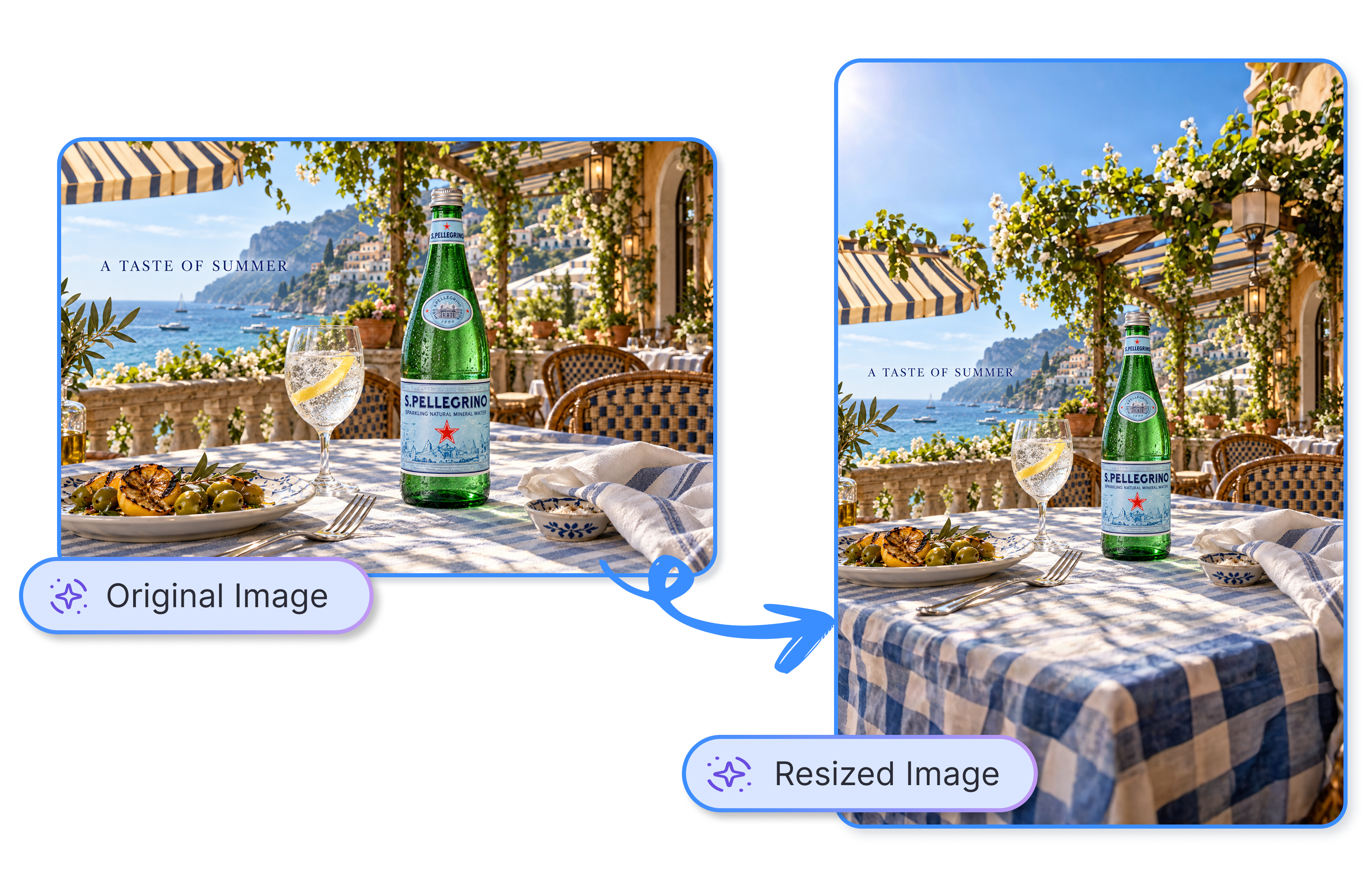
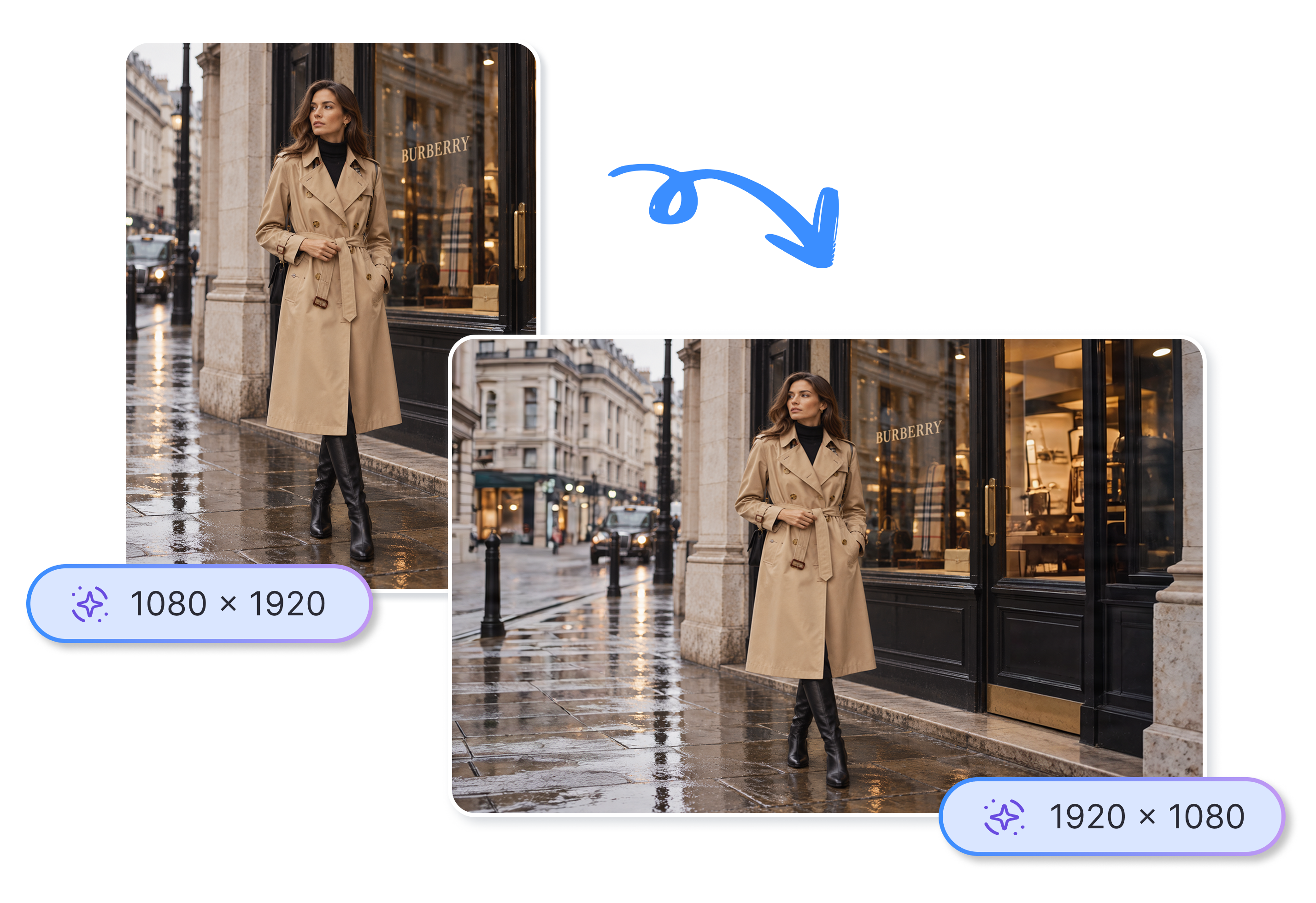
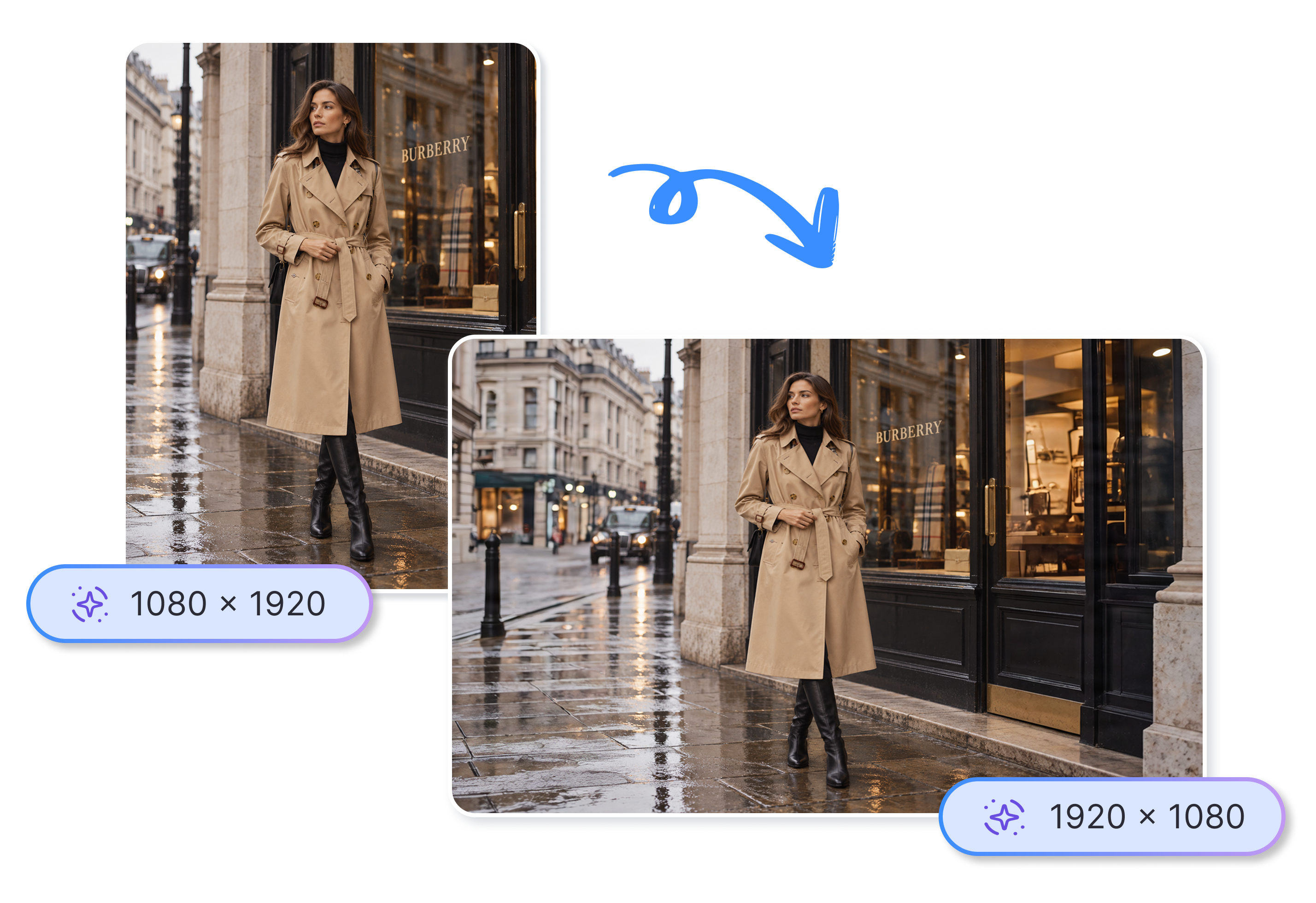
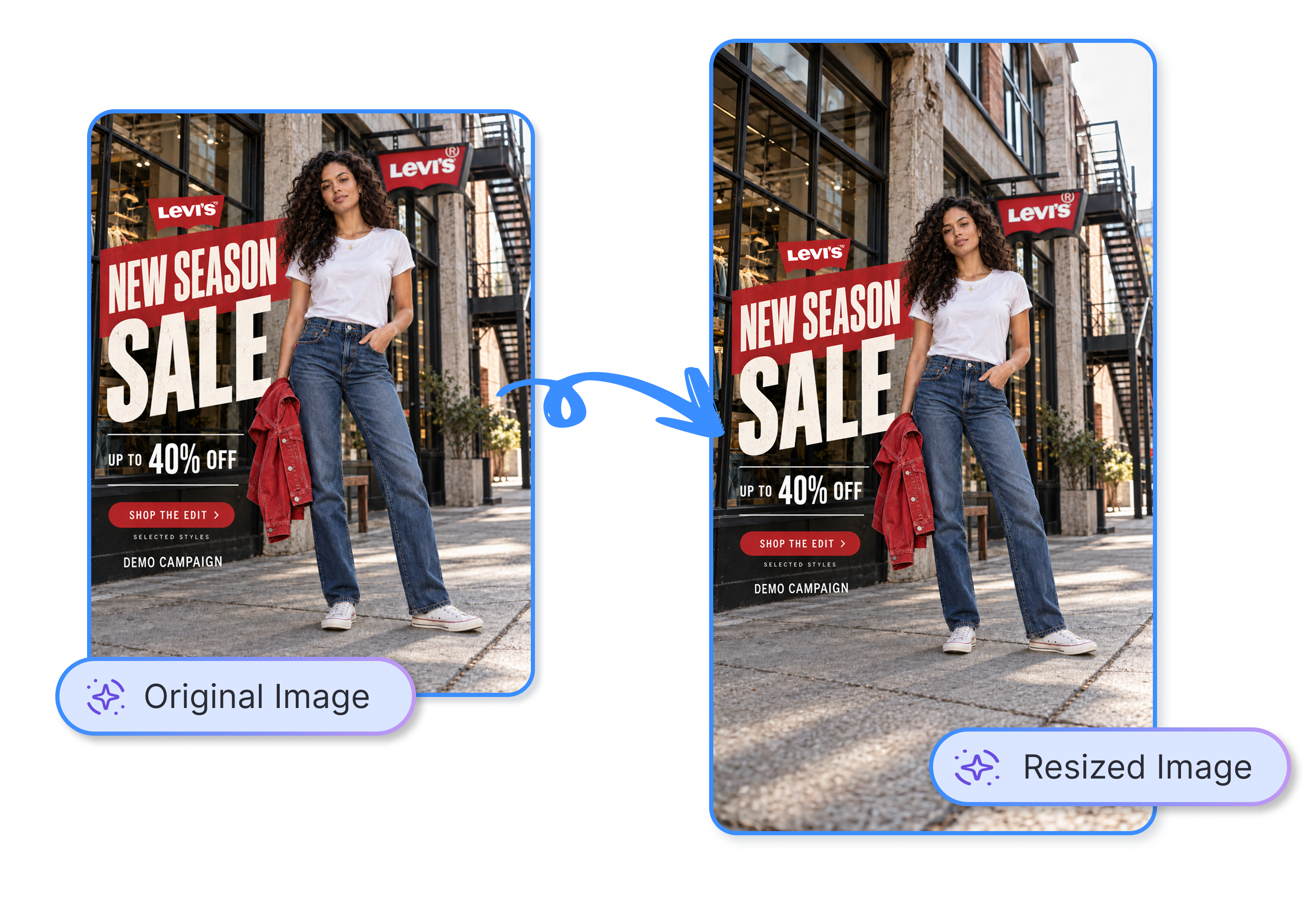
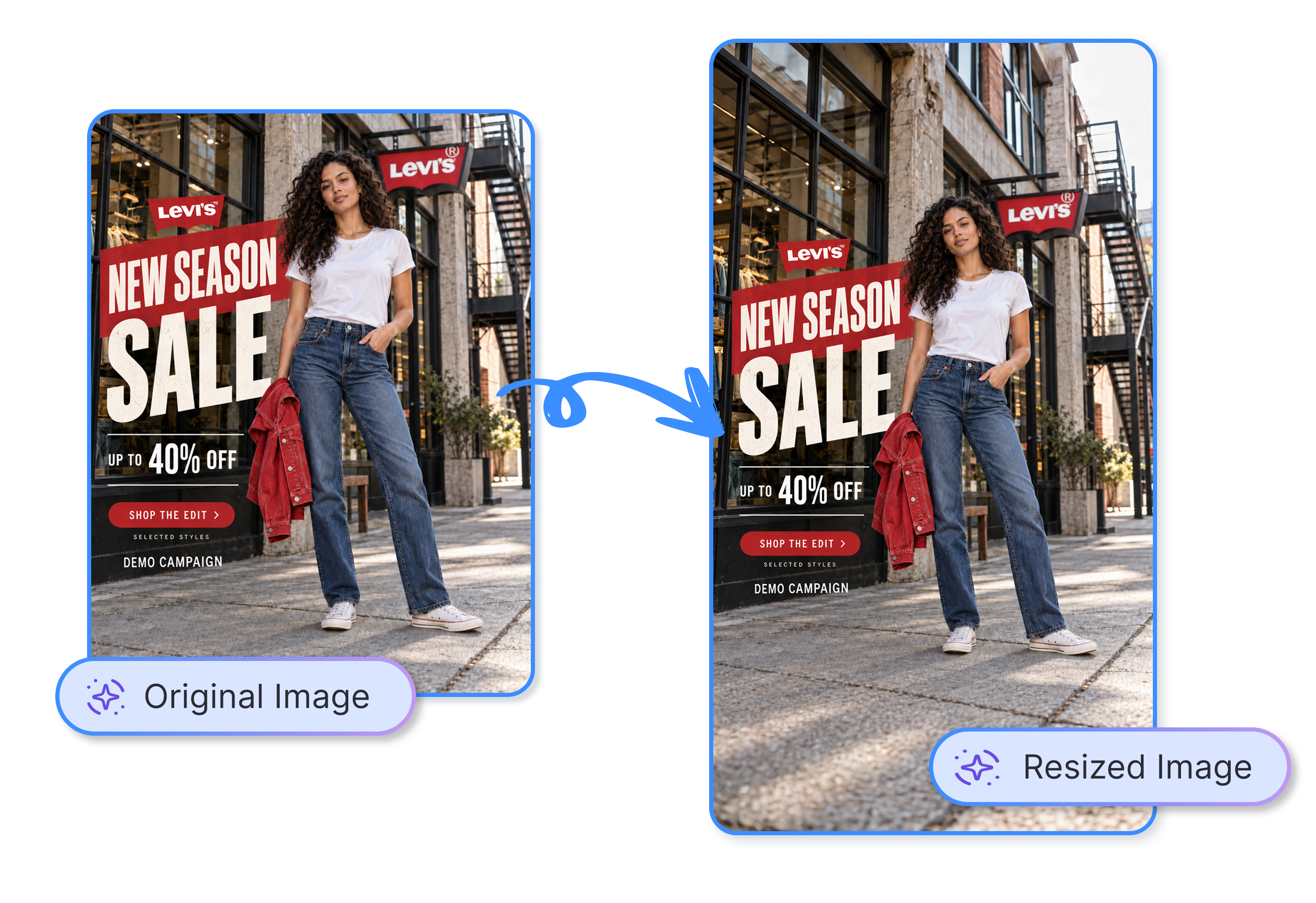
Keep the subject in place while AI extends the surrounding background. Upload an original image, choose a ratio, and create a new format without relying on a hard crop.
AI Image Resizer
Resize an Image With AI in 3 Simple Steps
Upload Your Original Image
Add a JPG, PNG, or WEBP image up to 10 MB. Start with the product, model, interior, or campaign image you need to fit elsewhere.
Choose a Target Format
Pick a standard ratio or an Amazon, Shopify, Etsy, TikTok Shop, Shopee, Walmart, Lazada, AliExpress, or Mercado Libre image preset.
Generate the New Fit
Let AI extend the surrounding background to fit your selection. Review the new canvas before adding it to a listing, storefront, or campaign.
Experience AI Image Resize Without Starting Over
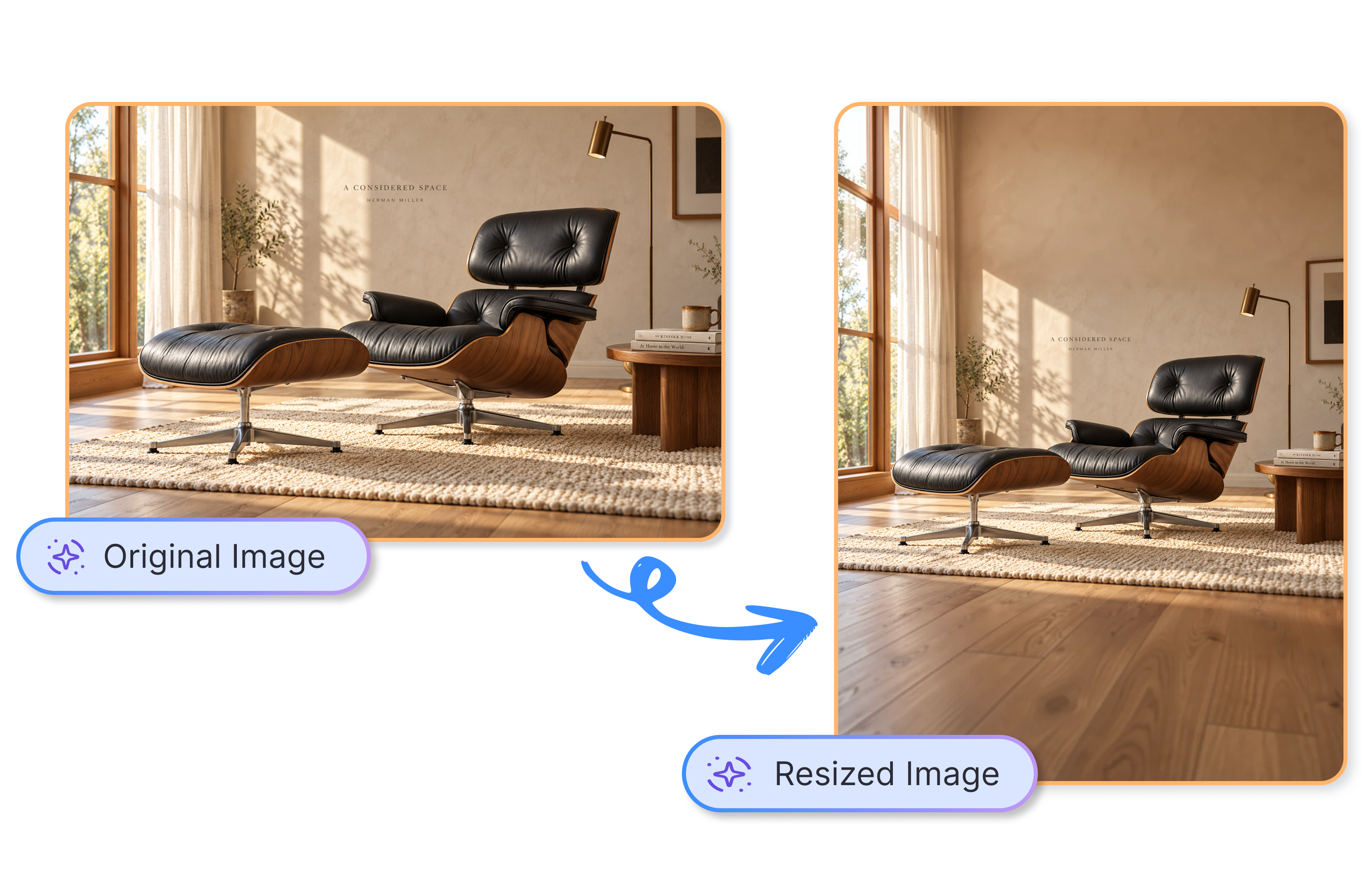
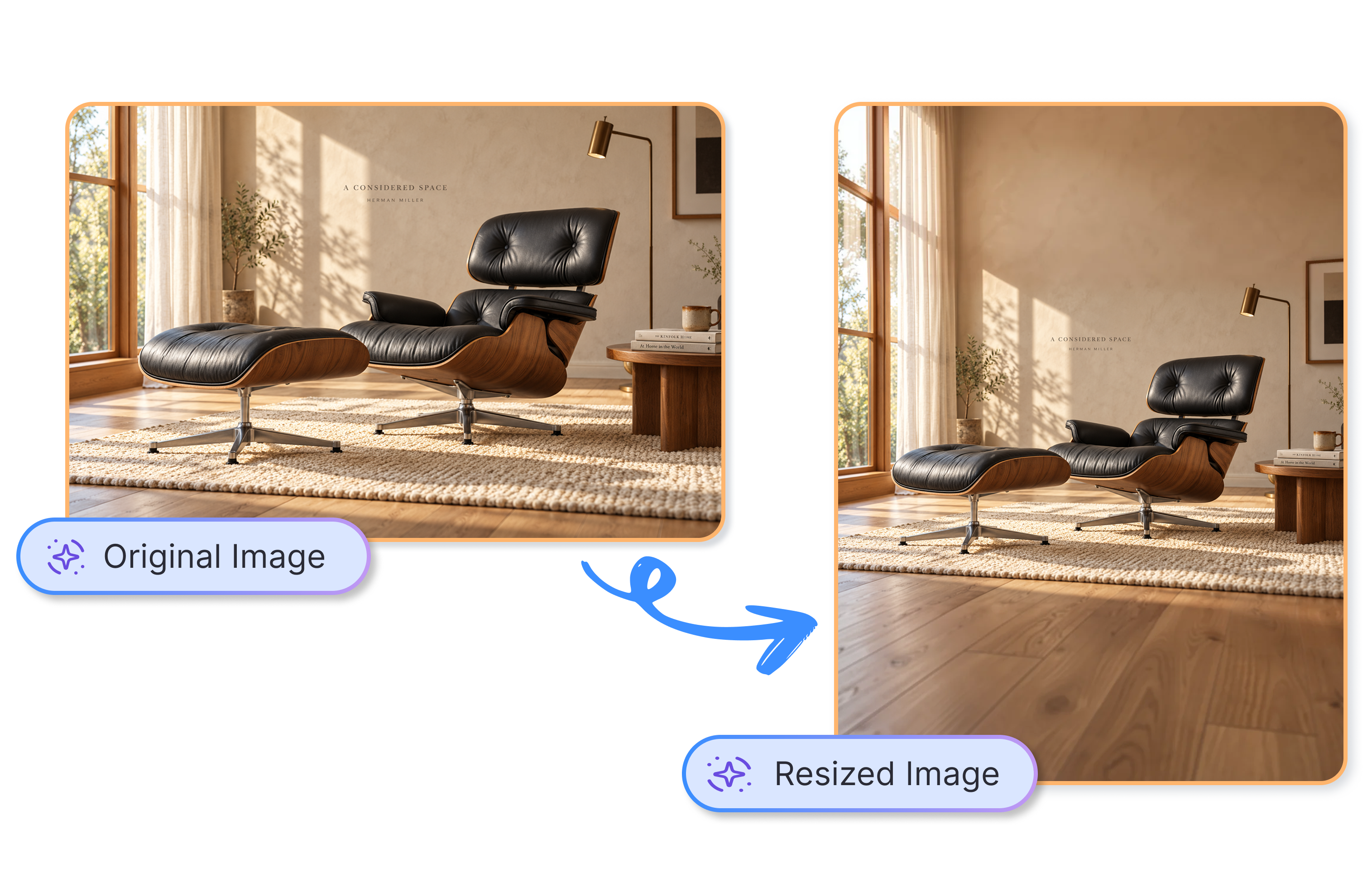
Keep the Product in the Frame
Upload a 4:3 chair photo and choose 16:9. AI extends the surrounding room instead of forcing a hard crop, helping you preserve the product view and avoid another reshoot for a banner test.
Choose Marketplace Sizes From the Start
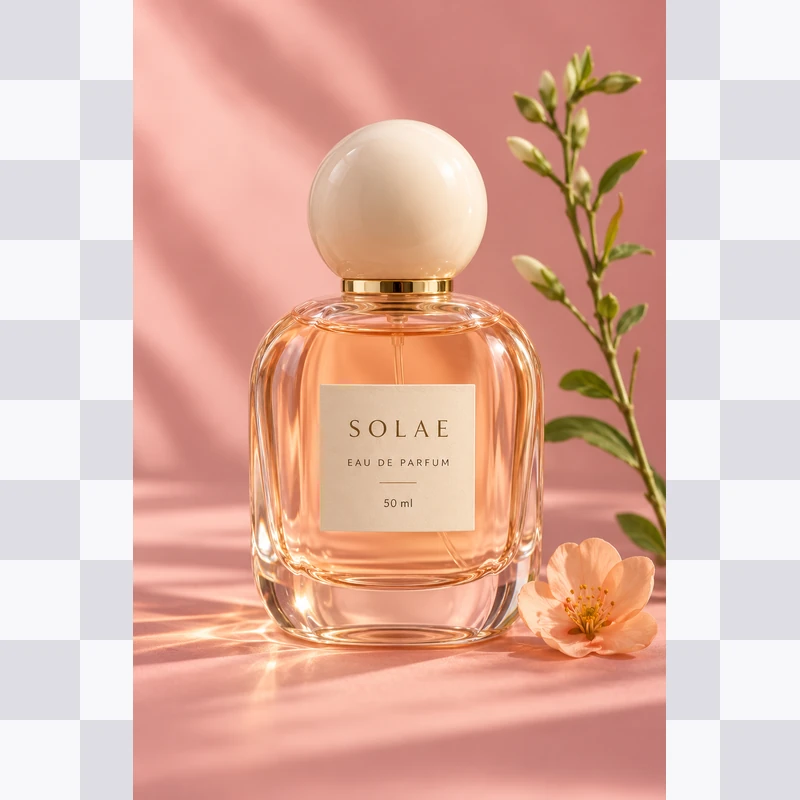
Select Amazon Square, Amazon A+ Banner, Shopify Product, Etsy Landscape, TikTok Shop, or more. A seller can turn one bottle shot into a 2048-square Shopify asset, reducing manual canvas work before listing updates.
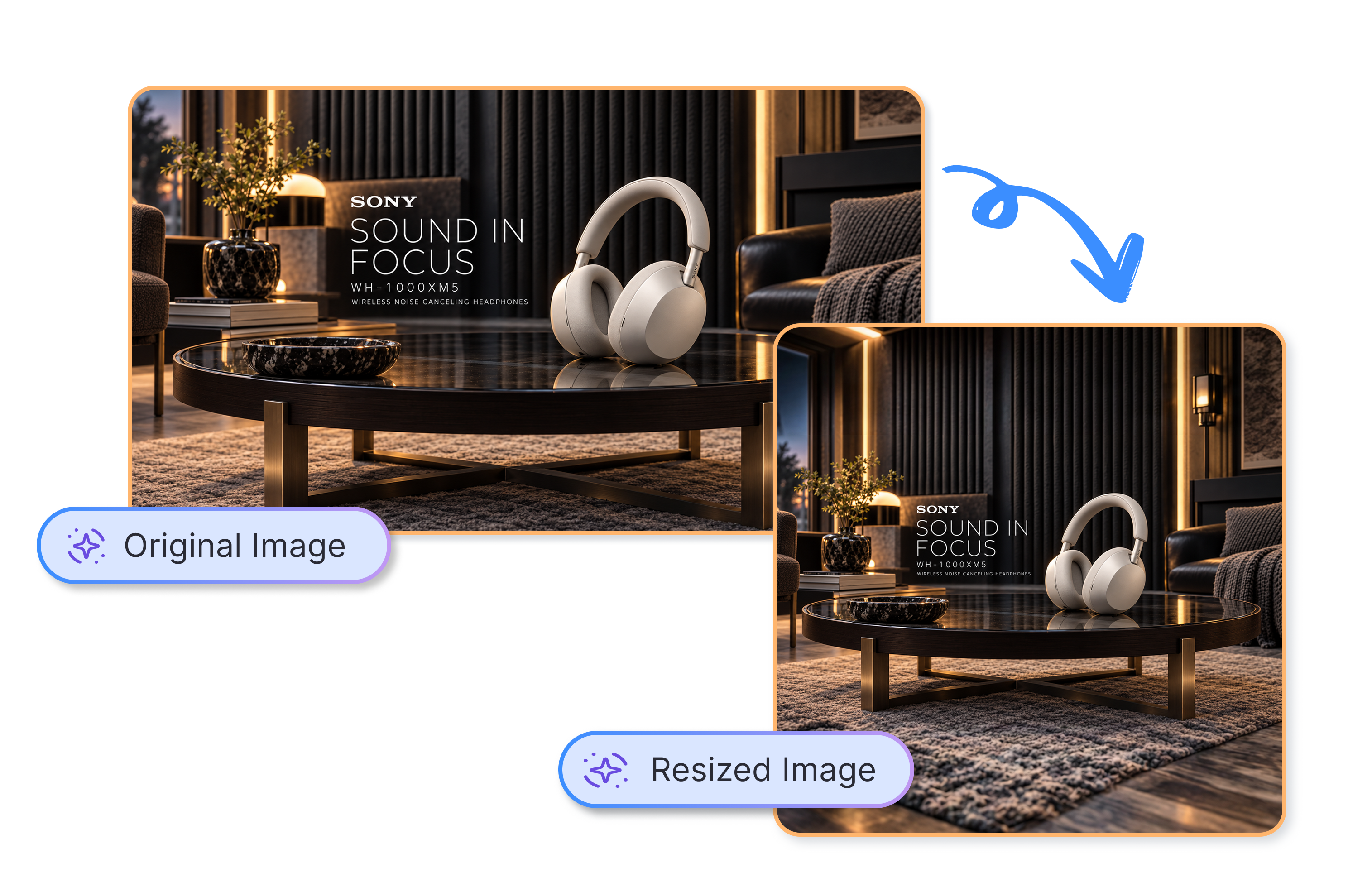
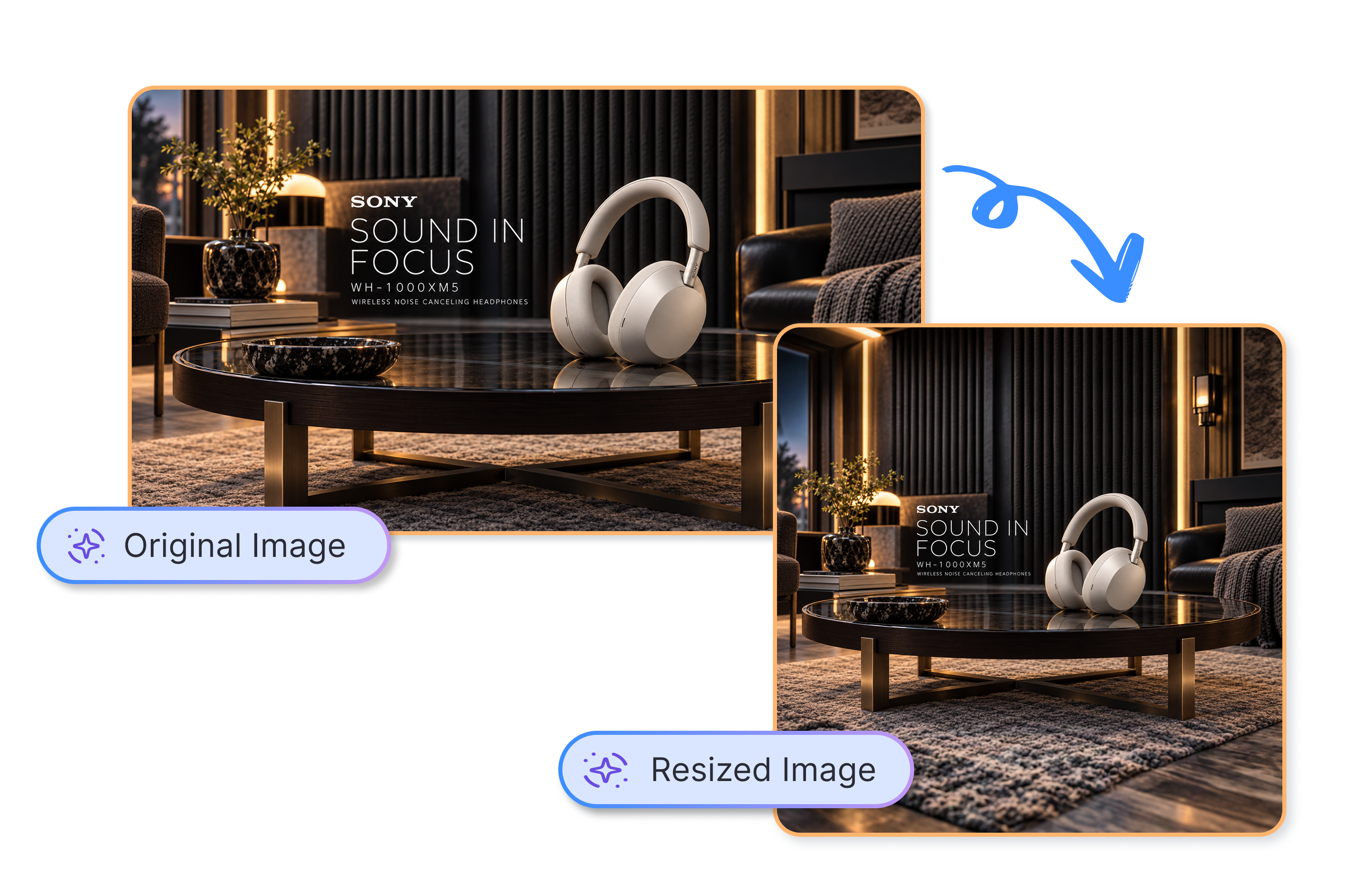
Move Between Social Formats With Less Rework
Pick 1:1, 4:5, 9:16, 16:9, or another ratio before generating. A paid social team can adapt one product scene for feed and vertical creative, cutting resize work and opening more CTR and ROAS test angles.
Make One Image Work Harder Across Your Catalog
Choose a target format before your launch, sale, or catalog refresh. A marketplace team can prepare product-image fits for several listing surfaces, reduce handoffs, and spend more time reviewing assets that support conversion and catalog consistency.
Who Uses AI Image Resizer?

Ecommerce Sellers
As an ecommerce seller, Adsmaker helps you adapt one product photo for an Amazon listing, Shopify product page, or marketplace update without rebuilding the image for each format.
Paid Social Marketers
As a paid social marketer, Adsmaker helps you create new image ratios for feed, portrait, and wide placements while keeping the original subject visible for creative testing.
Marketplace Teams
As a marketplace team, Adsmaker helps you make product image sizes for Amazon, Shopify, Etsy, TikTok Shop, and other sales channels from an existing source image.
FAQs
What is AI image resize?
How does AI image resize work?
Will AI image resize crop my product photo?
Can I resize product images for Shopify or Amazon?
Which image ratios can I choose?
Which marketplace image presets are available?
What image files can I upload?
Does AI image resize guarantee no quality loss?
Try AI Image Resize to Fit the Next Placement
Upload the image you already have, choose the format you need, and create a fresh canvas around the original subject.