



Digital Human Generator
Create a photorealistic digital human image from one focused person brief, with optional setting, pose reference and creative direction controls.
Creations & Demos
AI Digital Human Generator
Give an idea a person who belongs in the frame. Describe who they are, choose how they stand, and place them in a scene that makes the moment feel intentional.
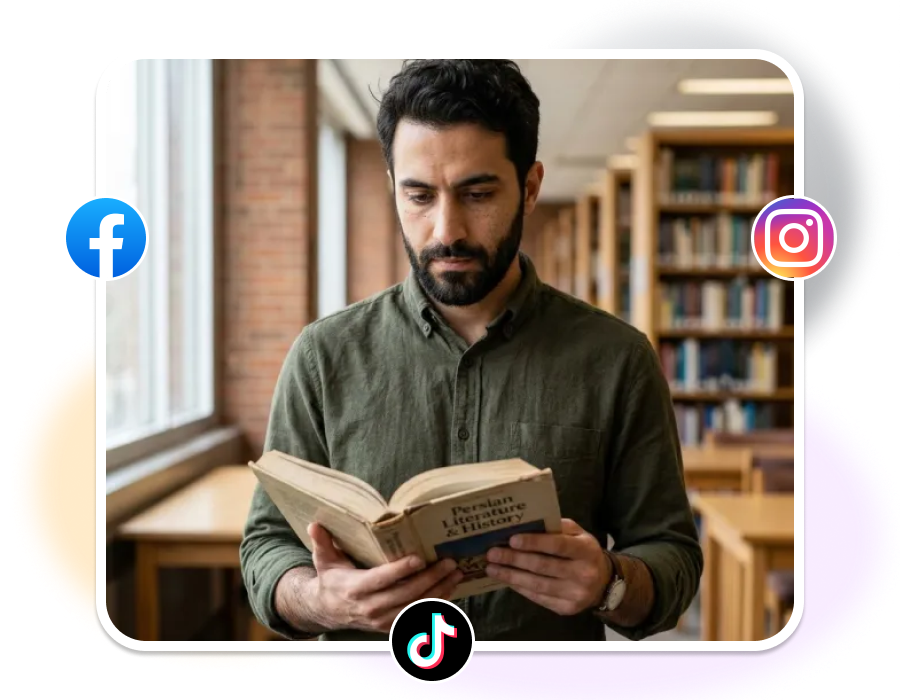
AI DIGITAL HUMAN GENERATOR
Create an AI Digital Human in Three Clear Moves
Begin with the person, then decide what their body language and surroundings should say before the image is made.
1. Describe the Person
Use the Human Brief to describe the appearance, age, role, wardrobe, and overall character you need for the image.
2. Set the Scene and Stance
Choose Studio, Workplace, Lifestyle, or Outdoor, then select a Pose Reference such as standing, walking, seated, presenting, or leaning. Upload a pose reference when you have one.
3. Add Direction and Frame It
Use Creative Direction to refine expression, wardrobe, props, lighting, background detail, or composition. Choose 1:1, 3:4, 4:5, 9:16, or 16:9, then set 1K, 2K, or 4K output.
Build an AI Digital Human with Intent
The strongest visual characters do more than fill space. They make the scene read differently.
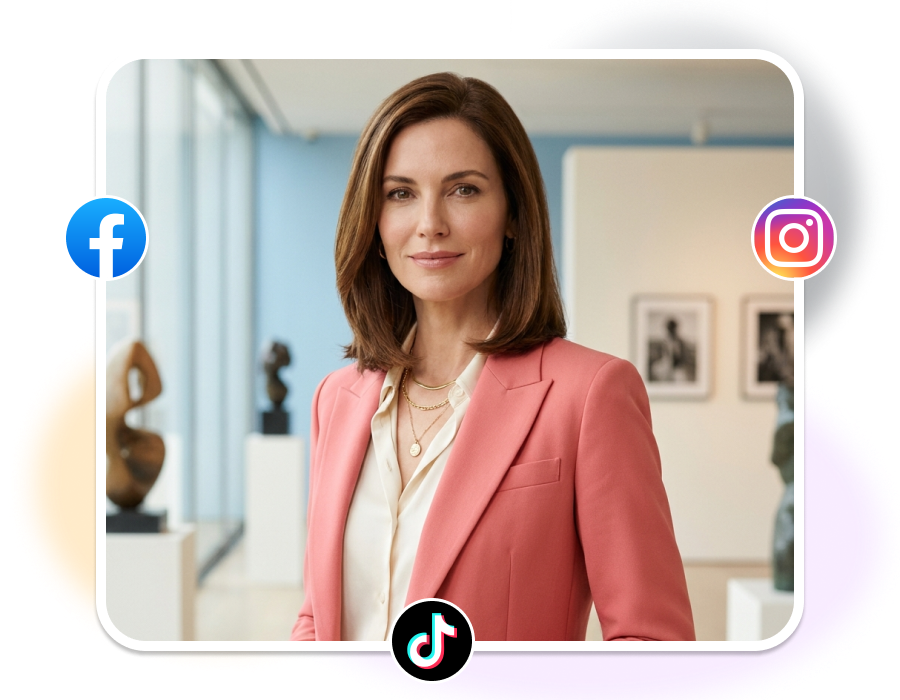
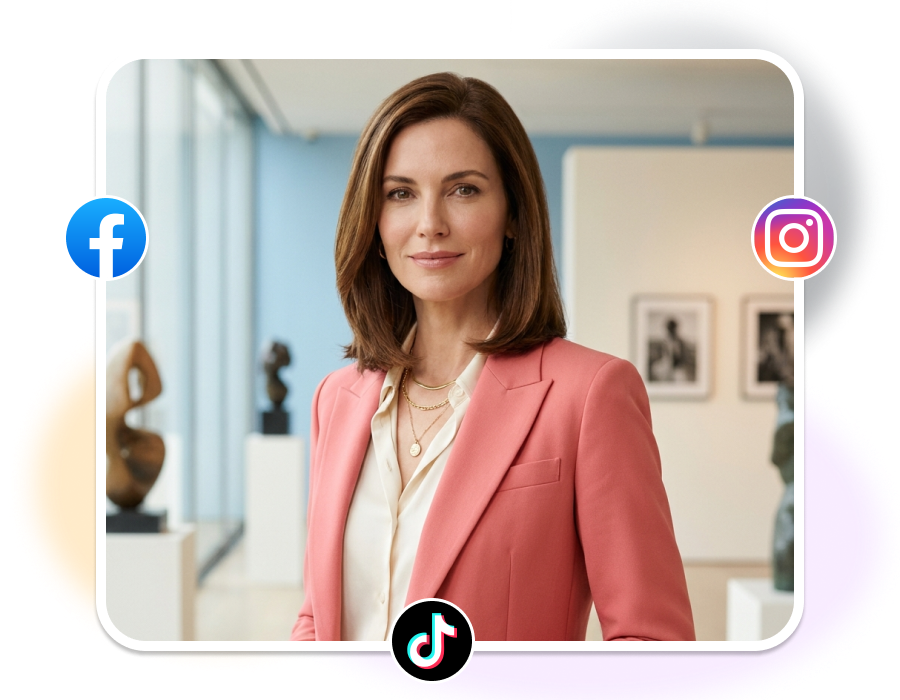
Start with a Person, Not a Placeholder
Let Body Language Carry the Idea
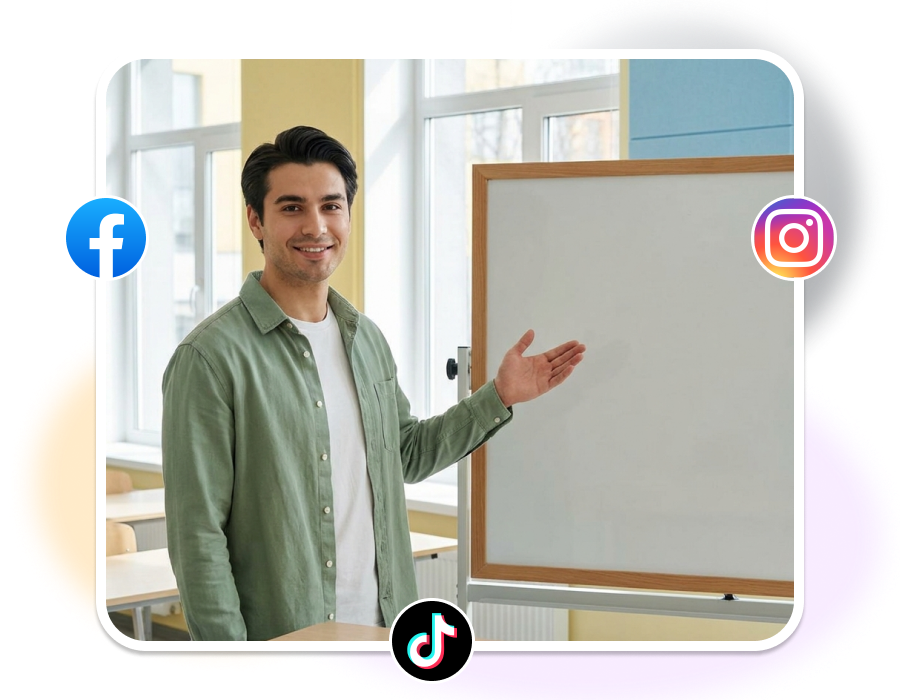
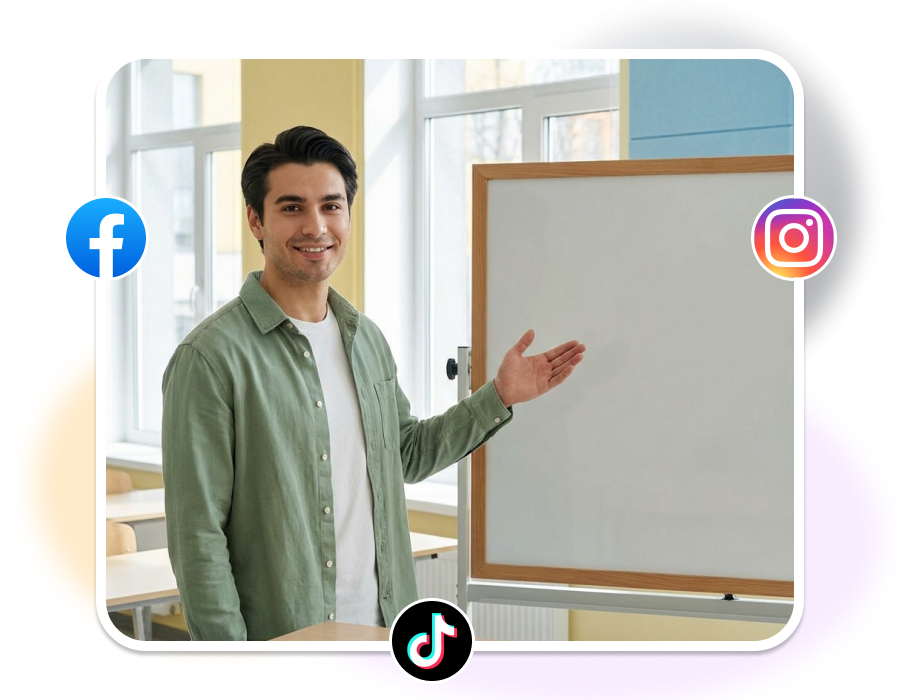
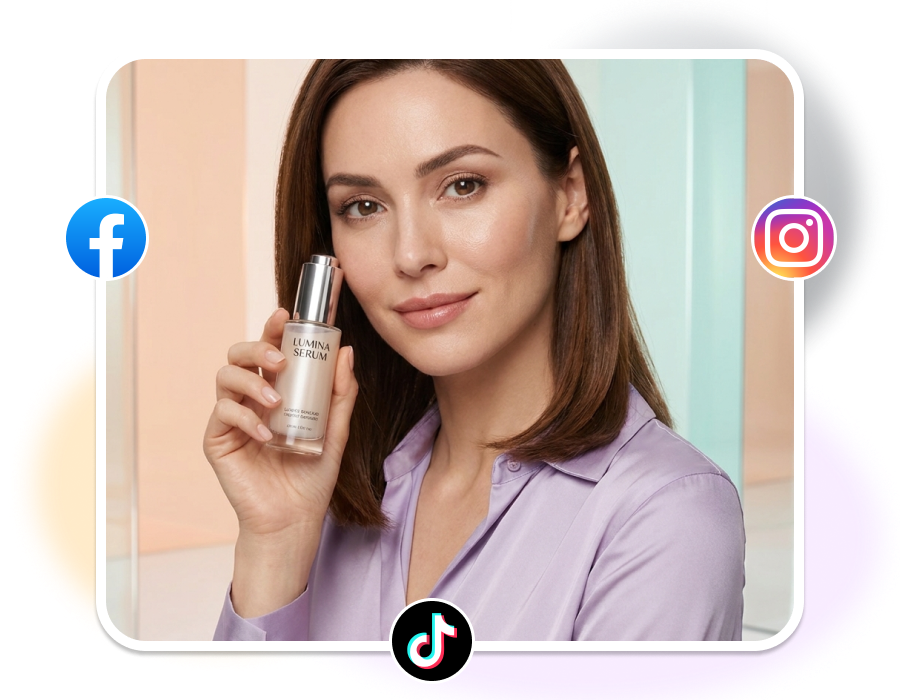
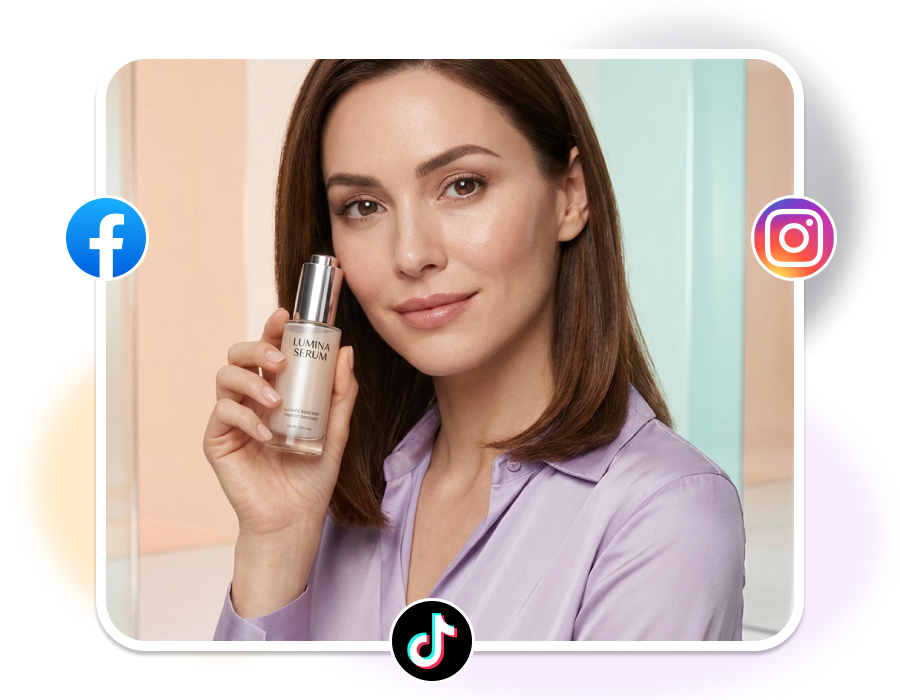
Put the Person Where the Story Happens
Finish with the Right Frame
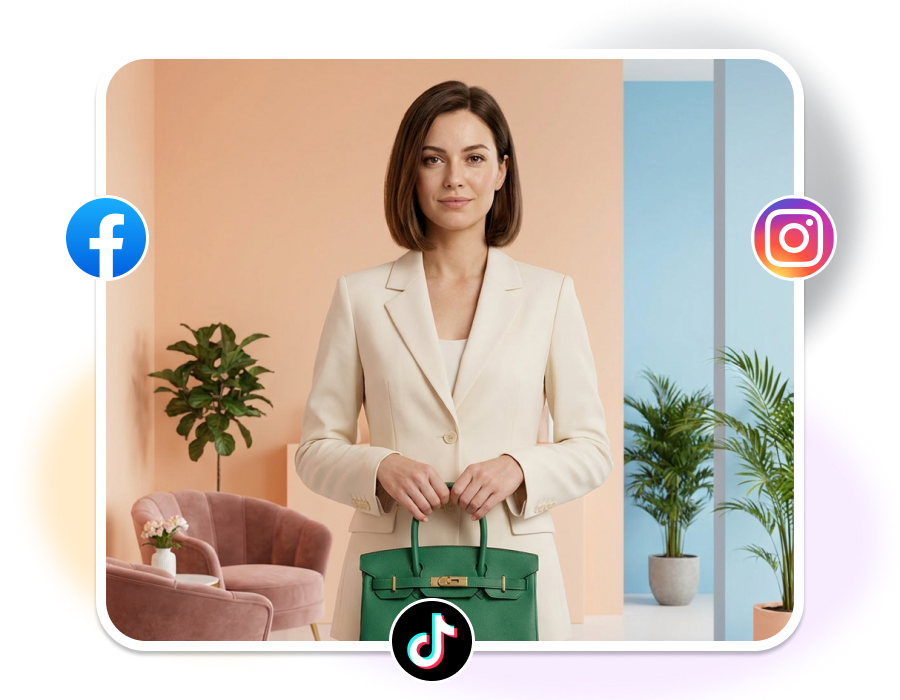
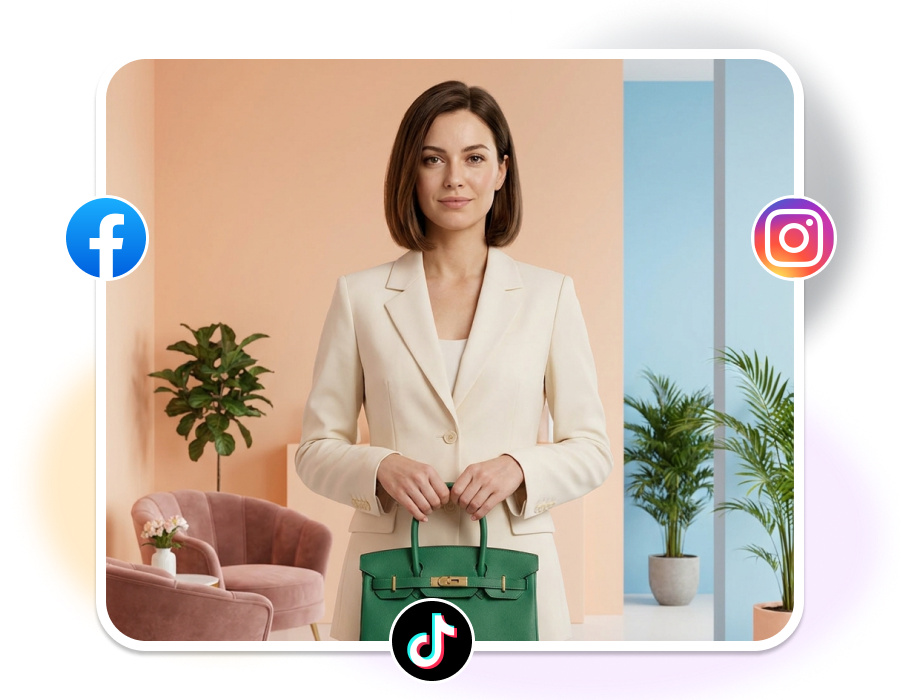
Who Uses an AI Digital Human Generator?
Brand Story Teams
Build a person for a launch page, campaign visual, or editorial story. Give the character a credible role, then let the setting and posture carry the tone of the message.
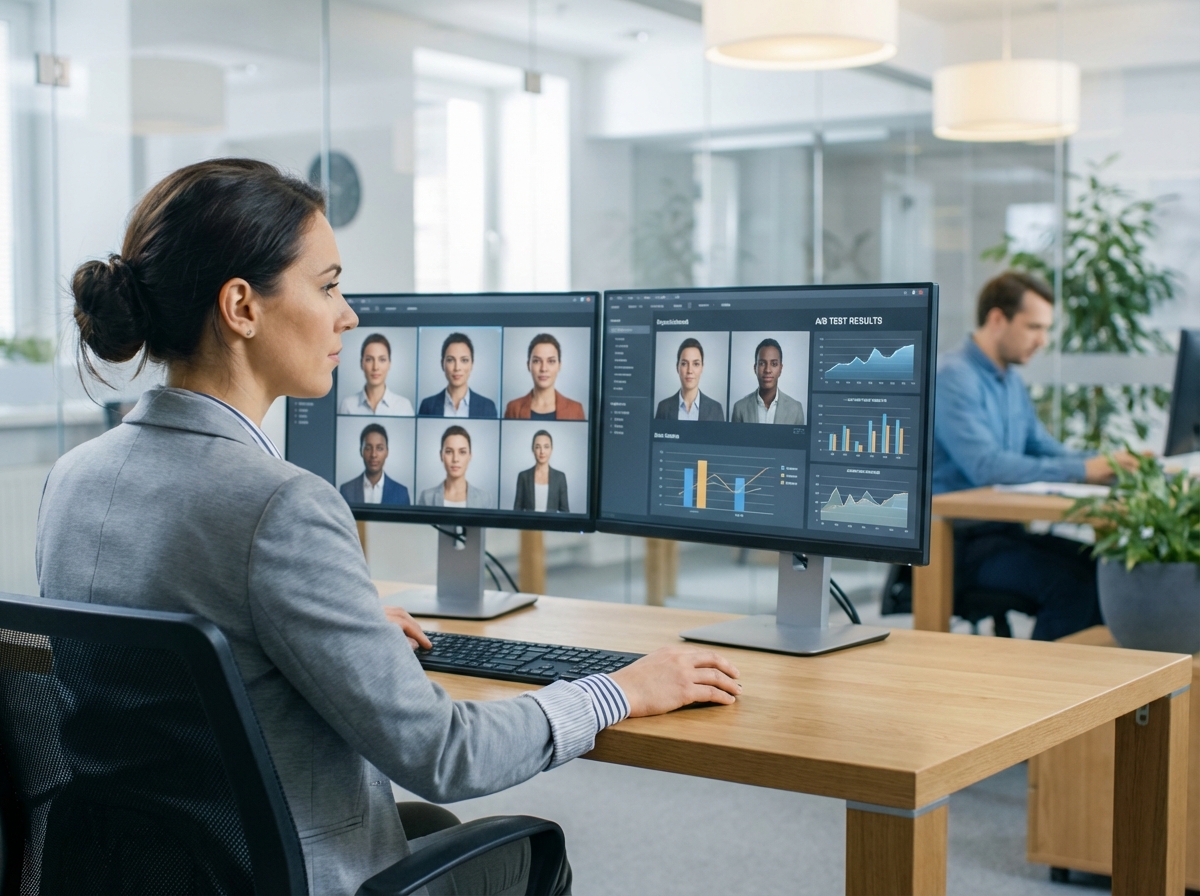
Creative Directors
Explore casting, pose, and scene directions while a visual idea is still taking shape. Compare a composed studio portrait with an outdoor or workplace moment before a production is locked.
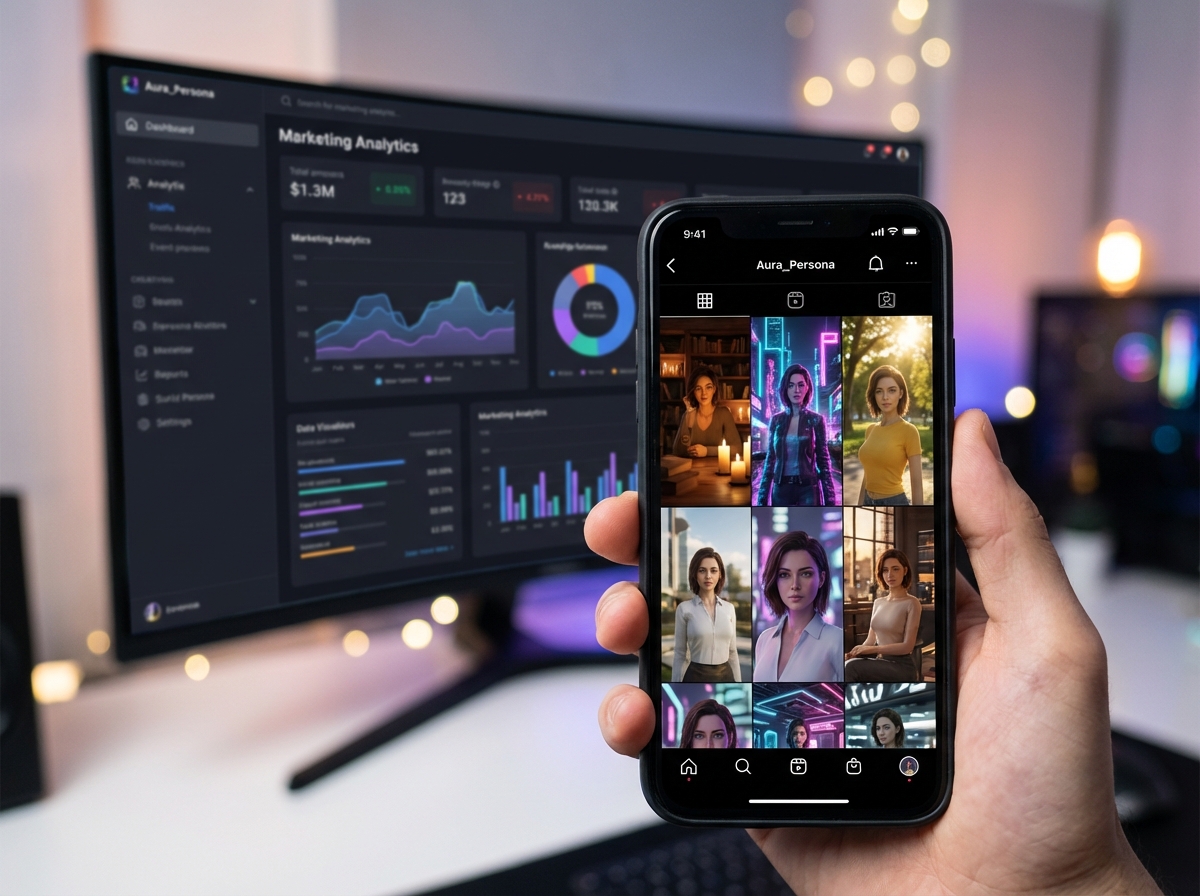
Product & Experience Teams
Create human-centered images for concepts, presentations, or interface stories. Use the brief and body language to make a feature, service, or journey easier to picture.
FAQs
1. What is an AI digital human generator?
2. Can I use the AI Digital Human Generator for free?
3. How do Pose References work?
4. Which settings can I choose?
5. Which aspect ratios and resolutions are available?
Give the Next AI Digital Human Generator Scene a Role
Start with who the person is, then choose the stance, setting, and frame that let the idea land at a glance.