

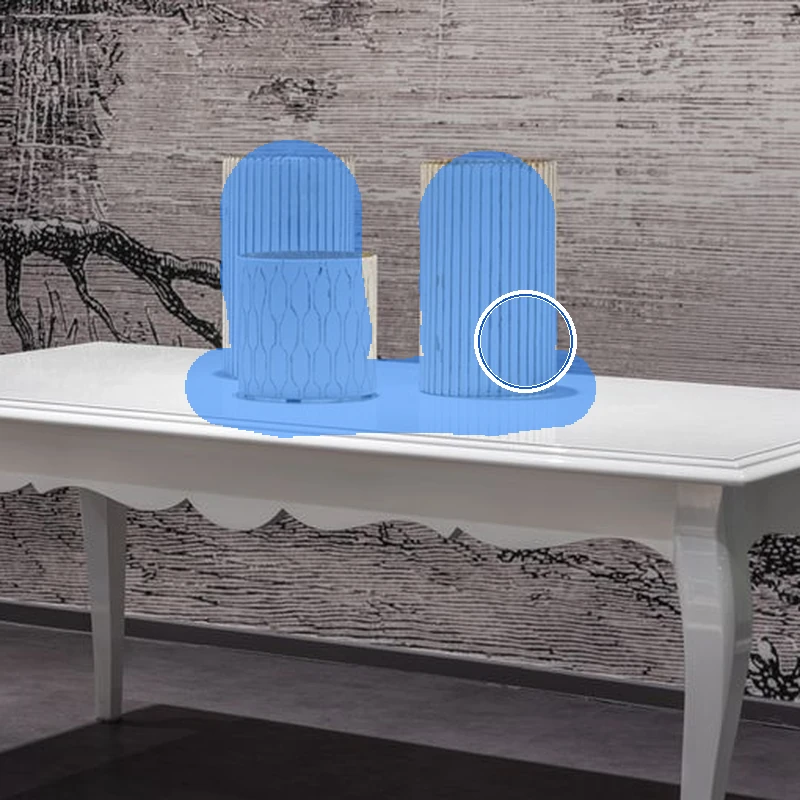

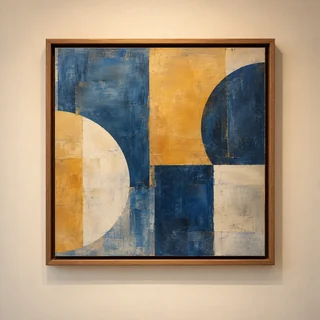


AI Background Generator
Choose a background for your product. No prompt writing needed.
Preview mode · This mode is temporarily unavailable. Please try again later.
AI Background Generator
A plain backdrop does not have to be the end of the story. Bring in your product photo, point to a scene you like — or simply say what you have in mind — and let the setting come together around it.
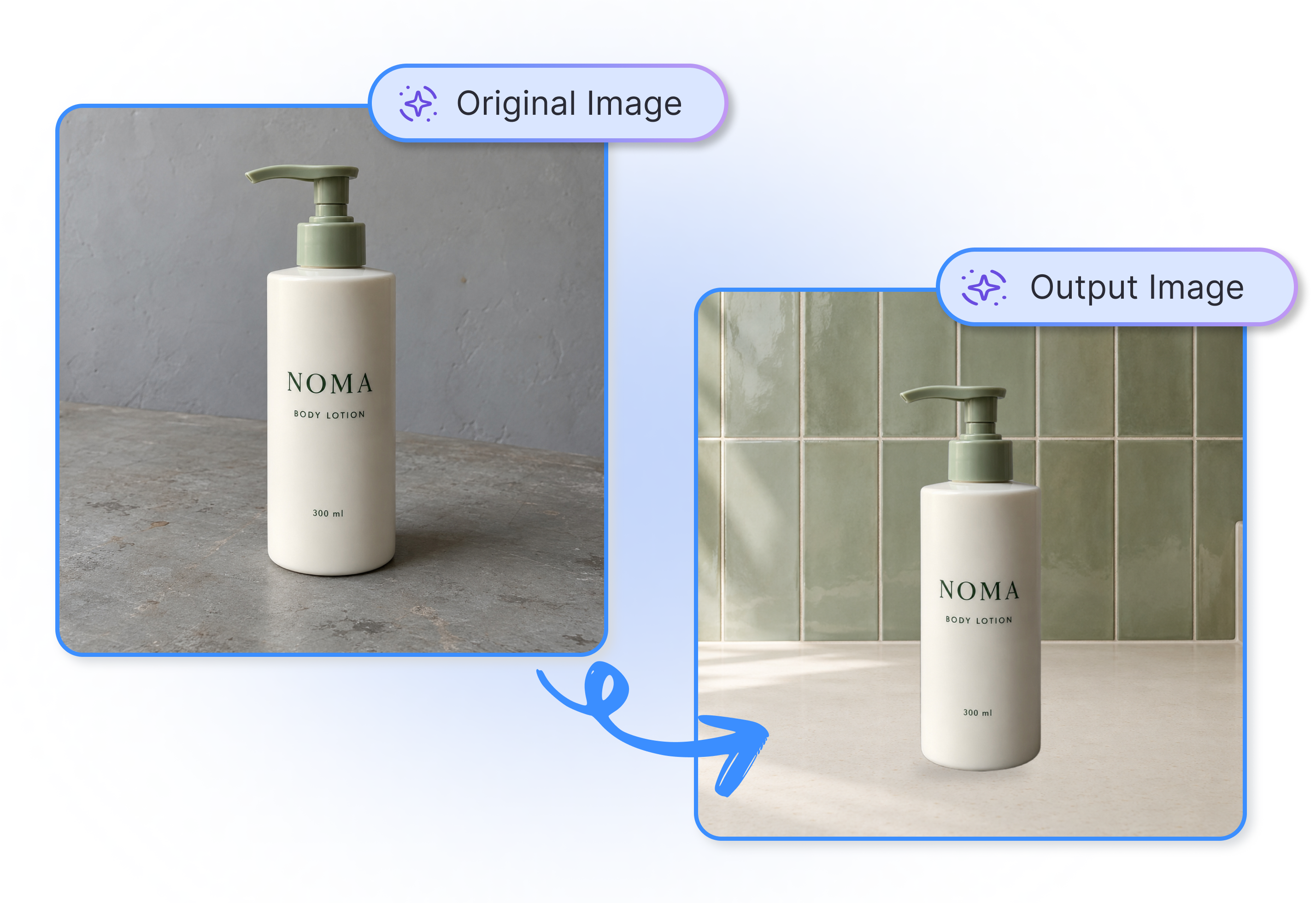
AI Product Background Generator
Use AI Background Generator in 3 Easy Steps
Bring in Your Product
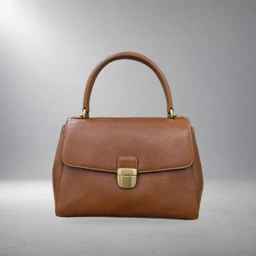
Drop in a JPG, PNG, or WEBP product photo up to 10 MB. A clean, well-lit image gives your new setting a better place to start.
Lead With a Look You Like
Browse a scene template, add a background reference image, or describe the spot in a few natural words. Pick the route that feels easiest.
Choose the Final Frame
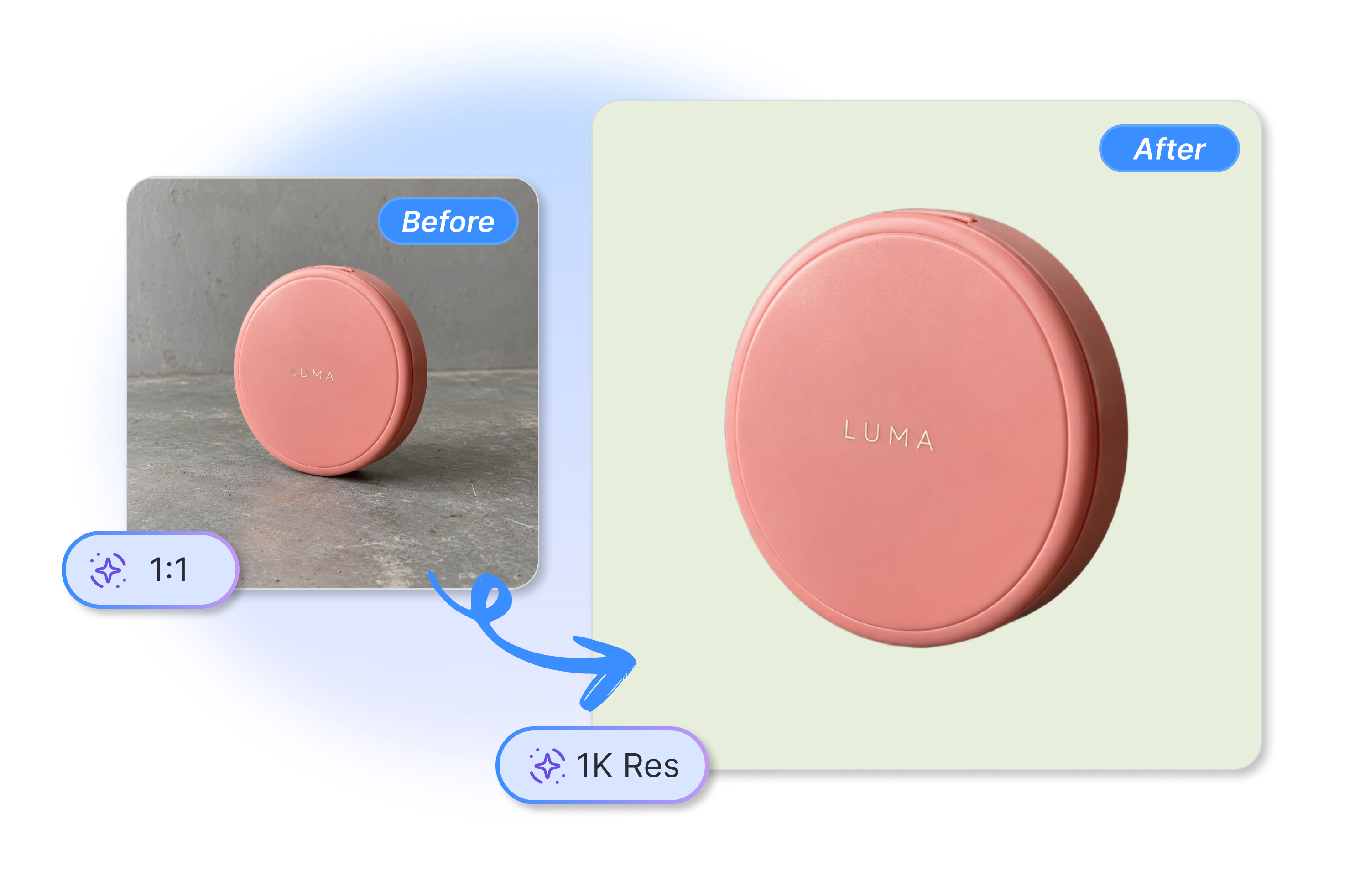
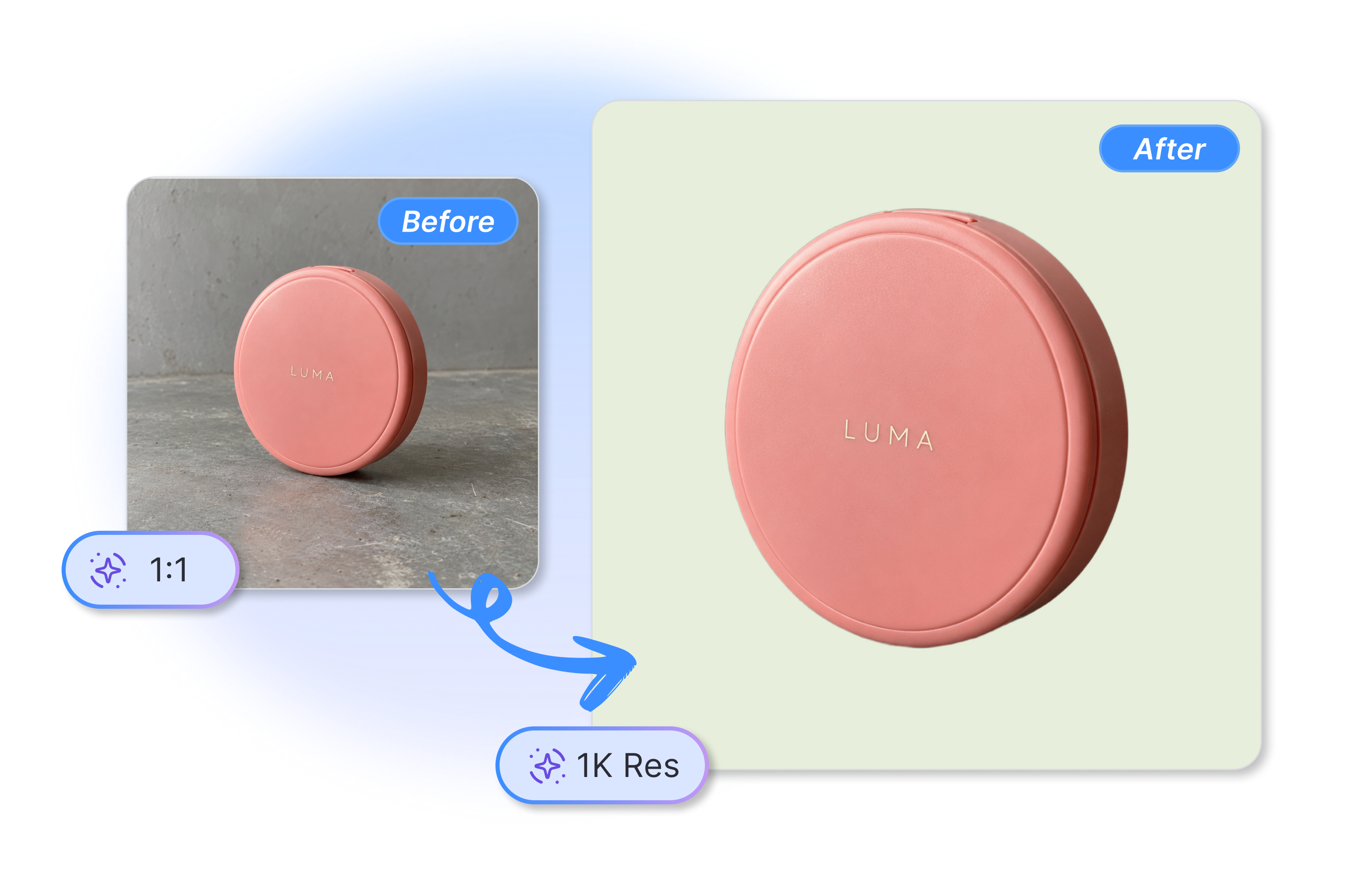
Set 1:1, 4:5, 3:4, or 16:9 and choose 1K output. Then generate a product scene ready for you to review.
Transform Dull Photos with Best AI Background Generator
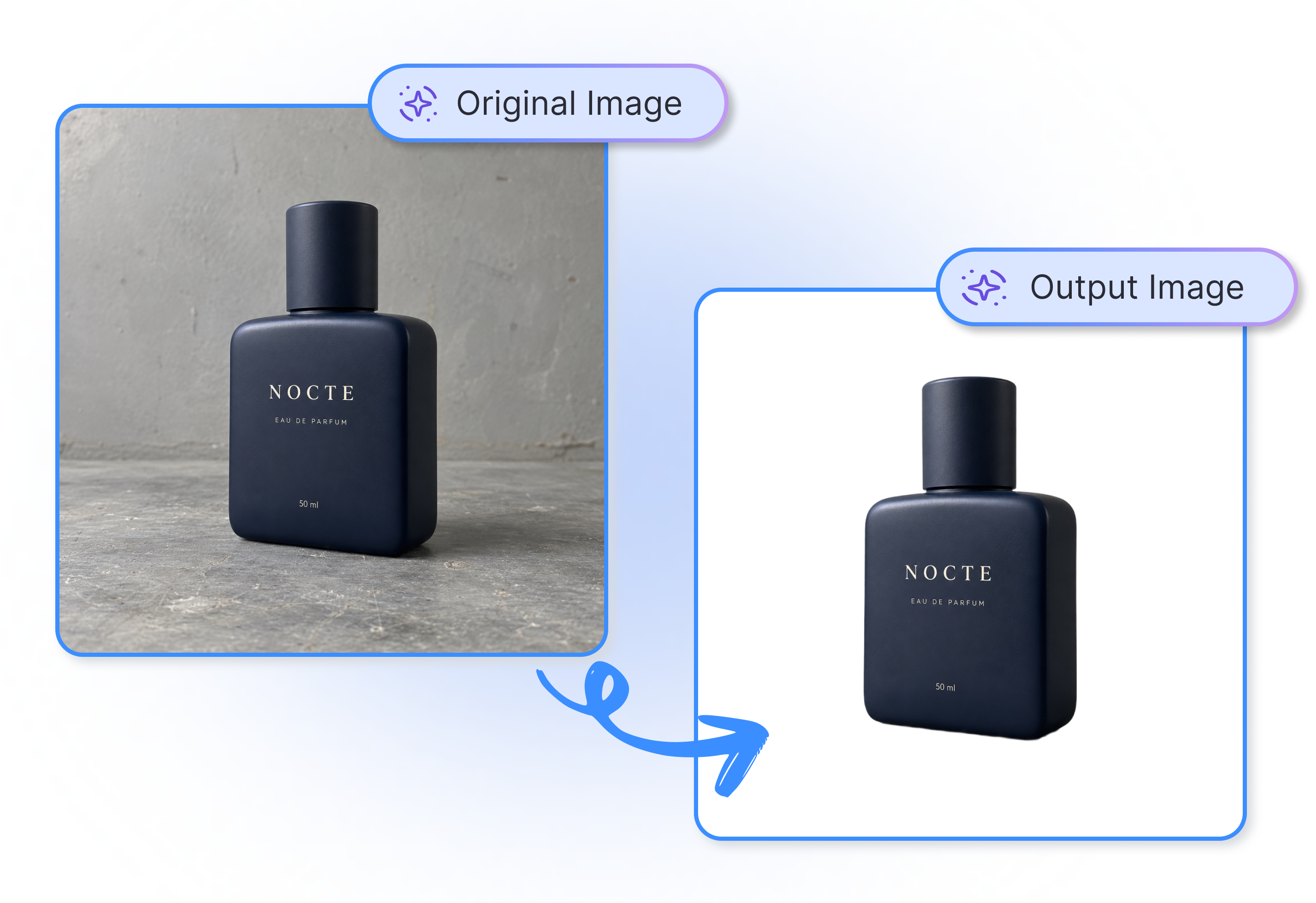
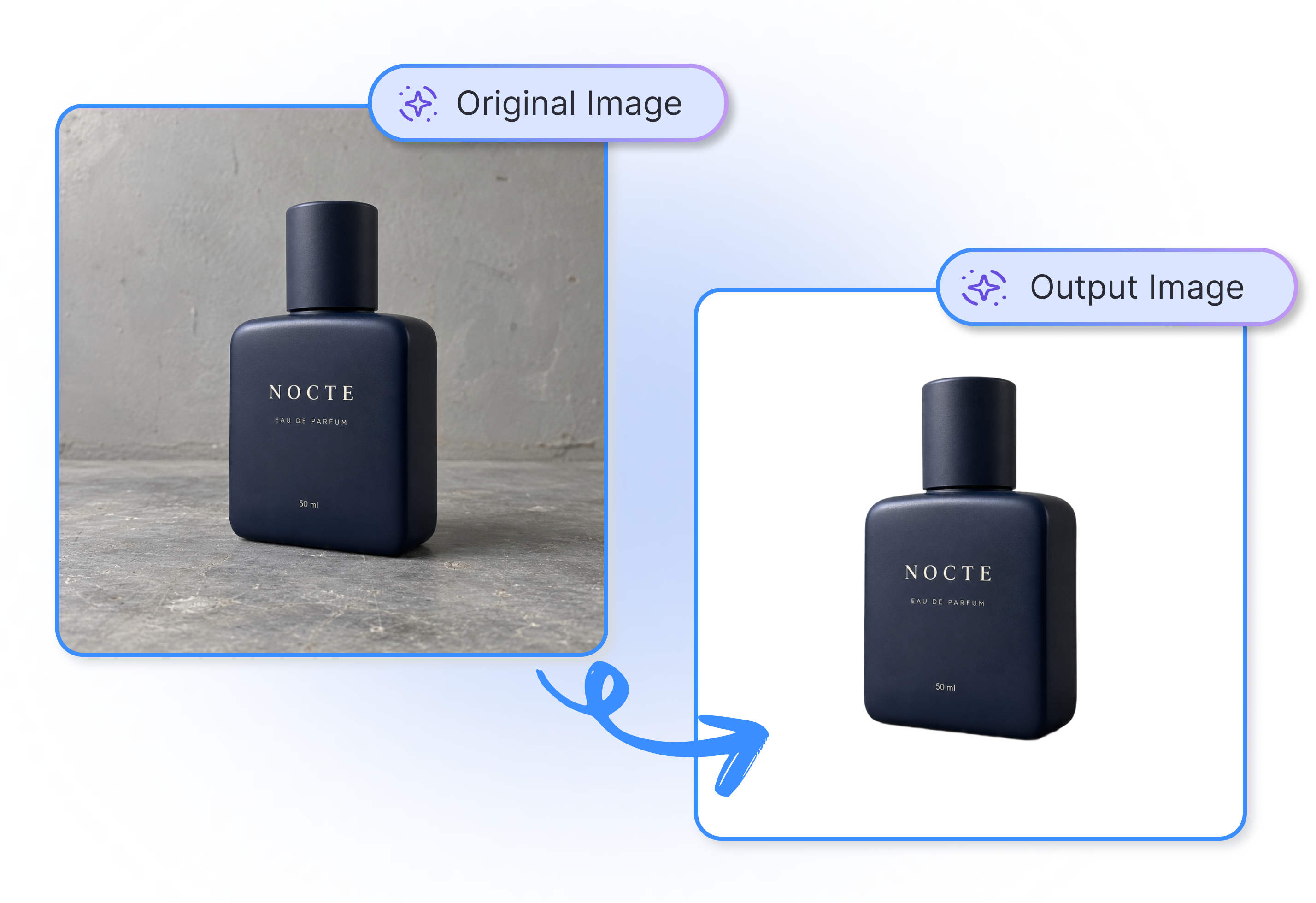
Pick a Perfect Scene Template
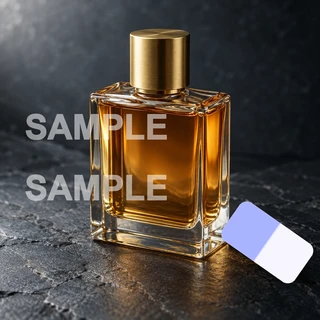
Apply pure solid colors for compliant Amazon listings, or use realistic templates to place a dark cologne on a reflective vanity. Skip studio rentals and instantly generate premium e-commerce lifestyle shots that drastically boost your ad conversion rates.
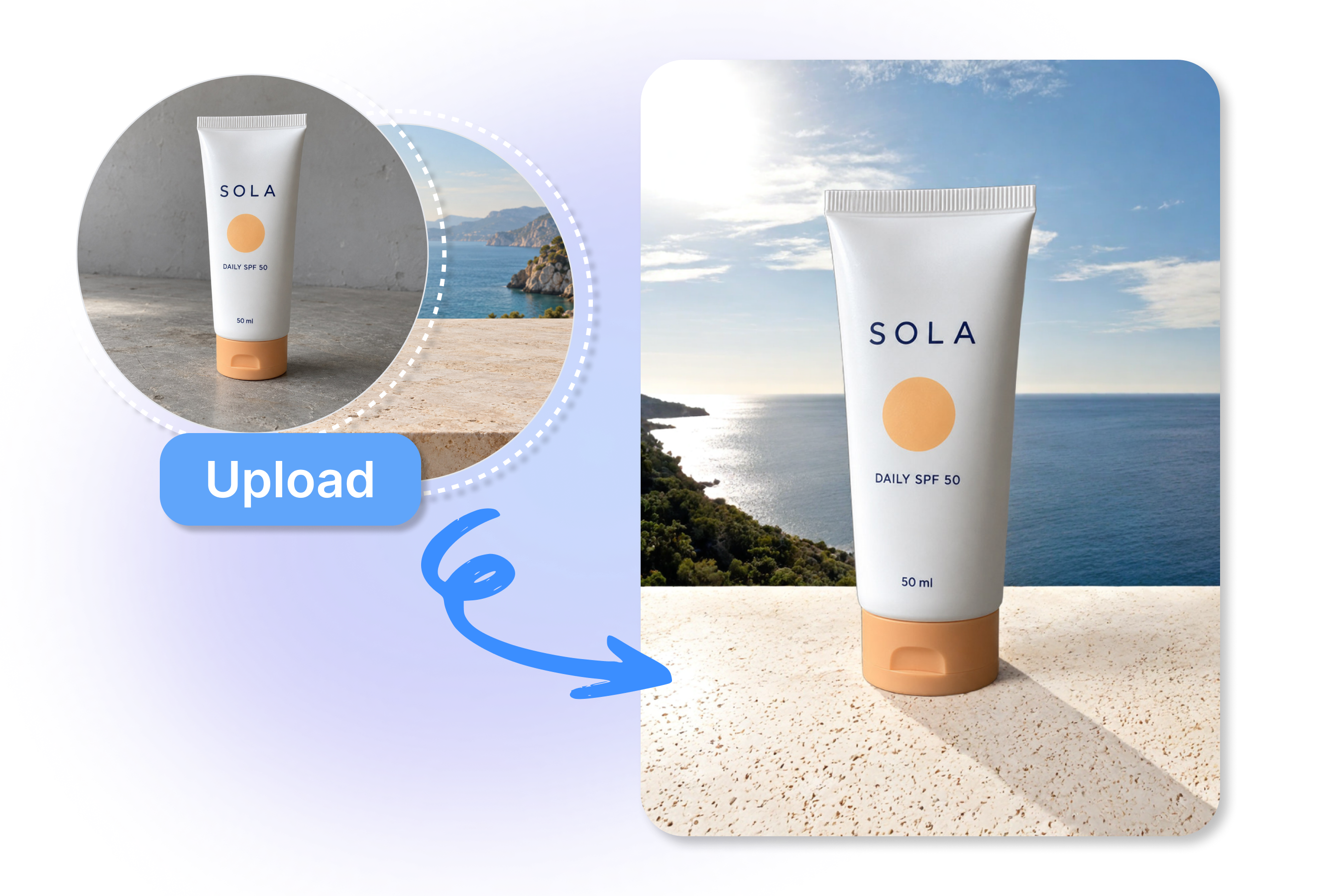
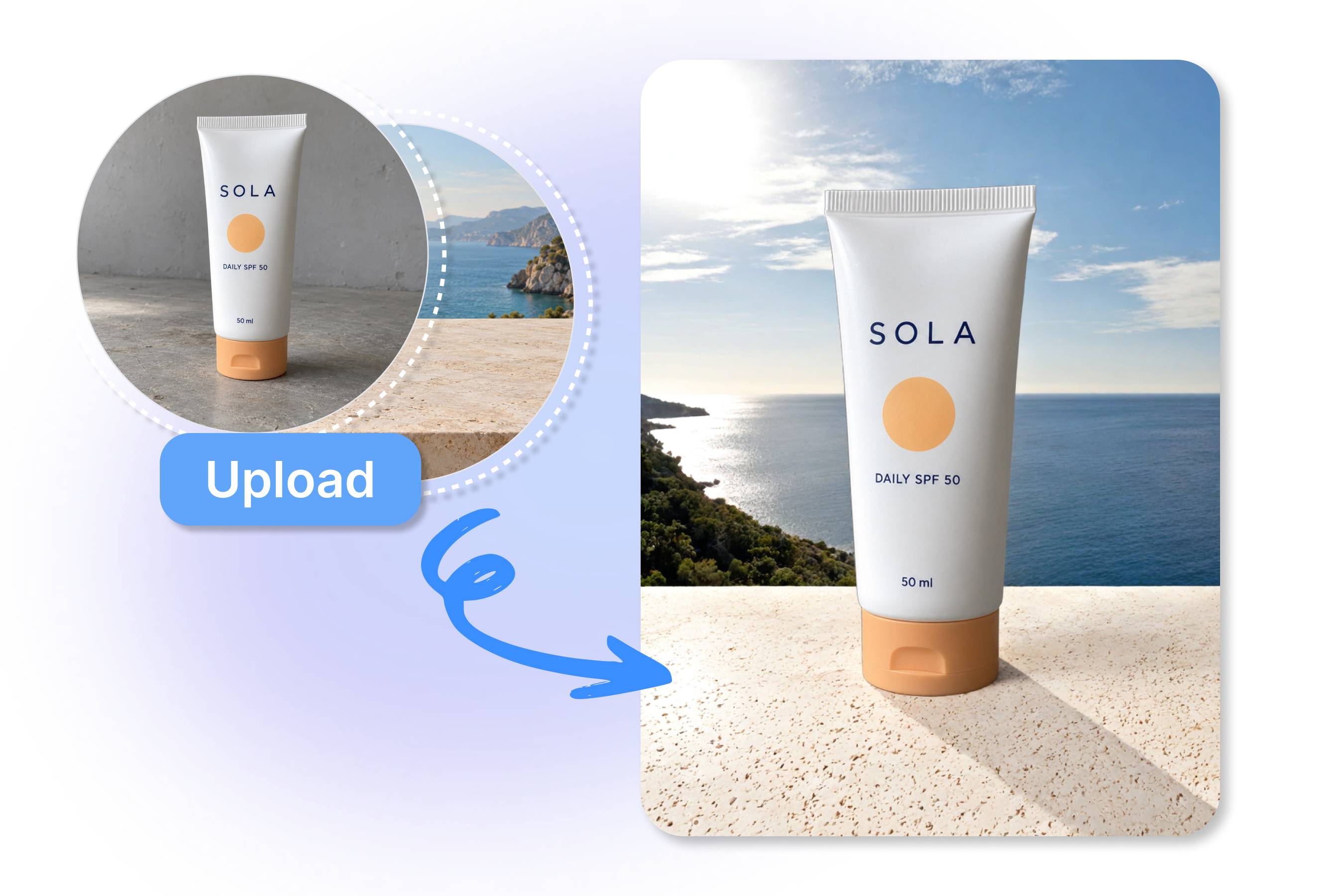
Upload Your Own Visual Reference
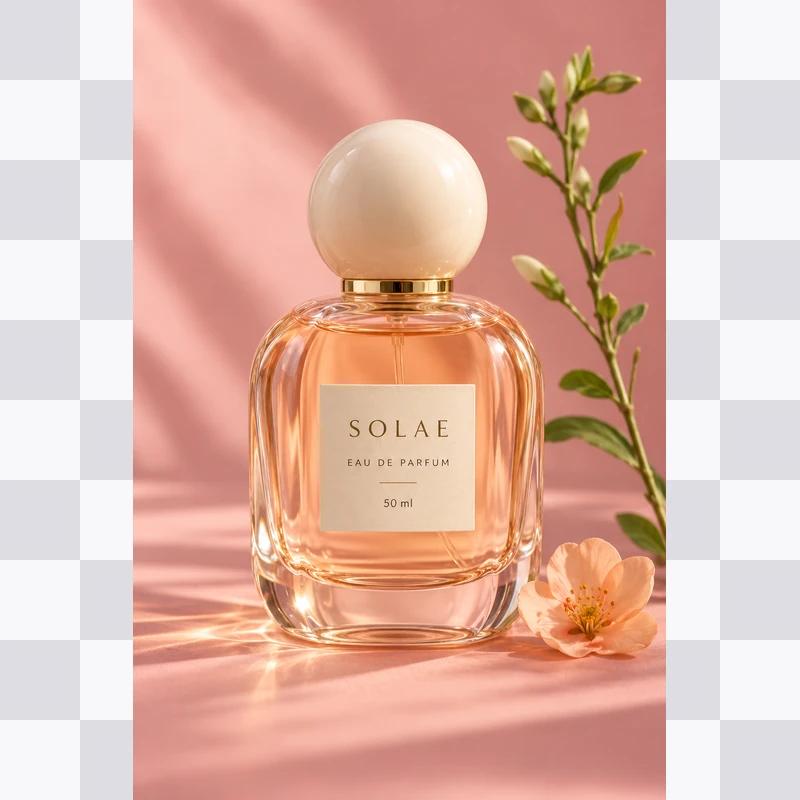
Match your specific campaign mood perfectly by uploading a reference image, such as a sunny beach. The AI seamlessly places your product into the scene, eliminating costly reshoots and quickly delivering the exact professional visuals required to drive massive sales.
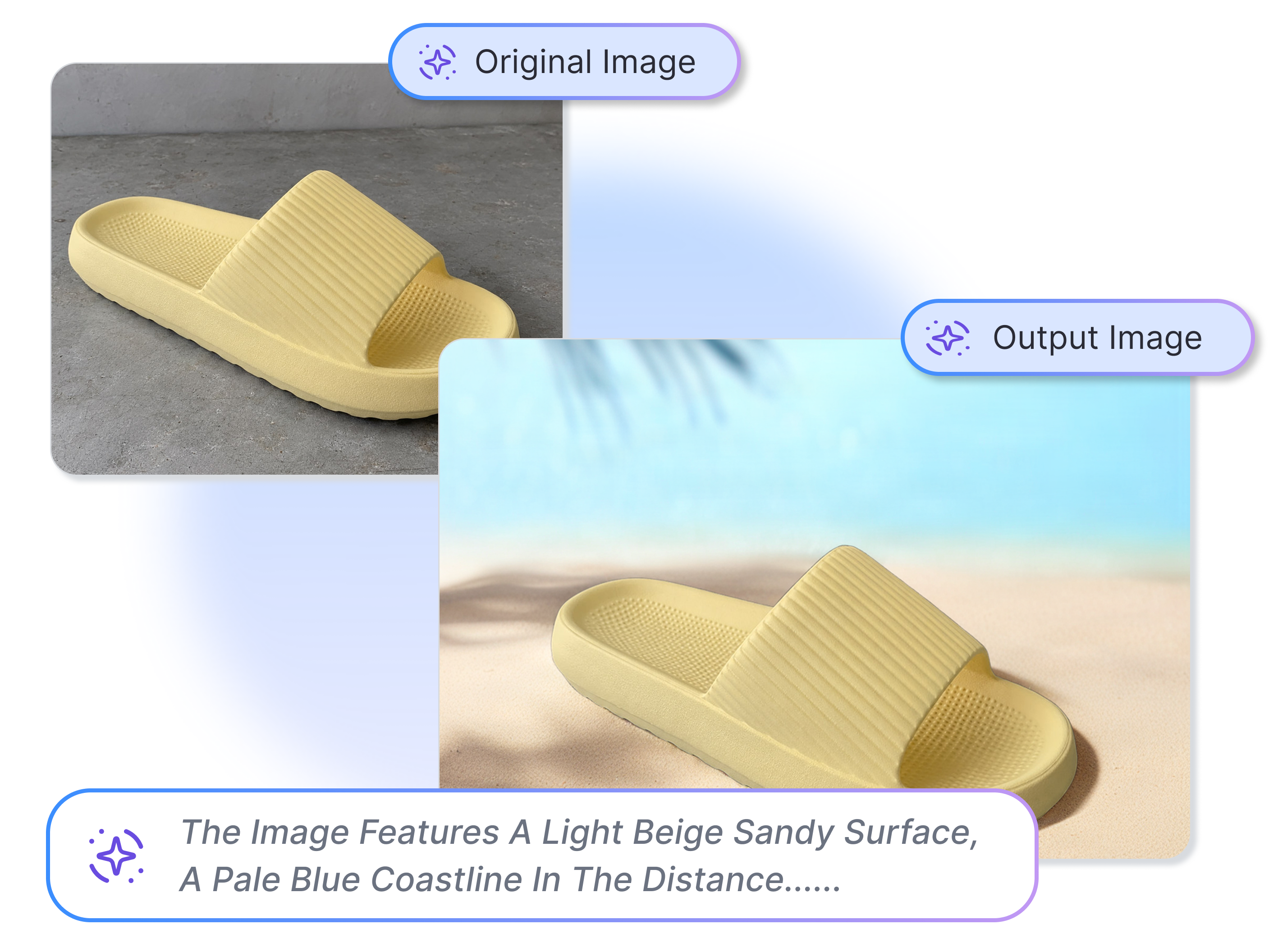
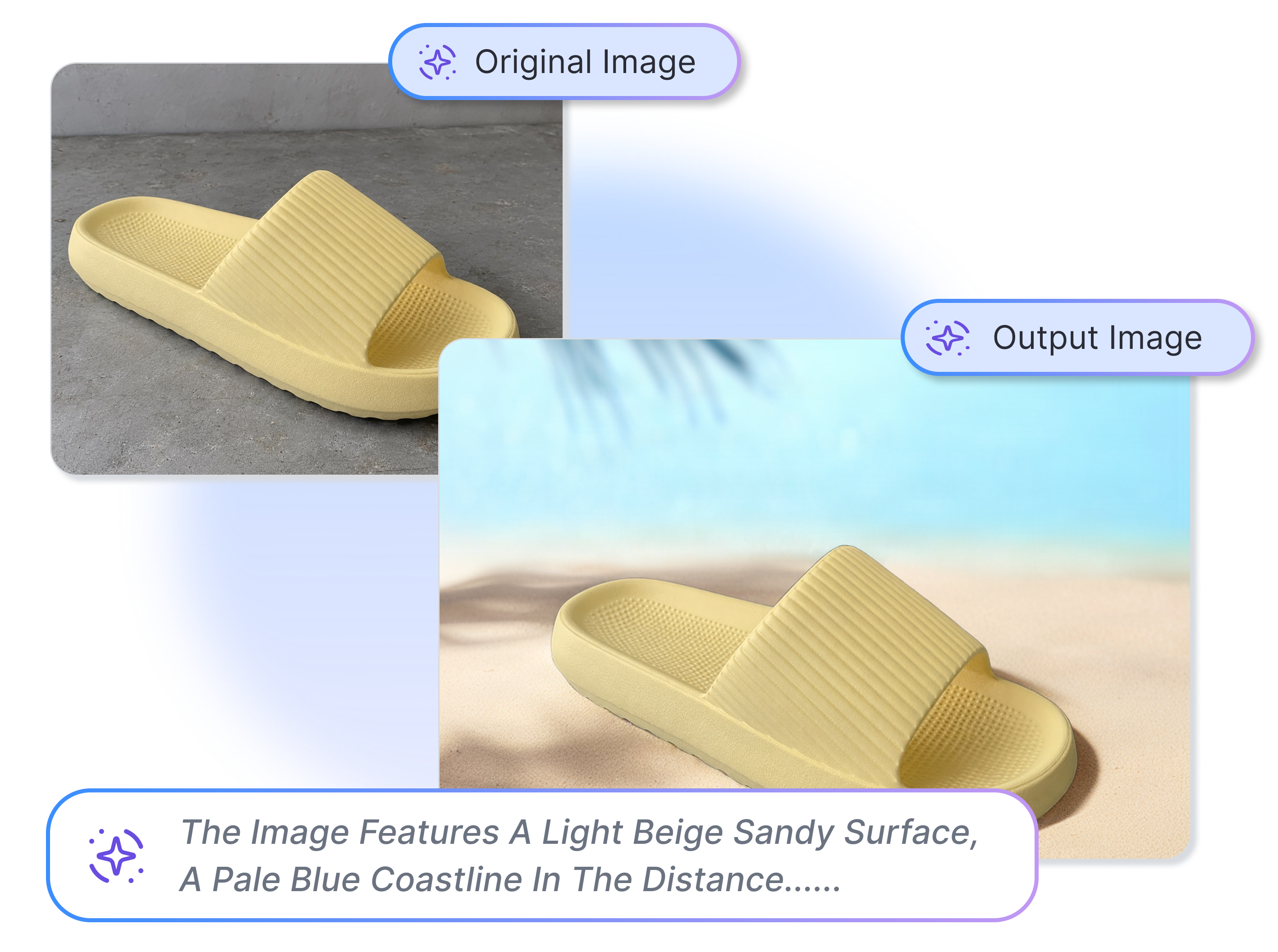
Describe Your Ideal Product Setting
Type everyday words to guide the AI background changer. Instantly translate your raw creative ideas into stunning reality without a designer, enabling rapid multi-angle testing that drastically lowers your social media acquisition costs.
Select Perfect Ratios for Platforms
Pick 1:1, 4:5, 3:4, or 16:9 ratios, then choose 1K resolution. Give one product different homes for social feeds or web banners. Cut repeated setup work while keeping your ROAS experiments moving across all digital channels efficiently.
Who Could Use a AI Background Generator?
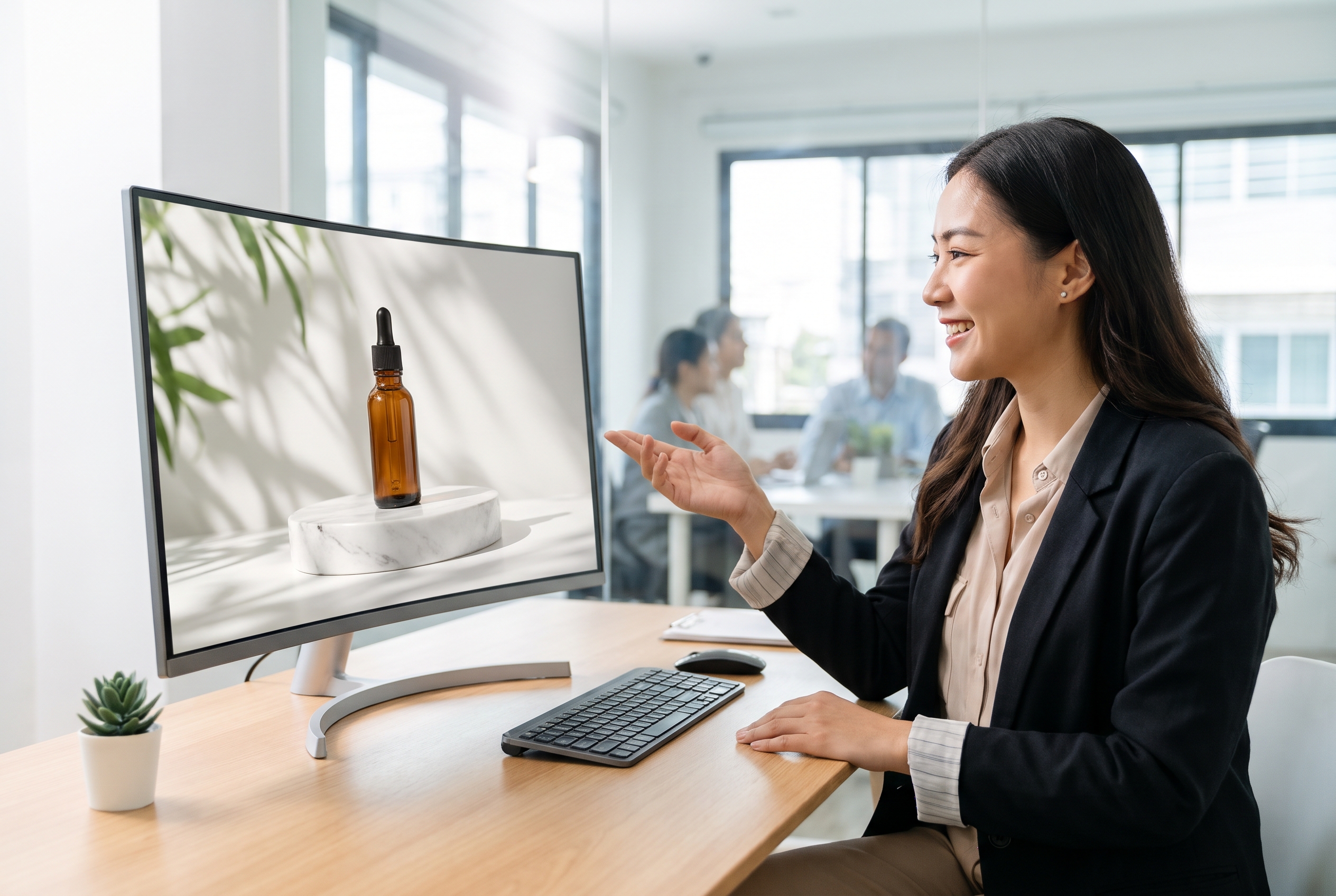
Online Store Owners
As an online store owner, Adsmaker helps you give a product photo a setting that feels more considered, whether you are showing a new arrival, a bundle, or a seasonal favorite.
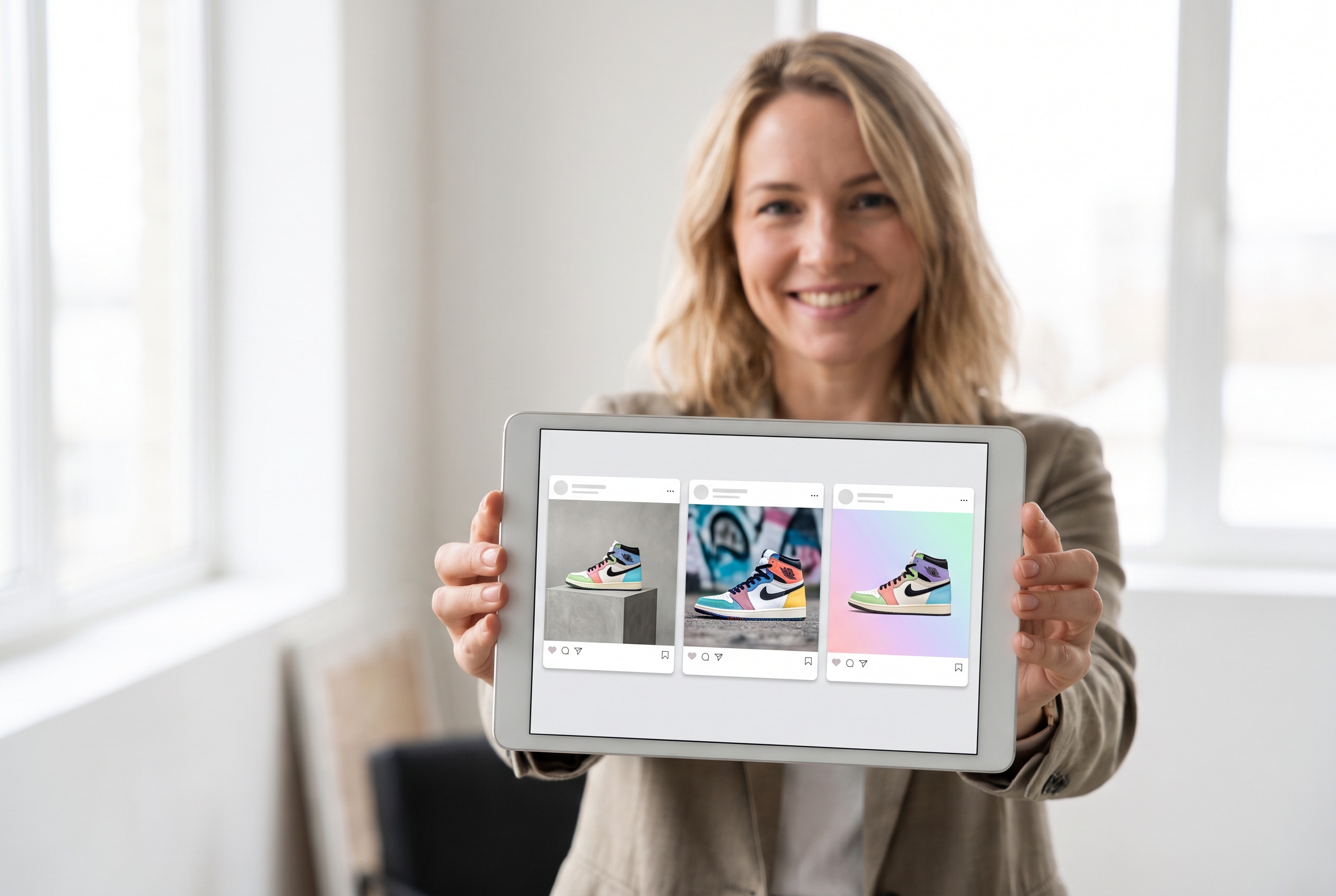
Social Content Teams
As a social content team, Adsmaker helps you turn one product shot into different visual directions, so a launch post does not have to look like every product card in the feed.

Small Brand Teams
As a small brand team, Adsmaker helps you try product-background ideas before committing to a set build, studio day, or a long thread of feedback.
FAQs
What does an AI background generator do?
How do I make a product background with AI?
Can I choose a ready-made background style?
Can I use another image as a background reference?
Do I need to write a complicated AI background prompt?
What kinds of product scenes can I create?
Which output formats can I choose?
Will the new background keep my product looking right?
Stop Reshooting. Try the Best AI Background Generator Today.
Give the photo in front of you a setting that feels more like the campaign you had in mind. Start with a template, a reference, or a few words.