

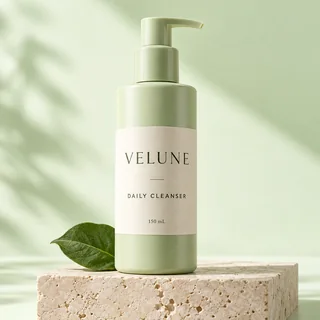
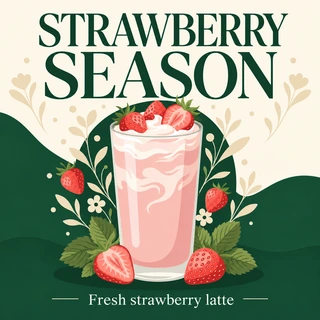
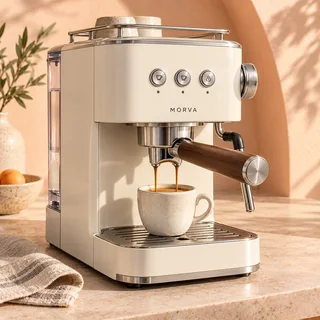
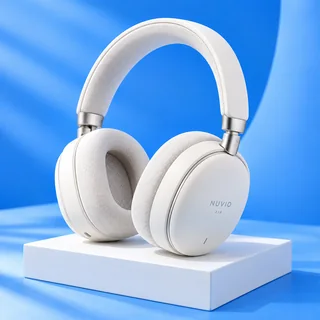
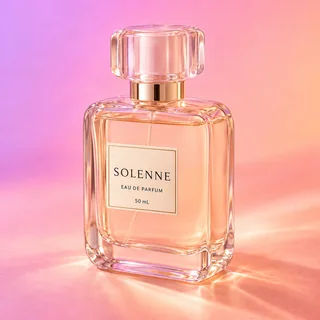
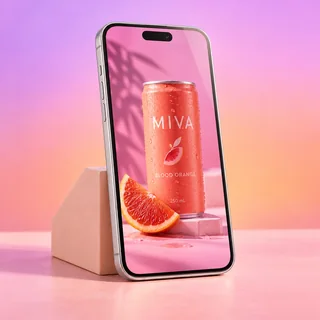



AI Facebook Ad Generator
Upload a product photo and get ready-to-run Facebook ads, each with primary text, headline, description and a CTA button.
AI Facebook Ad Generator: ready-to-run Facebook ads from one product photo
Upload one product photo, pick an ad style and a Facebook placement, and AI Facebook Ad Generator creates 1 to 4 ad images in that style. Every image comes with primary text, a headline, a description and a call-to-action button, laid out the way Meta Ads Manager asks for them.
- Six ad styles, from product hero to UGC
- 1 to 4 variations of one style for A/B tests
- Primary text, headline, description and CTA for every image
One serum photo, three ad styles
Real results from AI Facebook Ad Generator: the same product photo run with three different styles at Feed portrait 4:5 and 2K, one image each.
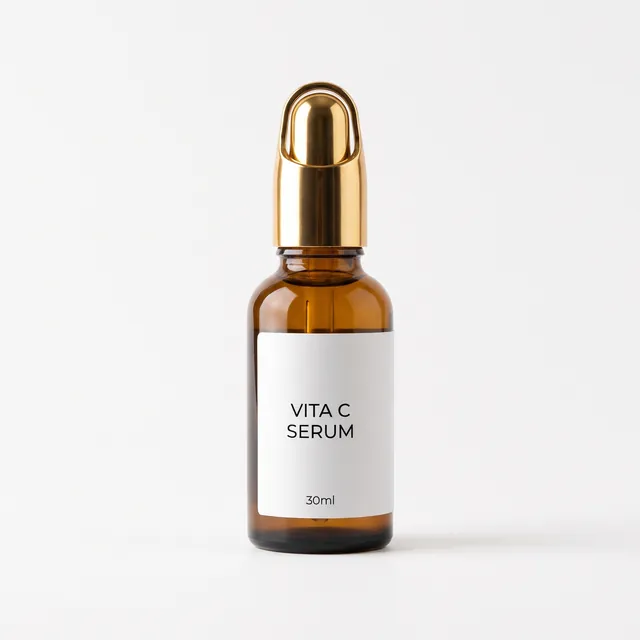
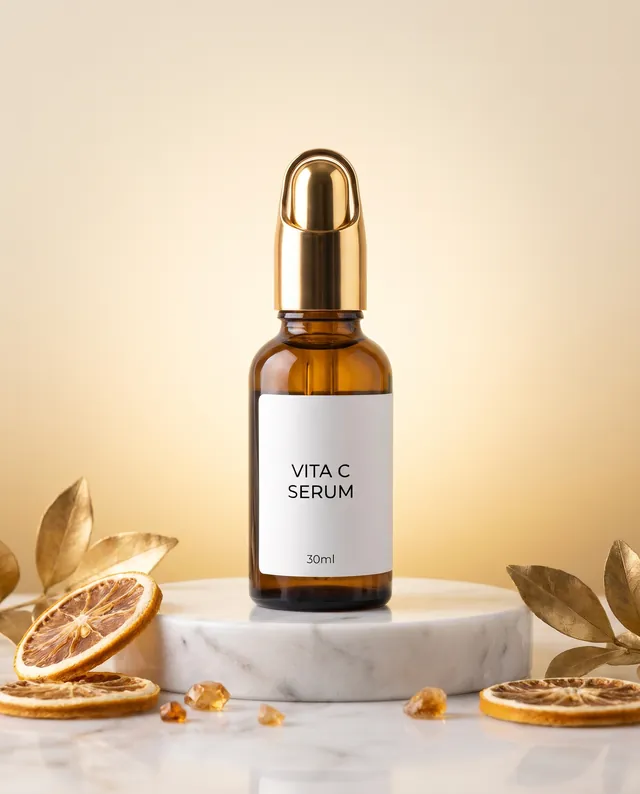

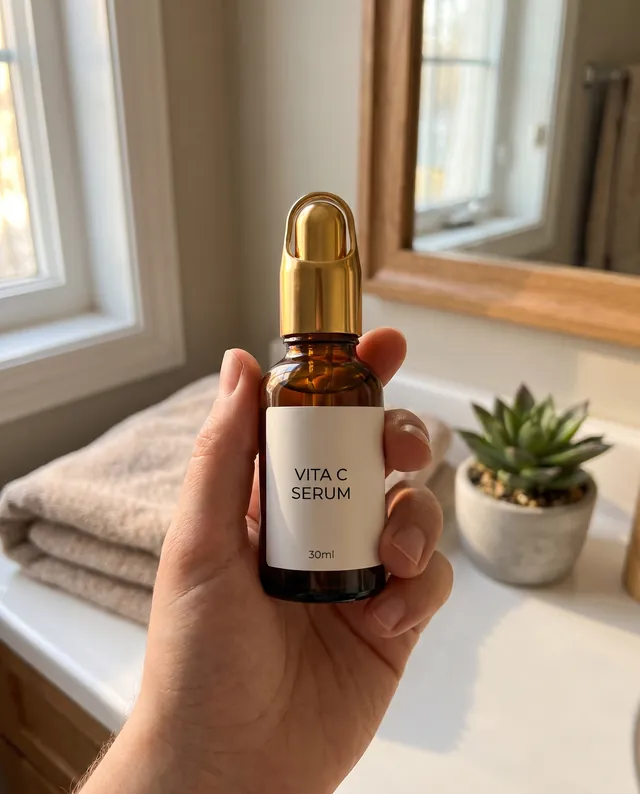
Input: one photo and the notes “Vitamin C face serum for brighter-looking skin. Lightweight, absorbs fast, fragrance free.” Output: one 1856 × 2304 image per run, each with its own primary text, headline, description and button.
Make Facebook ads in three steps
Every run in AI Facebook Ad Generator follows the same three steps.
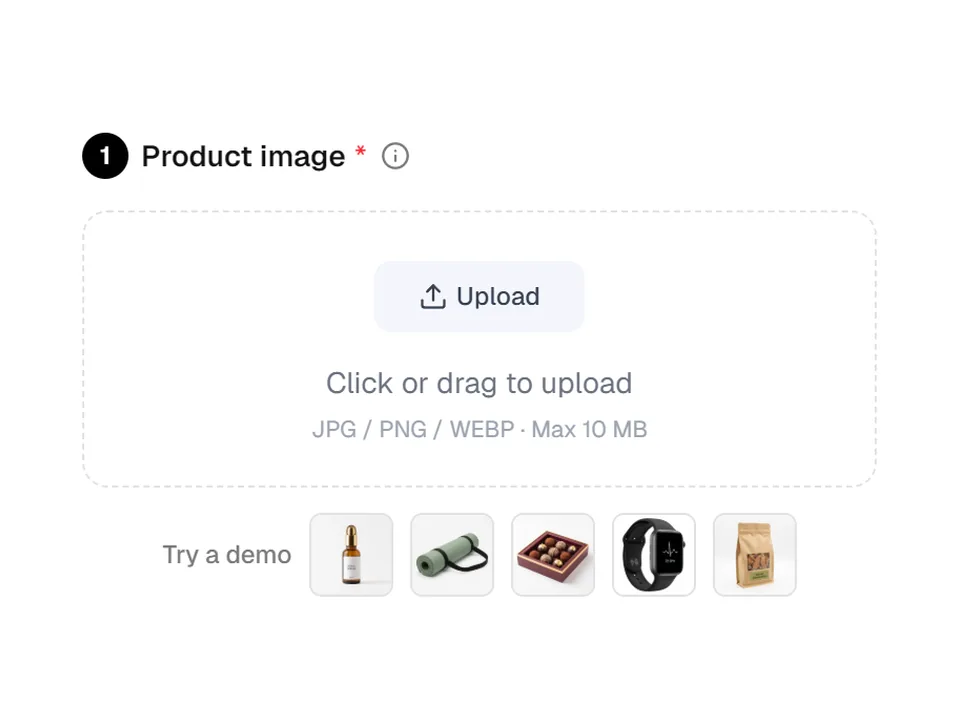
01Upload your product photo
Add a clear JPG, PNG or WEBP photo up to 10 MB, at least 256 pixels on each side. You can also type selling points or a real offer, such as buy 2 get 1, for the copy to use.
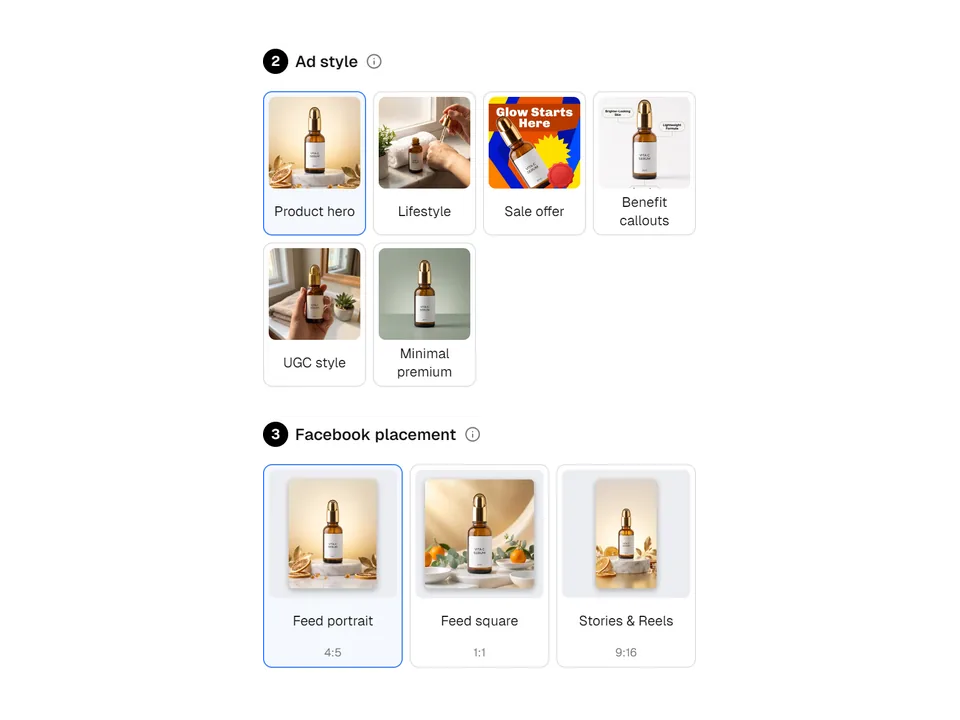
02Pick a style and a placement
Choose Product hero, Lifestyle, Sale offer, Benefit callouts, UGC style or Minimal premium, then Feed portrait, Feed square or Stories & Reels. In Output Settings, set 1 to 4 images and 1K, 2K or 4K.
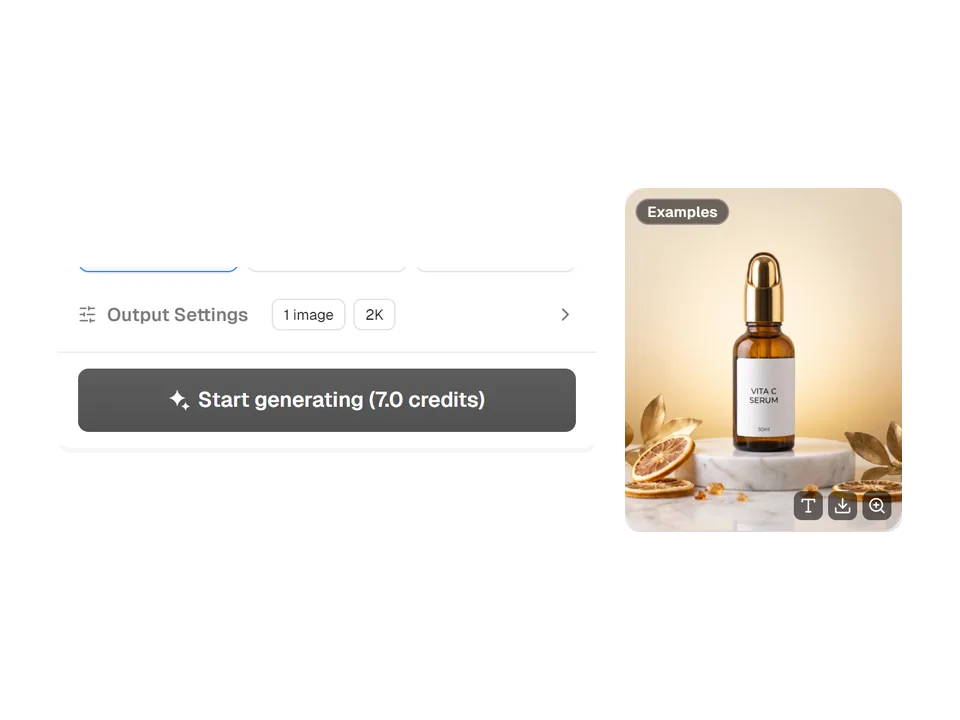
03Generate and copy your ad
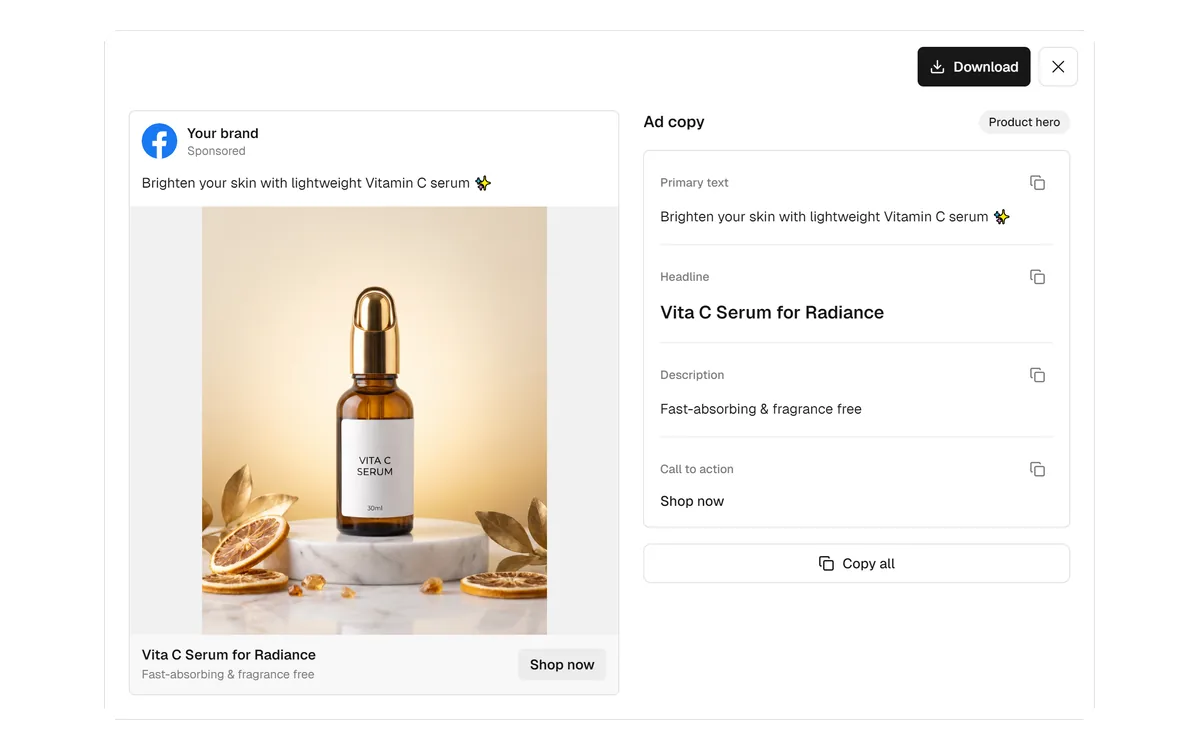
Start generating shows the credit total before you submit. Each finished image appears as its own card; open View ad copy to see a Facebook post preview, then copy one field or use Copy all.
Copy laid out like Meta Ads Manager
Every image from AI Facebook Ad Generator arrives with primary text, a headline, a description and a call-to-action button picked from Facebook's own buttons, such as Shop now or Learn more. The copy follows your site language, and a post-style preview shows how the ad reads in the feed.
- Feed: primary text up to 125 characters, headline 40, description 30
- Stories & Reels: primary text up to 90 characters, headline 30, description 25
- Copy one field at a time, or Copy all in Ads Manager order
Up to four variations for A/B testing
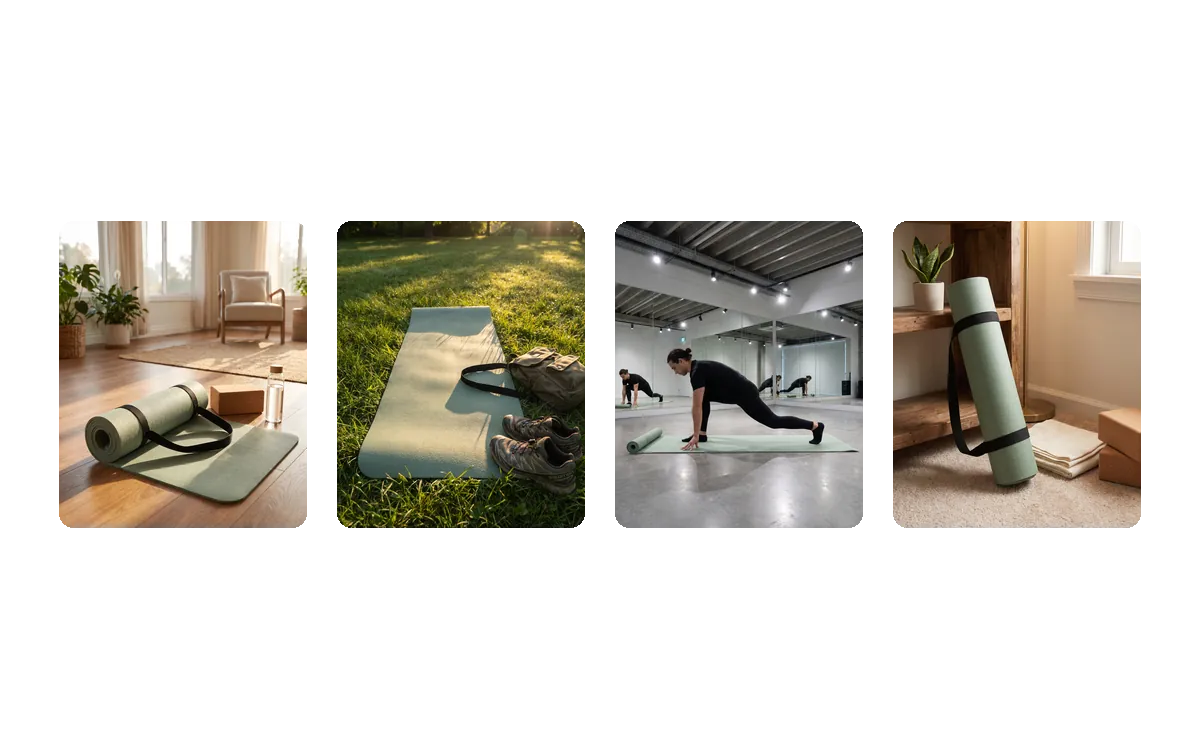
Set the number of images to 2, 3 or 4, and AI Facebook Ad Generator keeps your chosen style while changing the scene, camera angle, colors and copy hook of each image. You get distinct creatives to test against each other instead of near-copies of one picture.
- One image by default, up to four per run
- Each variation gets its own primary text, headline and description
- Credits are per image: four images at 2K cost 28 credits
How sellers use it on Facebook
Three everyday jobs that AI Facebook Ad Generator is built for.
Promoting a holiday offer
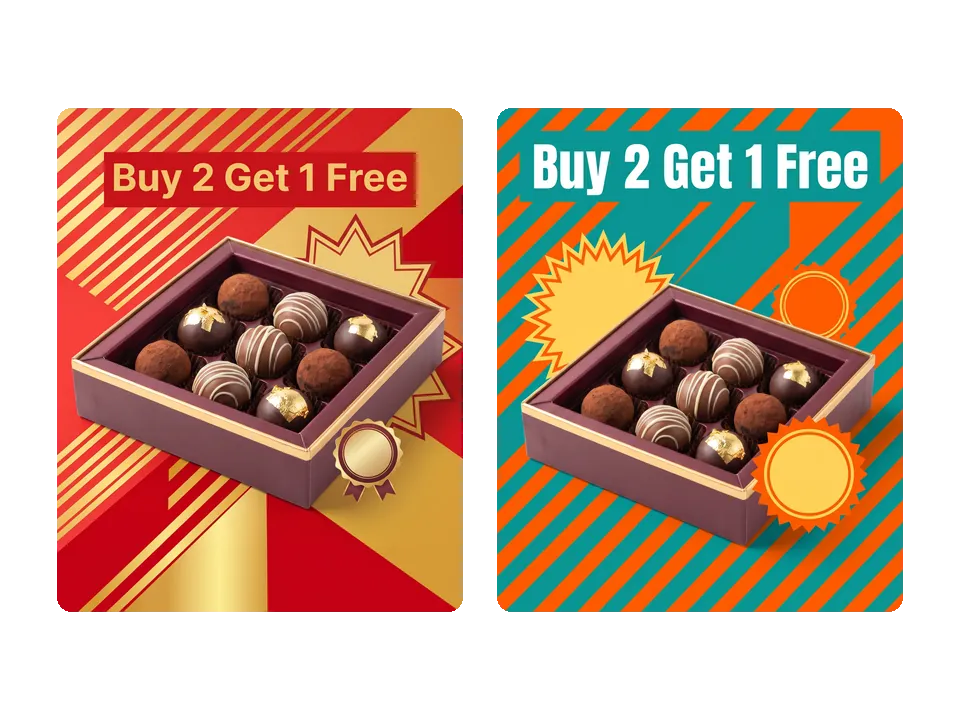
A chocolate shop types “Holiday offer: buy 2 boxes, get 1 free” into the selling points and picks Sale offer with two images. Both ads show the full offer on the image, in two different color palettes to test.
Filling Stories and Reels
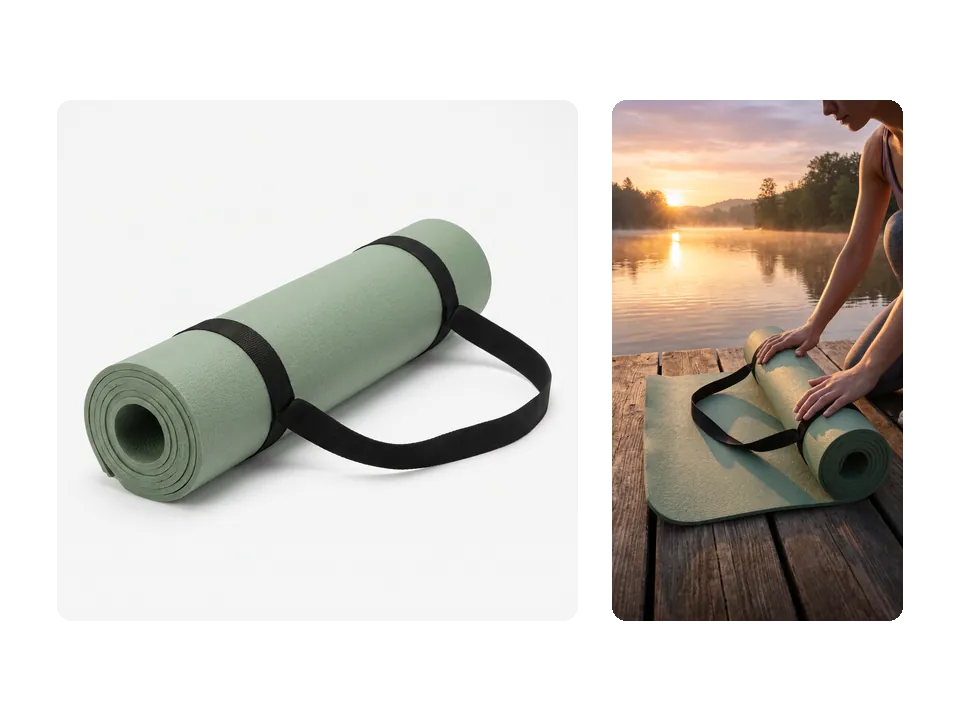
A fitness brand uploads a plain yoga mat photo and chooses Lifestyle with Stories & Reels. The vertical 9:16 ad keeps the product away from the top and bottom edges, where the app interface sits.
Explaining product features
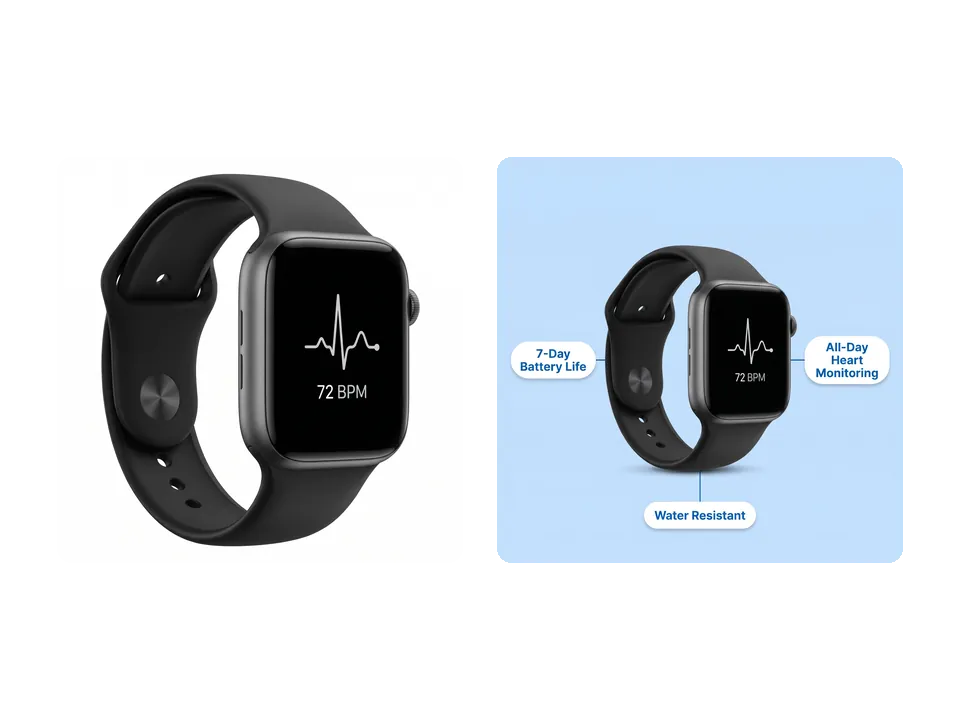
An electronics seller lists a 7-day battery and heart-rate monitoring for a smartwatch and picks Benefit callouts with Feed square. The image labels each feature next to the product, using only the facts provided.
Frequently asked questions
What kind of photo works best with AI Facebook Ad Generator?
Use a clear JPG, PNG or WEBP photo up to 10 MB where the whole product is visible and in focus, at least 256 pixels on each side. The product's shape, colors and label are kept as the reference while a new scene is built around it, so a sharp, well-lit product matters more than the background.
How many credits does AI Facebook Ad Generator use?
Each image costs 7 credits at 1K or 2K and 9 credits at 4K, multiplied by the number of images. One image at the default 2K costs 7 credits, and four images cost 28 credits. The total appears on the Start generating button before anything is submitted.
Will AI Facebook Ad Generator invent prices, discounts or reviews?
No. The copy and any text on the image come only from what is visible in the photo and what you type as selling points. Without an offer, Sale offer uses a call to action with no price or discount, and UGC style never quotes reviews or star ratings. Still read every line before publishing.
Which languages can the ad copy be written in?
Primary text, headline, description and any on-image text follow the language of the Adsmaker site when you generate, in any of the 14 site languages, and the call-to-action button is shown in that language too. Switch the site language first if you need copy in another language.
What happens if an image is not delivered?
AI Facebook Ad Generator charges per delivered image. If one image in a run cannot be delivered, its credits are refunded automatically, and if no image is delivered the whole run is refunded. Finished images stay in your creation history, so you can download them again later.
How do I move the results into Facebook?
Hover a finished card to download the PNG, or open View ad copy to copy each field or everything with Copy all. In Ads Manager, upload the image, paste the primary text, headline and description, and select the same call-to-action button before the ad goes live.
Turn your next product photo into a Facebook ad
Sign in, upload a product photo, and AI Facebook Ad Generator shows the credit total before anything is generated.