



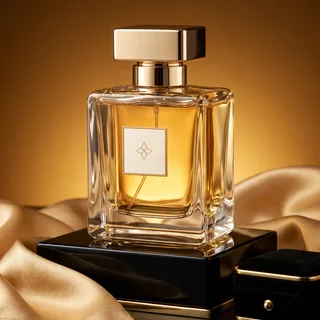


YouTube AI Ads Generator
Turn one product photo into a ready-to-run YouTube video ad with voiceover, subtitles and music.
YouTube AI Ads Generator: a product photo in, a video ad out
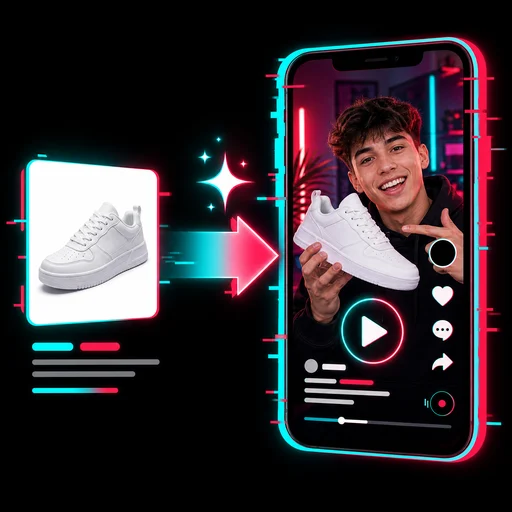
Upload one product photo, type the product name and, if you like, a few selling points. The YouTube AI Ads Generator plans the script, records a voiceover, turns your photo into 3 or 6 animated product shots and adds captions and music, ready for YouTube Shorts or in-stream placements.
- 15 or 30-second ads with an opening hook
- Voiceover in 32 languages with matching captions
- Vertical 9:16 Shorts or horizontal 16:9 in-stream
Real ads made from a single product photo
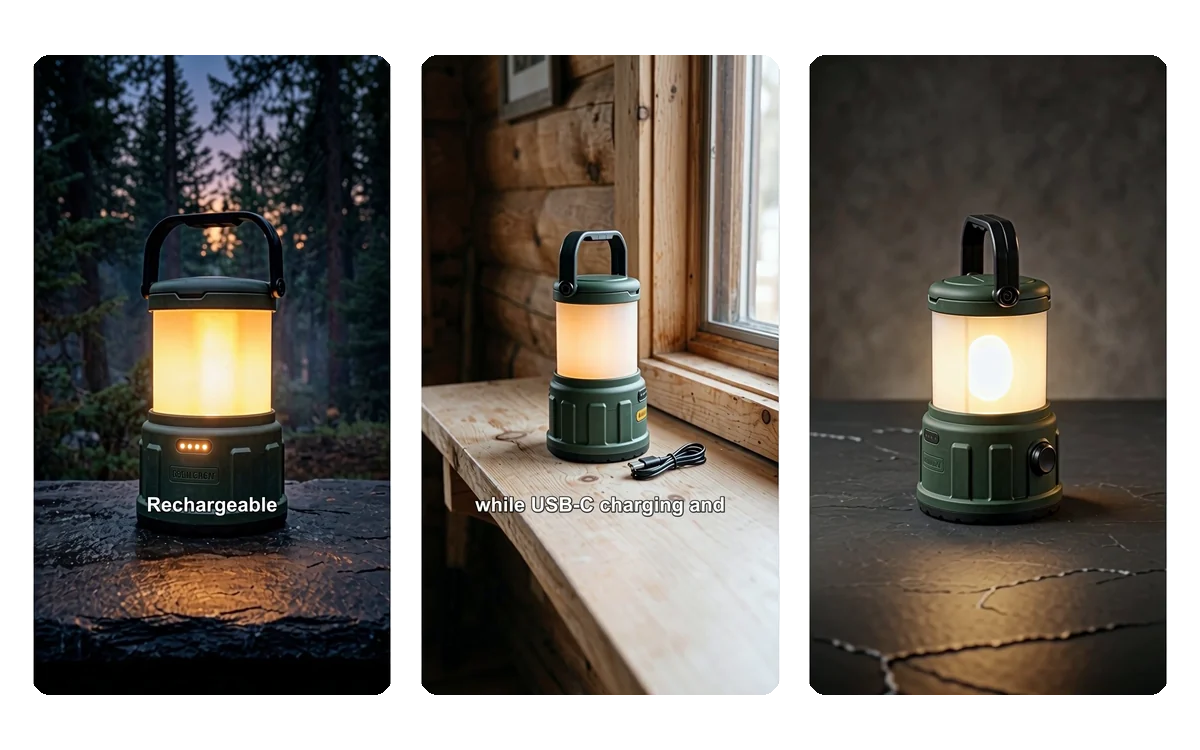
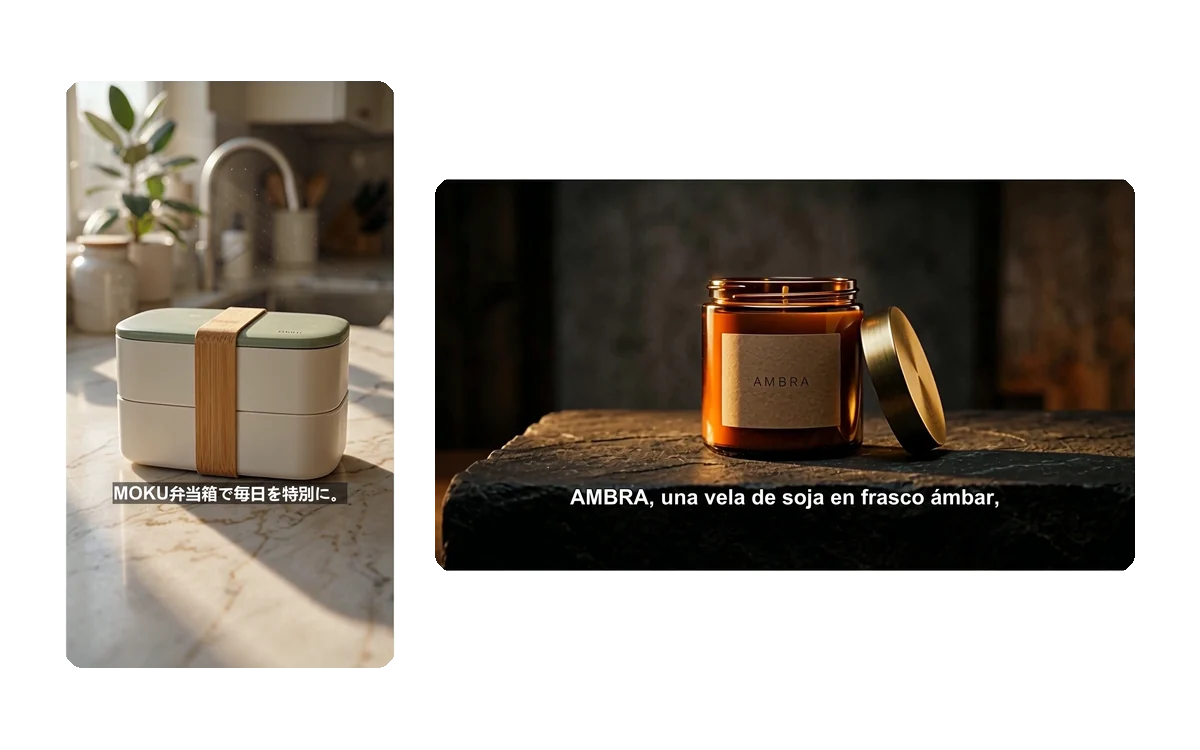
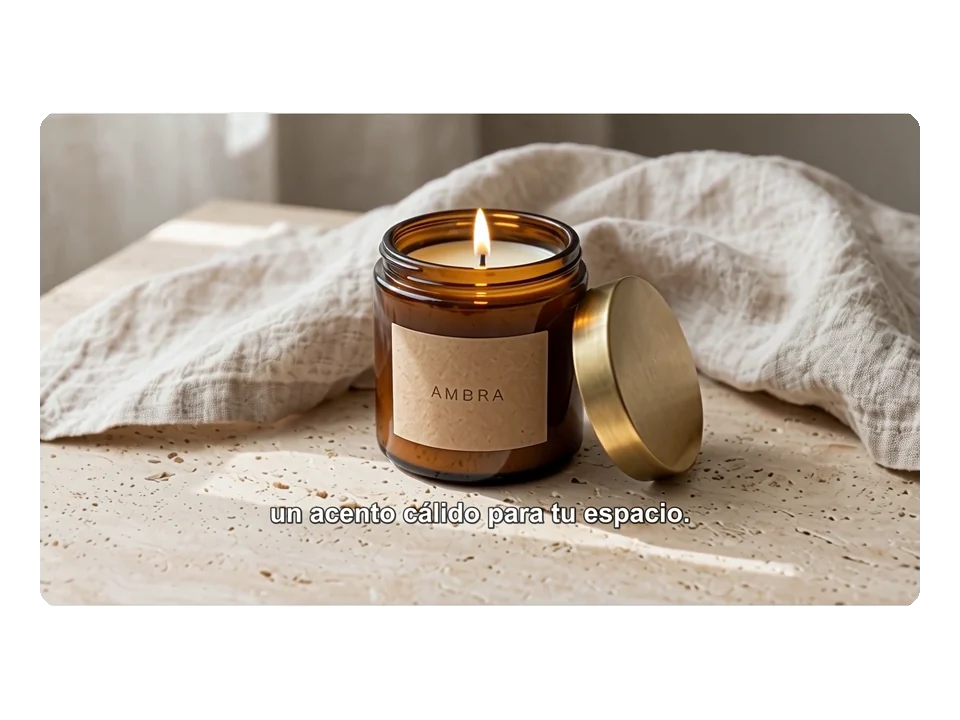
Three 15-second Shorts made by the YouTube AI Ads Generator from the product photos in its examples: English with classic captions, Japanese with high-contrast captions and German without captions.
Each ad was generated in one run: script, voiceover, three AI shots, captions and music.
How to make a YouTube ad in three steps
No editing skills or footage needed. Everything happens in the panel above.
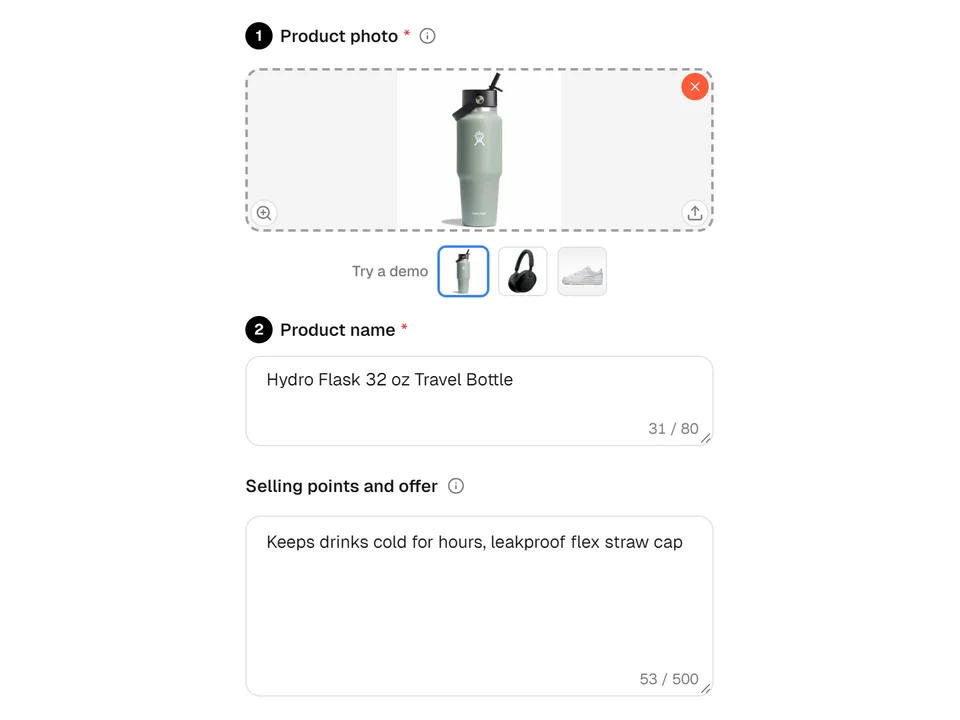
01Add your product
Upload a clear photo of one product, or start from an example. Enter the product name and, optionally, selling points or an offer the ad may mention.
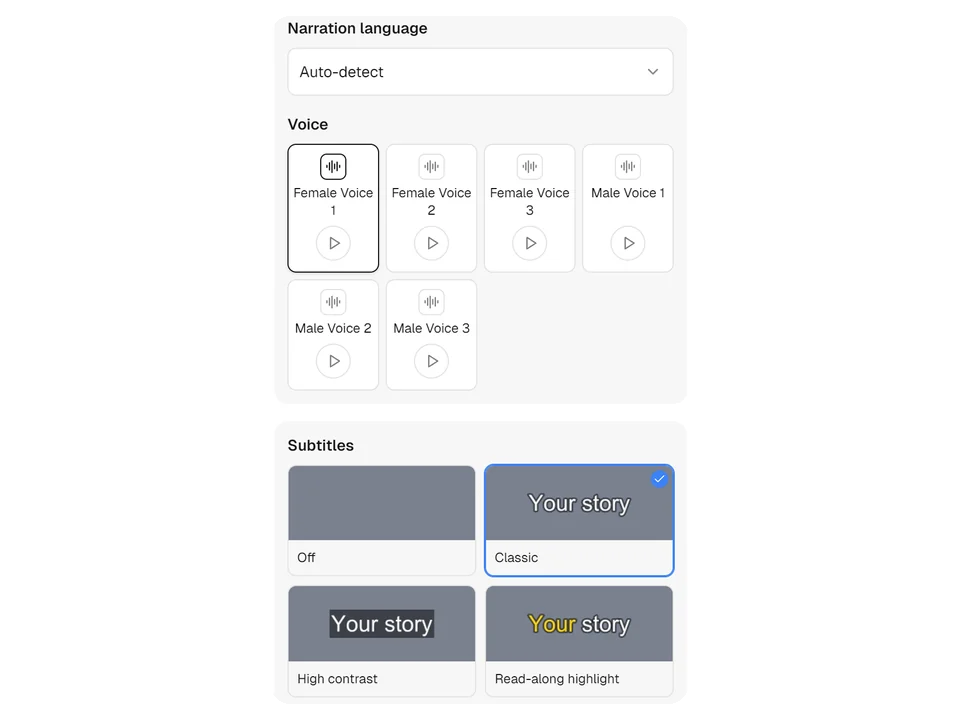
02Choose voice and captions
Open the personalization settings to pick the narration language or keep it automatic, choose one of six voices and select classic, high-contrast, read-along or no captions.
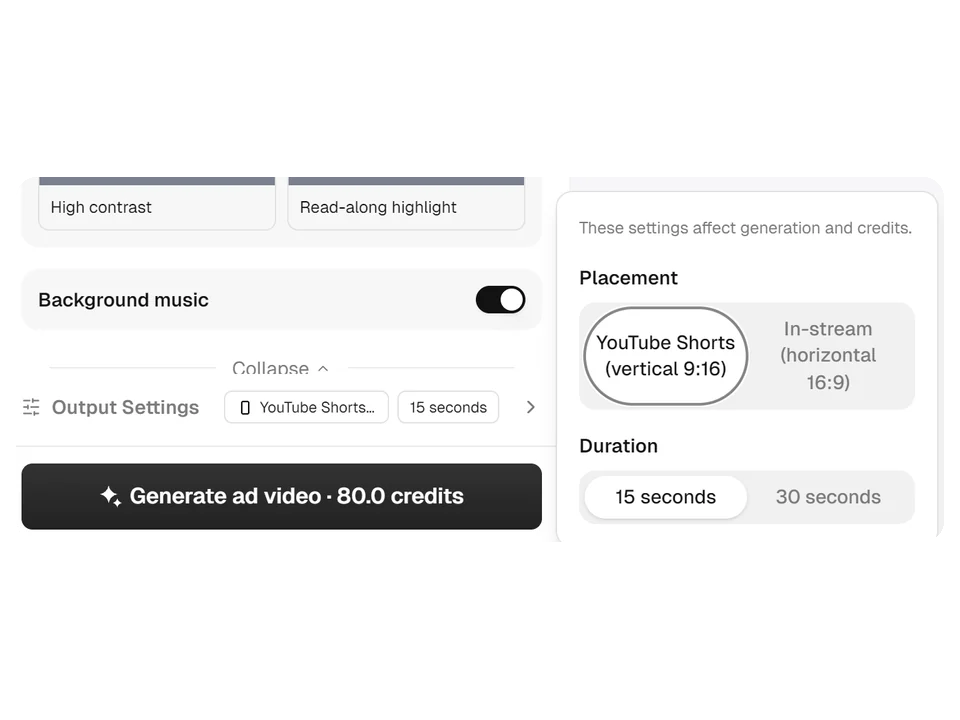
03Pick format and generate
In output settings choose YouTube Shorts or in-stream and 15 or 30 seconds, then generate. The YouTube AI Ads Generator shows the progress and saves the finished MP4 to your creations.
A hook first, then the product from every angle
Viewers can skip an in-stream ad after five seconds, so the first shot opens close on your product. The YouTube AI Ads Generator then cuts between new settings for the rest of the ad, and every shot is generated from your own photo rather than stock footage.
- The opening shot shows the product large and fully in view
- Three shots in 15 seconds, six shots in 30 seconds
- Narration states only facts from your product name and selling points
One product, every market and format
Write your selling points in any language and keep the narration on automatic, or choose one of 32 languages. With the YouTube AI Ads Generator the same product can become a vertical Short and a horizontal in-stream ad, each with voiceover and captions in the language you need.
- Captions follow the real voiceover timing, word by word
- 1080 × 1920 for Shorts, 1920 × 1080 for in-stream
- Captions can be switched off for a clean video
Where sellers use it
Practical jobs where a short product video is needed quickly and in more than one version.
Launching a product on Shorts
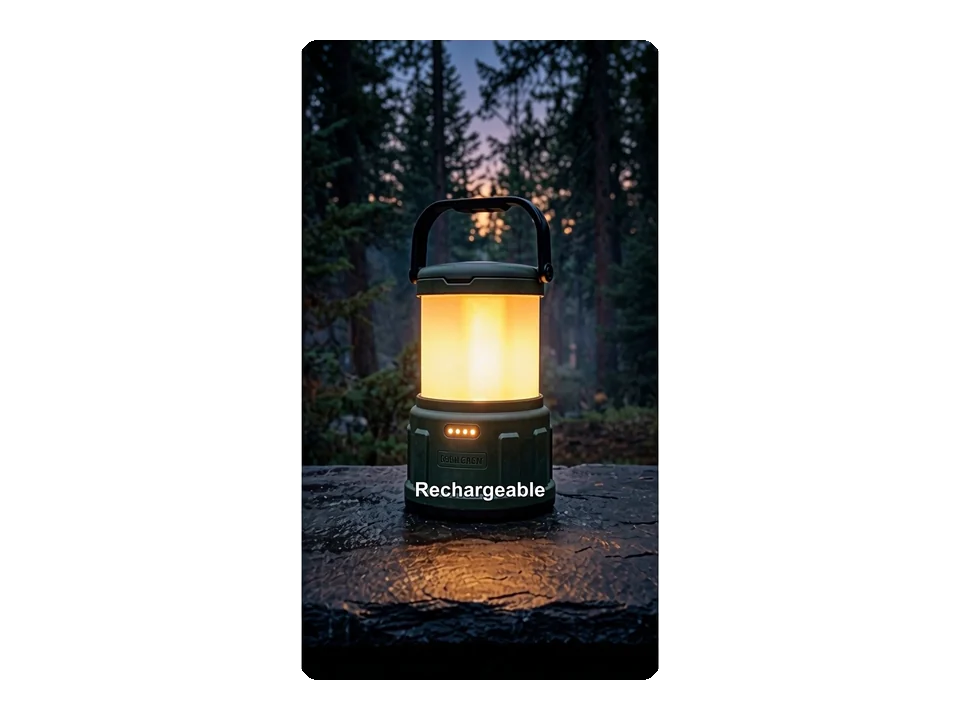
A store adding a new bottle or gadget turns its catalog photo into a 15-second vertical ad and posts it as a YouTube Short or runs it as a Shorts ad the same day.
Localizing for new countries
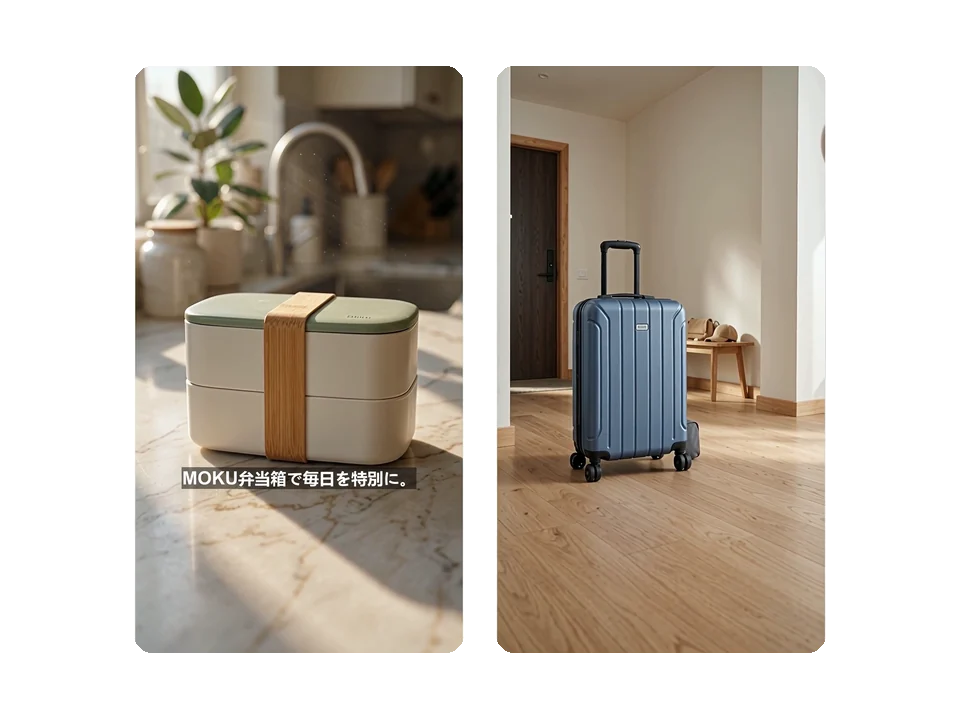
A brand selling in Japan and Germany writes one set of selling points and generates a version per market, with native narration and captions instead of re-editing one master video.
Testing an in-stream campaign
A marketer preparing a Google Ads video campaign uses the YouTube AI Ads Generator to make a 30-second horizontal ad and checks the hook before spending on production.
Frequently asked questions
What kind of photo works best?
Use a clear JPG, PNG or WEBP photo of a single product, at least 256 pixels on each side and up to 10 MB. Plain or simple backgrounds help the YouTube AI Ads Generator keep the shape, color and main logo of your product consistent across every shot.
How much does a YouTube ad cost?
A 15-second ad costs 80 credits and a 30-second ad costs 180 credits. The price is shown on the generate button before you start, and if a run fails, the YouTube AI Ads Generator refunds the credits automatically.
Which languages and voices are available?
Narration can be automatic, following the language of your selling points, or set to one of 32 languages such as English, Spanish, German, Japanese or Chinese. There are six voices, three female and three male, and each can be previewed before you generate.
Will the product look exactly like my photo?
Every shot starts from your photo, so the product shape, colors and main markings stay recognizable. Very small printed text on packaging can come out slightly different in AI shots, so watch the finished ad from the YouTube AI Ads Generator before you publish it.
Does it make claims I did not provide?
No. The script may only use facts from the product name and selling points you enter. Without selling points it describes what is visible and a general benefit, and it never adds prices, discounts, ratings or health claims on its own.
How long does it take and where do I find the video?
Most ads are ready in a few minutes; 30-second ads take a little longer because they have six shots. The YouTube AI Ads Generator saves each finished MP4 to your creations, where you can play, preview full screen and download it.
Turn your next product photo into a YouTube ad
Open the YouTube AI Ads Generator above, add your product and choose Shorts or in-stream.