



AI Fashion Ads Generator
Upload a garment photo and get a fashion video ad worn by an AI model: runway walk, turn, pose or street stroll.
AI Fashion Ads Generator puts your garment on a model and makes it move
Upload one photo of a garment, pick a model, a scene and a motion, and AI Fashion Ads Generator returns a short fashion video ad: the model wears your piece on a runway, in a studio, on a city street, indoors or outdoors, and walks, turns, poses or strolls. No casting, studio booking or reshoot is needed for each new item.
- 30 AI models across 7 ethnic backgrounds, including plus-size
- 5 scenes and 4 motions, all shown as preview cards
- 5 or 10 second clips, vertical 9:16 or square 1:1
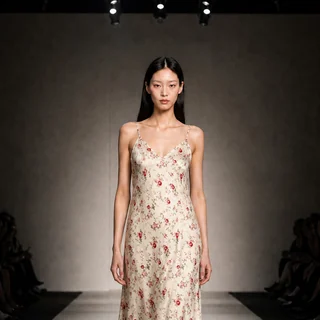
One floral dress photo, one runway video
A real result with the Runway scene, the Catwalk motion, 10 seconds and the vertical 9:16 format. The only input was a flat lay photo of the dress.
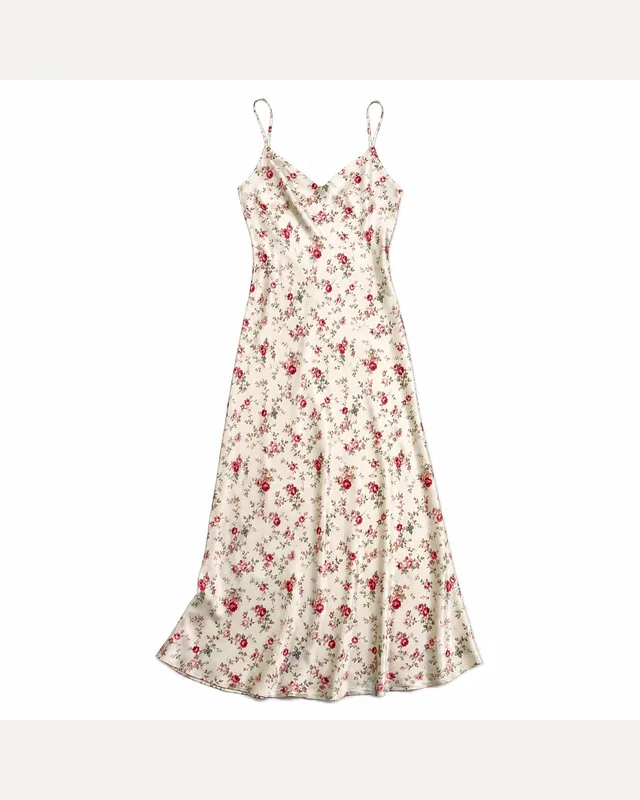
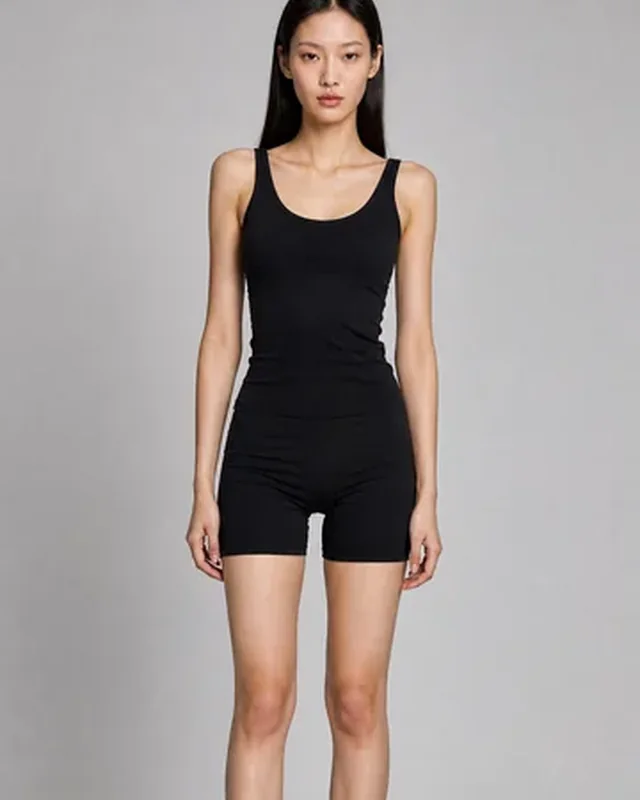
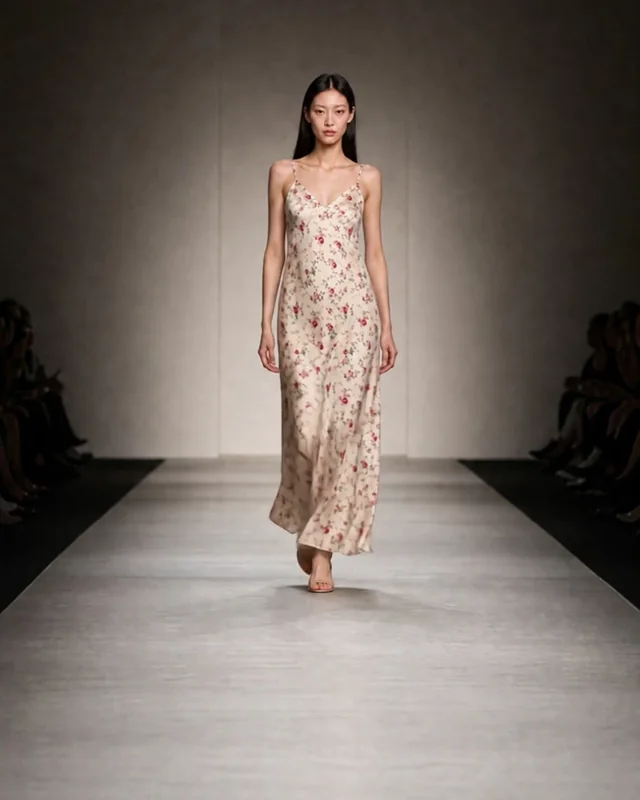
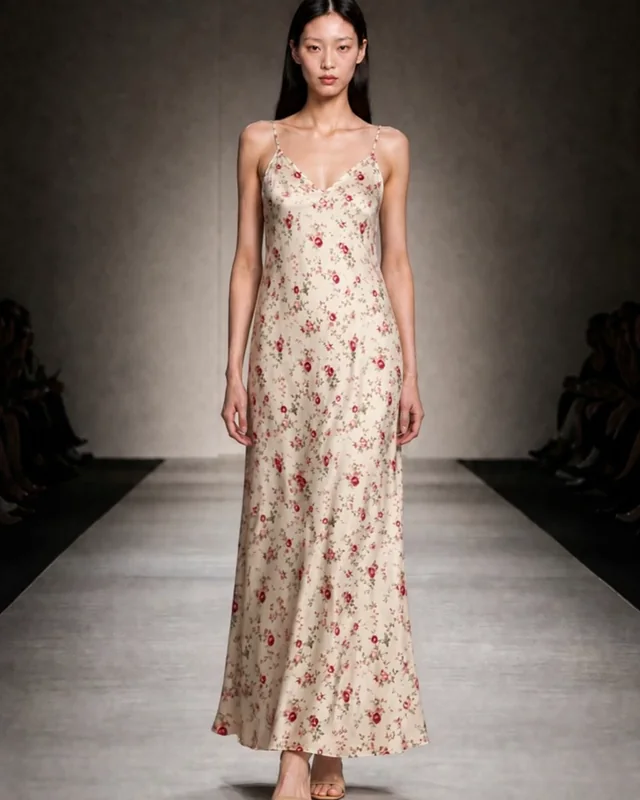
Input: one dress photo. Output from AI Fashion Ads Generator: a silent 10 second 720 × 1280 MP4 in which the print, straps and length of the dress stay the same from the first frame to the last.
From garment photo to fashion video in three steps
Every run of AI Fashion Ads Generator follows the same three steps.
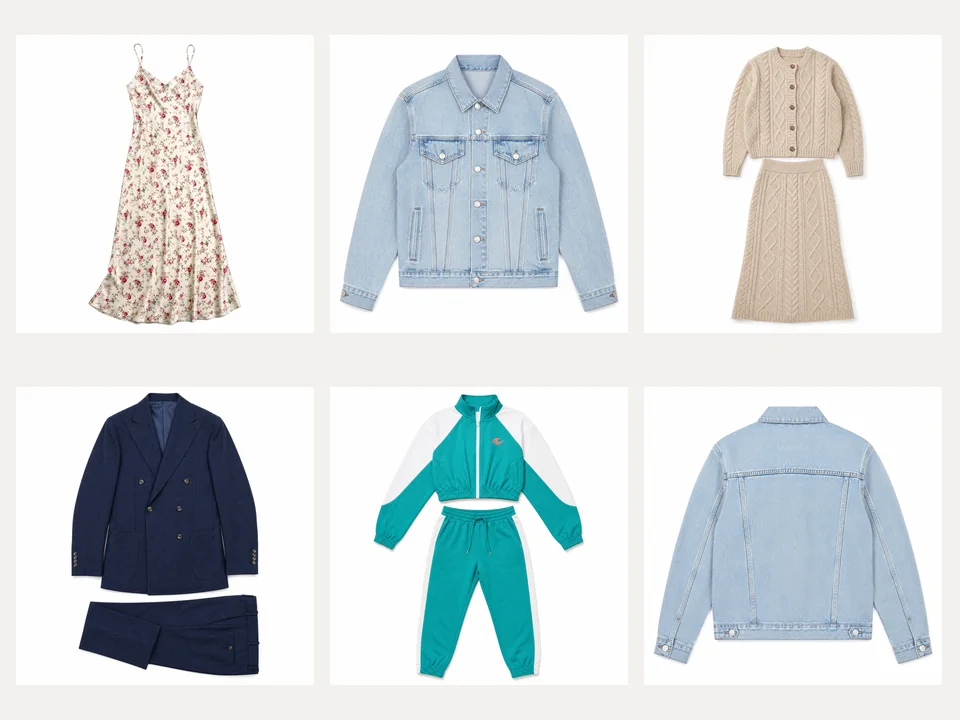
01Upload the garment
Add a JPG, PNG or WEBP photo up to 10 MB: a flat lay, hanger or mannequin shot of one outfit works best. For Turn and Street stroll you can also add a back view so the back of the piece is shown accurately.
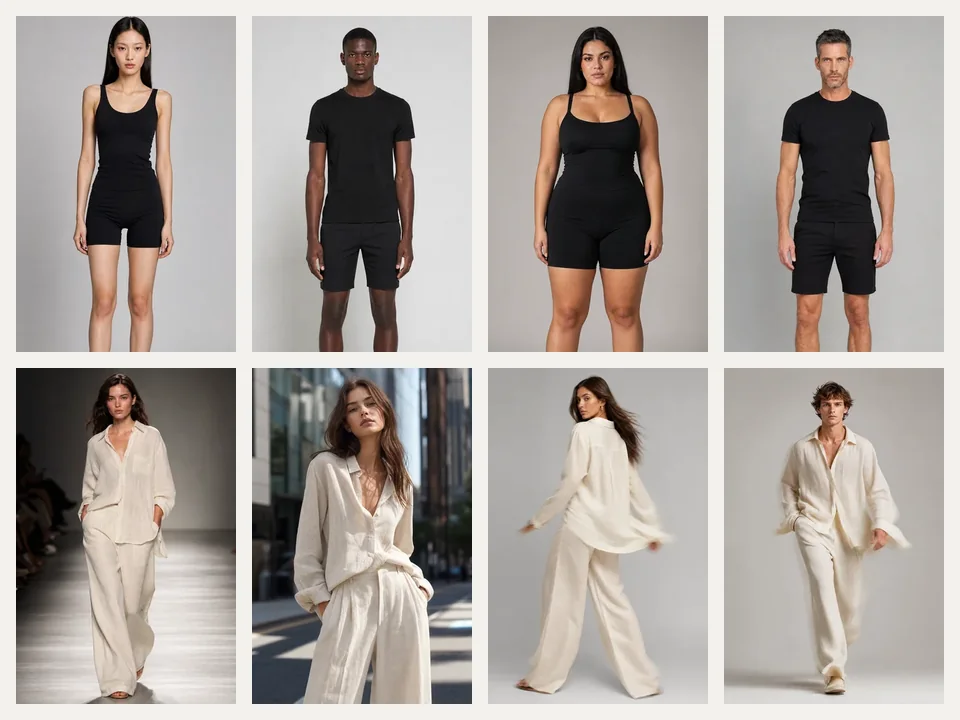
02Choose model, scene and motion
Open the model picker to filter women or men and pick one of 30 models. Then pick one of five scene cards and one of four motion cards; each card shows what you will get.
03Generate and download
Set 5 or 10 seconds and 9:16 or 1:1 in Output Settings. The button shows the credit cost before you submit; the finished video appears as a card you can play, preview and download.
A model library built for fashion
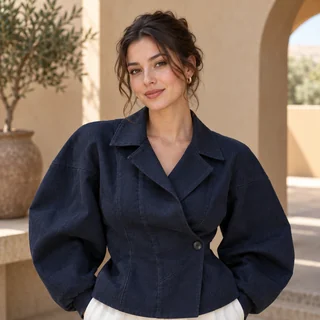
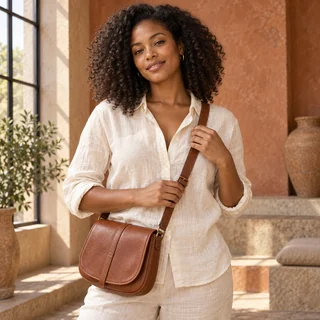
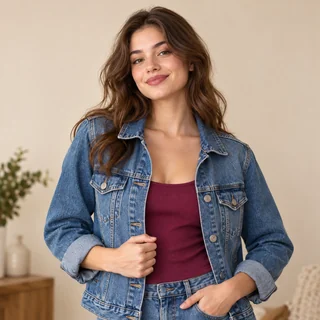
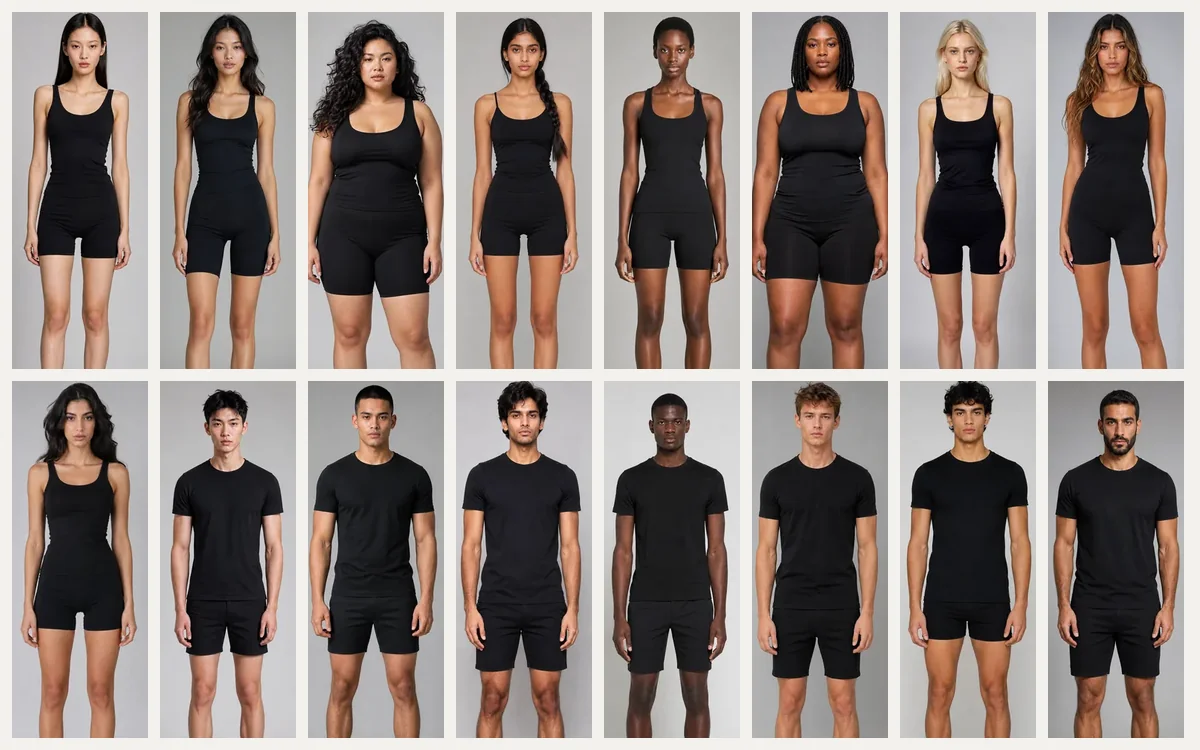
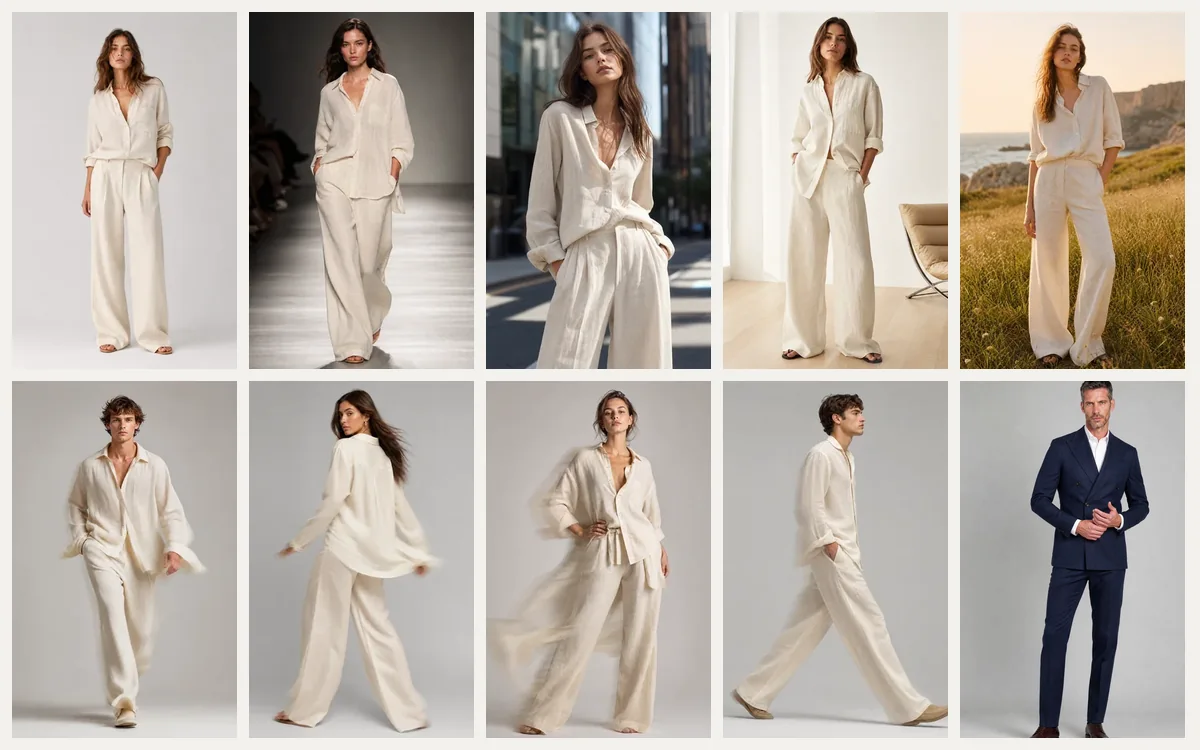
AI Fashion Ads Generator ships with 30 models: 16 women and 14 men, East Asian, Southeast Asian, South Asian, Black, European, Latino and Middle Eastern, mostly 18 to 32 years old with a few in their thirties. The model keeps the same face from the first frame to the last.
- Three plus-size women and two athletic men
- Filter the picker by women or men
- Every model is AI-generated, not a real person
Scenes and motions that sell clothes
Choose where the garment is shown and how it moves. AI Fashion Ads Generator offers five scenes and four motions, and keeps the garment's colors, print, buttons and length the same through the whole clip.
- Scenes: Studio, Runway, City street, Minimal interior, Outdoors
- Motions: Catwalk, Turn, Pose, Street stroll
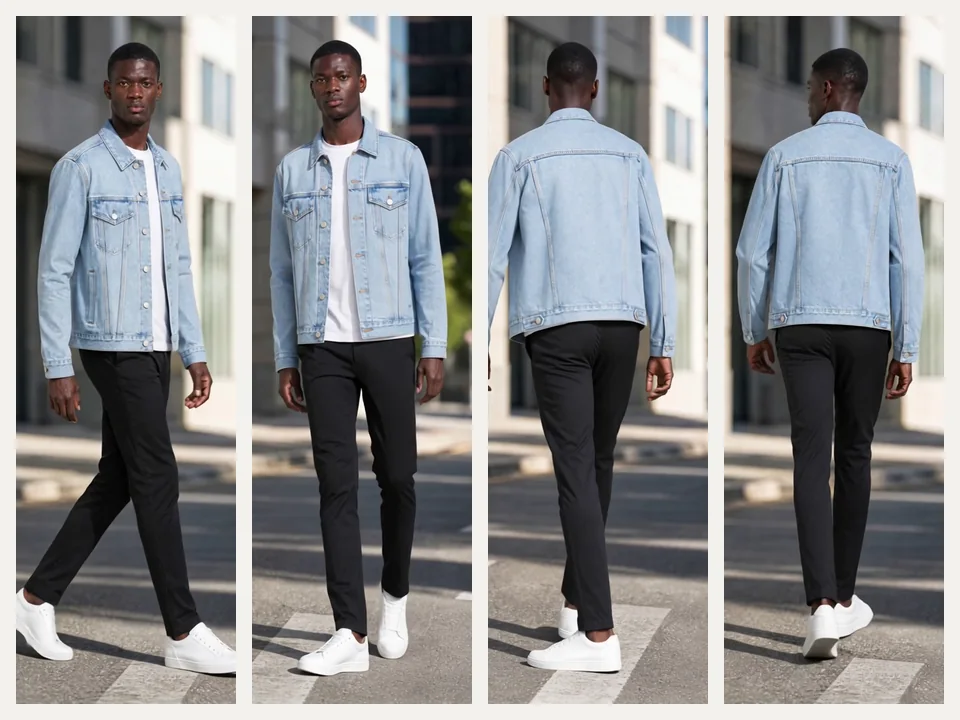
- Add a back view to show the back during Turn or Street stroll
Where clothing sellers use it
Three everyday jobs AI Fashion Ads Generator handles.
Showing plus-size fits
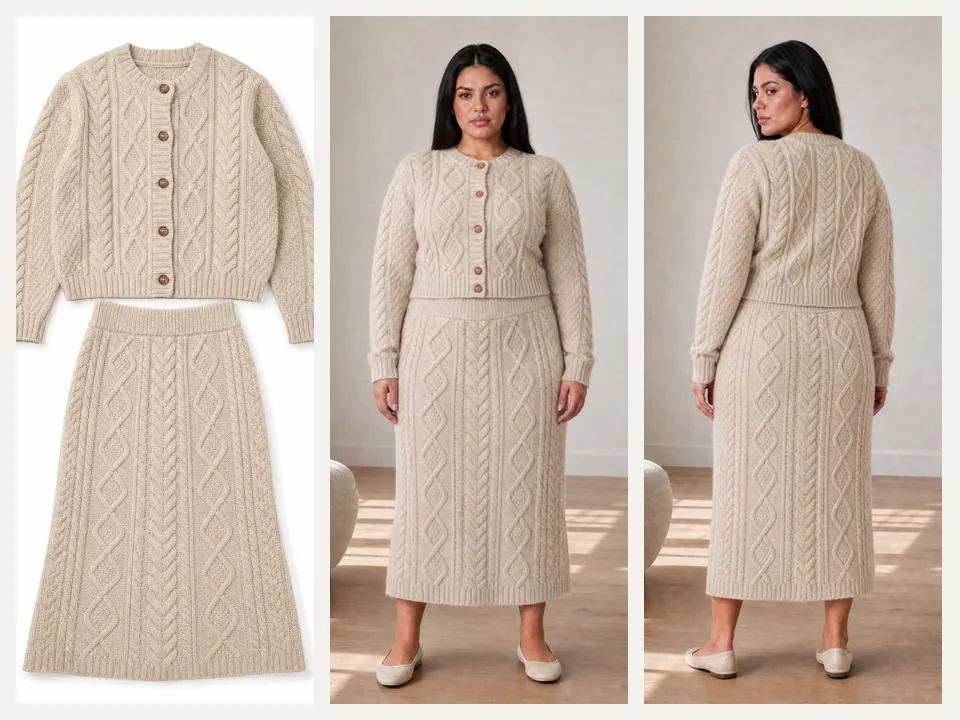
A knitwear brand uploads the front and back of a cable-knit set and picks a plus-size model, a minimal interior and the Turn motion. The 10 second square clip shows the fit from the front and the back.
Menswear for social feeds
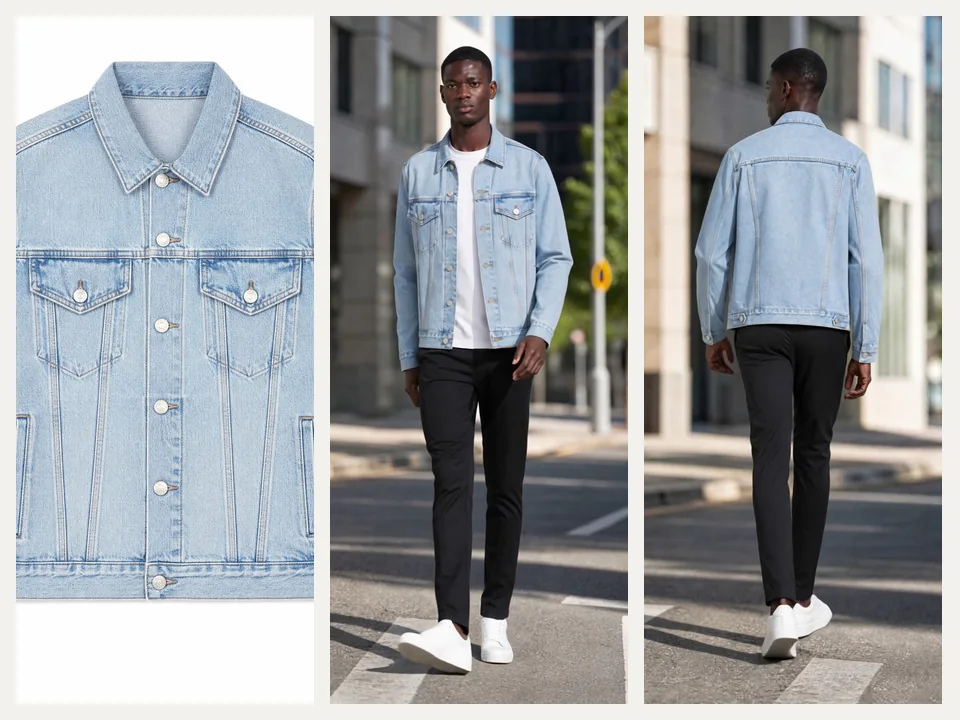
A denim label needs a vertical clip for Reels and TikTok. A light-wash jacket, a male model, the City street scene and the Street stroll motion give a 5 second video that ends on the back of the jacket.
Sportswear launches
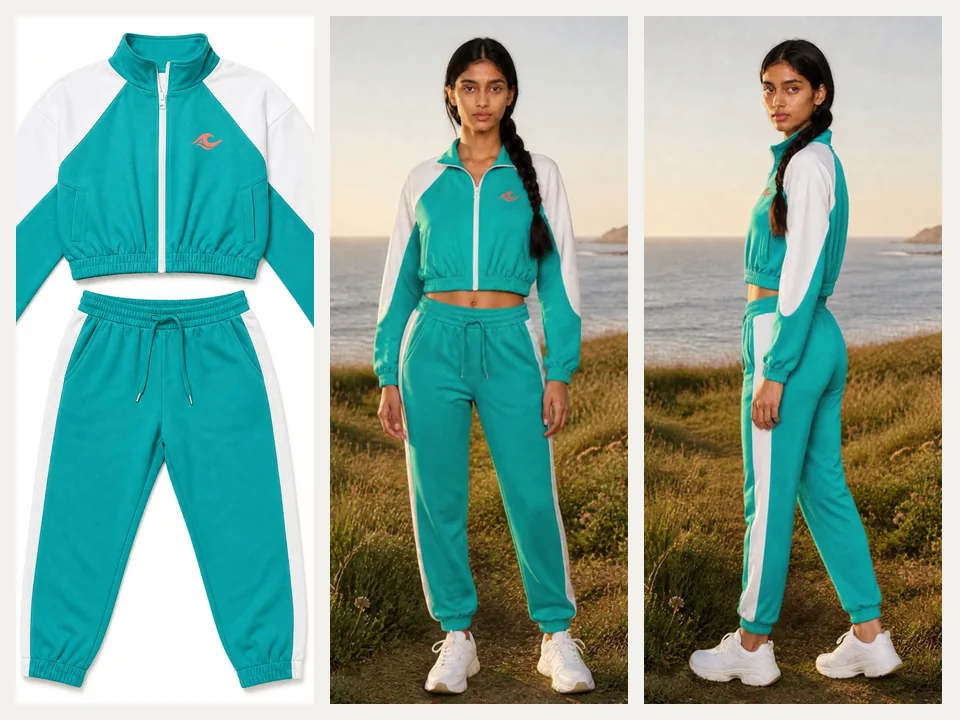
A sportswear shop launches a color-block track set. The Outdoors scene and the Turn motion show the logo and the side stripes in a 5 second square video for feed ads.
Frequently asked questions
What photo works best with AI Fashion Ads Generator?
A clear photo of one outfit, laid flat, on a hanger or on a mannequin, as a JPG, PNG or WEBP file up to 10 MB. The garment should be fully visible and in focus. A photo with several products, heavy text or a person already wearing it gives less reliable results.
How many credits does AI Fashion Ads Generator use?
A 5 second video costs 70 credits and a 10 second video costs 130 credits, whatever model, scene, motion or aspect ratio you choose. The total is shown on the generate button before you submit.
Will the garment look the same in the video?
AI Fashion Ads Generator is instructed to keep the colors, print, logo, buttons, length and cut of your garment in every frame. Fabric folds move naturally with the body and small background details can change, so review each clip before you publish it.
When should I add the back view?
Add it when you choose Turn or Street stroll and the back of the piece matters. These two motions end on the back of the garment, and the back view makes that part accurate. Catwalk and Pose only show the front, so the back view is not used there.
What format is the video, and does it have sound?
AI Fashion Ads Generator delivers a silent MP4 at 720p: 720 × 1280 for vertical 9:16 or 960 × 960 for square 1:1. Add music or a voiceover in your ad manager or editor. A video usually takes about 7 to 12 minutes.
What happens if a video cannot be made?
If generation fails before a video is delivered, the credits for that run are refunded automatically. Finished videos stay in your creation history so you can download them again later.
Put your next collection on a model today
Upload a garment photo above, and AI Fashion Ads Generator shows the credit cost before anything is generated.