



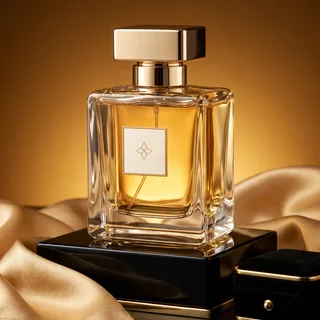


AI Marketing Ads
Upload a product photo and get 3 ready-to-run ad images, each with its own headline, primary text and call to action.
AI Marketing Ads turns one product photo into ready-to-run ads
Upload a product photo, add selling points or an offer if you have one, and AI Marketing Ads builds up to three ad images: a product hero, a lifestyle scene and an offer layout. Each image comes with its own headline, primary text and call to action, sized for the placement you choose.
- Up to three creative directions from one photo
- Headline, primary text and CTA for every image
- Feed, Square, Stories / Reels and Landscape sizes
One cold brew photo, three finished ads
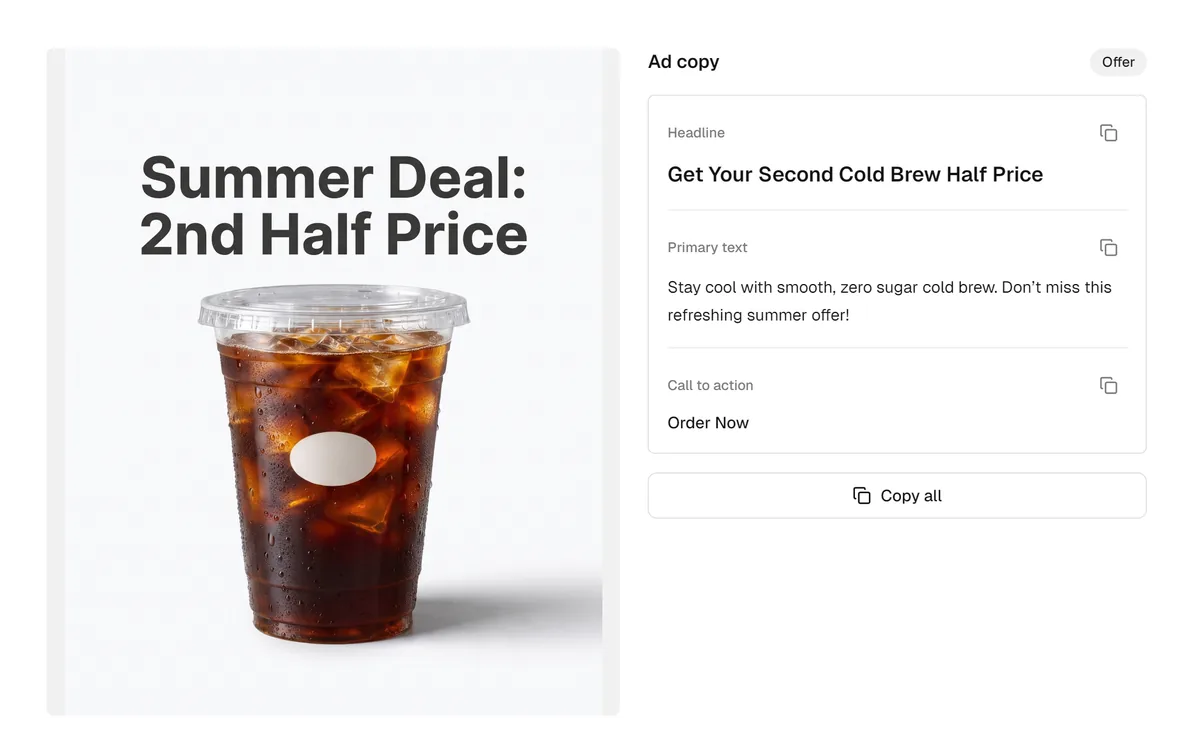
A real result from AI Marketing Ads with the Feed 4:5 placement at 2K. The seller notes mentioned zero sugar and a second-cup-half-price deal.
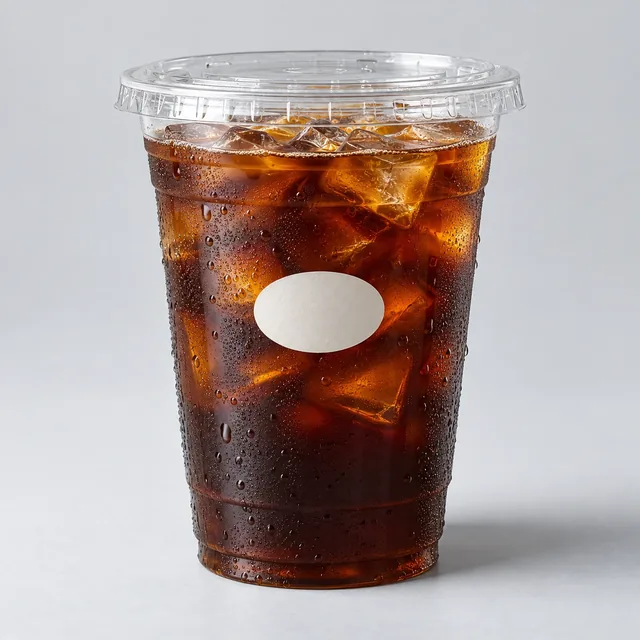
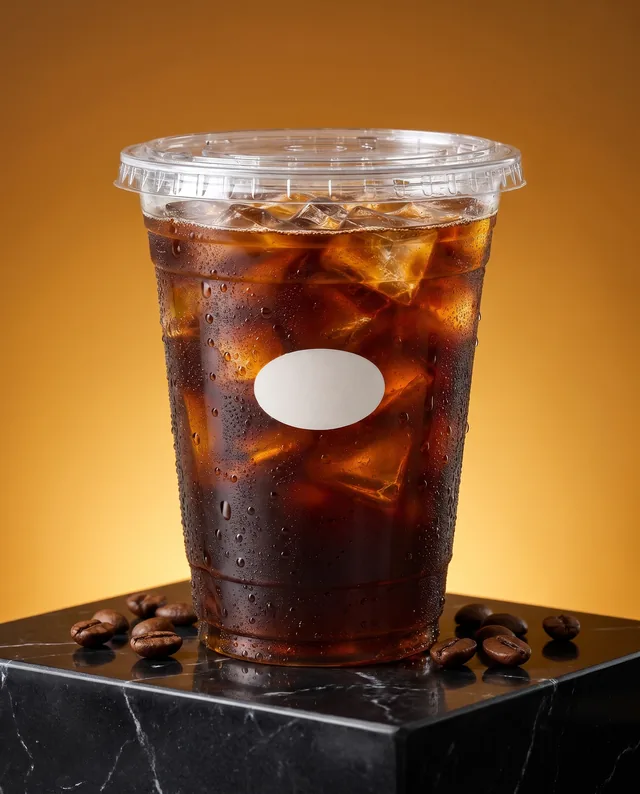
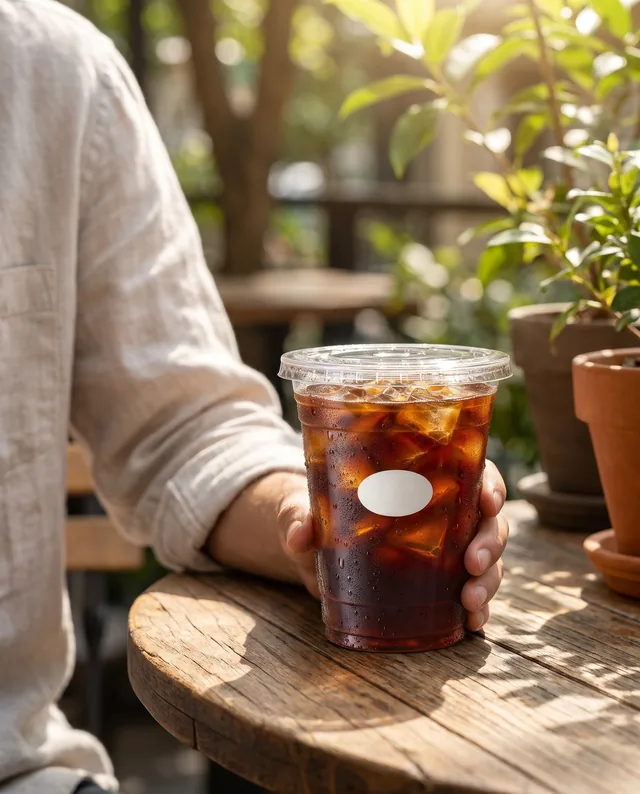
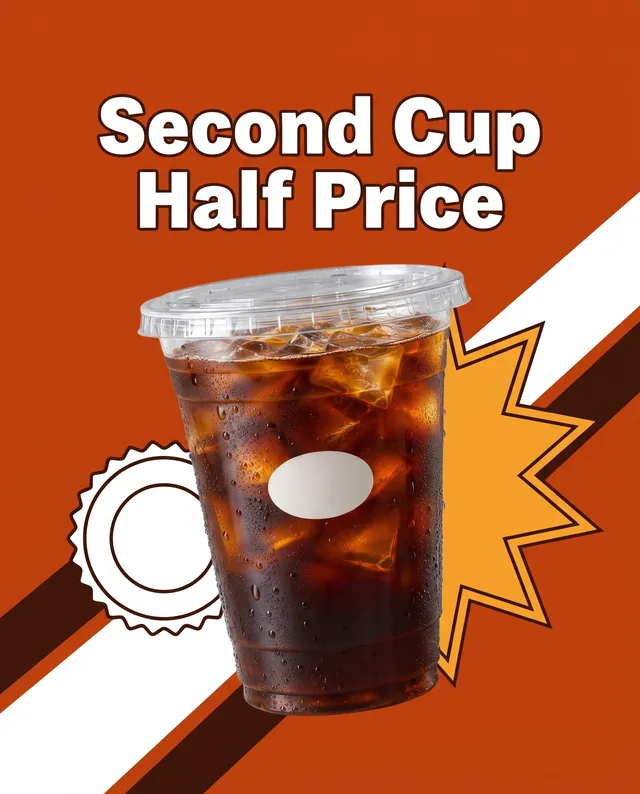
Input: one photo and the notes “Cold brew coffee with zero sugar, smooth and never bitter. Summer deal: second cup half price.” Output: three 1856 × 2304 images, each with its own headline, primary text and call to action.
Make your ads in three steps
The same three steps work for every product you bring to AI Marketing Ads.
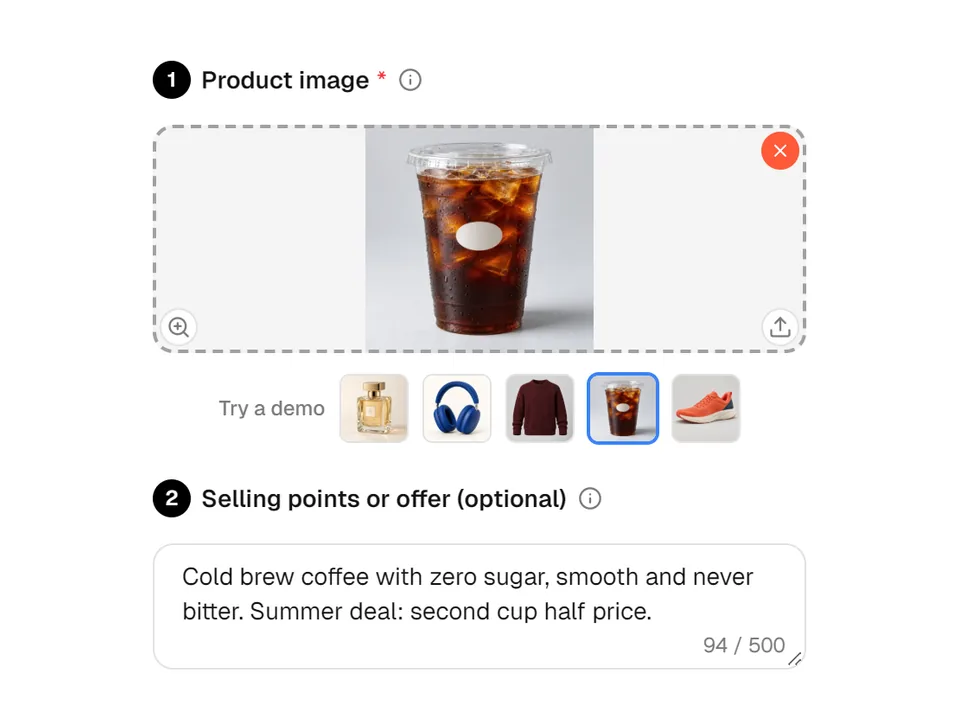
01Upload your product photo
Add a clear JPG, PNG or WEBP photo up to 10 MB. You can also type key selling points or a real offer, such as a weekly discount, so the copy and the offer image can use them.
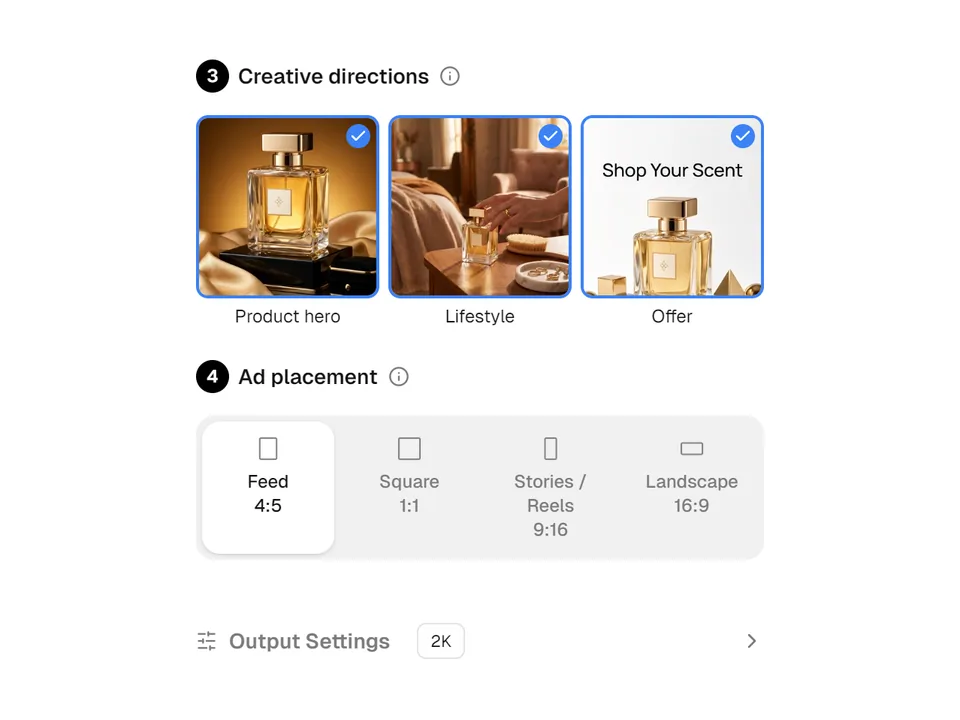
02Choose directions and placement
Select one, two or all three creative directions: Product hero, Lifestyle and Offer. Pick Feed 4:5, Square 1:1, Stories / Reels 9:16 or Landscape 16:9, and set 1K, 2K or 4K in Output Settings.
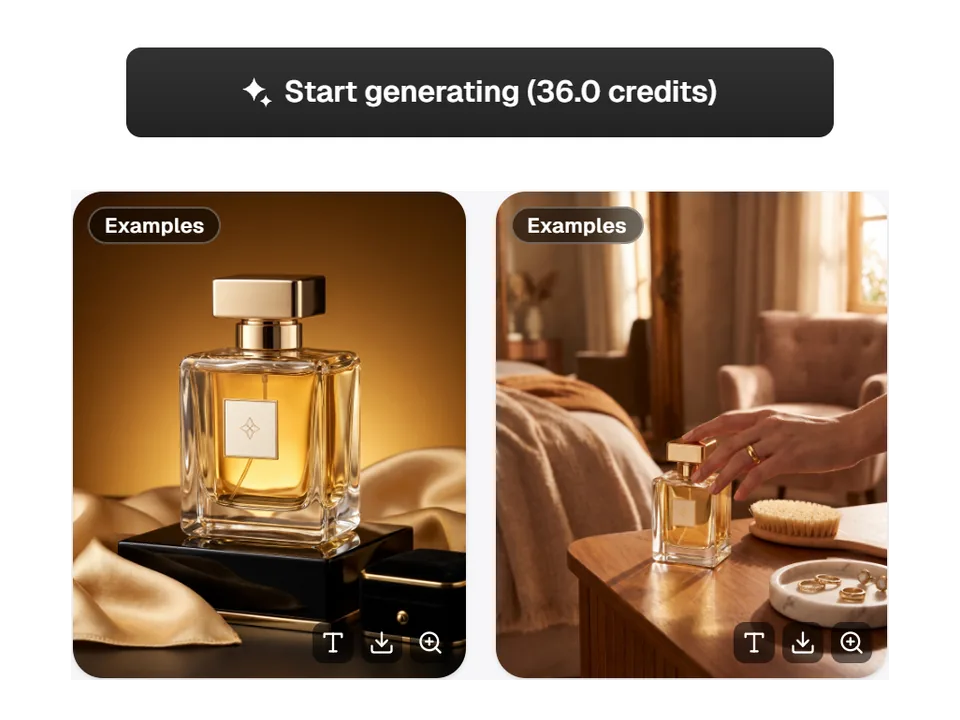
03Generate and review the results
Start generating shows the credit total on the button before you submit. Each finished image then appears as its own card with buttons to view the ad copy, download the image or open a larger preview.
Ad copy written for every image
Each image from AI Marketing Ads arrives with its own headline, primary text and call to action, written for that creative direction instead of one caption for the whole set. The copy is written in the language of the site you generate from, and the length follows the placement you picked.
- Copy one field at a time, or use Copy all for the full set
- Feed, Square and Landscape: headline up to 40 characters, primary text up to 125
- Stories / Reels: headline up to 30 characters and primary text up to 90
Sized for the slot you plan to run
Choose the placement before you generate, and AI Marketing Ads sets the image ratio and copy length to match. Run the same product photo again with another placement when you need a vertical, square or landscape version, instead of cropping a finished image and losing part of the layout.
- Feed 4:5 and Square 1:1 for Instagram and Facebook feeds
- Stories / Reels 9:16 keeps the product and text away from the top and bottom edges
- Landscape 16:9 for YouTube and display placements
Where online sellers use it
Three everyday jobs that AI Marketing Ads is built for.

Testing angles for a product launch
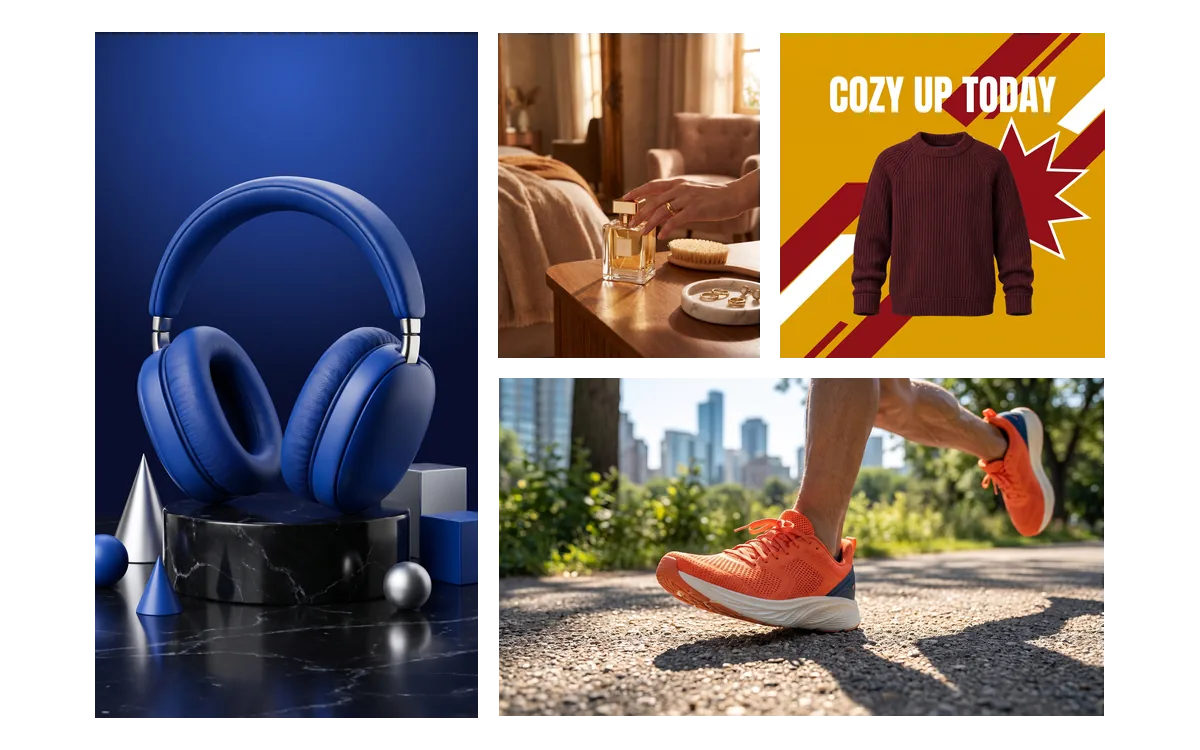
A store launching a new fragrance wants more than one creative for its first Meta campaign. One photo gives a product hero, a lifestyle scene and an offer image, ready to run as separate ads and compare.
Announcing a limited-time discount
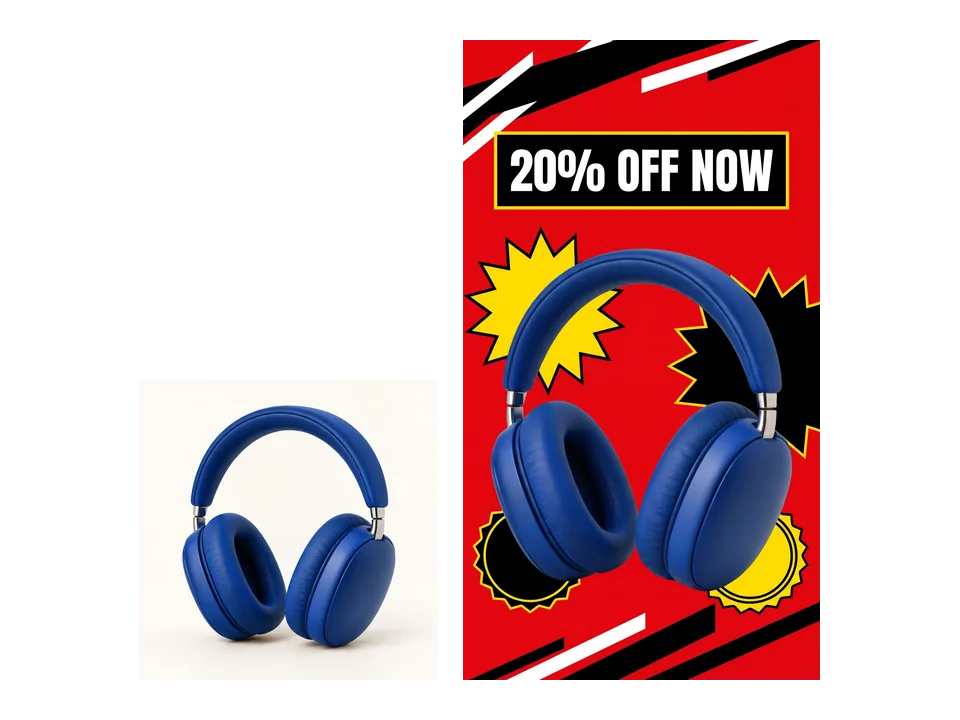
A headphone brand types “Launch offer: 20% off this week” into the selling points. The Offer image puts that 20% discount on the creative, so the promotion reads the same in the image and the post.
Filling landscape and video-site slots
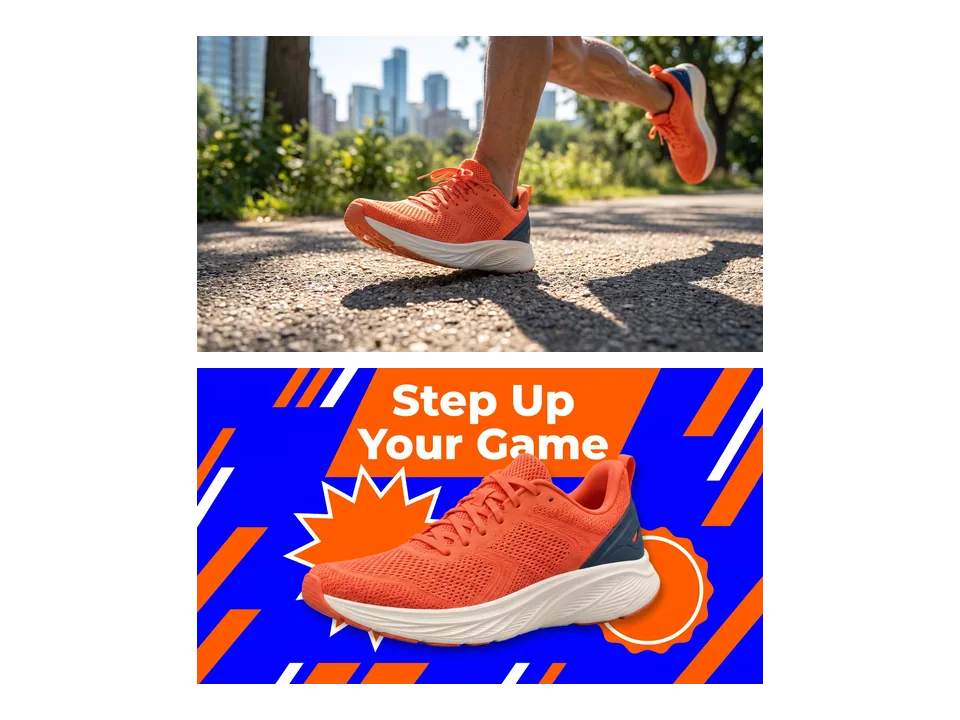
A sports retailer needs wide creatives for YouTube and display placements. Choosing Landscape 16:9 with a running shoe photo returns wide lifestyle and offer images with copy sized for those slots.
Frequently asked questions
What kind of photo works best with AI Marketing Ads?
Use a clear photo where the whole product is visible and in focus, as a JPG, PNG or WEBP file up to 10 MB. Studio shots and simple room photos both work. The product is kept as the reference for shape, colors and label while new scenes are built around it, so a sharp, well-lit product matters more than the background.
How many credits does AI Marketing Ads use?
Pricing is per image. At 1K or 2K each image costs 12 credits, and at 4K each image costs 16 credits. Choosing all three creative directions at the default 2K therefore costs 36 credits. The total is shown on the Start generating button before anything is submitted.
Will AI Marketing Ads invent discounts or product claims?
No. Headlines, primary text and on-image text are based on what is visible in the photo and what you type as selling points or an offer. Without an offer, the Offer image uses a benefit-led call to action with no price or discount. Still read every line before publishing, because you approve the final ad.
Which languages can the ad copy be written in?
The headline, primary text, call to action and any on-image text follow the language of the Adsmaker site when you generate. All 14 site languages are supported, including English, Spanish, German, Japanese and Simplified Chinese. Switch the site language first if you need copy in another language.
What happens if an image is not delivered?
AI Marketing Ads charges per delivered image. If one selected direction cannot be delivered, the credits for that image are refunded automatically, and if no image can be delivered the whole run is refunded. Finished images stay in your creation history, so you can download them again later.
How do I move the results into my ad account?
Hover a finished card to download the image as a PNG, or open View ad copy to copy each field or everything at once. Then upload the image and paste the text into your ads manager or scheduling tool, checking product details, text and the offer before the ad goes live.
Start your next ad set from one photo
Upload a product photo above, and AI Marketing Ads shows the credit total before anything is generated.