





AI Object Remover
Remove distractions from product photos with target choices or a brush selection.
Preview mode · This mode is temporarily unavailable. Please try again later.
AI Object Remover
Effortlessly erase unwanted elements and clean up your product photos in seconds. Bring the visual focus back to your main subject instantly.
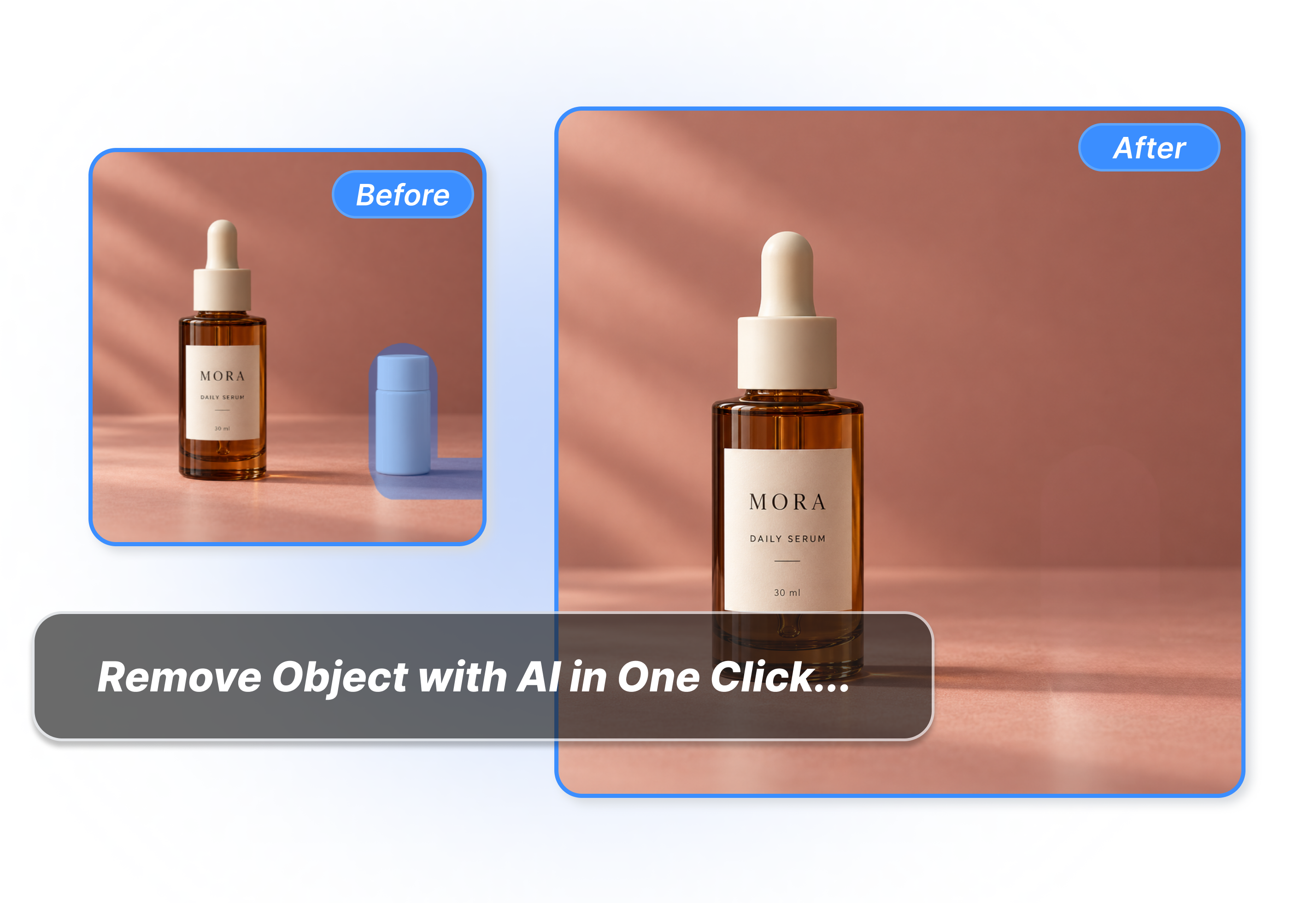
AI Photo Object Remover
How to Use An AI Object Remover in 3 Steps
Upload Your Original Image
Bring in a JPG, PNG, or WEBP photo up to 10 MB. Get your visual canvas ready for a quick cleanup.
Select Target or Brush
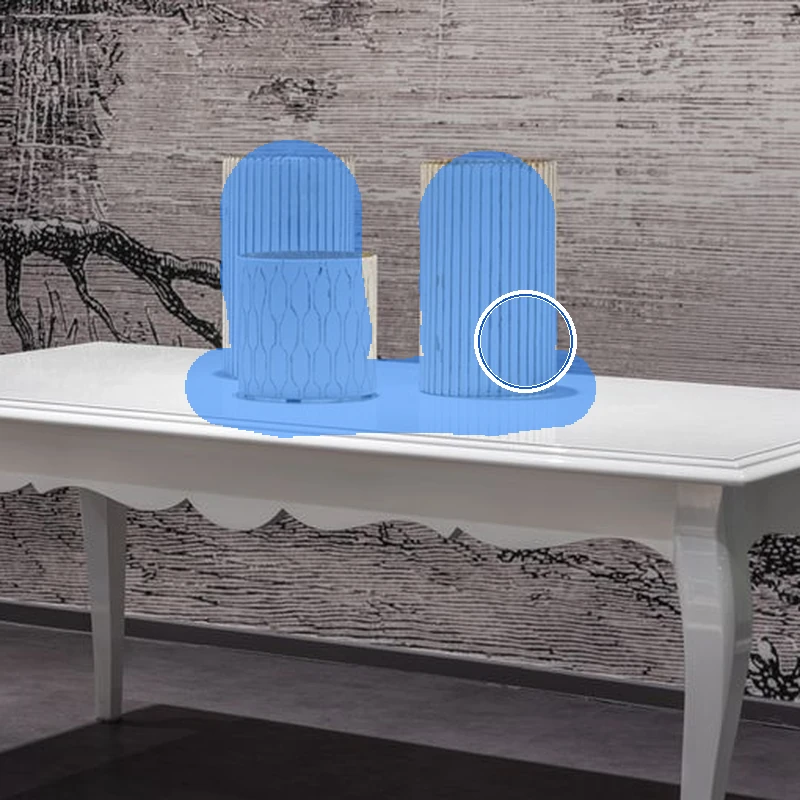
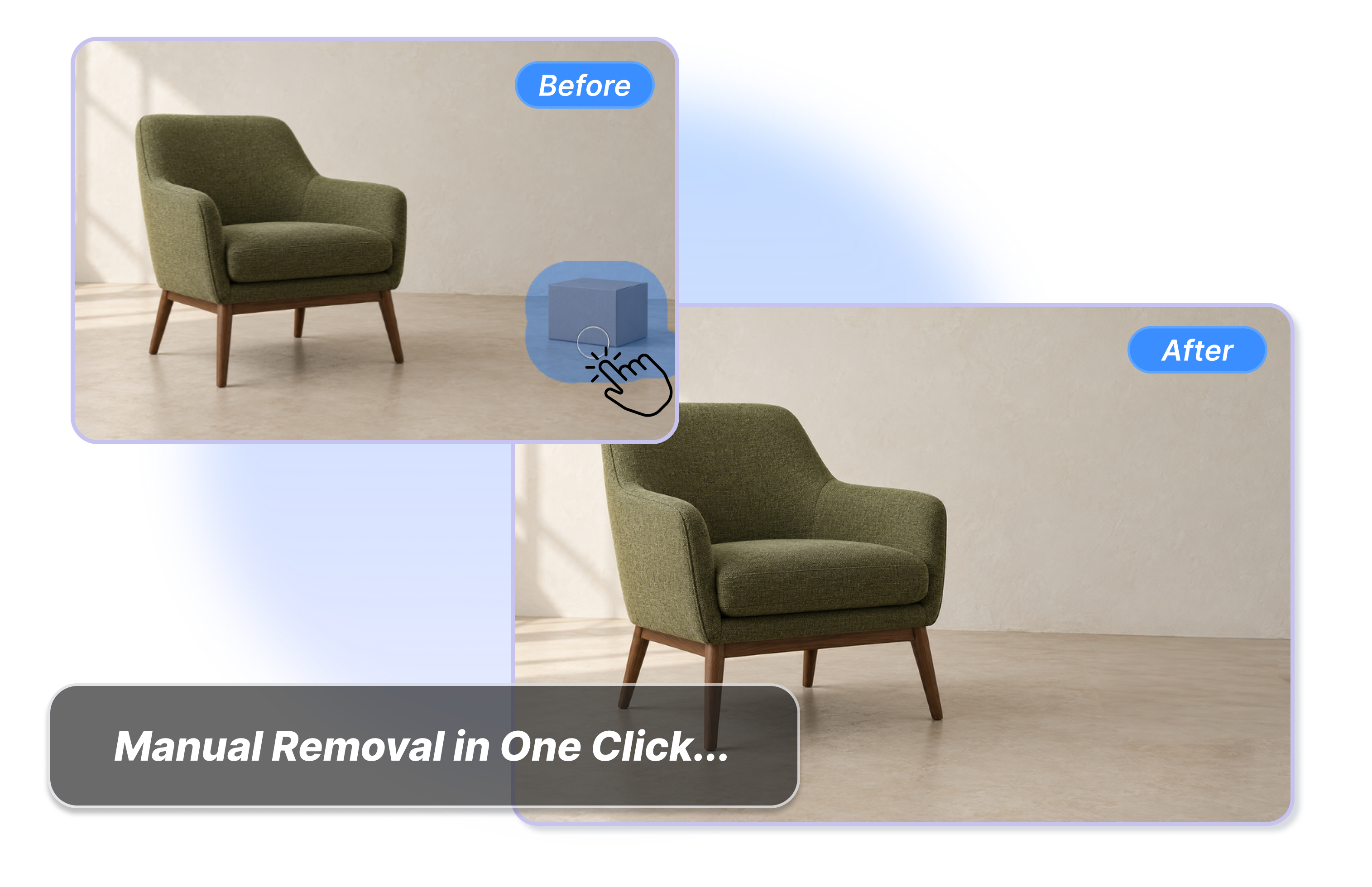
Choose an intelligent preset like background clutter, or manually draw over the unwanted distraction. Let the AI quickly analyze the area.
Download the Clean Scene
Watch the distraction vanish as the background perfectly reconstructs. Export your polished, professional asset instantly for immediate commercial use.
Less Clutter, More Impact with Our AI Object Remover
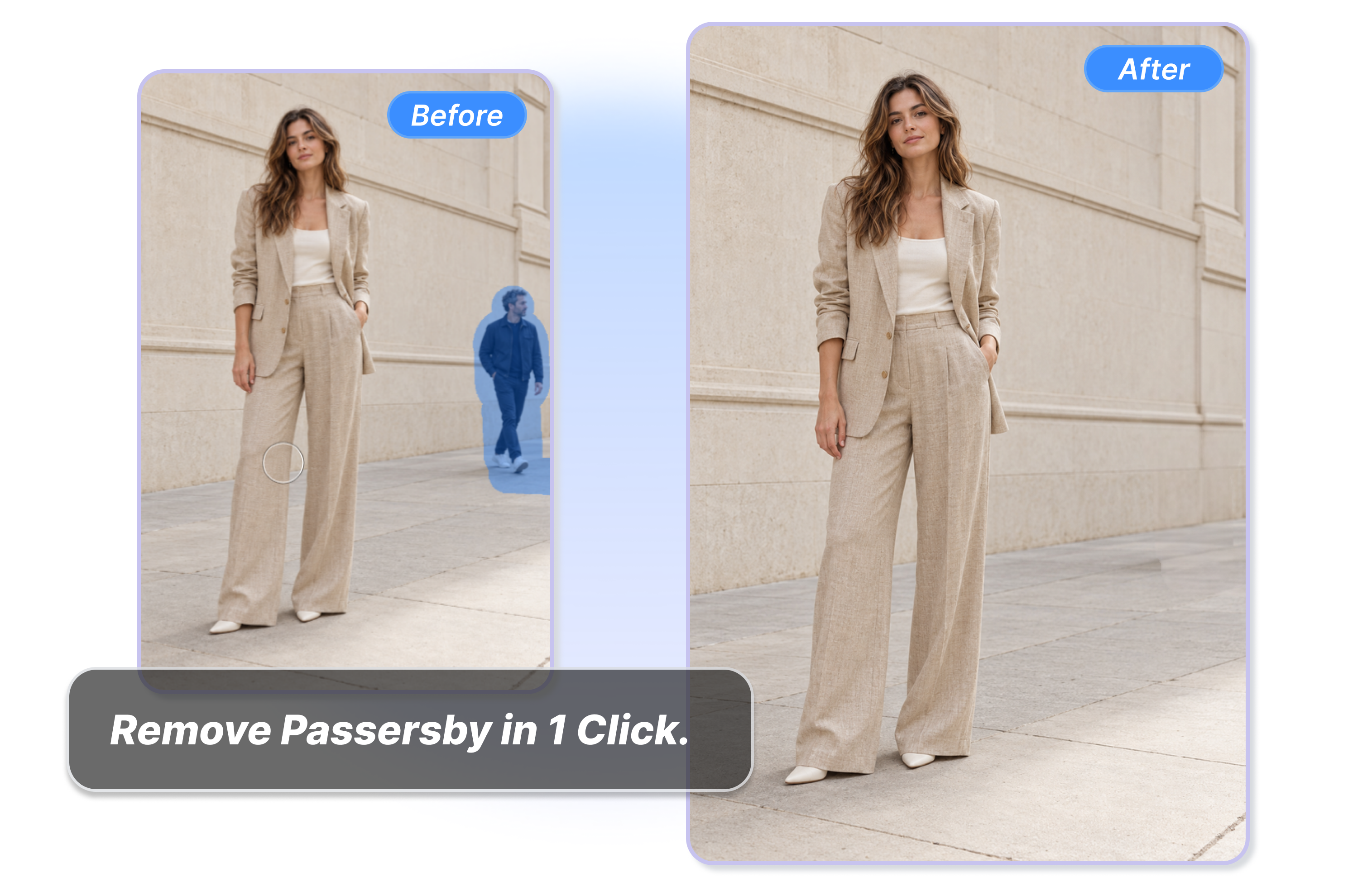
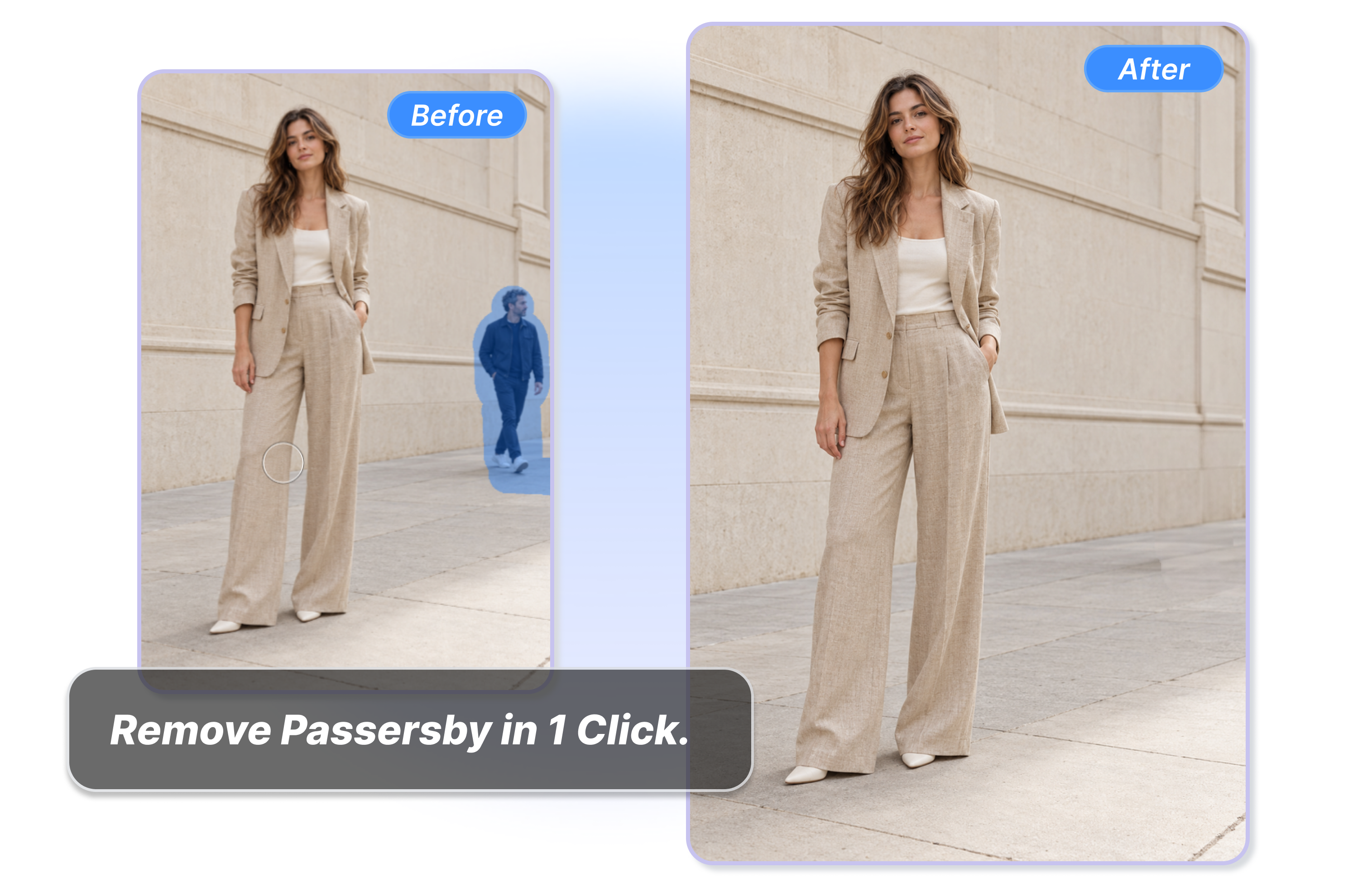
Delete Passersby In The Background
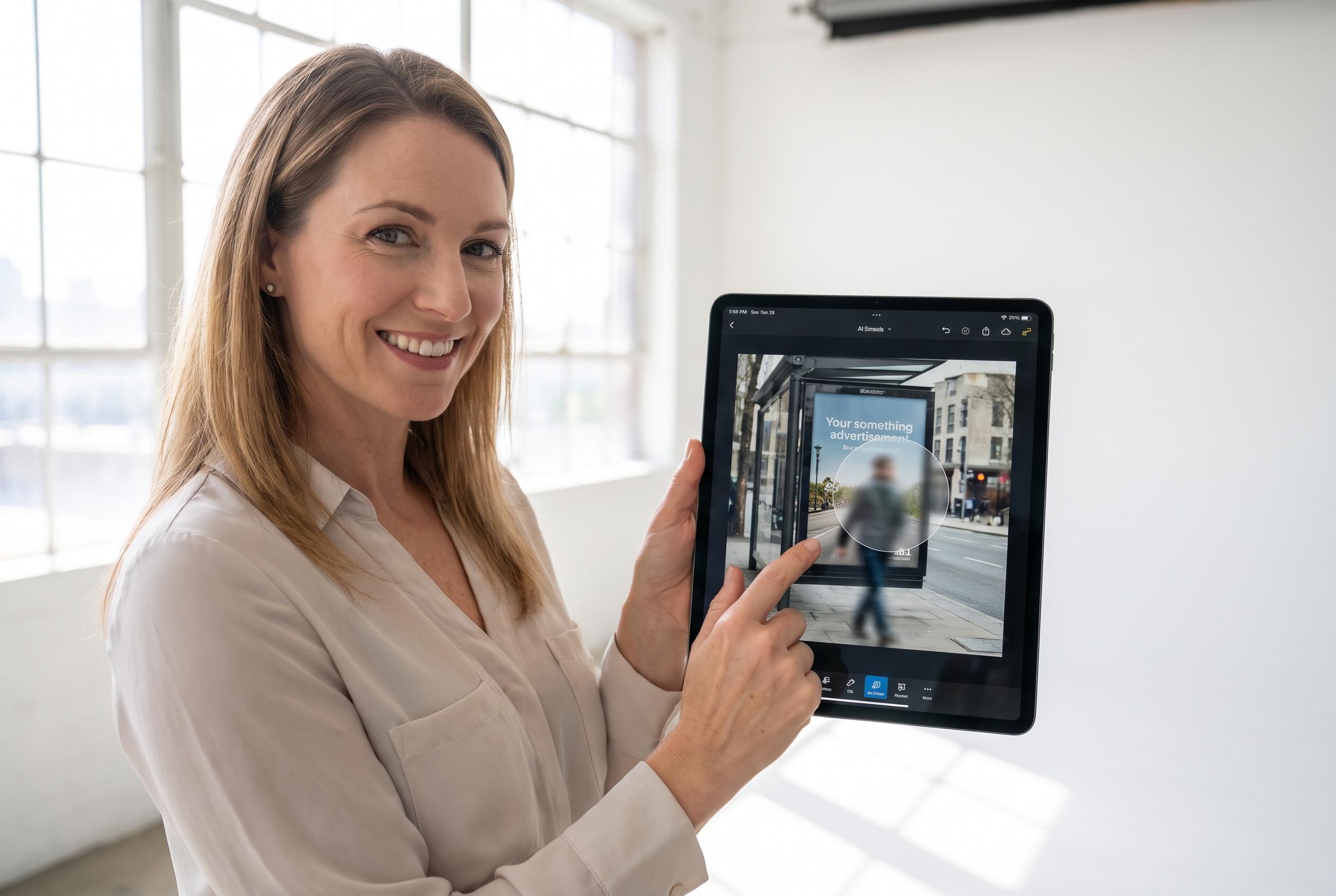
Erase accidental passersby and background strangers from your outdoor model shots. Select the person in the background and watch them disappear in seconds. Keep the visual focus on your main subject without extra people ruining the view.
Clear Background Clutter From Photos
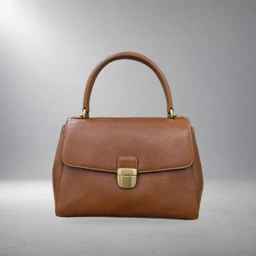
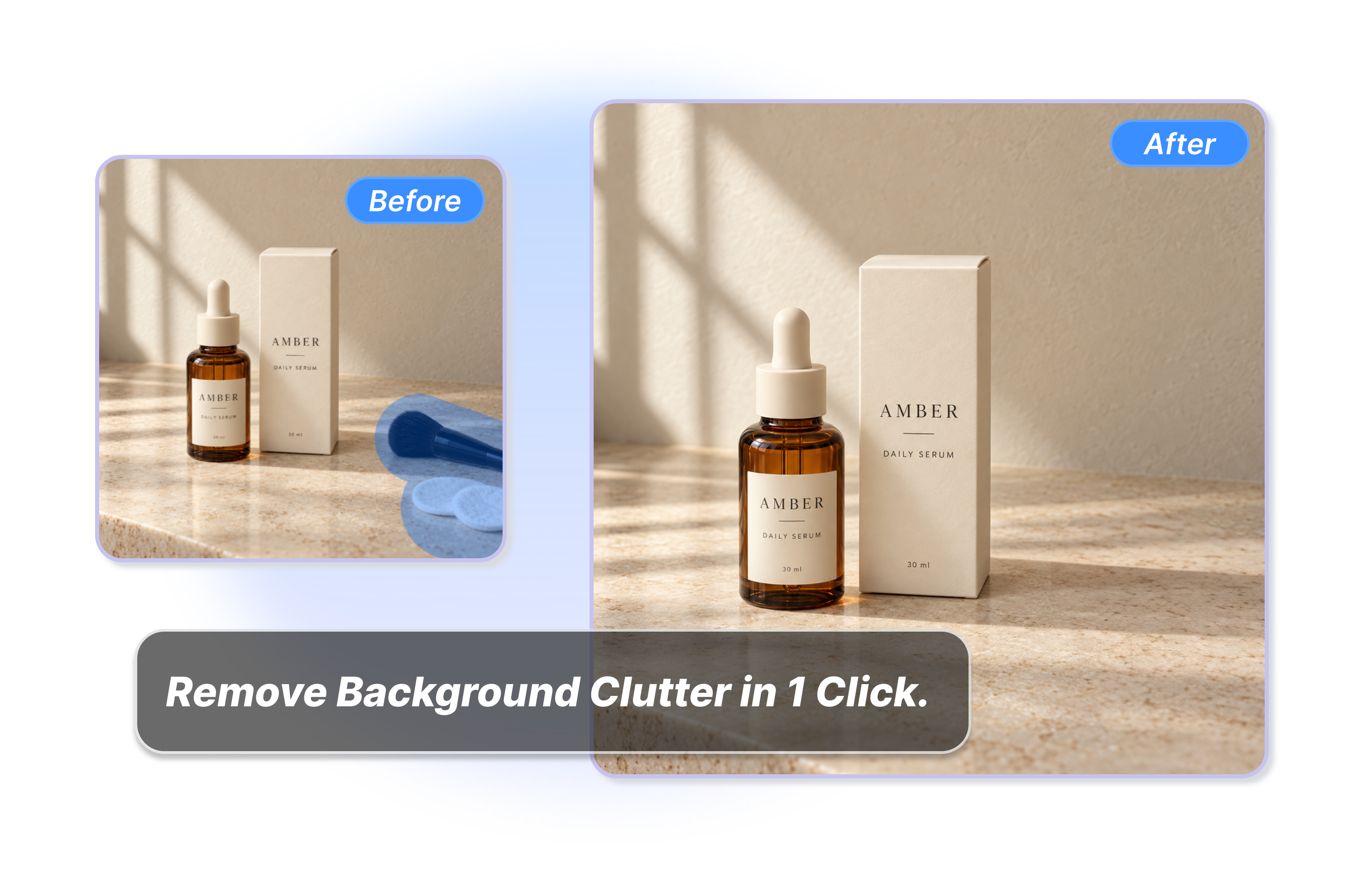
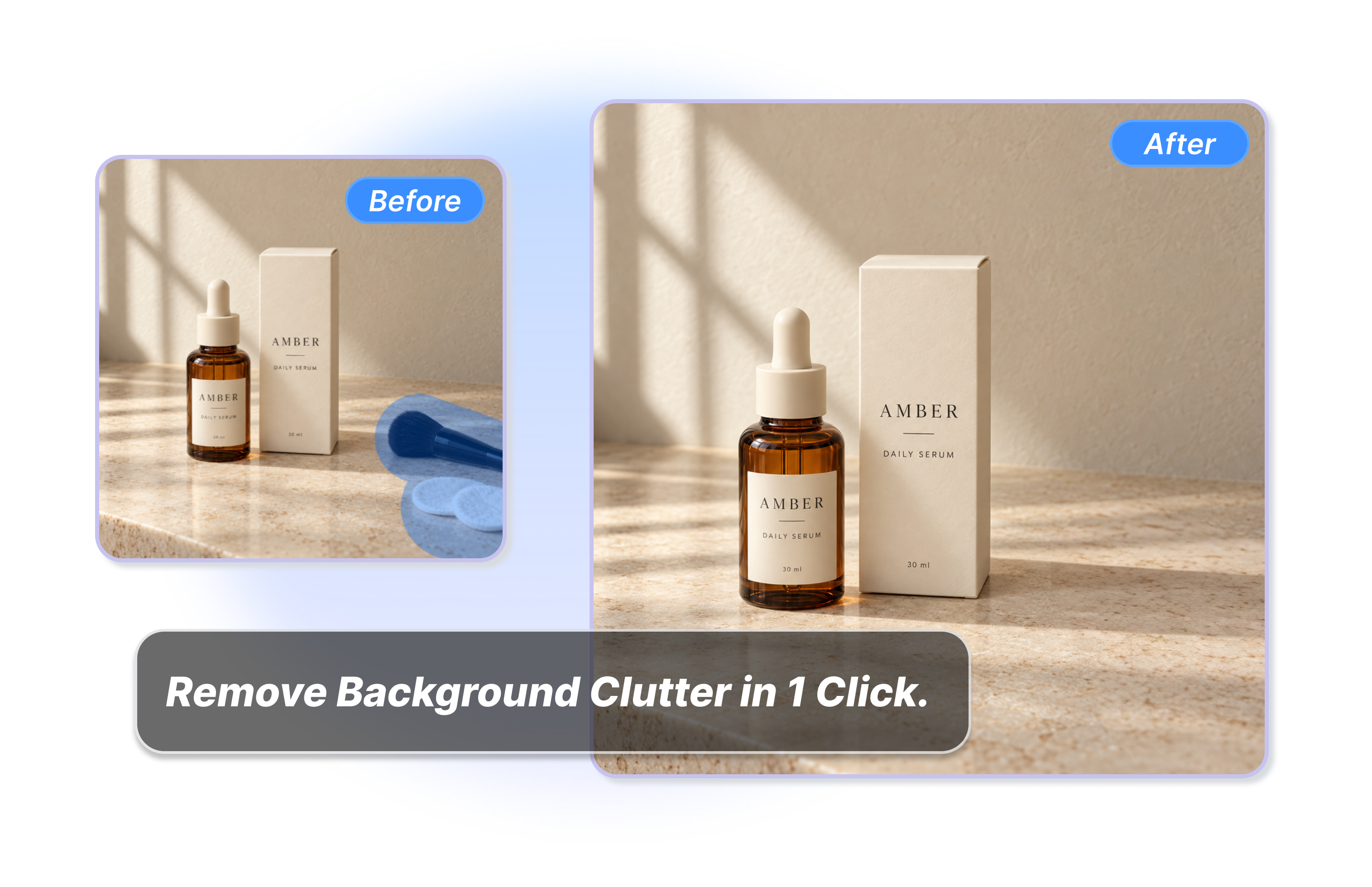
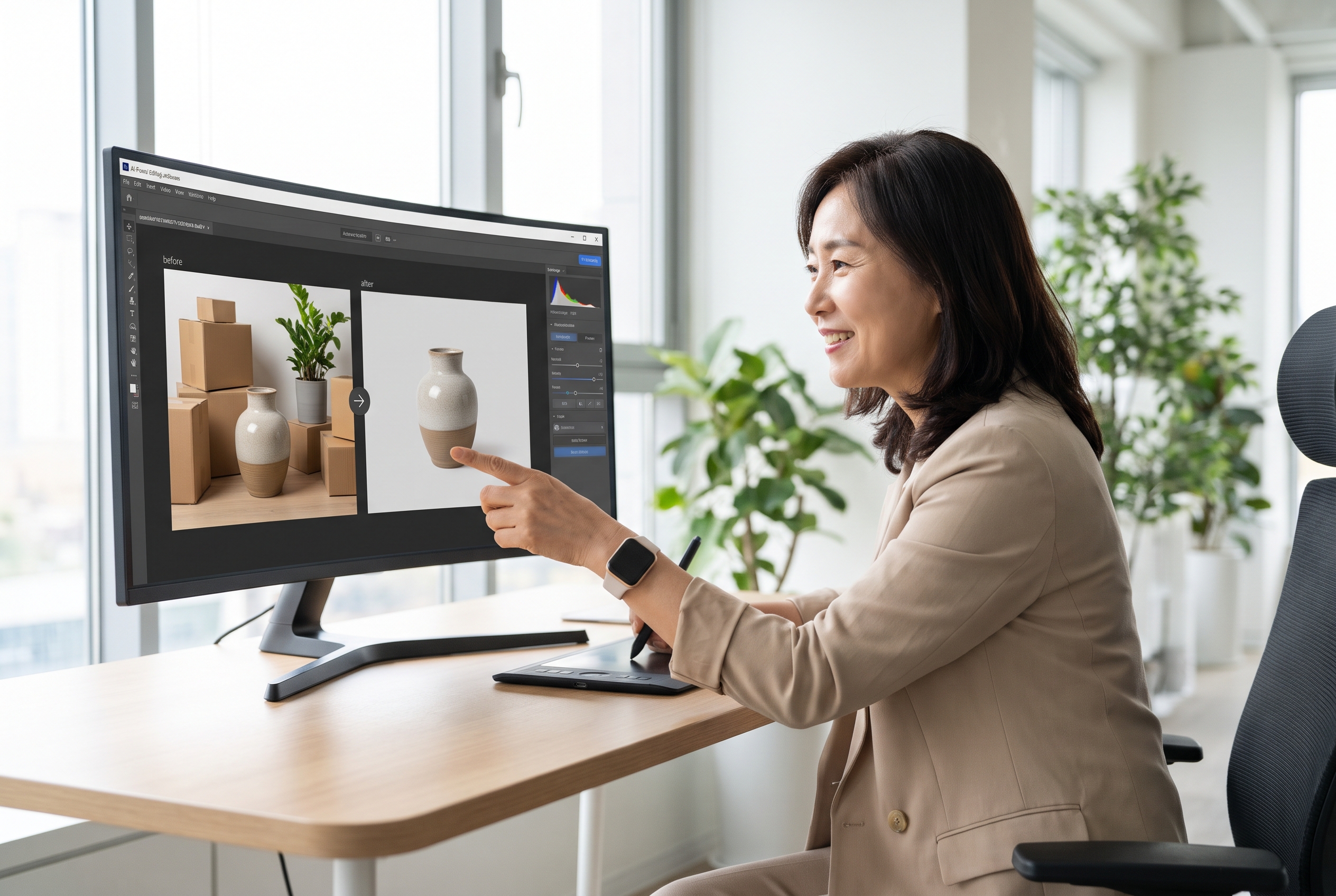
Delete extra bottles, small boxes, or messy shadows from your product photos. Let the AI remove background clutter automatically. Clean up your images quickly to make sure shoppers only look at the actual item you want to sell.
Remove Wires And Extra Props
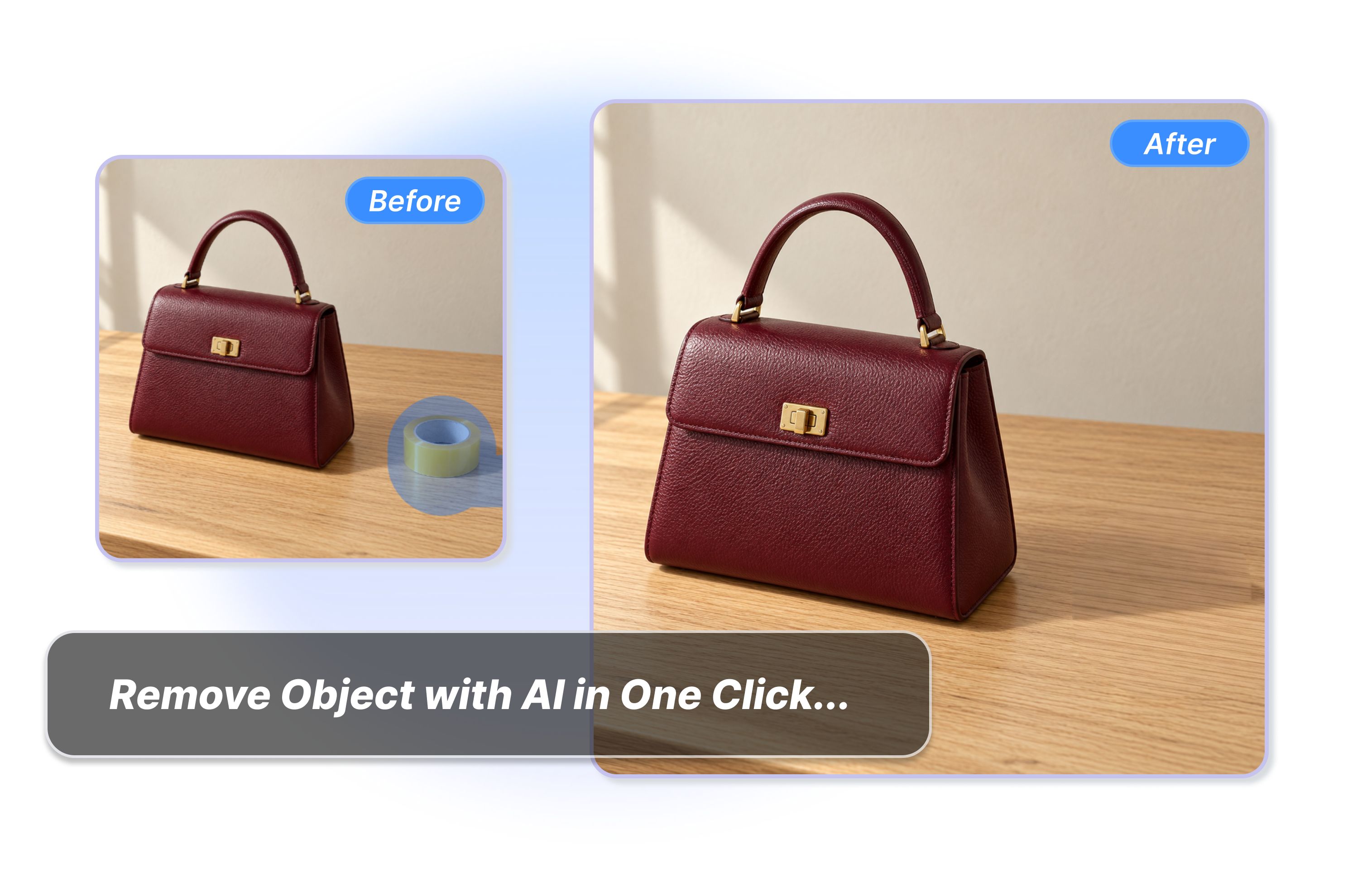
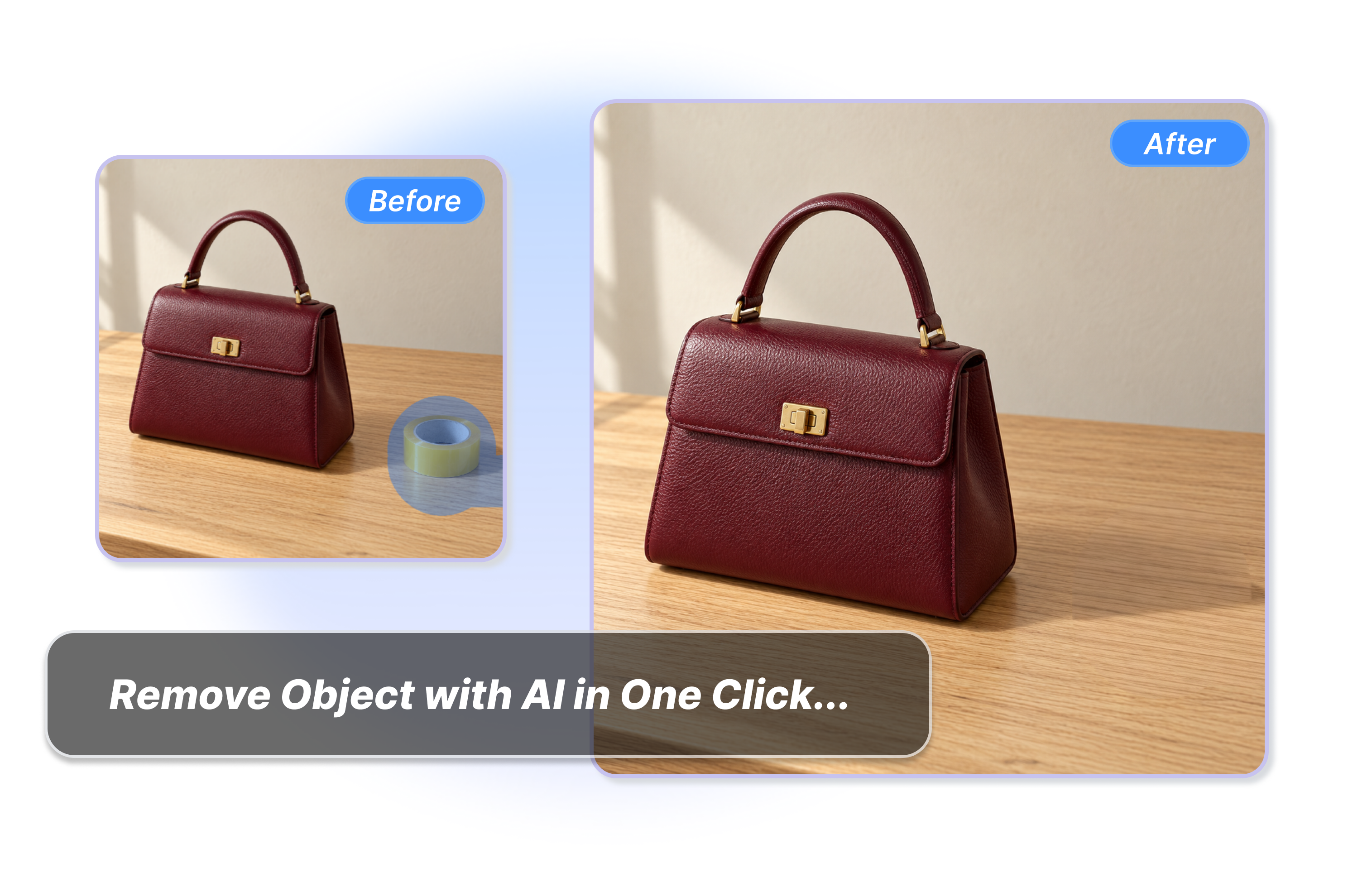
Clear messy wires, holding tapes, or parked cars from your pictures. Click the preset to delete these annoying things from your indoor setups or street photos. Build a clean background fast without using hard manual photo editing tools.
Erase Objects With Manual Brush
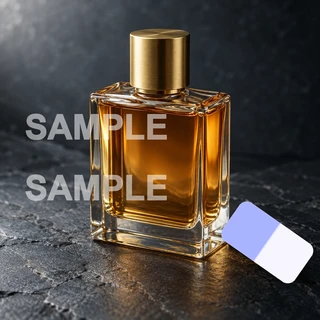
Draw over specific text, date tags, or watermarks to erase them. Take the manual brush to mark any custom object the AI missed, like an extra chair. Keep your photo cleanup focused on the exact parts you need.
Who Use Our Best AI Object Remover?
E-commerce Sellers
Use this AI image object remover to clean spare props and packaging from your product listings. Ensure shoppers only see the item you are selling without any visual detours.
Content Marketers
Easily remove a person or custom distraction from campaign photos you can edit. This free AI photo object remover keeps your social media visuals completely on-brand and distraction-free.
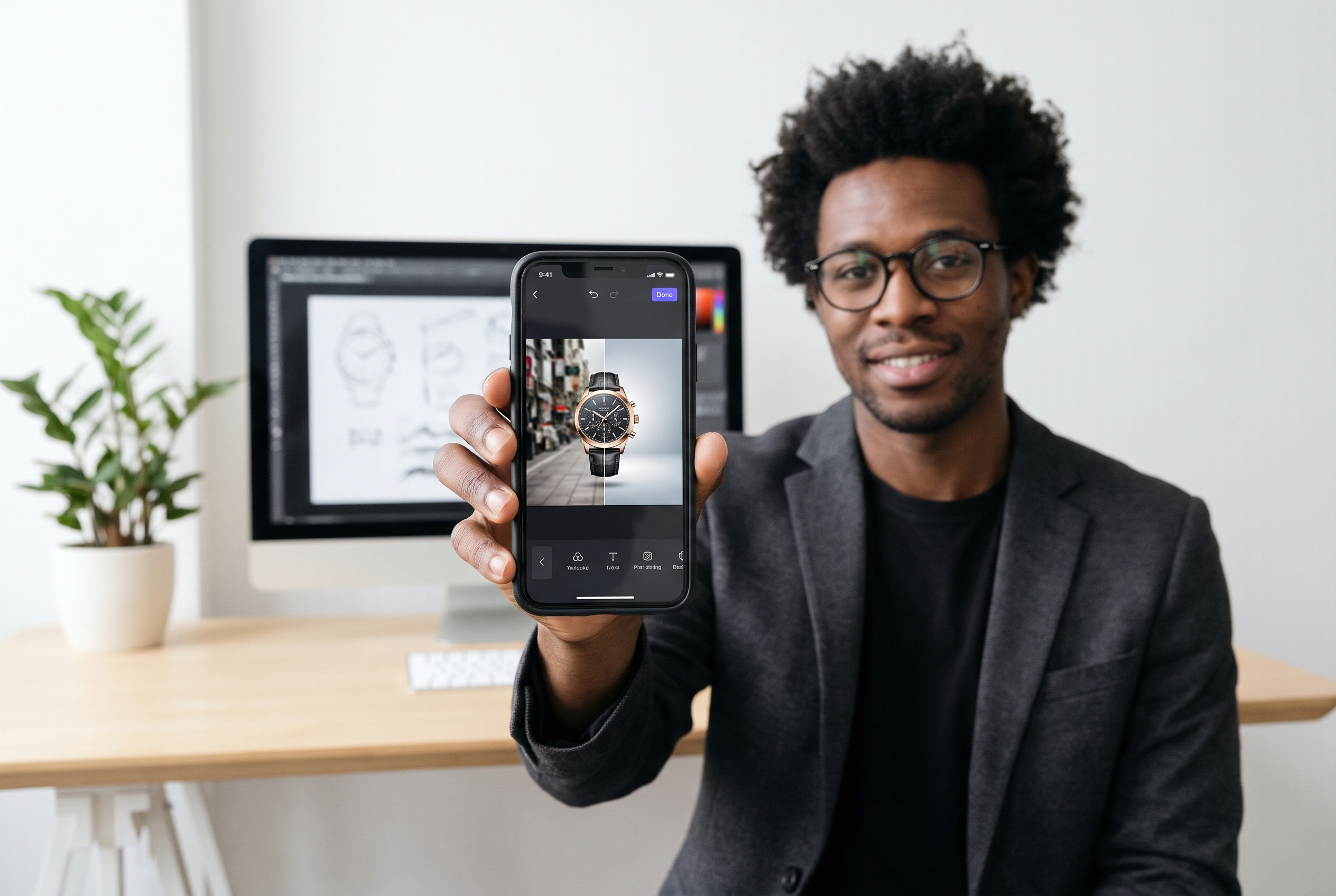
Creative Design Teams
Stop wasting hours on manual cloning when you need to remove unwanted objects from photos. Accelerate your creative workflow with precise brush selections to keep every campaign asset flawless.
FAQs
What is the best object remover AI?
Can I remove a person from a photo with AI?
How to remove an object from a photo?
When should I use the manual brush?
What image files can I use to remove objects?
Is there a free AI object remover online?
Ready to Try the Ultimate AI Object Remover?
Leave the visual distractions behind and keep only the good parts of your photo. Give your images a flawless finish in seconds with Adsmaker.ai today.