



AI Influencer Generator
Create identity-anchored social posts, UGC reviews, product showcases and brand campaign images from an existing influencer reference.
Creations & Demos
AI Influencer Generator
Your next post does not need another blank moodboard. Start with a reference you trust, give them something worth saying, and turn a product, review, or campaign idea into a social moment with a point of view.

AI INFLUENCER GENERATOR
Create an AI Influencer Generator Post in 3 Steps
A familiar face is only the beginning. Give the post a purpose, a setting, and the right frame before you create.
1. Start with a Familiar Face
Upload an influencer reference or choose a demo portrait. Begin with a person your audience can recognize at a glance.
2. Give the Post a Clear Job
Choose a content goal, then describe the action and setting. Add a product image and optional brand direction when the brief calls for them.
3. Frame It for the Feed
Set Instagram Portrait and choose 1K, 2K, or 4K output. Create the image, review the result, and take the next idea further.
What an AI Influencer Generator Brings to the Feed
The difference is not a polished face. It is giving that person a believable reason to show up in the post.


Start with a Face You Recognize
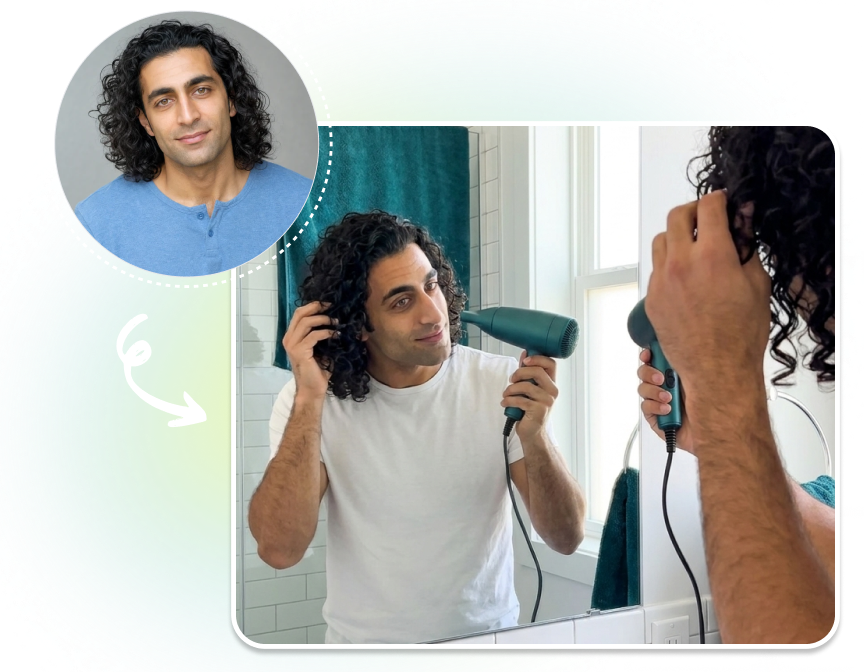
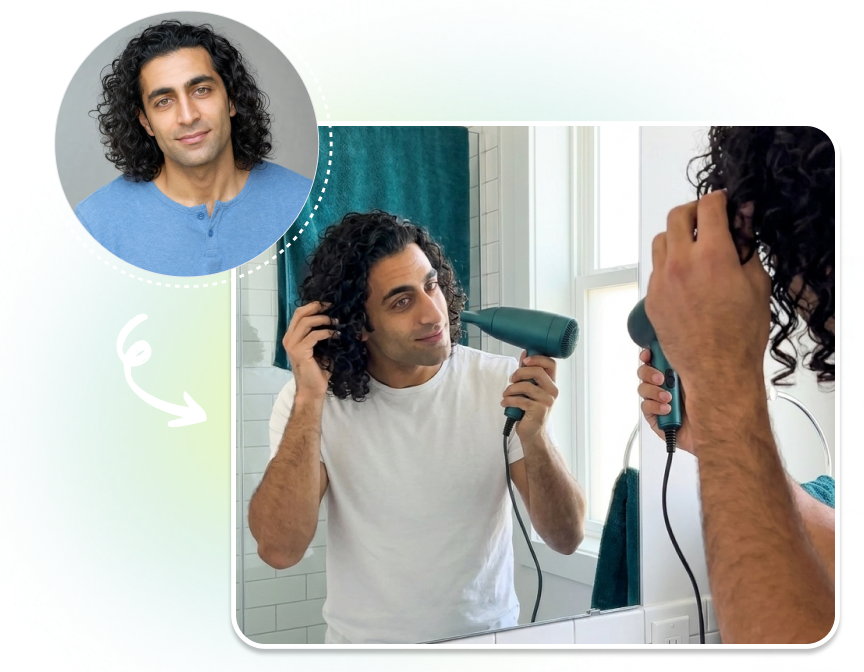
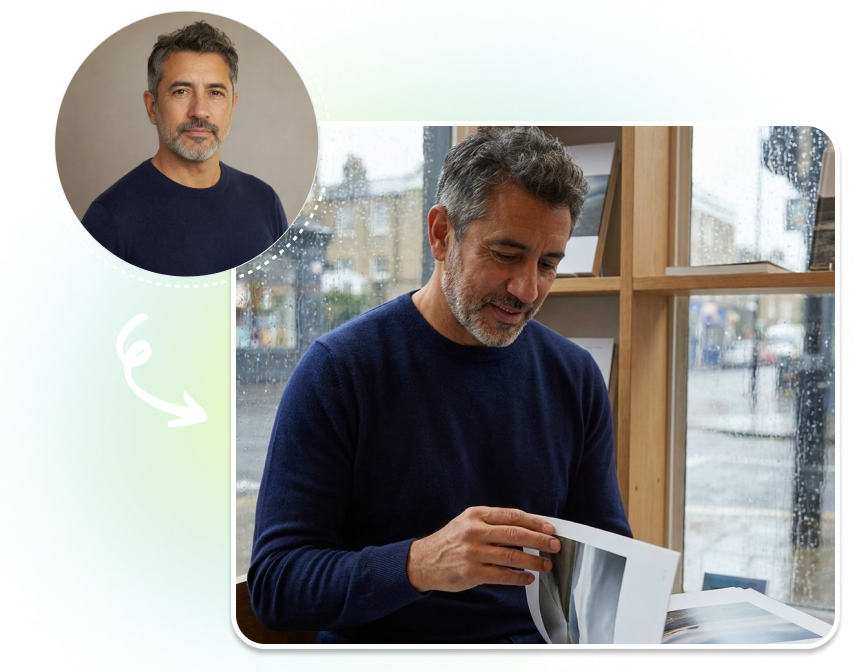
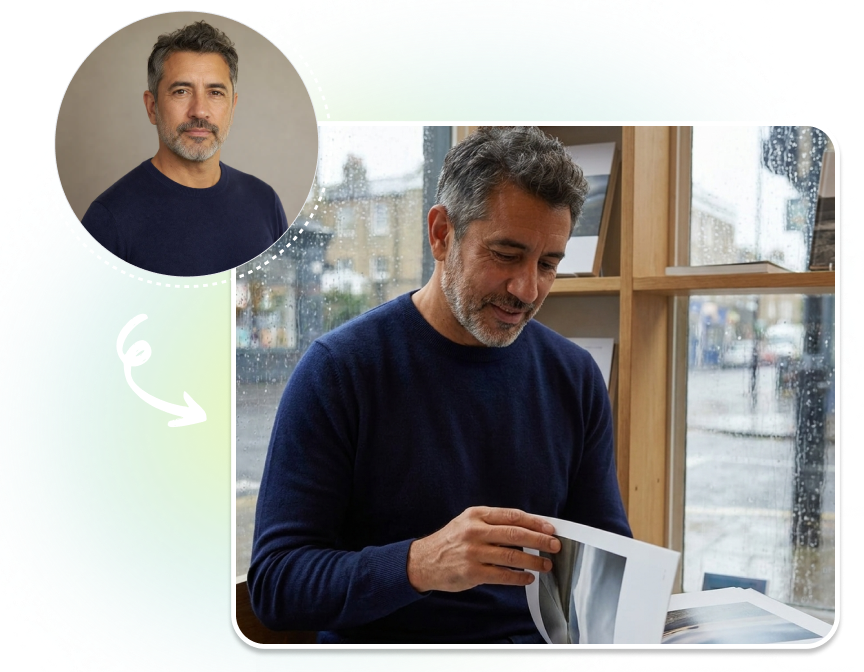
Upload an influencer reference or choose a demo portrait. That familiar presence can anchor an organic post today and a tutorial cover or travel story tomorrow, without beginning each concept from a blank page.
Give Every Post a Job to Do
Choose Organic Post, Product Showcase, UGC Review, Brand Campaign, Tutorial Cover, or Travel Lifestyle. Then use the Content Brief to set the action and setting, so the image feels like a post with a reason to exist.
Bring the Brand Into the Moment
Add a product image when the story needs one, then use the optional Brand Brief for tone, audience, and permitted colour direction. Start with a reference while leaving room for the campaign’s own visual language.
Who Uses an AI Influencer Generator?
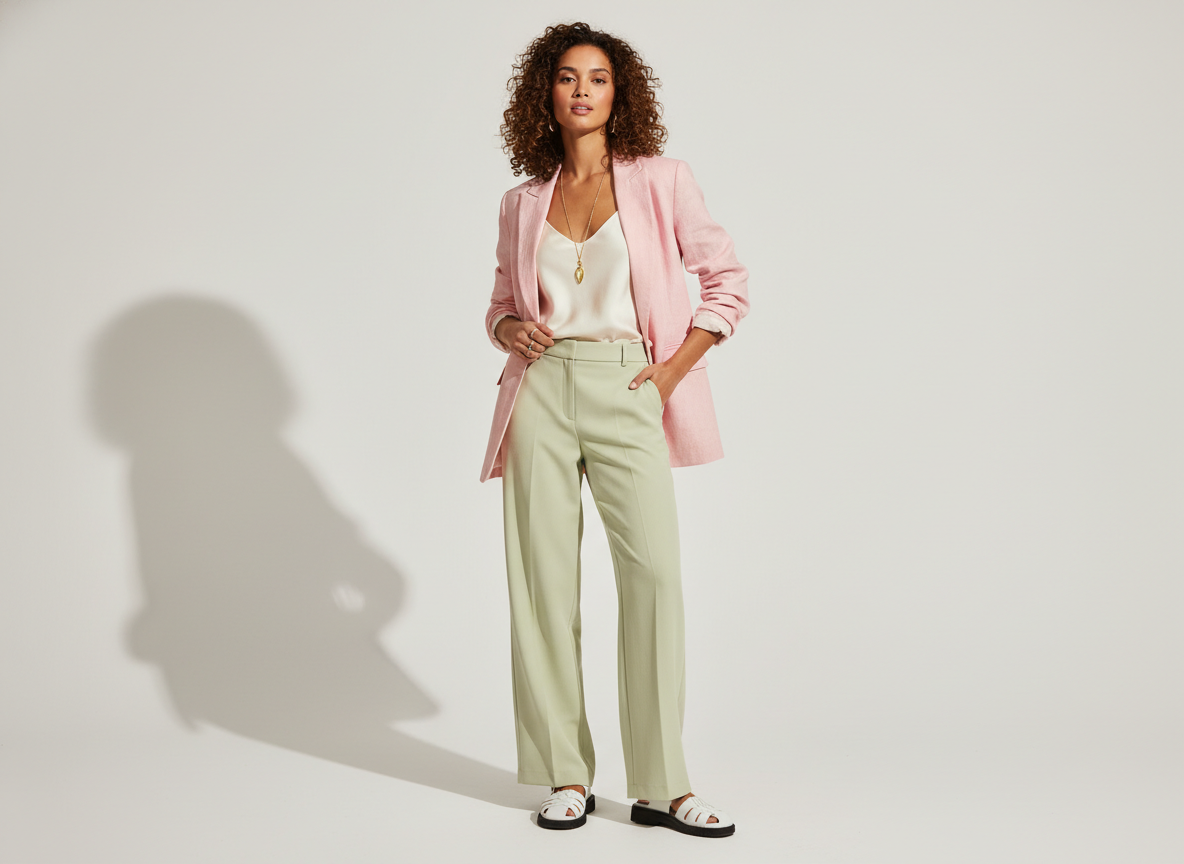
Social & Community Teams
Keep organic updates from feeling interchangeable. Turn one clear post idea into a visual moment that gives followers a reason to pause, react, or keep watching.
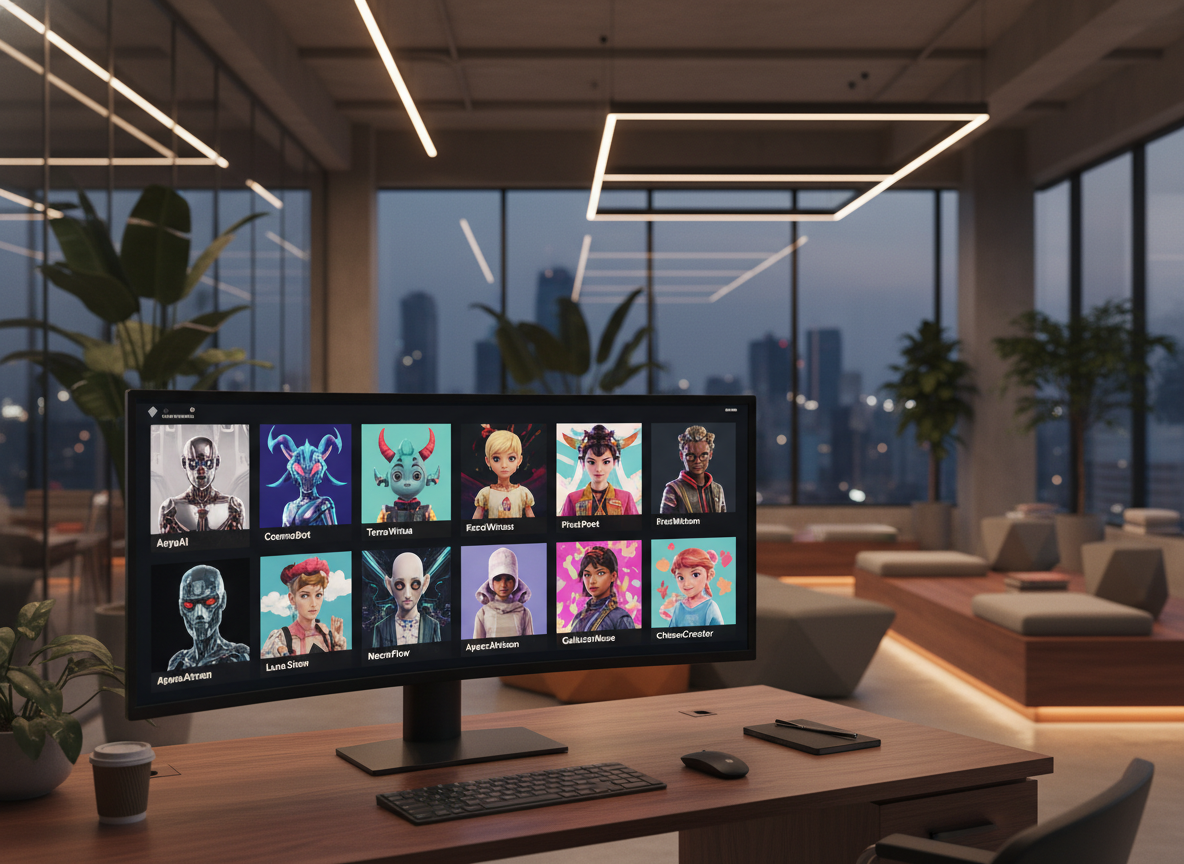
DTC & Consumer Brands
Place a product inside a product showcase or UGC review concept, then guide the setting and brand direction without writing a full production brief.
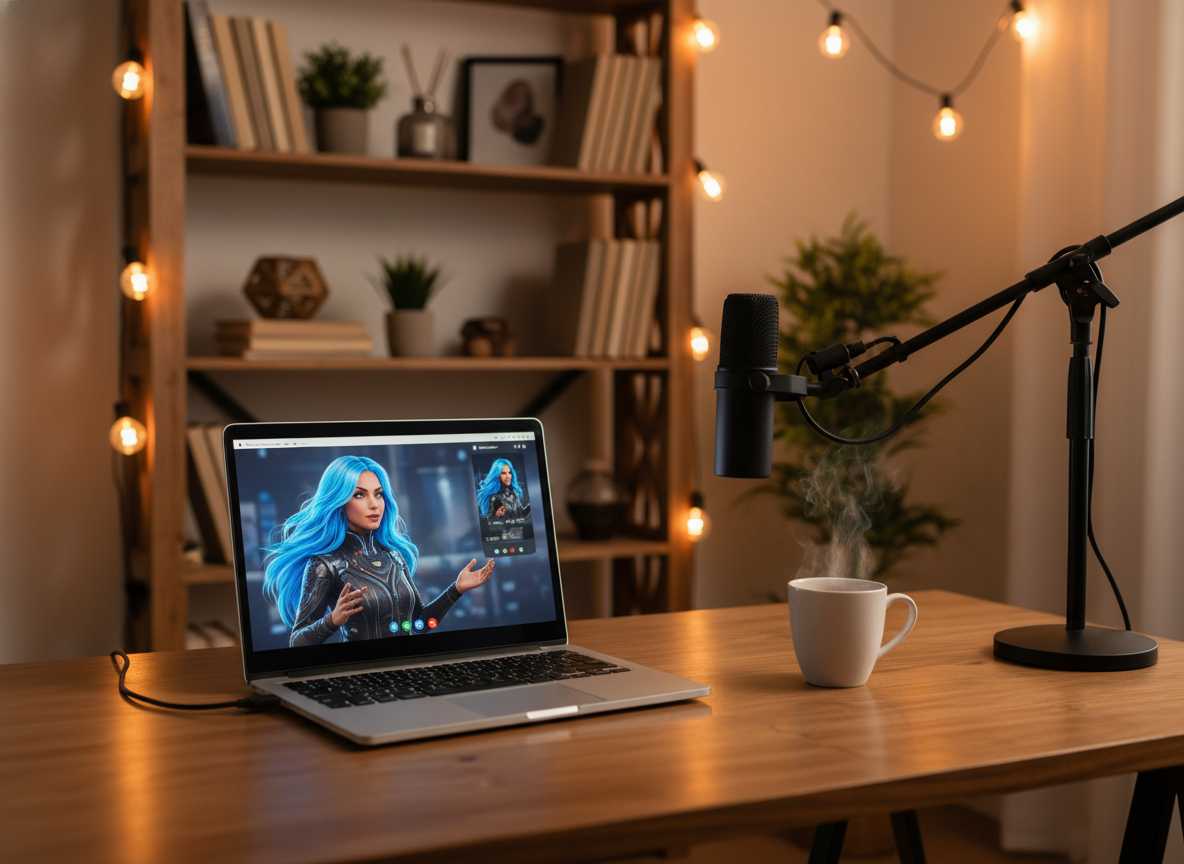
Agencies & Creative Partners
Explore campaign, tutorial, and travel-lifestyle directions from a client brief. Test a specific social idea before committing the team to a larger production.
AI Influencer Generator FAQs
1. What is an AI Influencer Generator?
2. Can I try the AI Influencer Generator for free?
3. Can I upload both an influencer and a product image?
4. Which post ideas can I create?
5. What output options are available?
Make the Next AI Influencer Generator Post Feel Native
From a quick product moment to a brand-led story, start with the person viewers can follow—and the reason they should stop scrolling.