



AI Product Photo Editor
Upload your product photo and let AI optimize it for e-commerce with background replacement, lighting enhancement, and more.
My Tasks
No records yet
Generate your first creation!
AI Product Photo Editor
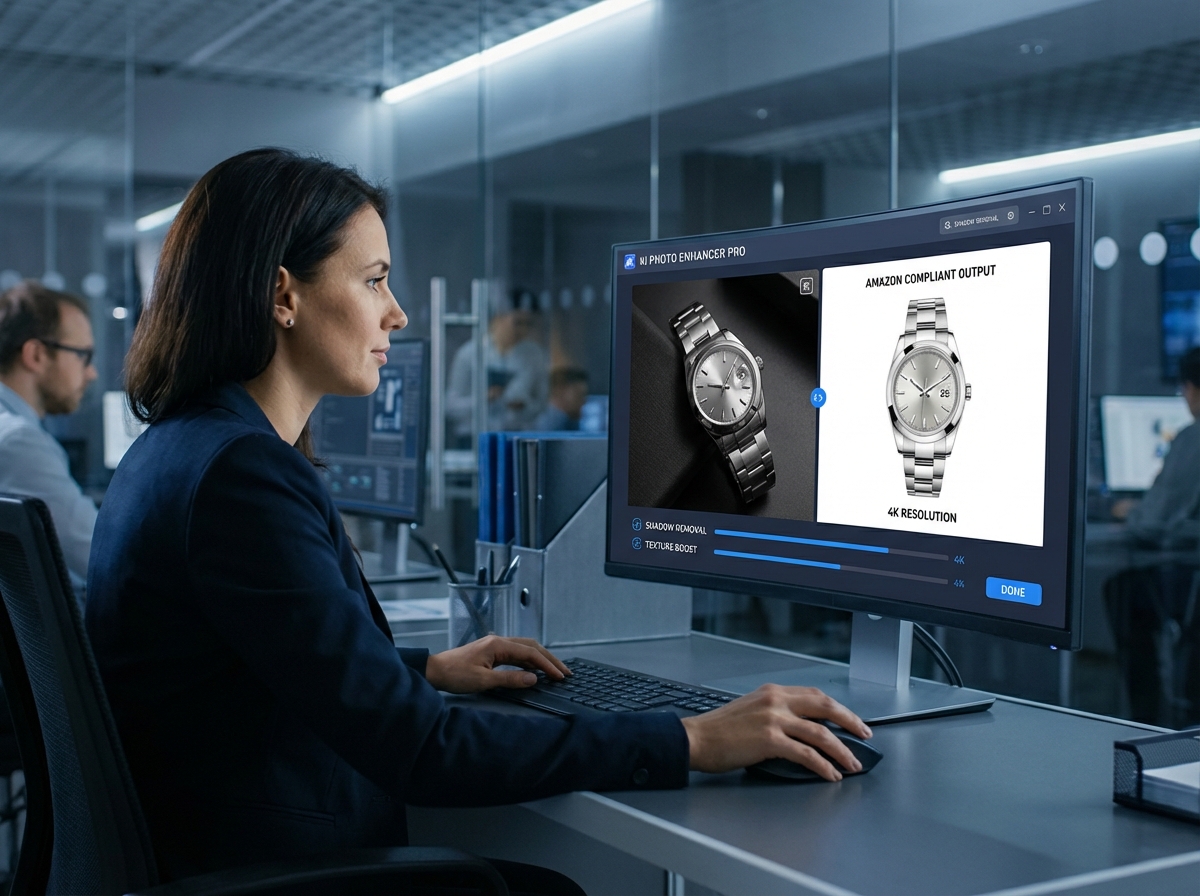
Polish an existing product image for free with focused editing controls. Replace the background, refine lighting, remove a shadow, add a reflection, correct color, and export the finished photo in up to 4K.
AI Product Photo Editor
Try AI Product Photo Editor in Three Steps
Move from an uploaded product shot to a cleaner sales image with guided controls and optional written direction.
1. Upload a Product Photo
Add a JPG, PNG, or WEBP file up to 10 MB, or select an example to fill the workspace. Begin with the existing product image you want to improve.
2. Choose a Specific Edit
Select Replace Background, Enhance Lighting, Remove Shadow, Add Reflection, or Color Correction. Add Editing Notes and describe a new backdrop when the selected action needs one.
3. Refine and Export
Set the lighting to Brighter, Darker, Warmer, Cooler, or Neutral. Add an optional custom instruction, choose 1K, 2K, or 4K resolution, then process the edited image.
Purpose Built AI Photo Editing Tools
Replace Product Backgrounds with Direction
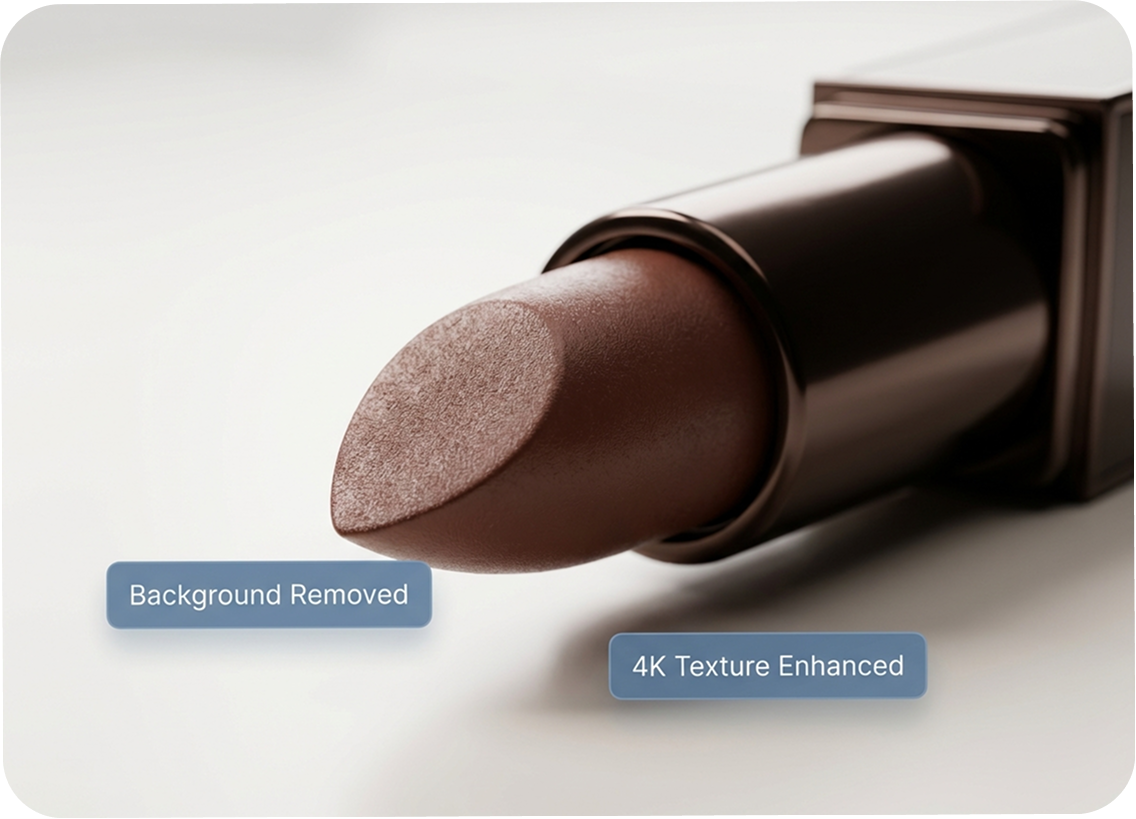
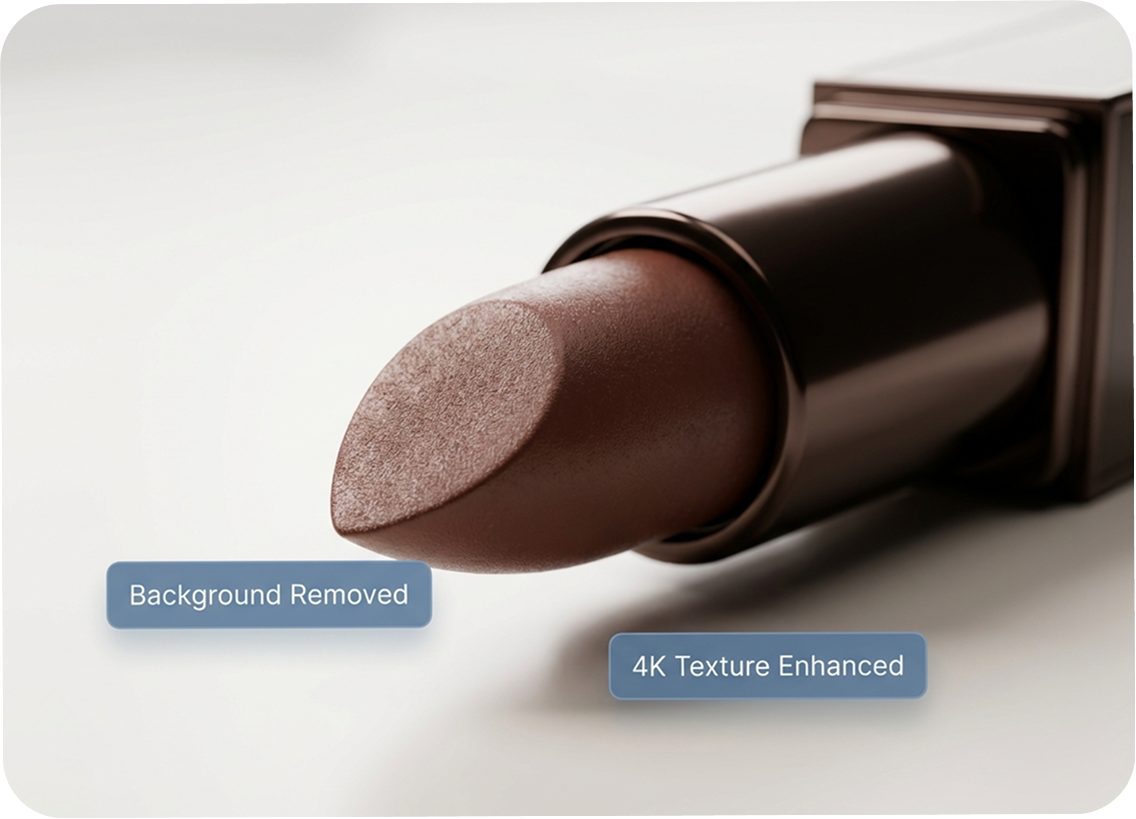
Choose Replace Background and describe the scene you want in the dedicated field. Editing Notes can clarify what should change or remain, such as removing a gray backdrop while retaining the product shadow.
Guide Each Edit with Written Notes
Use plain language to explain the intended adjustment instead of relying on a broad one click effect. Add a custom instruction to fine tune the result while keeping the workflow centered on the original product photo.
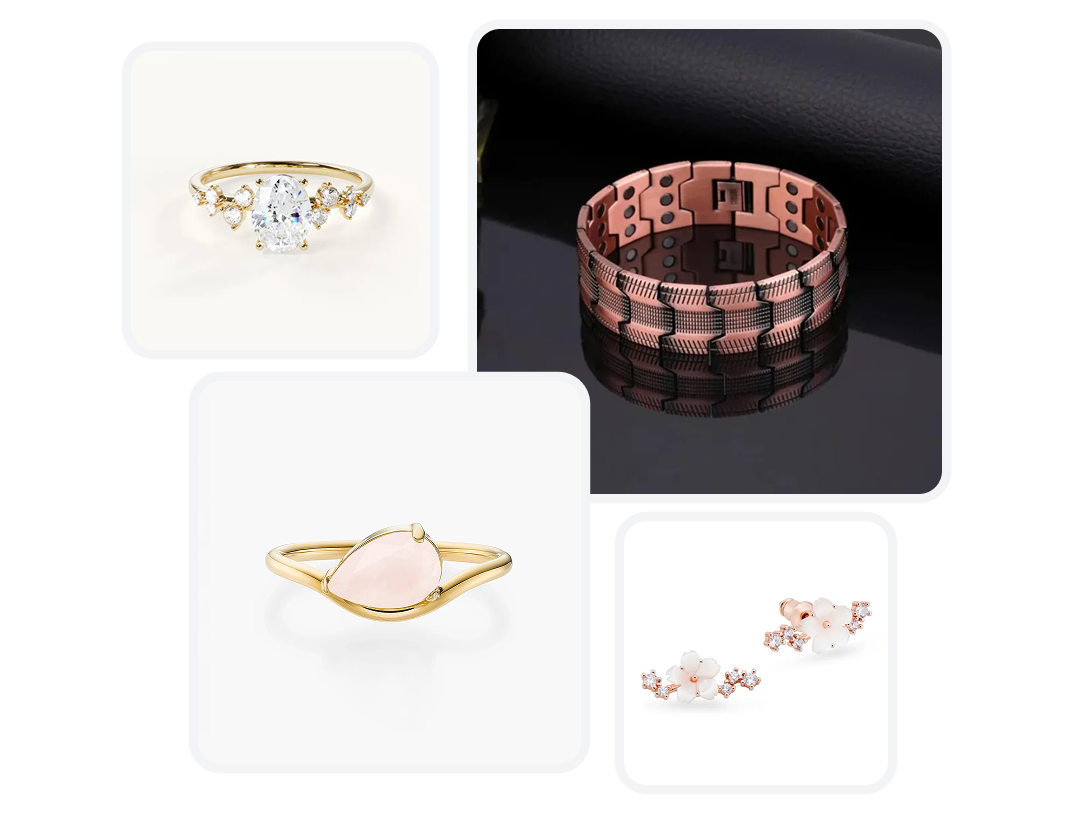
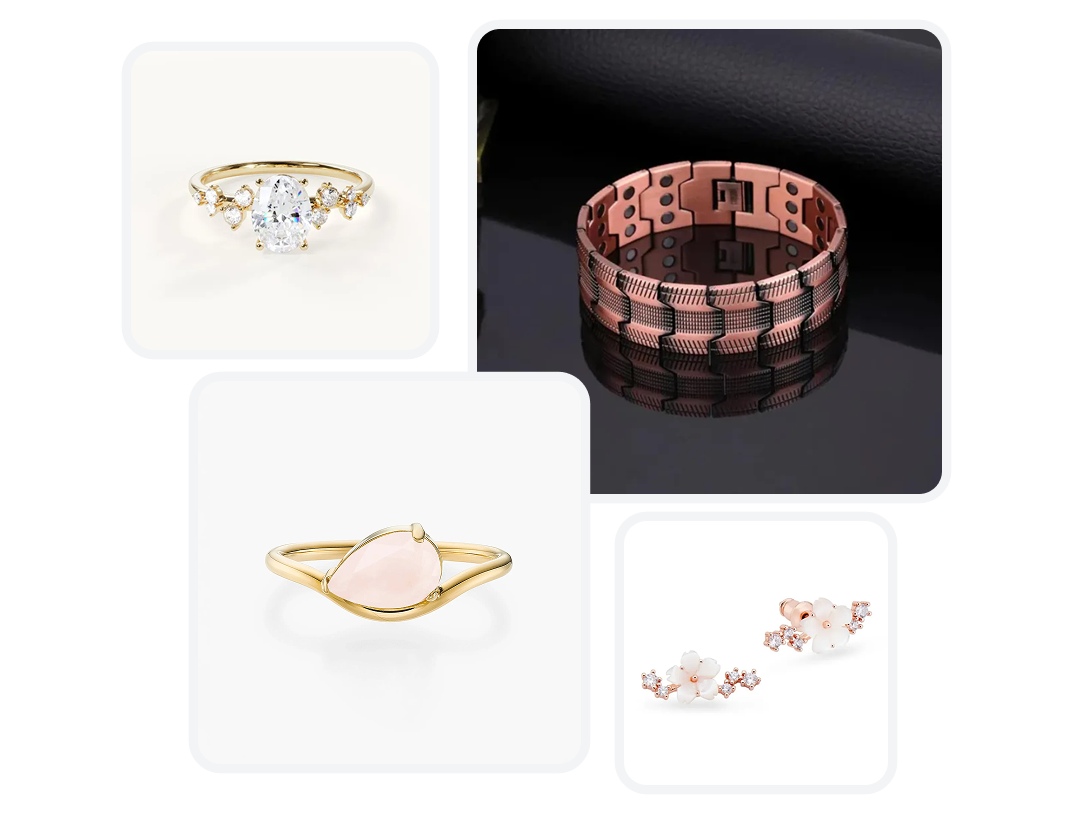
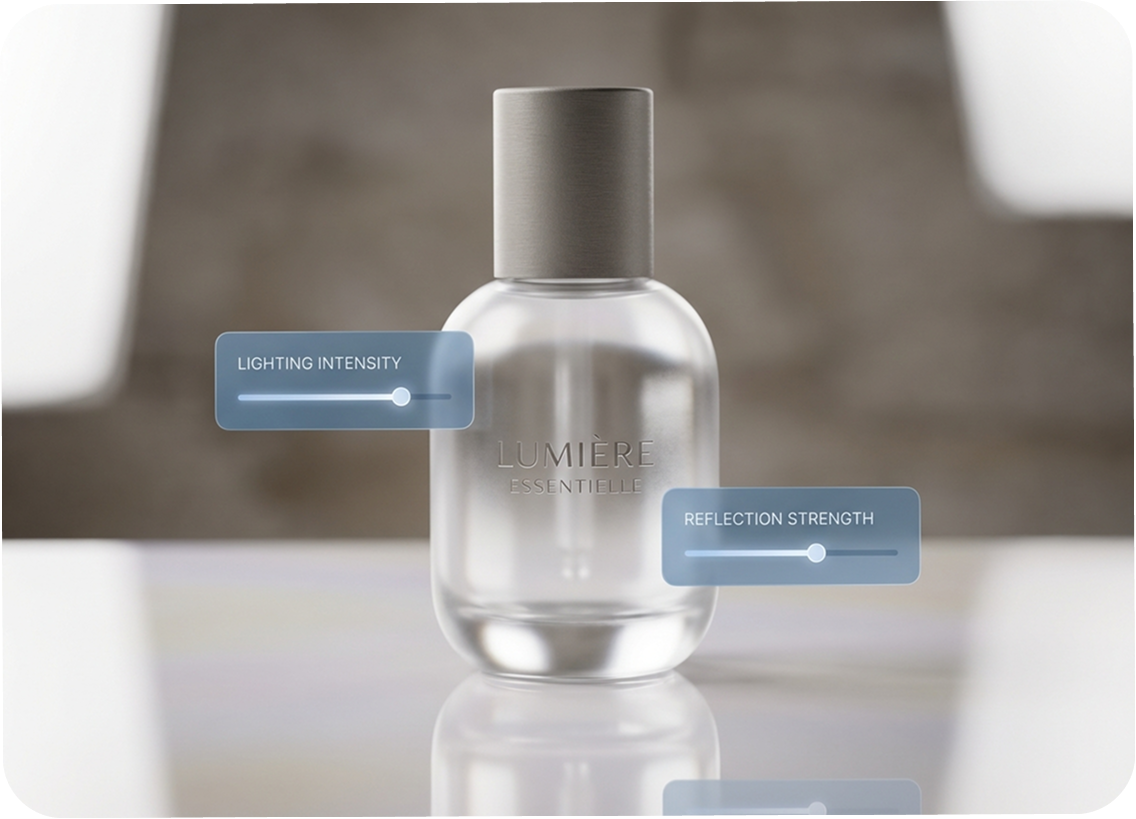
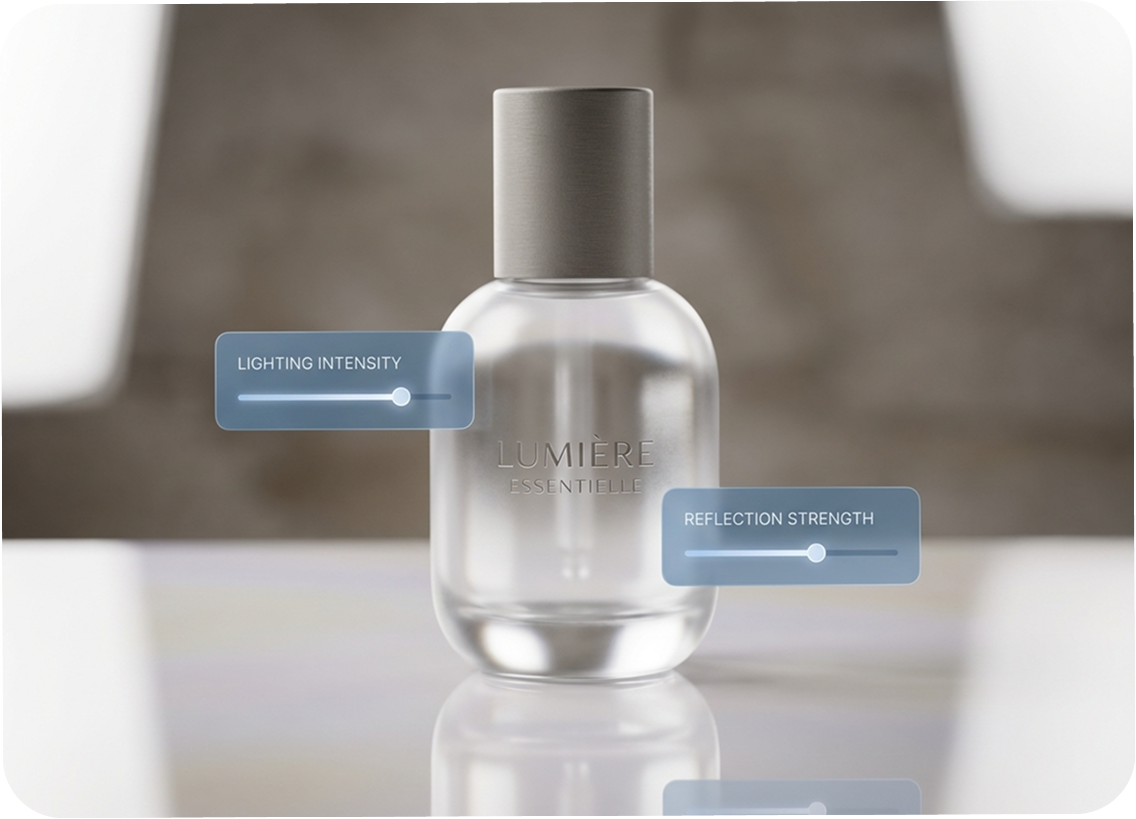
Correct Light, Shadow, Reflection, and Color
Apply the edit that fits the image: enhance lighting, remove an unwanted shadow, add a reflection, or correct color. Lighting Adjustment provides Brighter, Darker, Warmer, Cooler, and Neutral options for more deliberate control.
Export Product Images up to 4K
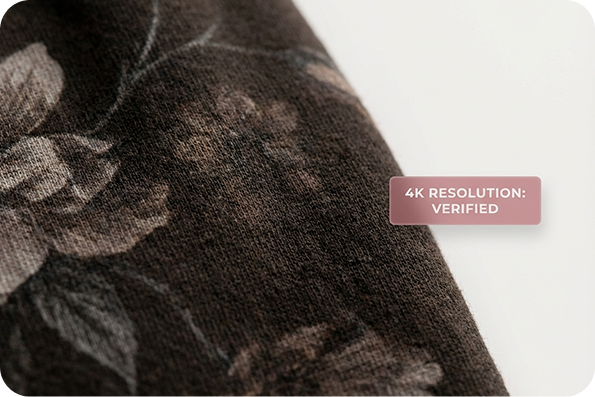
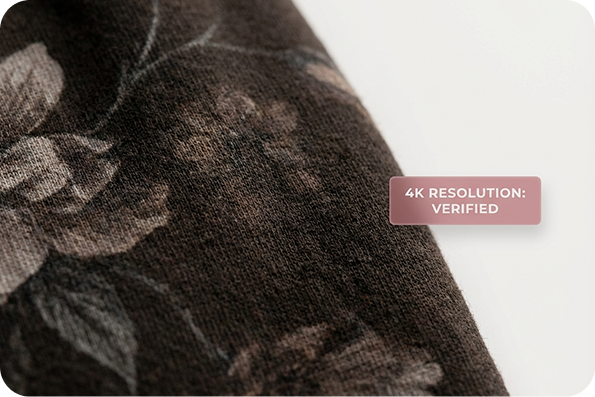
Choose 1K, 2K, or 4K output to match the intended placement. Use a lighter file for routine content or select a larger resolution when the layout needs more image detail.
Who Uses the AI Product Photo Editor?
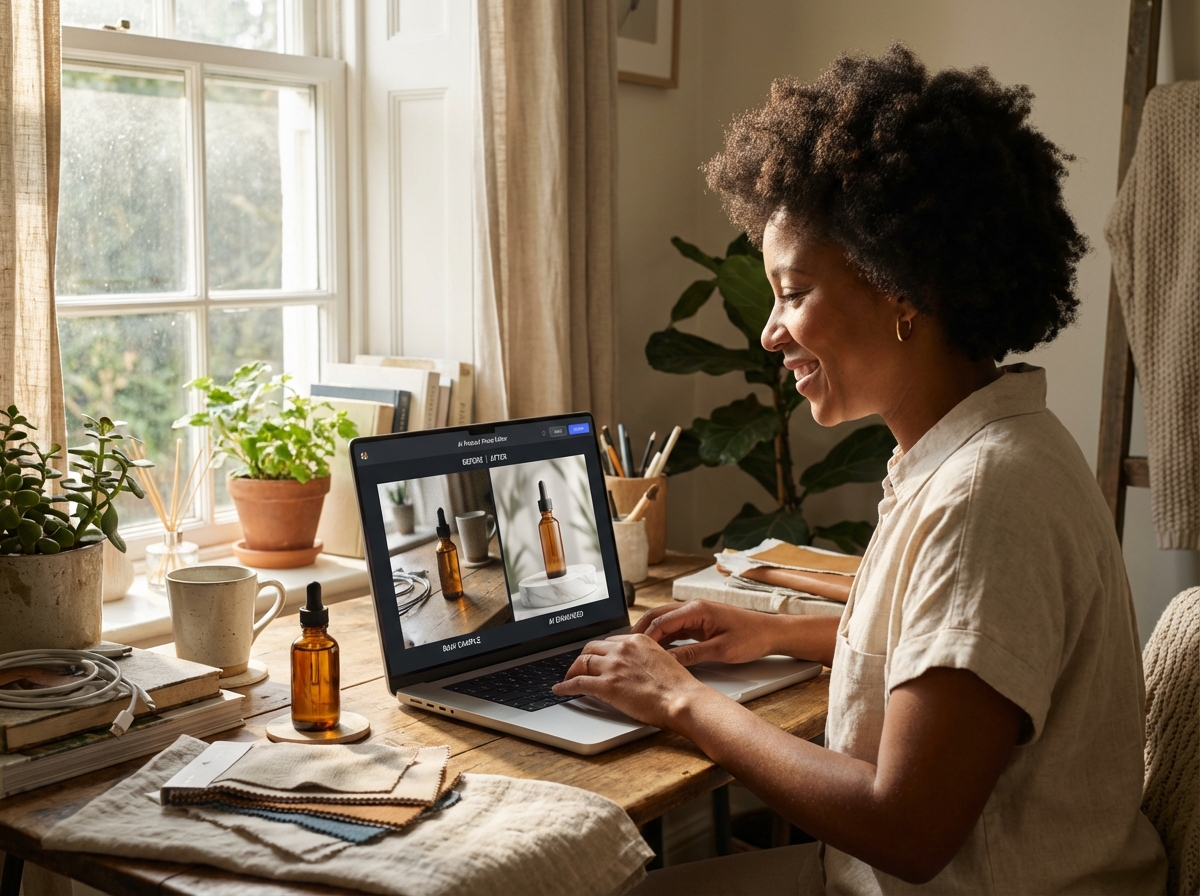
Independent Shop Owners
Clean up product shots without rebuilding the entire image. Adjust the background, light, shadow, reflection, or color to prepare a more consistent set of store visuals.
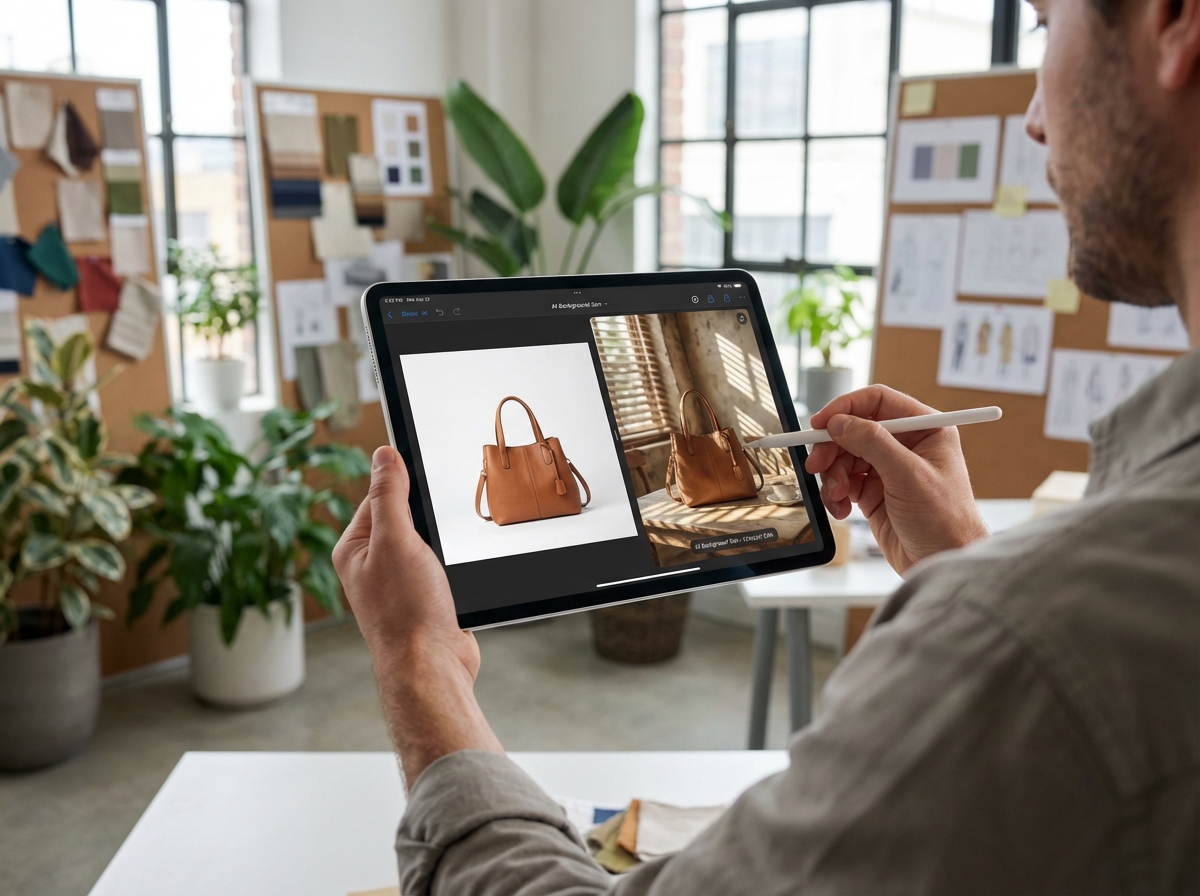
Ecommerce Content Teams
Use repeatable edit actions and written notes to bring product images closer to a shared visual direction across listings, campaign pages, and promotional content.
Design and Marketing Teams
Explore backdrop and lighting variations from an existing product photo. These AI photo editing tools help teams communicate changes through direct controls and descriptive instructions.
AI Product Photo Editor FAQs
1. What does an AI Product Photo Editor do?
2. Can I edit product photos for free?
3. Which product photo edits are available?
4. How do I replace a product background?
5. What can I change with Lighting Adjustment?
6. Which output resolutions can I choose?
Ready to Refine a Product Photo?
Upload an existing shot, select the change it needs, add your direction, and export a cleaner product image in the resolution that fits your project.