


AI Avatar Creator
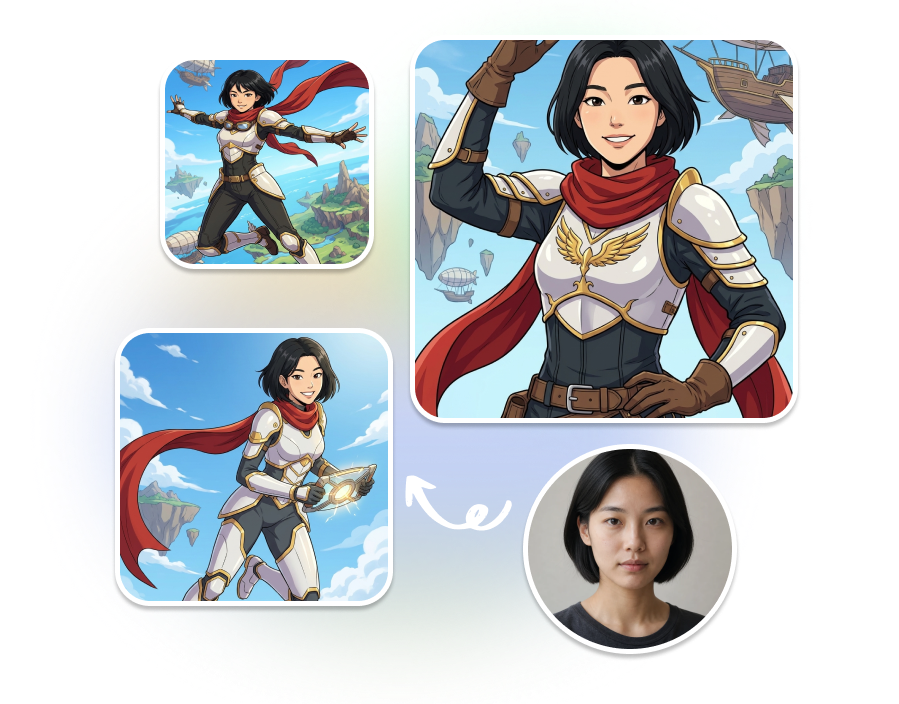
Turn a reference photo into a recognizable original character with customizable archetypes, worlds, and style strength, then generate a consistent asset pack of icons, portraits, full-body art, stickers, and game cards.
Creations & Demos
AI Avatar Creator
Turn one reference photo into a recognizable original character for free. Choose an archetype, add creative direction, select a world, and build a coordinated asset pack for stories, stickers, and game content.
AI Avatar Creator
Create with the AI Avatar Creator
Move from a reference photo to a reusable character asset pack in three guided steps.
1. Upload and Define the Character
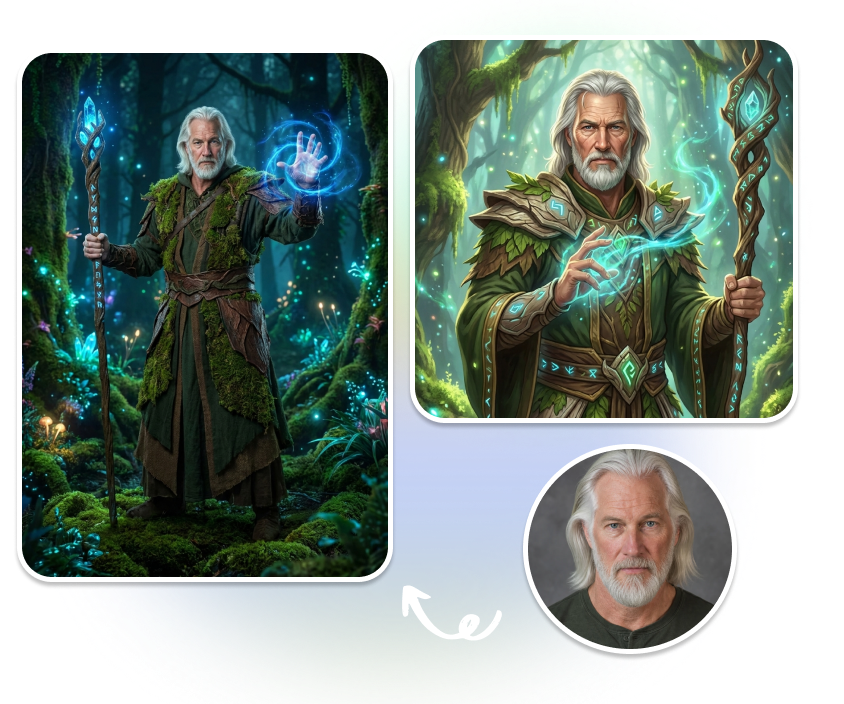
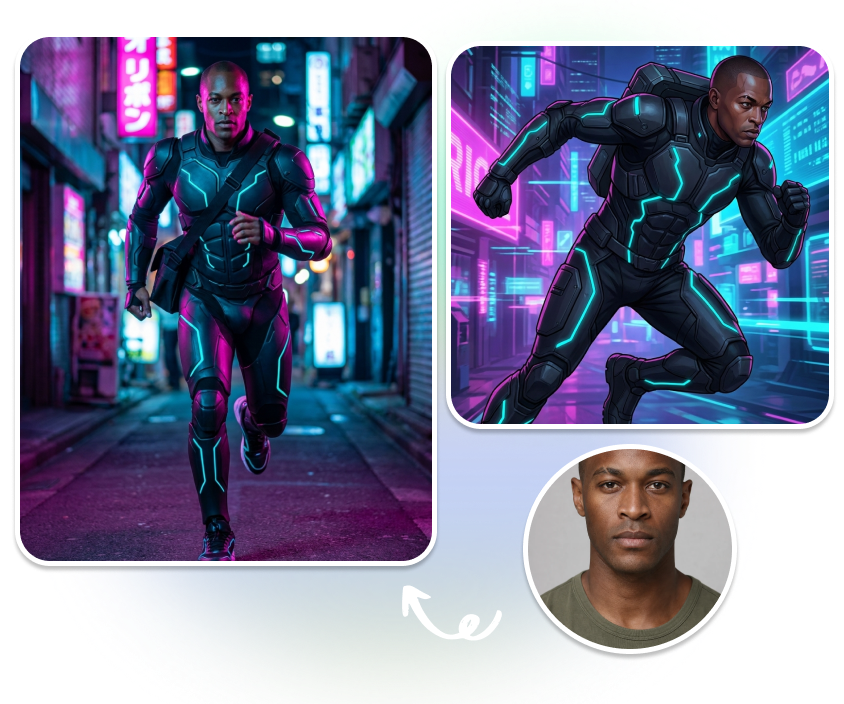
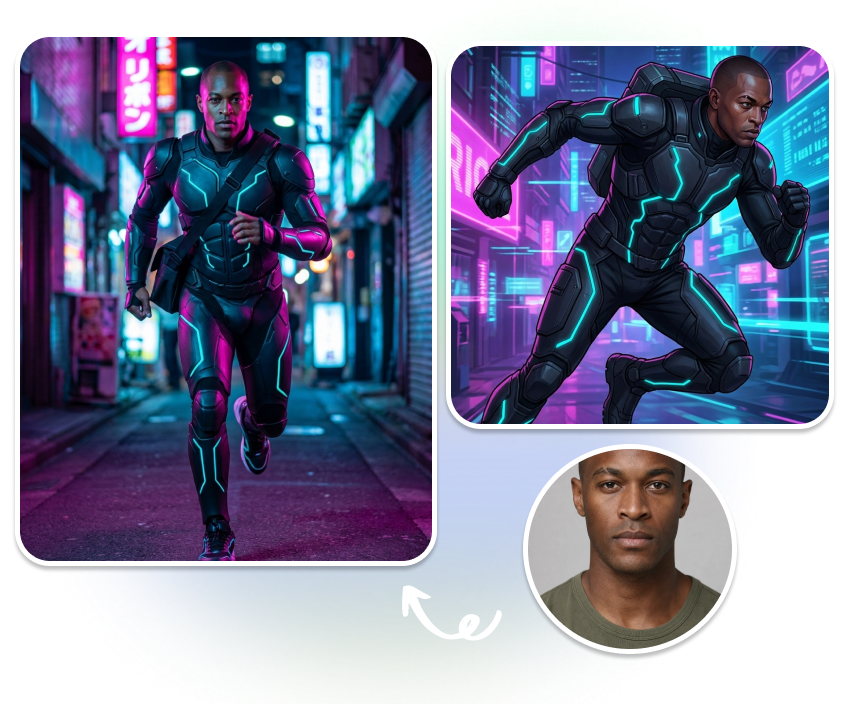
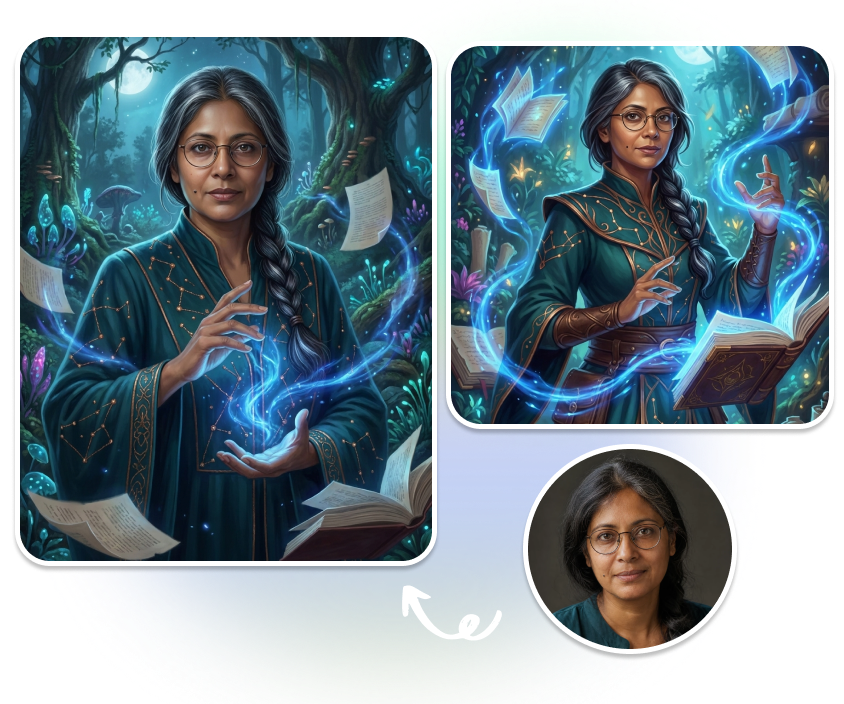
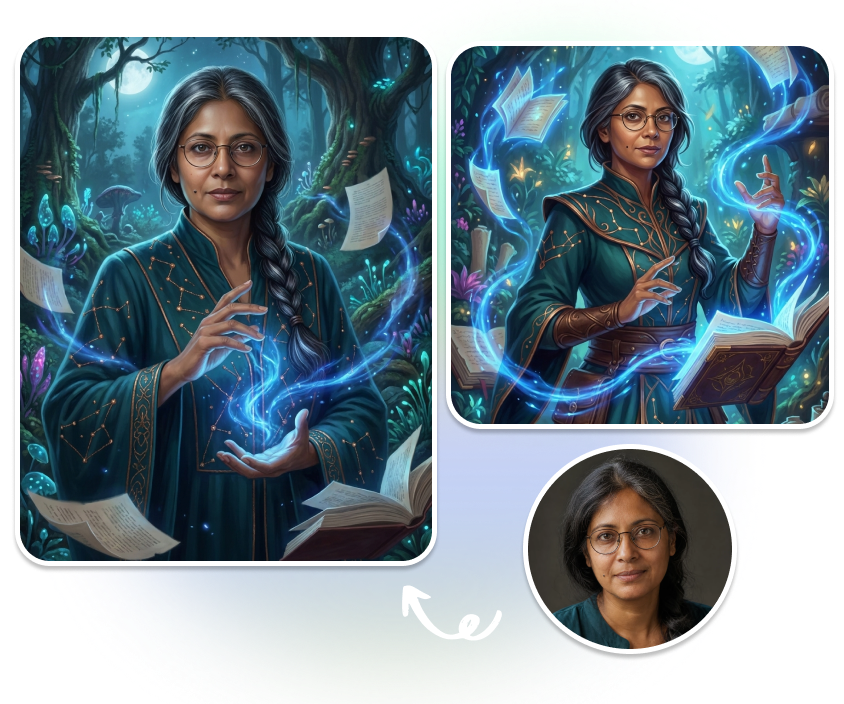
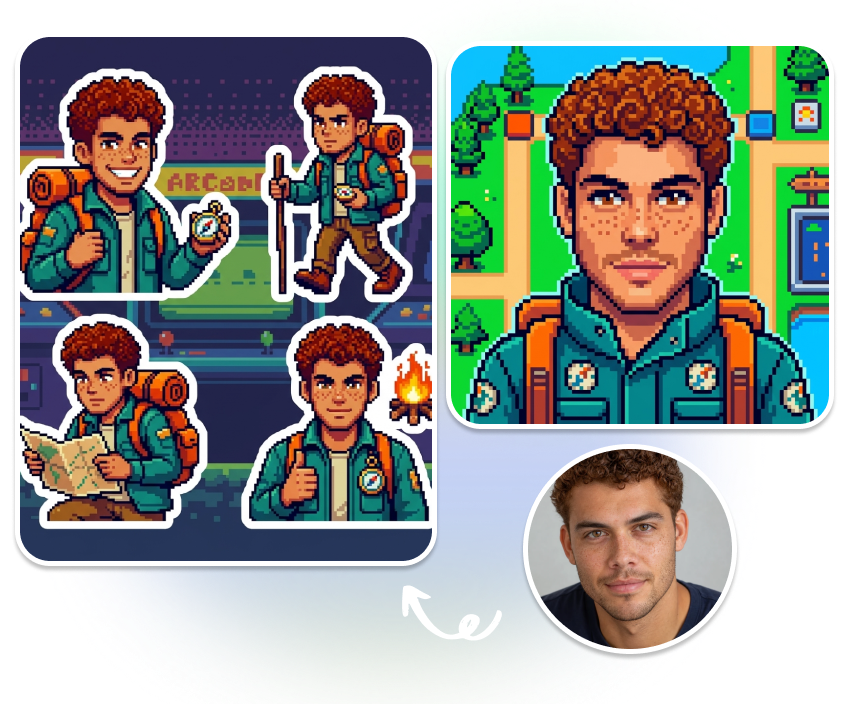
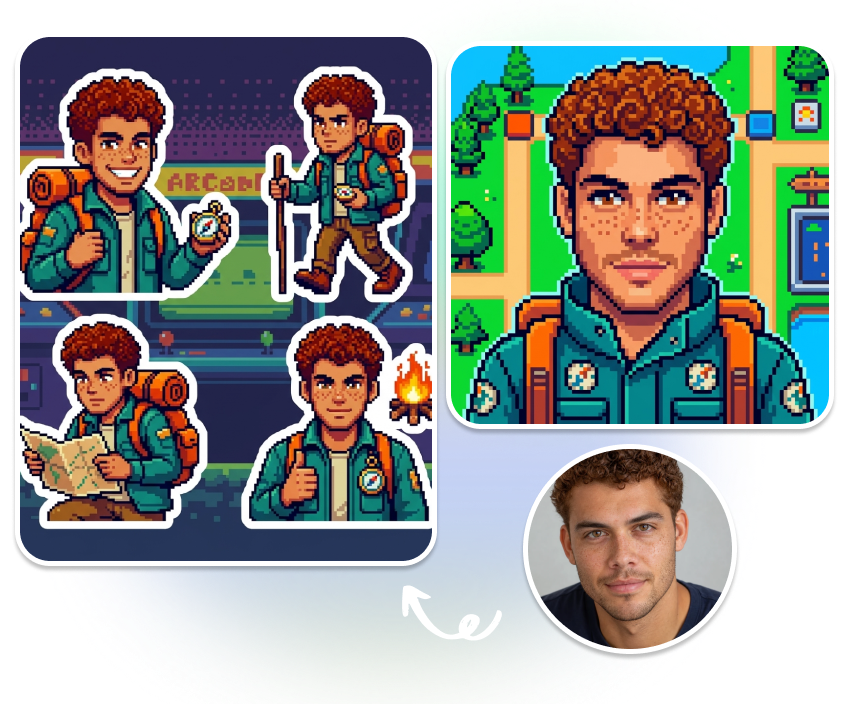
Add a clear JPG, PNG, or WEBP reference photo. Pick Anime Hero, Cyber Runner, Fantasy Mage, or Pixel Explorer, then use the optional description to guide personality, costume, pose, and visual motifs.
2. Set the World and Identity Details
Choose Auto, Neon Future, Enchanted Realm, Retro Arcade, or Dreamy Celestial. Adjust Style Strength and select signature features such as face shape, eye shape, hairstyle, glasses, freckles, or beauty marks to preserve.
3. Build and Export the Asset Pack
Select up to three outputs from Avatar Icon, Half Body, Full Body, Sticker Sheet, and Game Card. Choose an aspect ratio and 1K, 2K, or 4K resolution, then render your character for free.
Build a Recognizable Character System
Keep Signature Features in View
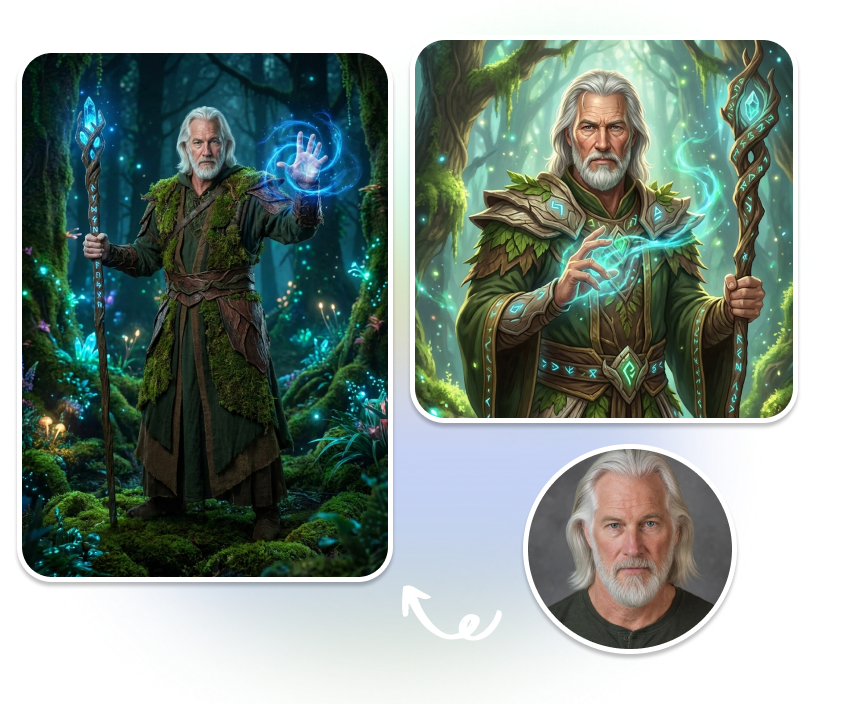
Guide recognition without locking every detail. Select the facial traits that matter most, including face shape, eye shape, hairstyle, glasses, freckles, and beauty marks, while the chosen archetype defines a new character around them.
Place Your Character in Five Worlds
Let Auto interpret the scene or choose Neon Future, Enchanted Realm, Retro Arcade, or Dreamy Celestial. Use Style Strength to control how strongly the selected world influences the final character artwork.
One Character, Multiple Asset Types
Create up to three coordinated formats in one selection. Combine an Avatar Icon, Half Body view, Full Body artwork, Sticker Sheet, or Game Card to give the same character a role across different creative projects.
Output Settings for Every Format
Match the canvas to the asset you are creating with Auto, 1:1, 2:3, or 3:4 aspect ratios. Select 1K, 2K, or 4K before rendering so icons, character views, and full body artwork begin in a suitable format.
Who Uses the AI Avatar Creator?
Story and Social Creators
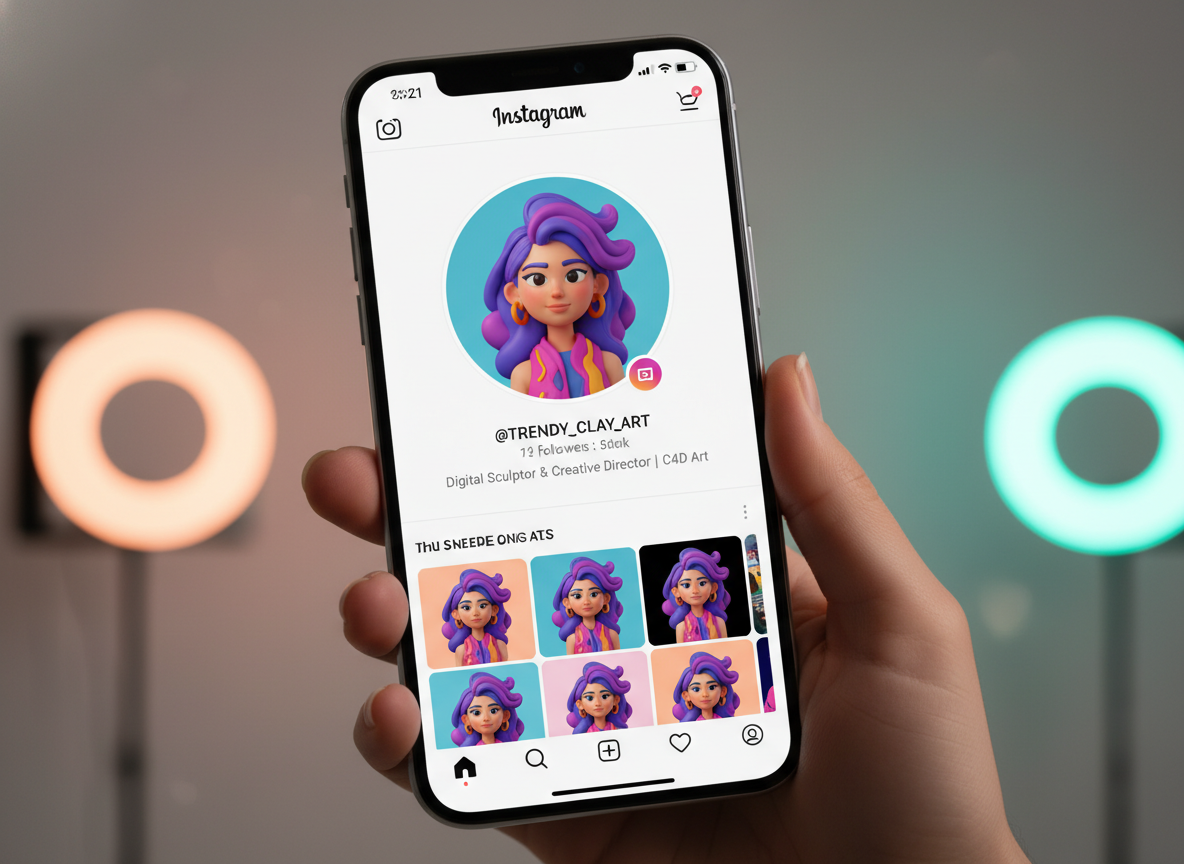
Create a recognizable icon or character view for community spaces, channel graphics, and visual storytelling. Adapt the same design to different placements through a coordinated asset pack.
Gamers and Worldbuilders
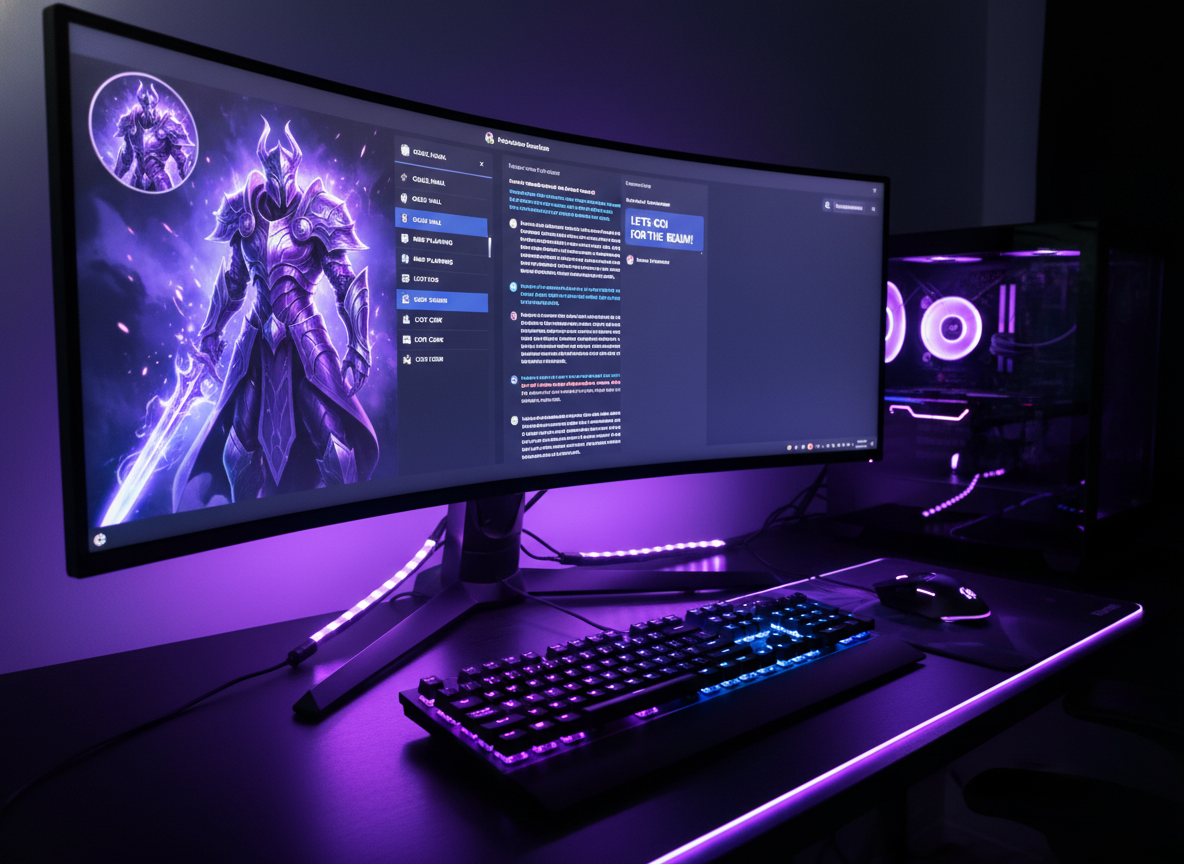
Develop a hero, runner, mage, or explorer for campaigns, streams, and original worlds. Pair a full body design with a game card or sticker sheet for a broader character set.
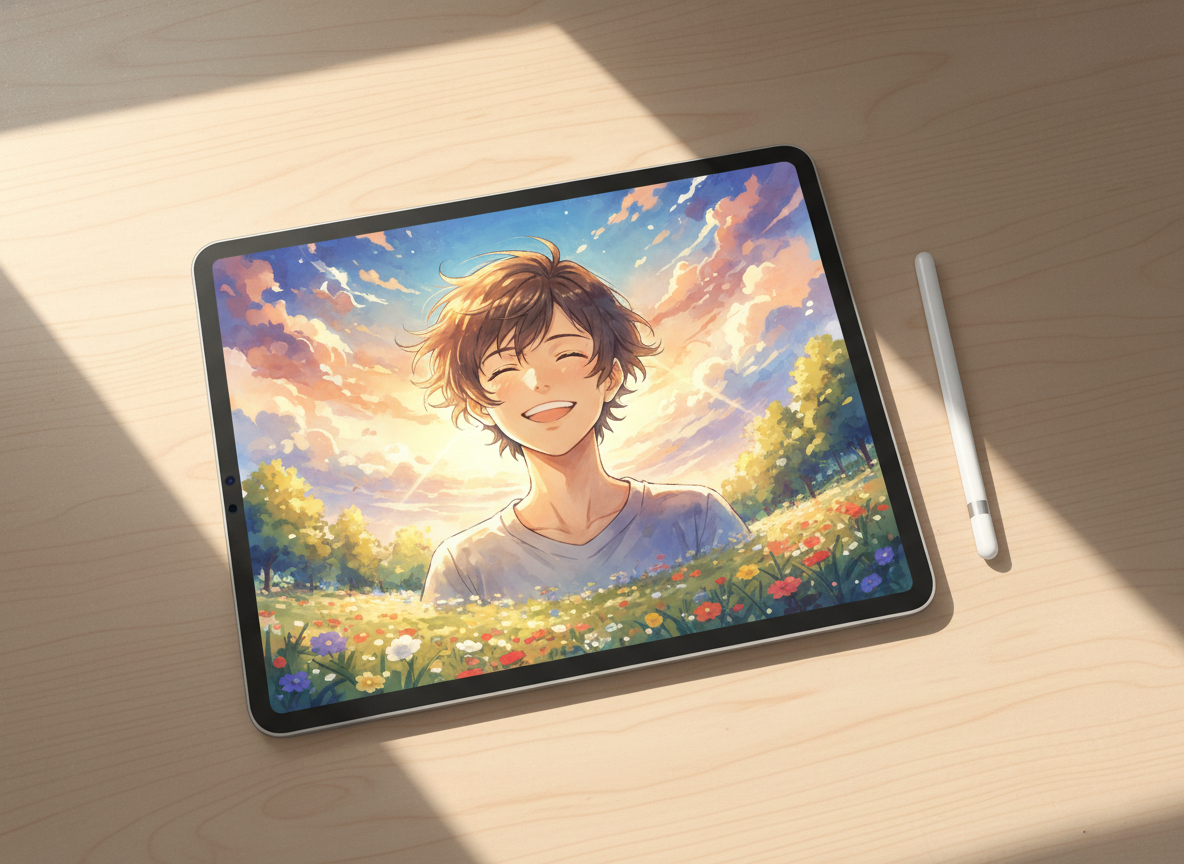
Anime and Digital Art Fans
Reimagine a reference photo through distinct character archetypes and world presets. Fine tune the style influence while choosing which signature features should remain recognizable.
FAQ
1. What does the AI Avatar Creator make?
2. How can I keep the character recognizable?
3. Can I use the AI Avatar Creator for free?
4. Which character styles and worlds can I choose?
5. What can I include in an asset pack?
6. Which aspect ratios and resolutions are available?
Ready to Create a New Character?
Upload a reference photo, choose an archetype and world, then assemble an asset pack that carries your character across multiple formats.