






AI Watermark Remover
Remove overlaid watermarks from product images.
AI Watermark Remover
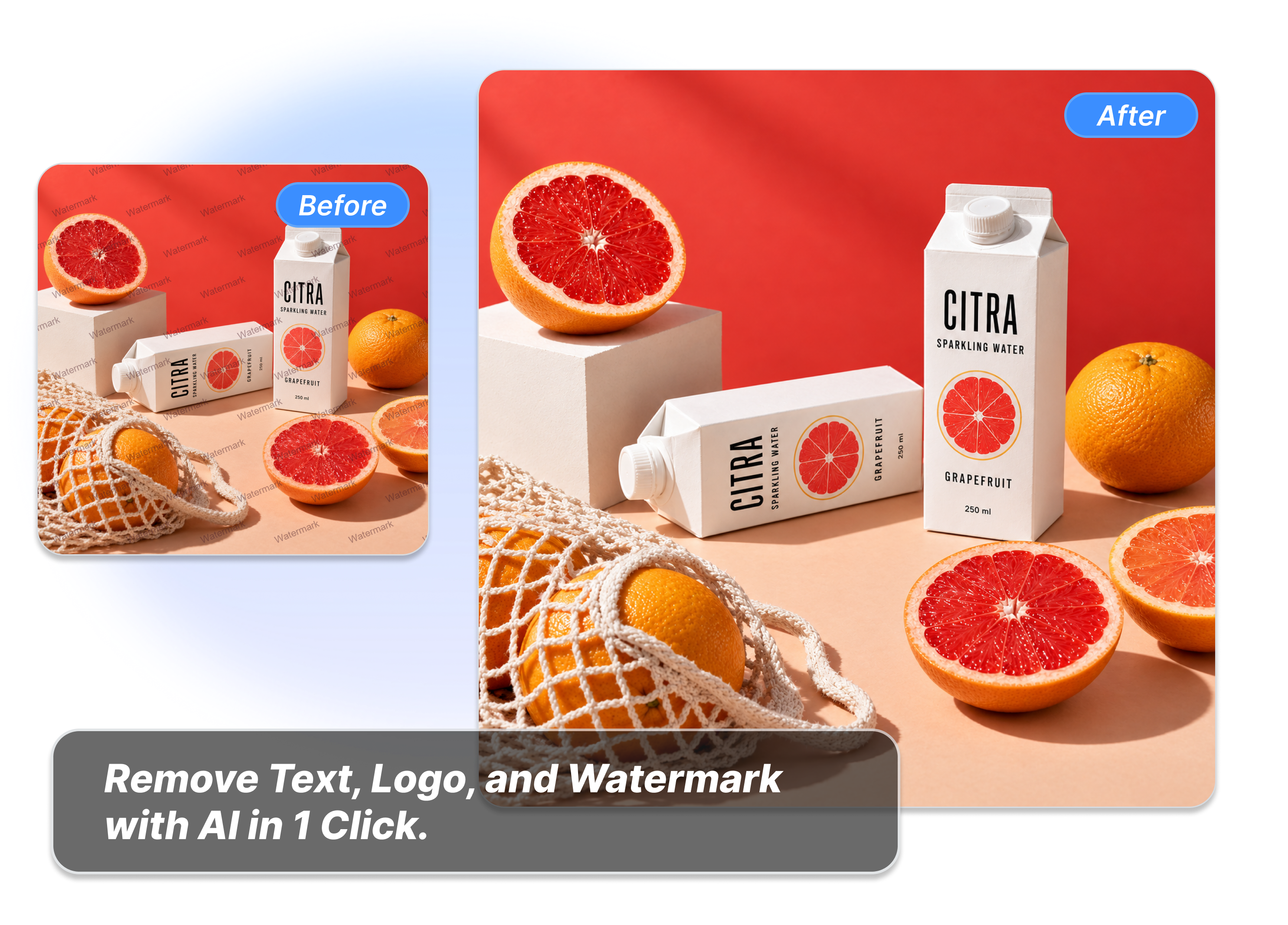
Clear away unwanted marks to make your photos look new again. Just upload your file, select the watermark, text, or logo, and let AI clean it up. Get a perfect image in seconds.
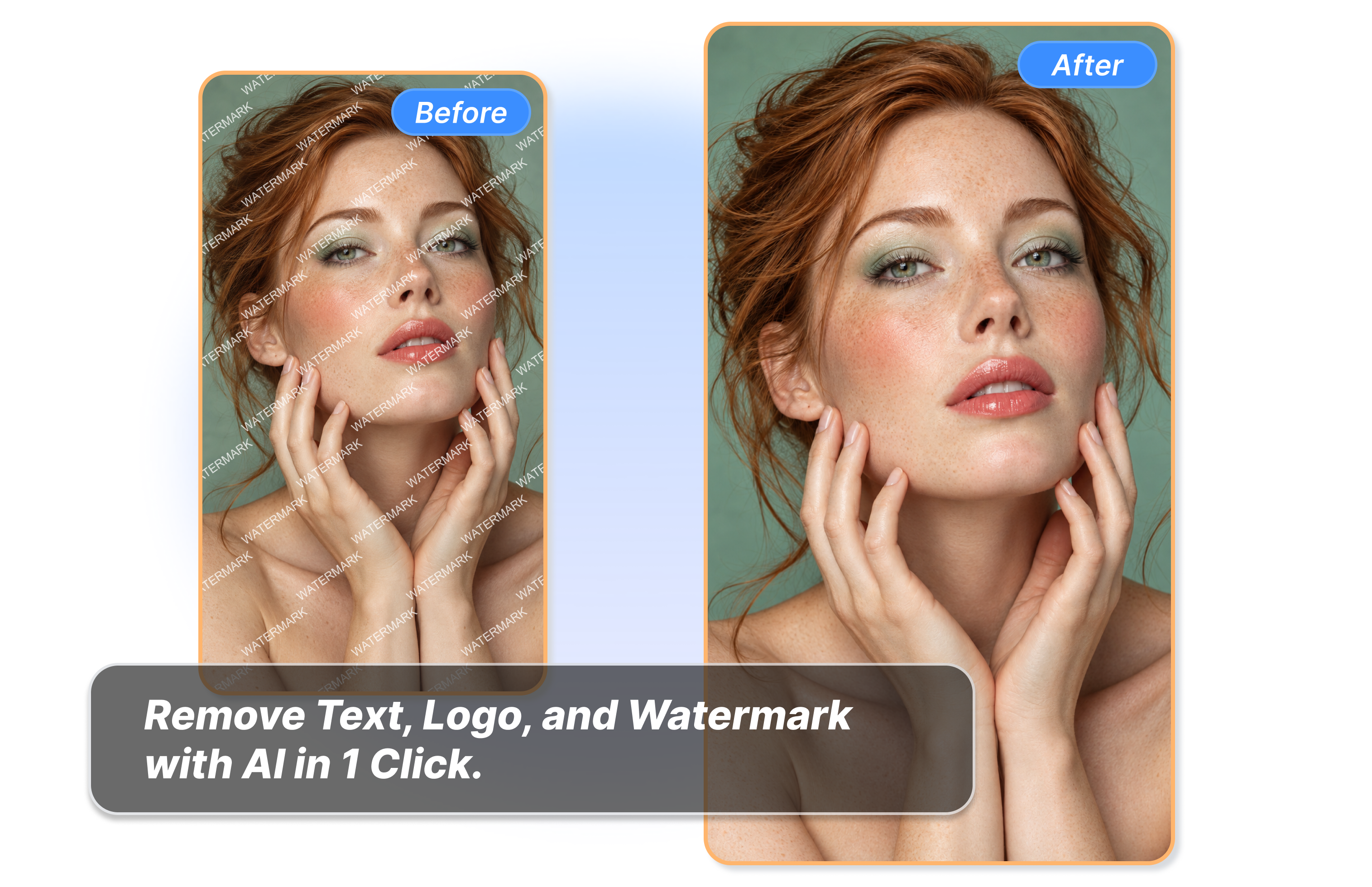
AI Image Watermark Remover
How to Use AI Watermark Remover in 3 Steps
Add Your Image
Choose a JPG, PNG, or WEBP file up to 10 MB that you own or have permission to edit. The clearer the starting image, the easier it is to inspect the result.
Choose What Should Go
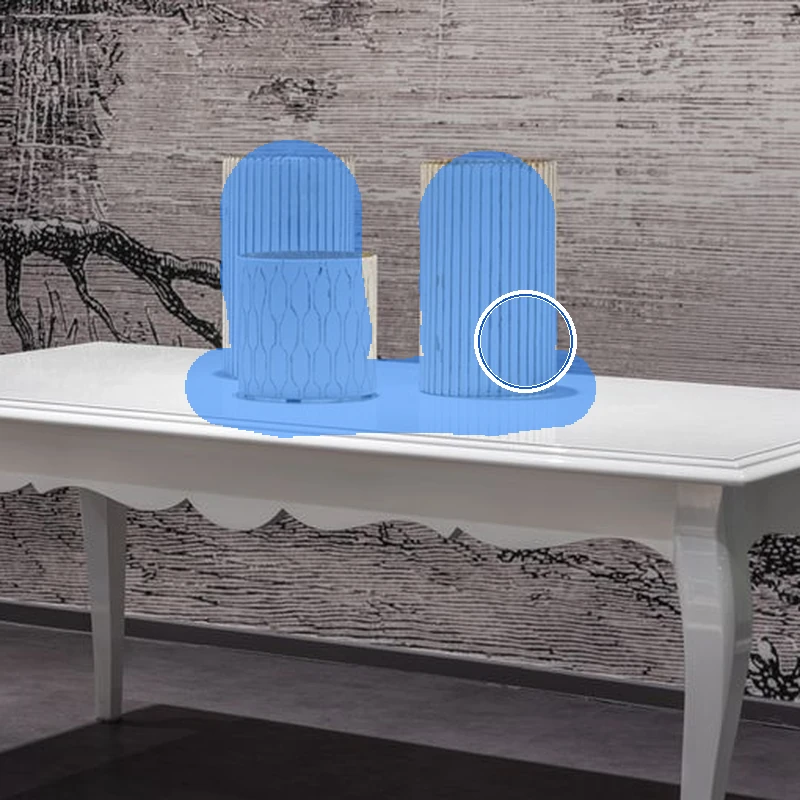
Select Watermark, Text, Logo, or more than one option. Pick only the overlay types you want removed from your authorized image.
Review the Cleanup
Start the removal, then check the cleaned area before reusing the image. Look closely at edges, labels, and the parts your customers will notice.
Unleash Pure Visuals with AI Watermark Remover
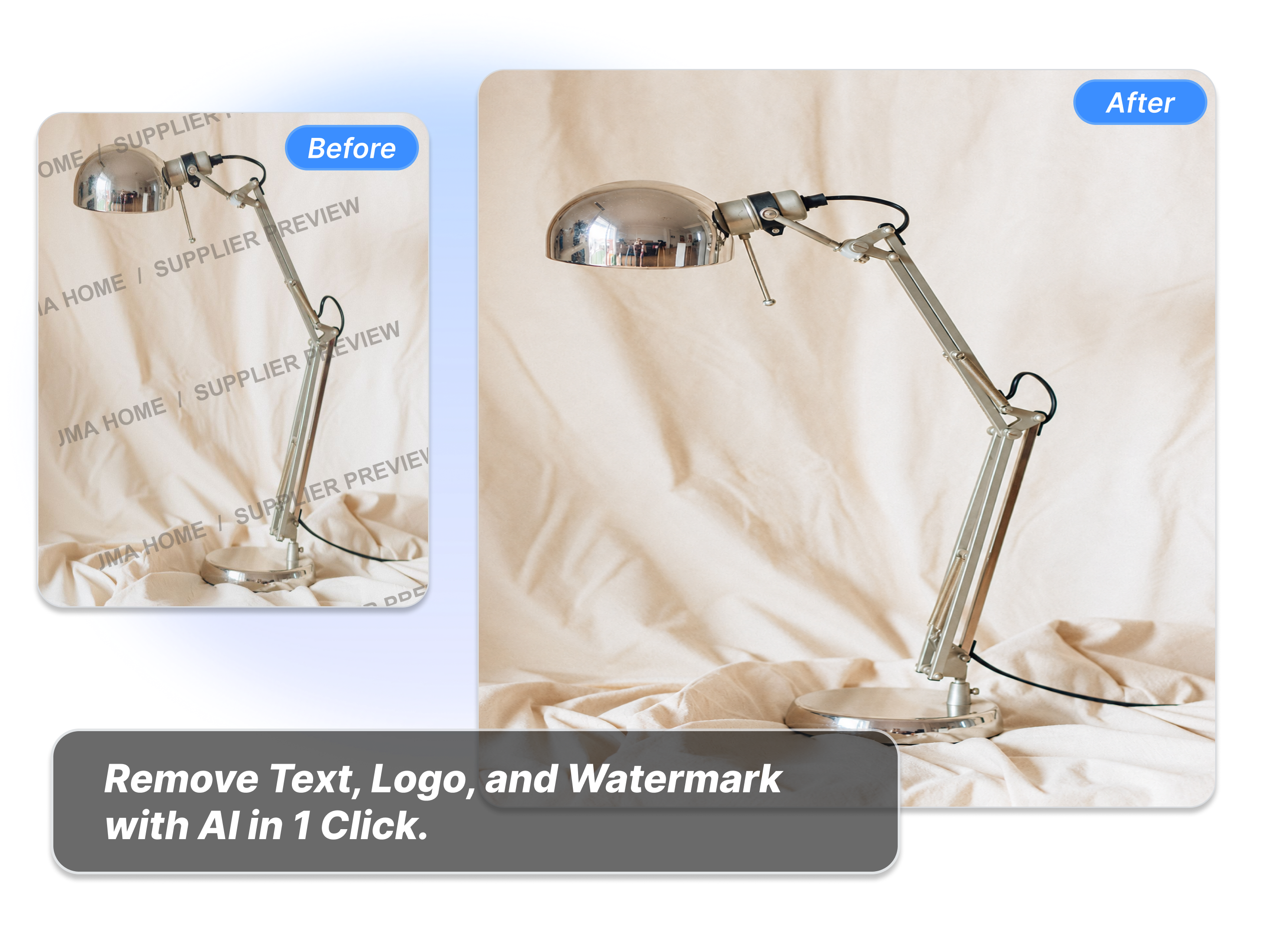
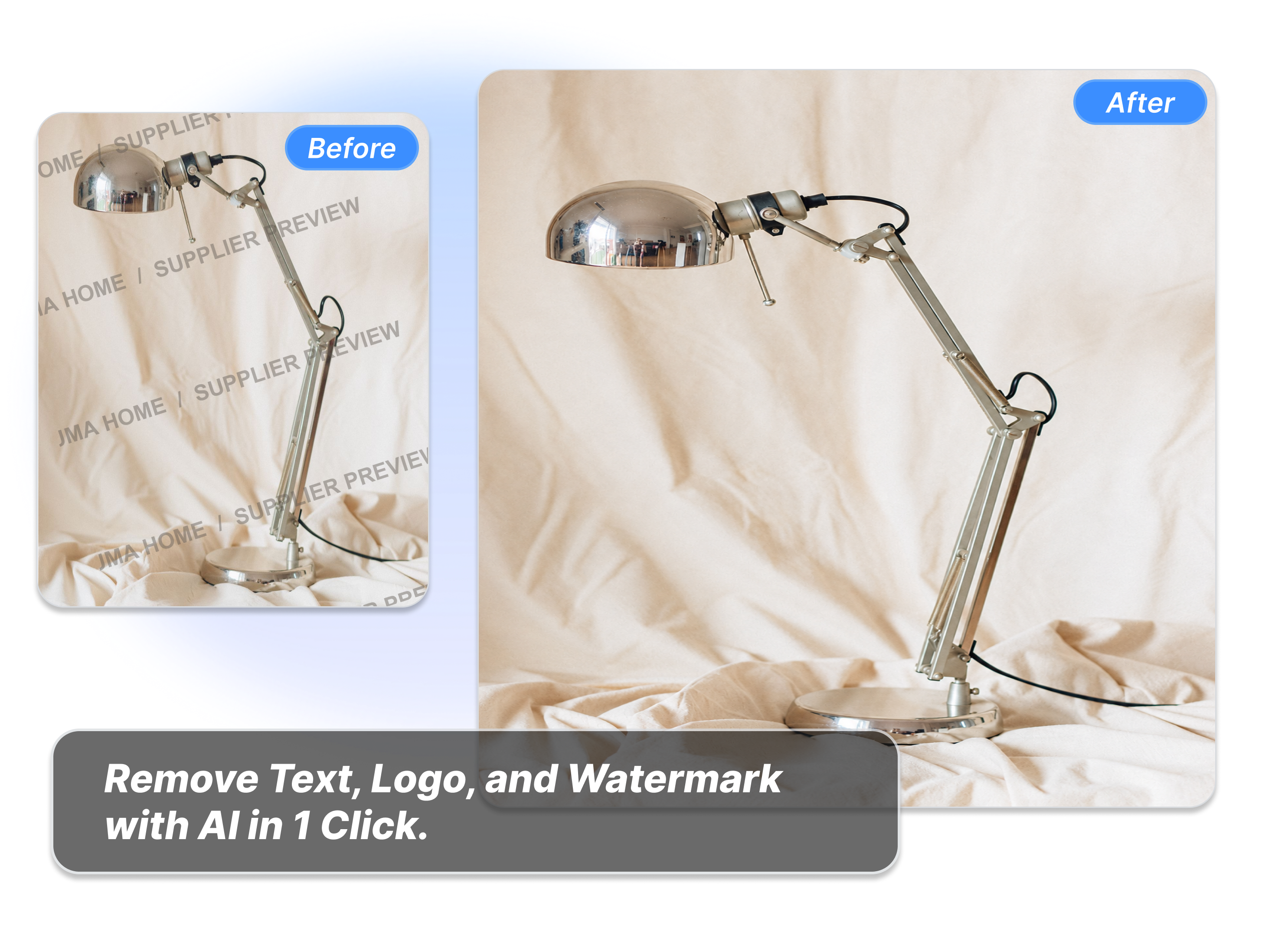
Erase Repeated Watermarks Instantly
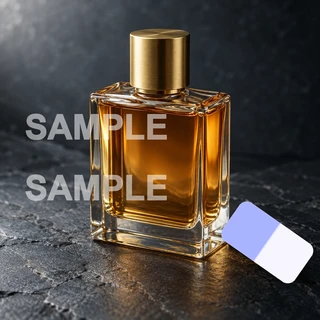
Clean annoying supplier marks from your product photos in seconds. Just like clearing text off a desk lamp picture, you can wipe away lines easily. Stop wasting time on manual edits and get your images ready for your store fast.
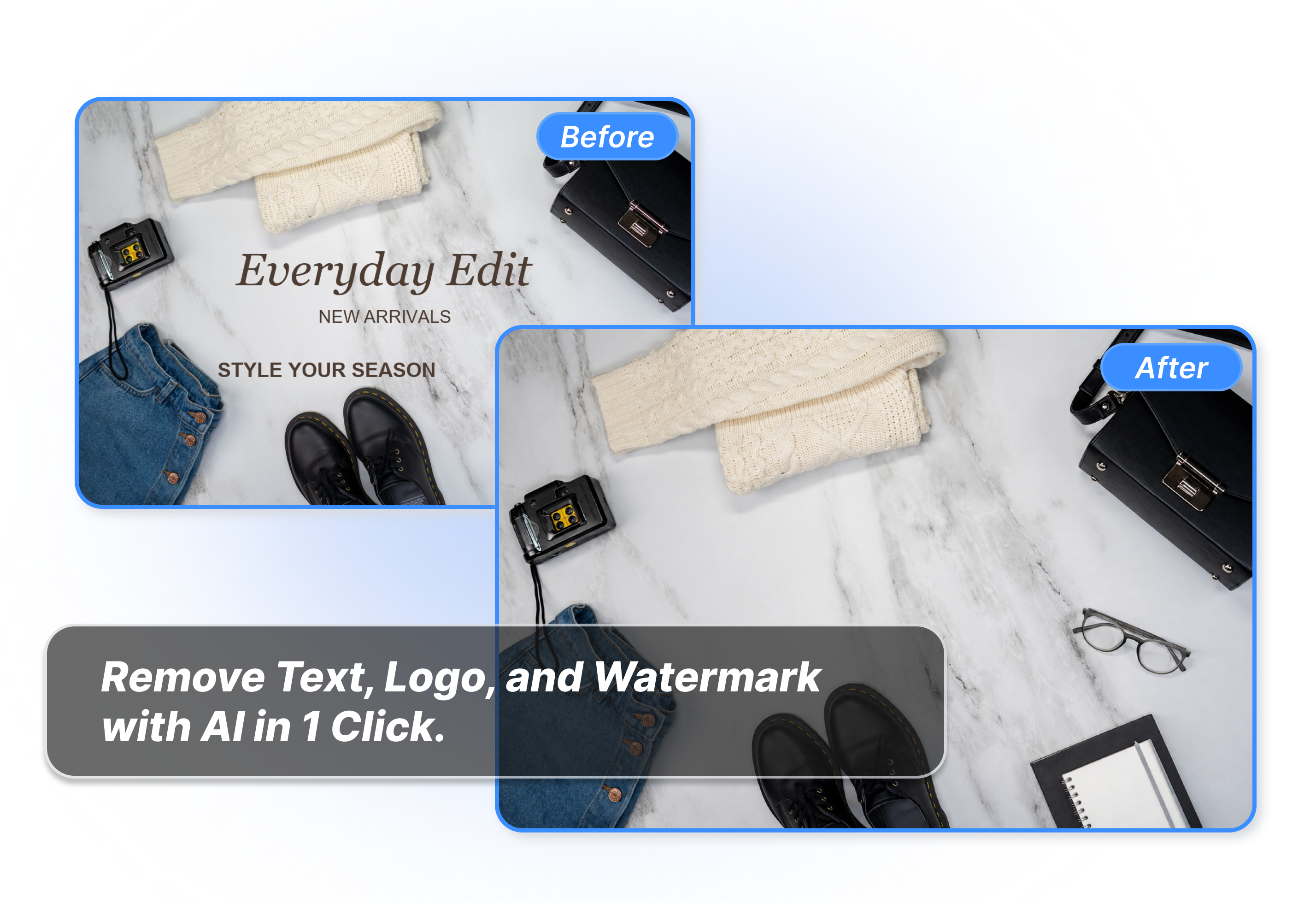
Remove Unwanted Promo Text Fast
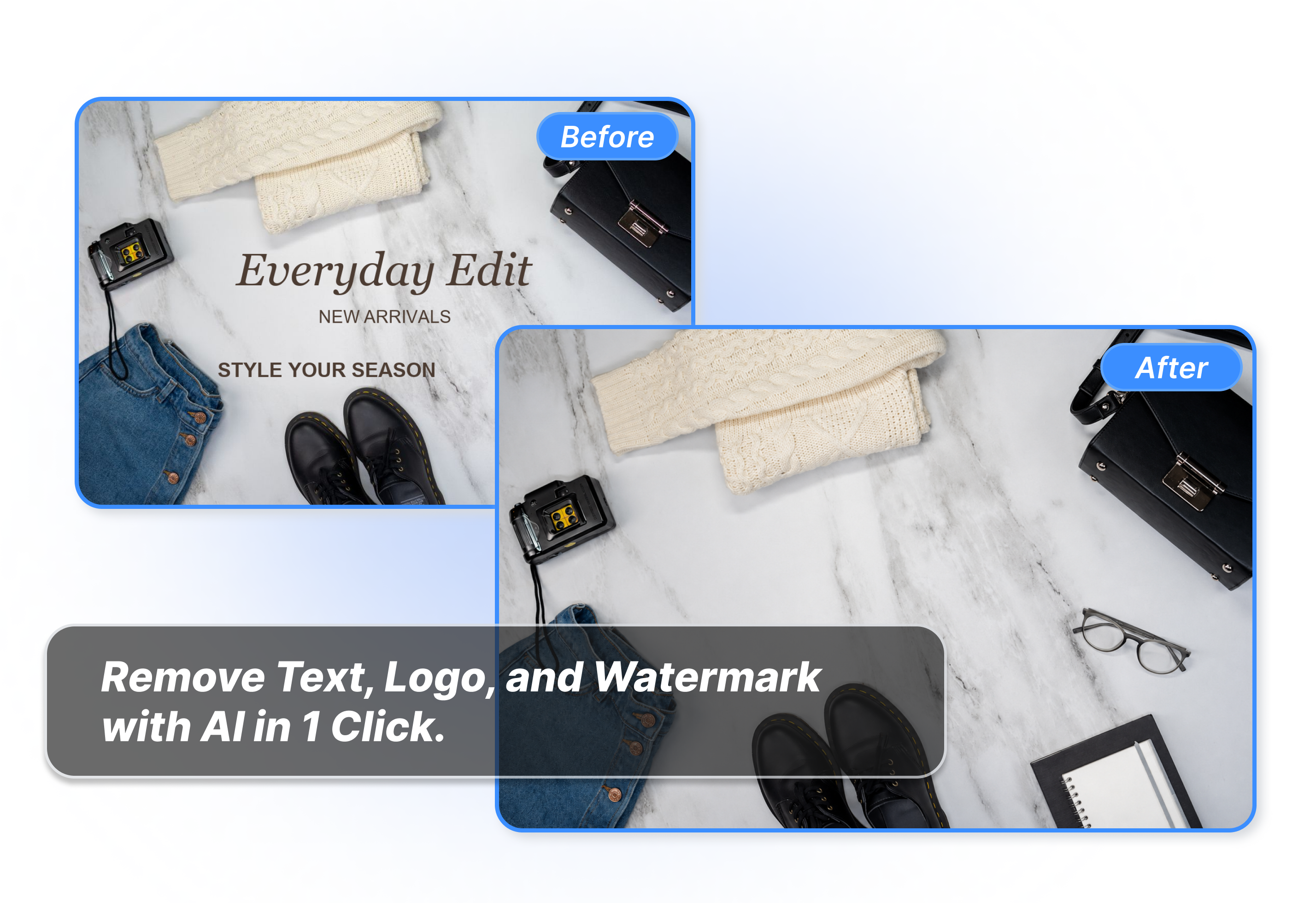
Delete old sale words or promo text directly from your images. Whether it is a clothing flatlay or a banner, you can wipe away headlines in one click. Reuse your clean pictures for new offers and speed up work easily.
Make Space for Your New Brand
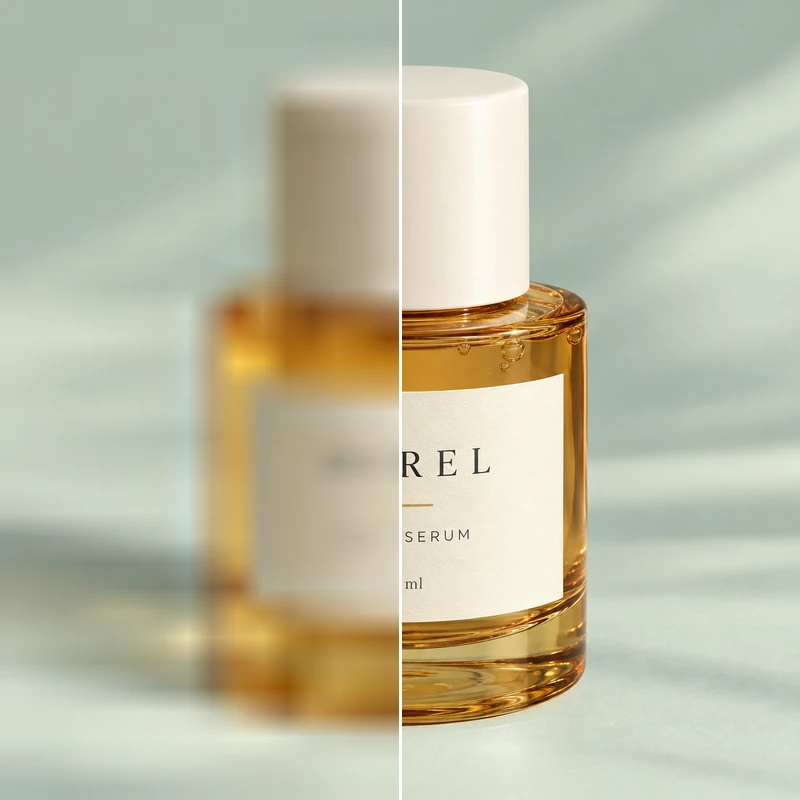
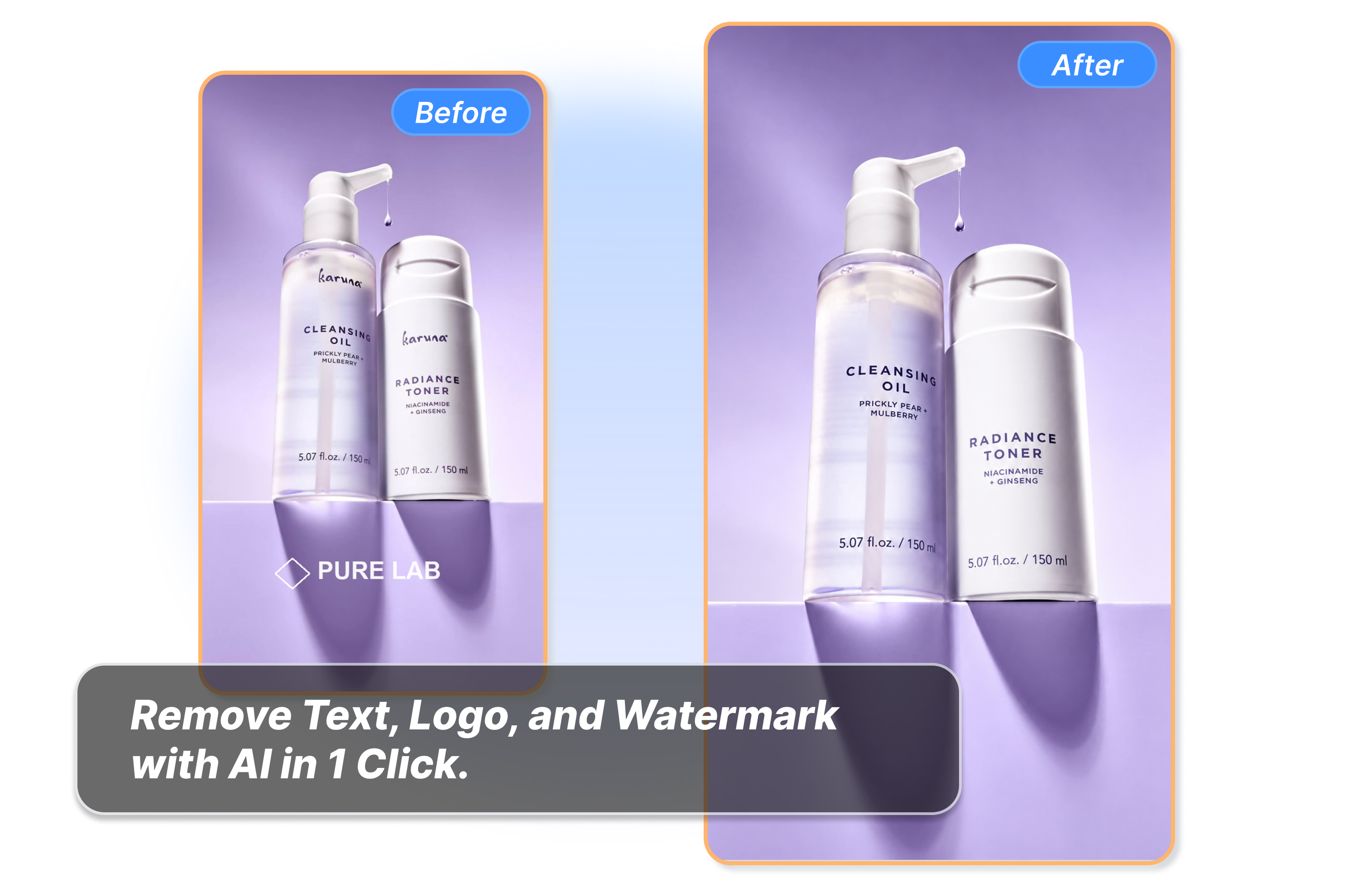
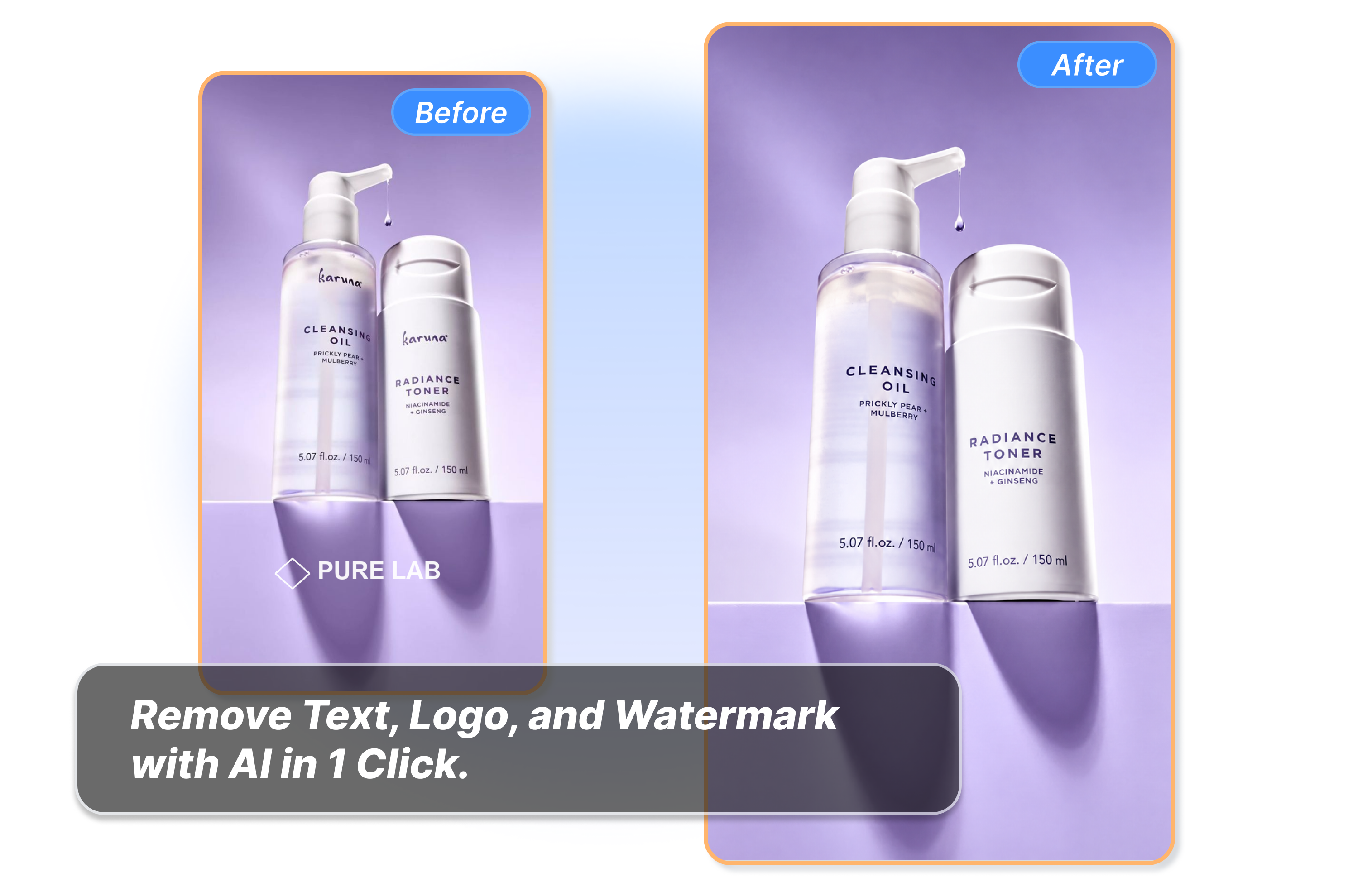
Take off old logos from your product shots without ruining the background. For example, you can easily remove a mark from a skincare bottle photo. Keep the clean space and add your new name to show off new items quickly.
Clear All Marks At Once
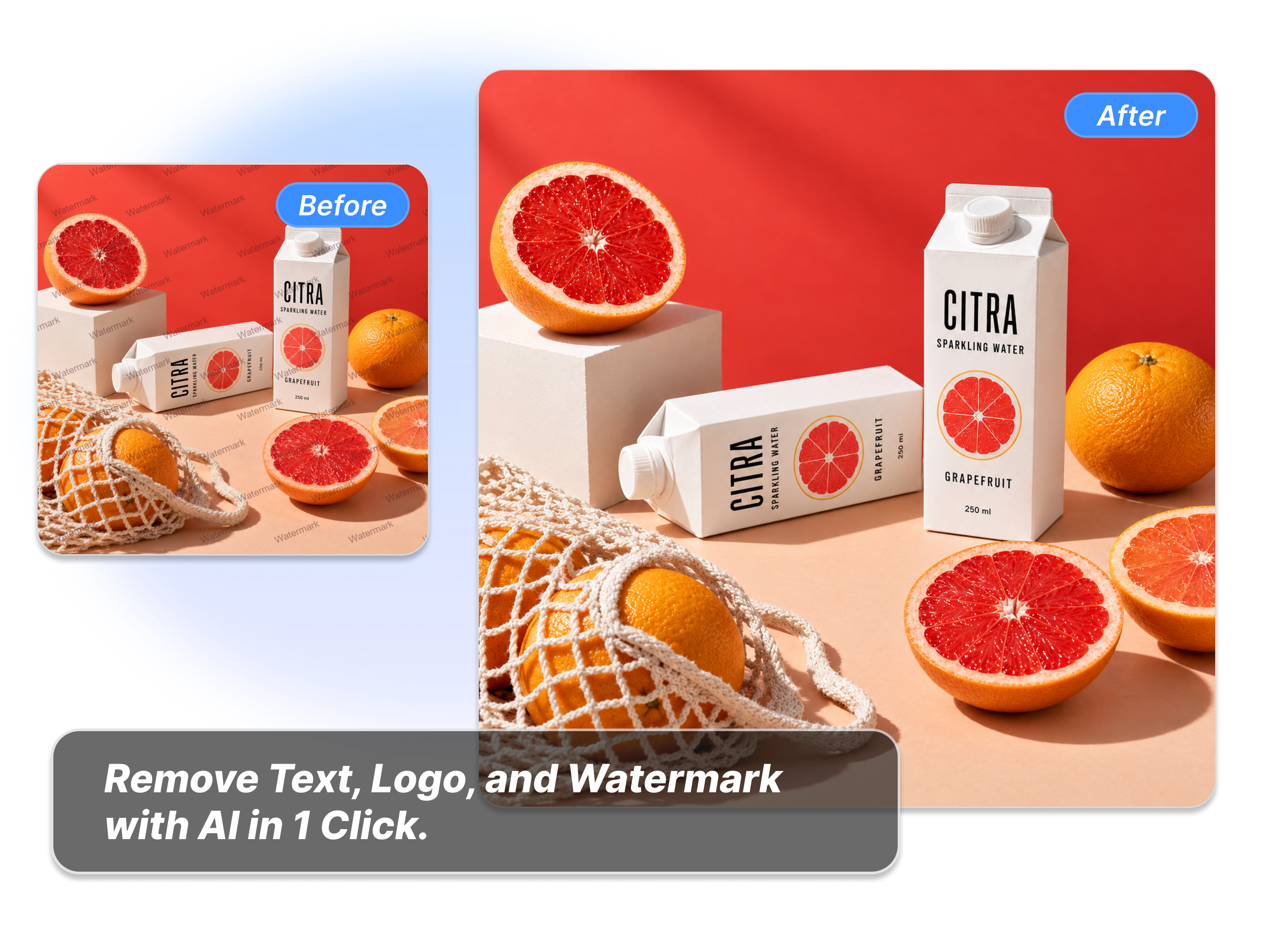
Clean different types of marks from a single picture at the same time. If a juice drink photo has watermarks, text, and logos, just select them all. The tool cleans up everything in one go for a perfect ready image.
Who Needs to Use An AI Watermark Remover?

Online Sellers
As an online seller, our AI watermark remover helps you clear supplier-preview overlays or outdated sale copy from images you are allowed to edit, so approved product visuals can move forward.
Campaign Teams
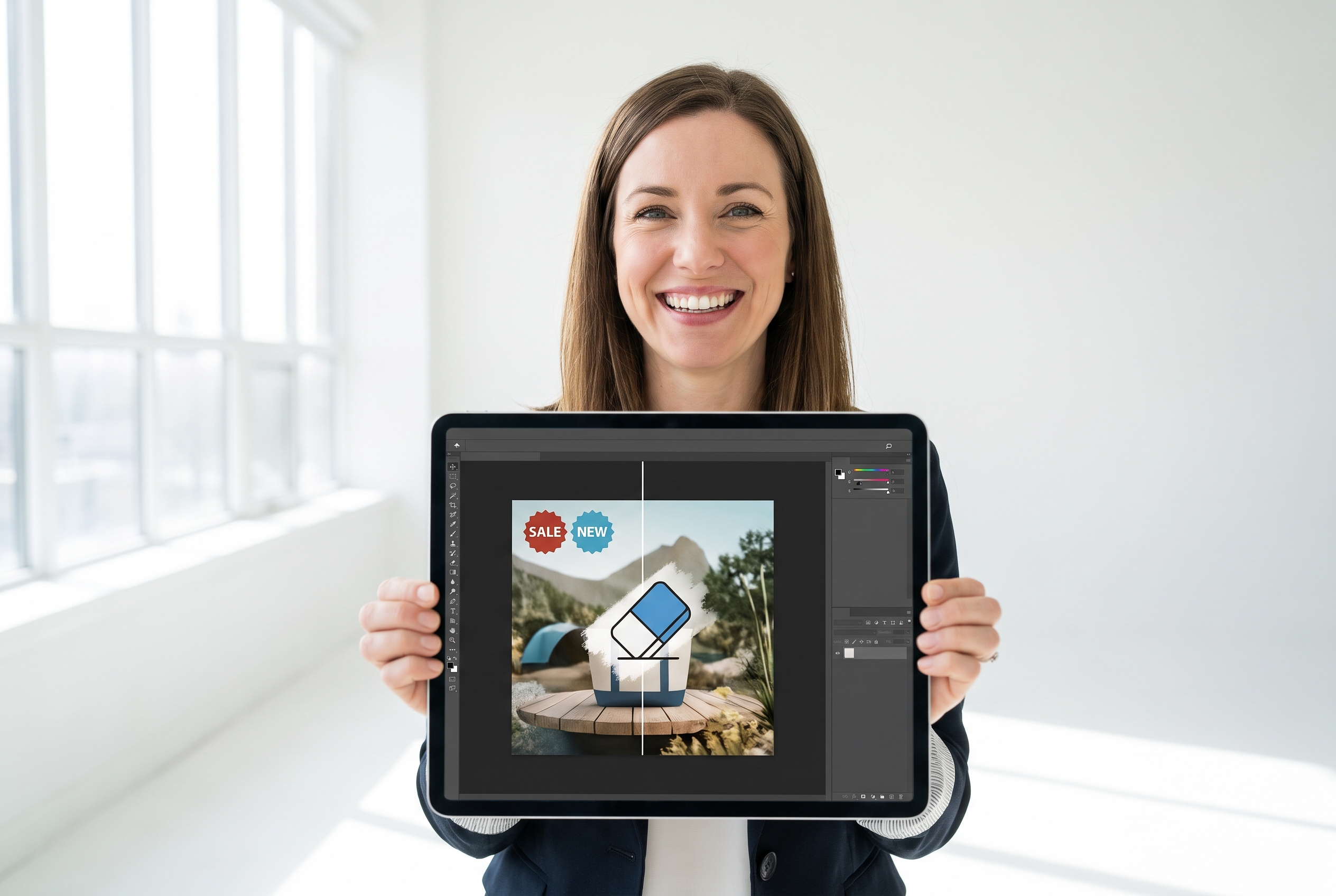
As a campaign team, a watermark removal AI helps you retire old headlines, logos, or watermark layers from owned creative, leaving a cleaner starting point for the next promotion.

Brand Designers
As a brand designer, Adsmaker.ai helps you remove obsolete visible marks from an authorized image before you apply the current logo, copy, or visual system.
FAQs
What is an AI watermark remover?
How does an AI watermark remover work?
Can I remove a watermark, text, and logo from one image?
Can I remove text from a photo with AI?
Can I remove a logo from a photo?
Which image files can I use?
Will every cleaned image look perfect?
Ready to Use Our AI Watermark Remover Today?
Clear the visible overlay that no longer belongs, then put the image back to work. Choose exactly what you want to remove and review the result before you reuse it.