



AI Product Photography
Generate studio-quality product photos with professional photography parameters.
My Tasks
No records yet
Generate your first creation!
AI Product Photography
Describe your product, choose a photographic setup, and create a product visual for free. Set the technique, lighting, composition, lens, depth of field, material finish, resolution, and frame.
AI PRODUCT PHOTOGRAPHY
Create AI Product Photography in Three Steps
Move from a product description to a planned product photograph by selecting the camera, light, composition, material, and output details.
1. Describe the Product
Write the product appearance, materials, colors, and key features. Add a custom prompt when there is a specific detail, setting, or visual mood you want to include.
2. Build the Camera Plan
Choose a photography technique, lighting setup, and composition rule. In Advanced Configuration, select lens type, depth of field, and surface material for more specific visual direction.
3. Set the Final Frame
Pick 1K, 2K, or 4K resolution and choose 1:1, 4:5, 16:9, or 3:4 aspect ratio. Create the image, review the composition, and download the result.
Direct Every AI Product Photography Detail
Build the shot from a product description and concrete photography choices, so the visual direction begins before the image is made.
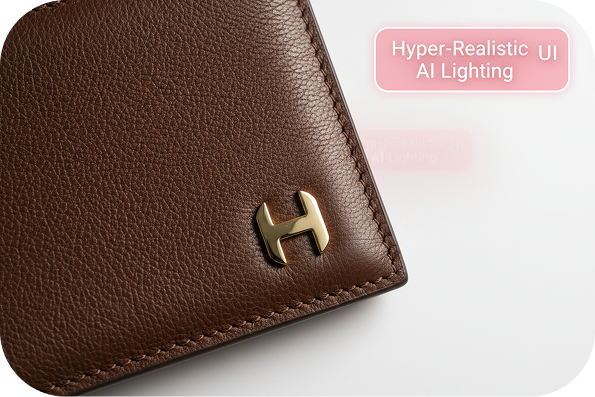
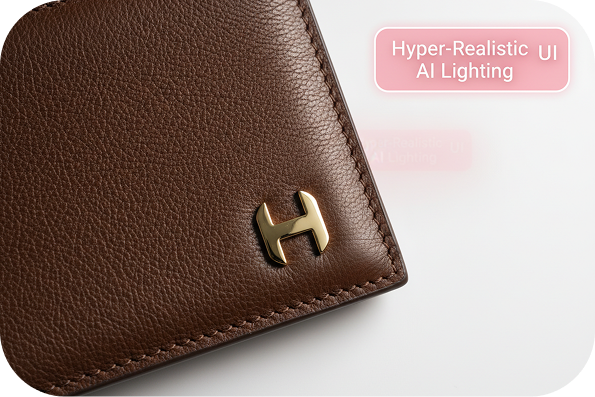
Choose the Shot Technique
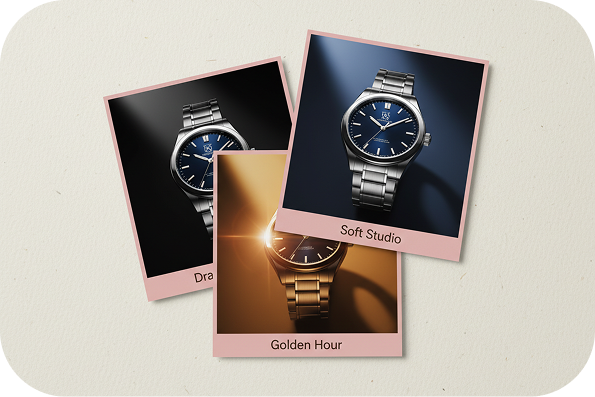
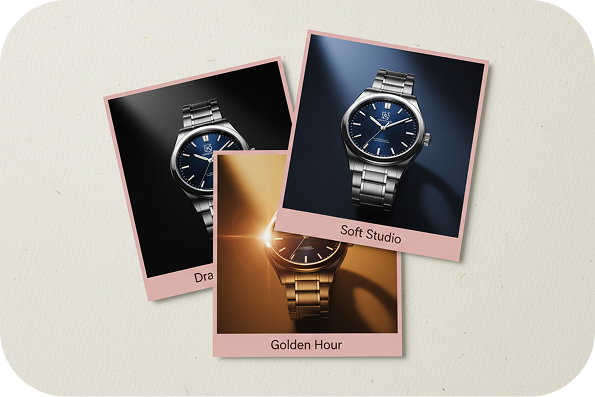
Plan the Lighting Setup
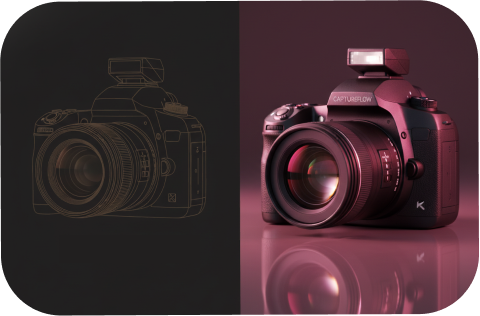
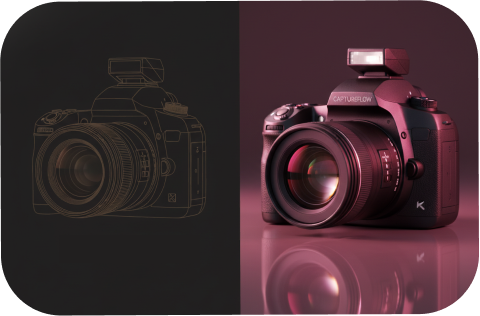
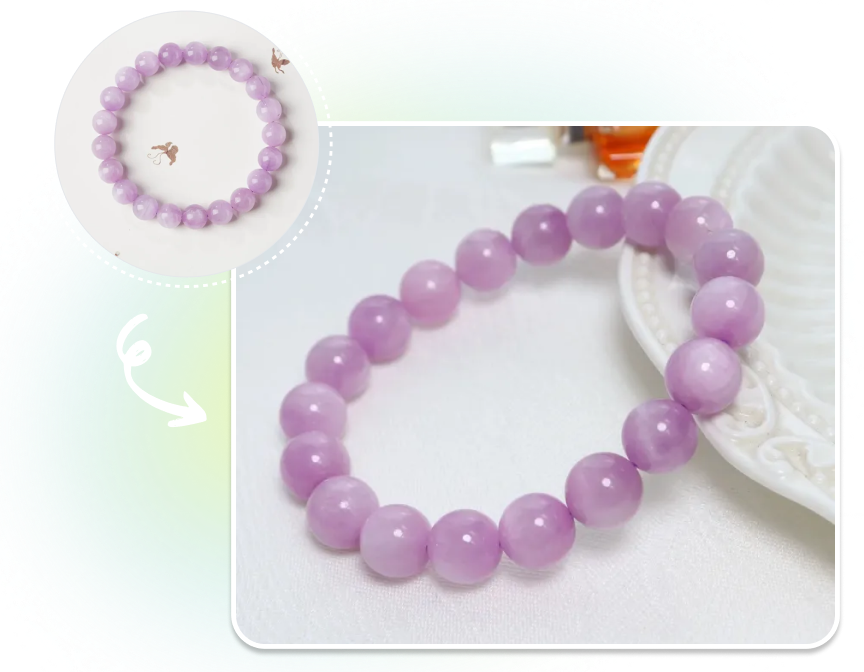
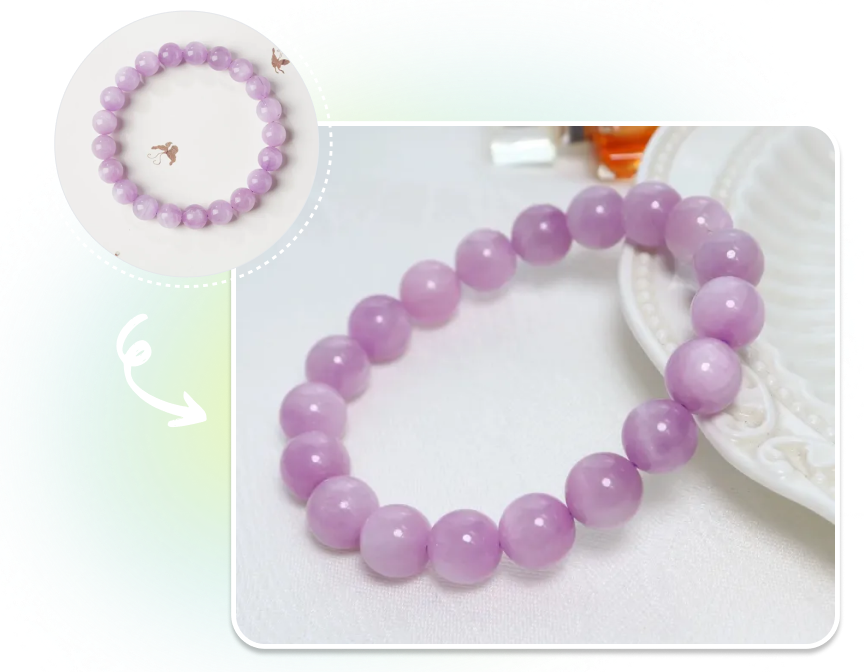
Frame the Product with Intent
Match Finish and Output
Who Uses AI Product Photography?
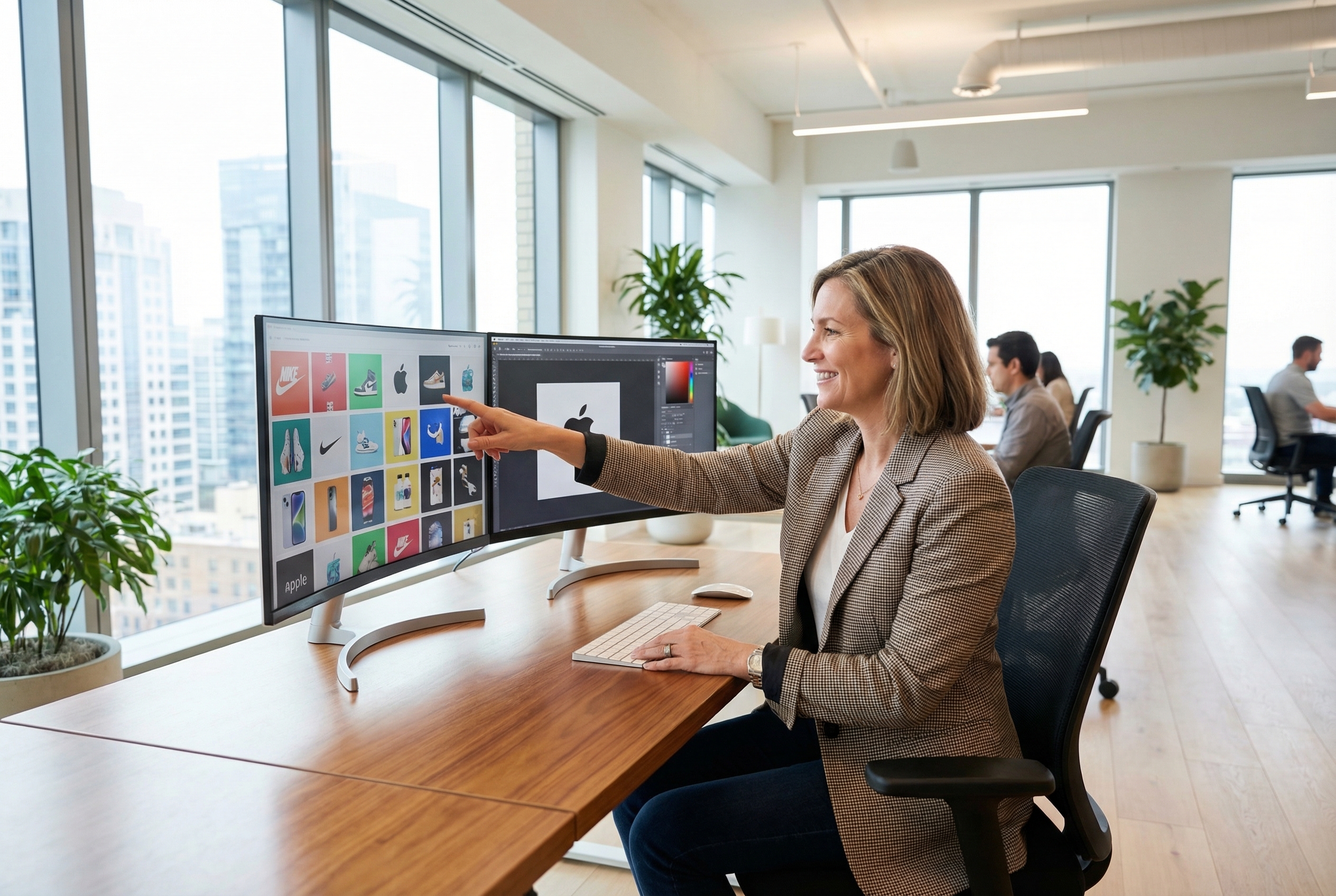
Brand and Creative Teams
Explore a clear art direction before a campaign shoot. Choose the lens, lighting, layout, and material finish that help a new product collection look visually cohesive.
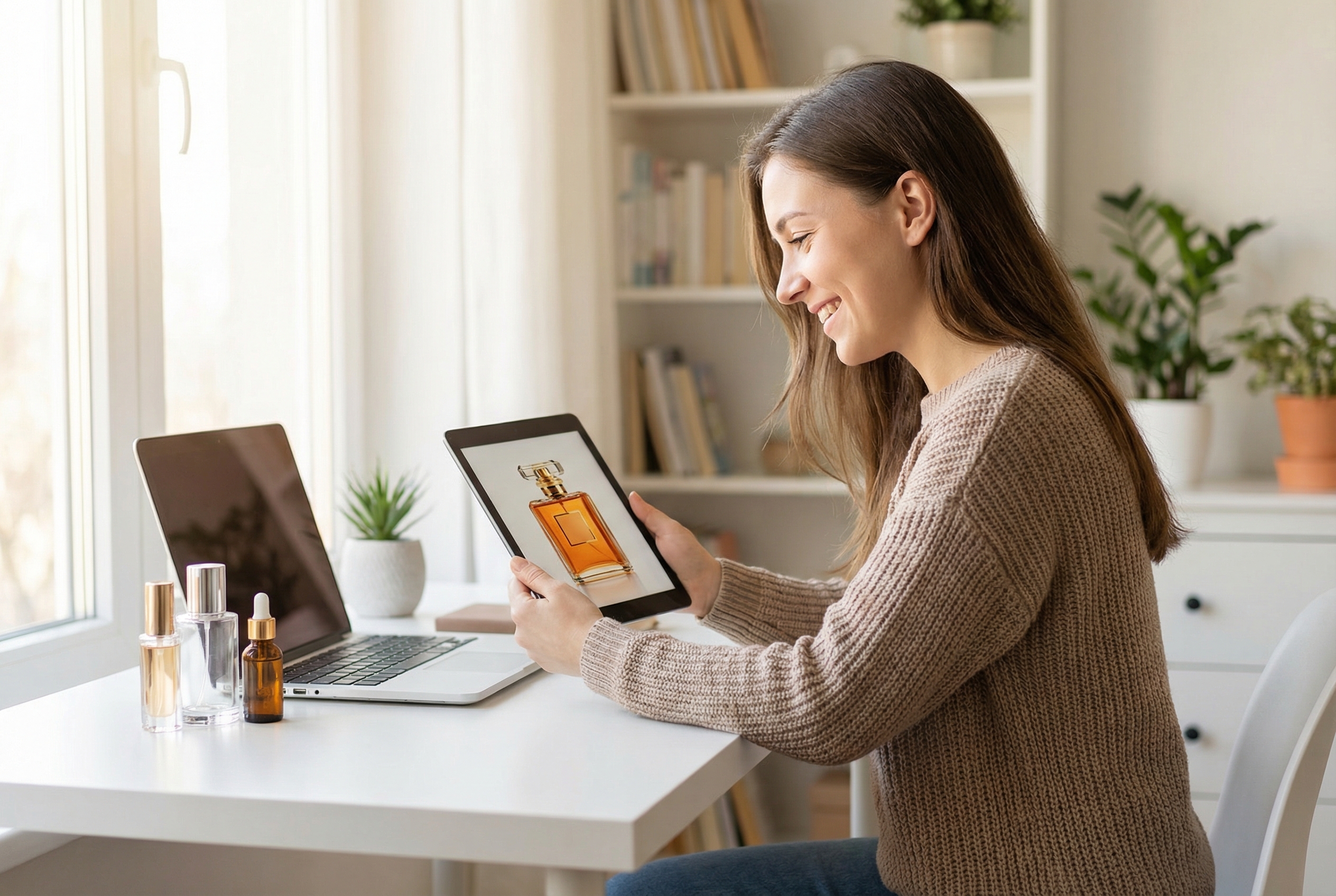
Marketplace Merchandisers
Prepare different product presentations for listing cards, feature callouts, and lifestyle placements. Use the camera settings to shape a close detail view, centered packshot, or spacious editorial frame.
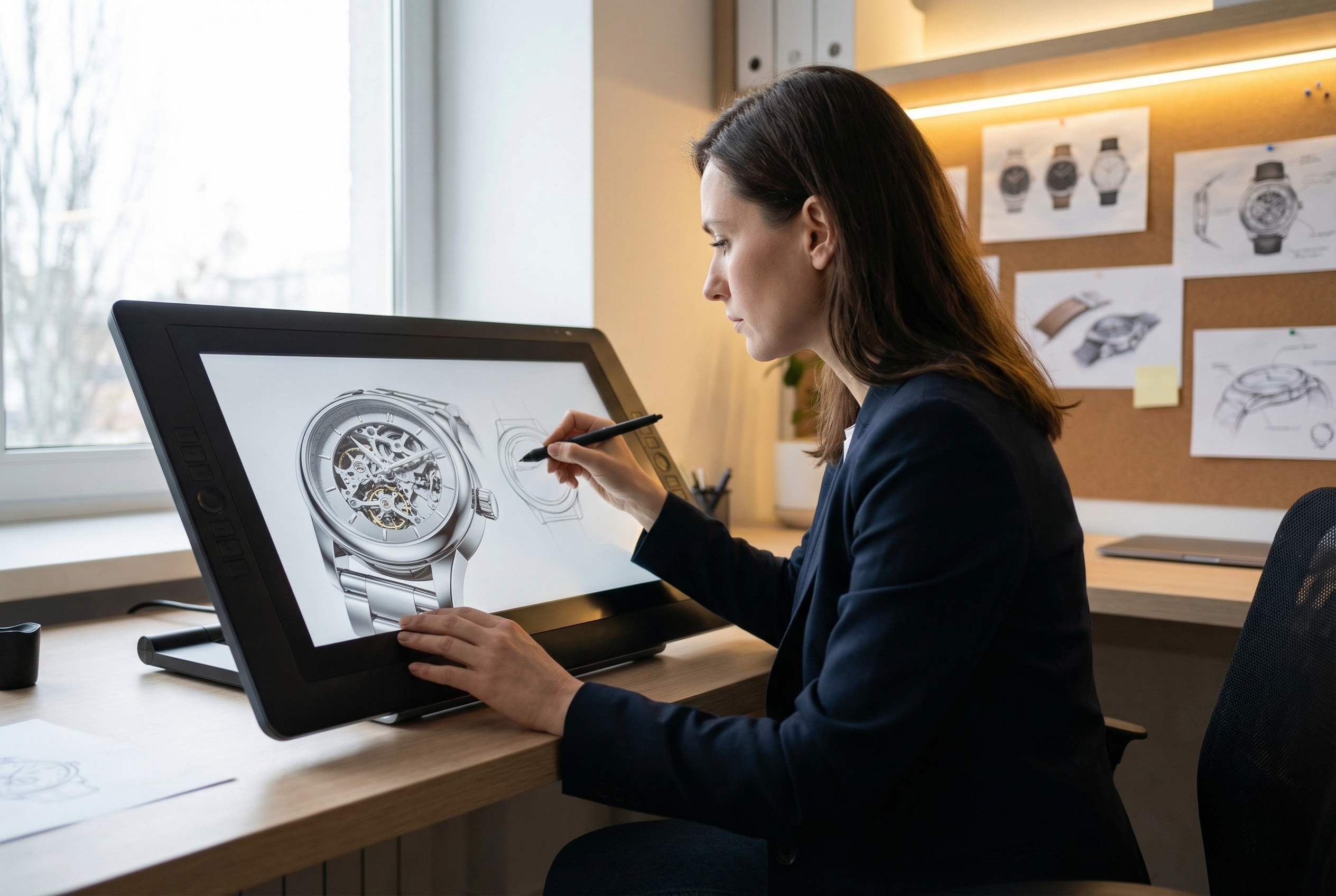
Product Concept Teams
Visualize an early concept with a specified surface, lighting scenario, and camera perspective. These controls help teams discuss how a material or form could read in a finished product image.
FAQs
What is AI Product Photography?
Can I use AI Product Photography for free?
Which photography techniques can I select?
How can I control lighting and composition?
Can I choose a lens and depth of field?
Set Up Your Next Product Shot
Describe the item, select the photographic choices that matter, and create a product visual shaped around your intended camera plan.