



AI Talking Avatar
Create AI talking avatar videos from photos and scripts with lip sync, multilingual voices and custom styles.
My Tasks
No records yet
Generate your first creation!
AI Talking Avatar Generator
Turn one portrait and a script into a spoken video for free. Choose the voice, delivery mood, background, subtitles, quality, and aspect ratio before you render.
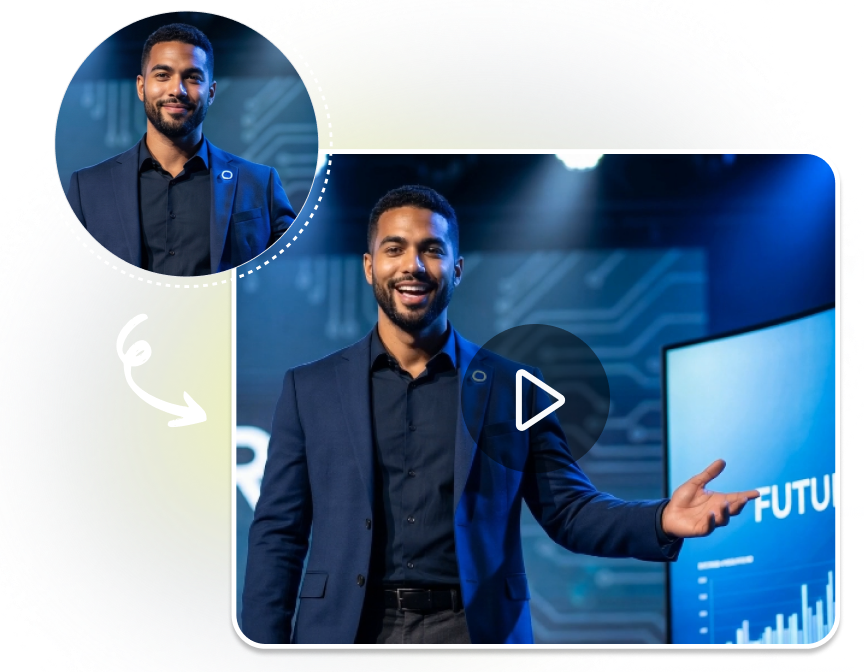
AI TALKING AVATAR
Make an AI Talking Avatar Video
Build a script led talking video by choosing the speaker, delivery settings, and output format.
1. Add the Speaker Image
Upload a clear portrait or start with one of the example speakers. Choose an image you have permission to use and that shows the face clearly.
2. Write and Direct the Line
Enter the script, select a voice and emotion, then choose the background, speaking rate, subtitles, and animation style that suit the message.
3. Render and Download
Pick video quality and aspect ratio, create the clip, review the result, and download the finished talking video for your chosen placement.
Control Every AI Talking Avatar Take
Direct how the speaker sounds, feels, appears, and fits the final frame instead of settling for a single default performance.
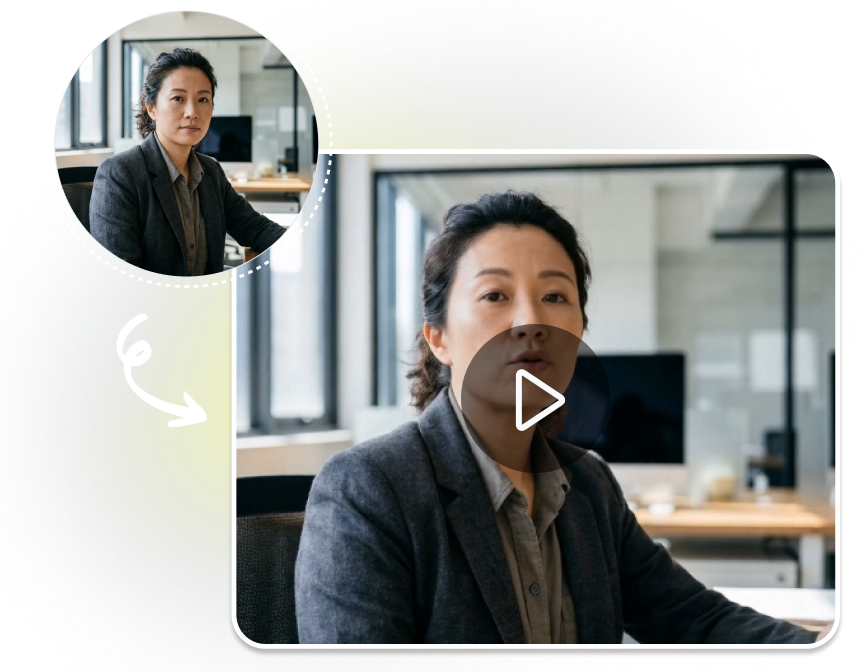
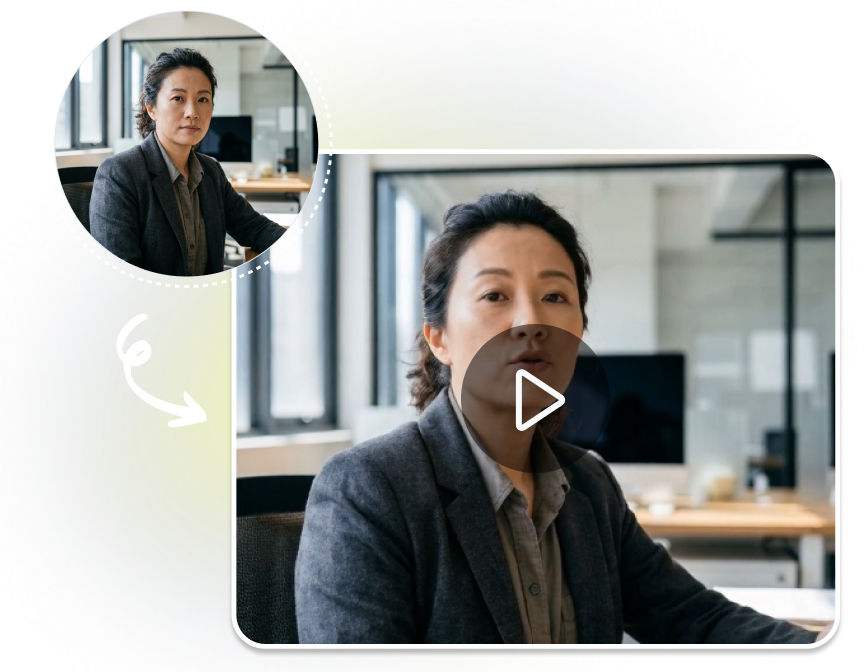
Start with a Portrait and Script
Choose Voice and Delivery Mood
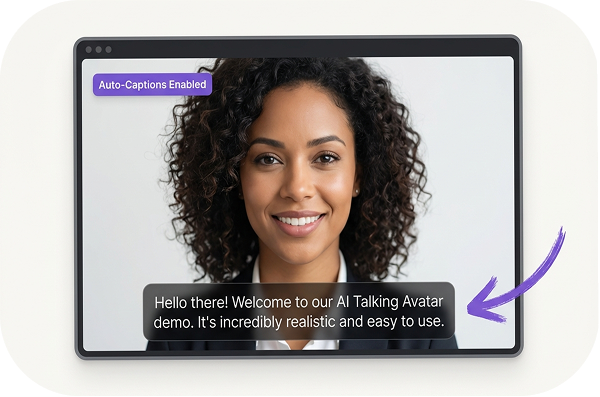
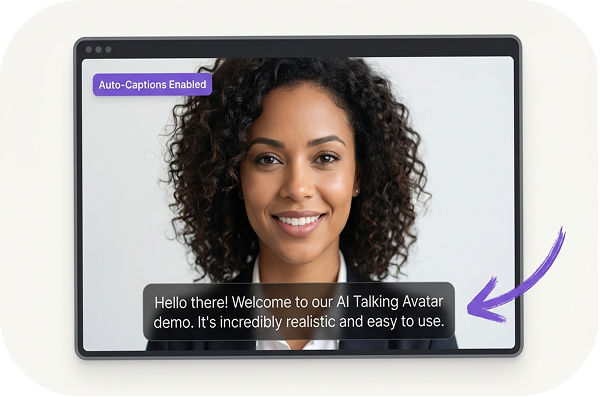
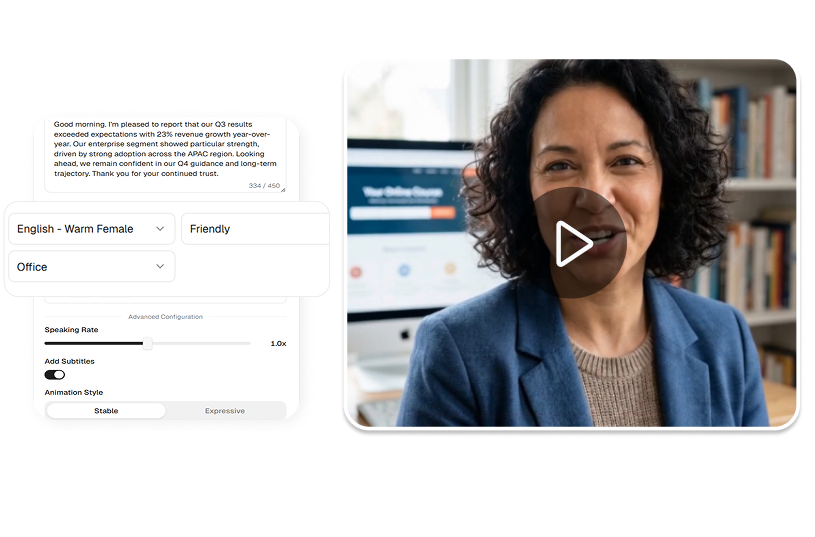
Set the Scene and Motion
Deliver in the Right Format


Who Uses an AI Talking Avatar?
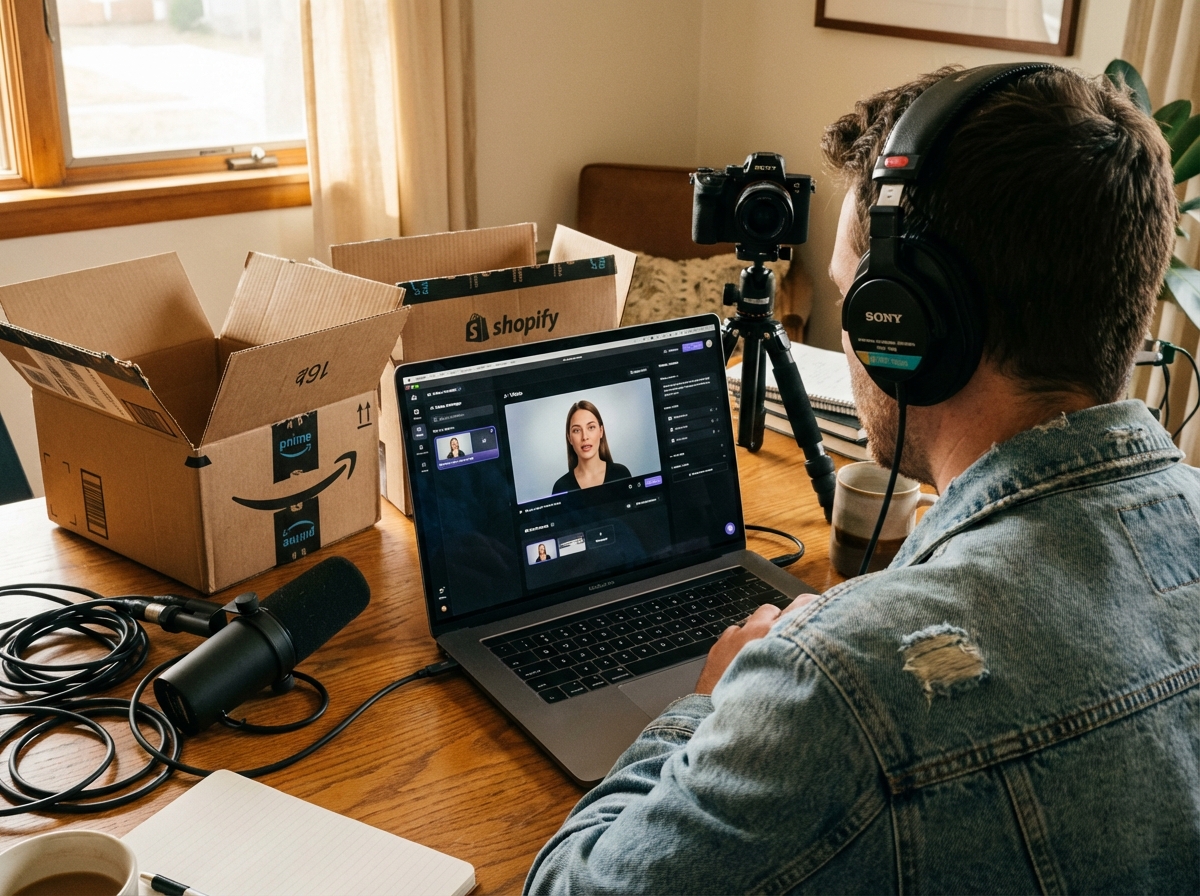
Course and Training Teams
Turn short lesson introductions, onboarding reminders, and process updates into presenter led clips. The voice, emotion, and subtitle controls help shape an instructional tone.
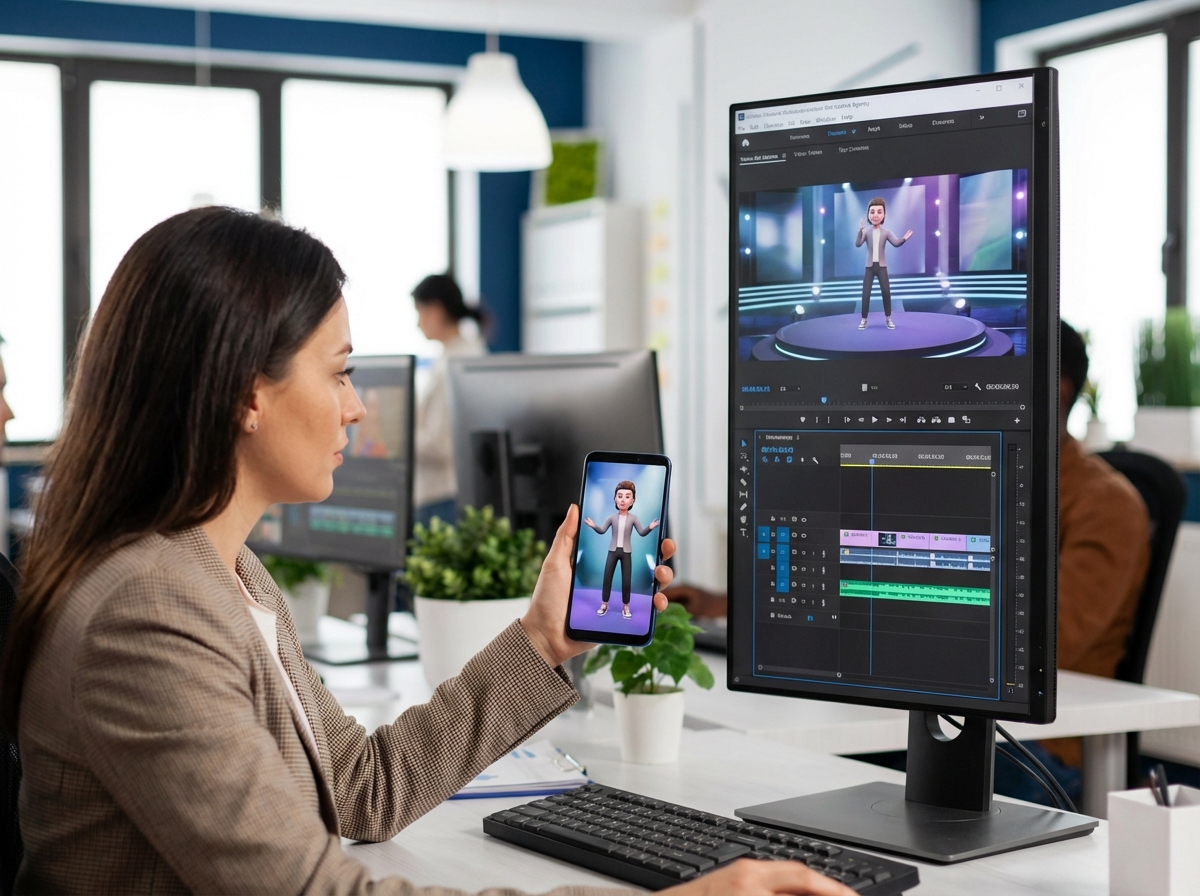
Community and Social Managers
Create vertical updates, announcements, and recurring host messages from one selected speaker image. Change the script, background, mood, and frame for each placement.
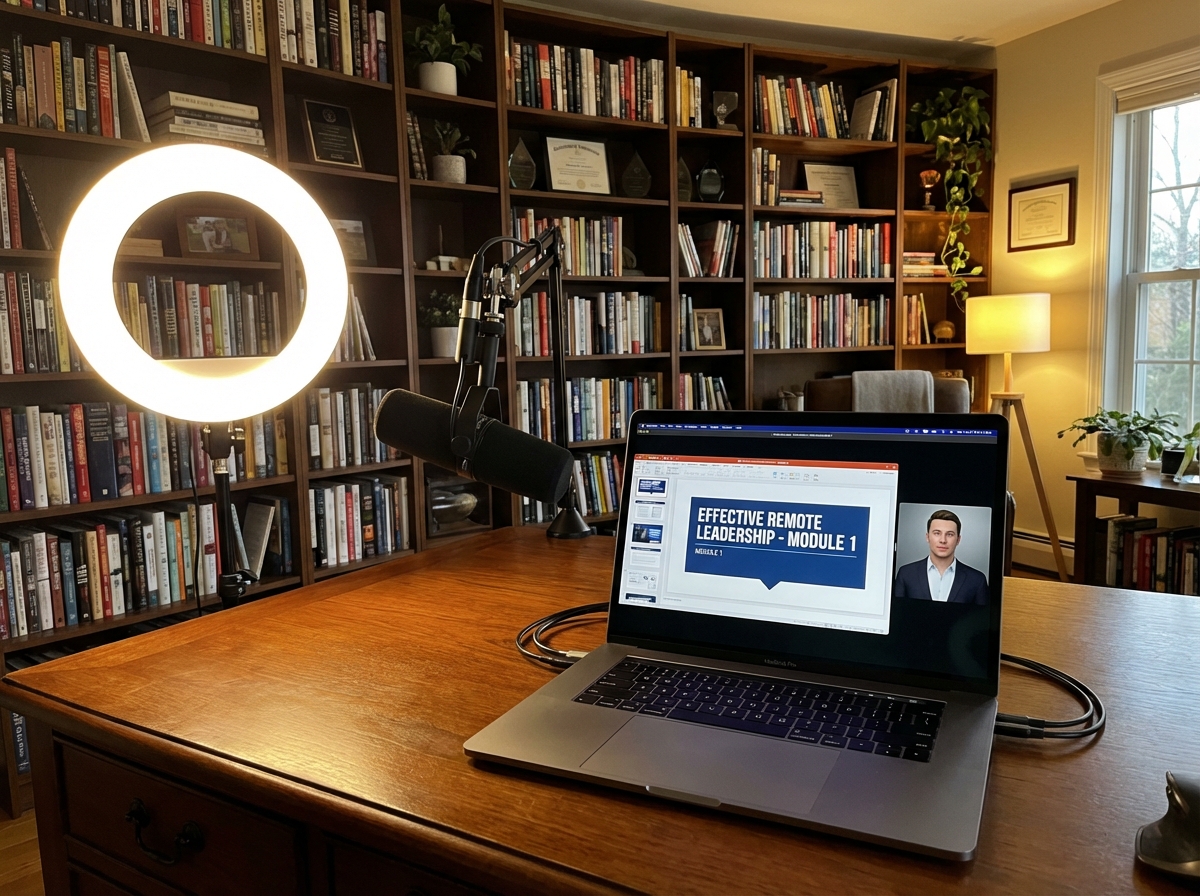
Founders and Small Teams
Draft a concise welcome, launch note, or product update without arranging a fresh recording. Use a clear script and chosen delivery settings to prepare a shareable talking clip.
FAQs
What is an AI Talking Avatar?
Can I make an AI Talking Avatar for free?
Which voices and emotions can I choose?
Can I add subtitles and change the background?
Which video formats are available?
What image should I upload?
Give Your Script a Speaking Presence
Choose a portrait, write the line, and direct the voice, emotion, scene, subtitles, and format for your next talking video.