

LinkedIn Headshot Generator
Turn a clear photo into a LinkedIn profile portrait. Explore studio, office and outdoor looks, then download a headshot for your next profile update.

Try a demo
Explore related LinkedIn headshot tools
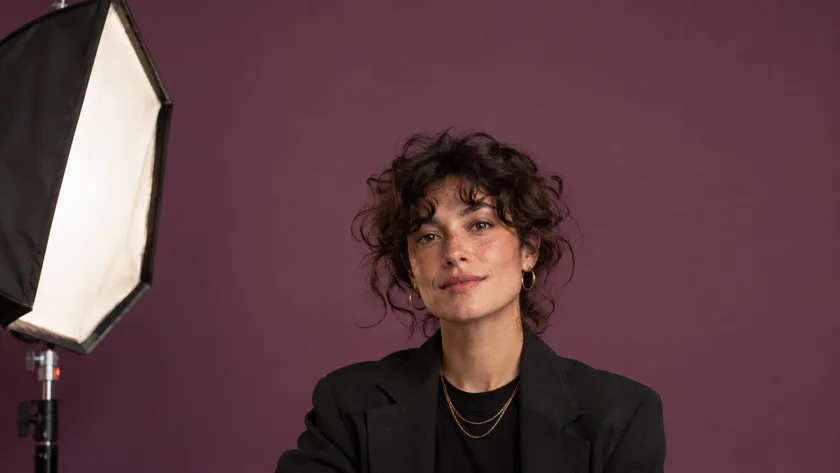
How to use the LinkedIn Headshot Generator
- 01
Start with a recognizable photo
Choose a recent picture with one face in focus. Even light across both eyes gives the generator a clearer reference than a strongly backlit selfie.
- 02
Pick a look for your profile
Try a studio style for a quiet background or an office setting for more context. Check the output settings and credit estimate before generating.
- 03
Check the small crop
Review the portrait on the left. Make sure your eyes and chin will fit in a round LinkedIn avatar, then download the version you want.
LinkedIn Headshot Generator examples
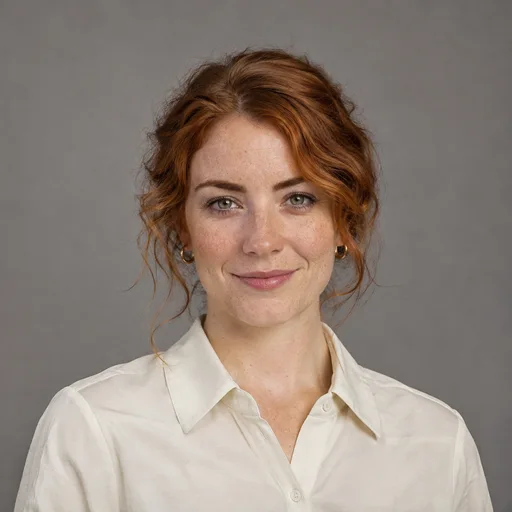
Compare how a blazer, an open collar or a softer backdrop reads at profile-photo size. Choose a setting to narrow the collection.



















LinkedIn Headshot Generator FAQ
What should I wear in my LinkedIn headshot?
Consider what you would wear to meet someone in your field. A simple neckline and a jacket or shirt that contrasts with the background keep attention on your face.
Which background works for a small profile photo?
A plain studio backdrop keeps the outline of your head easy to see. For a workplace portrait, look for a softly blurred setting with few bright details near your face.
Can I compare a second look?
Generate again with a different style. The latest completed headshot takes the preview spot. Open My Creations to revisit your earlier runs.
Create your next LinkedIn headshot
Choose a clear photo, explore a portrait style, and find a look that feels like you.
Create my headshot