






















360 Spin Video for Ecommerce
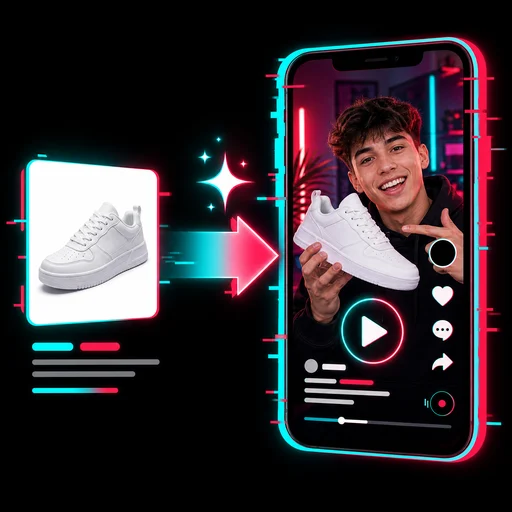
Turn product photos into a seamless 360° spin video for product pages, marketplaces and ads. Add side and back photos for a truer turn.
360 Spin Video for Ecommerce: show every side of your product
Upload a photo of the front of your product, add the right side, back and left side if you have them, and 360 Spin Video for Ecommerce turns them into one smooth turn at an even speed that ends exactly where it started, so the video loops without a jump on product pages, marketplaces and ads.
- One full turn in 5 or 10 seconds, seamless loop
- Sides you upload appear exactly as photographed
- Optional pure white background, silent MP4
Real spin videos made from product photos
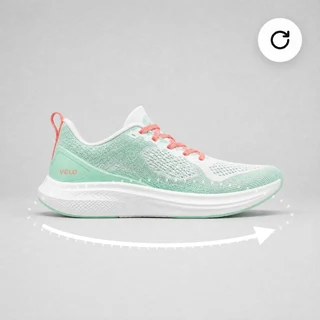
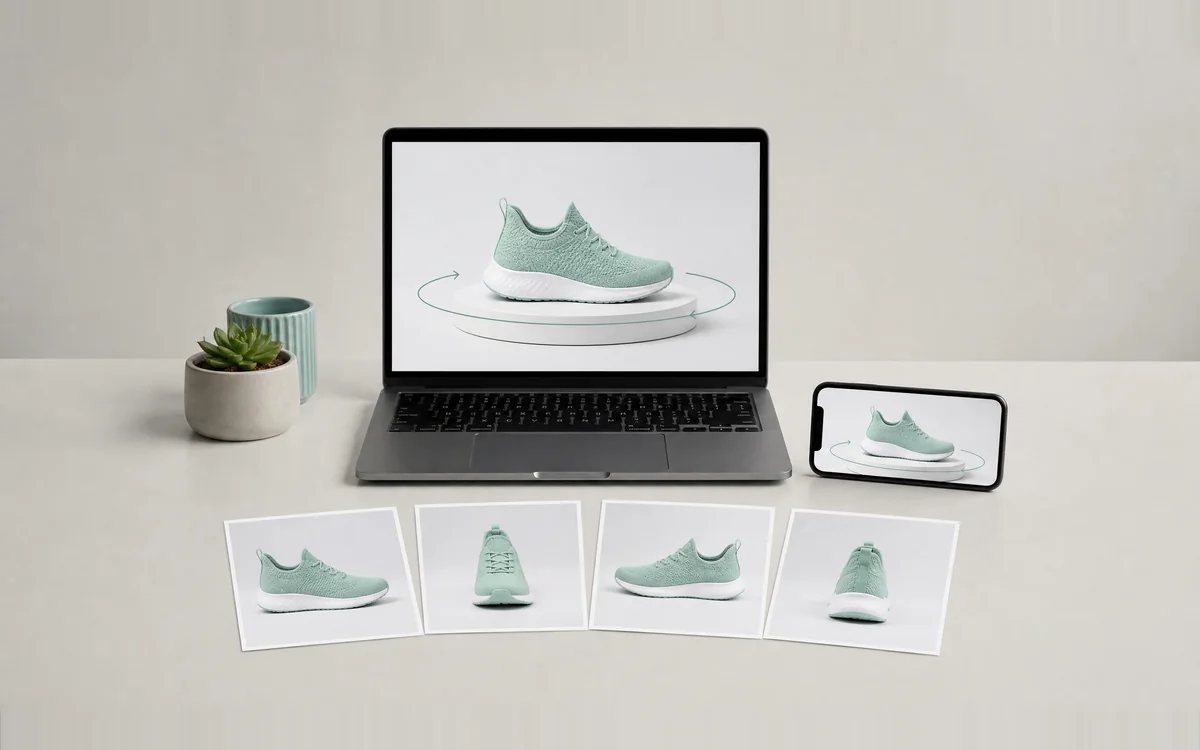
Each video below came out of 360 Spin Video for Ecommerce from the photos and settings listed under it, with no editing afterwards.
Inputs: studio photos of each product from the sides shown, plus the background and length above. 50 credits per video segment: 4 photos make 4 segments (200), 3 photos 150, front and back 100; pure white adds 3 credits per photo.
Make a 360 spin video in three steps
Every video in 360 Spin Video for Ecommerce takes the same three steps.
Upload your product photos
Add the front photo, then the right side, back and left side if you have them. JPG, PNG or WEBP, up to 10 MB and at least 300 pixels on each side. Shoot every side from the same height and distance.
Choose the background
Keep my background uses your photos as they are. Pure white puts the product on an even white studio background, the look most marketplaces use.
Pick 5 or 10 seconds and generate
In Output Settings choose how long one full turn takes. Click Generate 360 spin video; the button shows the exact price for the photos and options you picked.
More sides, a truer turn
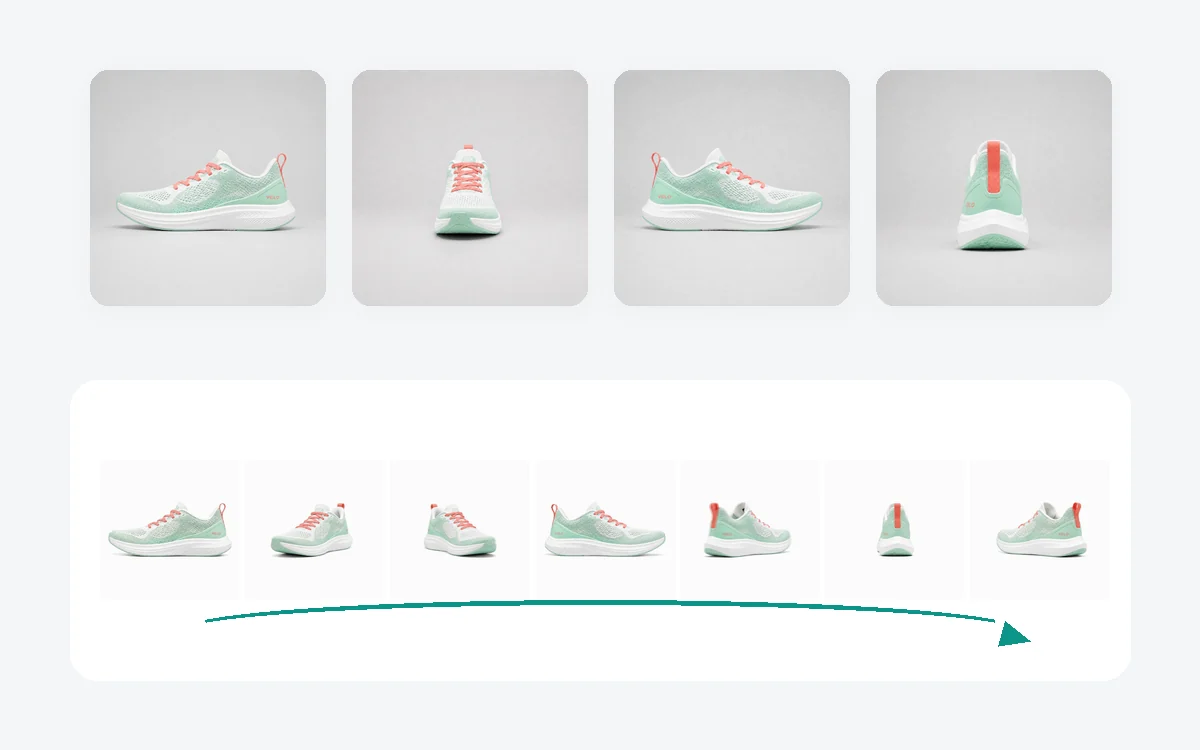
AI has to imagine any side it never saw. With 360 Spin Video for Ecommerce you can upload up to four sides: the turn passes through each of your photos, so labels, straps and soles on those sides appear exactly as photographed, and only the angles in between are filled in. The product is scaled to the same size in every photo, so it never jumps.
- Front required, right side, back and left side optional
- Each extra side is one more 50-credit video segment
- Left and right as seen when facing the front
Pure white background, ready for marketplaces
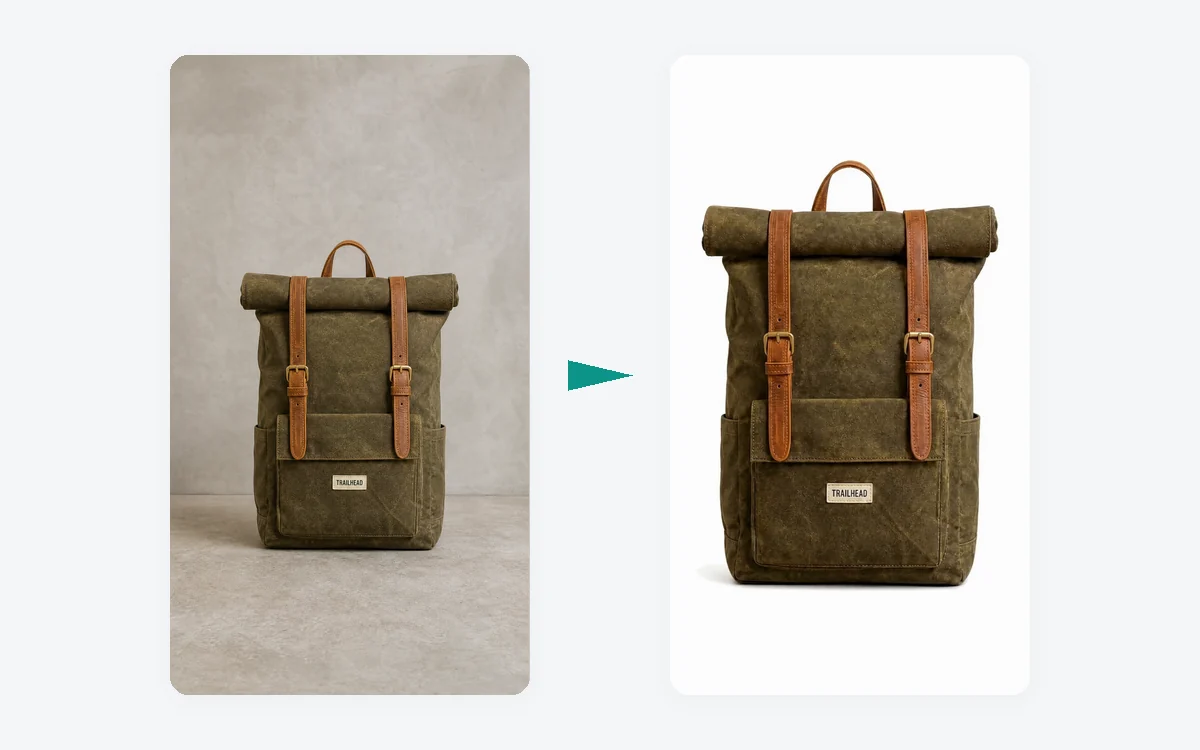
Shot on a desk, a floor or outdoors? Choose Pure white in 360 Spin Video for Ecommerce and every photo is first placed on an even pure white studio background with a soft contact shadow, keeping the product itself unchanged, and then turned into the spin video. It costs 3 extra credits per photo.
- 720p MP4: 960 × 960, 720 × 1280 or 1280 × 720
- The size follows your front photo: square, portrait or landscape
- No sound, so it autoplays muted on product pages
Who uses it, and for what
Three common ways sellers use 360 Spin Video for Ecommerce instead of booking a turntable shoot.
Product pages that answer questions
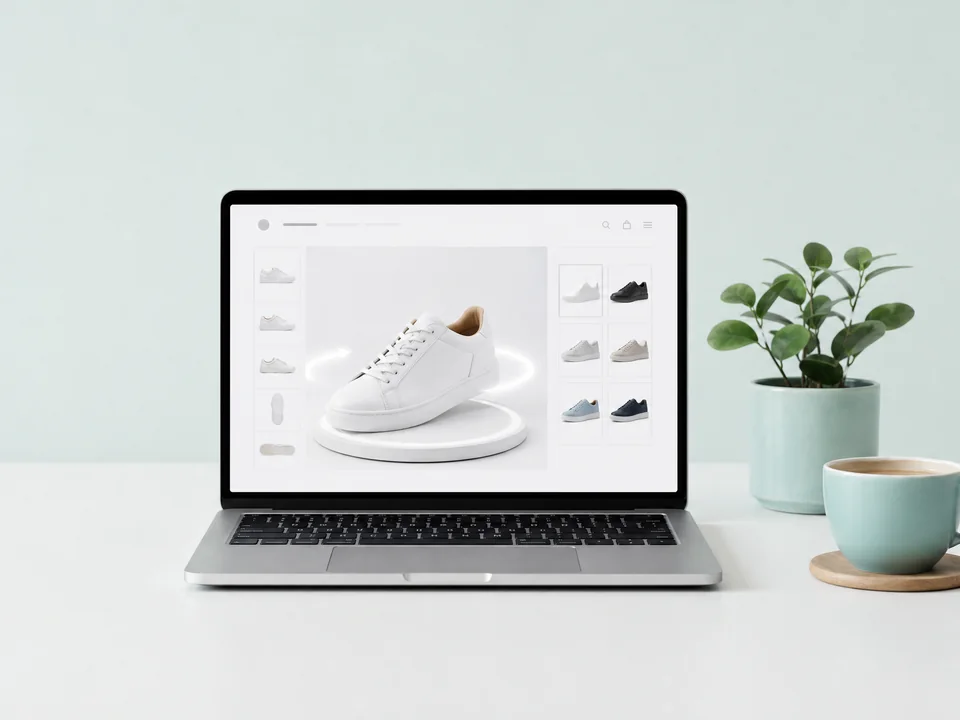
A shoe store adds a spin video to each product page so shoppers can see the sole, heel and both sides before they buy, from the photos it already took for the listing.
Marketplace listings
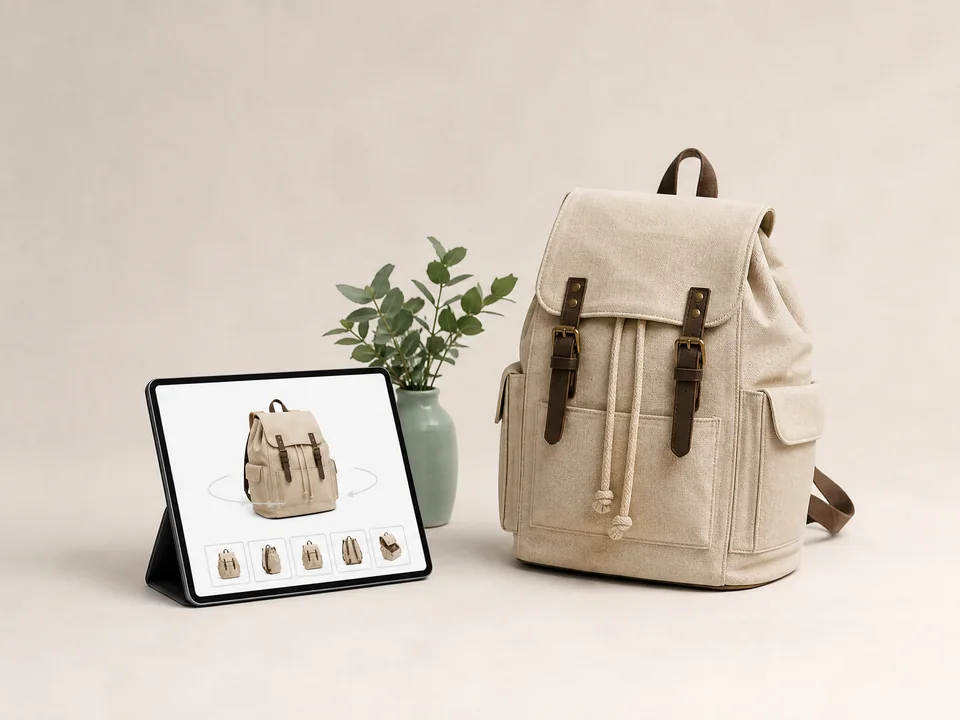
A bag seller makes a pure white 360 video for its marketplace listing, matching the white main image those platforms expect, without a photo studio.

Ads and social posts
An audio brand loops a 9:16 spin of its new headphones in Stories and Reels ads; a turning product catches the eye in a feed of still images.
Frequently asked questions
Do I need photos of every side?
No. Only the front photo is required. With one photo, 360 Spin Video for Ecommerce imagines the other sides, which works well for simple shapes. For products with labels, straps or details on the sides and back, upload those sides too: each uploaded side appears exactly as photographed.
How many credits does 360 Spin Video for Ecommerce use?
50 credits per video segment. The front alone is one segment (5 seconds = 50, 10 seconds = 100); with more photos, each photo adds one segment, so front and back = 100, three photos = 150, four photos = 200. Pure white adds 3 credits per photo. A video that fails is refunded in full automatically.
Will the product look exactly like mine?
Every side you upload appears as photographed. Angles between your photos are filled in by AI, so small details there, such as fine print or thin straps, can differ slightly. More photos, shot from the same height and distance, give a truer turn.
Does the video loop without a jump?
Yes. The turn ends exactly at the front view it started from, and the speed is evened out so there is no pause or slow-down at the loop point. Set the player to loop and it turns continuously.
Which size and format do I get?
A silent 720p MP4. The shape follows your front photo: a square photo gives 960 × 960, a portrait photo 720 × 1280 and a landscape photo 1280 × 720. Choose 5 seconds for a quick turn or 10 seconds for a slow one in Output Settings.
How long does it take?
Most videos are ready in about 5 to 10 minutes; more photos or a pure white background take a little longer. The video appears in your creations next to the form, where you can play it, download it and reuse its settings.
Let shoppers see every side
Sign in, upload your product photos, and 360 Spin Video for Ecommerce shows the price before anything is generated.