

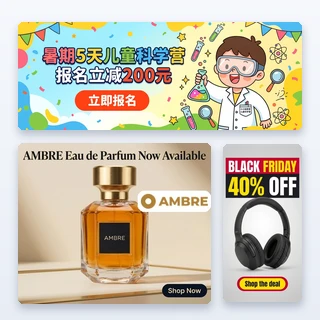


AI Marketing Images
Upload a product photo, pick where the image will be used and get a ready-to-post marketing image with a headline and a button already on it.
AI Marketing Images: one product photo, a ready-to-post image for every channel
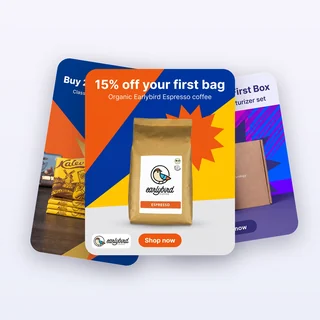
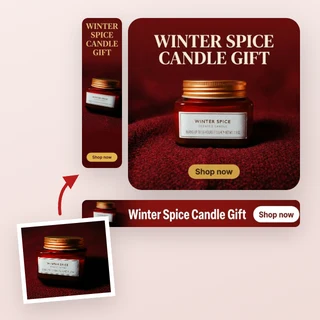
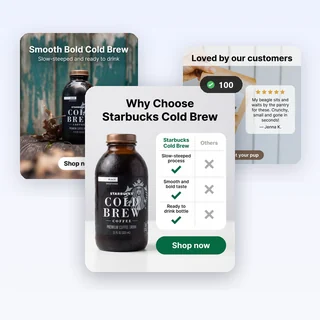
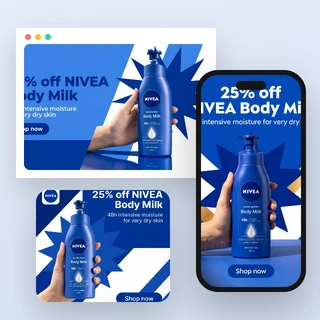
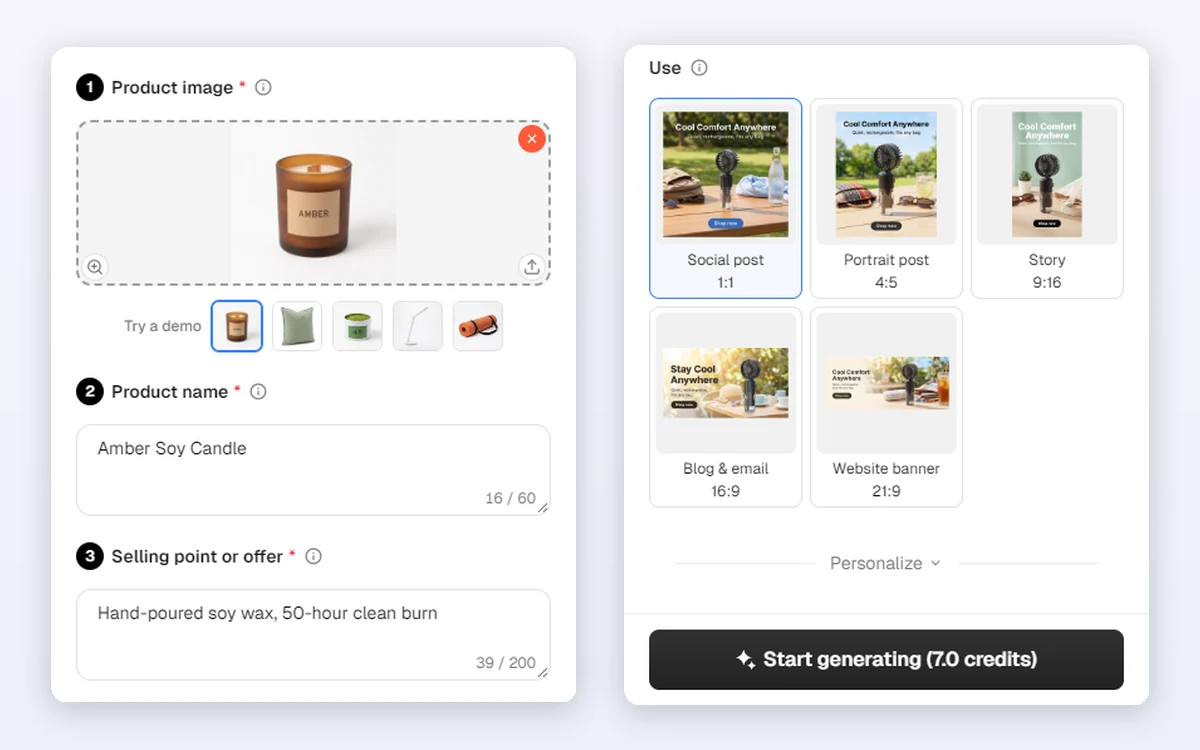
Upload a product photo, add the product name and one selling point, and pick where the image will be used. AI Marketing Images designs a finished image around your product with a headline, a short line and a button already on it, sized and laid out for that place: a social post, a Story, a blog or email header or a wide website banner.
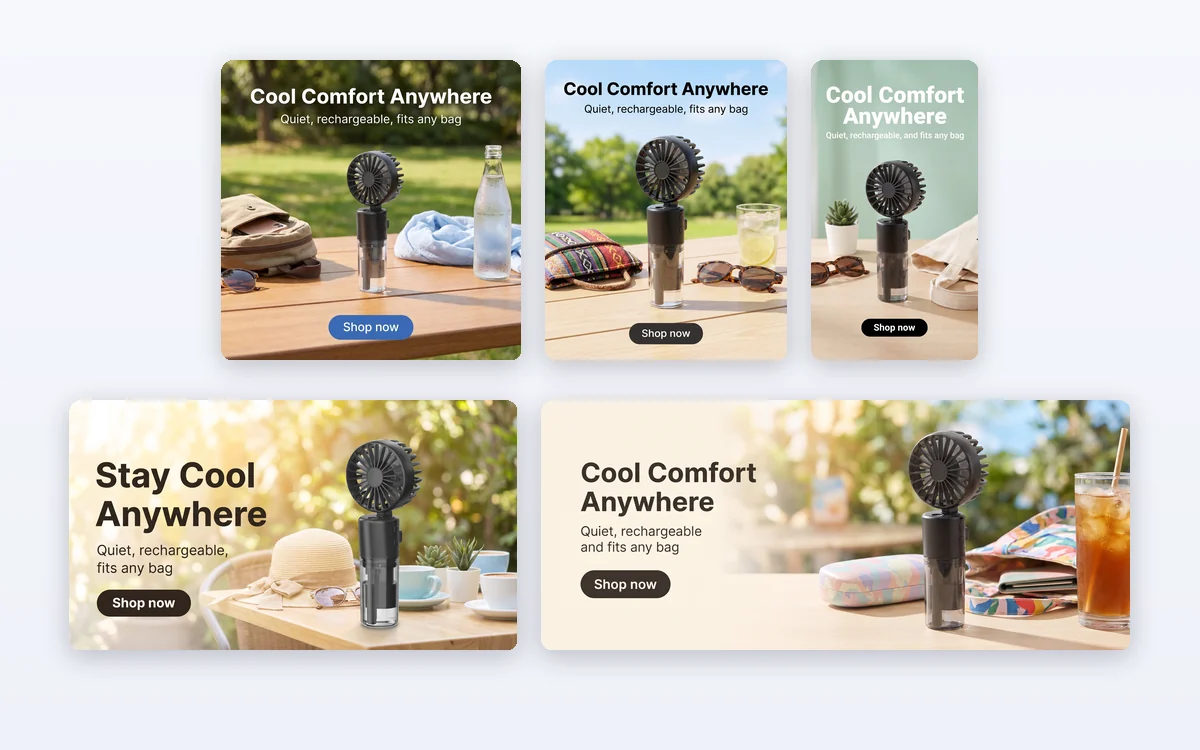
- Five uses: Social post 1:1, Portrait post 4:5, Story 9:16, Blog & email 16:9 and Website banner 21:9
- AI writes the text, or you type your own and it is kept word for word
- One 2K PNG per run, 7 credits
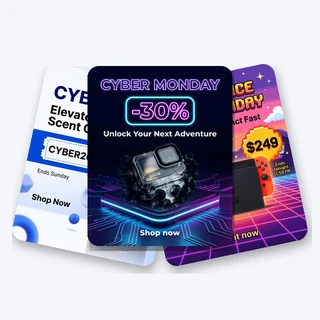
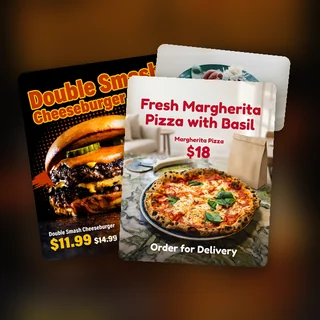
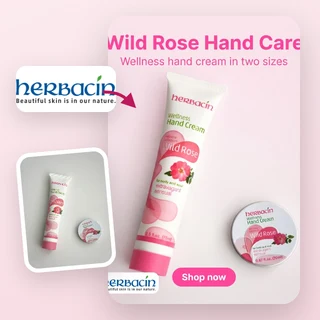
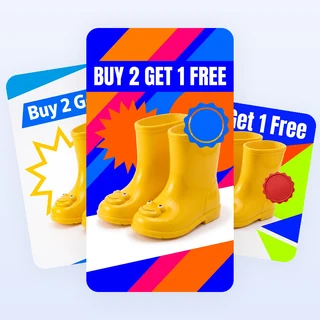
Five products, five places to post
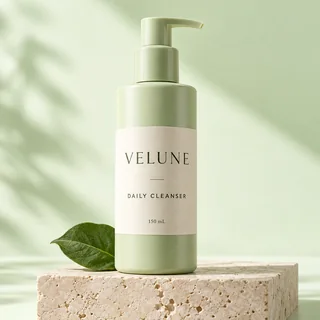
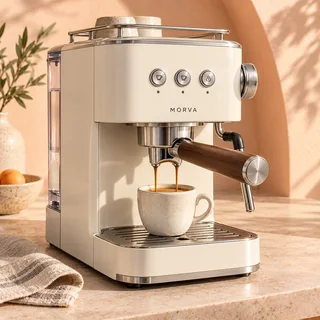
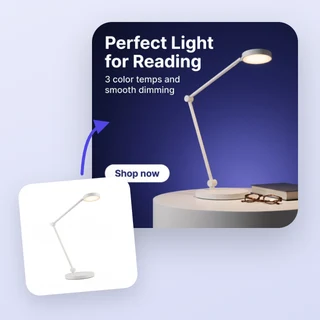
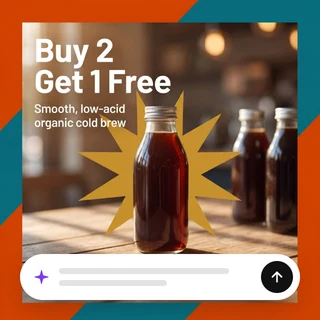
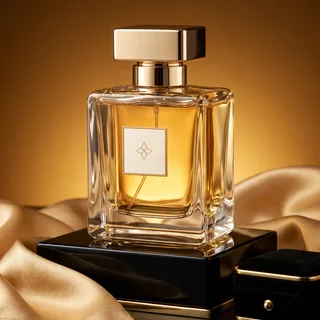
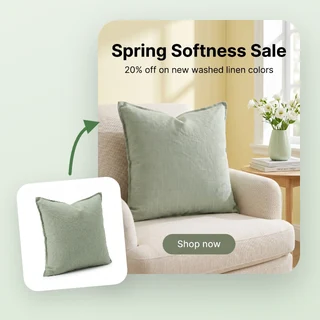
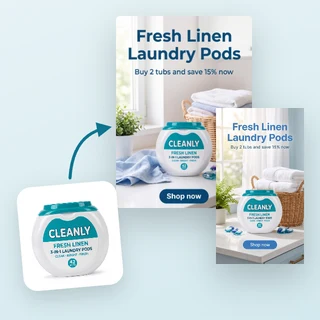
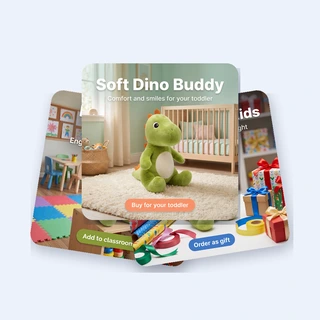
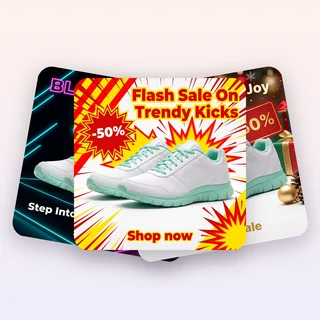
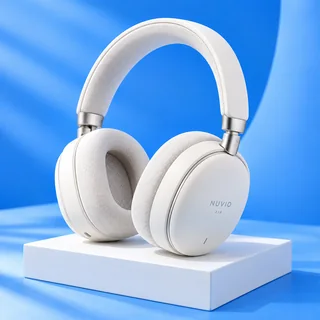
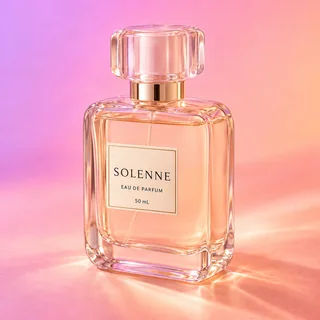
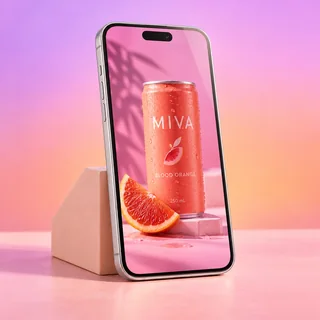
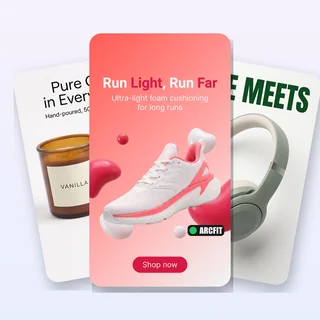
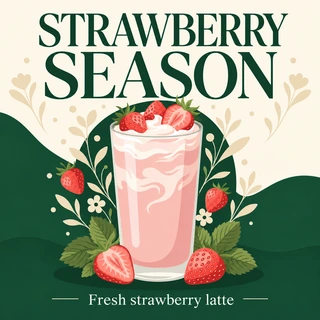
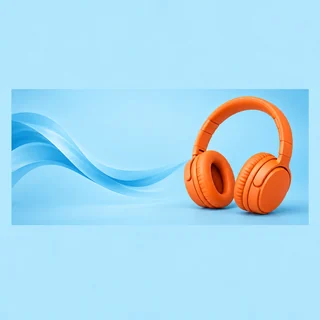
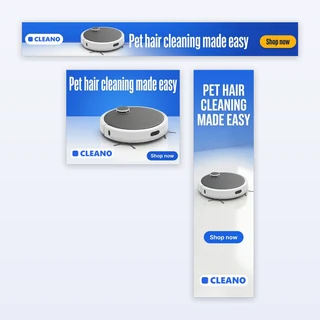
Real results from AI Marketing Images: five new products, each run once for a different use.
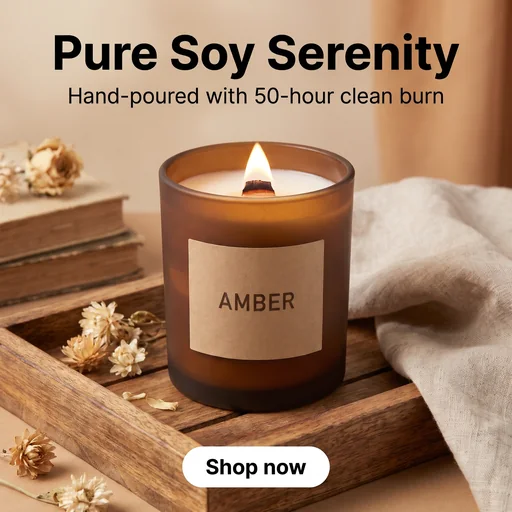
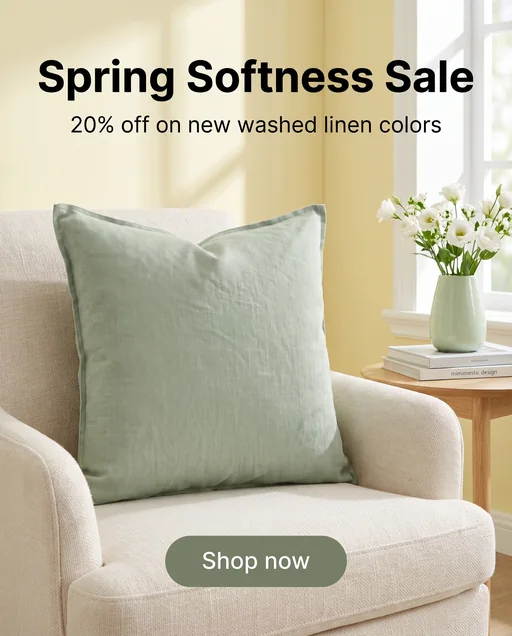
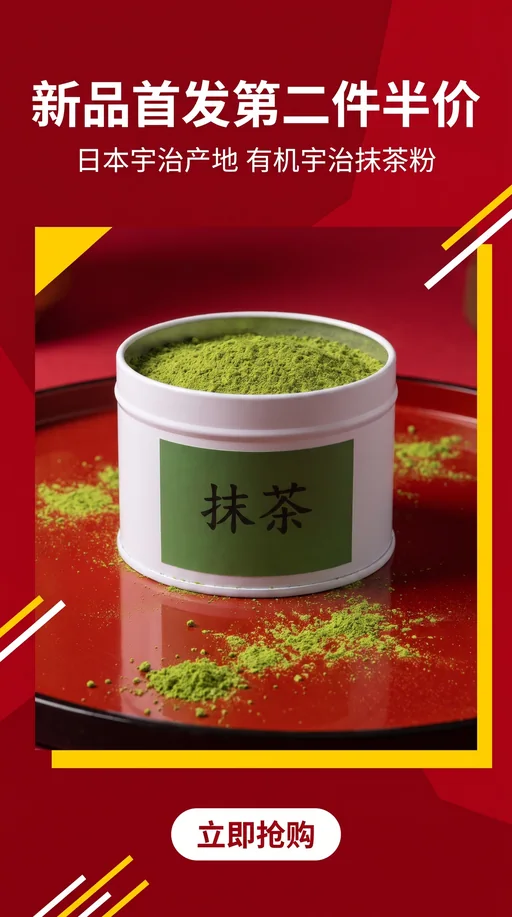
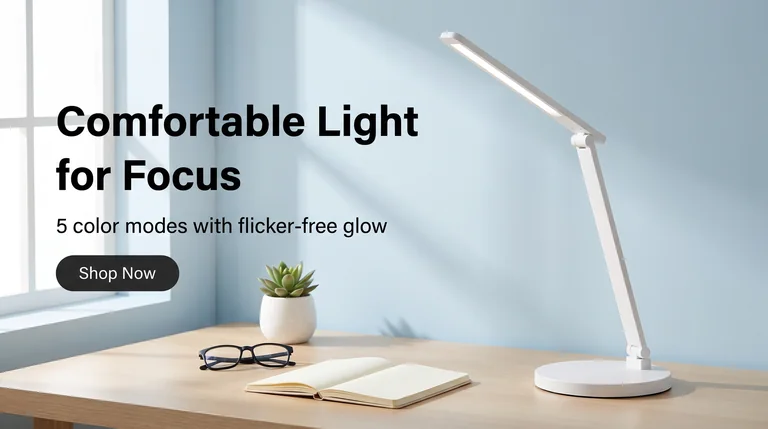
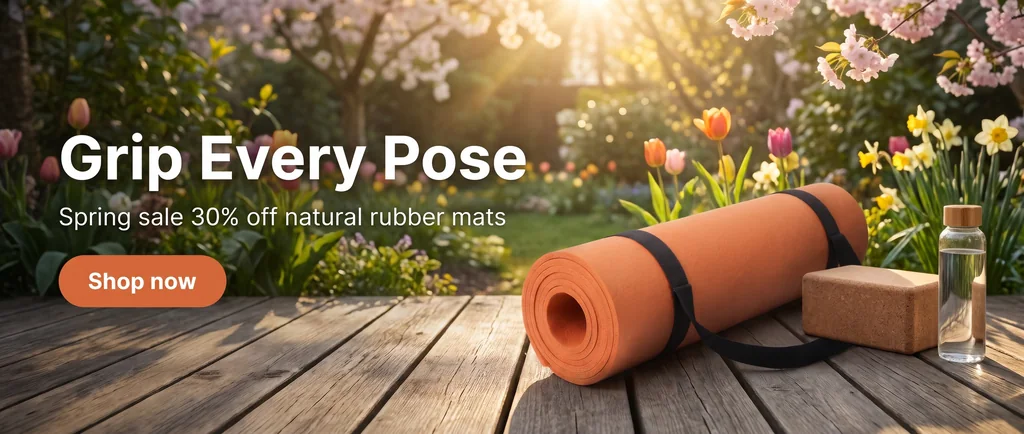
Input: one product photo, its name, one selling point and one use per run. Output: one 2K PNG each, at 1:1, 4:5, 9:16, 16:9 and 21:9, with the headline, short line and button on the image.
Make a marketing image in three steps
Every image in AI Marketing Images comes from the same three steps.
Upload your product photo
Add one clear JPG, PNG or WEBP photo up to 10 MB, at least 256 pixels on each side, or paste a product page link. The product keeps its shape, colors, label and logo; the scene around it is new.
Add the name and one selling point
Type the product name and one sentence about it, such as Lasts 72 hours or New arrival 20% off. If you mention an offer, the image gets a bolder promotional look; nothing you did not write is invented.
Pick a use, then generate
Choose Social post, Portrait post, Story, Blog & email or Website banner. Text on the image is under Personalize: keep AI writes it, or choose I'll write it to type the headline, short line and button yourself. Start generating shows 7 credits.
Pick where it goes, get the right size and layout
In AI Marketing Images the use is the only choice that matters. Social post makes a square image with the product in the middle. Story keeps the text away from the top and bottom areas the apps cover. Blog & email puts the text on the left of a 16:9 header, and Website banner makes an ultra-wide 21:9 hero with the text in the left third.
- 1:1 and 4:5 for Instagram and Facebook feeds
- 9:16 for Stories, Reels and TikTok
- 16:9 and 21:9 for blogs, emails and online store banners
Text that is ready to post
Every image from AI Marketing Images carries a headline, a short line and a button. Let AI write them from your product name and selling point in your site language, or choose I'll write it and type a headline of up to 30 characters, a short line of up to 50 and button text of up to 15. Typed text is printed exactly as written.
- AI never adds prices, discounts or claims you did not give it
- Leave the short line or button empty and it is left off
- No style menu: the look follows your product and your selling point
How sellers use it
Three everyday jobs AI Marketing Images is built for.
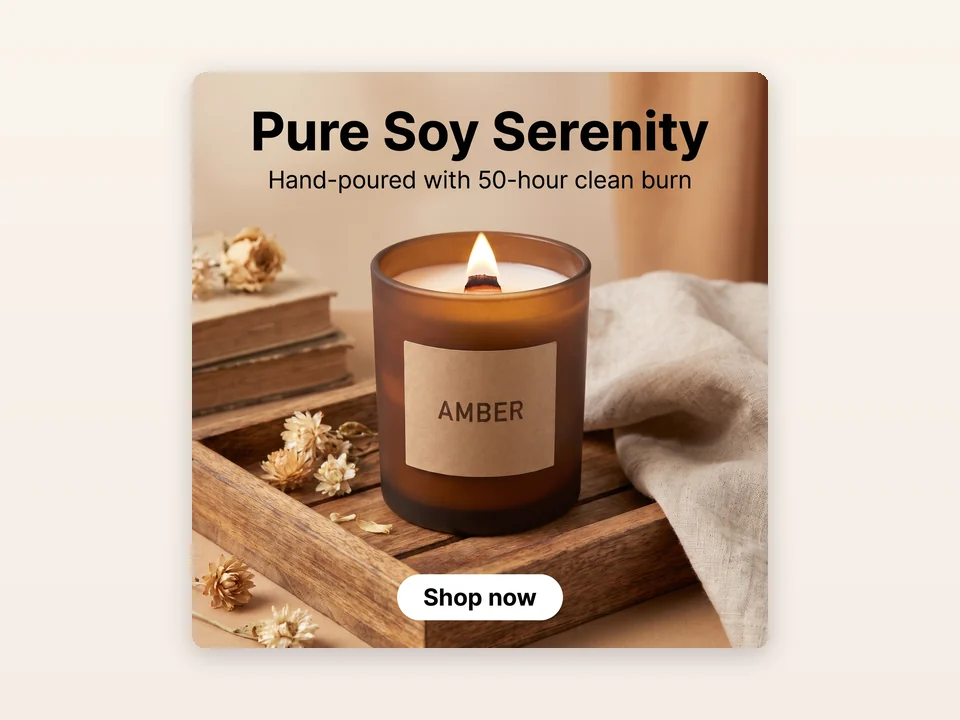
Weekly social posts
A candle shop uploads a new scent, writes Hand-poured soy wax, 50-hour burn and keeps Social post. The square image is ready for Instagram and Facebook without opening a design app.
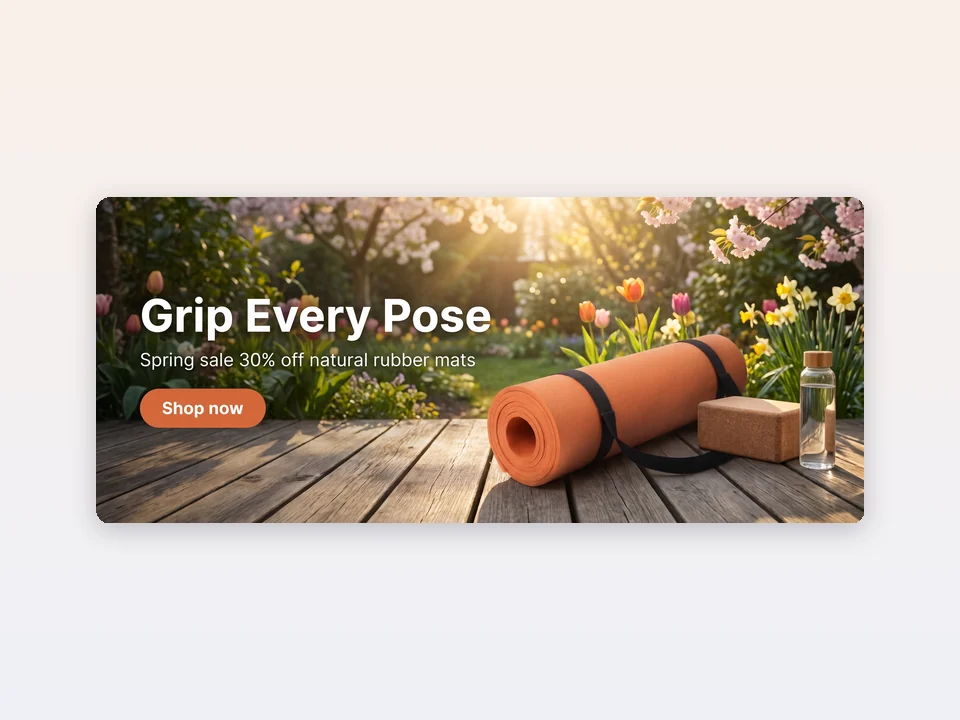
Store homepage banners
A yoga brand picks Website banner for its rubber mat and writes Spring sale 30% off. The 21:9 hero keeps the offer in the left third and the mat on the right, ready for the top of a Shopify store.
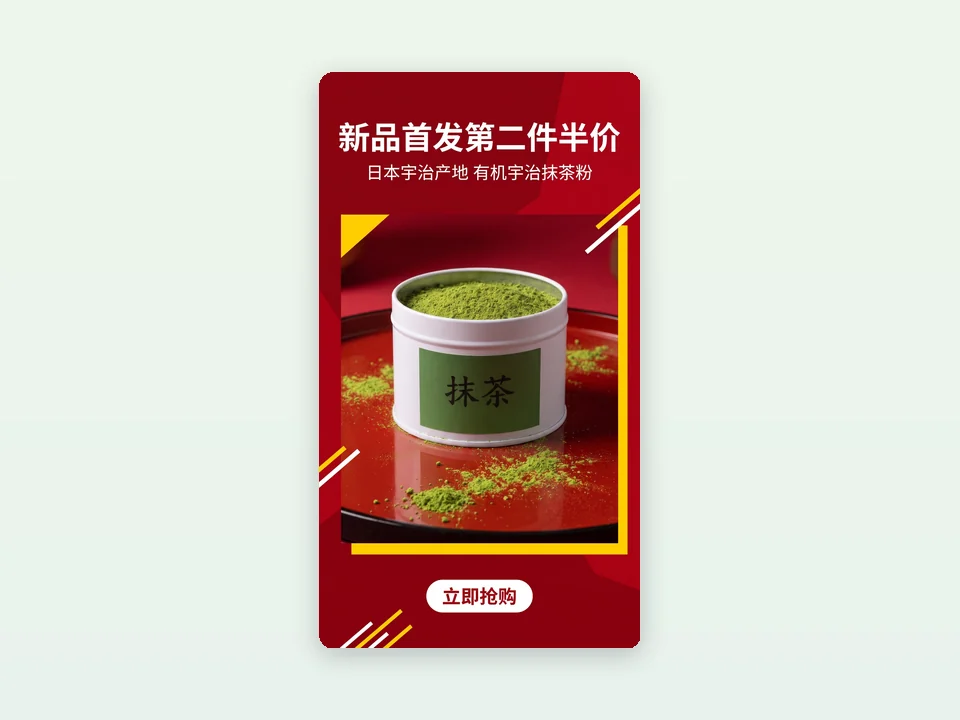
Stories in your own language
A tea seller on the Chinese site picks Story for its matcha. The headline, short line and button are written in Chinese, and everything stays inside the safe middle of the 9:16 frame.
Frequently asked questions
How many credits does AI Marketing Images use?
Each image costs 7 credits and gives you one 2K PNG. The price is the same for every use, and it is shown on the Start generating button before anything is submitted. If the image cannot be delivered, the 7 credits are refunded automatically.
Which sizes can I get?
Social post 1:1 (2048 × 2048 pixels), Portrait post 4:5, Story 9:16, Blog & email 16:9 and Website banner 21:9 (3168 × 1344 pixels). One run makes one image in the use you picked.
What language is the text on the image?
AI writes in the language of your product name and selling point; if that is unclear, it uses the language of the site you are on. Text you type yourself is printed exactly as written.
Can I choose a style?
There is no style menu. AI Marketing Images chooses the look from your product, your selling point and the use: a selling point with an offer gets a bold promotional look, others get a clean product or lifestyle look.
Will my product be changed?
It is built to keep your product's shape, colors, printed text and logo as they appear in your photo and to show it once, large and sharp. The background, props and lighting are new. If your photo already shows a room, the new scene may look similar. Still check every image before you publish it.
Will AI invent discounts or claims?
No. The headline and short line are written only from what is in your photo, the product name and the selling point. Prices, discounts and deadlines appear only if you wrote them.
Make your next marketing image now
Sign in, upload a product photo and AI Marketing Images shows the 7-credit price before anything is generated.