












AI UGC Video Generator
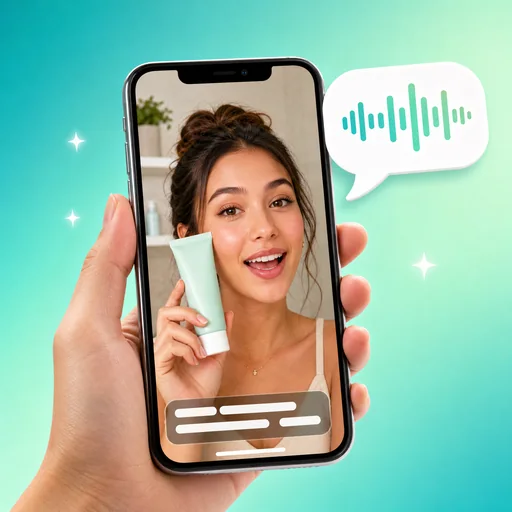
Turn a product photo into a UGC-style video ad: an AI creator holds your product and talks to the camera, with voiceover and captions.
AI UGC Video Generator: creator-style video ads from one product photo
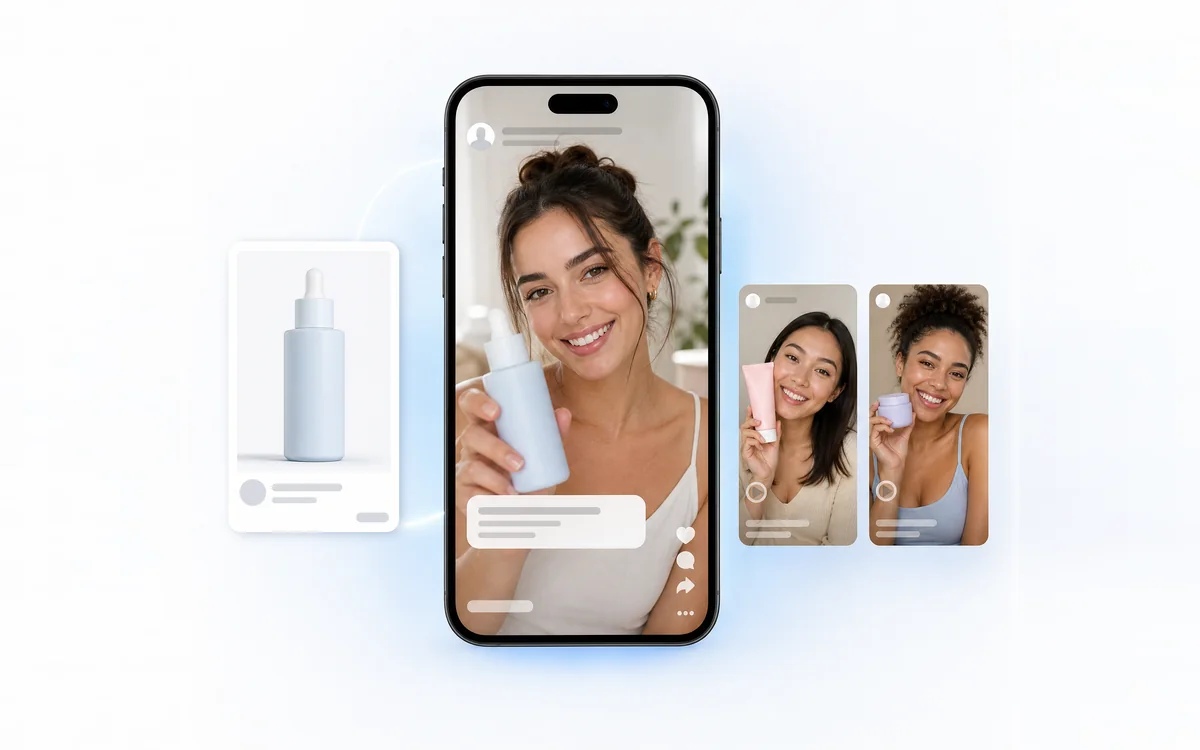
Upload a product photo, add a short script, and AI UGC Video Generator makes a 15-second vertical video in which an AI creator holds your product and talks to the camera, with voiceover, captions and product close-ups cut in.
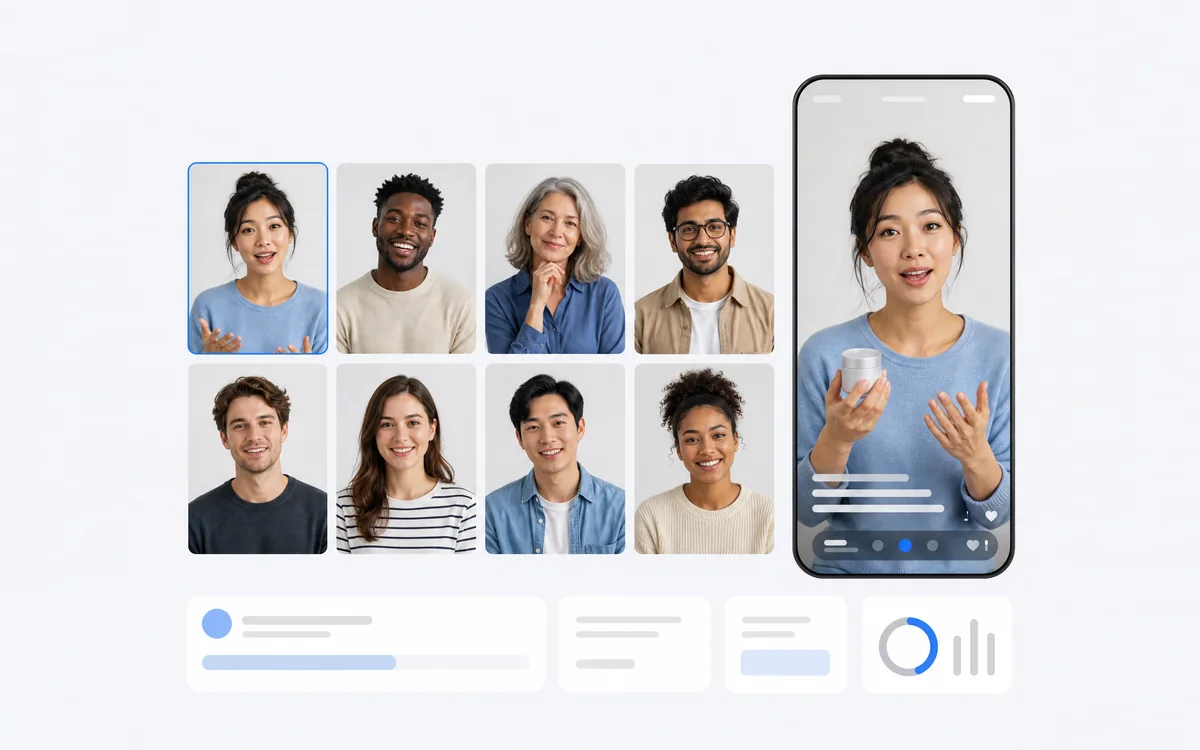
- 24 AI creators whose voice matches the person on screen
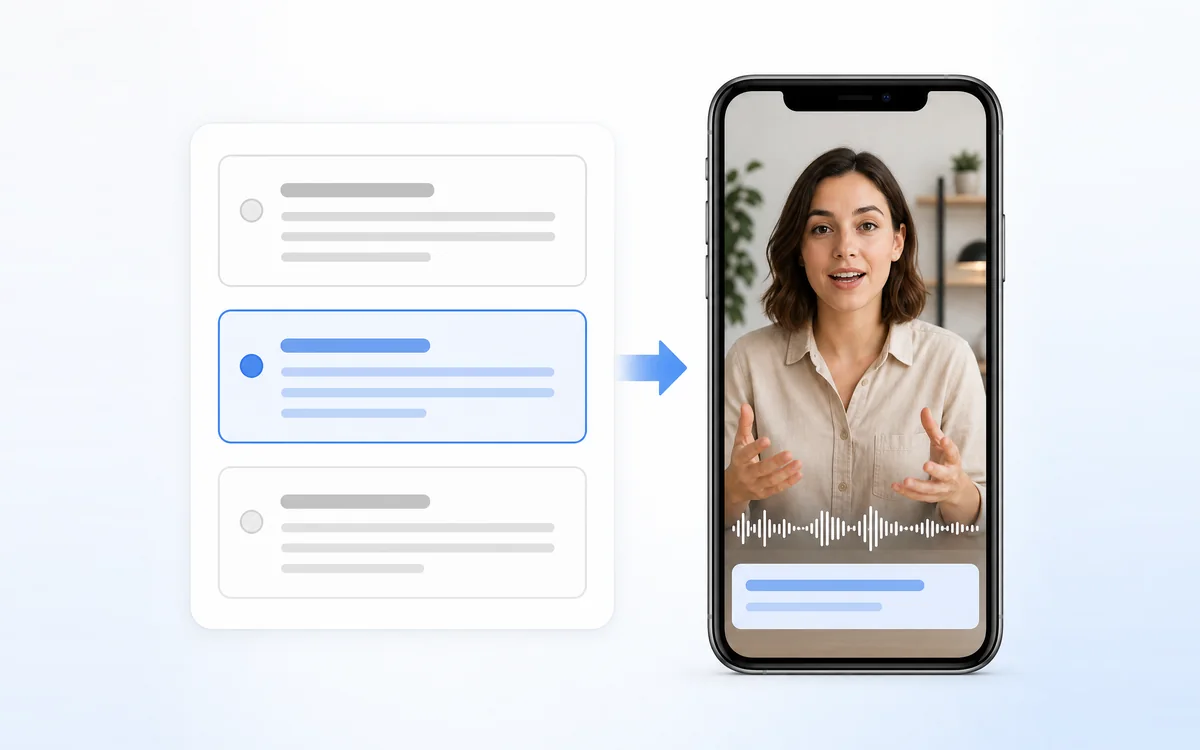
- AI writes 3 script options from your product details
- Ready-to-post 1080 × 1920 video for Reels, TikTok and Shorts
One hand cream photo, one creator video
A real result from AI UGC Video Generator: the product photo on the left went in, and the 15-second video on the right came out.
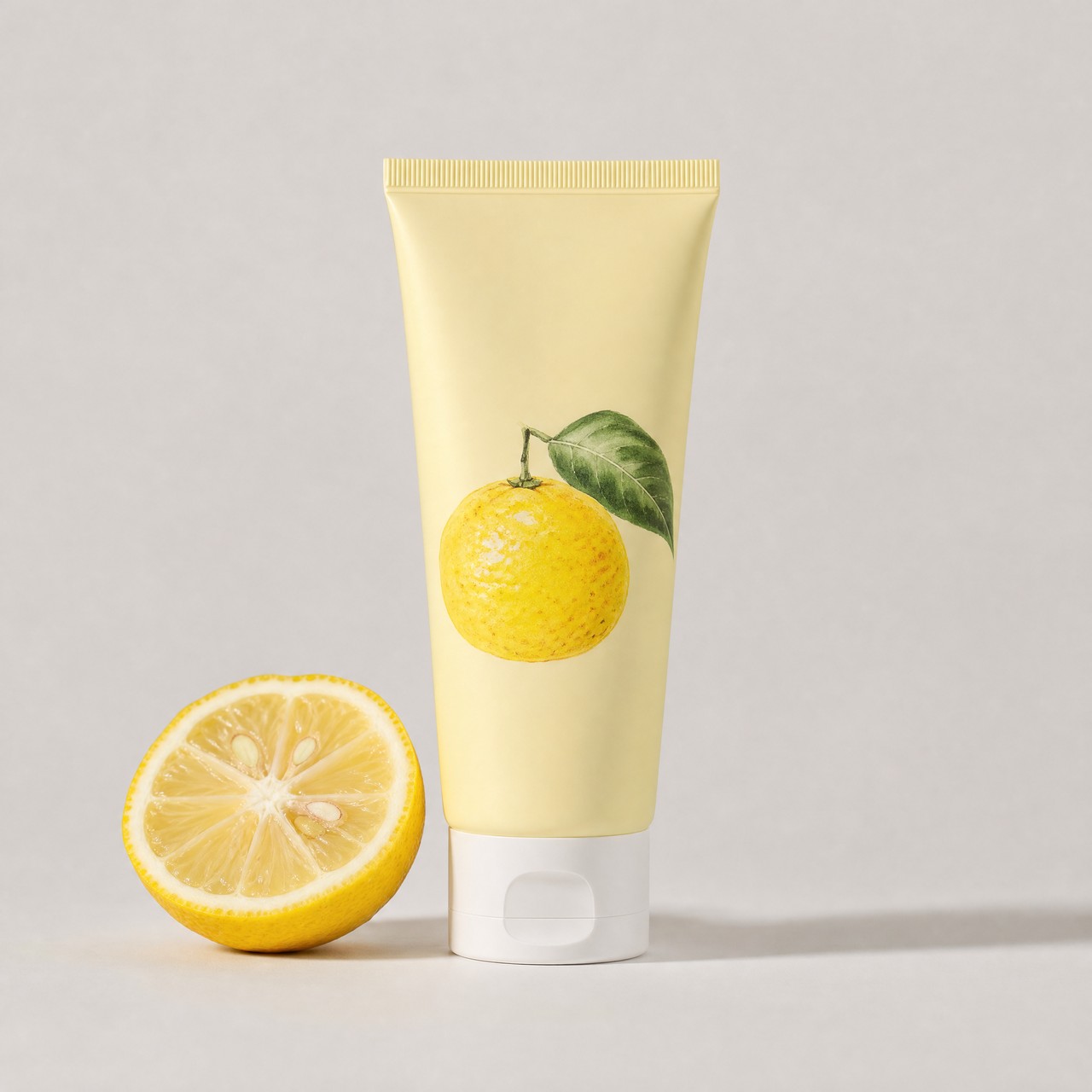
Input: the photo, the product details “Yuzu hand cream in a travel tube. Absorbs fast, non-greasy, fresh citrus scent.” and a 37-word English script. Settings: Natural voice, English, High contrast captions. Output: 1080 × 1920, 15 seconds, 200 credits.
Make a UGC video in three steps
Every video from AI UGC Video Generator follows the same three steps.
Add your product
Upload a clear JPG, PNG or WEBP Product photo up to 10 MB, at least 256 pixels on each side. Under Product details, write the name, key benefits and who it is for.
Write or pick the Ad script
Type what the creator should say, or click AI write scripts to get 3 options from your product details and use one. The script is read word for word and must fit 15 seconds.
Choose the AI creator and generate
Pick one of 24 AI creators, then set Voice style, Voice language, Captions and Background music if you like. The Generate ad button shows the 200 credits before you submit.
A creator that matches your audience
Choose from 24 AI creators of different ages and backgrounds. AI UGC Video Generator places your product in the creator's hand, keeps its shape, colors and label, and syncs the lips to the voiceover, so the video looks like a real customer review.
- The voice always follows the creator you pick
- Natural, Energetic or Calm voice style for the same script
- Product close-ups are cut in while the voice keeps talking
Scripts written for the first three seconds
Not sure what to say? Click AI write scripts and AI UGC Video Generator returns 3 short scripts from your product details, each with a hook, a benefit and a call to action. Edit any line before you generate; what you see in the box is exactly what the creator says.
- Each option uses a different angle: a problem, a benefit or a personal recommendation
- A length check warns if the script is too long or too short for 15 seconds
- Writing scripts is free, up to 30 times a day
How sellers use it
Three everyday jobs that AI UGC Video Generator handles.

A small shop without a creator budget
A home-goods seller uploads a mug photo and gets a creator-style review video for the product page and social posts, without booking a creator or a shoot.
Testing hooks in paid social ads
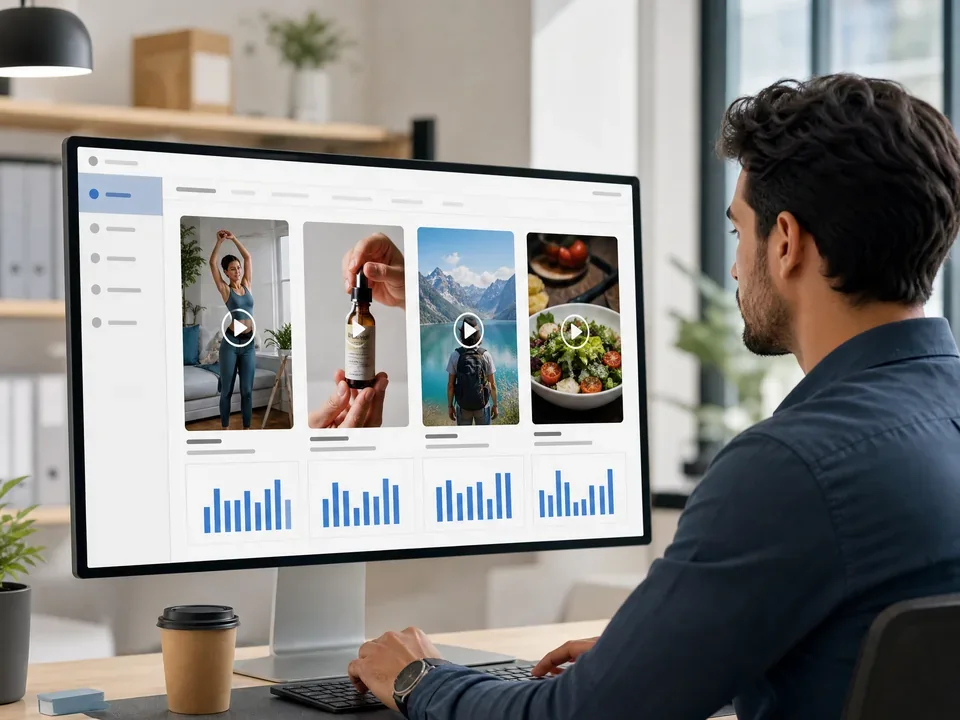
A performance marketer generates the same product with two scripts and two creators, runs them as Reels and TikTok ads, and keeps the one that holds attention longest.
Launching in another language
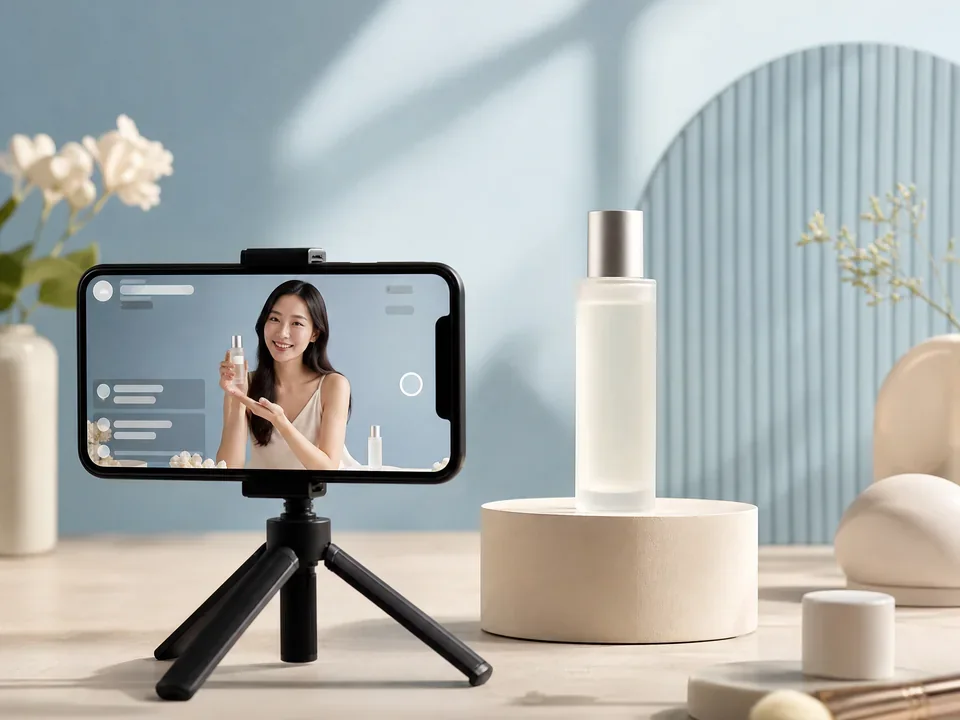
A skincare brand entering Japan picks a creator, sets Voice language to Japanese and writes a Japanese script, so the voice and captions match the market from day one.
Frequently asked questions
What do I need to start with AI UGC Video Generator?
One clear product photo (JPG, PNG or WEBP, up to 10 MB, at least 256 pixels on each side) and an ad script of up to 600 characters that fits 15 seconds. Product details of up to 500 characters are optional, but AI write scripts needs them.
How many credits does AI UGC Video Generator use?
Each video costs 200 credits: a 15-second 9:16 video at 1080 × 1920 with voiceover and captions. Writing scripts with AI write scripts is free, up to 30 times a day. The price is shown on the Generate ad button before you submit, and a failed video is refunded in full.
Which languages can the creator speak?
AI UGC Video Generator reads your script in 32 voice languages, including English, Chinese, Japanese, Korean, German, Spanish and French. Leave Voice language on Auto to follow the script, and the captions are written in the same language as the voice.
Will the video change my product?
The product photo is the reference for every frame, and the prompts keep its shape, colors, label and printed markings. Small details such as fine text can still vary slightly, and hands may look a little unnatural in some frames, so watch each video before you publish it.
Does the AI invent prices or claims?
No. The creator reads your script word for word, and AI write scripts uses only the product details you type. It does not add prices, discounts, guarantees or reviews you did not provide. Check the facts in every script before you generate.
Where can I use the finished video?
AI UGC Video Generator delivers a vertical MP4 sized for Instagram Reels, TikTok, YouTube Shorts and Facebook Stories, plus product pages. Captions are burned into the video, and every result stays in your creation history so you can download it again later.
Turn your next product photo into a creator video
Sign in, upload a product photo, and AI UGC Video Generator shows the credit total before anything is generated.