


















Business Video Maker
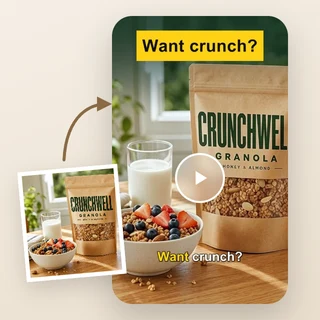
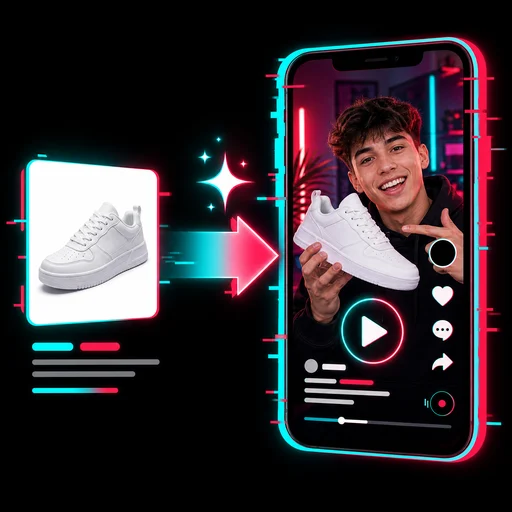
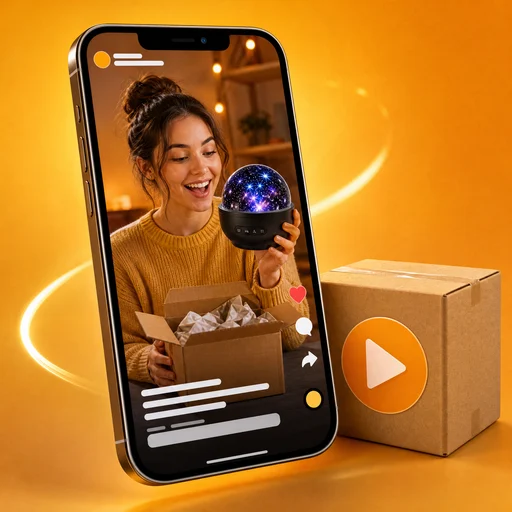
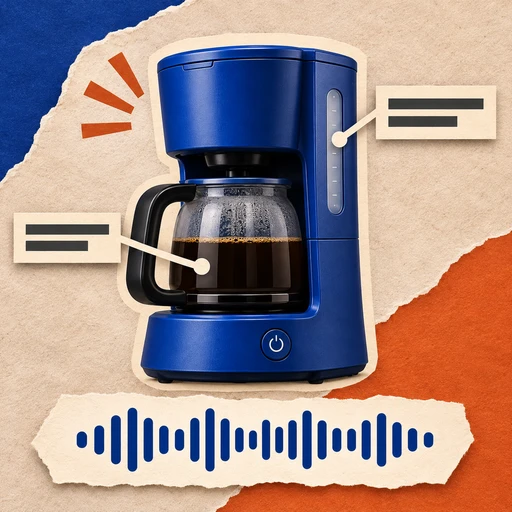
Turn 1–3 photos of your business and one sentence into a 15-second business video with voiceover, captions, music and your brand at the end.
Business Video Maker: a 15-second video about your business
Upload 1–3 photos of your shop, space or service and describe your business in one sentence. Business Video Maker writes the script and returns a 15-second video with an AI voiceover, captions and music that ends on your logo, name and contact details.
- One sentence in, a finished brand video out
- Closes on a brand end frame with your logo and contact
- Horizontal 16:9, vertical 9:16 or square 1:1
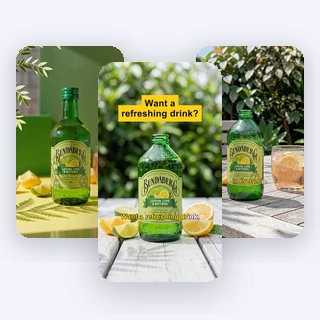
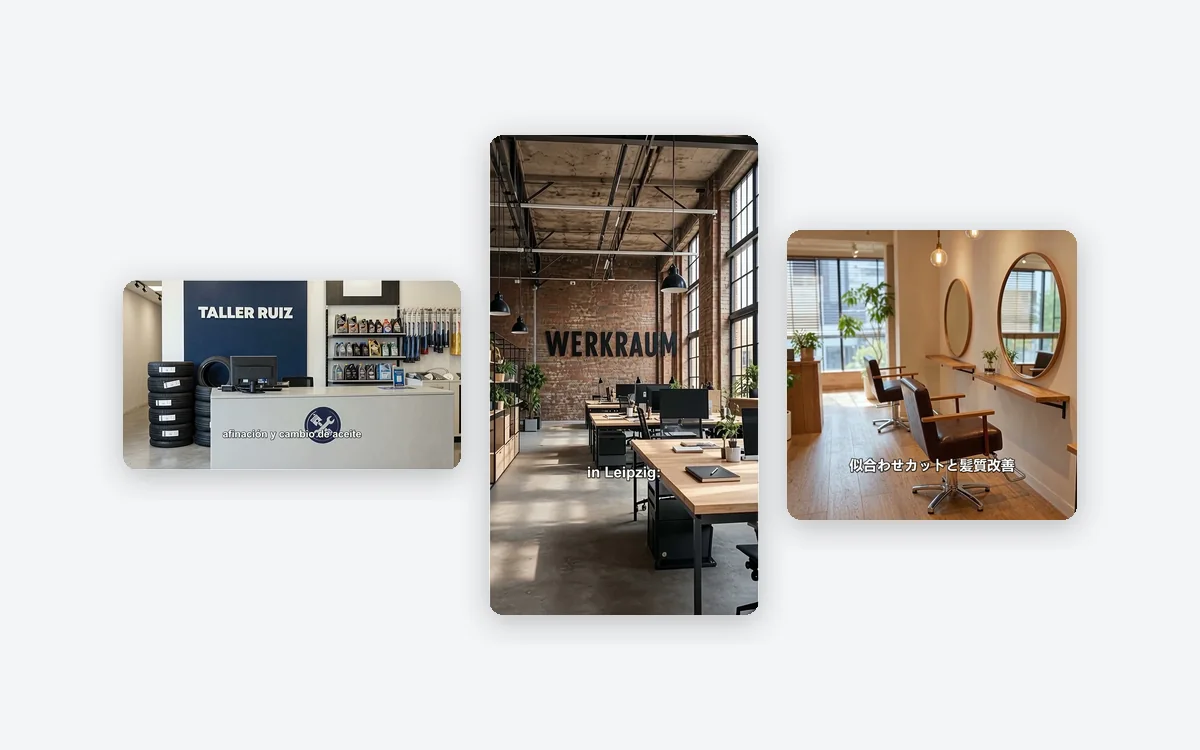
Real business videos in all three sizes
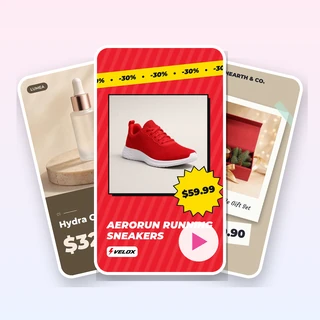
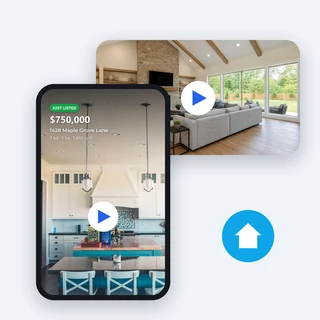
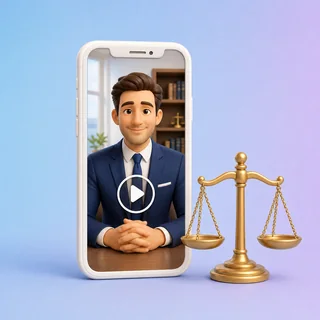
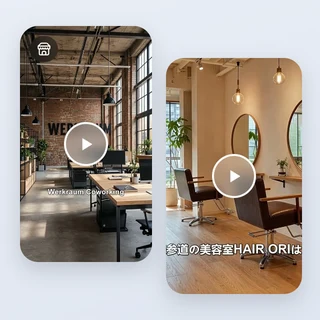
Each clip below came out of Business Video Maker from the photos, the sentence and the brand details listed under it.
All three are 15-second videos with an AI voiceover, captions and music, 80 credits each. The last 3 seconds show the logo, name and contact typed into the form; nothing else about the business was added.
Three steps from photos to a brand video
Business Video Maker takes the same three steps for every video, and the price shows before you submit.
Add photos of your business
Upload a JPG, PNG or WEBP photo up to 10 MB and at least 256 pixels on each side: your storefront, space, products or service. A second and third photo field appear as you go; one photo is enough.
Describe your business
Under Describe your business, say what you do, for whom, and any highlight or offer, then pick a Tone: Professional, Warm & friendly or Energetic. Your Logo, Business name and Website, phone or address go under Personalize.
Pick a size and generate
In Output Settings choose 16:9 Horizontal, 9:16 Vertical or 1:1 Square, then click Generate business video. The 80-credit price shows on the button first.
A brand end frame, not a sticker
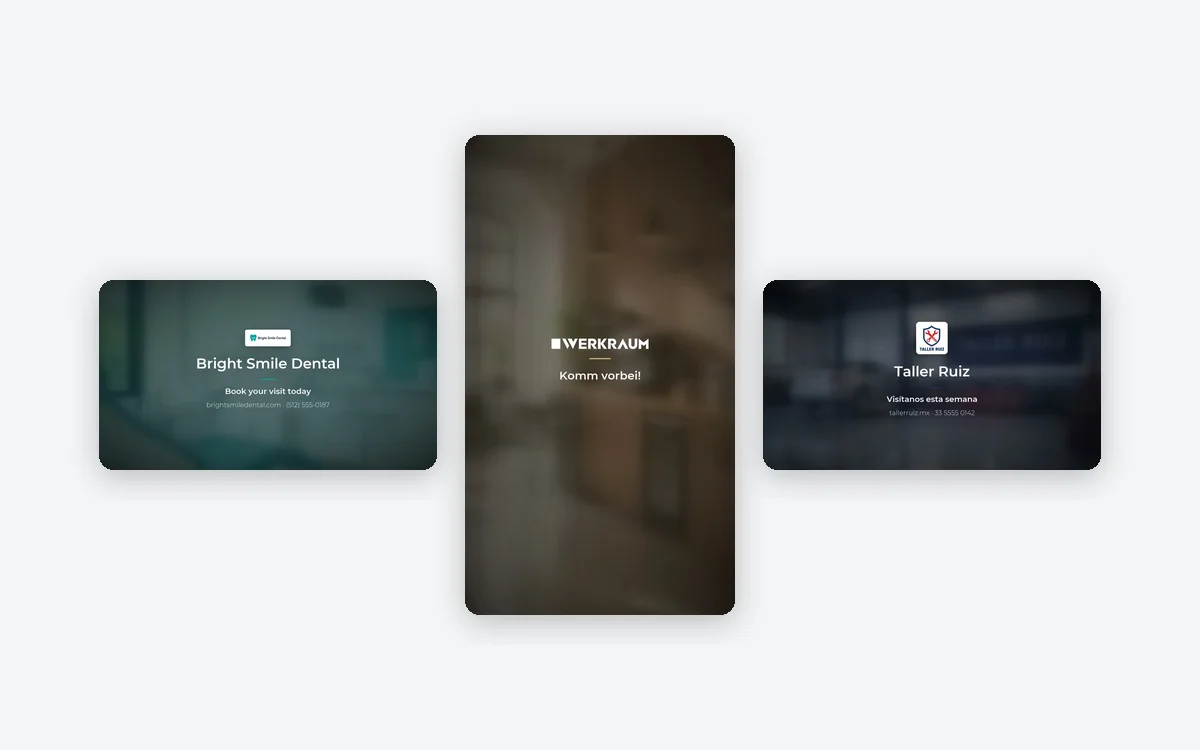
In the last 3 seconds of every video with brand details, Business Video Maker softly blurs and darkens the final shot, tints it with your logo color and brings in your logo, name, a short call to action and your contact one after another. Logo and name stay small and centered, the way brand films close.
- Uses only the logo, name and contact you enter
- Captions end before the closing frame so nothing overlaps
- Leave the brand fields empty and the video ends on your last shot
Sized for your website, feeds and stories
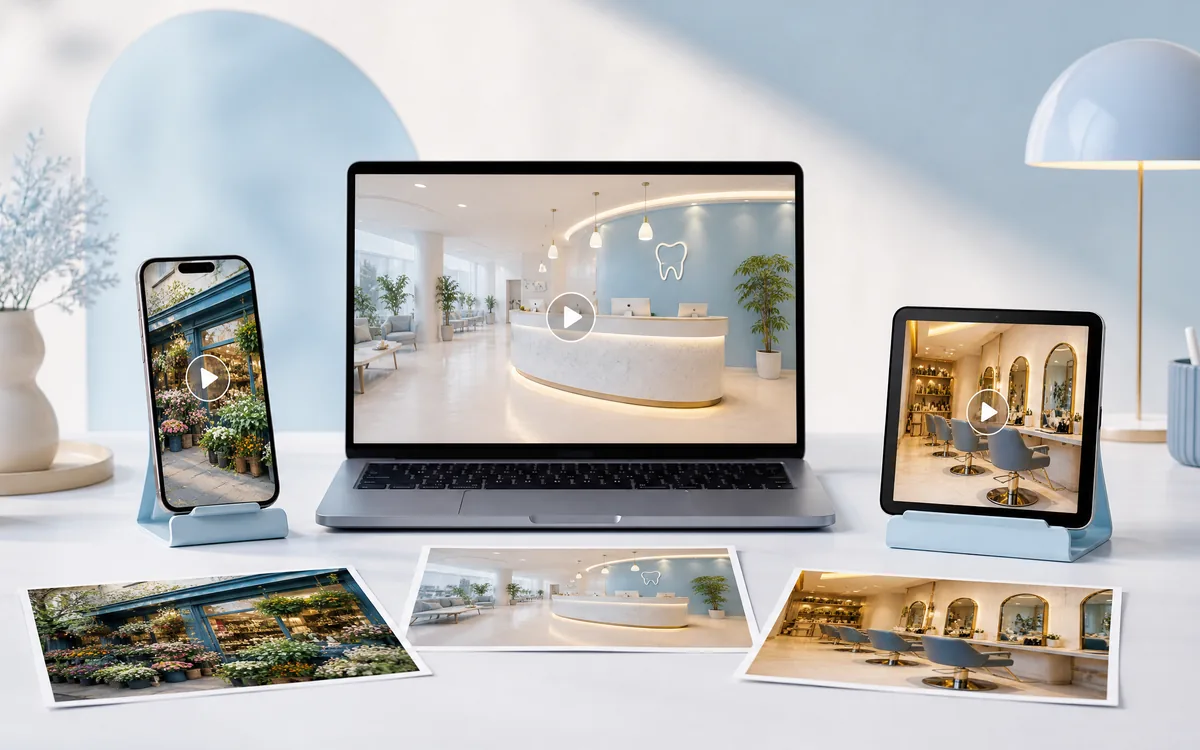
Choose 16:9 for your website, YouTube and LinkedIn, 9:16 for Reels, Shorts, TikTok and Stories, or 1:1 for Facebook and Instagram feeds. Business Video Maker turns each photo into one 5-second AI shot, restaged to fill the frame you picked while keeping the look of your place.
- 16:9 is 1920 × 1080, 9:16 is 1080 × 1920, 1:1 is 1080 × 1080
- The voiceover and captions follow the language you write in
- No invented years, awards, ratings or prices
Who uses it, and for what
Three everyday places where a clip from Business Video Maker does the introducing for you.
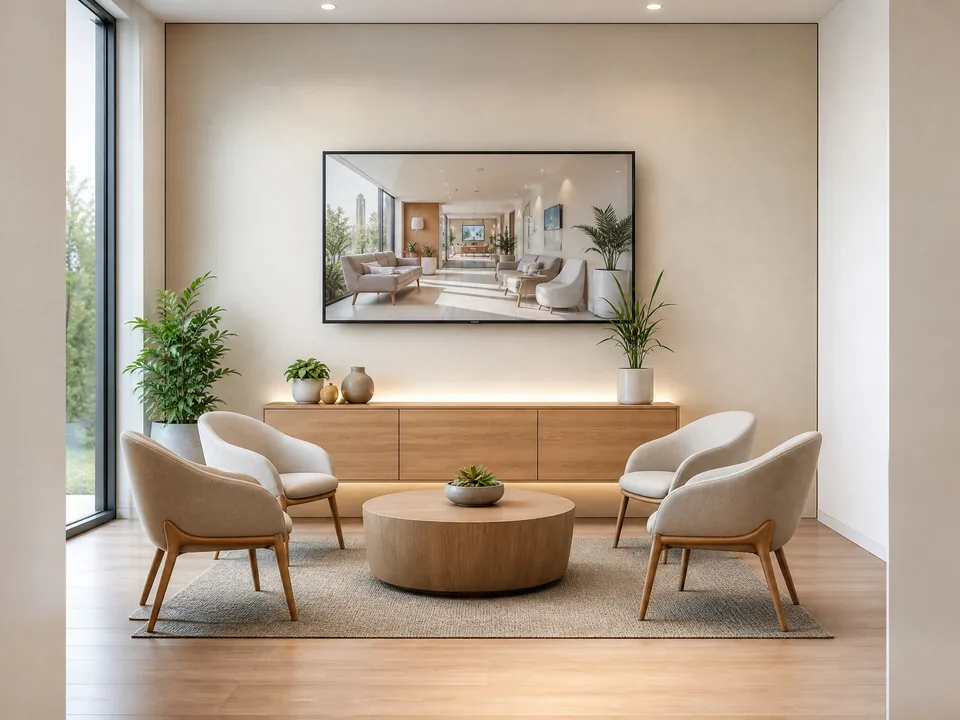
A clinic or studio on its waiting-room screen
A dental clinic uploads photos of its front, reception and treatment room, describes its services and new-patient offer, and loops the horizontal video on the waiting-room TV and its homepage.
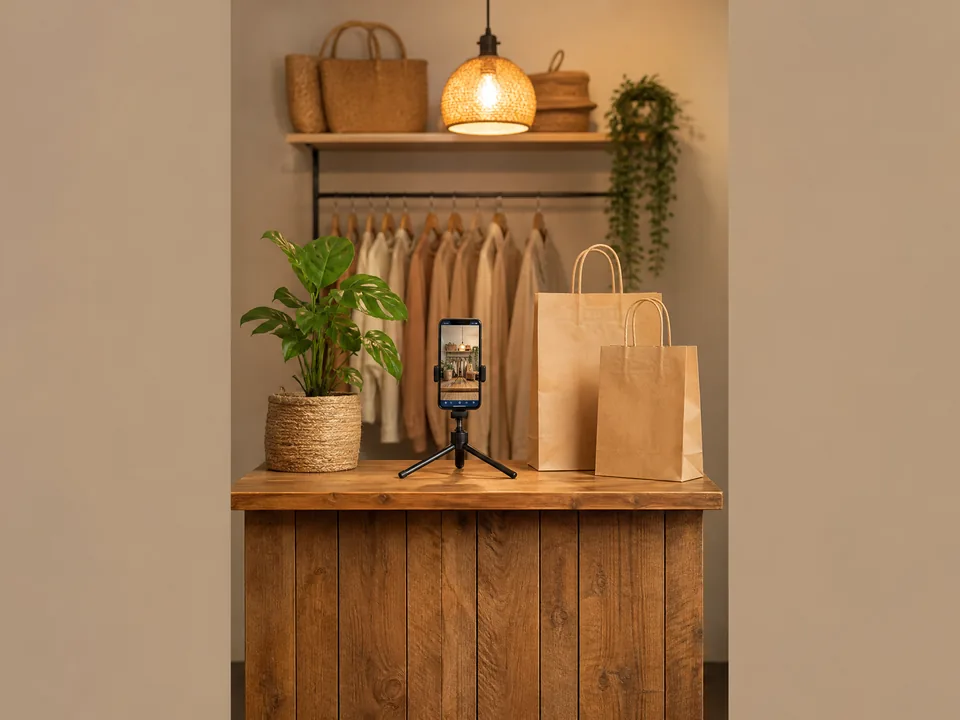
A local shop on Reels and Stories
A flower studio photographs its shopfront and bouquets, types its delivery promise and address, and posts the vertical video on Reels, Stories and its WeChat channel.
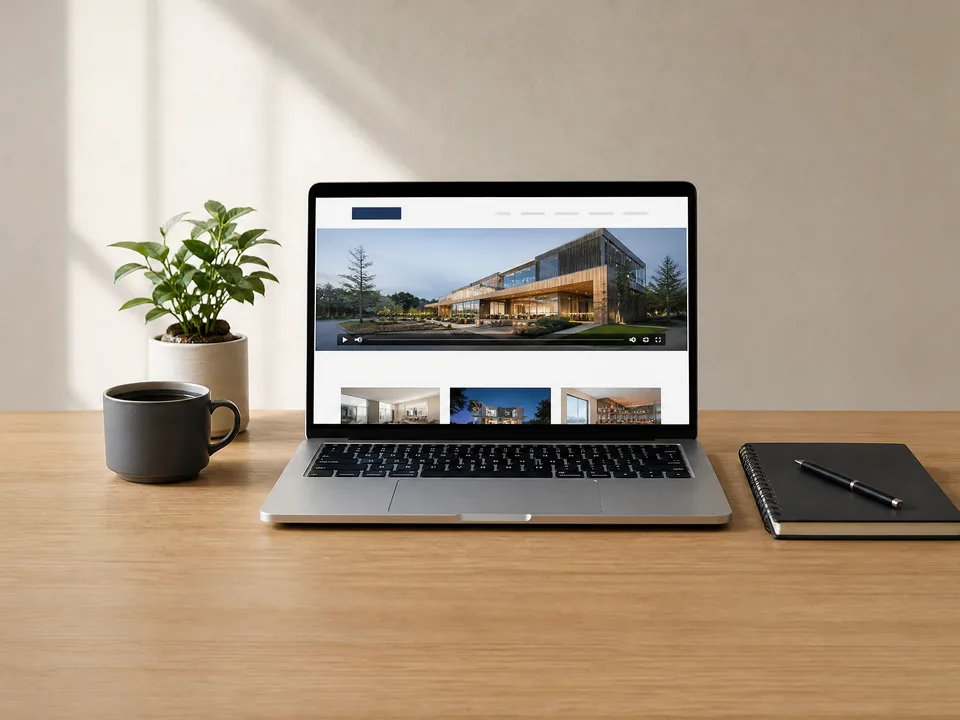
A service business on its website
A coworking space or agency adds three photos and one sentence, then places the horizontal video in the hero of its website and its LinkedIn company page.
Frequently asked questions
What does a video from Business Video Maker cost?
Every video costs 80 credits, whatever the size, the number of photos, the language or whether you add brand details. The price shows on the Generate business video button before you submit, and a video that fails to generate is refunded in full automatically.
Which photos work best?
Clear JPG, PNG or WEBP photos up to 10 MB and at least 256 pixels on each side: your storefront, the inside of your space, your products or your service. Each photo becomes one shot, so choose photos that show different sides of your business.
What should I write in the description?
One sentence of up to 200 characters: what you do, for whom, and a highlight or offer if you have one. The voiceover only uses what you write, so it never adds years in business, awards, ratings, reviews or prices you did not mention.
How does the brand end frame work?
Fill in any of Logo, Business name and Website, phone or address. In the last 3 seconds the video blurs and shows them centered with a short call to action. A logo with a transparent background sits directly on the frame; other logos get a rounded card.
Which language is the voiceover in?
The language you write the description in. Describe your business in English, Chinese, Japanese, Spanish, German or another language, and Business Video Maker writes the script, reads it and adds captions in that language.
How long does it take, and what do I get?
A video usually takes about 5 to 10 minutes and appears as an MP4 next to the form, ready to play and download. Small printed text inside a shot may blur, so check signs and labels before you publish.
Let your business introduce itself
Sign in, upload one to three photos, and Business Video Maker shows the 80-credit price before anything is generated.