








Animation Ads
Turn one product photo into a 5 or 10 second animated video ad in 8 animation styles, with AI music and your slogan.
Animation Ads: turn a product photo into an animated video ad
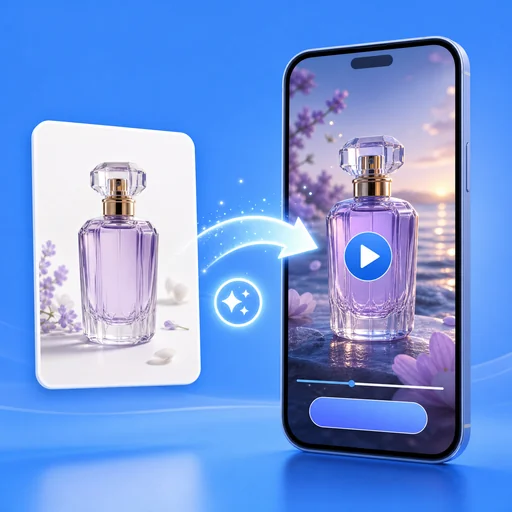
Upload one product photo, pick an animation style and Animation Ads redraws your product in a cartoon, clay, anime, pixel or hand-made world, then animates it into a 5 or 10 second video with AI music. Add a slogan and it appears word for word at the end.
- 8 animation styles, your product stays recognizable
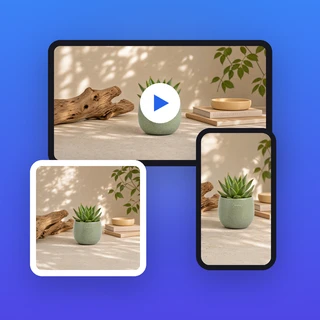
- 5 or 10 seconds, 9:16, 1:1 or 16:9
- AI music included, optional slogan
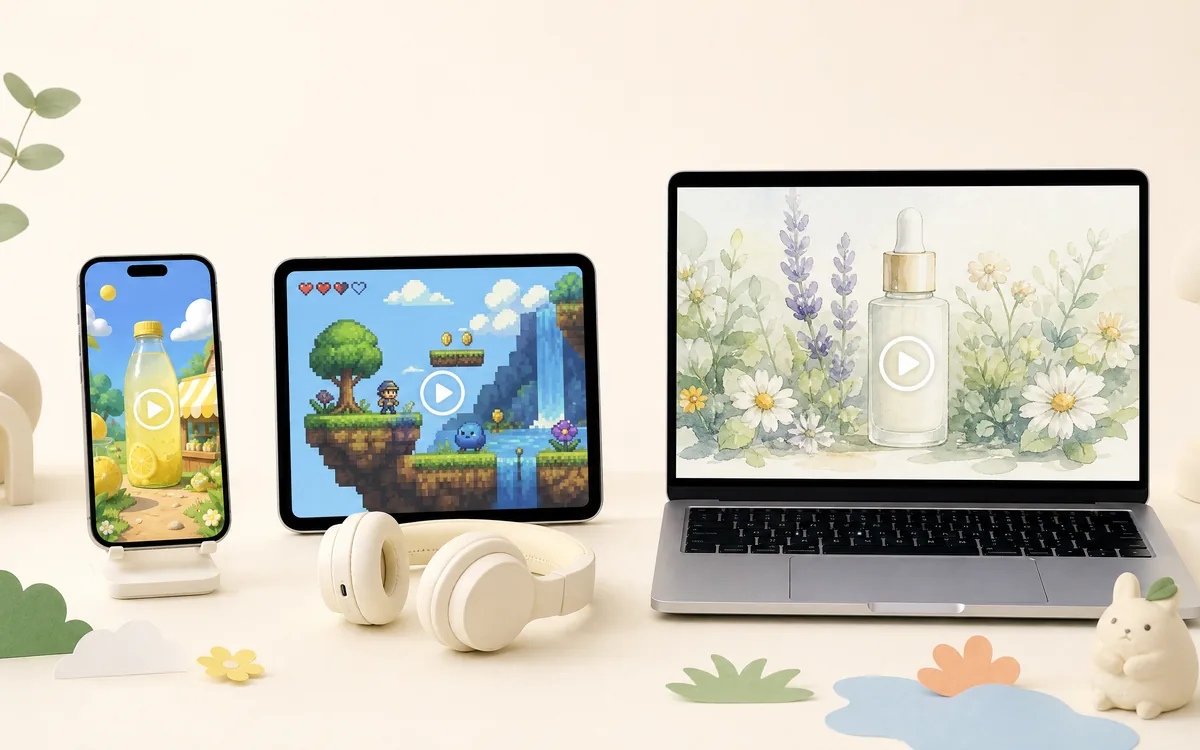
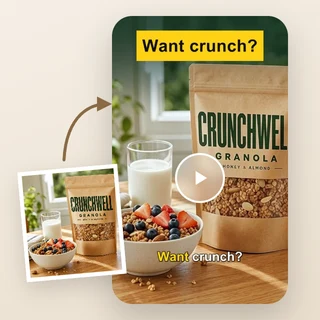
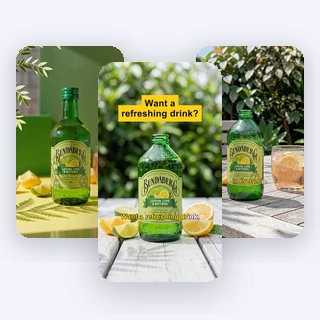
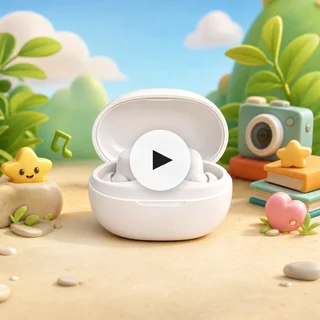
Real animated ads made from one product photo
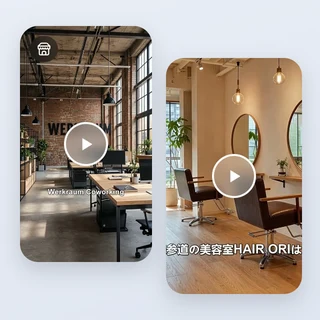
Each video below came out of Animation Ads from the product photo and settings listed under it, with no editing afterwards.
Inputs: one studio photo of each product on a plain background, plus the style, size, duration and slogan shown above. 70 credits for 5 seconds, 130 credits for 10 seconds.
Make an animation ad in three steps
Every video in Animation Ads takes the same three steps.
Upload a product photo
Add one clear JPG, PNG or WEBP photo of a single product, up to 10 MB and at least 300 pixels on each side. A plain background works best.
Choose an animation style
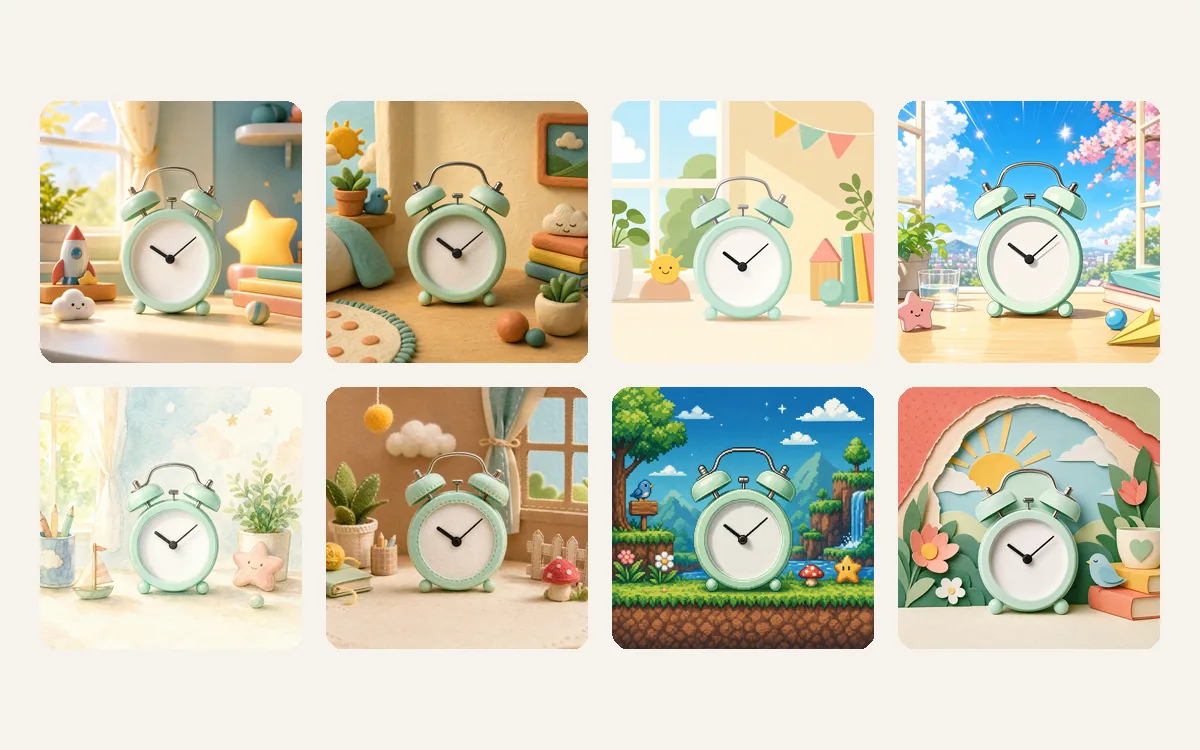
Pick one of 8 cards under Animation style, from 3D Cartoon to Paper Cut. Each card shows the same product drawn in that style, so you know the look before you generate.
Pick length and size, then generate
In Output Settings choose 5 or 10 seconds and the size. To add a slogan, open Personalize and type it. Then click Generate animation ad; the price on the button follows the length you pick.
8 animation styles for one product
3D Cartoon, 3D Clay, 2D Flat, Anime, Watercolor, Stop Motion, Pixel Art and Paper Cut. Animation Ads redraws the product itself in the style you pick, keeping its shape, colors, pattern and logo, and builds a matching animated scene around it, so the ad looks drawn, not pasted.
- The product keeps its shape, colors and logo
- The whole scene shares one animation style
- Style cards preview the look before you pay
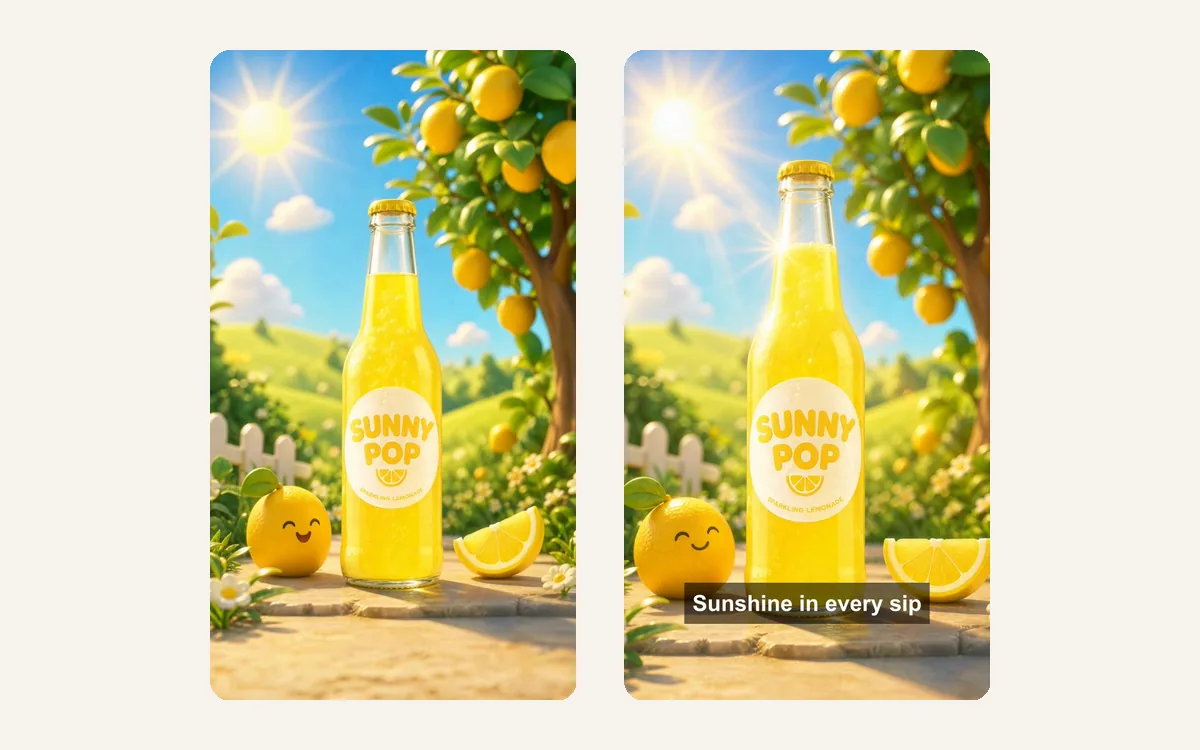
Your slogan, exactly as you wrote it
AI image models often misspell words, so your slogan is never drawn by AI. Animation Ads adds it as clean text in a soft dark box over the last 2 seconds of a 5-second video, or the last 3 seconds of a 10-second one, in any language. Leave it empty for a video without text.
- Up to 40 characters, shown word for word
- 720p: 720 × 1280, 960 × 960 or 1280 × 720
- Instrumental AI music, no voiceover
Who uses it, and for what
Three common ways sellers and brands use Animation Ads to stand out in the feed.
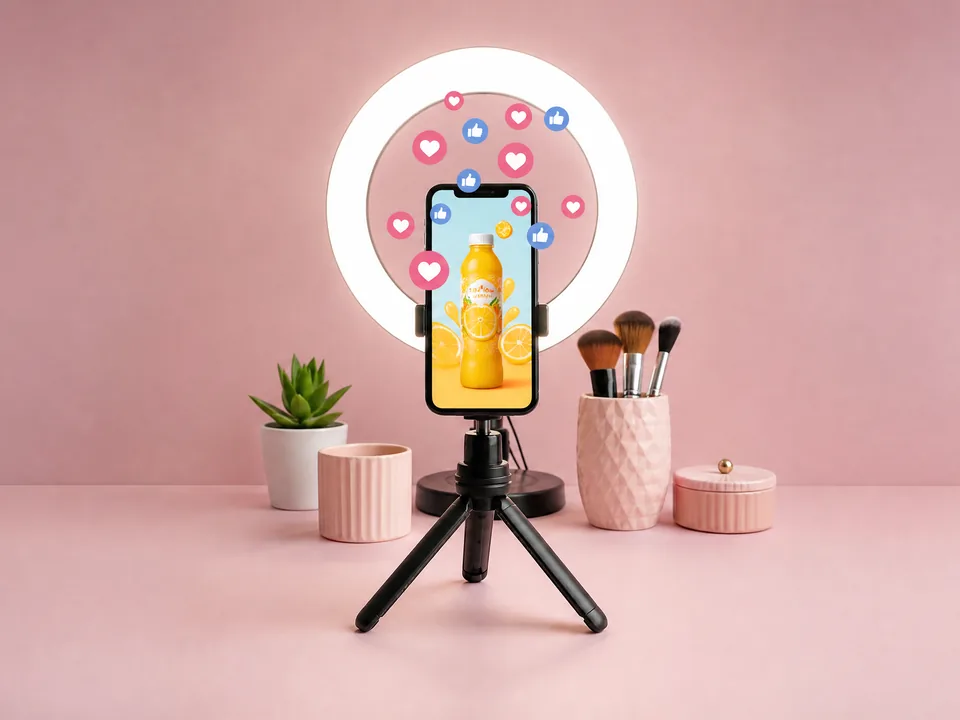
Social posts that stop the scroll
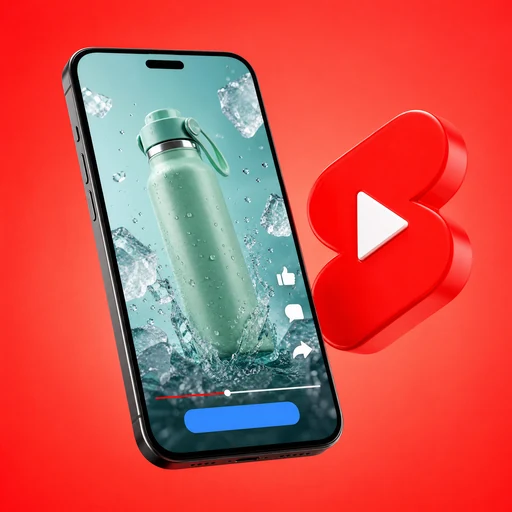
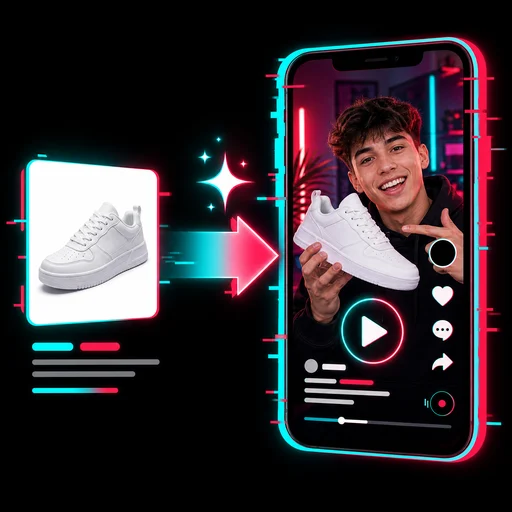
A drinks brand turns its bottle photo into a 9:16 cartoon clip for Reels, TikTok and Shorts. A cartoon world stands out between real-life videos without a shoot.
Product launches with a story
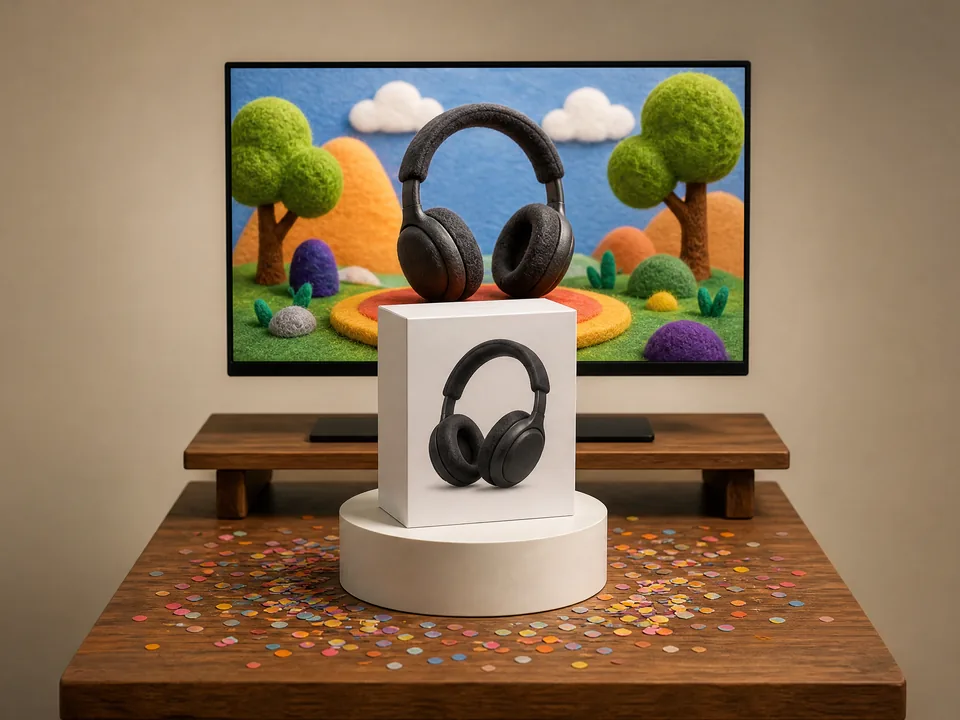
A tech brand shows its new headphones as a stop-motion felt animation for the launch page and a 16:9 banner video, made from the packshot it already has.
Toys, kids' and gift products
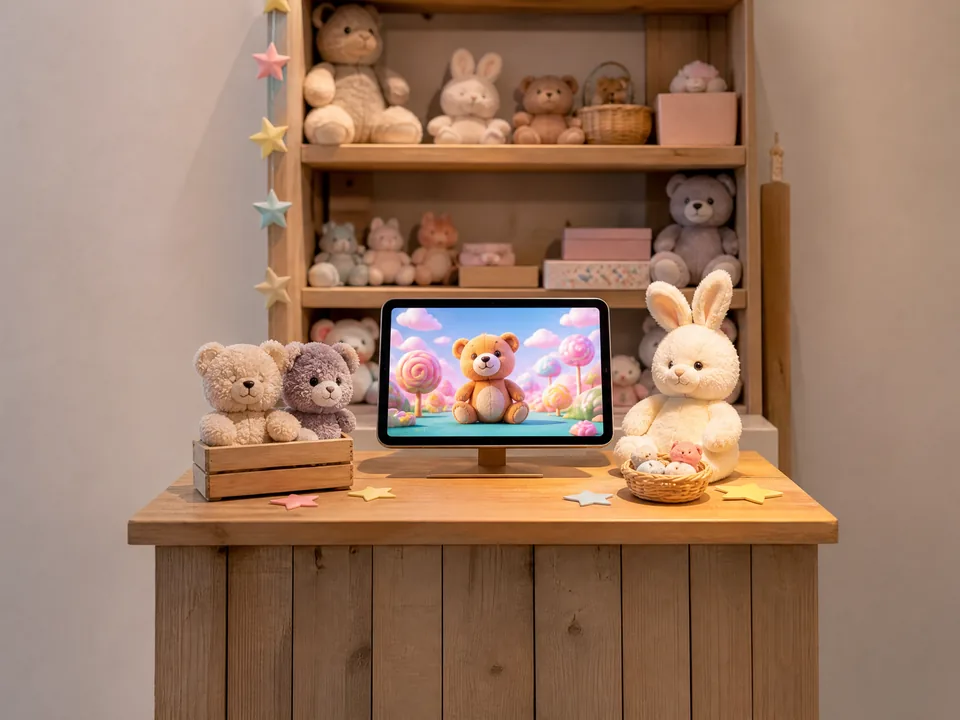
A toy shop turns a plush bear into a soft clay or 3D cartoon ad for its online store, a style that suits children's and gift products.
Frequently asked questions
What photo works best in Animation Ads?
A clear JPG, PNG or WEBP photo of one product, up to 10 MB and at least 300 pixels on each side. A plain or simple background works best, because Animation Ads draws a new animated scene around the product.
How many credits does Animation Ads use?
A 5-second video costs 70 credits and a 10-second video 130 credits, whatever style, size or slogan you choose. The price appears on the Generate animation ad button before you submit, and a video that fails is refunded in full automatically.
Will my product still look like my product?
Yes. Animation Ads keeps the product's shape, proportions, colors, pattern and logo while redrawing it in the chosen style. Very small printed text on a label can be simplified in some styles, such as Pixel Art.
Which sizes can I choose?
9:16 vertical for Reels, TikTok and Shorts, 1:1 square for feeds, or 16:9 horizontal for YouTube and websites. Choose it in Output Settings; the scene is drawn for that size, so nothing important is cropped.
Does the video have sound?
Yes. Every video gets an instrumental AI music track with light sound effects that match the style. There is no voiceover or singing in this version, and your own music cannot be uploaded.
How long does it take, and what do I get?
Most videos are ready in about 8 to 15 minutes. Animation Ads delivers a 720p MP4 in your creations next to the form, where you can play it, download it and reuse its settings for another style.
Give your product its own cartoon
Sign in, upload a product photo, and Animation Ads shows the price before anything is generated.