





Generative AI Display Ads
Upload a product photo and get a matching set of display banners in standard IAB sizes, ready for Google Ads.
Generative AI Display Ads: a full banner set from one photo
Upload one product photo, add the product or brand name and one selling point, and Generative AI Display Ads designs a matching set of display banners in standard IAB sizes. The same headline, button and style run across every size, and each banner is delivered at its exact pixel size as a JPG under 150 KB, ready to upload to Google Ads.
- Five IAB sizes: 300×250, 728×90, 160×600, 300×600 and 320×50
- Exact pixels, JPG files of at most 150 KB
- 3 credits per size, with your logo and brand color if you add them
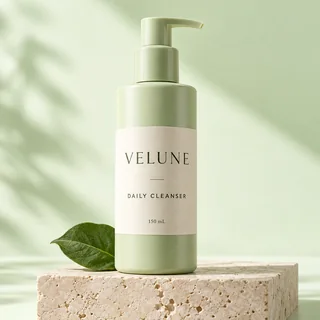
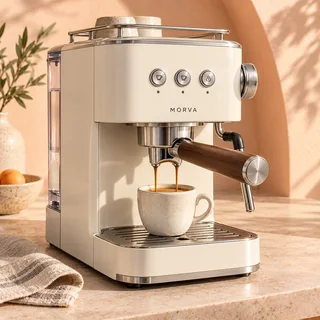
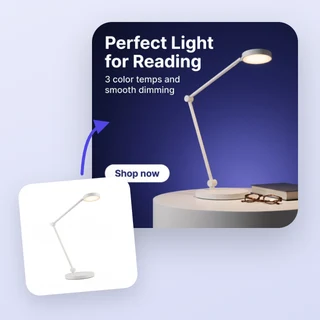
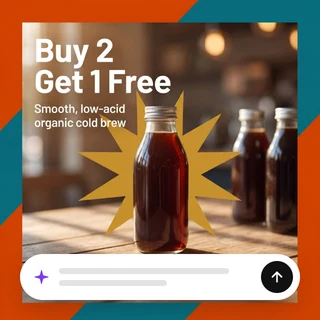
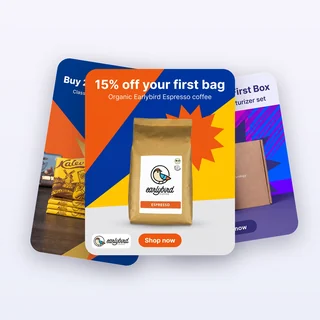
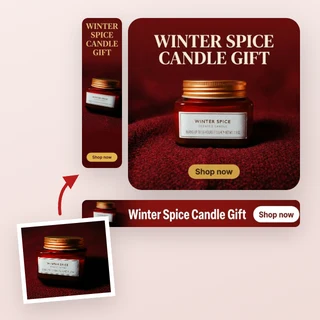
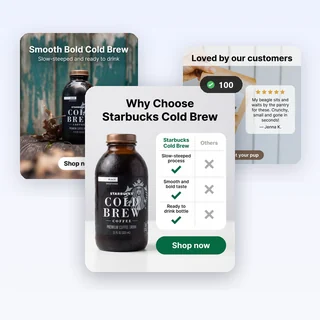
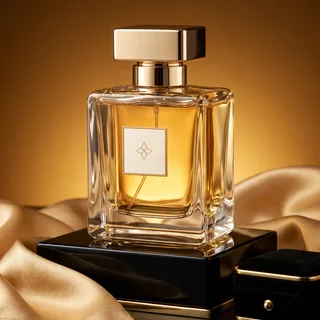
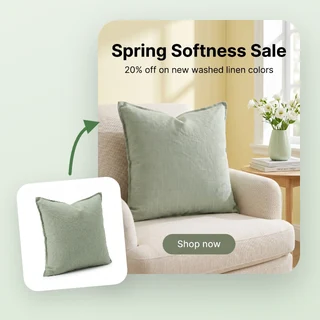
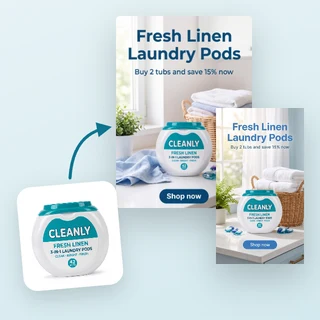
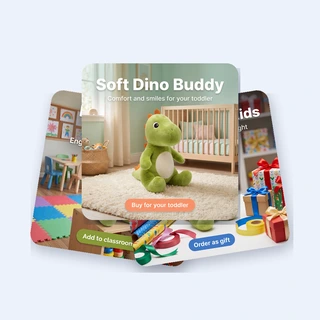
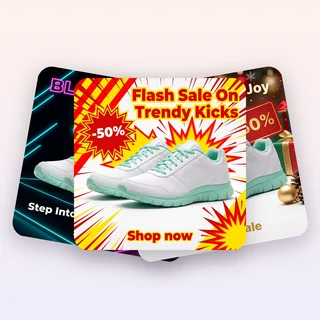
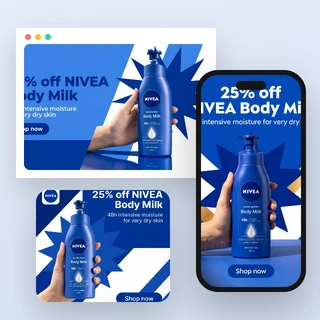
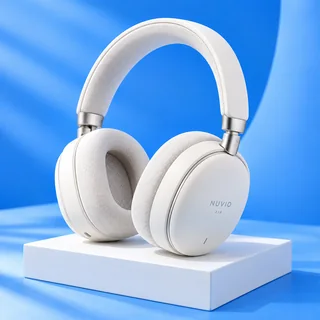
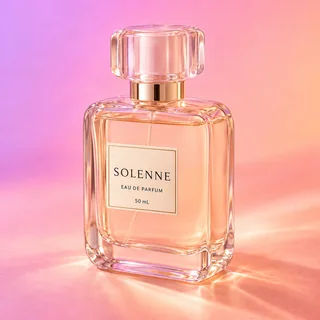
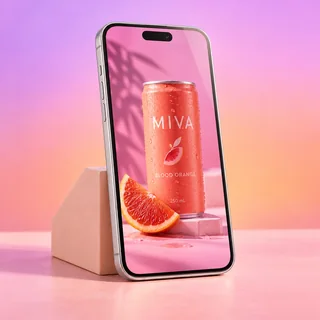
Five products, five matching banner sets
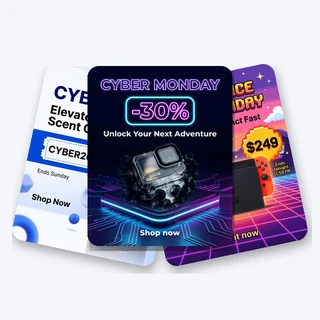
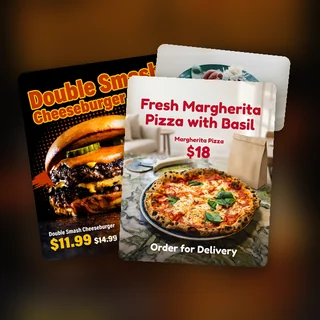
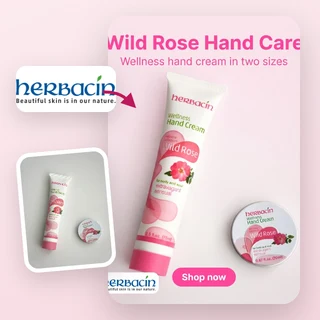
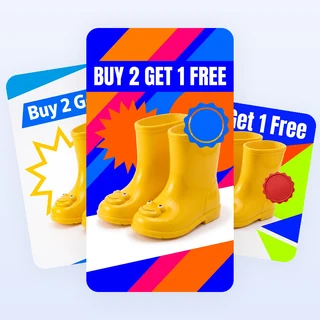
Real results from Generative AI Display Ads: each product was run once, and every banner of the set came from that single run.
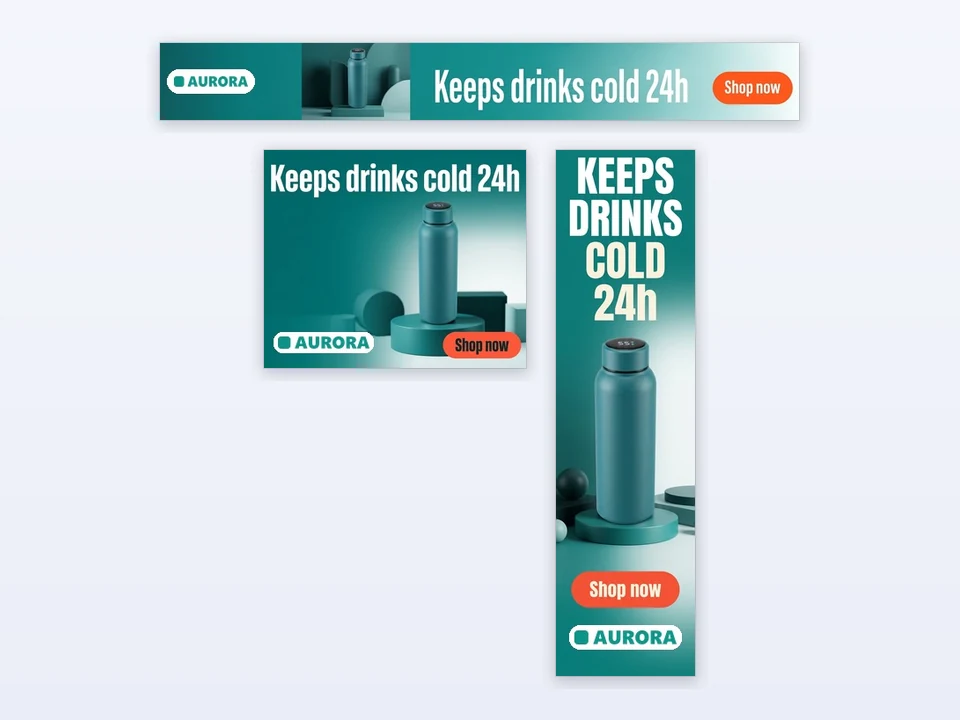
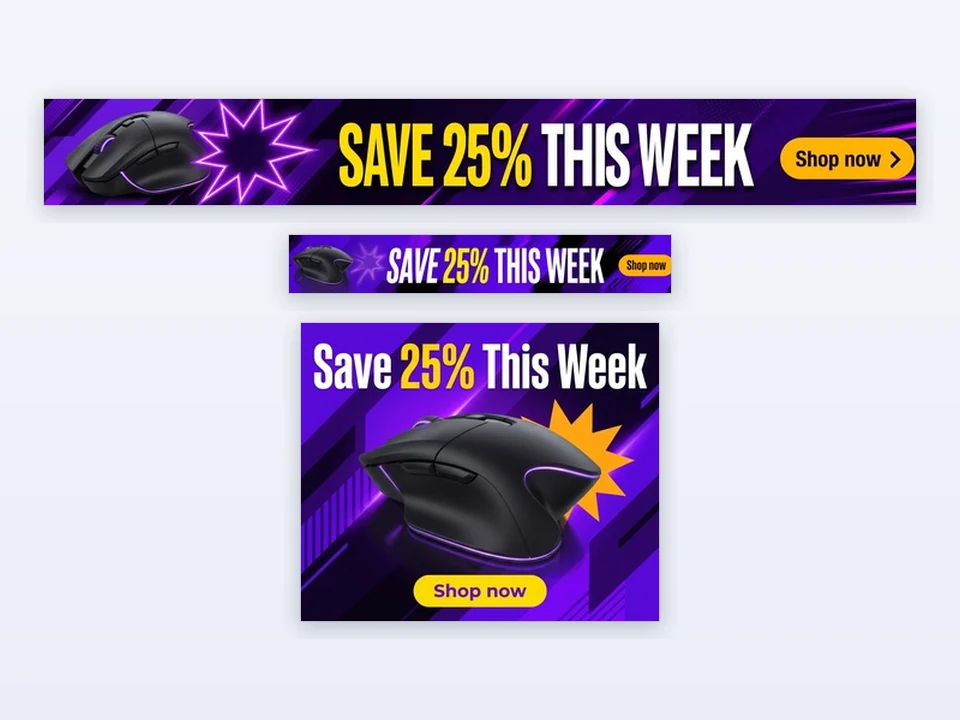
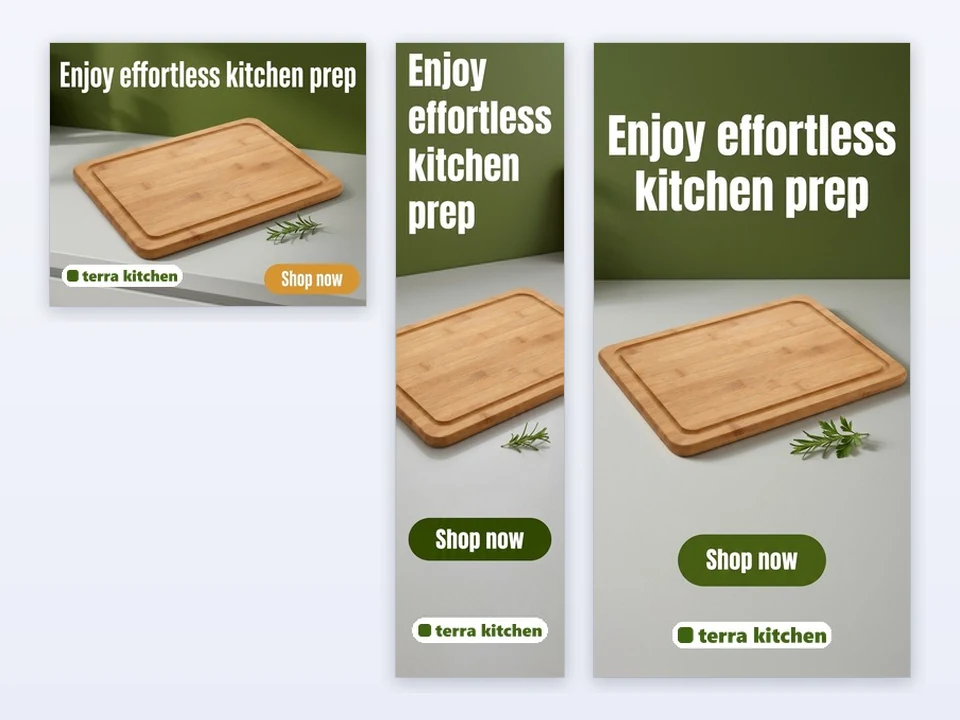
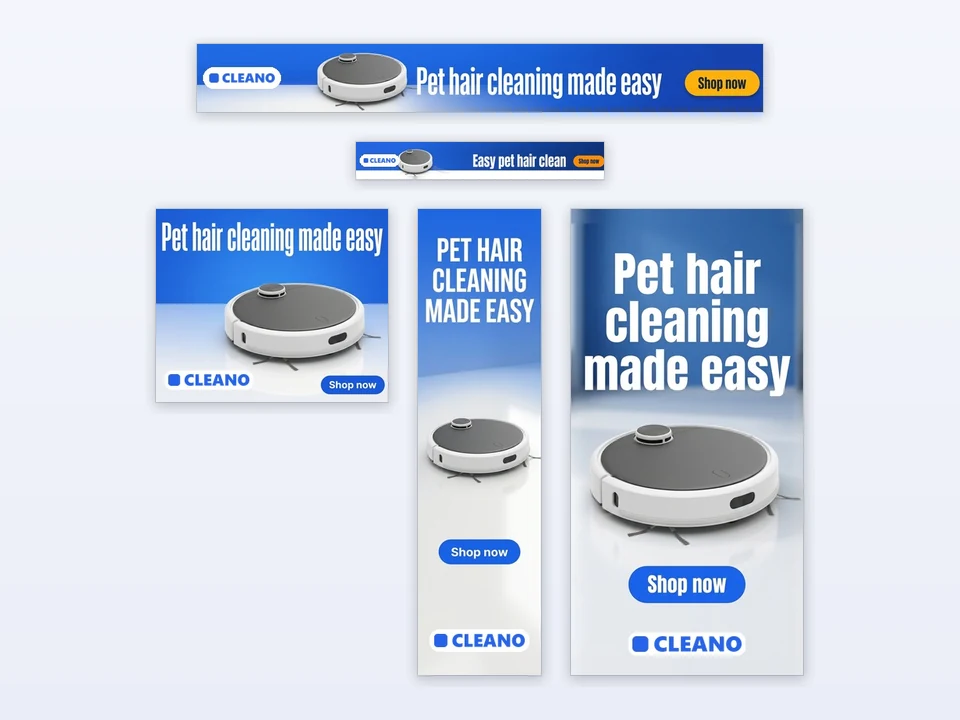
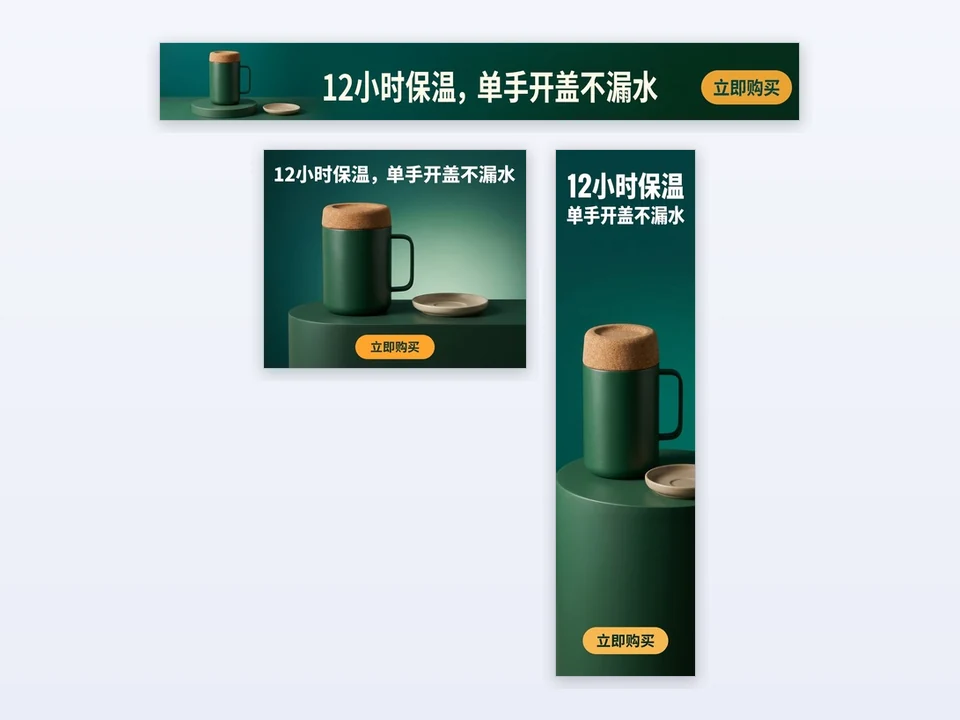
Input: one product photo, a name, one selling point and the sizes to make. Output: one JPG per size at the exact IAB pixels, all sharing one headline and button.
Make a banner set in three steps
Every set in Generative AI Display Ads comes from the same three steps.
Upload your product photo
Add one clear JPG, PNG or WEBP photo up to 10 MB, at least 256 pixels on each side. The product becomes the hero of every banner, with its shape, colors and label kept as uploaded.
Add the name and one selling point
Type the product or brand name and one sentence with your main benefit or offer, for example Brighter skin in 7 days, 20% off your first order. Prices and discounts you write are kept as written. Optionally pick an Ad style, add a Logo and a Brand color, or choose I'll write it to type your own headline. Logo, Brand color and Ad text are under Personalize.
Pick the sizes, then generate
Under Ad sizes, keep the default 300×250, 728×90 and 160×600 or add 300×600 and 320×50. Start generating shows the price, 3 credits per size, and every banner appears as its own card, ready to download.
One brief, one consistent campaign
The headline, the button and the scene are planned once and then laid out for each size, so the leaderboard, the skyscraper and the rectangle look like one campaign. Generative AI Display Ads keeps your product sharp in every format and gives the tiny 320×50 a shorter headline of its own.
- AI writes a headline of up to 30 characters and a button of up to 15
- Or type your own: the headline is used exactly as written
- Your logo is placed on every banner exactly as uploaded
The IAB sizes display networks use most
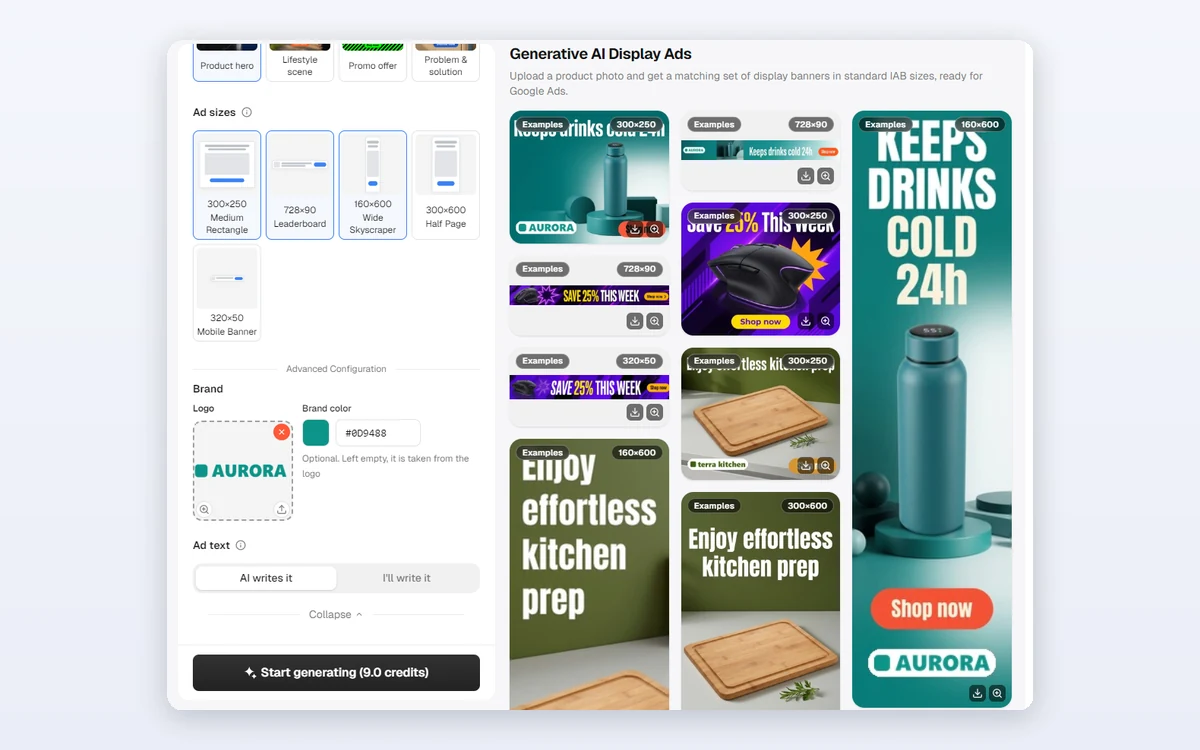
Choose any of the five standard sizes, from one to all five: Medium Rectangle 300×250, Leaderboard 728×90, Wide Skyscraper 160×600, Half Page 300×600 and Mobile Banner 320×50. Each file from Generative AI Display Ads has exactly those pixels and stays under the 150 KB limit for uploaded image ads.
- 300×250, 728×90 and 160×600 are selected by default
- Add 300×600 for big placements and 320×50 for mobile
- No cropping or resizing needed before you upload
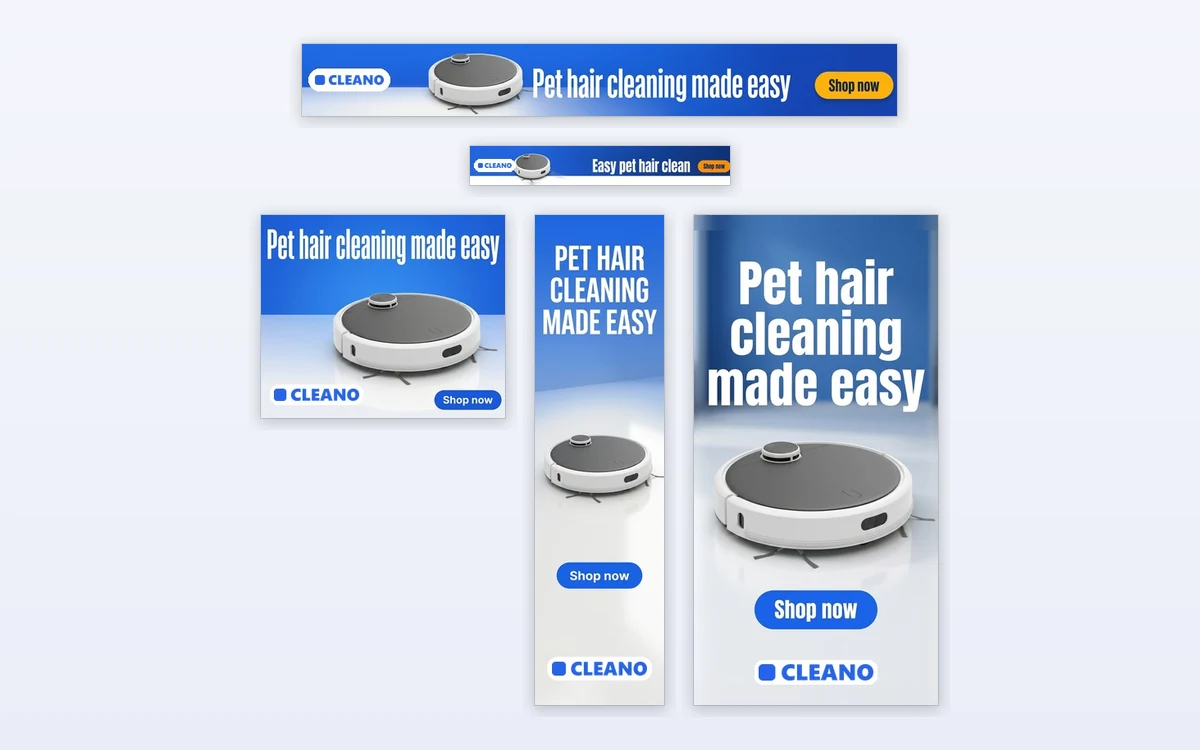
How marketers use it
Three everyday jobs Generative AI Display Ads is built for.
Launching a display campaign
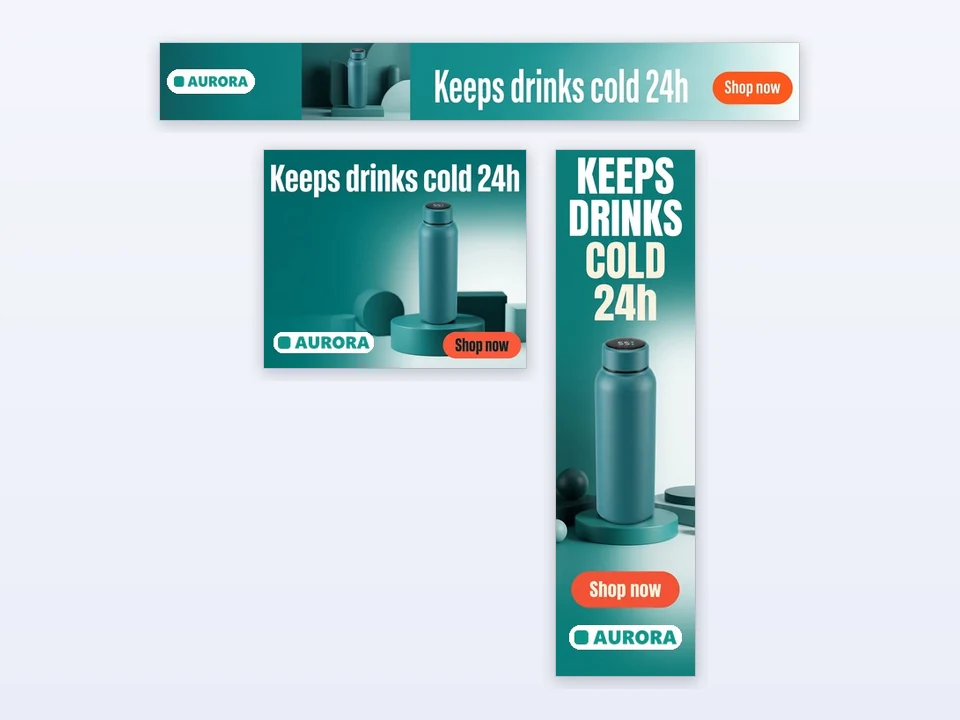
A drinkware brand uploads its water bottle, adds its logo and keeps the three default sizes. In one run it gets a leaderboard, a rectangle and a skyscraper with the same headline, ready for a Google Display campaign.
Promoting a weekly deal
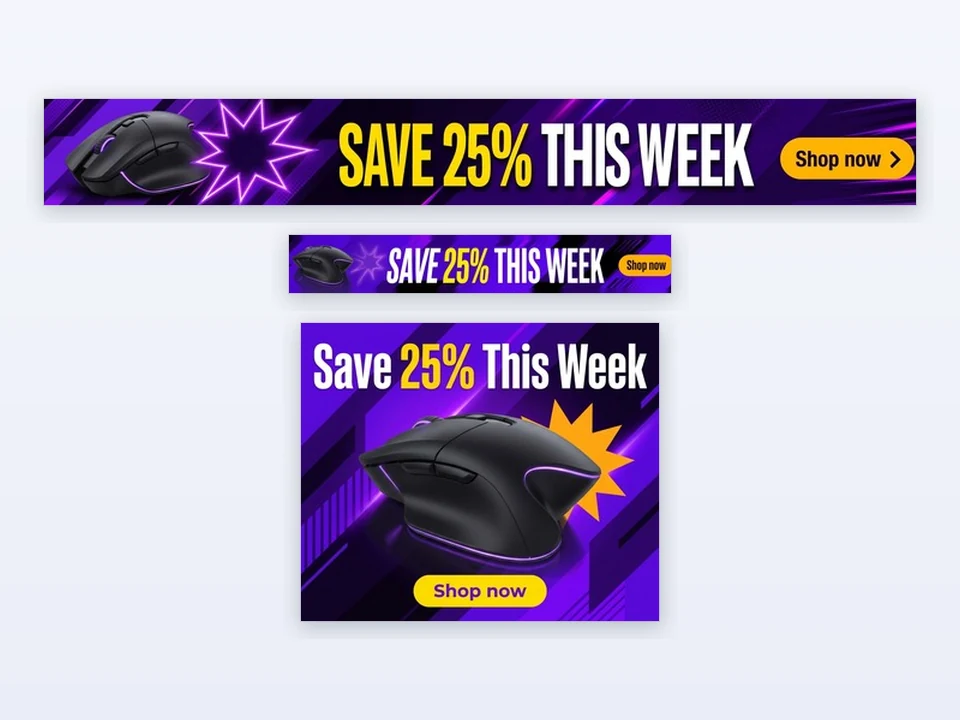
A gaming shop chooses I'll write it and types Save 25% This Week, picks the Promo offer style and a purple brand color. The exact headline appears on the 728×90, the 320×50 and the 300×250.
Keeping a brand consistent
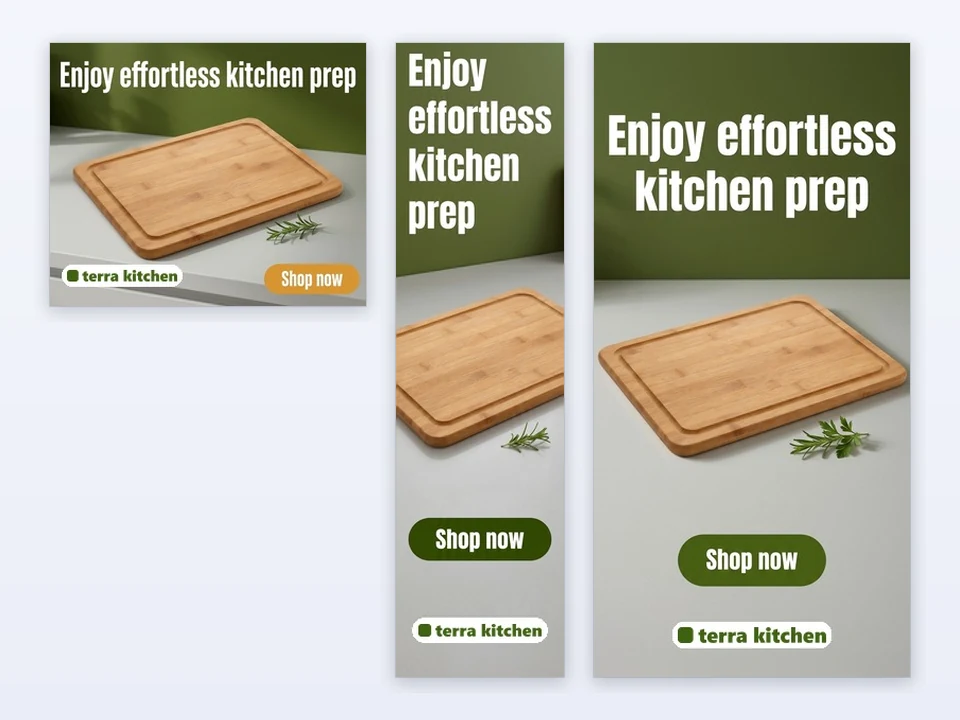
A kitchenware brand uploads its logo and leaves Brand color empty, so the color is taken from the logo. Its cutting board banners in 300×250, 160×600 and 300×600 all share the same green look.
Frequently asked questions
How many credits does Generative AI Display Ads use?
Each size costs 3 credits, so the default three sizes cost 9 credits and all five cost 15. The price is shown on the Start generating button before anything is submitted. If a size cannot be delivered, its 3 credits are refunded automatically.
Can I upload the banners to Google Ads directly?
Yes. Every banner is a JPG at the exact IAB pixel size you chose, for example 300 × 250 or 728 × 90, and at most 150 KB, the file size limit for uploaded image ads. Still review each banner against your ad policies before you publish it.
Can I use my own headline?
Yes. Under Ad text choose I'll write it and type a headline of up to 30 characters; it is used exactly as written on every size. The button text is optional, up to 15 characters, and AI writes it when you leave it empty.
How is my logo used?
Generative AI Display Ads never redraws your logo. It is placed in a fixed spot on each banner on a small white rounded backing, exactly as uploaded. If you leave Brand color empty, the main color of your logo is used for the palette.
What language is the text on the banners?
AI writes the headline and the button in the language of your product name and selling point. If that is unclear, it uses the language of the site you are on. A headline you type yourself is never translated.
Will my product be changed?
Generative AI Display Ads is built to keep your product's shape, colors, printed text and logo as they appear in your photo, and to show it once, large and sharp. The background, props and lighting around it are new. Check every banner before you publish it.
Turn your next product into a display campaign
Sign in, upload a product photo and Generative AI Display Ads shows the price of your chosen sizes before anything is generated.