










Cyber Monday Advertisement Maker
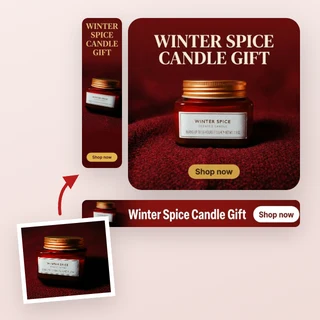
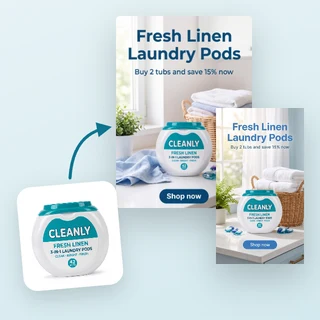
Upload a product photo, enter your deal and get Cyber Monday sale ads with the discount on the image, sized for social feeds, Stories and website banners.
Cyber Monday Advertisement Maker: sale ads from one product photo
Upload a product photo, type your Cyber Monday deal and pick a look. Cyber Monday Advertisement Maker designs a finished sale ad with the big CYBER MONDAY title, your discount or coupon code exactly as you typed it, a promo line and a call to action, in every size you need for Facebook, Instagram, TikTok and your website.
- Your offer is printed exactly as typed, never invented
- Cyber Monday, Cyber Week, BFCM or Last chance on the ad
- 1:1, 4:5, 9:16 and 16:9 sizes, 7 credits each
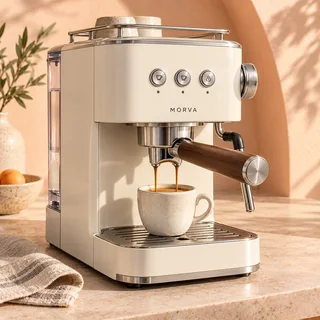
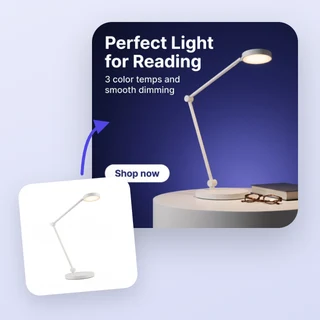
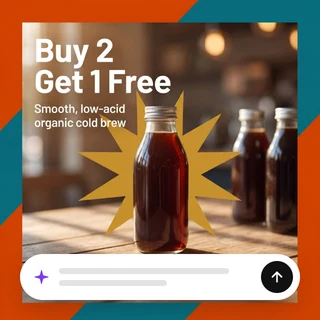
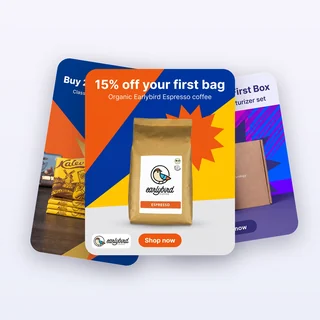
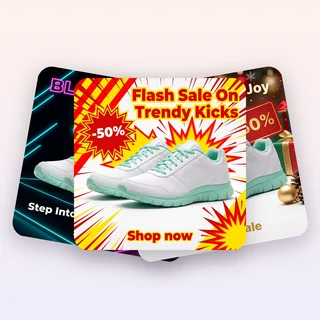
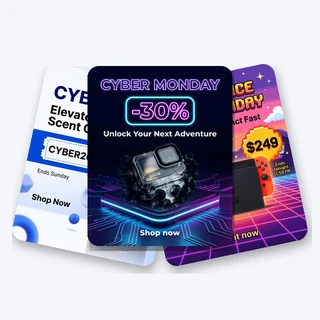
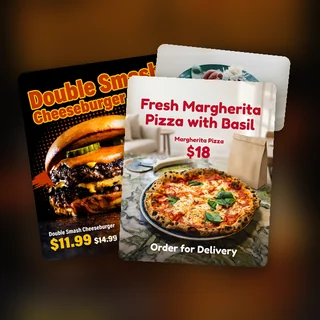
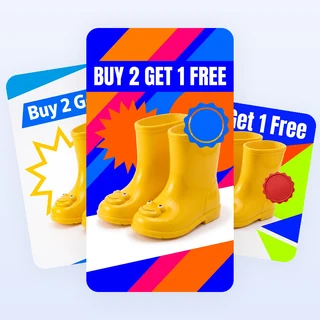
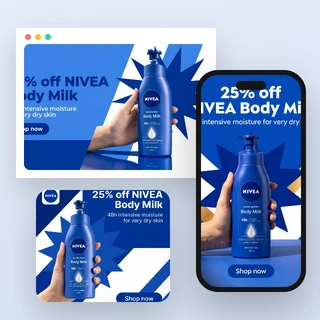
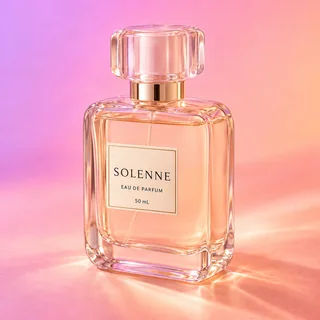
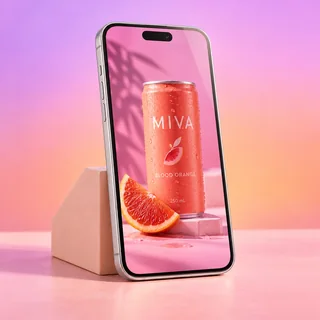
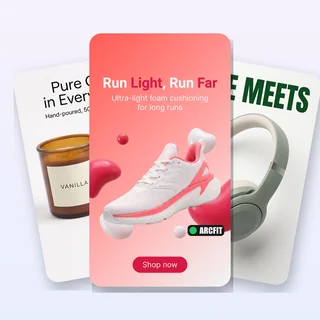
Five products, five Cyber Monday ads
Real results from Cyber Monday Advertisement Maker: five new products, each with a different offer, sale period and style.



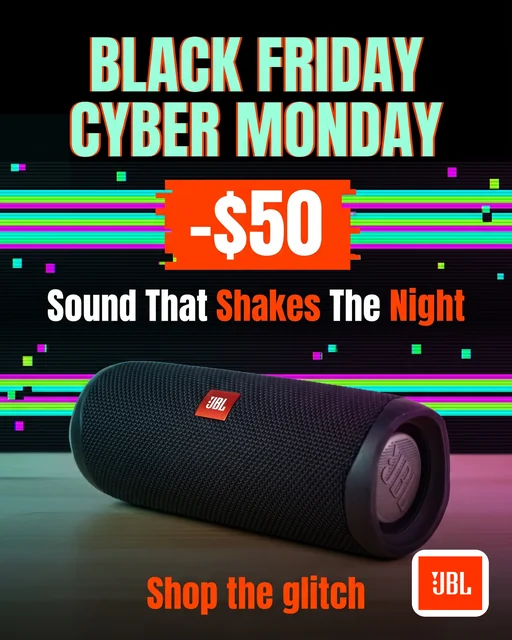

Each run uses one product photo, one offer, one sale period and one style. Shown here: the 4:5 image of each case. Every selected size gets its own 2K PNG from Cyber Monday Advertisement Maker with the same scene and text.
Make a Cyber Monday ad in three steps
Every ad from Cyber Monday Advertisement Maker comes from the same three steps.
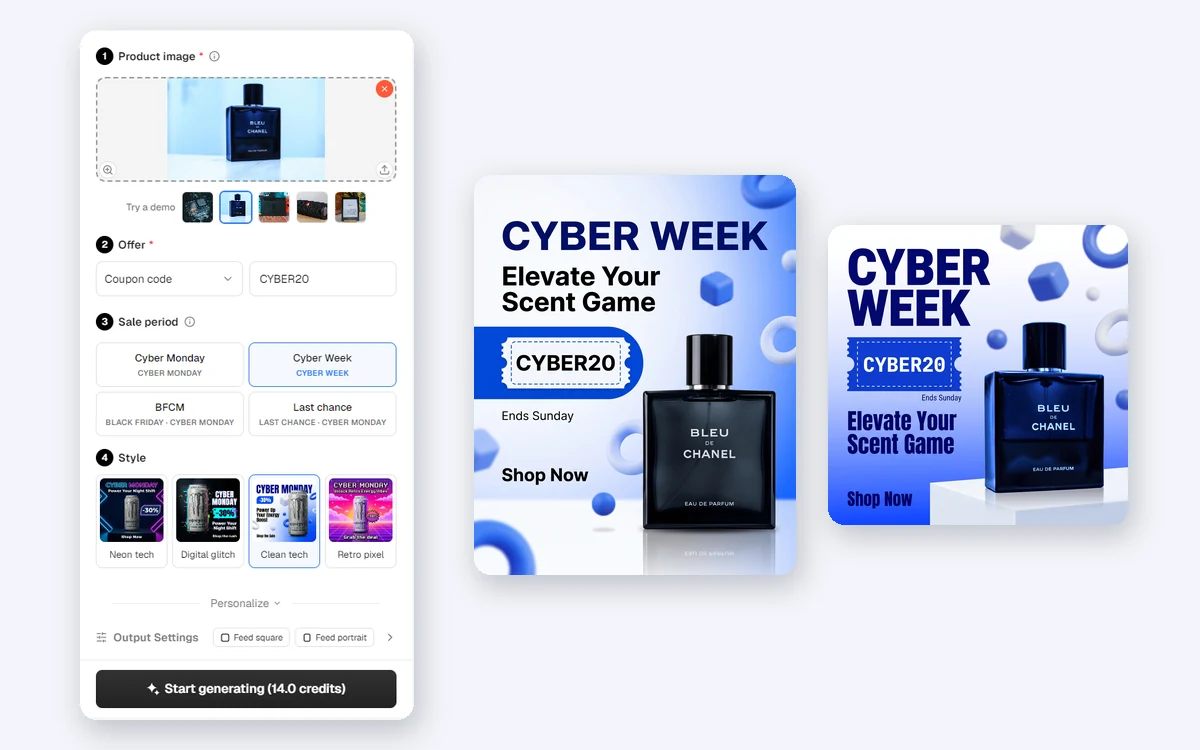
Upload your product photo
Add one clear JPG, PNG or WEBP photo up to 10 MB, at least 256 pixels on each side, or bring it in from a product page with Import link. Your product keeps its shape, colors and label.
Enter the deal, pick a period and a style
In Offer, choose % off, Amount off, Buy 1 Get 1, Flash price, Coupon code or Clearance and type the value. Then pick the sale period: Cyber Monday, Cyber Week, BFCM or Last chance, and a style: Neon tech, Digital glitch, Clean tech or Retro pixel.
Choose sizes, then generate
Personalize holds the optional Deadline, Logo and Brand color. In Output Settings, tick Feed square (1:1), Feed portrait (4:5), Stories & Reels (9:16) or Website banner (16:9). Start generating shows the total first.
One ad, every size you run
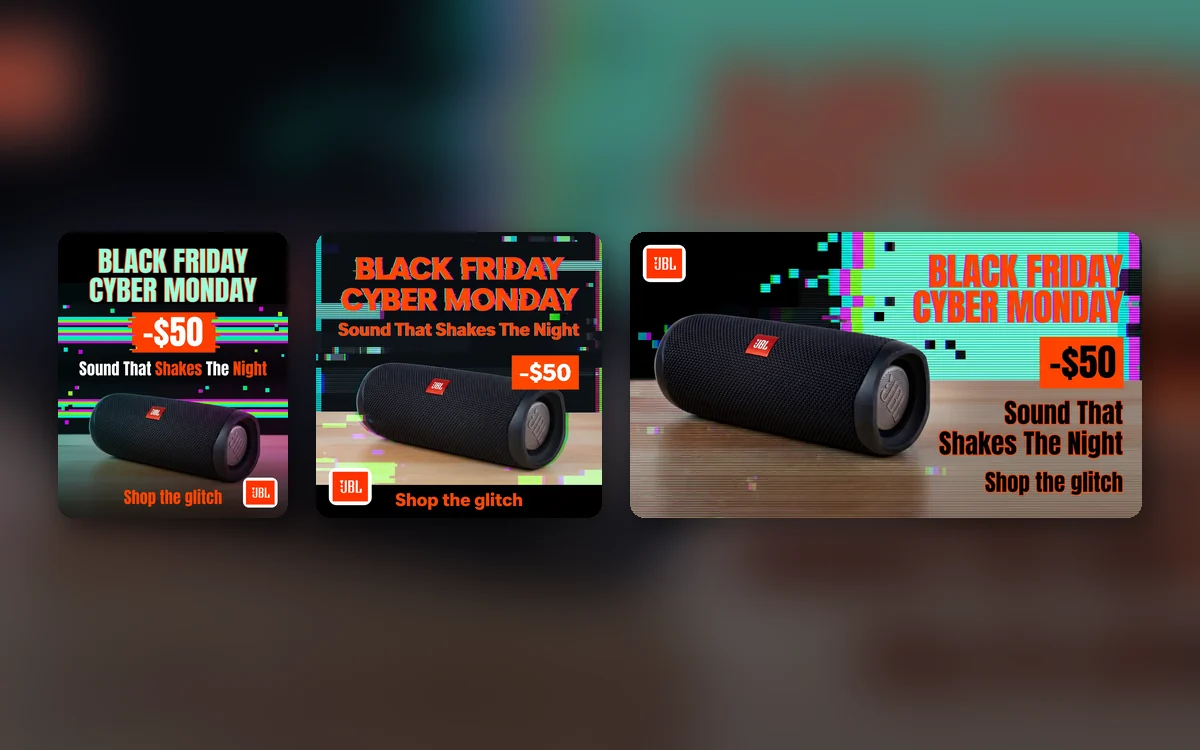
Cyber Monday Advertisement Maker plans one scene and one set of ad text, then recomposes them for each size you select, so your feed posts, Stories and website banner look like one campaign. In 9:16, the product and text stay clear of the top and bottom areas the apps cover.
- Same product, scene, title and offer in every size
- Stories & Reels images keep a safe zone for the app interface
- Pick only the sizes you need and pay only for those
Your deal, printed exactly as you typed it
The discount, price or coupon code on the ad comes from your Offer field, not from AI, so a typo in a price can't sneak in. The sale period sets the big words on the ad, and Cyber Monday Advertisement Maker writes a short promo line and call to action with no extra numbers.
- % off, amount off, flash price and coupon code shown character for character
- Optional Deadline printed next to the offer
- Your logo is pasted on as uploaded, never redrawn
How sellers use it
Three ways online stores use Cyber Monday Advertisement Maker before and during the sale.
A coupon code for the whole week
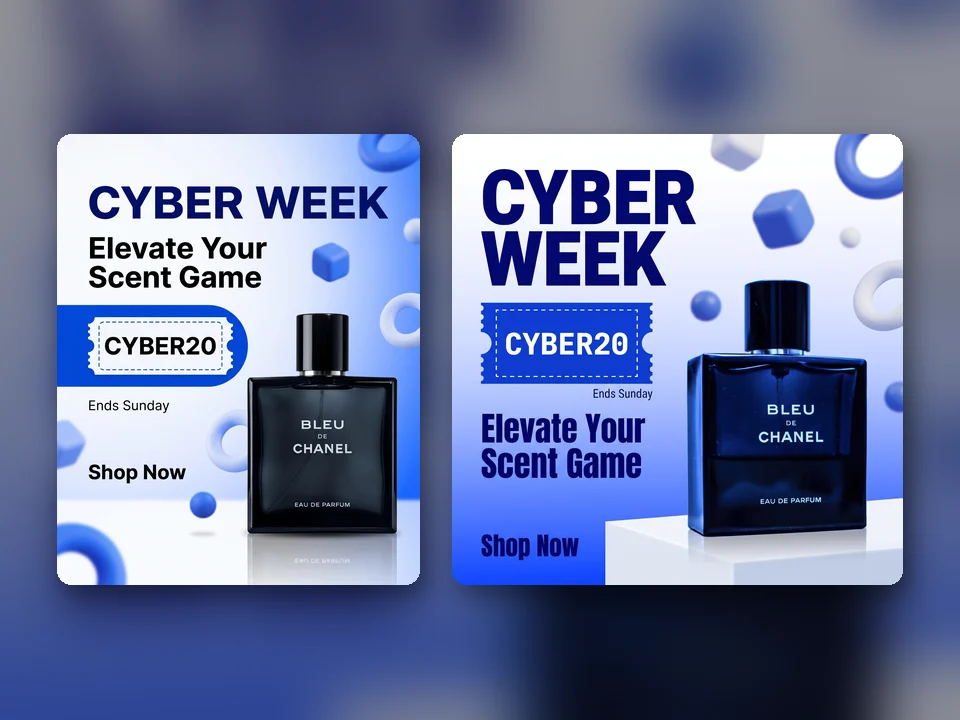
A fragrance shop runs Cyber Week with the code CYBER20. It picks Coupon code and Clean tech, adds the deadline Ends Sunday, and gets a 4:5 post and a 1:1 post with the code on a dashed coupon.
A last-chance push on Monday night
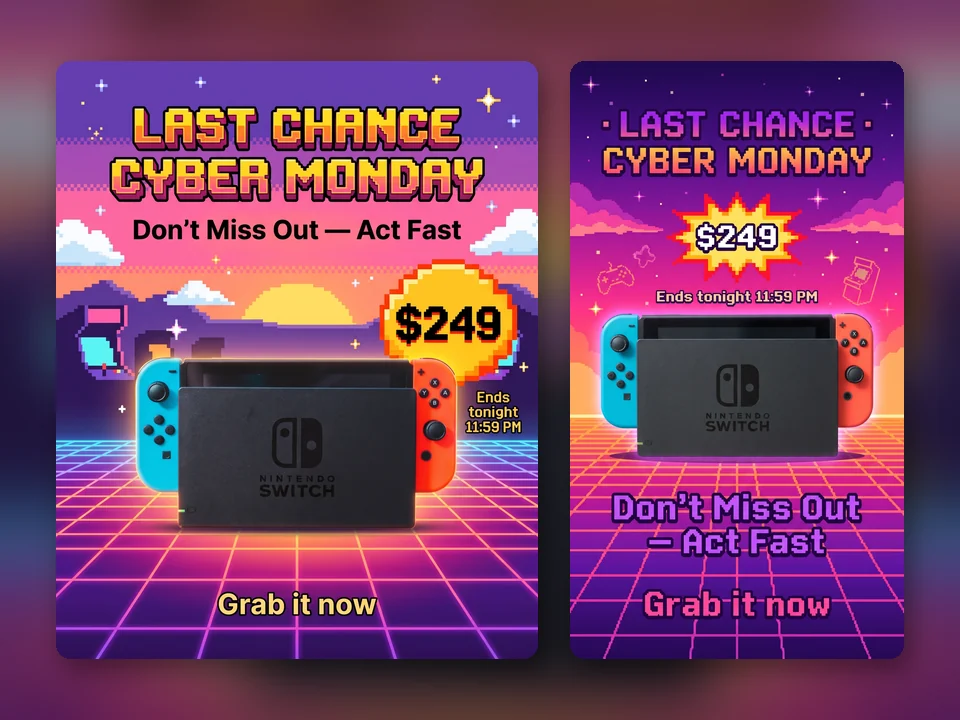
A game store switches the sale period to Last chance and adds Ends tonight 11:59 PM. Cyber Monday Advertisement Maker writes a more urgent promo line, and the Stories image goes out in the final hours.
Social posts and a website banner together
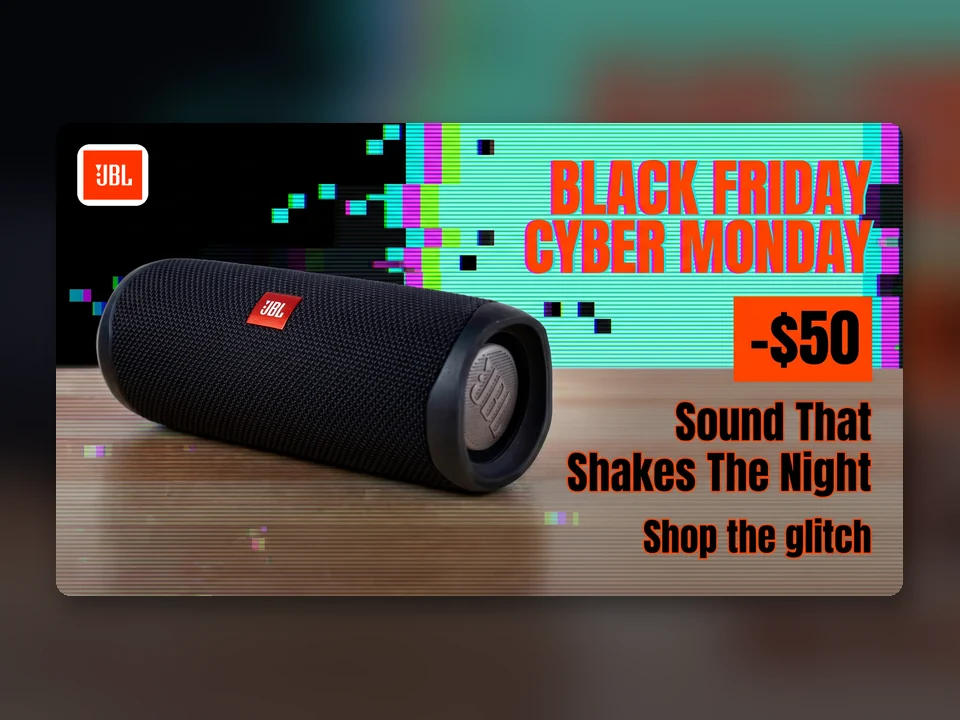
An audio brand uploads its logo, sets its orange brand color and ticks 4:5, 1:1 and 16:9. One run gives two feed posts and a wide banner for the store homepage, all with the same scene.
Frequently asked questions
How many credits does Cyber Monday Advertisement Maker use?
Each size costs 7 credits and gives you one 2K PNG: 7 credits for one size, 14 for two and 28 for all four. The total is shown on the Start generating button before anything is submitted, and any size that cannot be delivered is refunded automatically.
Which sizes can I make?
Square 1:1 and portrait 4:5 for the Facebook and Instagram feeds, full-screen 9:16 for Stories, Reels and TikTok, and a wide 16:9 for website banners, email headers and YouTube. Select one or several in Output Settings.
What is the difference between Cyber Monday, Cyber Week, BFCM and Last chance?
They set the big title on the ad and the tone of the promo line: CYBER MONDAY for the day itself, CYBER WEEK for an extended sale, BLACK FRIDAY · CYBER MONDAY for a weekend-long sale, and LAST CHANCE · CYBER MONDAY for the final hours.
Will AI change my discount or invent claims?
No. The offer badge is built from what you type in Offer, and the AI text may not contain numbers, prices or dates of its own. Product claims, reviews and stock levels are never invented. Check every ad before you publish it.
What language is the text on the ad?
The promo line and call to action are written in the language of the site you are using. The big title stays in English, as Cyber Monday ads usually show it, and your coupon code and deadline stay exactly as you typed them.
Will my product be changed?
Cyber Monday Advertisement Maker is built to keep your product's shape, colors, printed label and logo as they appear in your photo. The background, lighting and decorations around it are new. Your own logo, if you upload one, is pasted onto the finished ad.
Get your Cyber Monday ads ready
Sign in, upload a product photo and Cyber Monday Advertisement Maker shows the price before anything is generated.