





Ecommerce Photo Editing
Upload up to 10 product photos and get listing-ready images in one go: retouched, color corrected and placed on pure white, transparent or a new scene, sized for Amazon, Shopify, eBay and Etsy.
Ecommerce Photo Editing: listing-ready product photos in one batch
Upload up to 10 product photos and Ecommerce Photo Editing edits them all the same way: dust, scratches and color casts removed, the product straightened and centered, then placed on pure white, a transparent background, a new scene or its own cleaned-up background, sized for Amazon, Shopify, eBay and Etsy.
- 1 to 10 photos per run, one setting for the whole batch
- Pure white #FFFFFF with the product at about 85% of the frame
- 7 credits per photo, 8 with a transparent background
Real photos before and after
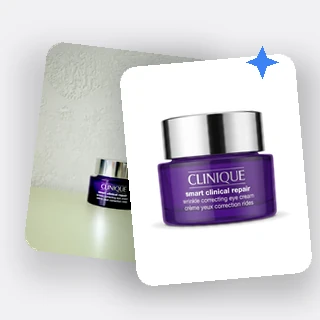
Real results from Ecommerce Photo Editing: five sellers' photos, each edited once with a different background and size.
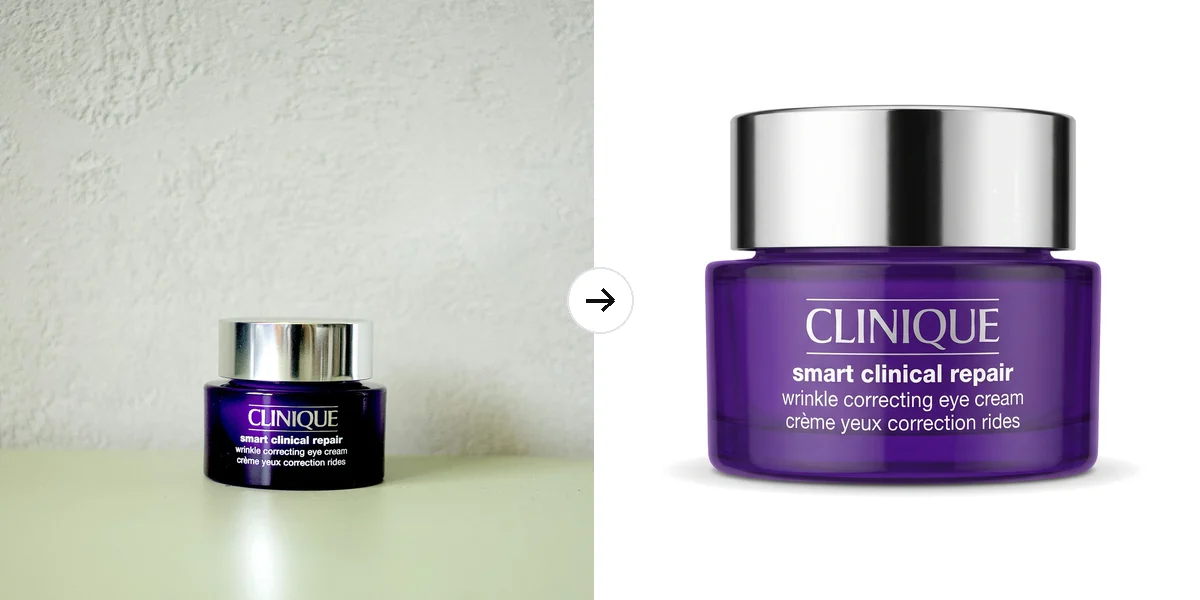
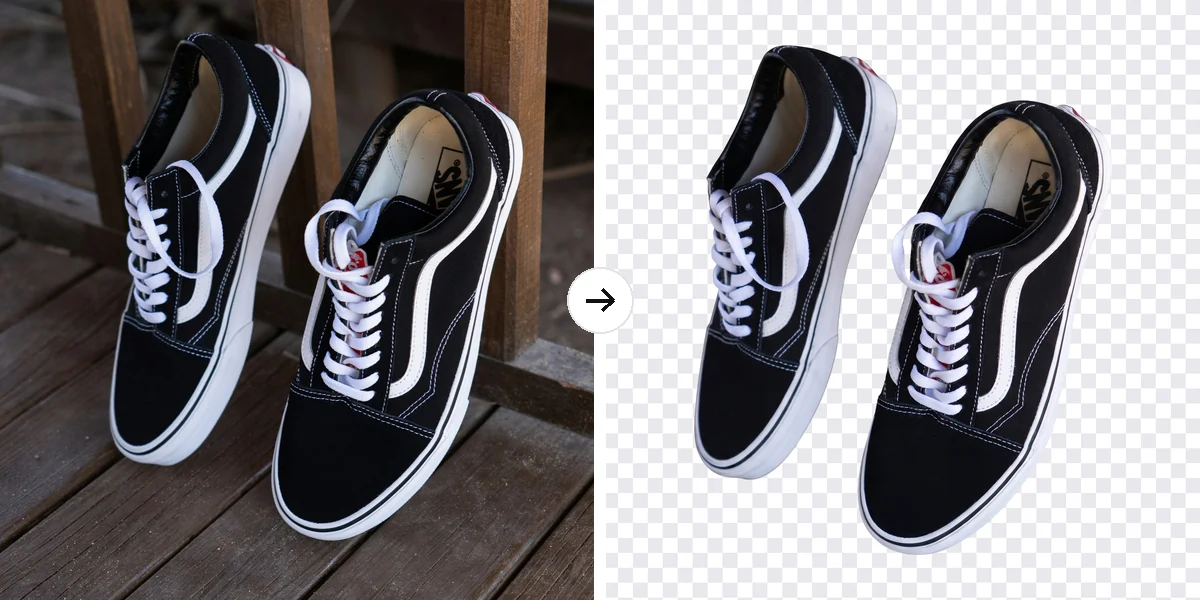
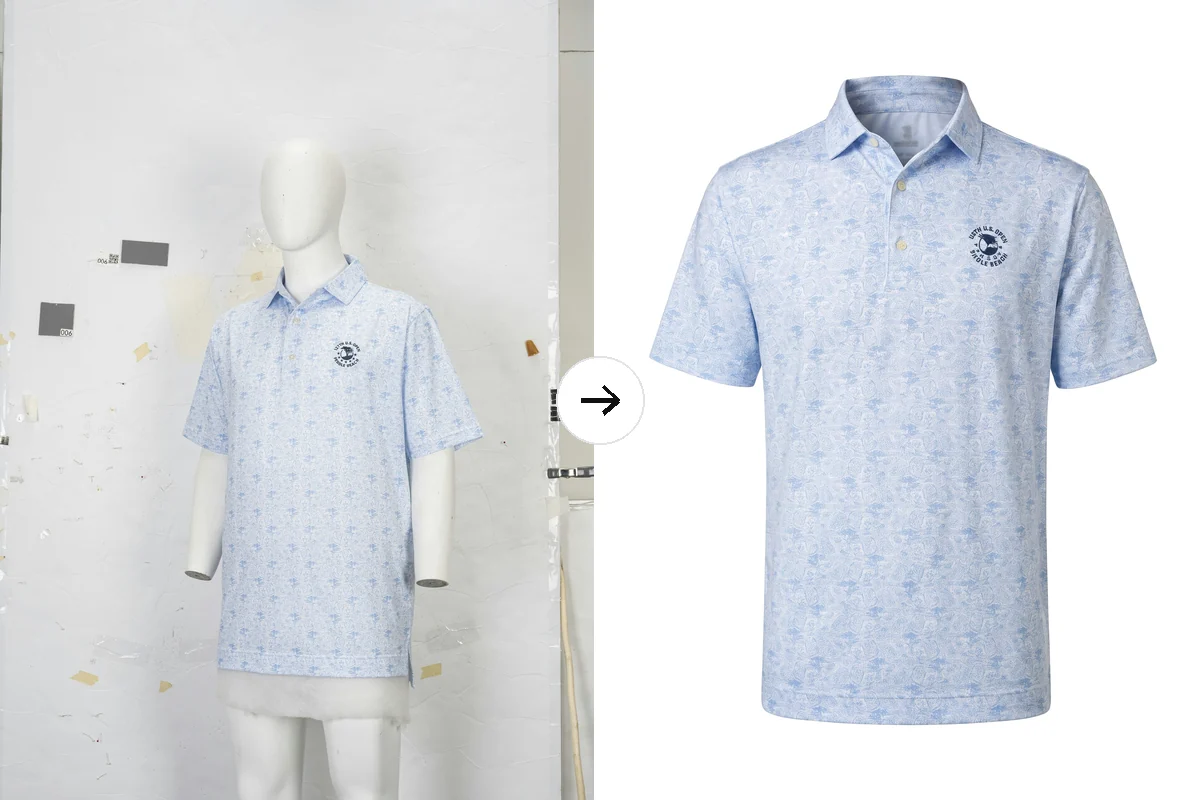
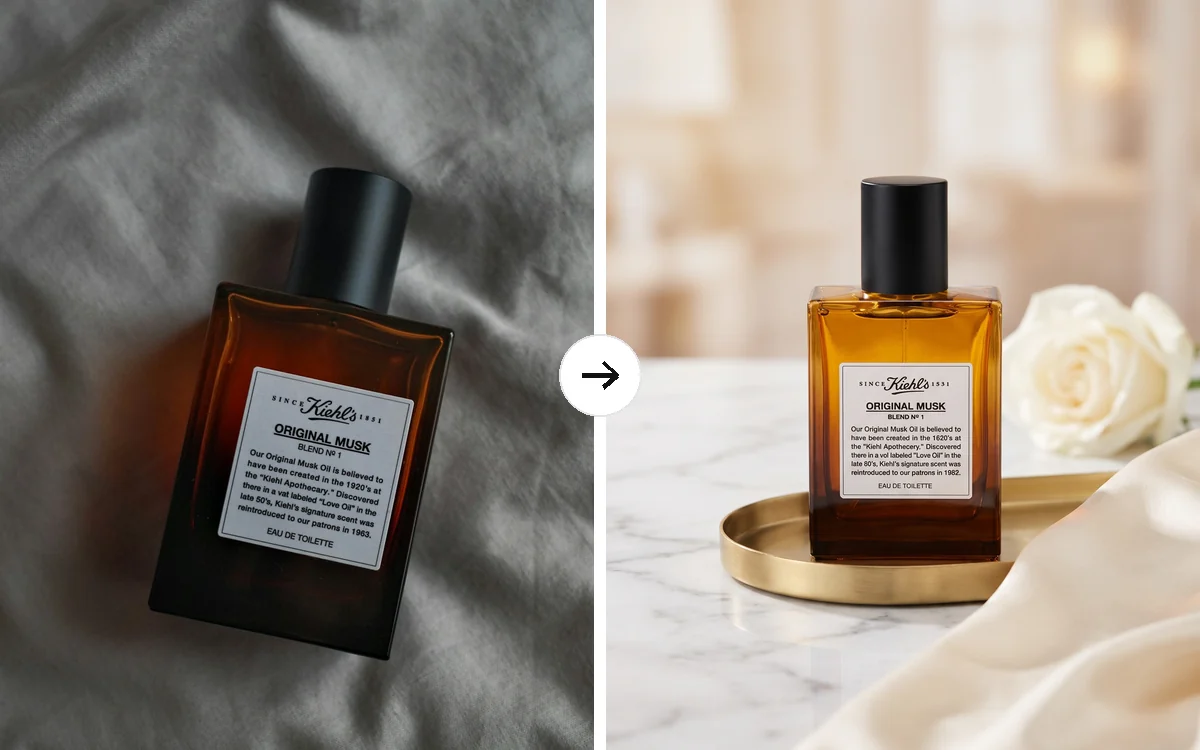
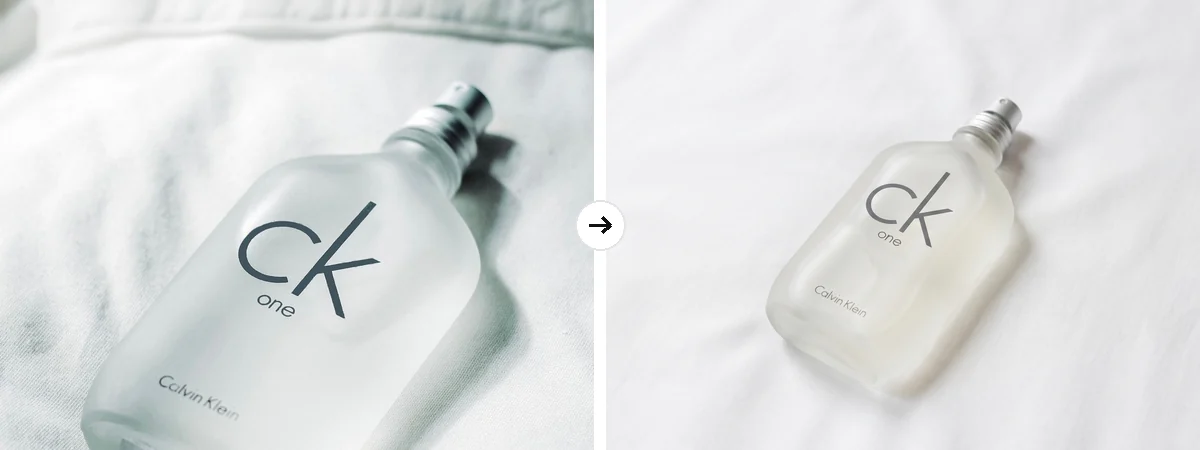
Left: the photo as uploaded. Right: the edited photo. The product's shape, colors and label stay as photographed.
Edit a batch in three steps
Every batch in Ecommerce Photo Editing goes through the same three steps.
Upload your product photos
Drop in 1 to 10 JPG, PNG or WEBP photos, each up to 10 MB and at least 256 pixels on each side, or pick them from a product page with Import link. Every photo gets the same settings.
Choose the background
Pick Pure white, Transparent, Keep original or Scene. Pure white adds a natural shadow by default; Personalize lets you change the shadow, use Ghost mannequin for clothing and add editing notes.
Pick a size, then generate
In Output Settings choose 1:1, 4:5, 3:4 or 4:3. Start generating shows the credits first. Each edited photo appears as its own card, and the before and after button compares it with your original.
Marketplace-ready pure white, every photo the same
Amazon, eBay and Shopify ask for a main image on pure white. Ecommerce Photo Editing removes the original background, corrects the white to exact #FFFFFF and recenters each product to fill about 85% of the frame, so a whole batch lines up in your store. Photos are exported at 2K, 2048 pixels on the long side, sharp enough for Amazon zoom.
- Background corrected to exact #FFFFFF
- Natural shadow, no shadow or a soft reflection
- 2048 px JPG, or PNG with transparency
Retouching built in, with your product kept as it is
Every photo in Ecommerce Photo Editing is retouched automatically: dust, lint, scratches and fingerprints are removed, fabric creases smoothed, color casts and exposure corrected and the product straightened. Its shape, colors, printed text and label stay as photographed. Use the before and after view on each result to check the edit, and add editing notes such as remove the price sticker.
- Dust, scratches, fingerprints and creases removed
- Color cast and exposure corrected
- Ghost mannequin for clothing on a mannequin
How sellers use it
Three everyday jobs Ecommerce Photo Editing is built for.
Main images for a new product line
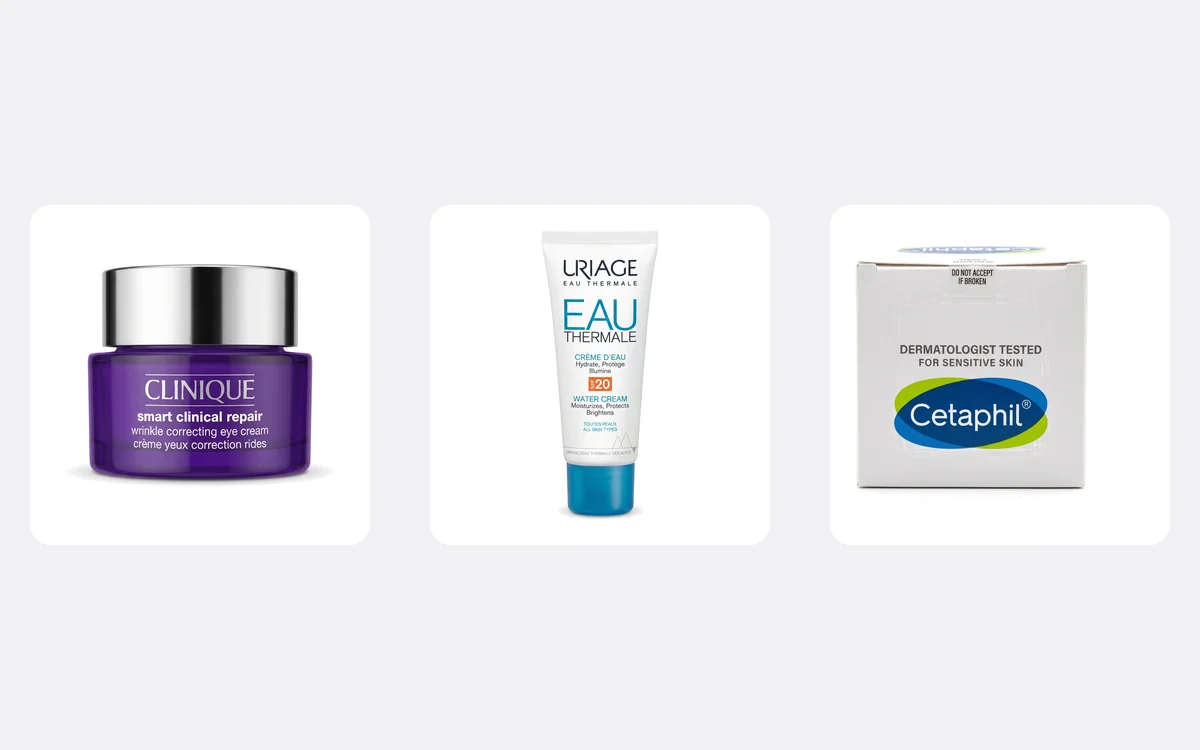
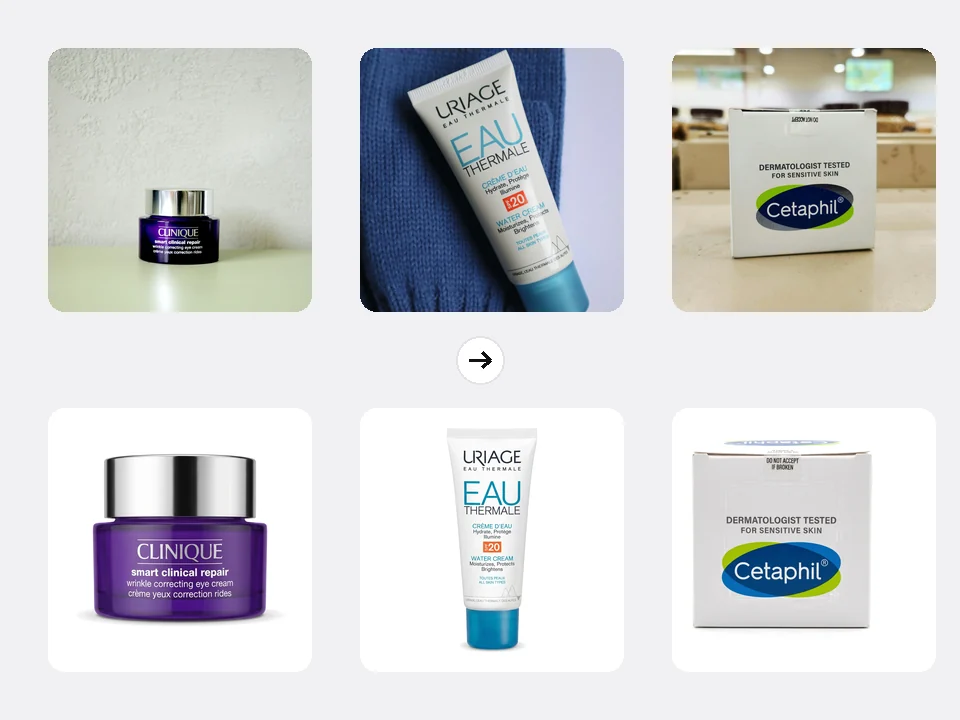
A skincare shop photographs three new products around the office: a jar, a tube and a box. One batch turns them into pure white 1:1 main images with the same size and shadow, ready for Amazon and Shopify.
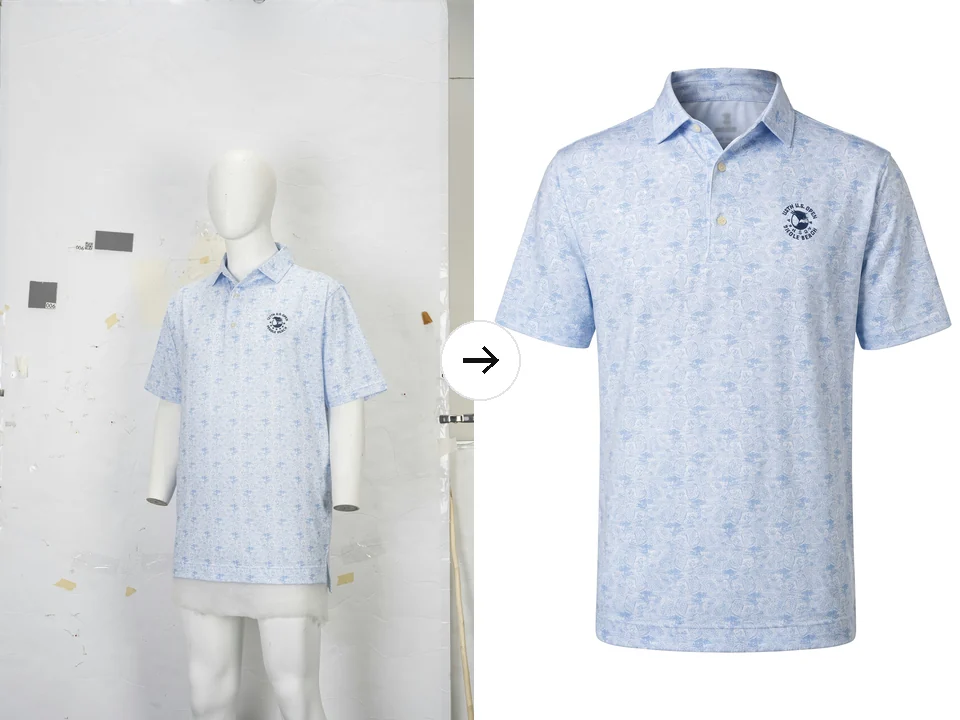
Clothing without the mannequin
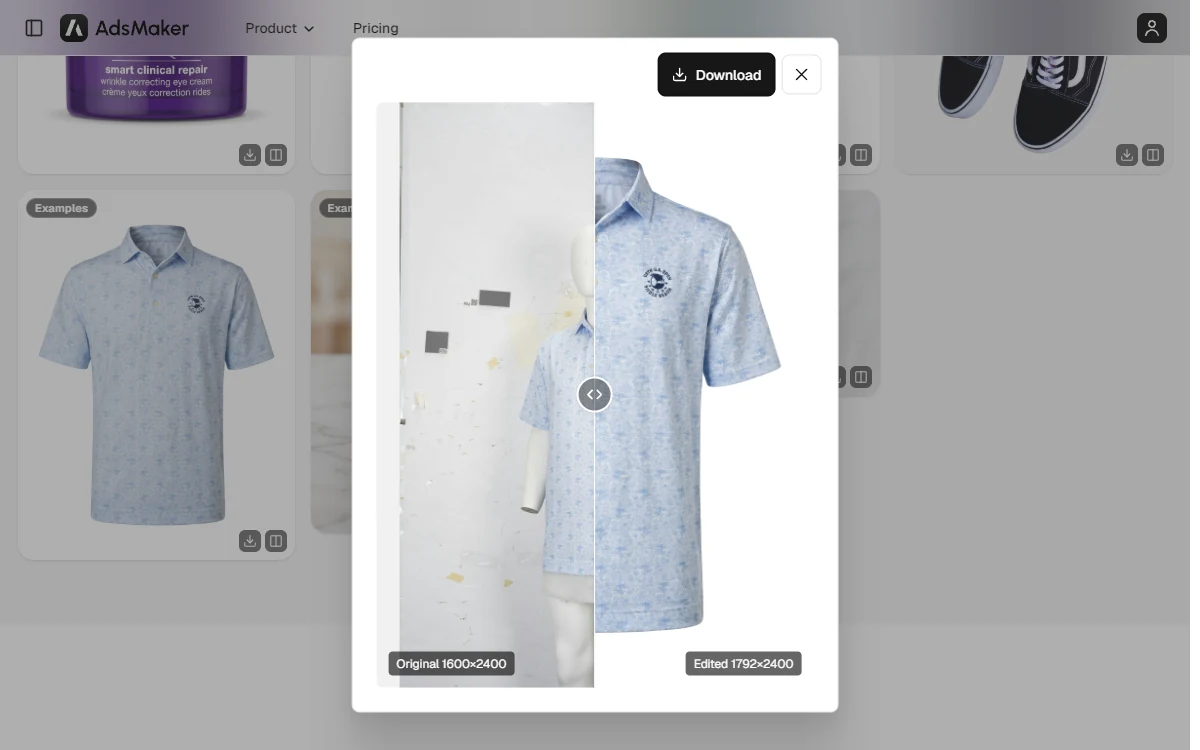
A clothing brand shoots polo shirts on a mannequin against a messy studio wall. Ghost mannequin removes the mannequin and keeps the shirt's shape and collar, in a 3:4 size for fashion stores.
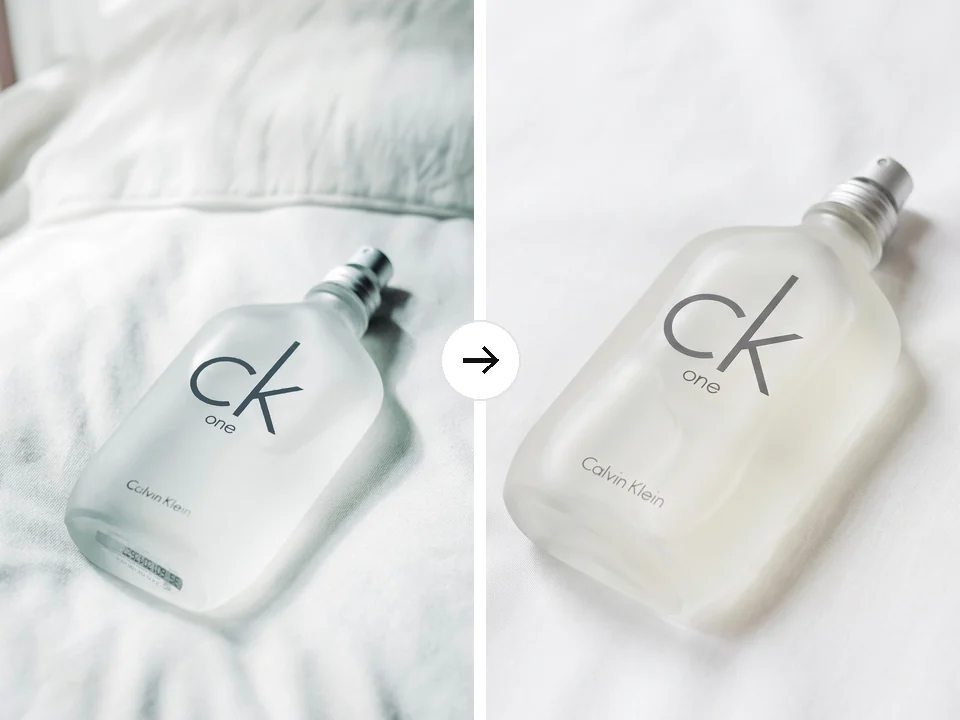
Lifestyle photos that keep their setting
A fragrance seller likes the soft bedsheet look but wants the barcode sticker gone and the creases smoothed. Keep original with editing notes cleans the photo in the 4:3 size Etsy shows first.
Frequently asked questions
How many credits does Ecommerce Photo Editing use?
Each photo costs 7 credits, or 8 with a transparent background because the cutout is an extra step. A batch of 10 photos on pure white is 70 credits. The total is shown before you generate, and any photo that cannot be delivered is refunded automatically.
Does the pure white background meet Amazon's main image rules?
Pure white is corrected to exact #FFFFFF (RGB 255, 255, 255) and the product fills about 85% of the frame, which is what Amazon asks for. The file is 2048 pixels on the long side, enough for zoom. Amazon also forbids text and props on main images, so check your photo before you upload it.
Will my product be changed?
Ecommerce Photo Editing is built to keep your product's shape, colors, printed text and label as photographed; only flaws, light and the background are edited. AI can still miss small details, so compare each result with the before and after view before you publish it.
Which size should I choose?
1:1 fits Amazon, Shopify and eBay listings, 4:5 suits Instagram Shop, 3:4 works well for clothing and many web stores, and 4:3 matches the first photo Etsy shows in search. Every size is exported at 2K on the long side.
What does Ghost mannequin do?
For clothing photographed on a mannequin, dress form or model, Ghost mannequin removes the form and keeps the garment's three-dimensional shape, with the inside of the collar showing where the neck was. Leave it on Keep as is for any other product.
Can I edit one photo or do I need ten?
Any number from 1 to 10. Ecommerce Photo Editing applies the same background, shadow and size to every photo you upload in a run, so put photos that should look alike in the same batch and start a new run for a different style.
Get your listing photos ready today
Sign in, upload your product photos and Ecommerce Photo Editing shows the credits before anything is edited.