












Healthcare Video Ads
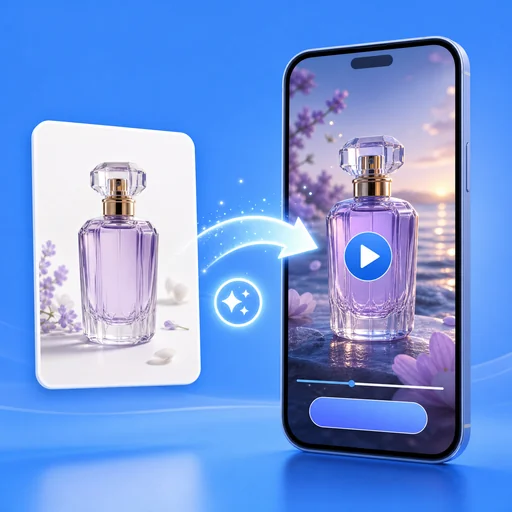
Turn 1–3 photos of your practice and one sentence into a 15-second video ad with voiceover, captions, music and your clinic details at the end, written to avoid common medical-ad pitfalls.
Healthcare Video Ads: a 15-second video ad for your practice
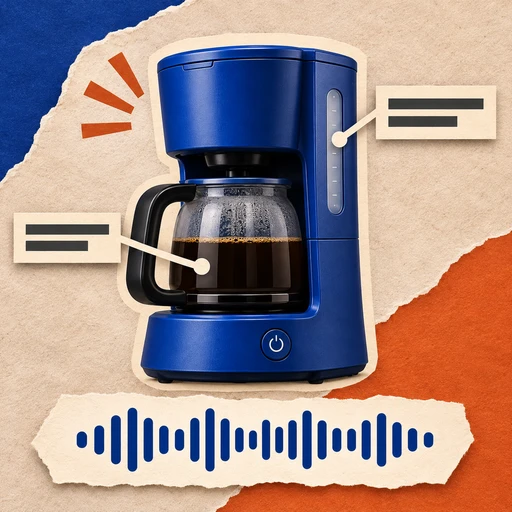
Upload 1–3 photos of your clinic, doctor or treatment room and describe your practice in one sentence. Healthcare Video Ads writes a careful script, keeps your team's faces as they are, and returns a 15-second video ad with an AI voiceover, captions and music that ends on your logo and phone number.
- Four ad types: clinic tour, meet the doctor, service explainer, new patients
- Copy written to avoid common medical-ad pitfalls
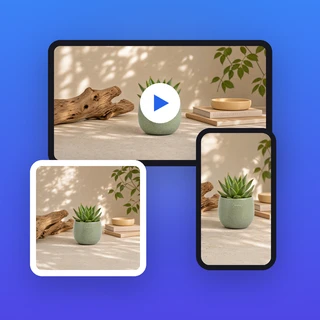
- Vertical 9:16, feed 4:5, square 1:1 or horizontal 16:9
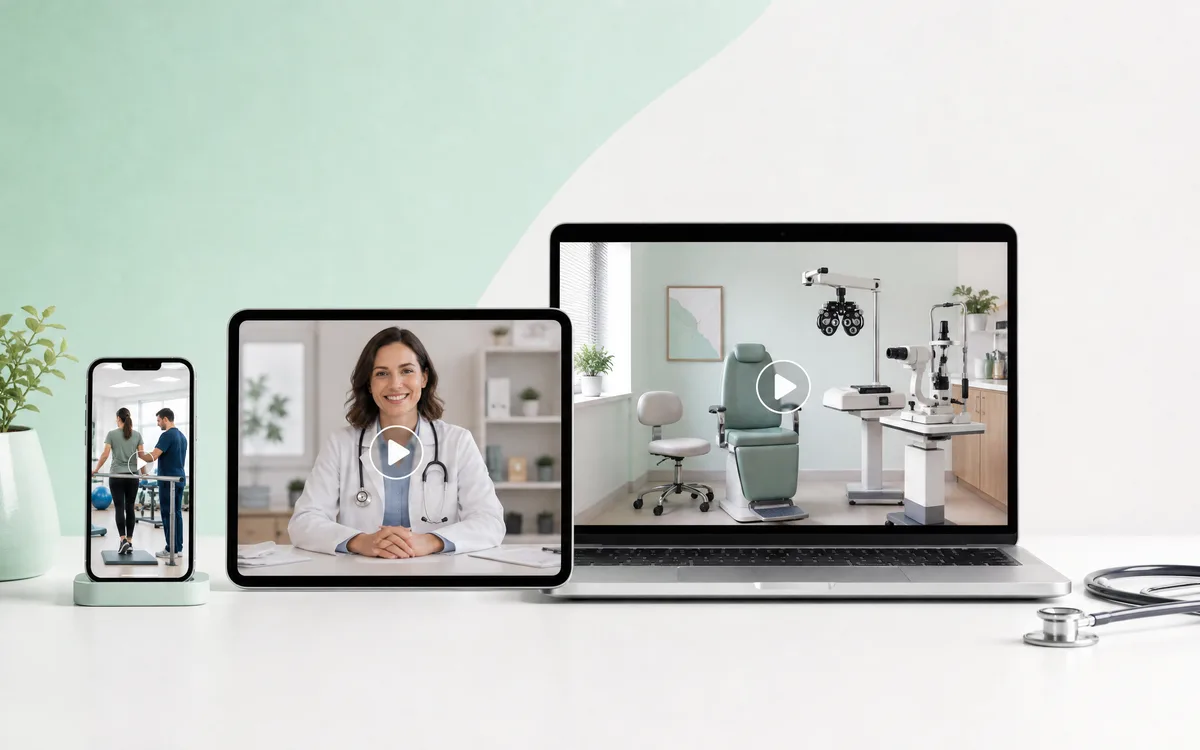
Real video ads from healthcare practices
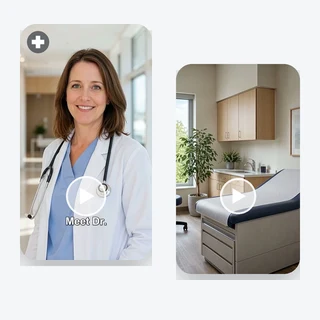
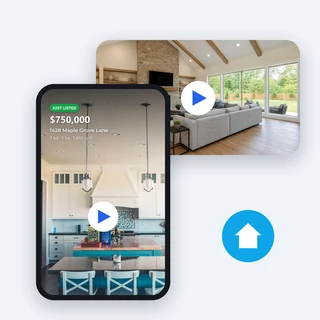
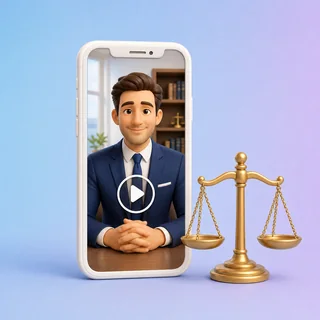
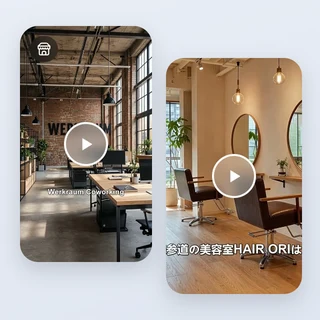
Each clip below came out of Healthcare Video Ads; the label under it shows the type of practice, the ad type and the size.
All are 15-second video ads with an AI voiceover, captions and music, 80 credits each. The last 3 seconds show the logo, name and contact typed into the form; no ratings, years or results were added.
Three steps from clinic photos to a video ad
Healthcare Video Ads takes the same three steps for every video, and the price shows before you submit.
Add photos of your practice
Upload a JPG, PNG or WEBP photo up to 10 MB and at least 256 pixels on each side: your clinic, your doctor or team, or a treatment room. Up to three photos; avoid small text on signs and certificates, and never upload patients without their consent.
Describe it and pick an ad type
Under Describe your practice, say what you treat, for whom, and any qualification or offer. Then choose Clinic tour, Meet the doctor, Service explainer or New patients; for Meet the doctor, put the doctor's photo first.
Pick a size and generate
Add your Logo, Practice name and Phone or website under Personalize, choose 9:16 Vertical, 4:5 Feed, 1:1 Square or 16:9 Horizontal in Output Settings, then click Generate video ad. The 80-credit price shows on the button first.
Careful wording for medical advertising
Healthcare Video Ads is written for clinics, not for products. The script talks about what your practice offers instead of telling viewers they have a problem, and it follows rules that avoid promising cures or certain results and avoid adding ratings, years, insurance, prices or patient stories you did not write. The call to action invites people to book, call or learn more.
- No "Do you suffer from…" openings or before-and-after claims
- The name, phone and website on the end frame appear exactly as you typed them
- You still review the video before it runs on any ad platform
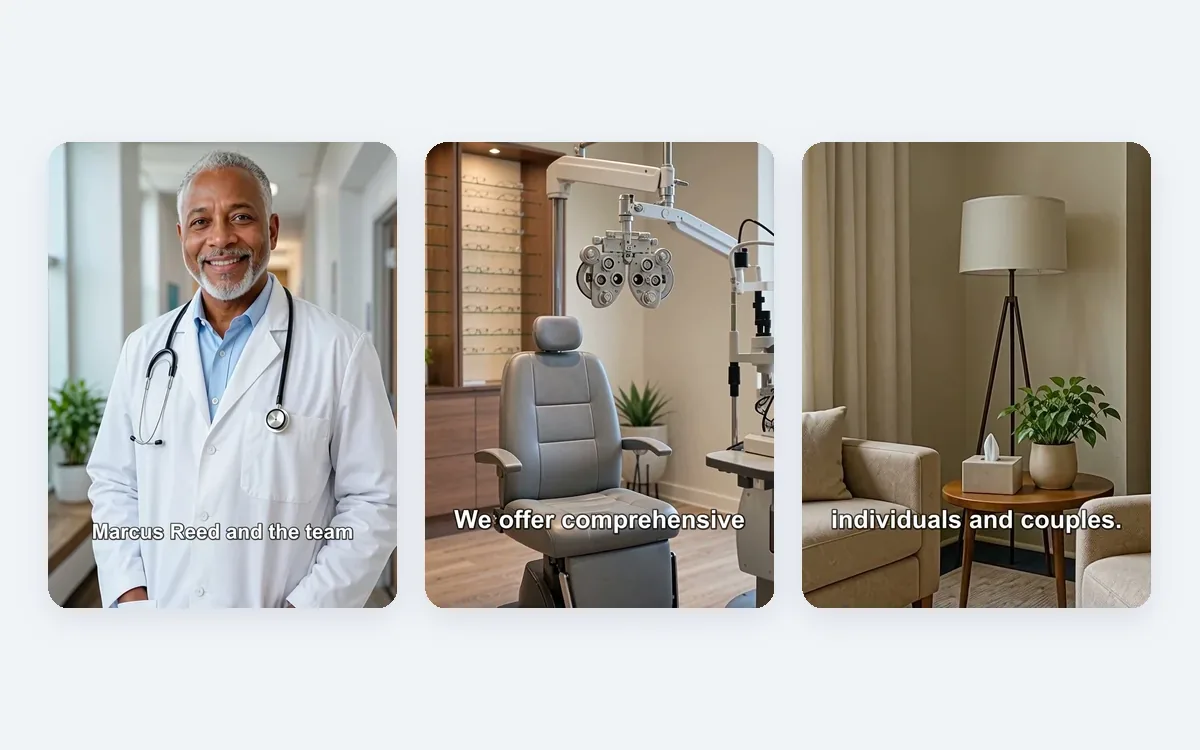
Your doctor stays your doctor
Healthcare Video Ads keeps the people in your photos as they are: the same face, clothes and look, with only a gentle smile or nod as the camera moves slowly in. Treatment rooms keep their real equipment, and the video never shows needles, blood, procedures or close-ups of the body.
- 9:16 is 1080 × 1920, 4:5 is 1080 × 1350, 1:1 is 1080 × 1080, 16:9 is 1920 × 1080
- The voiceover and captions follow the language you write in
- Professional or Warm & caring tone, same price
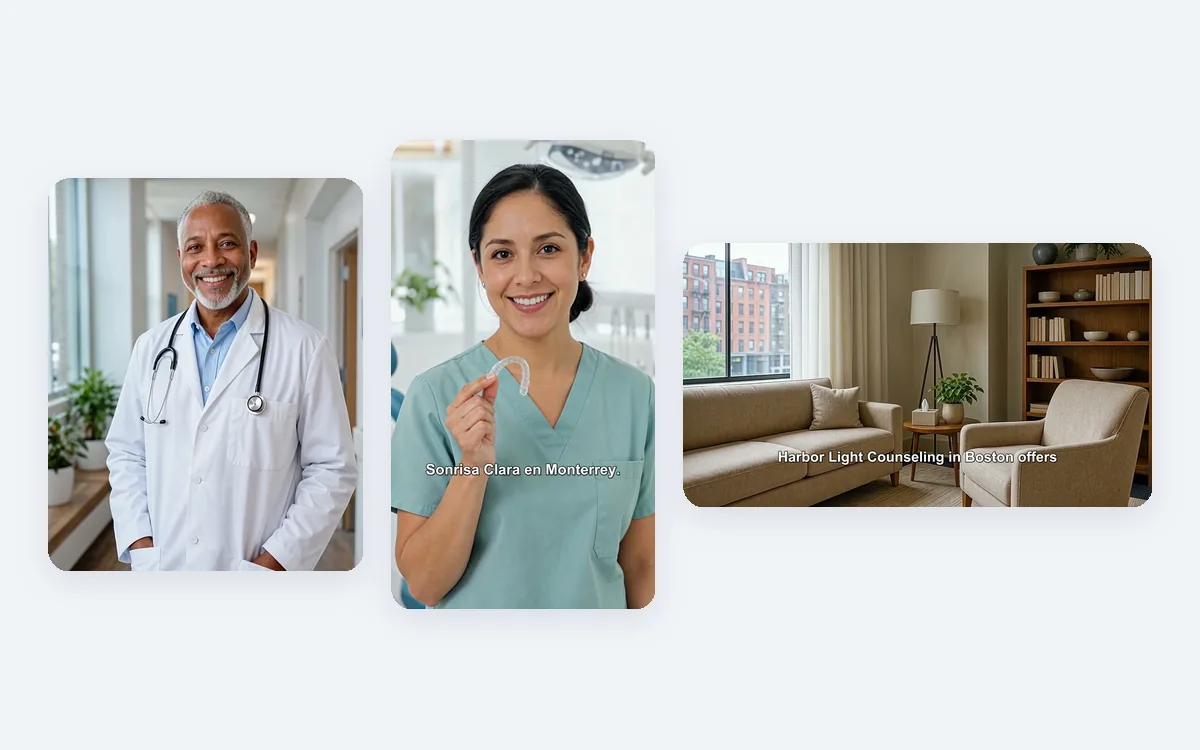
Who uses it, and for what
Three everyday ways practices put a clip from Healthcare Video Ads to work.
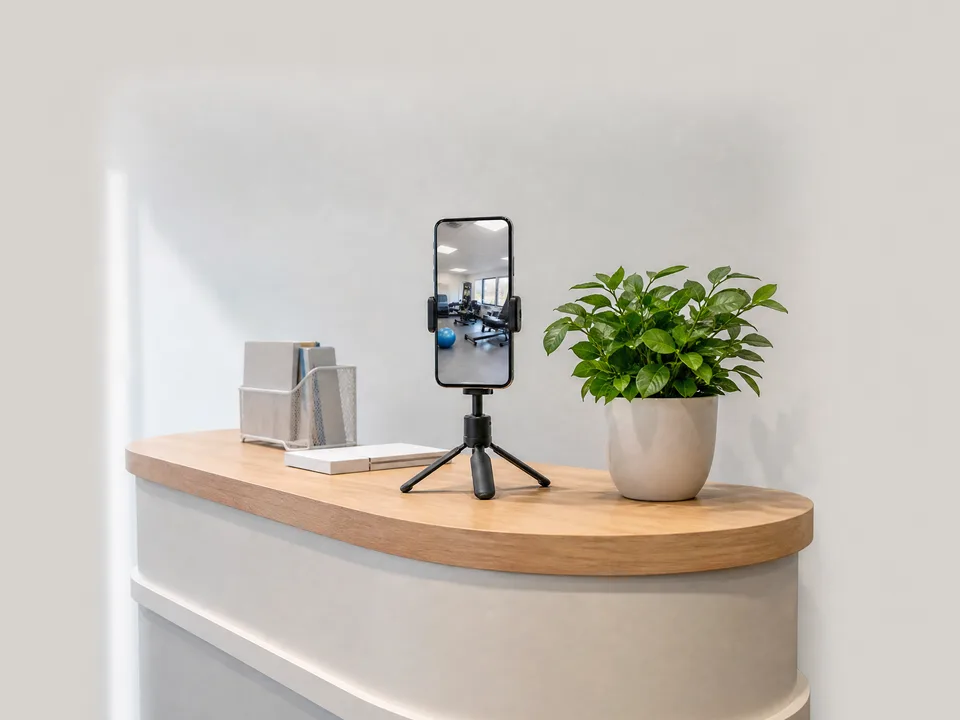
A physical therapy or chiropractic clinic on Reels
A rehab clinic uploads its gym, its therapist and its lounge, picks Clinic tour, and posts the vertical video on Instagram Reels, TikTok and its Google Business Profile.
A family or dental practice welcoming new patients
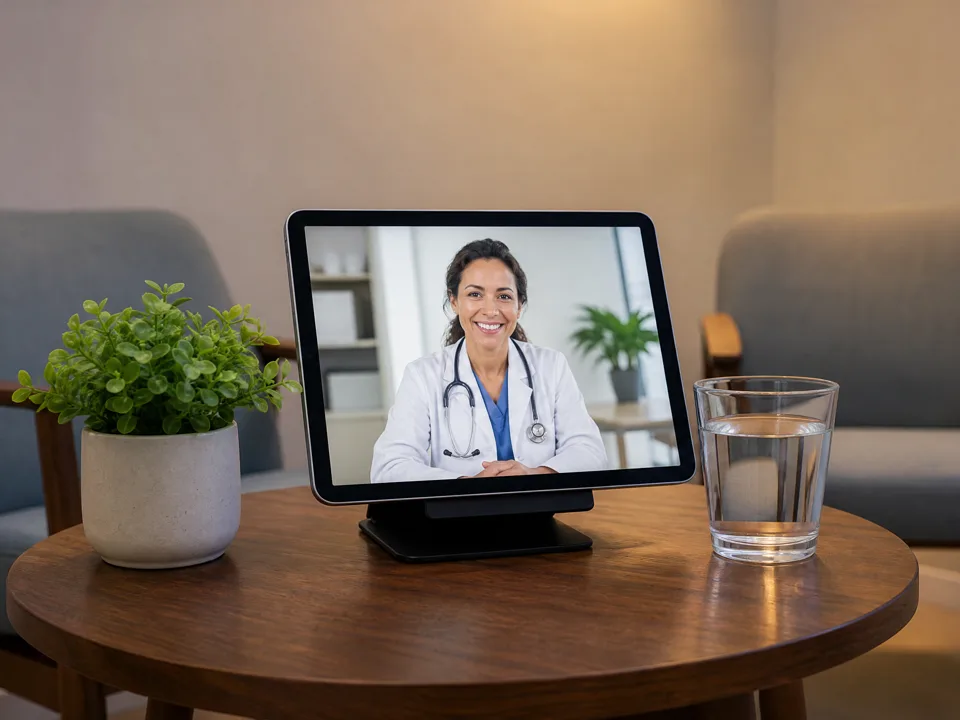
A family practice or dental office picks Meet the doctor or New patients, adds its booking phone, and runs the feed video in Facebook and Instagram ads for its neighborhood.

An eye care, med spa or counseling practice on its website
A specialty practice explains one service with Service explainer and places the horizontal video on its website and YouTube channel, next to its booking button.
Frequently asked questions
What does a video from Healthcare Video Ads cost?
Every video costs 80 credits, whatever the ad type, the size, the tone, the number of photos or whether you add your logo and contact. The price shows on the Generate video ad button before you submit, and a video that fails to generate is refunded in full automatically.
Will my ad pass Meta, Google or TikTok review?
Healthcare Video Ads avoids the most common problems in medical ads: implying the viewer has a condition, promising cures or results, invented reviews or numbers and before-and-after claims. Each platform still reviews ads under its own healthcare rules, so approval is always the platform's decision; check your local rules and the platform's policy before you publish.
Which ad type should I choose?
Clinic tour introduces your practice and its space. Meet the doctor puts your doctor or team first, so upload their photo first. Service explainer explains one treatment or service in simple terms. New patients welcomes first-time visitors and repeats any new-patient offer you wrote.
Which photos work best?
Clear photos of your real clinic: the doctor or team, the treatment room, the waiting area. Avoid small text on signs, diplomas or name badges, because AI video can blur or redraw it. Do not upload patients unless they have agreed to appear in your ads.
What should I write in the description?
One sentence of up to 200 characters: what you treat, for whom, and any qualification or offer you can stand behind. The script is built from what you write and follows rules that avoid inventing years in practice, awards, insurance, ratings, prices or patient stories you did not mention.
How long does it take, and which language is it in?
A video usually takes about 5 to 10 minutes and appears as an MP4 next to the form, ready to play and download. The voiceover and captions follow the language of your description, so write it in English, Spanish or another language to get the video in that language.
Let new patients meet your practice
Sign in, upload one to three clinic photos, and Healthcare Video Ads shows the 80-credit price before anything is generated.