

























Video Ads for Lawyers
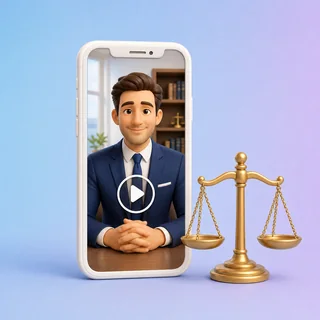
Turn 1–3 photos of your law firm into a 15-second video ad with voiceover, captions, music, your firm name and an Attorney Advertising line at the end.
Video Ads for Lawyers: a 15-second ad from your firm's photos
Upload 1–3 photos of you, your team or your office, pick a practice area and describe your firm in one sentence. Video Ads for Lawyers writes a careful script and returns a 15-second video with an AI voiceover, captions and music that ends on your firm name, contact and a small Attorney Advertising line.
- Seven practice areas, each with its own opening and call to action
- Scripts follow lawyer ad rules and avoid promised outcomes or invented results, reviews and awards
- Vertical 9:16, feed 4:5, square 1:1 or horizontal 16:9
Real law firm video ads in three sizes
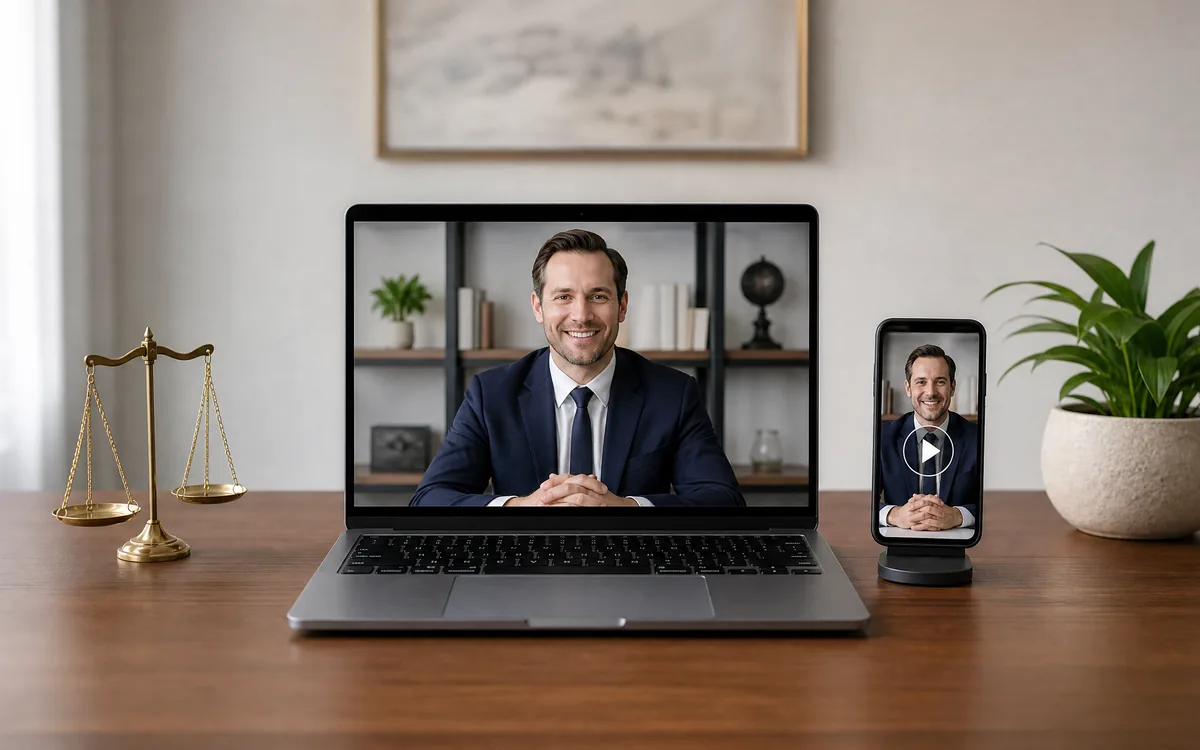
Each clip below came out of Video Ads for Lawyers from the photos, practice area and sentence listed under it. The firms are fictional.
All three are 15-second videos with an AI voiceover, captions and music, 80 credits each. The faces and rooms come from the uploaded photos; the last 3 seconds show the firm name, contact and a call to action, plus an Attorney Advertising line when it is switched on.
Three steps from photos to a law firm ad
Video Ads for Lawyers takes the same three steps for every video, and the price shows before you submit.
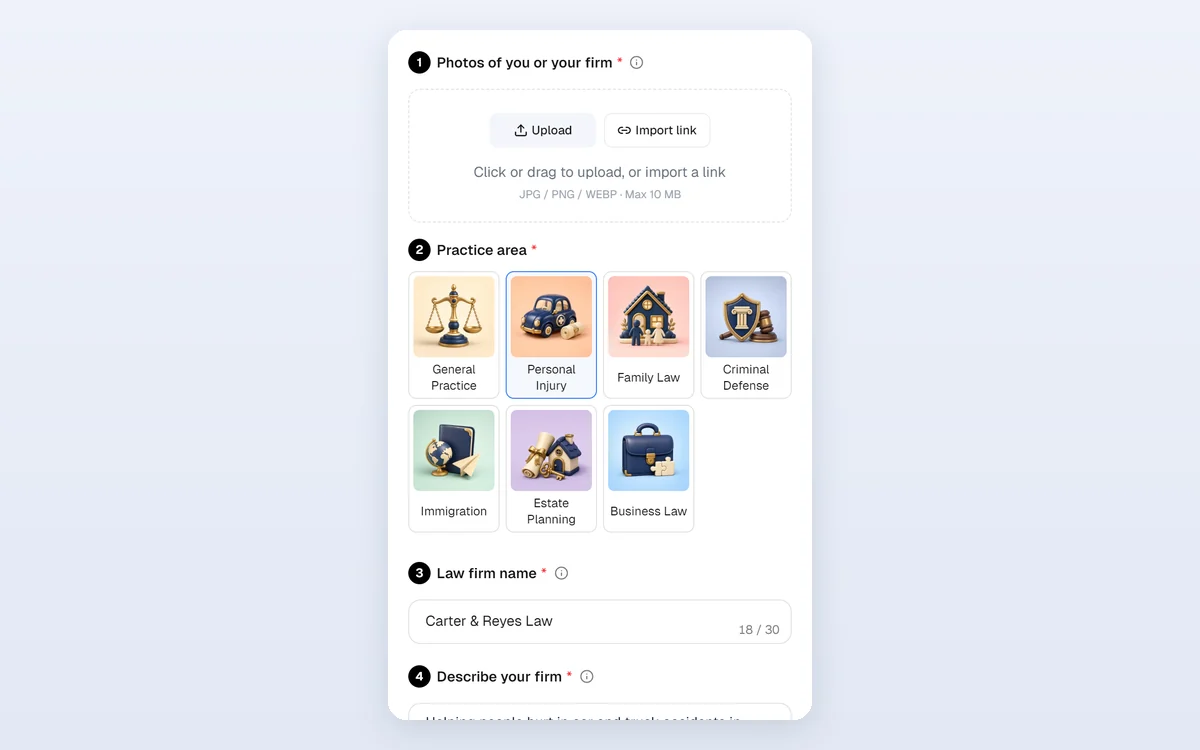
Add photos of you or your firm
Upload a JPG, PNG or WEBP photo up to 10 MB and at least 256 pixels on each side: your portrait, your team or your office. Up to three photos; each becomes one shot. Avoid signs, certificates and other small text.
Choose a practice area and describe your firm
Pick one of seven cards under Practice area, type your Law firm name and, under Describe your firm, who you help and any consultation offer. Tone, Logo, phone or website and the Attorney Advertising line are under Personalize.
Pick a size and generate
In Output Settings choose 9:16 Vertical, 4:5 Feed, 1:1 Square or 16:9 Horizontal, then click Generate video ad. The 80-credit price shows on the button first.
An end frame with your firm name and the advertising line
Every clip from Video Ads for Lawyers closes on your firm: the last 3 seconds blur the final shot and show your logo, firm name, a short call to action and your phone or website. Below them a small Attorney Advertising line appears in the video's language, and if your sentence mentions a past result, a prior-results note is added too.
- The line is on by default; switch it off or write your own (up to 80 characters)
- Captions end before the closing frame, so nothing overlaps
- Whether this meets your state's rules is for your firm to confirm

Seven practice areas, seven different openings
Choose General Practice, Personal Injury, Family Law, Criminal Defense, Immigration, Estate Planning or Business Law. In Video Ads for Lawyers each card gives the script its own hook and call to action, while the same rules apply to all: no promised outcomes, and no invented results, amounts, reviews, awards or years of experience.
- The price stays 80 credits whichever area or tone you pick
- The voiceover and captions follow the language you write in
- Aims to keep the people and rooms in your photos as they are
Who uses it, and for what
Three everyday ways small firms put a clip from Video Ads for Lawyers to work.
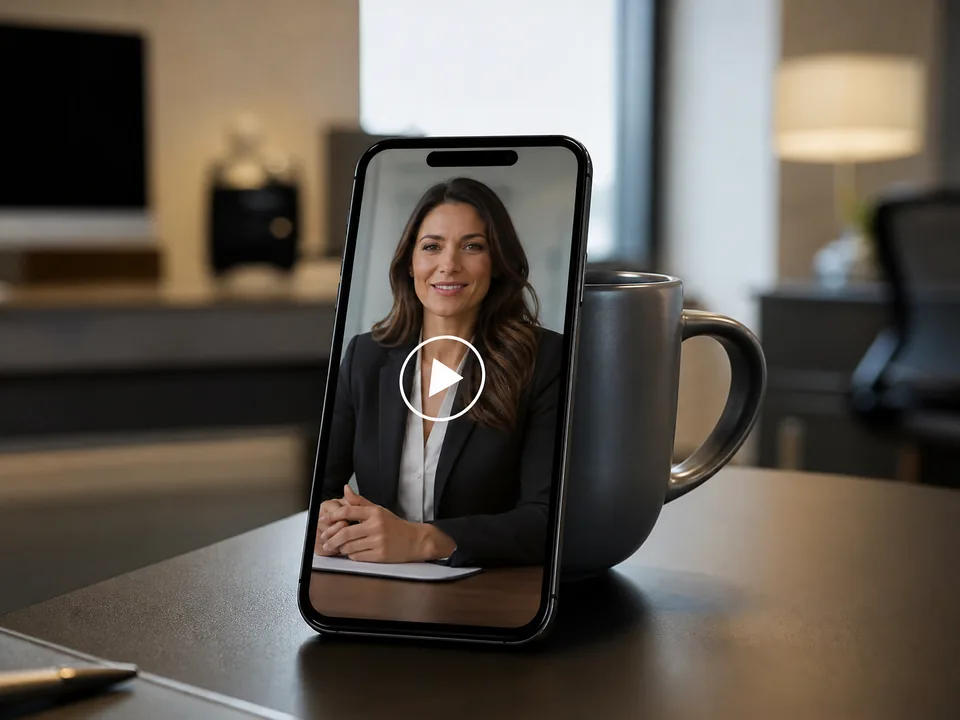
A solo attorney on Reels and TikTok
An injury lawyer uploads a portrait and a consultation room photo, writes who she helps and her consultation offer, and runs the vertical video as a Reels and TikTok ad.
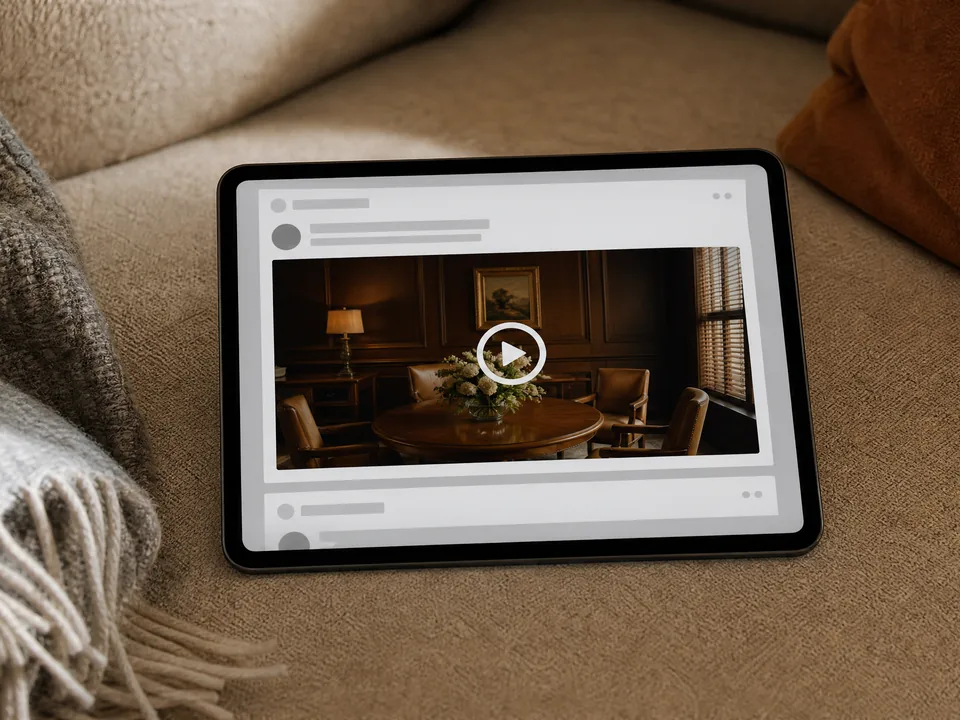
A family practice in Facebook feeds
A family law office picks the compassionate tone, adds its meeting room, and posts the 4:5 video in Facebook and Instagram feeds for parents in its city.
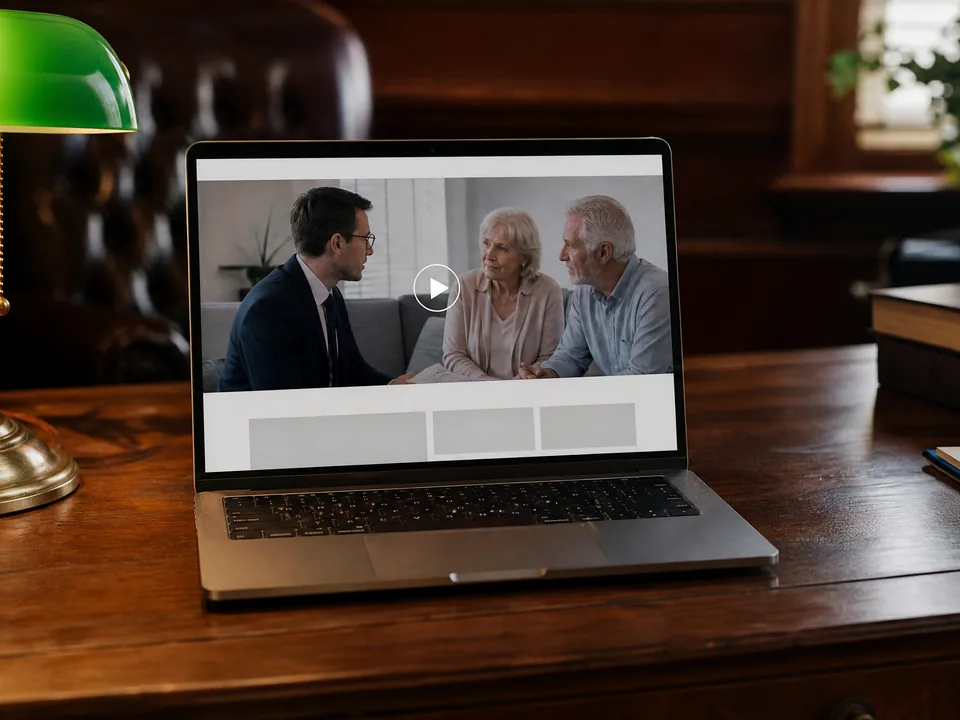
An estate planning firm on YouTube and its website
A firm uploads a client meeting photo and its office, adds its logo and its own disclaimer text, and places the 16:9 video on YouTube and its homepage.
Frequently asked questions
What does a video from Video Ads for Lawyers cost?
Every video costs 80 credits, whatever the size, practice area, tone or language. The price shows on the Generate video ad button before you submit, and a video that fails to generate is refunded in full automatically.
Does Video Ads for Lawyers follow lawyer advertising rules?
The script is written to lawyer advertising rules: it avoids promising or predicting an outcome, avoids inventing results, amounts, reviews, awards or experience, and does not call you an expert or specialist unless your own sentence does. Rules differ by state and country, so review every ad before you publish it.
What is the Attorney Advertising line?
A small line on the closing frame, in the video's language. It is on by default; you can switch it off or replace it with your own text of up to 80 characters. If your sentence mentions a past result such as a verdict or settlement, a prior-results note is added after it.
Which photos work best?
Clear JPG, PNG or WEBP photos up to 10 MB and at least 256 pixels on each side: an attorney portrait, your team or your office. Avoid signs, certificates and bookshelves with readable titles; video models redraw small text badly.
Which language is the voiceover in?
The language you write the description in. Describe your firm in English, Spanish, German, Chinese or another language, and Video Ads for Lawyers writes the script, voiceover, captions and advertising line in it.
How long does it take, and what do I get?
A video usually takes about 7 to 20 minutes and appears as an MP4 next to the form, ready to play and download. Sizes: 9:16 is 1080 × 1920, 4:5 is 1080 × 1350, 1:1 is 1080 × 1080 and 16:9 is 1920 × 1080.
Introduce your firm in fifteen seconds
Sign in to Video Ads for Lawyers, upload one to three photos, pick your practice area, and see the 80-credit price before anything is generated.