






AI for Personalized Advertising
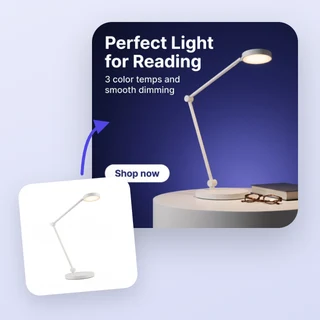
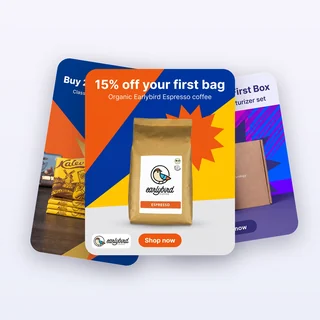
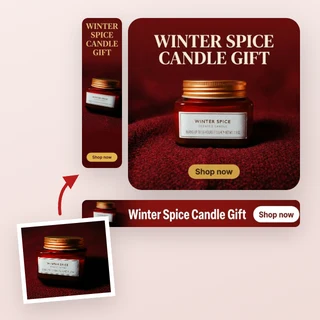
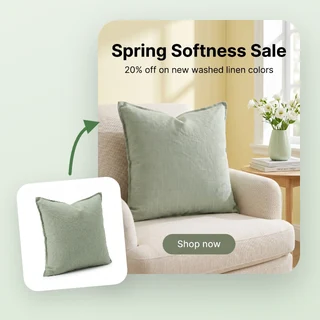
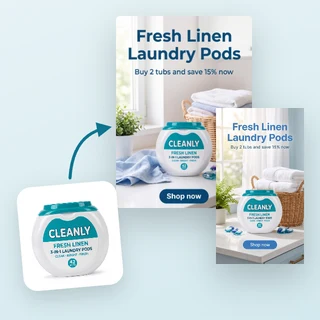
Upload a product photo and get 1 to 3 ad images, each tailored to a different target audience with its own headline, benefit and call to action.
AI for Personalized Advertising speaks to three buyer groups at once
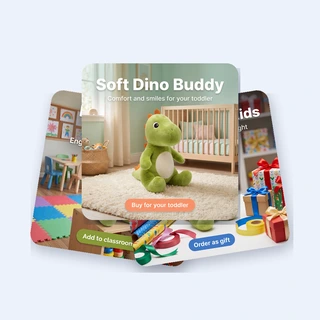
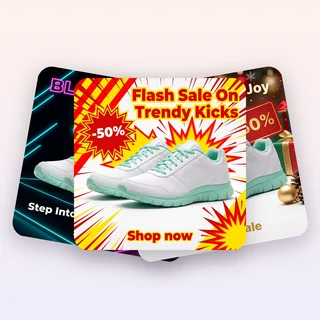
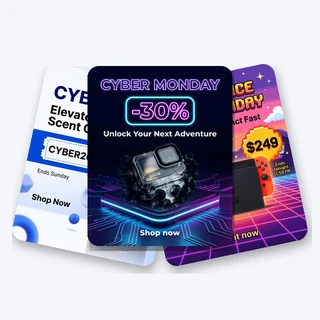
Upload one product photo and AI for Personalized Advertising returns 1 to 3 ad images, each made for a different target audience. Every image gets its own scene, headline, supporting line and button, plus copy you can paste into your ad manager.
- Up to three audience-specific ads from one photo
- Type up to three audiences, or let AI choose them
- Feed, Square, Stories / Reels and Landscape sizes
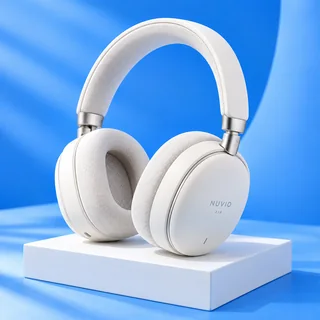
One speaker photo, three audiences
A real result from AI for Personalized Advertising with the Square 1:1 placement. Target audiences and selling points were left empty, so AI chose the three buyer groups from the photo.
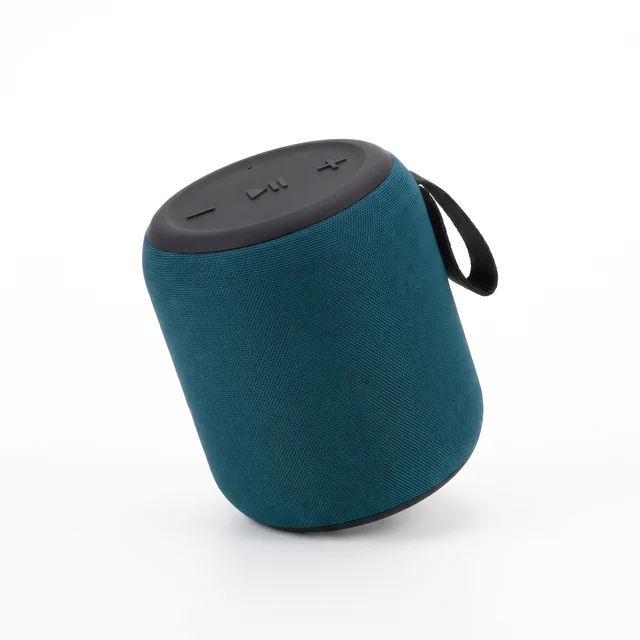
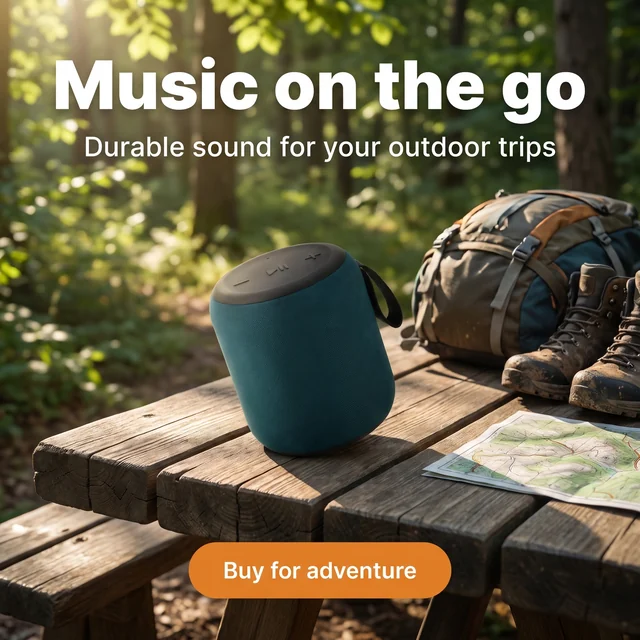
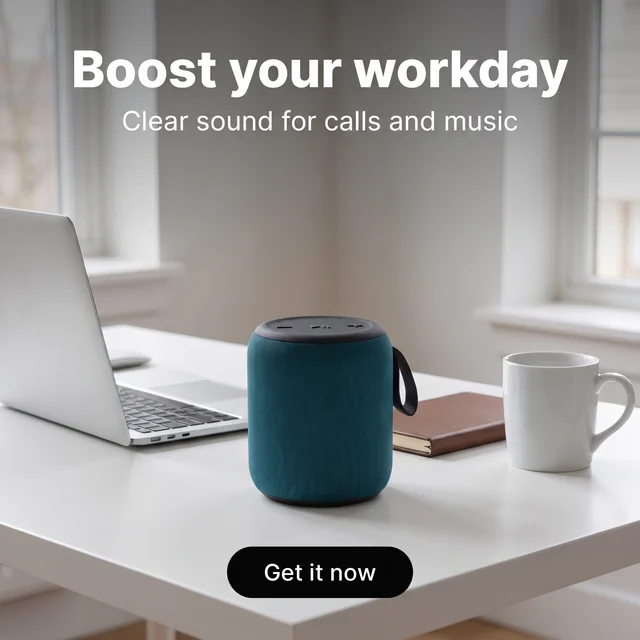
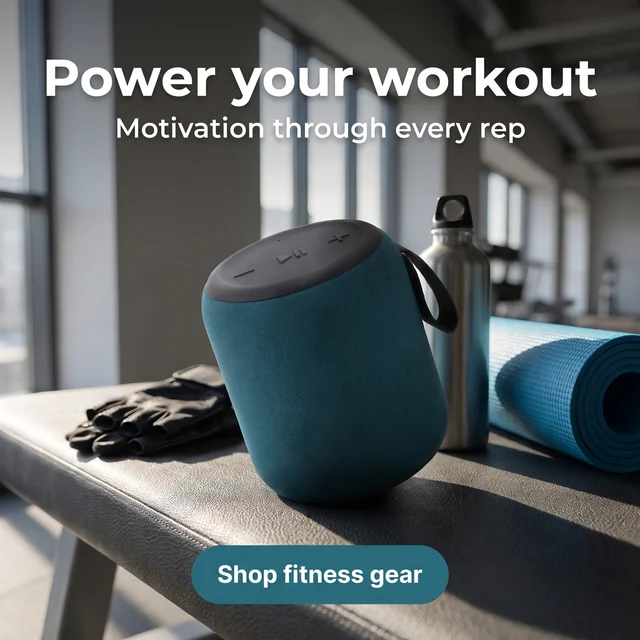
Input: one photo, nothing else. Output: three 2048 × 2048 images, each with its own headline, supporting line and button, plus headline, primary text and call to action to copy.
Make your audience ads in three steps
The same three steps work for every product you bring to AI for Personalized Advertising.
Upload your product photo
Add a clear JPG, PNG or WEBP photo up to 10 MB. You can also type key selling points or a real offer, so the text on each image can use them.
Name your audiences, or skip it
In Target audiences (optional), type buyer groups one per line, or leave it empty and AI picks them. Choose 1, 2 or 3 in Number of images, one image per audience. The Ad placement is in Output Settings.
Generate and use the results
Click Start generating to make your images. Each one appears as its own card where you can open View ad copy, download the PNG or open a larger preview.
Copy written for each audience, not one caption for all
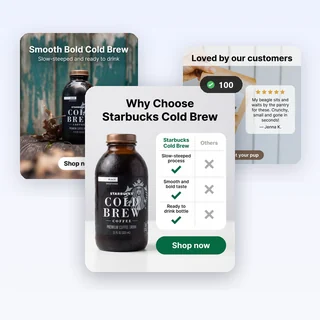
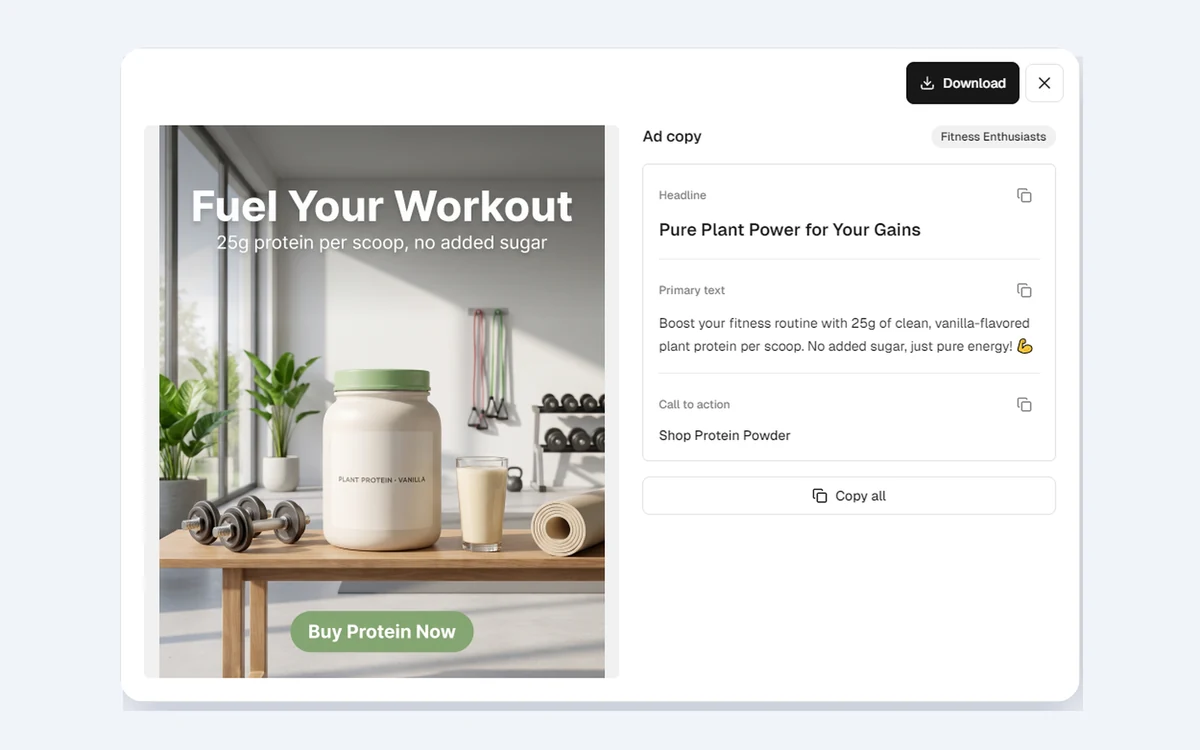
Every image from AI for Personalized Advertising carries a headline, a short supporting line and a button printed on the picture, all written for that buyer group. Beside the image you also get a separate headline, primary text and call to action, labeled with the audience it targets.
- The audience name appears on the ad copy panel of each image
- Copy one field at a time, or use Copy all
- Text follows the language of the site you generate from
Sized for the slot you plan to run
Pick the Ad placement in Output Settings before you generate, and AI for Personalized Advertising builds every image in that ratio, keeping text and product away from the top and bottom edges where apps place their buttons. Run the same photo again for another slot instead of cropping a finished ad.
- Feed 4:5 and Square 1:1 for Instagram and Facebook feeds
- Stories / Reels 9:16 for vertical full-screen placements
- Landscape 16:9 for YouTube and display placements
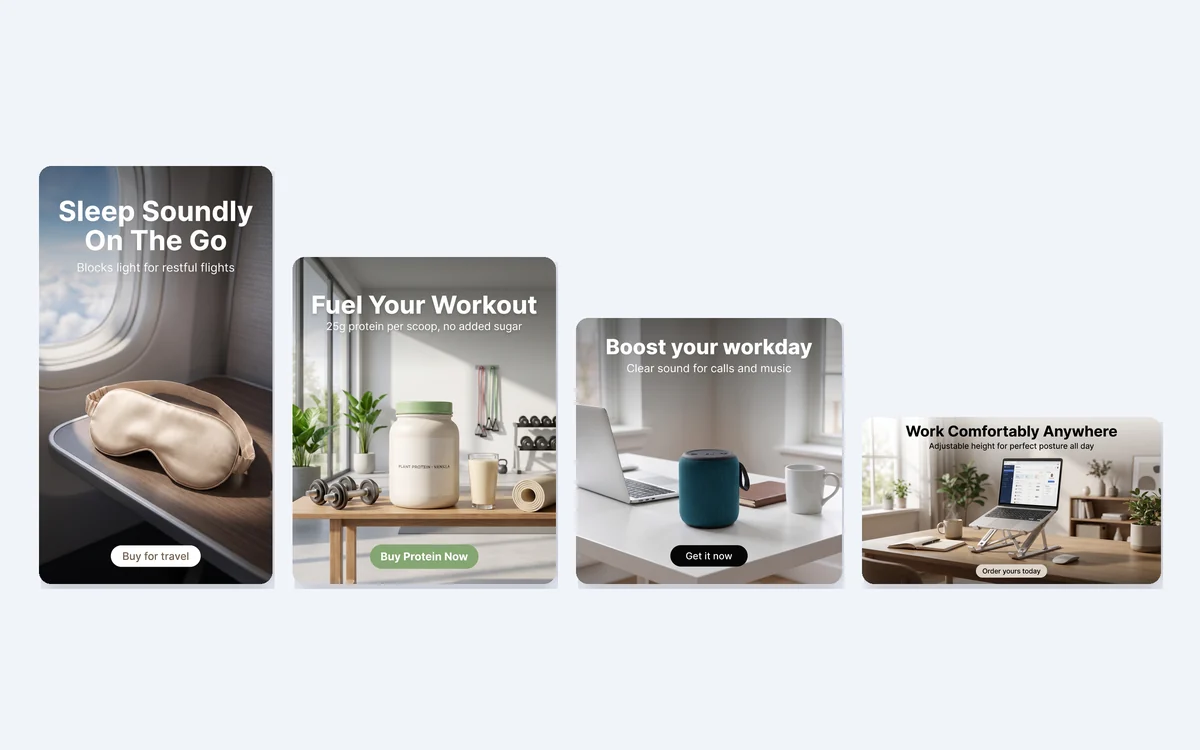
Where online sellers use it
Three everyday jobs that AI for Personalized Advertising is built for.
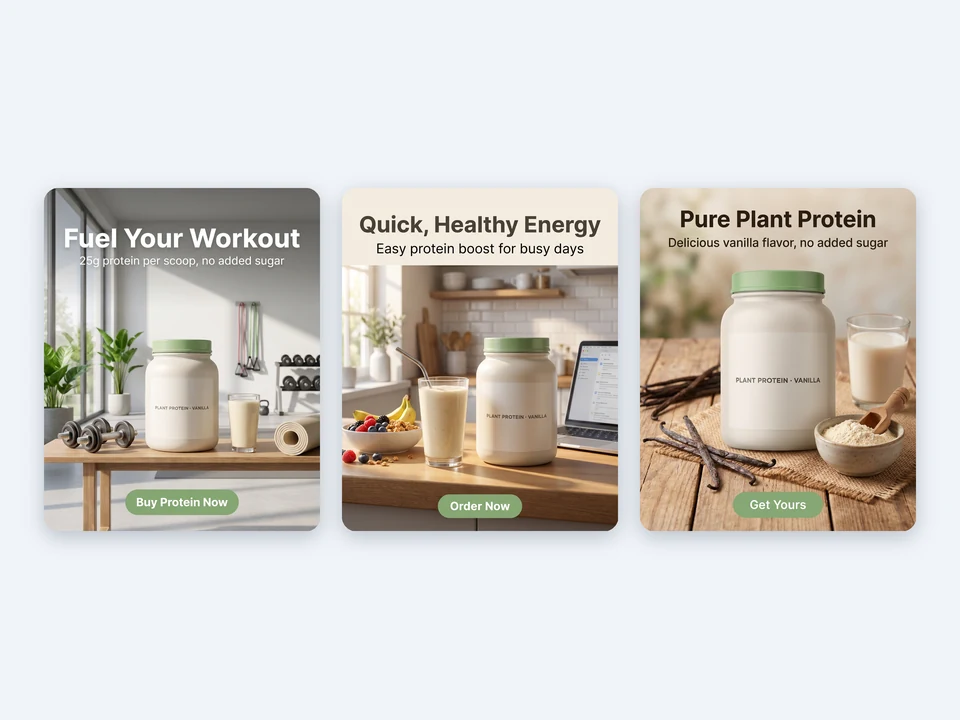
Finding who a new product is for
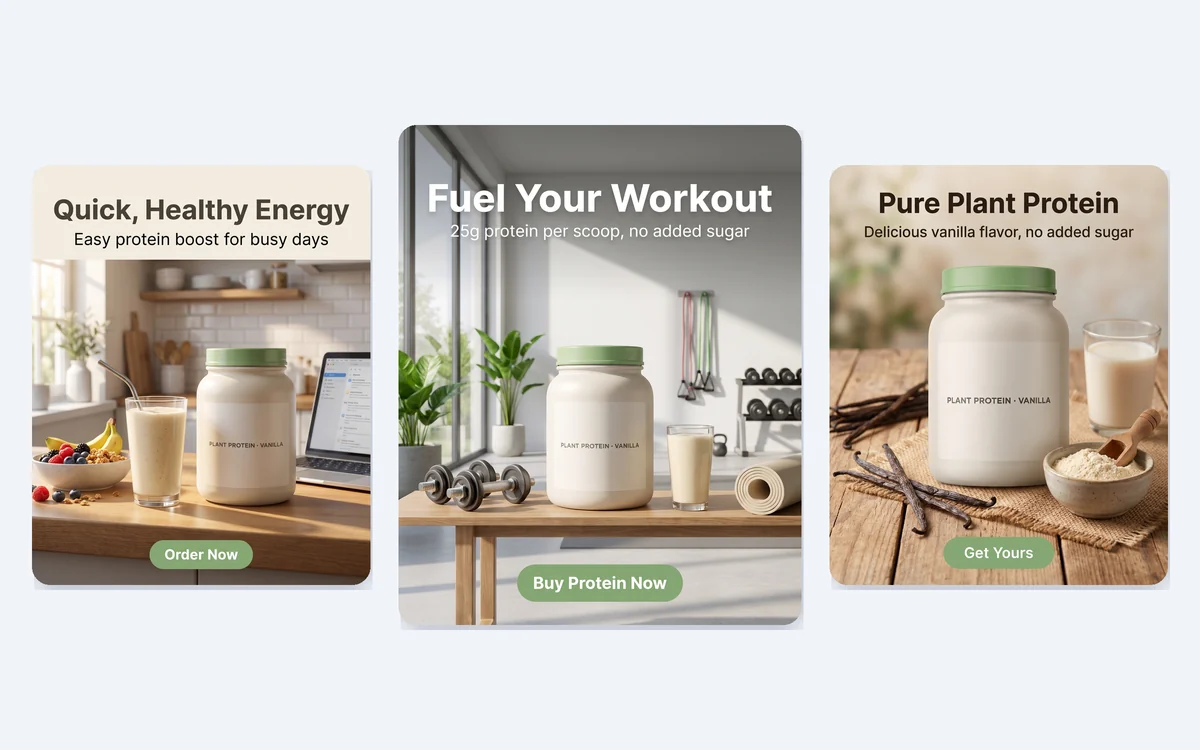
A supplement shop launches a vanilla plant protein and is not sure which buyers will respond. With the audience field left empty, AI proposes fitness fans, busy parents and plant-based eaters, ready to test as three ads.
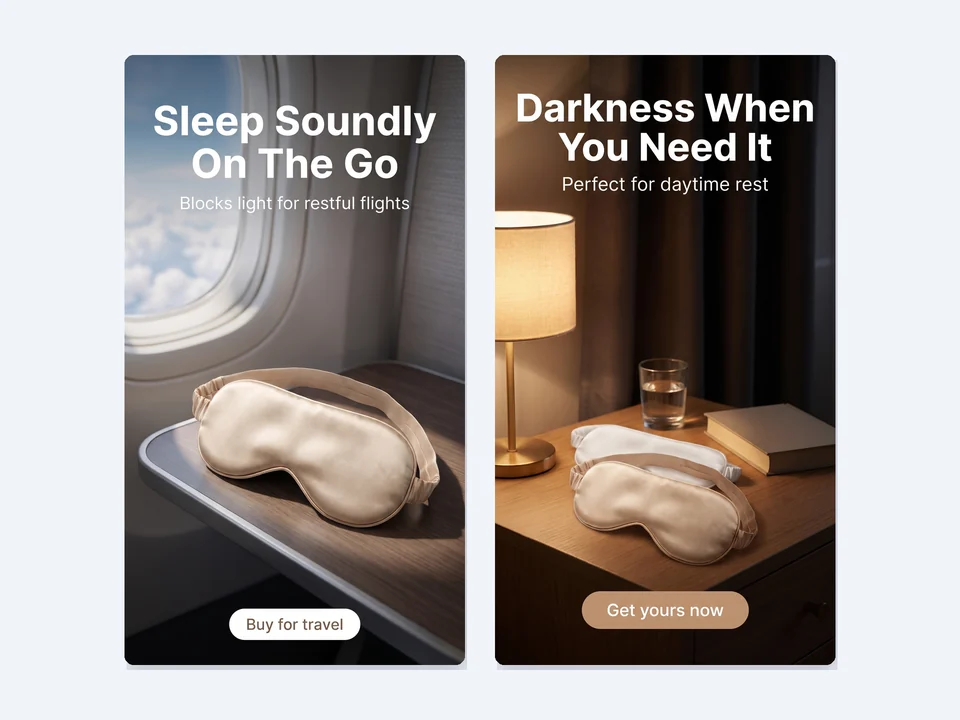
Speaking to segments you already know
A sleepwear store types Frequent flyers and Night-shift workers. One ad shows the silk mask on a plane tray table, the other on a bedside table for daytime sleep, each with its own message.
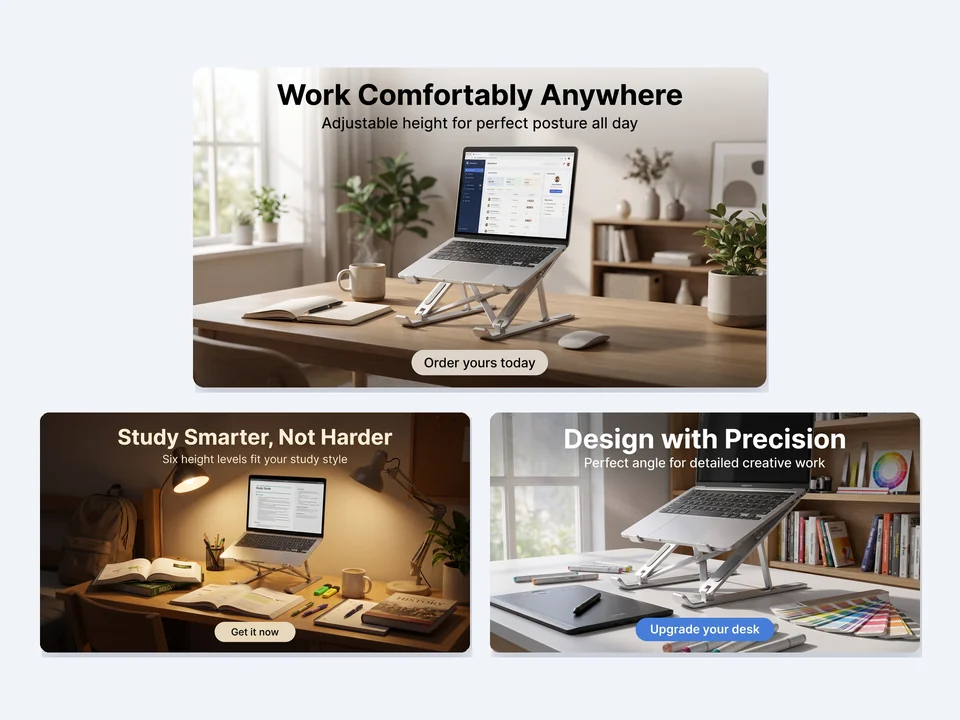
Filling wide video and display slots
A desk accessories brand needs wide creatives for YouTube. Landscape 16:9 with three typed audiences returns versions for remote workers, college students and graphic designers.
Frequently asked questions
What does AI for Personalized Advertising need from me?
Only a clear product photo as a JPG, PNG or WEBP file up to 10 MB and at least 256 pixels on each side. Selling points and target audiences are optional. The product is kept as the reference for shape, colors and label while new scenes are built around it.
How do I tell AI for Personalized Advertising who the ads are for?
Choose how many images you want in Number of images, then type up to that many buyer groups in Target audiences (optional), one per line, each up to 40 characters. Your wording is kept as the audience name. Empty slots are filled by AI with the most likely buyers, so every image targets a different audience.
How many credits does AI for Personalized Advertising use?
Each image is made in 2K and costs 12 credits: 1 image is 12 credits, 2 images are 24 and 3 images are 36. The total is shown on the Start generating button before anything is submitted. If an image cannot be delivered, its 12 credits are refunded automatically.
Will the ads invent discounts or product claims?
No. The text on each image and the copy are based on what is visible in the photo and what you type as selling points or an offer. Prices, discounts and specifications are not made up. Still read every line before publishing, because you approve the final ad.
Which languages can the ad text use?
The headline, supporting line, button and copy follow the language of the Adsmaker site when you generate with AI for Personalized Advertising. All 14 site languages are supported, including English, Spanish, German, Japanese and Simplified Chinese. Switch the site language first if you need another one.
How do I move the results into my ad account?
Hover a finished card to download the image as a PNG, or open View ad copy to copy each field or everything at once. Then upload the image and paste the text into your ads manager, checking product details and wording before the ad goes live.
Start your next audience test from one photo
Upload a product photo above, and AI for Personalized Advertising shows the credit total before anything is generated.