





Quick Ads AI Tool
Describe what you sell in one line and get a ready-to-run image ad with the headline and button on it, plus ad copy.
Quick Ads AI Tool: one sentence, one ready-to-run ad
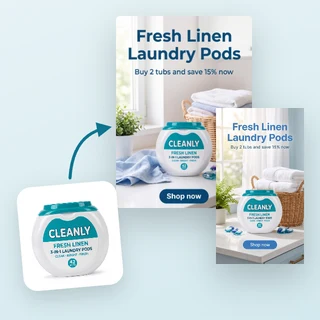
Type one line about what you sell, and Quick Ads AI Tool turns it into a finished image ad: a headline, a short subline and a button on the image, plus ad copy you can paste into Ads Manager. A product photo is optional, so you can make an ad for a product or a service before you have any pictures. Pick a size and download a 2K PNG.
- One required box: what you are promoting, 10 to 300 characters
- Optional product photo or product link keeps your real product
- Optional logo and brand color, 4 sizes, 7 credits per ad
Five sentences, five finished ads
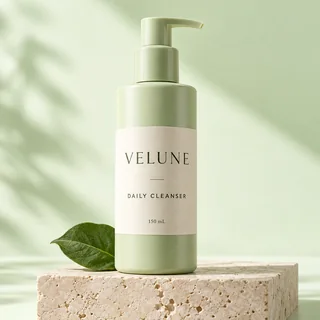
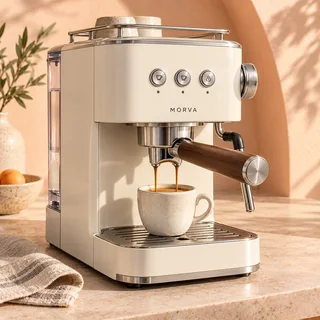
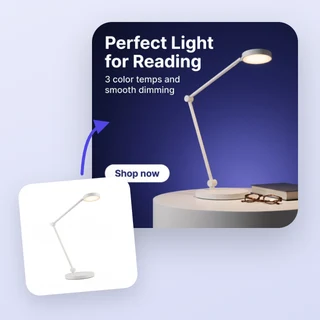
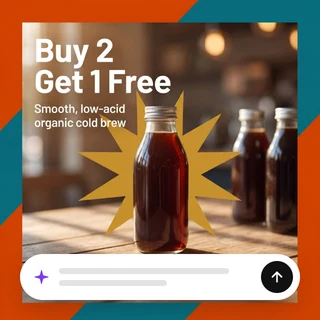
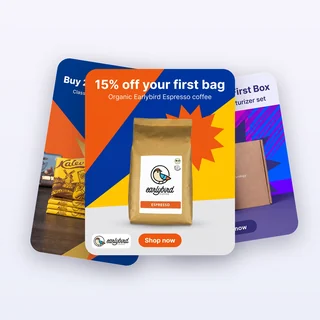
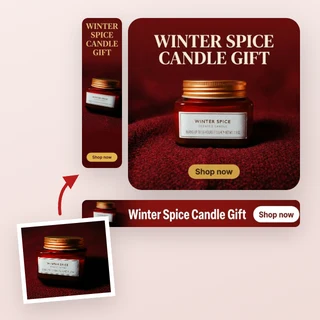
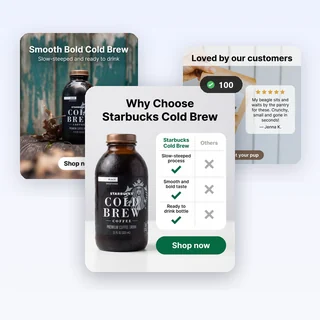
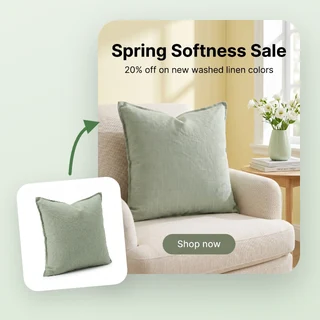
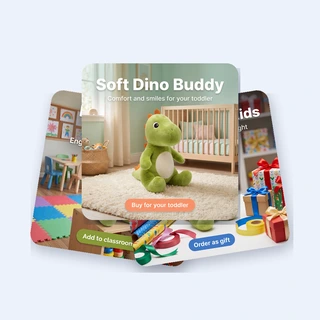
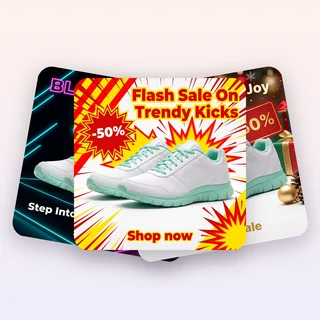
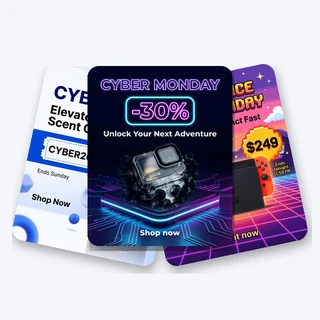
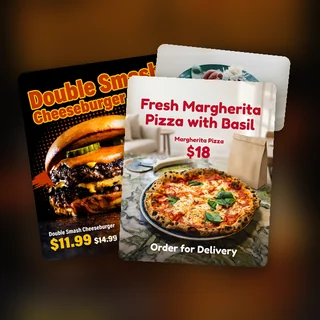
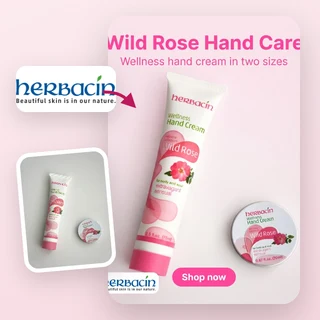
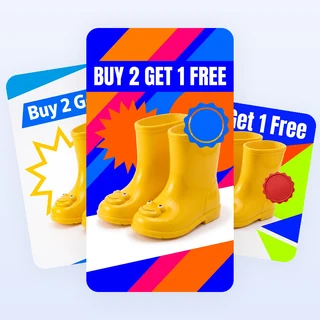
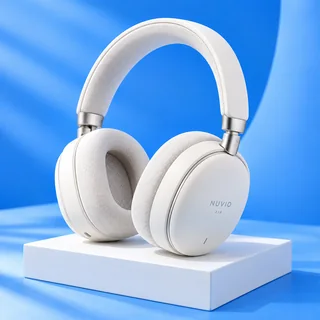
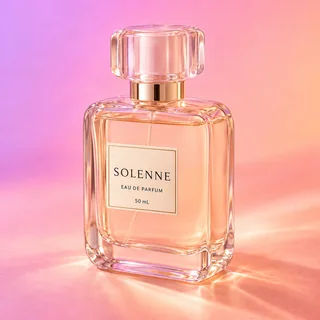
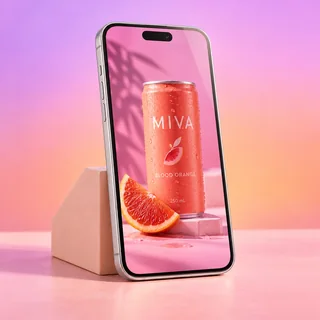
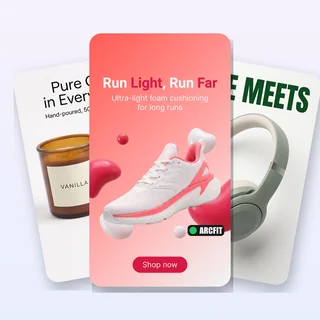
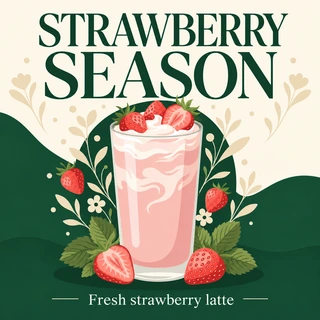
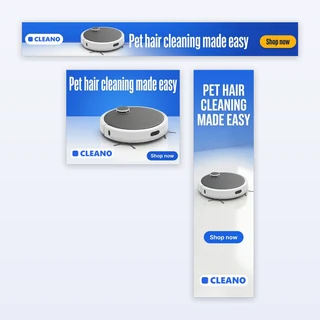
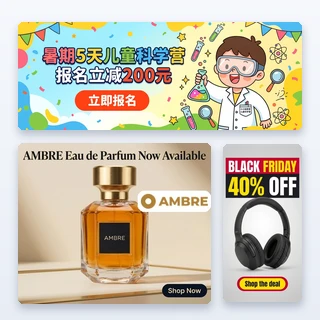
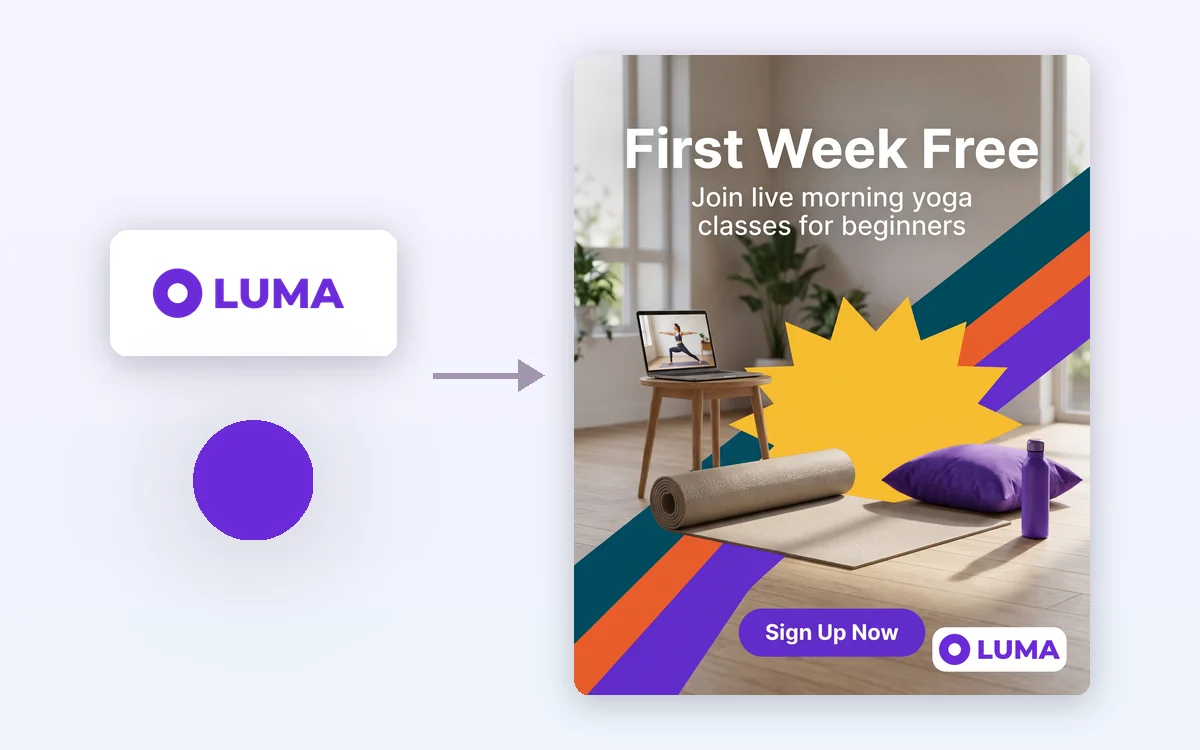
Real results from Quick Ads AI Tool: every ad below came from one sentence, with no product photo.
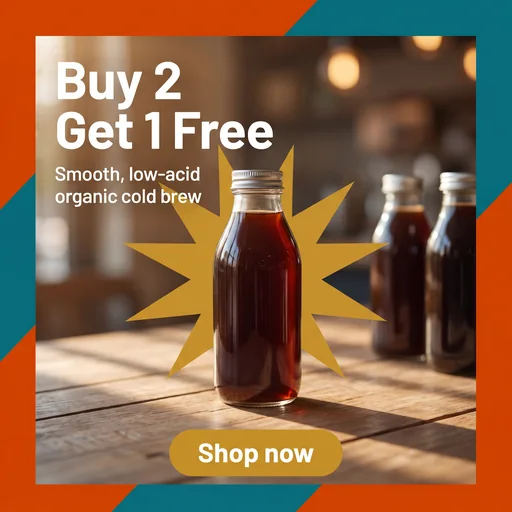
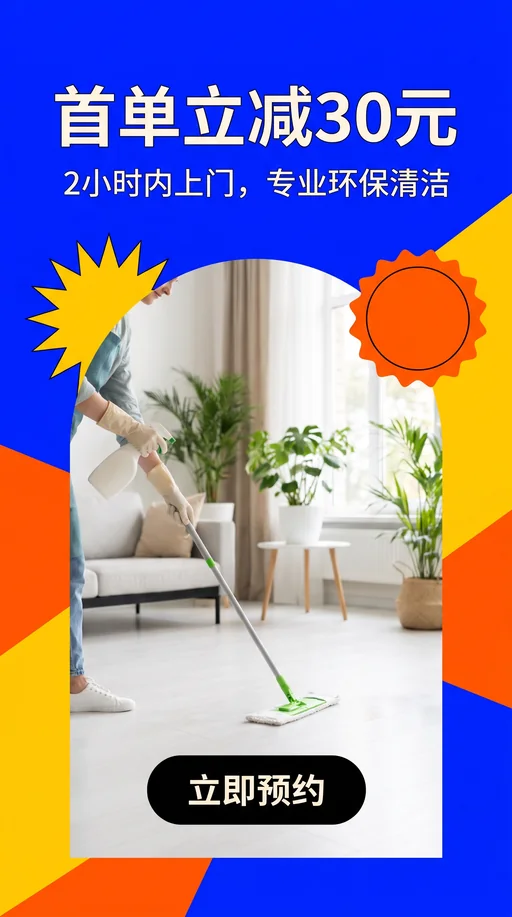

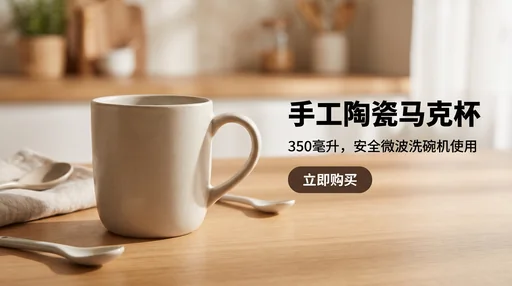
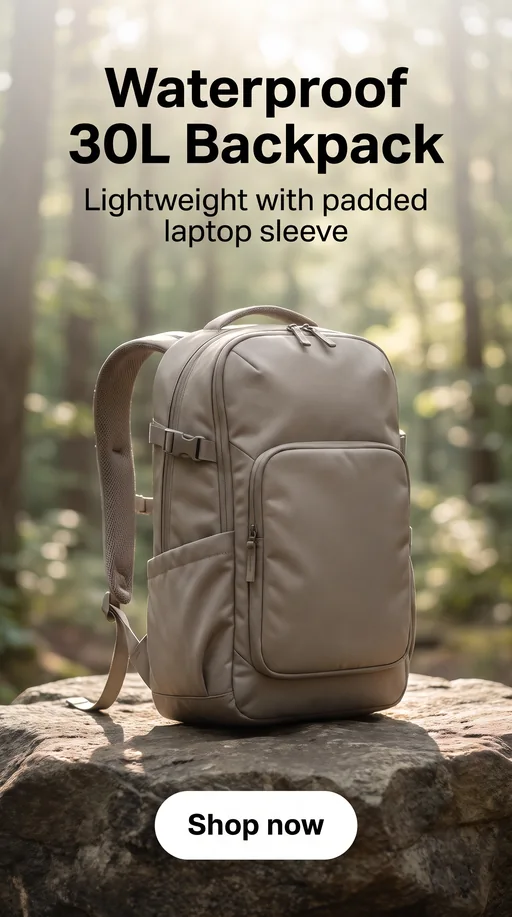
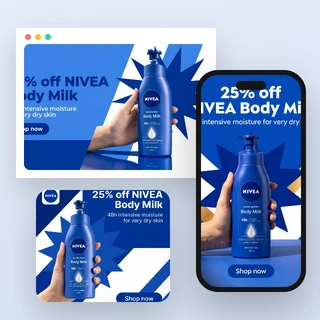
Input: one sentence each, plus a logo and brand color for the yoga ad. Output: one 2K PNG each, at 1:1, 4:5, 9:16 and 16:9, with the ad copy alongside.
Make an ad in three steps
Every ad in Quick Ads AI Tool comes from the same three steps.
Say what you are promoting
In What are you promoting?, type the product or service, its main selling point and any offer, 10 to 300 characters. If you write an offer such as 20% off this week, it appears on the ad exactly as written.
Add a photo and your brand, if you want
Product photo (optional) keeps your real product: upload one JPG, PNG or WEBP up to 10 MB, at least 256 pixels on each side, or click Import link and paste your product page. Under Personalize, add a brand logo and a brand color, or keep Auto.
Pick a size and generate
In Output Settings choose Square 1:1, Portrait 4:5, Full-screen 9:16 or Landscape 16:9. Start generating shows 7 credits, and the finished ad appears as its own card with its ad copy.
No photo? Start from one sentence
You don't need product photos, a designer or a brief. Quick Ads AI Tool reads your sentence, picks the ad concept that fits, writes the text and draws the whole scene. Have a product photo? Add it, and the product keeps its shape, colors and label.
- Works for products, services and online classes
- Offers you write are kept word for word; AI never invents prices or discounts
- Text on the ad and ad copy in the language of your sentence
Your logo and your brand color
Add a logo under Personalize and Quick Ads AI Tool places it as uploaded, on a small plate in a clean corner of the finished ad. It is never redrawn by AI, so the letters stay correct. Pick a brand color and the button and accents follow it, or keep Auto.
- The logo is pasted after generation, in the corner with the least text
- 8 quick colors, a color picker or any HEX value
- Logo and brand color add no extra credits
How people use it
Three everyday jobs Quick Ads AI Tool is built for.
This week's offer, ready in a minute
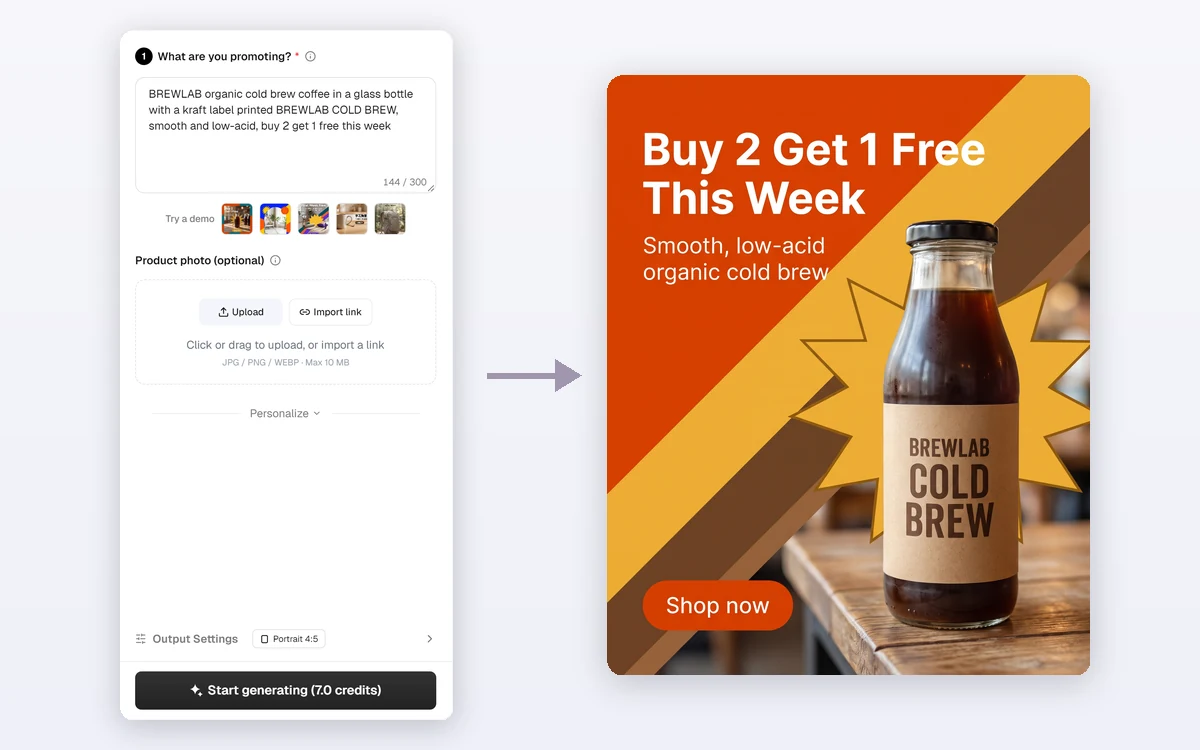
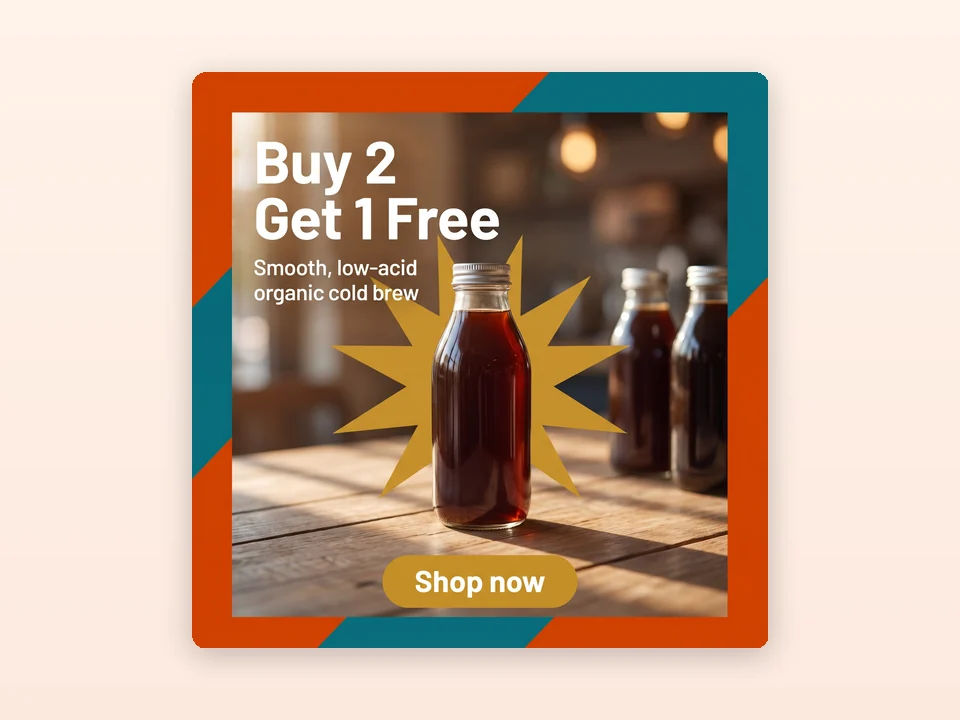
A coffee shop types its buy-two-get-one deal. Quick Ads AI Tool puts the offer in the headline and returns a square ad with copy for Facebook and Instagram in about a minute.
Services with nothing to photograph
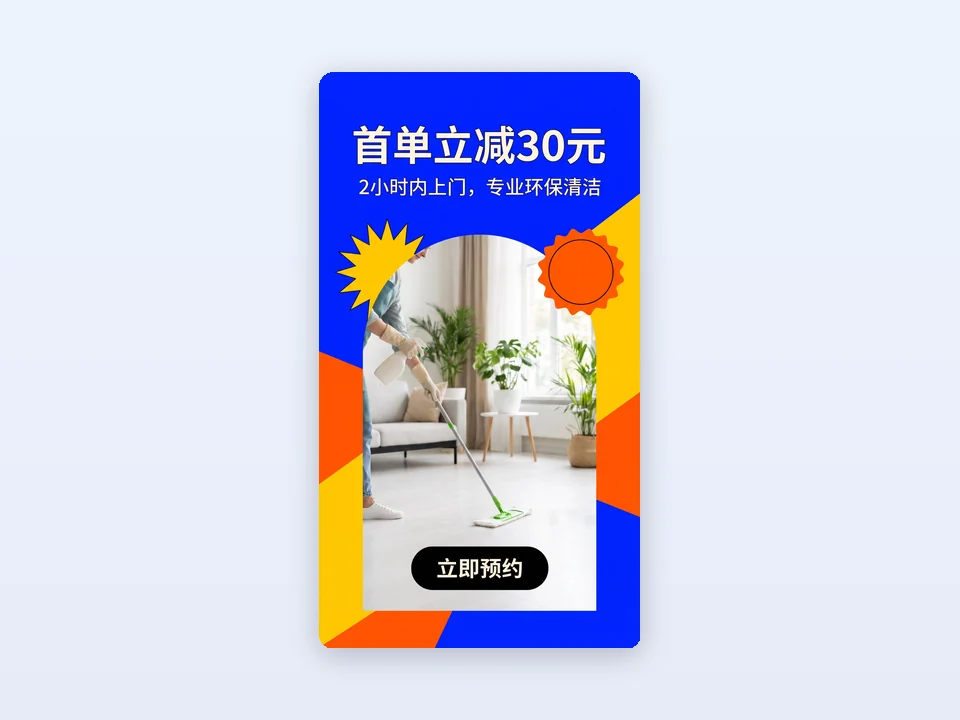
A cleaning company has no product photos. One sentence about its two-hour visits and first-order discount becomes a Full-screen 9:16 ad for Stories and Reels.
Display and YouTube banners
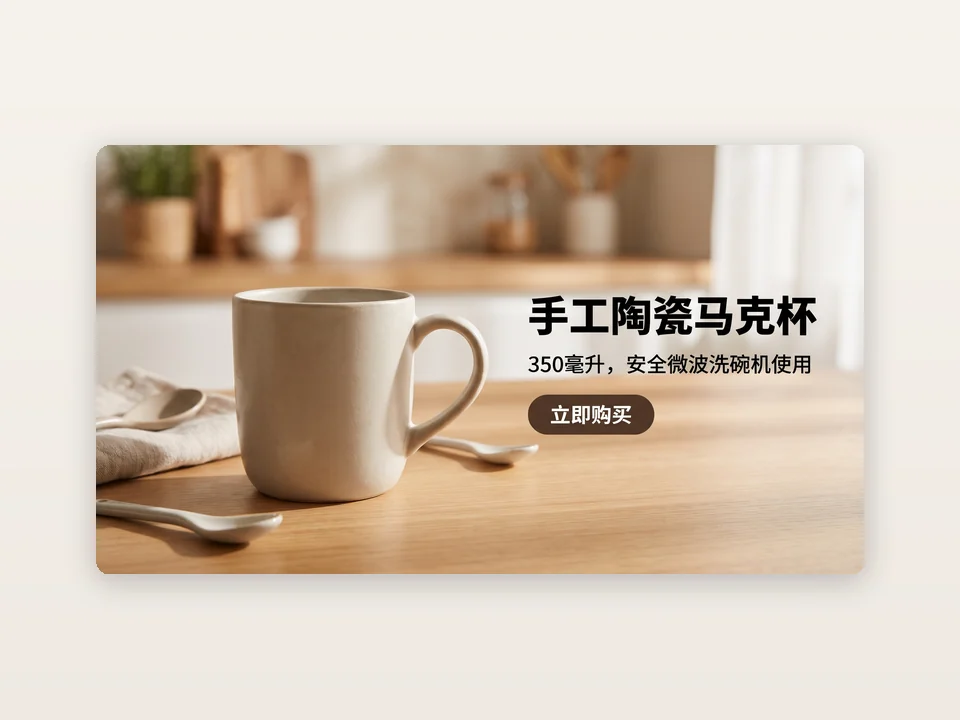
A ceramics studio picks Landscape 16:9 for its handmade mug. It writes its sentence in Chinese, so the text on the ad and the ad copy are in Chinese too.
Frequently asked questions
How many credits does Quick Ads AI Tool use?
Each ad costs 7 credits and gives you one 2K PNG plus its ad copy. The price is the same for every size, with or without a photo, logo or brand color, and it is shown on the Start generating button before anything is submitted. If the ad cannot be delivered, the credits are refunded automatically.
Do I need a product photo?
No. One sentence is enough: AI draws the scene with a typical-looking product, or a visual for your service. If the exact look of your product matters, add a photo or use Import link, and the product is kept as photographed.
What do I get with each ad?
One finished image with a headline, a subline and a button on it, and ad copy for Facebook and Instagram Ads Manager: primary text, headline, description and a call-to-action button. Open the ad card to copy each part or download the image.
Which sizes can I choose?
Square 1:1 (2048 × 2048 pixels) for feeds, Portrait 4:5 for Facebook and Instagram posts, Full-screen 9:16 for Stories, Reels and TikTok, and Landscape 16:9 for YouTube and Google display.
Will AI make up prices or claims?
No. Quick Ads AI Tool only uses what you write. It does not add prices, discounts, ratings or claims you did not give it, so put your offer in the sentence if you want it on the ad. Still check every ad before you publish it.
Is Quick Ads AI Tool the official QuickAds app?
No. Quick Ads AI Tool is made by Adsmaker.ai and is not affiliated with QuickAds. It is built for the same job, turning a short description into a ready-to-run image ad, and you pay per ad with credits.
Turn your next idea into an ad
Sign in, type one sentence, and Quick Ads AI Tool shows the 7-credit price before anything is generated.