





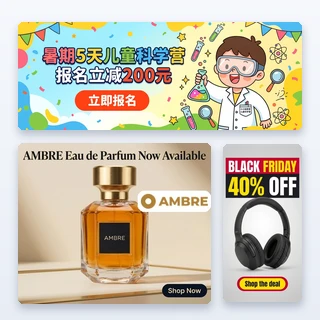


Sales Ads AI
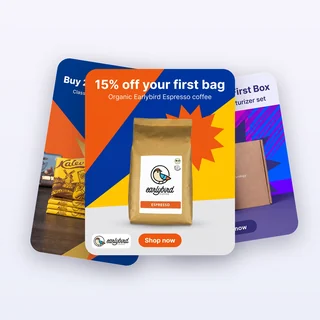
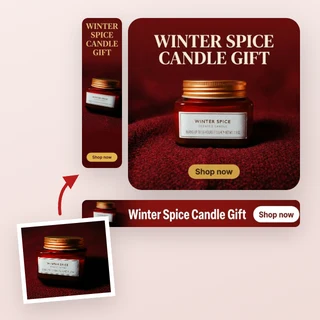
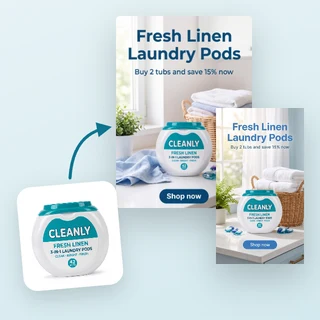
Upload a product photo, enter your offer and get a ready-to-run sale ad with the discount, a promo line and a call to action already on the image.
Sales Ads AI: turn your offer into a ready-to-run sale ad
Upload one product photo, choose your offer and Sales Ads AI designs a finished promotional ad around it: your discount on a bold badge, a promo line, a short call to action and an optional deadline. Pick one of 9 sale styles and a size for feeds or Stories, then download the ad as a 2K PNG.
- Seven offers: % off, Amount off, Buy 1 Get 1, Flash price, Free shipping, Coupon code and Clearance
- The numbers on the badge are exactly the ones you type
- 9 styles, 3 sizes, 7 credits per ad
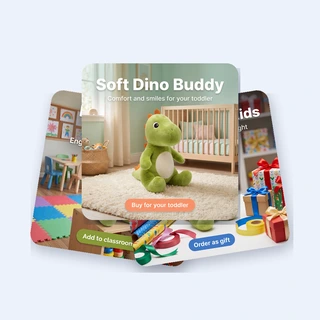
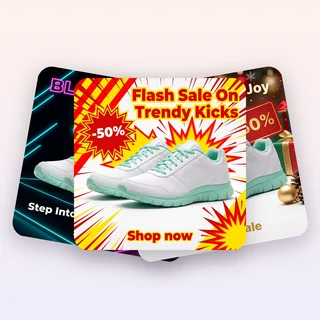
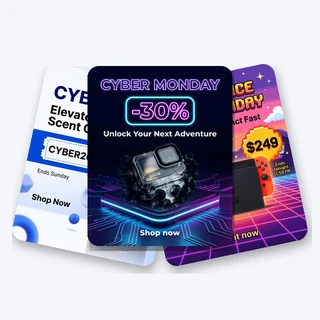
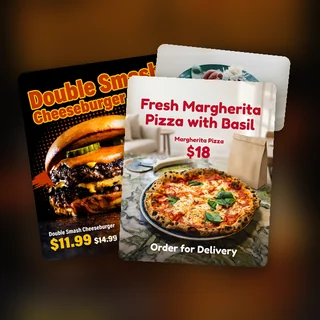
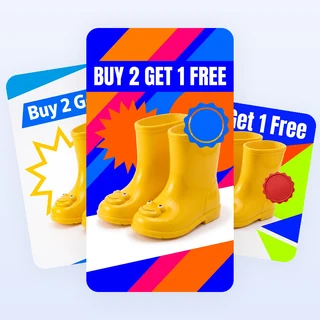
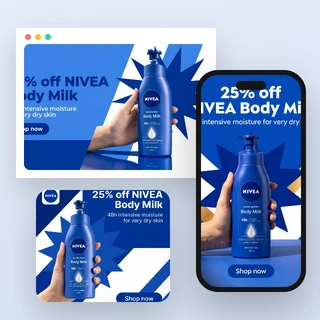
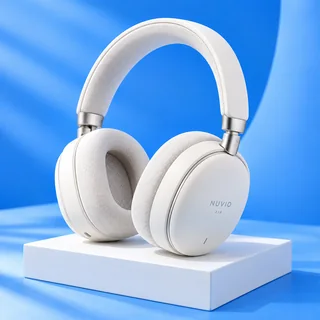
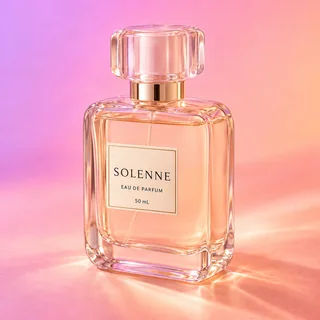
Five offers, five finished sale ads
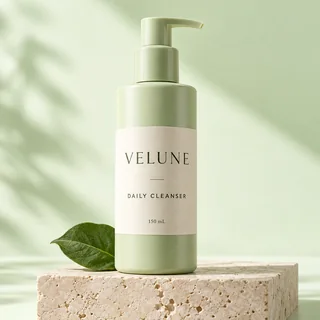
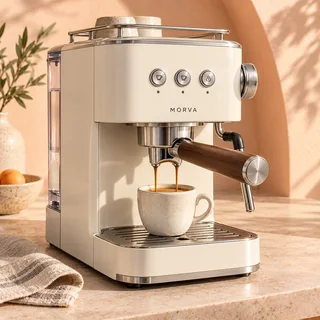
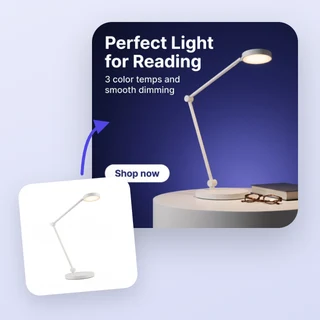
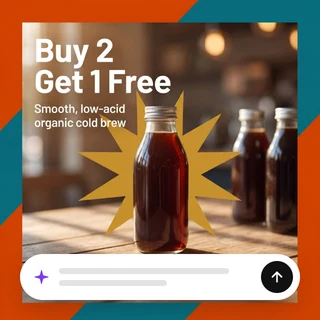
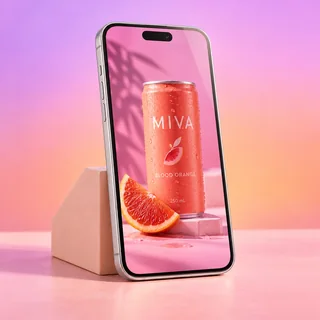
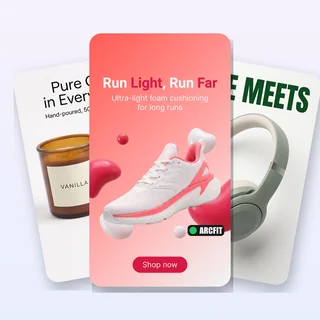
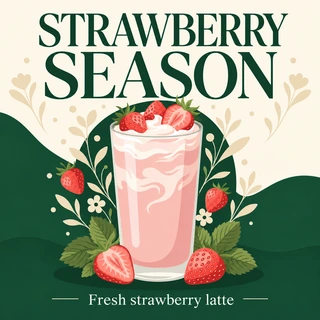
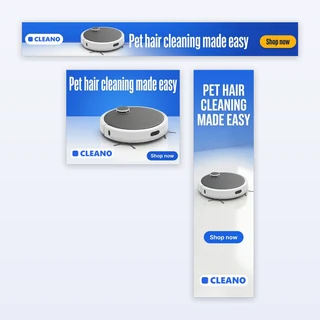
Real results from Sales Ads AI: five new products, each run once with a different offer, style and size.


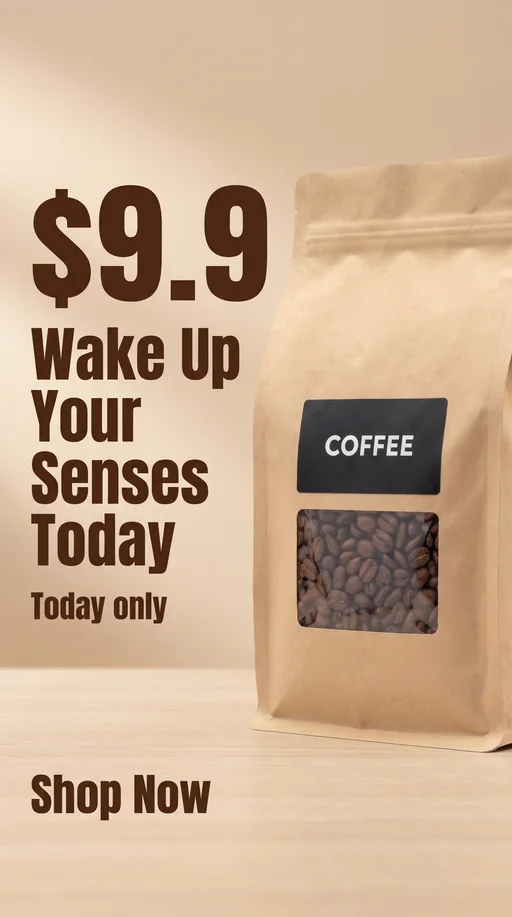

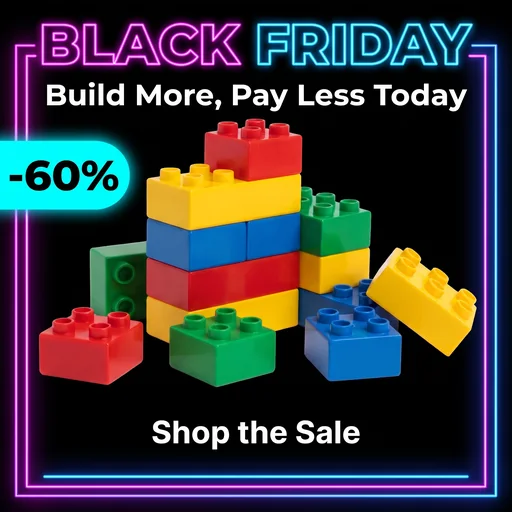
Input: one product photo, the offer and one style per run. Output: one 2K PNG each, at 1:1, 4:5 and 9:16. The badges show exactly what was typed: -40%, -$30, $9.9 and -60%.
Make a sale ad in three steps
Every ad in Sales Ads AI comes from the same three steps.
Upload your product photo
Add one clear JPG, PNG or WEBP photo up to 10 MB, at least 256 pixels on each side. The product becomes the hero of the ad, with its shape, colors and label kept as uploaded.
Enter your offer
Choose % off, Amount off, Buy 1 Get 1, Flash price, Free shipping, Coupon code or Clearance, then type the value: 50 for a -50% badge, $20 for -$20, $9.9 for a flash price or a code such as SAVE20. Clearance works with or without a discount. To show a deadline such as Today only, open Personalize.
Pick a style and size, then generate
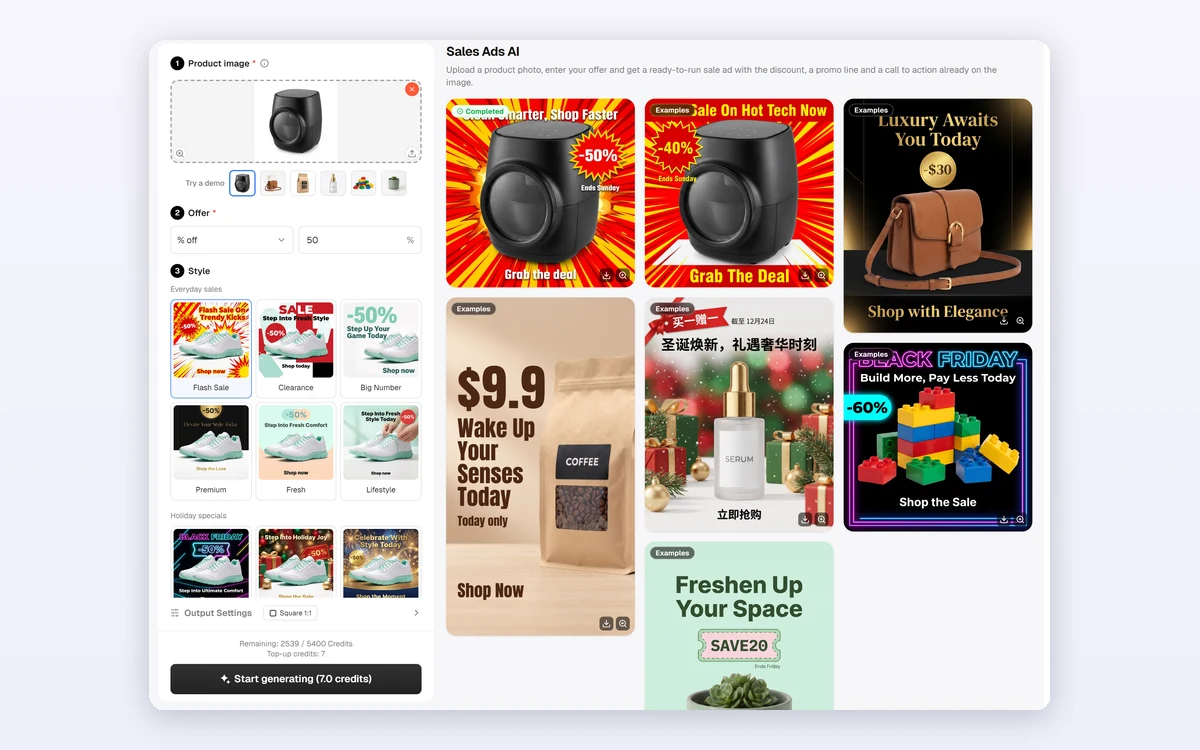
Choose one of the 9 styles, then pick a size in Output Settings: Square 1:1, Portrait 4:5 or Full-screen 9:16. Start generating shows 7 credits, and the finished ad appears as its own card, ready to download.
Your numbers, exactly as typed
Sales Ads AI never lets AI invent the deal. The badge is built from what you type: 50 becomes -50%, $20 becomes -$20 and a flash price of $9.9 stays $9.9. AI only writes the promo line and the call to action in your site language, and it is not allowed to add other prices, percentages or dates.
- Discount from 1% to 99%, or any amount or price that contains a number
- An optional deadline of up to 24 characters, shown as typed
- The call to action is bold text, not a fake button
9 sale styles, including holiday specials
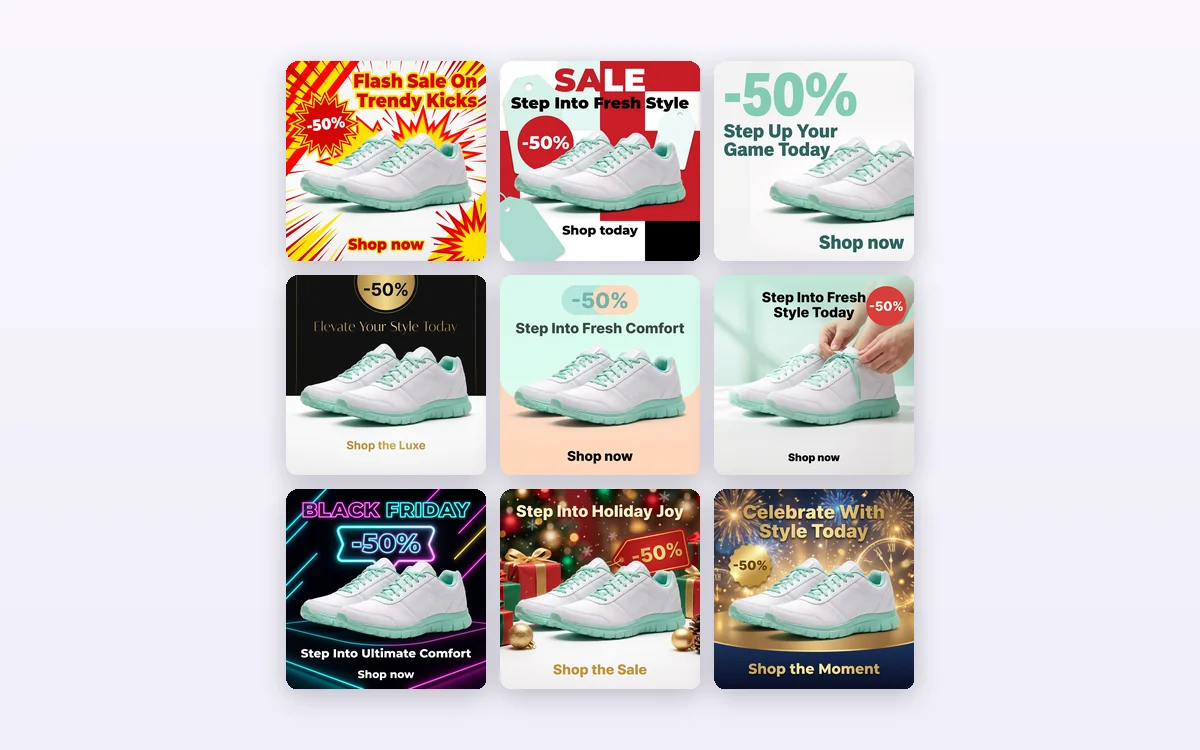
Six everyday styles cover most promotions: Flash Sale, Clearance, Big Number, Premium, Fresh and Lifestyle. Three holiday specials, Black Friday, Christmas and New Year, give seasonal campaigns their own look. Every style in Sales Ads AI keeps the product large and the offer easy to read.
- Flash Sale, Clearance and Big Number for loud, high-energy promotions
- Premium, Fresh and Lifestyle for calmer brands
- The holiday specials change with the season
How sellers use it
Three everyday jobs Sales Ads AI is built for.
Weekend flash sales
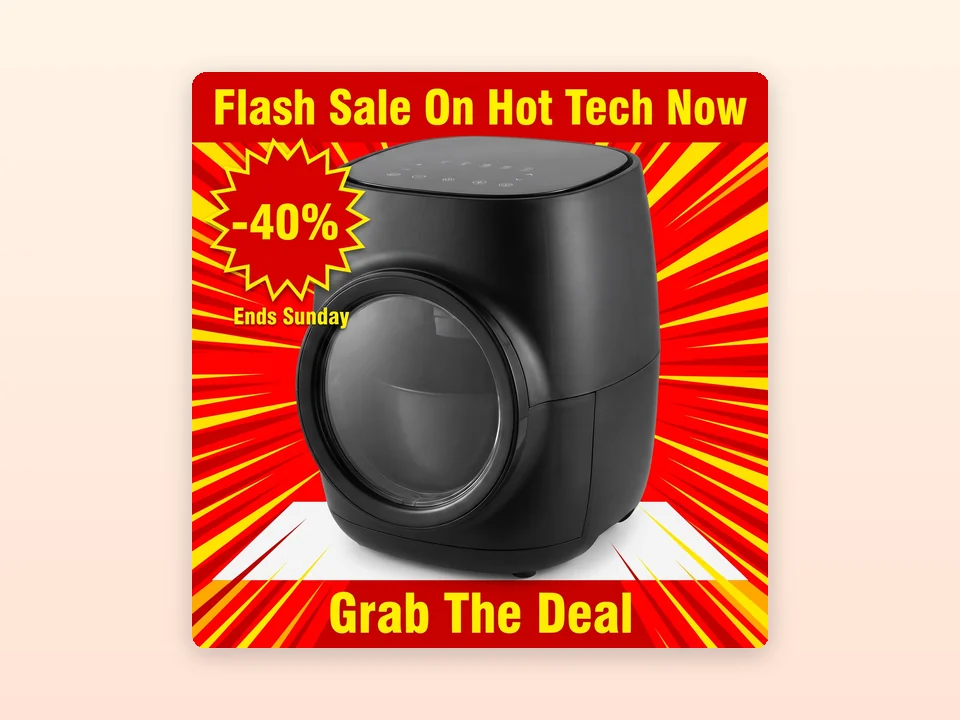
A kitchenware shop uploads its air fryer, enters 40% off with the deadline Ends Sunday and picks Flash Sale at 1:1. The loud red and yellow ad is ready for a Facebook or Instagram feed before the weekend starts.

Holiday campaigns
A skincare brand picks Buy 1 Get 1 and the Christmas style at 4:5 for its serum. On the Chinese site the badge, promo line and call to action are written in Chinese, next to the deadline typed by the seller.
Stories and Reels promos
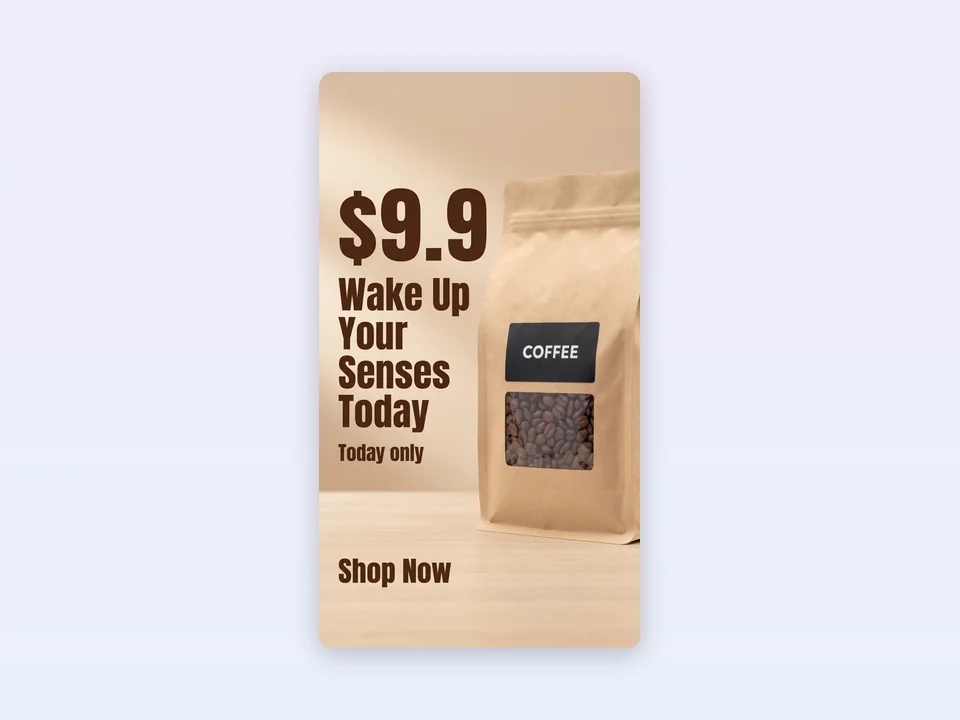
A coffee roaster enters a flash price of $9.9 with Today only and picks Big Number at Full-screen 9:16. The price is the biggest text in the ad, and everything stays clear of the areas that Stories and Reels cover.
Frequently asked questions
How many credits does Sales Ads AI use?
Each ad costs 7 credits and gives you one 2K PNG. The price is the same for every offer type, style and size, and it is shown on the Start generating button before anything is submitted. If the ad cannot be delivered, the 7 credits are refunded automatically.
Will the discount on the ad match what I typed?
Yes. The offer badge is built from your input, not written by AI: % off with 50 becomes -50%, an amount such as $20 becomes -$20, and a flash price such as $9.9 is shown as typed. For Buy 1 Get 1, the badge is written in your site language.
What language is the text on the ad?
The promo line, the call to action and the Buy 1 Get 1 badge are written in the language of the site you are using, for example English on the English site and Chinese on the Chinese site. Your amount, price and deadline appear exactly as you typed them.
Which sizes can I choose?
Square 1:1 (2048 × 2048 pixels) for Facebook, Instagram and Google feeds, Portrait 4:5 for feed posts, and Full-screen 9:16 for Stories, Reels and TikTok. In 9:16, the product and the text stay away from the top and bottom areas that the apps cover.
Will my product be changed?
Sales Ads AI is built to keep your product's shape, colors, printed text and logo as they appear in your photo, and to show it once, large and sharp. The background, props and lighting around it are new. Still check every ad before you publish it.
Why is there no button on the ad?
Ad platforms such as Facebook and TikTok already place a real Shop now button below your ad, so Sales Ads AI writes the call to action as bold text on the image instead of drawing a button that cannot be clicked.
Turn your next offer into an ad
Sign in, upload a product photo and Sales Ads AI shows the 7-credit price before anything is generated.