




















URL to Video Ad Maker
Paste a product page link and get a ready-to-run video ad: photos, name and price are read from the page, AI writes the hook and selling points, with voiceover, captions, music and a price end card. Product shots or an AI presenter.
URL to Video Ad Maker: paste a product link, get a video ad
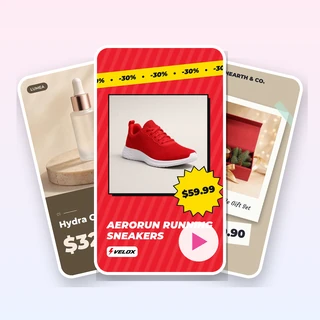
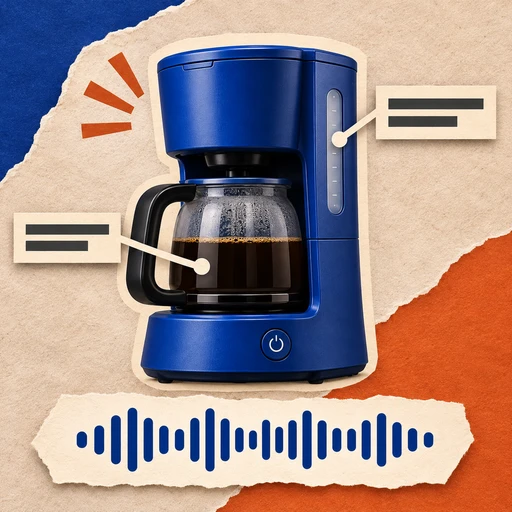
Paste the link of a product page and URL to Video Ad Maker reads the photos, name and price for you. AI writes a hook and selling points from the page, adds a voiceover, captions and music, and ends on a card with the exact price and a button. Pick product shots or an AI presenter.
- Photos, name and price read from the link
- 9:16, 1:1 or 16:9 product shots, up to 3 versions
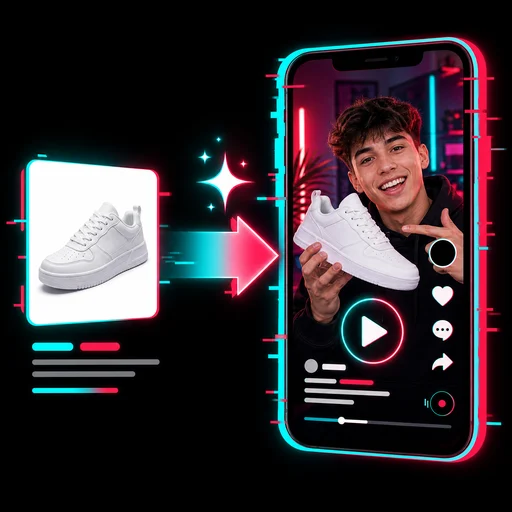
- Or an AI presenter who holds your product

Real URL to Video Ad Maker results
Each video below came out of URL to Video Ad Maker from one product page link and the settings listed under it, with no editing afterwards.
Input for each video: one product page link. Product shots cost 60 credits per version; the AI presenter costs 200 credits for 15 seconds.
From link to video ad in three steps
Every video in URL to Video Ad Maker takes the same three steps.
Paste your product page link
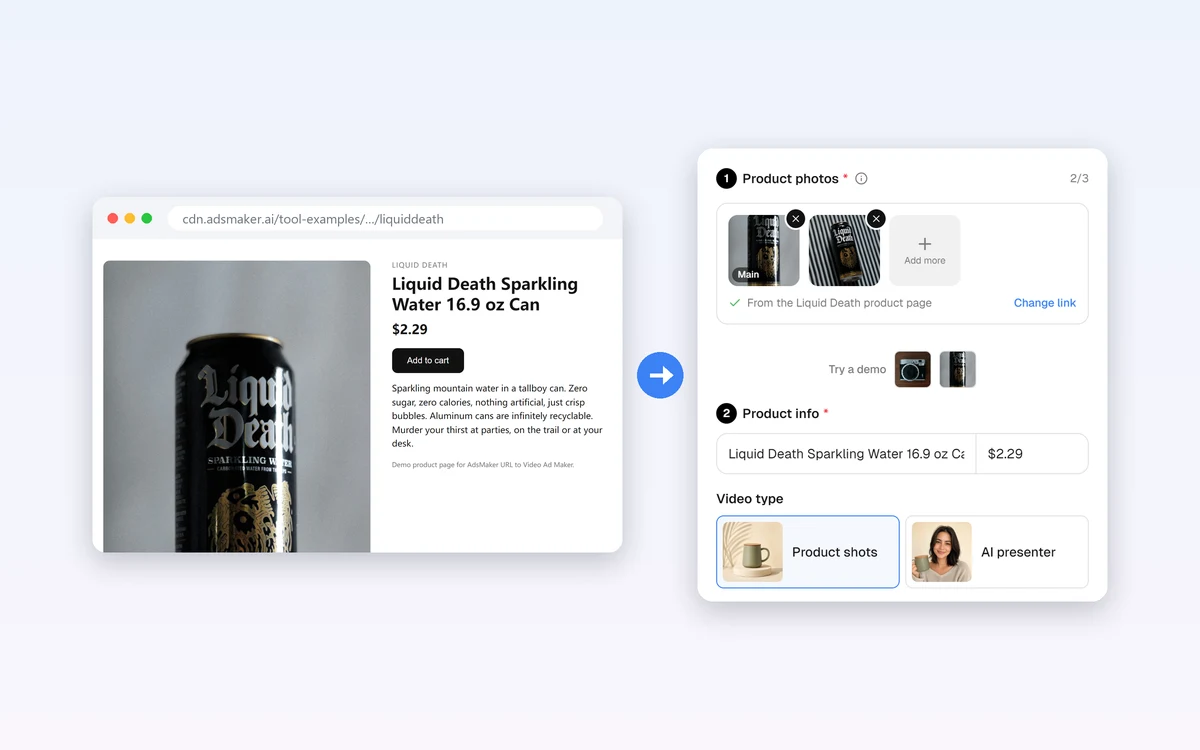
Paste the link and click Read. Up to 3 photos fill the photo box and the name and price fill Product info, for free, and you can change any of them. If a marketplace blocks reading, click Upload photos and type the name instead.
Choose product shots or an AI presenter
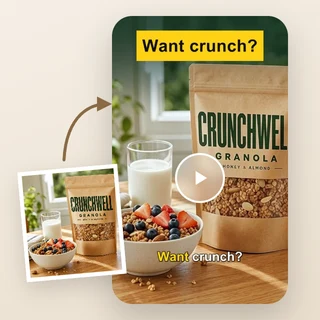
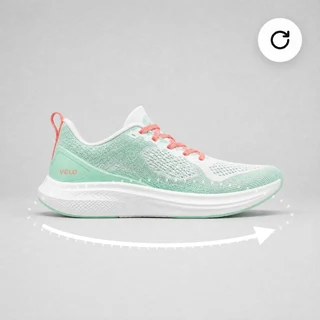
Product shots animate your real photos with gentle camera moves. AI presenter shows a creator holding your product and talking to the camera. Selling points, voiceover and voice are under Personalize.
Pick the size and versions, then generate
In Output Settings choose 9:16, 1:1 or 16:9 and 1 to 3 versions for product shots, or 15 or 30 seconds in 9:16 or 4:5 for the presenter. The price shows on the button before you submit.
The link does the typing for you
Most product pages already hold what an ad needs. URL to Video Ad Maker reads the gallery photos, the product name, the price and the description straight from the page, for free and without AI guessing. The photos land in the photo box and the name and price in Product info, so you can swap photos, shorten a long title or fix the price before you spend any credits.
- Works with Shopify, WooCommerce and most brand stores
- Swap photos or switch to another link at any time
- Blocked marketplace? Upload photos instead
The exact price on screen, never an invented one
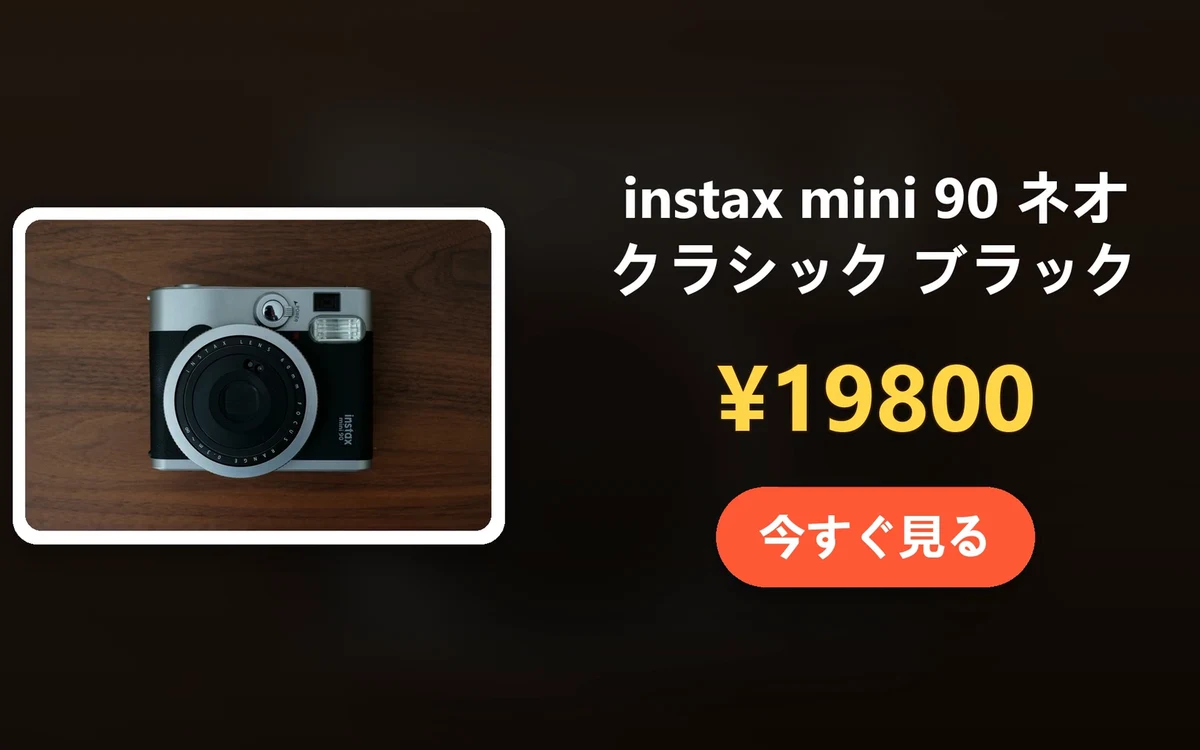
Every product-shot video from URL to Video Ad Maker ends on a card with your main photo, the product name, the price exactly as the page shows it and a call-to-action button. The AI writes the hook and selling points only from the page and your notes, and never makes up prices, discounts or claims. Make up to 3 versions with different openings to test.
- Price shown word for word, e.g. €19.90 or ¥19800
- Each version opens with its own hook and camera move
- About 14 seconds, 1080 × 1920, 1080 × 1080 or 1920 × 1080
Who uses it
Three common ways to use a video made with URL to Video Ad Maker.
Shopify and independent store owners
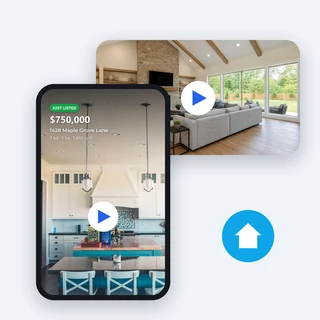
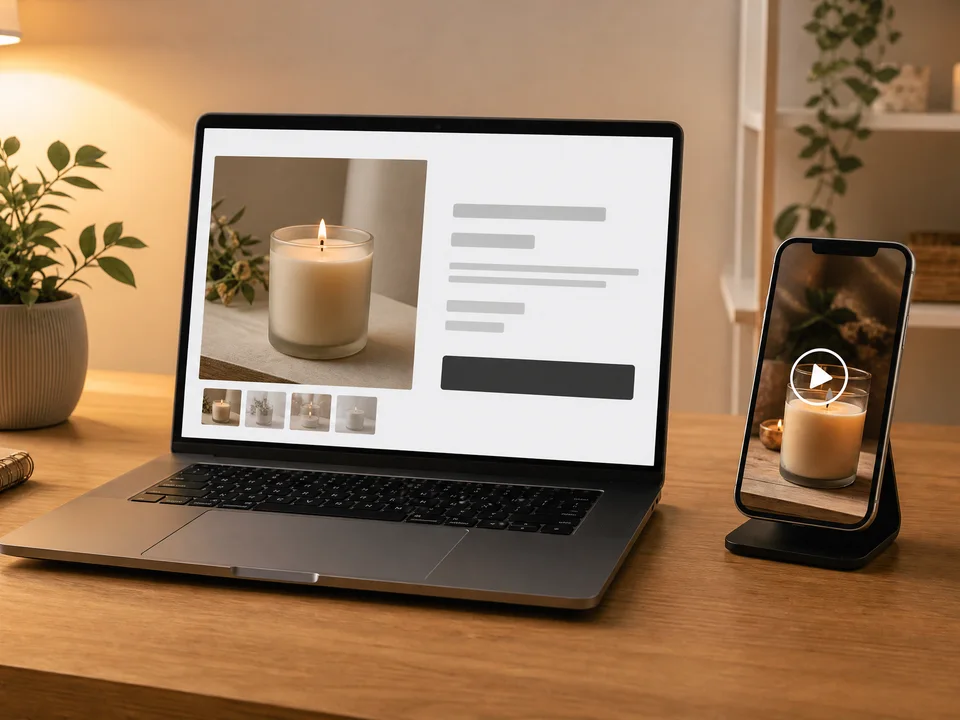
Paste each product page as you list it and get a short video ad for TikTok, Reels and Shorts without filming, editing or retyping product details.
Testing creatives at scale
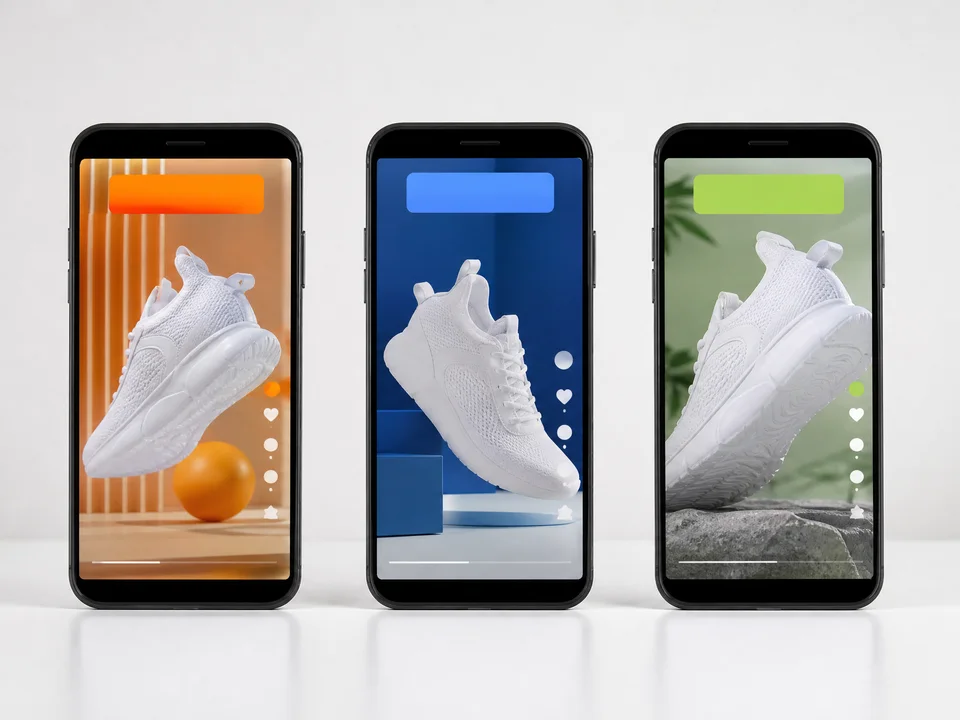
Make 2 or 3 versions of the same product with different openings, run them side by side in your ad account and keep the one with the best click-through rate.
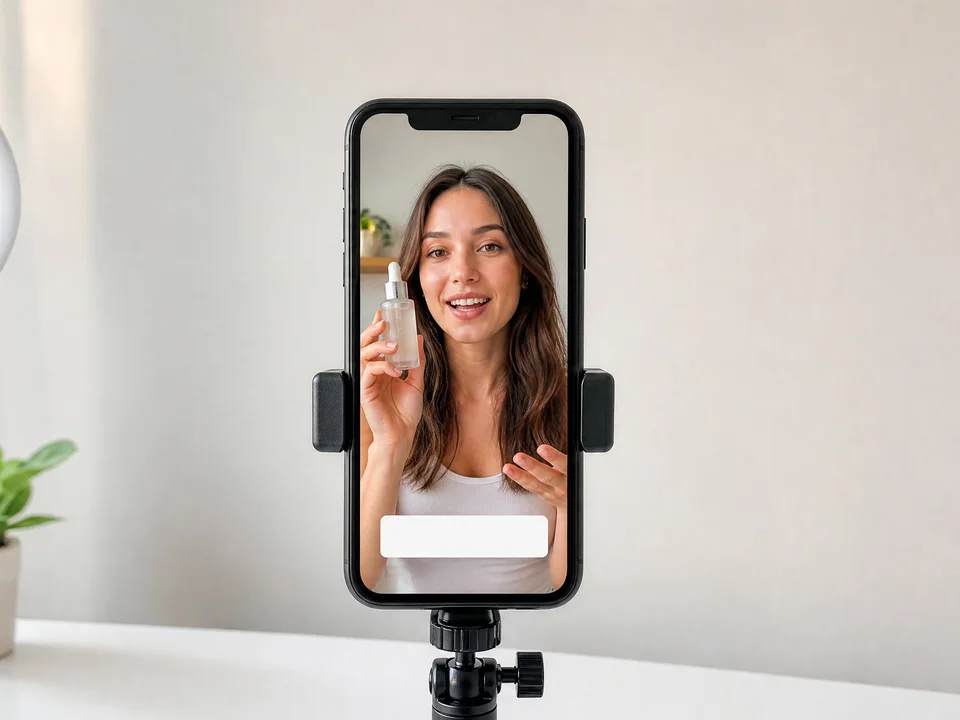
UGC-style ads without a creator
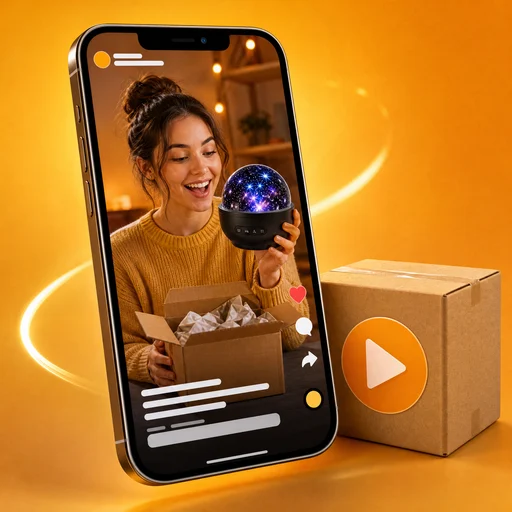
Choose the AI presenter to get a creator-style video in which a presenter holds your product and talks about it, ready for TikTok and Instagram feeds.
Frequently asked questions
Which product links work?
URL to Video Ad Maker reads product pages of Shopify, WooCommerce and most brand stores well, because they publish the product's photos, name and price in a standard format. Marketplaces such as Amazon, eBay, Etsy, AliExpress and Temu often block automated reading; then upload the photos and type the name, and everything else works the same.
Does reading a link cost credits?
No. Reading the link, choosing photos and editing the name and price are free. Credits are only used when you click Generate video ad, and the price appears on that button before you submit.
How many credits does a video use?
Product shots cost 60 credits per version, so 1, 2 or 3 versions cost 60, 120 or 180, with or without the voiceover. The AI presenter costs 200 credits for 15 seconds or 350 for 30 seconds. A version that cannot be made is refunded on its own.
Will the AI change my price or invent offers?
No. The price on the end card is copied exactly from the page or from what you type, and the AI is told never to write prices, discounts or claims that are not on the page. You can edit the price, or leave it empty to show no price.
What is the difference between product shots and the AI presenter?
Product shots animate your real photos with gentle camera moves, add captions, music and an optional voiceover, and can make up to 3 versions in 9:16, 1:1 or 16:9. The AI presenter shows a creator holding your main photo's product and talking about it, 15 or 30 seconds in 9:16 or 4:5.
Which language will my video use?
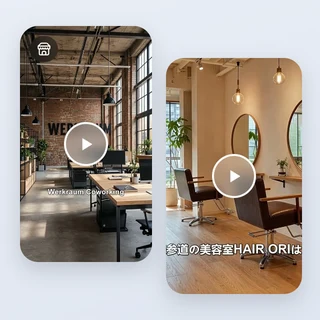
The language of your product page or of the selling points you add, so a French page gives French captions and voiceover. URL to Video Ad Maker keeps brand and model names as they are, and you can write your own selling points in any language.
Every product page can be a video ad
Sign in, paste a product link, and URL to Video Ad Maker shows the price before anything is generated.