




















Ecommerce Video Ads
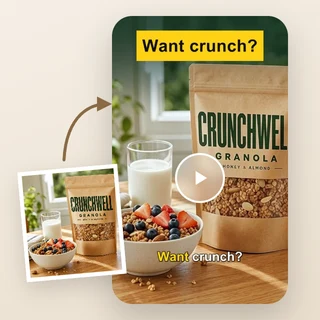
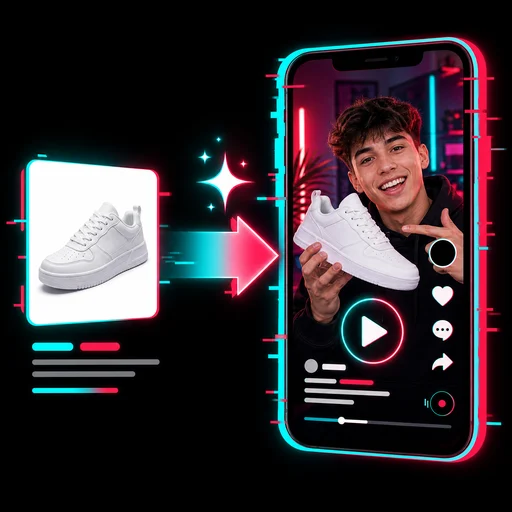
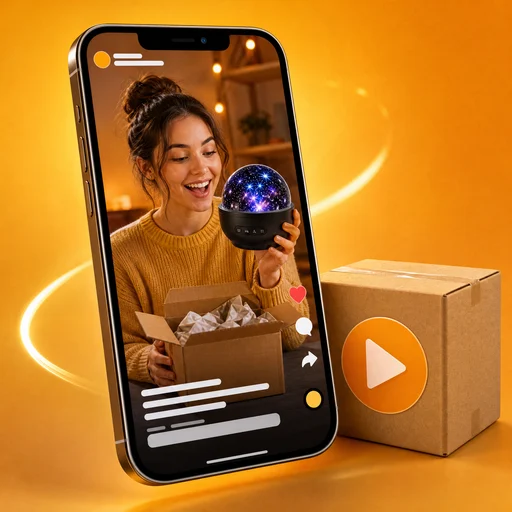
Turn 1–3 product photos into a 14-second video ad with a scroll-stopping hook, selling-point captions, an AI voiceover and an end card with your price and a Shop Now button.
Ecommerce Video Ads: turn product photos into video ads that sell
Upload 1 to 3 photos of your product, type its name and, if you like, the price and selling points. Ecommerce Video Ads animates your real photos, adds a scroll-stopping hook and selling-point captions, and ends on a card with your price and a Shop Now button. One 14-second video, ready for your store and your ads.
- Your real product photos, brought to life
- Hook, selling points and price on screen
- 9:16, 1:1 or 16:9, 60 credits per video

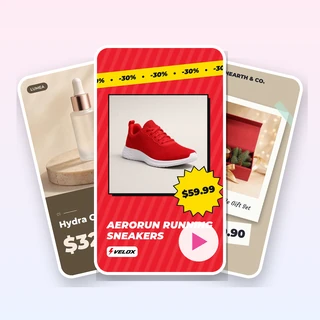
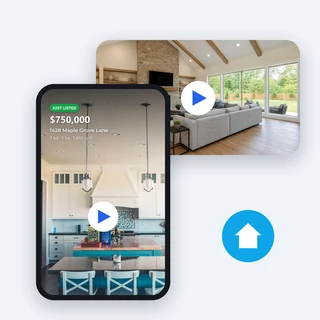
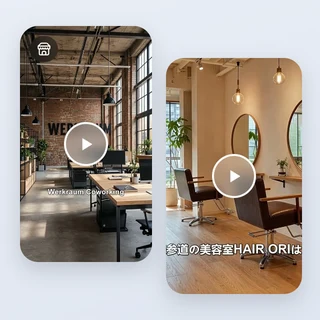
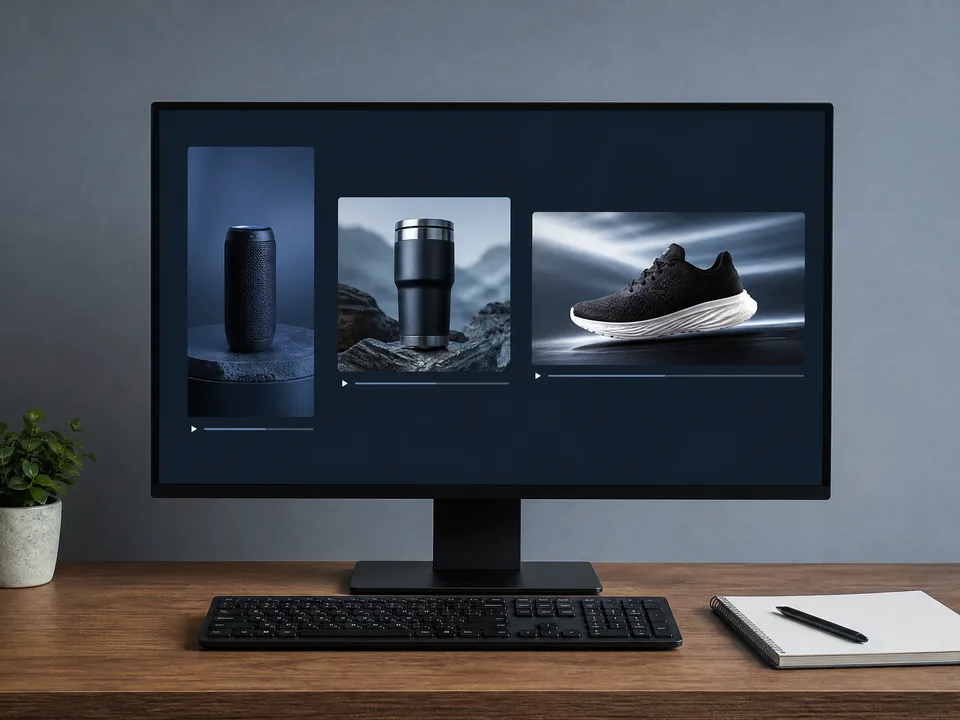
Real ecommerce video ads made from product photos
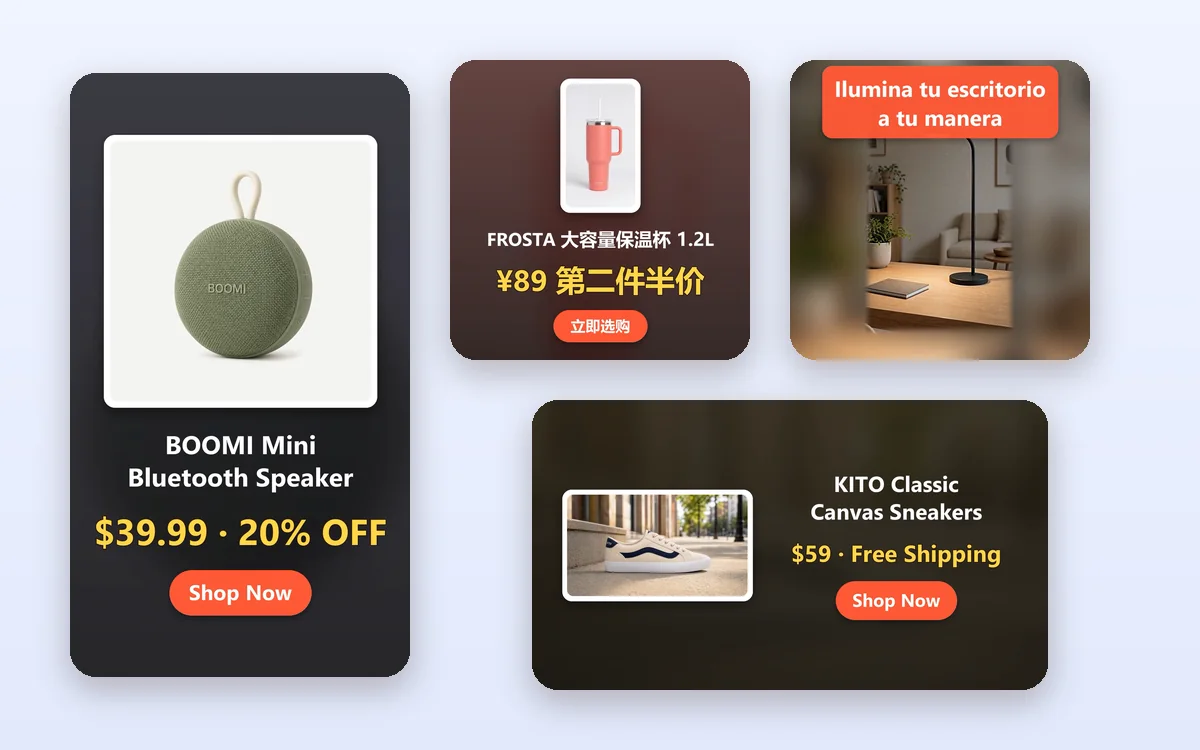
Each video below came out of Ecommerce Video Ads from the photos and text listed under it, with no editing afterwards.
Inputs: 1 to 3 photos of each product, the product name, the price or offer and, for the speaker, three selling points typed by the seller. 60 credits per video.
Make an ecommerce video ad in three steps
Every video in Ecommerce Video Ads takes the same three steps.
Upload 1–3 product photos
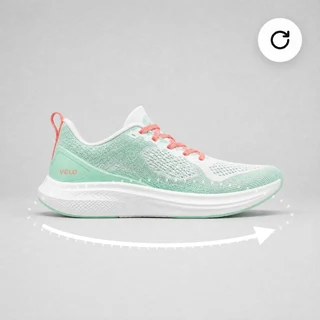
Add clear JPG, PNG or WEBP photos of one product, up to 10 MB and at least 300 pixels on each side. The first photo is the main one; a second and third photo show more angles.
Add the product name and offer
Type the Product name and, optionally, a price or offer of up to 30 characters. Selling points and the AI voiceover are under “Personalize”: leave the selling points empty and AI writes them from your photos; the voiceover is on by default.
Pick the size and generate
Choose 9:16, 1:1 or 16:9 in Output Settings, then click Generate video ad. The price shows on the button before you submit, and the video is ready in a few minutes.
A hook and selling points that read without sound
Most shoppers scroll with the sound off. Ecommerce Video Ads opens with one short hook line, then shows two or three selling points as bold captions while your product moves. Type your own selling points and they stay as you wrote them, or leave them empty and AI writes them from your photos, without inventing prices, numbers or claims.
- A hook in the first 3 seconds
- 2–3 selling-point captions, in your language
- No invented prices, numbers or claims
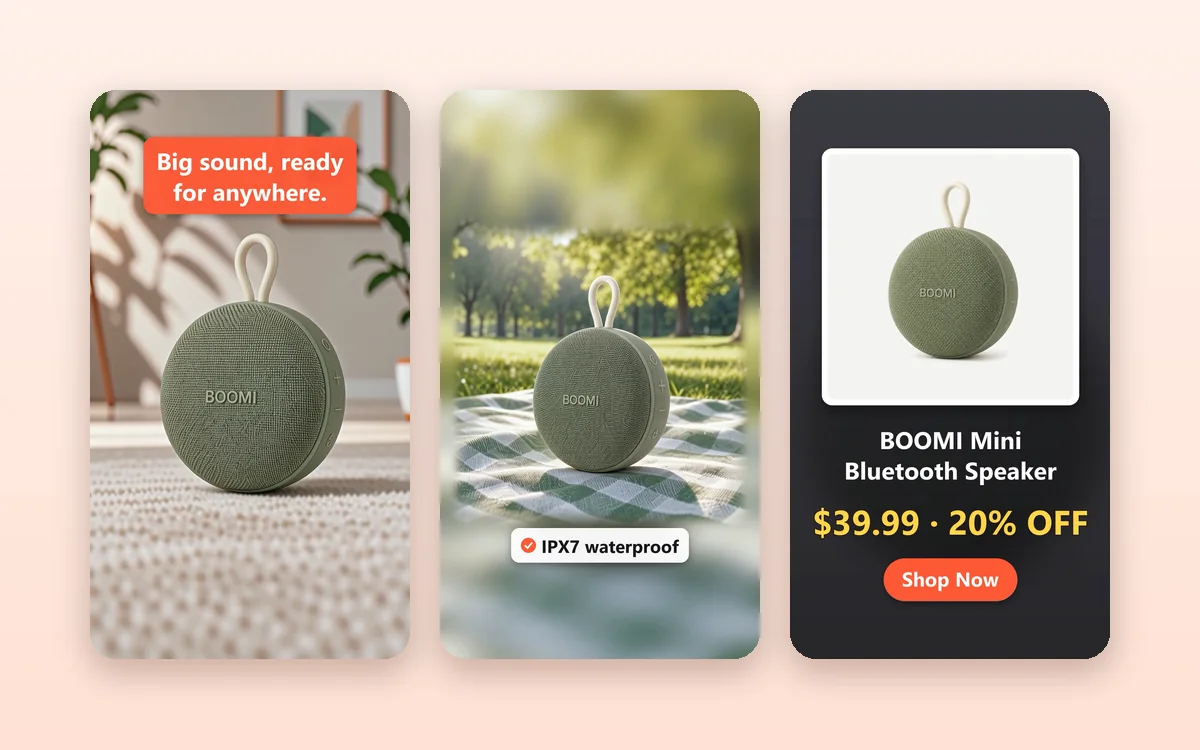
Your price and a Shop Now button at the end
Every video ends on a clean card with your product photo, its name, your price or offer word for word and a Shop Now button in the language of your text. Ecommerce Video Ads delivers it in the size your channel needs, with background music and no watermark.
- Price or offer up to 30 characters, shown exactly
- 1080 × 1920, 1080 × 1080 or 1920 × 1080 MP4
- Background music and an AI voiceover (on by default)
Who uses it, and for what
Three common ways online sellers use Ecommerce Video Ads.
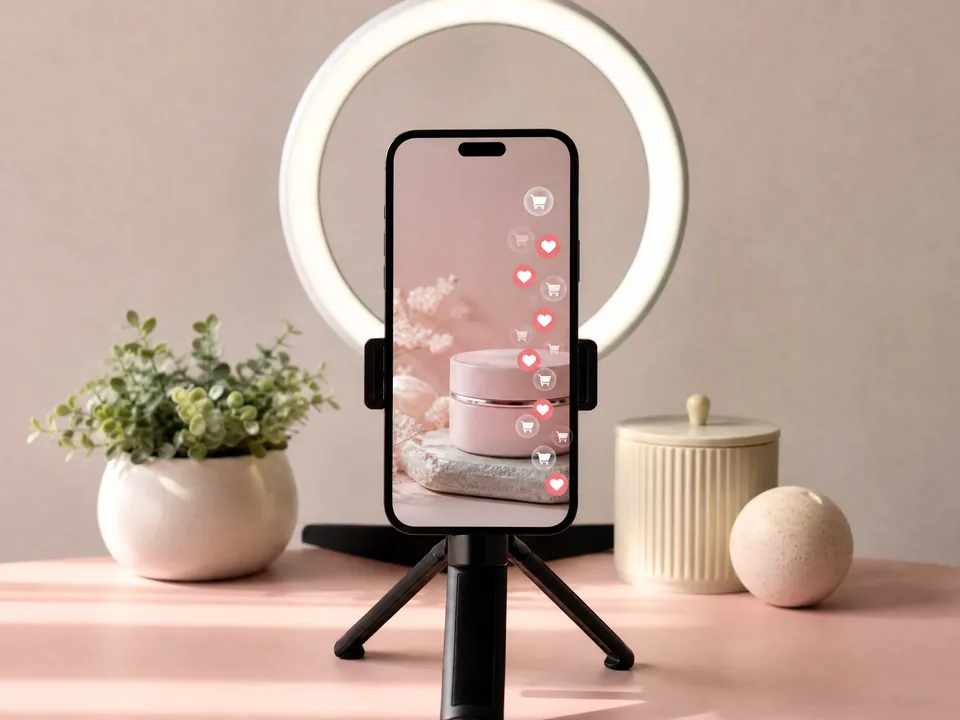
TikTok Shop, Reels and Shorts
A skincare brand turns one jar photo into a 9:16 video with a hook and selling points for TikTok Shop, Instagram Reels and YouTube Shorts, without a camera crew.
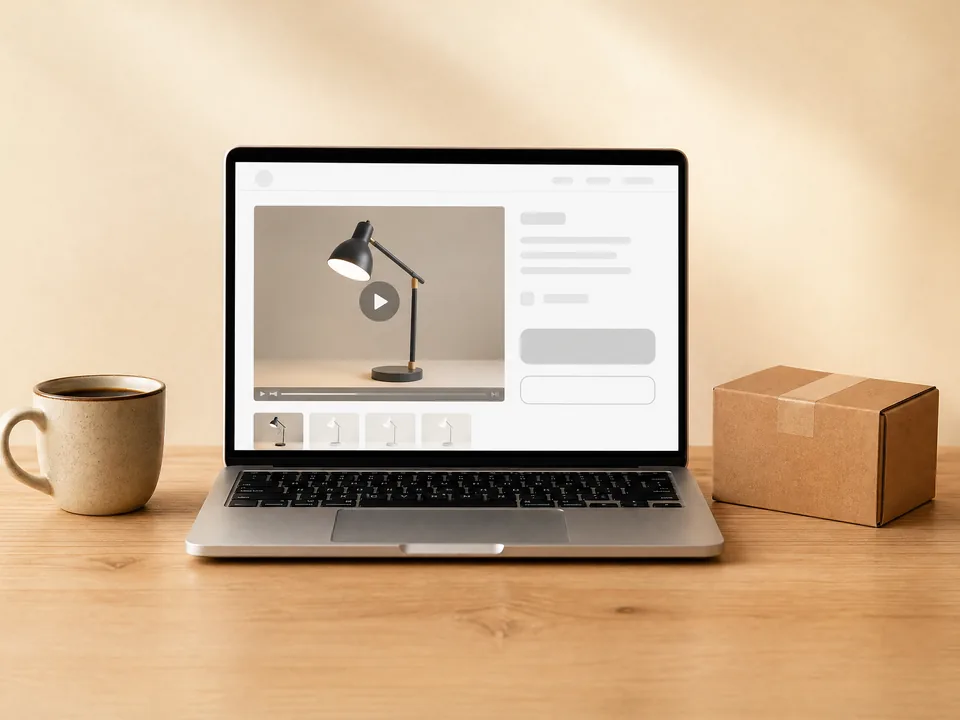
Product pages in your online store
A Shopify or Amazon seller adds a short 16:9 or 1:1 video to the product page, made from the listing photos it already has, so shoppers see the product move.
Paid ads on Facebook and Instagram
A small brand makes the same product as a 1:1 feed ad and a 9:16 story ad, each with the price on screen, and tests which one sells better.
Frequently asked questions
What photos work best in Ecommerce Video Ads?
Clear JPG, PNG or WEBP photos of one product, up to 10 MB and at least 300 pixels on each side. Studio photos on a plain background and lifestyle photos both work; the whole product is kept in view and never cropped.
How many credits does Ecommerce Video Ads use?
Each video costs 60 credits, whatever size, photo count or text you choose. The price appears on the Generate video ad button before you submit, and a video that fails is refunded in full automatically.
Does AI change my product?
No. The two moving shots are made from your own photos, so the product keeps its real shape, colors and label. Very small printed text can blur slightly while the camera moves, and the end card always shows your original photo.
Which language are the captions in?
The hook, selling points and button follow the language of the product name and selling points you type, such as English, Chinese, Japanese or Spanish. If your text is only a brand name, the captions use the language of the site. The AI voiceover reads them in the same language with one of 6 voices you can preview; turn it off for music only.
Which sizes can I choose?
9:16 vertical for TikTok, Reels and Shorts, 1:1 square for Facebook and Instagram feeds, or 16:9 horizontal for YouTube and Amazon. Choose it in Output Settings; each video is about 14 seconds long.
How long does it take, and what do I get?
Most videos are ready in about 3 to 6 minutes. You get an MP4 with music in your creations next to the form, where you can play it, download it and reuse its settings for another size.
Put your product in motion
Sign in, upload your product photos, and Ecommerce Video Ads shows the price before anything is generated.