



















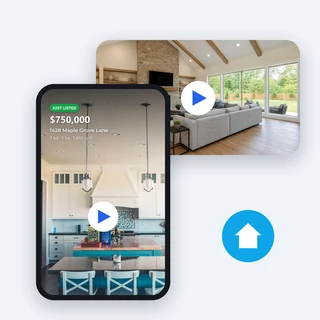







Real Estate Marketing Video
Turn your listing photos into a ready-to-post property video: gentle camera moves on your real photos, voiceover, captions, a price and address card and your contact, in 9:16, 16:9, 1:1 and 4:5.
Real Estate Marketing Video: your listing photos, a property video in minutes
Upload 3 to 20 listing photos in viewing order, write a line about the home, and Real Estate Marketing Video turns them into a ready-to-post property video: gentle camera moves on your real photos, an AI voiceover with captions, music, a price and address card at the start and your contact at the end. Pick 9:16 for Reels and TikTok, 16:9 for YouTube and listing pages, or 1:1 and 4:5 for feeds.
- Your photos stay as they are: nothing is redrawn or added
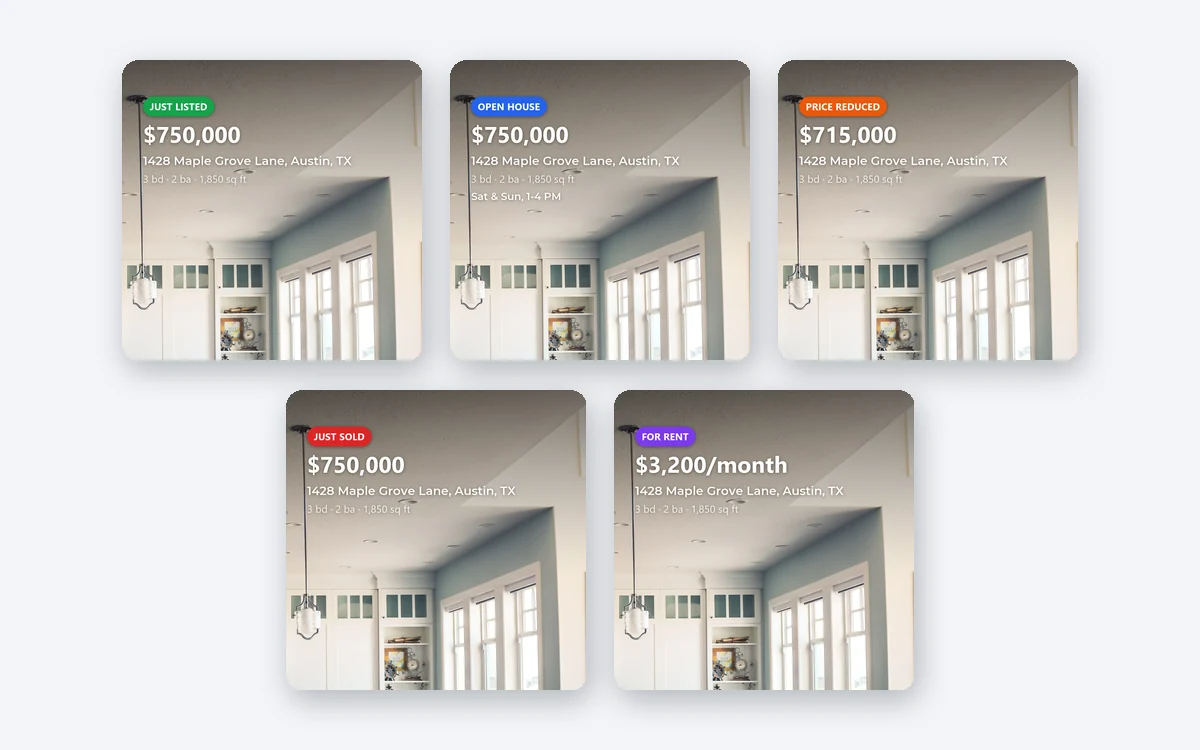
- Five listing statuses, from Just Listed to For Rent
- 15, 30 or 60 seconds, from 30 credits
Real listing videos, made from real photos
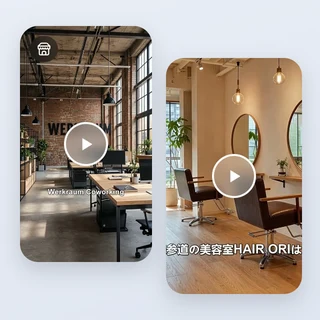
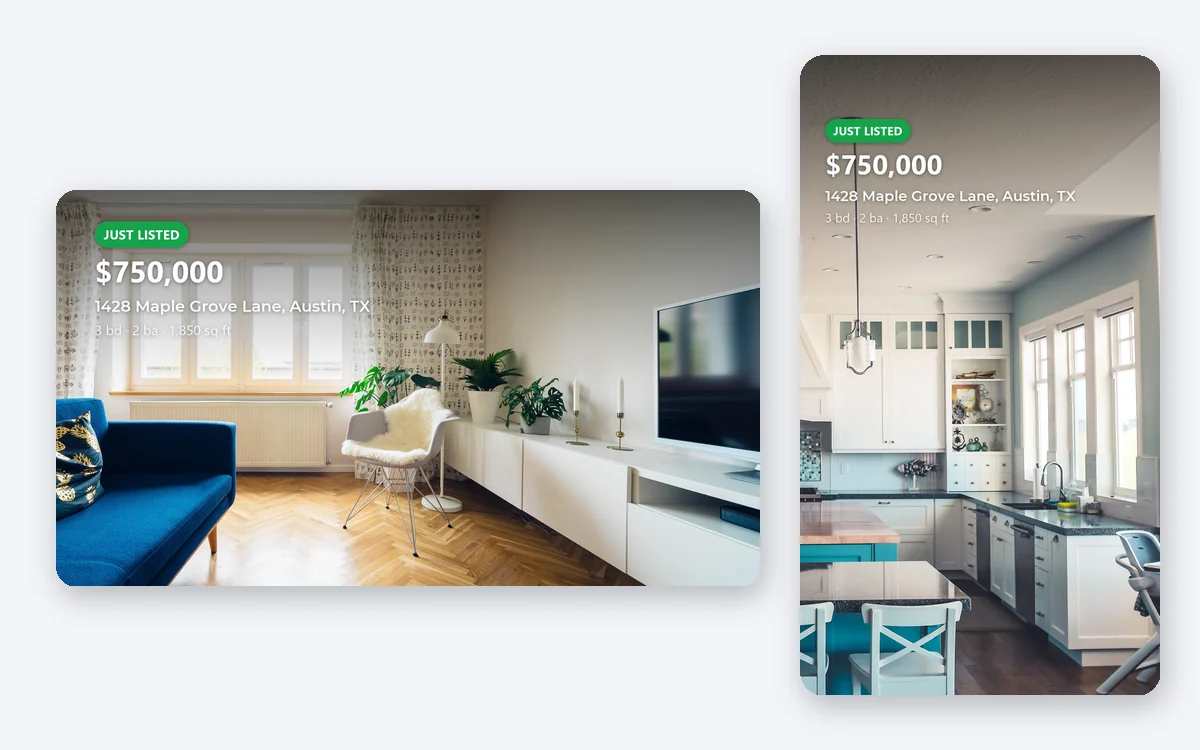
Each Real Estate Marketing Video below is a finished video from one real run; its label gives the listing type, size and language.
The camera moves, captions, opening card and closing frame are all made from the uploaded photos and the details typed into the form.
Three steps from listing photos to a property video
Real Estate Marketing Video needs only your photos and a short description; everything else has a default, and the button shows the price before you submit.
Add your listing photos
Under Listing photos upload 3 to 20 JPG, PNG or WEBP photos up to 10 MB each and at least 400 pixels on the short side, or bring them in with Import link. They play in the order you put them; drag to reorder.
Describe the home and pick a status
Write a sentence or two in Describe the listing, add the address, price and beds, baths and size if you want them on the opening card, and pick a Listing status; Open House adds an Open house time box. In Personalize you can add an Agent logo or photo and a Phone or website for the closing frame, or turn off AI voiceover.
Choose the length and sizes, then generate
In Output Settings pick a Duration of 15, 30 or 60 seconds and one or more Video sizes, then click the button, for example Generate 2 videos. Each size arrives as its own video that you can play and download.
Camera moves on your real photos, not AI-redrawn rooms
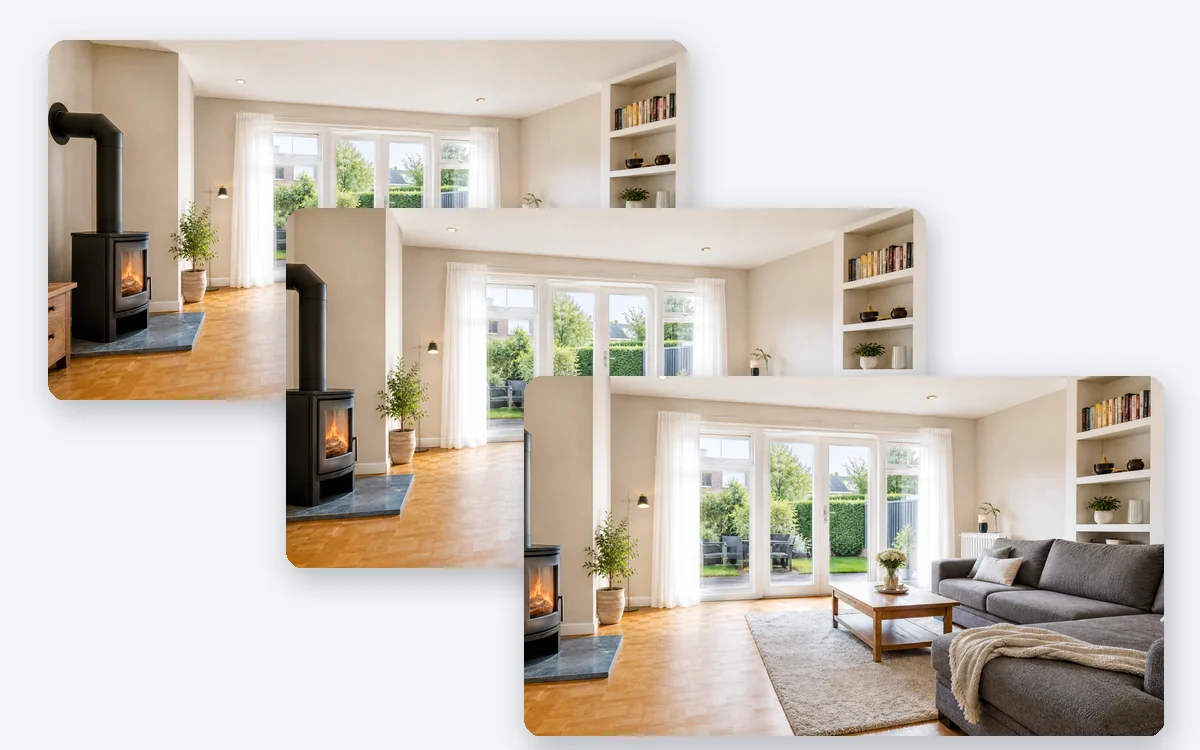
Real Estate Marketing Video never sends your photos to a video model. Each photo gets a slow push-in, pan or tilt chosen for that room, with soft cross-fades between rooms, so buyers see the home as it is: no warped walls, no invented furniture, no extra rooms.
- A wide room in a 9:16 video pans across to show all of it
- The AI only picks the move and the focus point for each photo
- The colors and contents of your photos are not changed
One row that sets the whole video: listing status
Pick Just Listed, Open House, Price Reduced, Just Sold or For Rent in Real Estate Marketing Video. The status sets the label on the opening card, the angle of the voiceover and the call to action at the end, while your price, address and open house time appear word for word as you typed them.
- The Open house time box appears only when you pick Open House
- The status never changes the price
- The voiceover follows your photos and details, without inventing sizes, room counts or prices
Who uses it, and for what
Three everyday jobs that Real Estate Marketing Video handles in a few minutes.
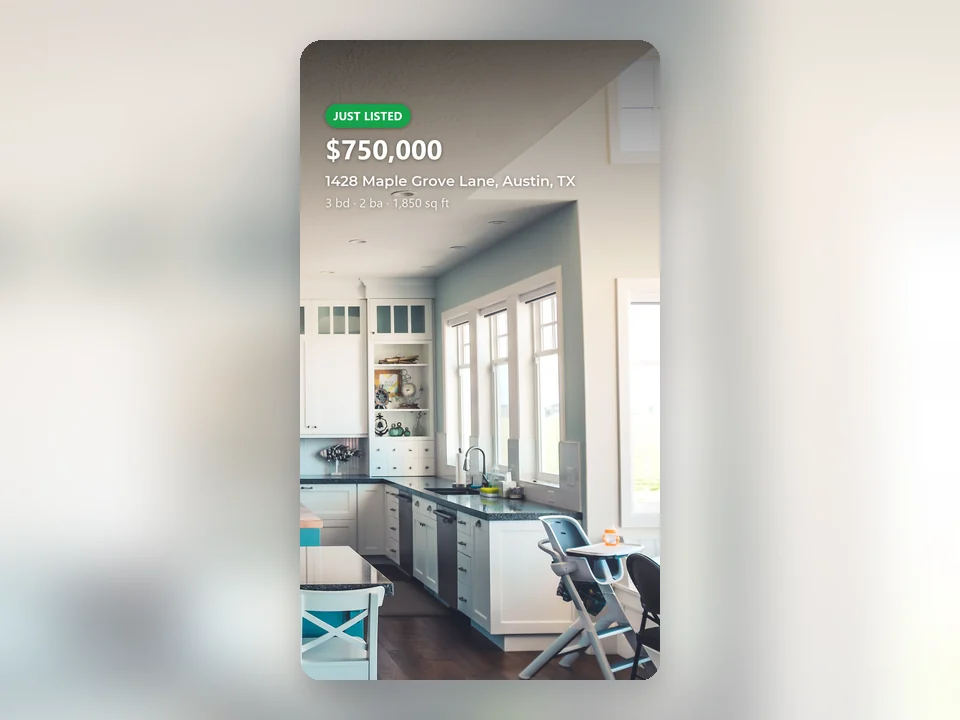
A listing agent on Reels and TikTok
An agent uploads 10 photos of a new listing, keeps Just Listed and the default 30 seconds in 9:16, and posts the video with its ready caption the same day.
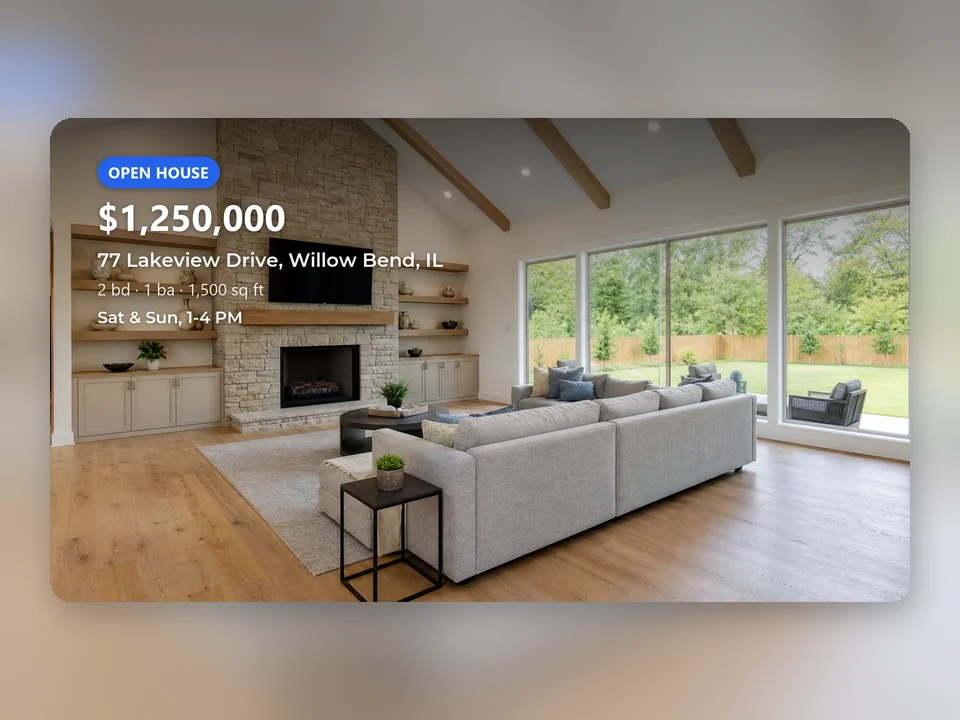
An open house on YouTube and the listing page
A broker picks Open House, types Sat & Sun, 1-4 PM, ticks 9:16 and 16:9, and gets a Reels video and a wide video for YouTube and the property website from one order.
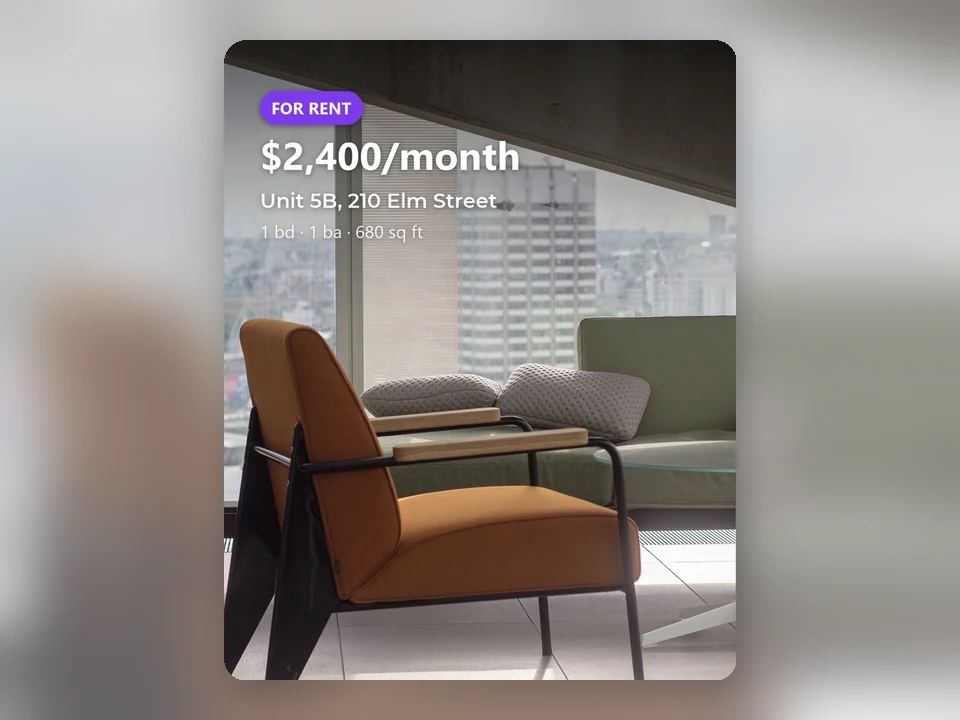
A rental with a music-only video
A property manager picks For Rent, turns off AI voiceover and gets a 15-second 4:5 feed video with music, the rent and contact details, and no captions.
Frequently asked questions
What does Real Estate Marketing Video cost?
One size costs 30 credits for 15 seconds, 50 credits for 30 seconds and 80 credits for 60 seconds; each extra size adds 10 credits. The default 30-second 9:16 video is 50 credits. The number of photos, the listing status and the voiceover do not change the price, and the price shows on the button before you submit.
Does the AI change my photos?
No. Real Estate Marketing Video only scales, crops and moves your photos; nothing is redrawn, added or removed. The AI writes the voiceover and picks a camera move for each photo.
How many photos do I need?
At least 3 and up to 20. 15 seconds uses the first 6 photos, 30 seconds the first 12, and 60 seconds needs at least 6 and uses up to 20, so each photo stays on screen long enough to look at.
Which video sizes should I pick?
9:16 (1080 × 1920) for Instagram Reels, TikTok and YouTube Shorts; 16:9 (1920 × 1080) for YouTube and property websites; 1:1 (1080 × 1080) and 4:5 (1080 × 1350) for Facebook and Instagram feeds. One order can make all four from the same photos.
What does the voiceover say?
It is written from your photos and description in the language you write in, with captions in the same language. It describes the home and what the photos clearly show, without inventing sizes, room counts or views and without describing who the home suits or the people in the neighborhood. Read it before you post: you remain responsible for your listing ads.
How long does it take, and what if a size fails?
A 30-second video in one size usually takes about 4 minutes, 15 seconds about 3 minutes and 60 seconds about 6 minutes; each extra size adds about 3 to 4 minutes. If the first size fails, the whole order is refunded; if only an extra size fails, you keep the other videos and get its 10 credits back.
Your next Real Estate Marketing Video starts with your listing photos
Sign in, upload your listing photos and pick a status; Real Estate Marketing Video shows the price before anything is generated.