



Banner Ads Maker
Describe what you promote and get finished banners with a headline and button in standard ad, website and social sizes.
Banner Ads Maker: finished banners from one line
Write what you are promoting, add a product image if you have one, and Banner Ads Maker designs a matching set of banners with a headline and a button. Pick up to six sizes for display ads, your website or social media covers, and every banner arrives at its exact pixel size, ready to upload.
- 13 sizes: 7 display ad sizes, 2 website sizes and 4 social covers
- Auto or one of six styles: Minimal, Bold, Photo, Gradient, Luxury, Playful
- 3 credits per size; an image, logo and brand color are optional
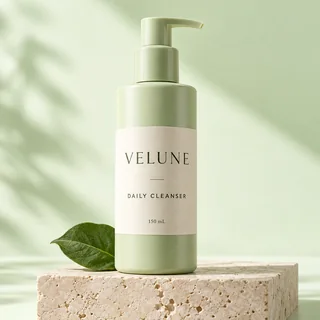
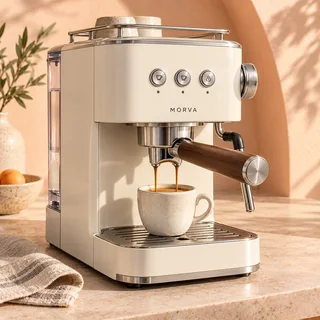
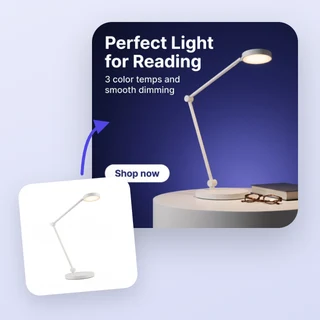
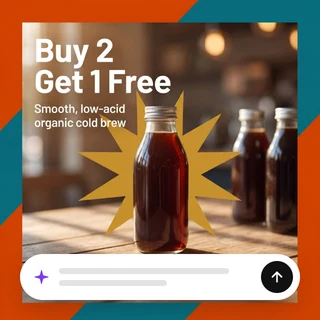
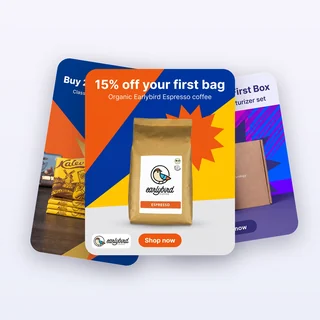
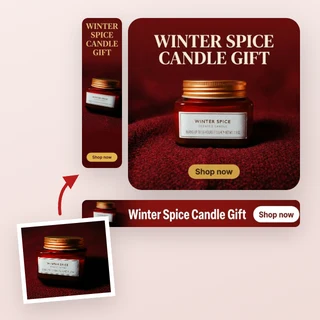
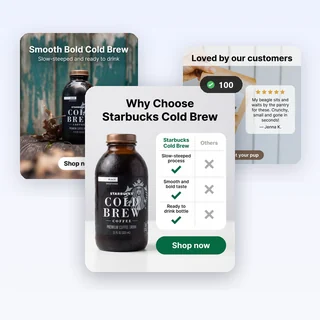
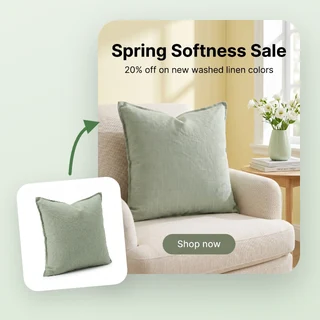
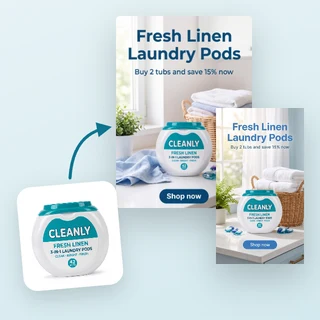
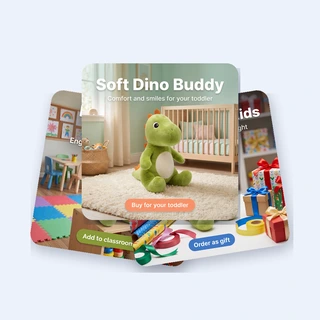
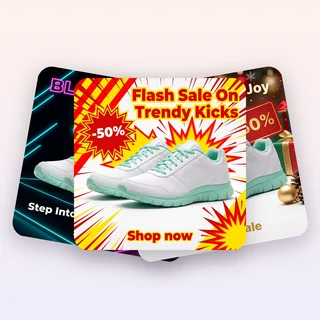
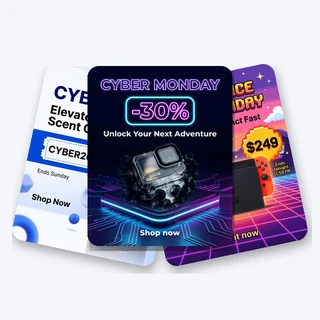
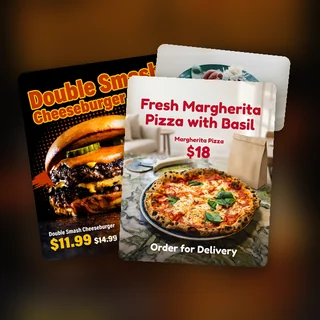
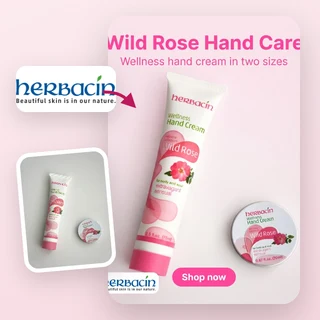
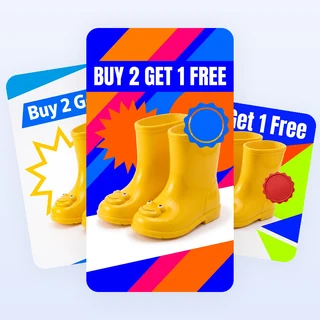
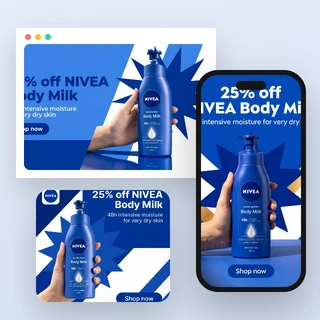
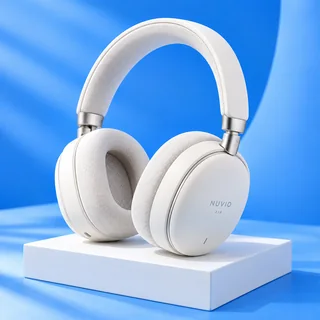
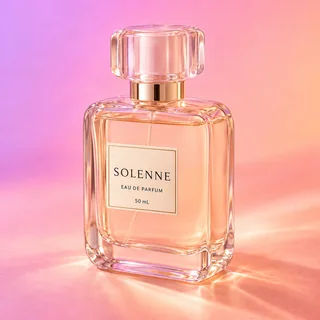
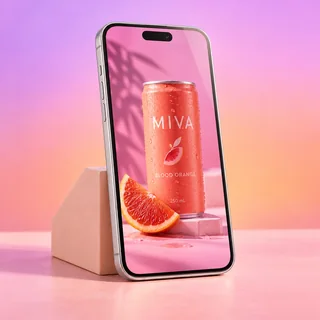
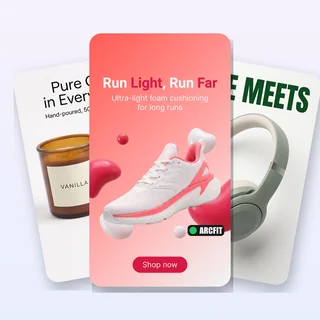
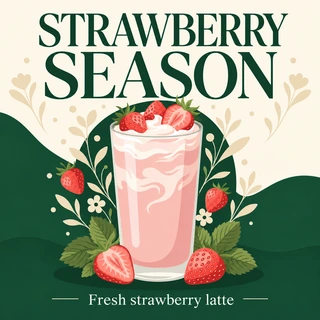
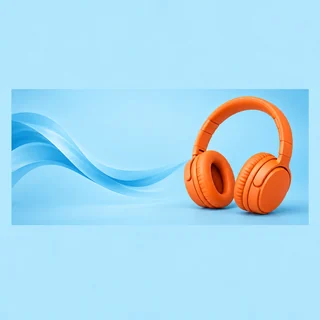
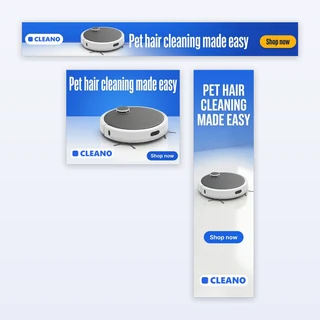
Five campaigns, five banner sets
Real results from Banner Ads Maker: each set came from a single run with the settings shown under it.
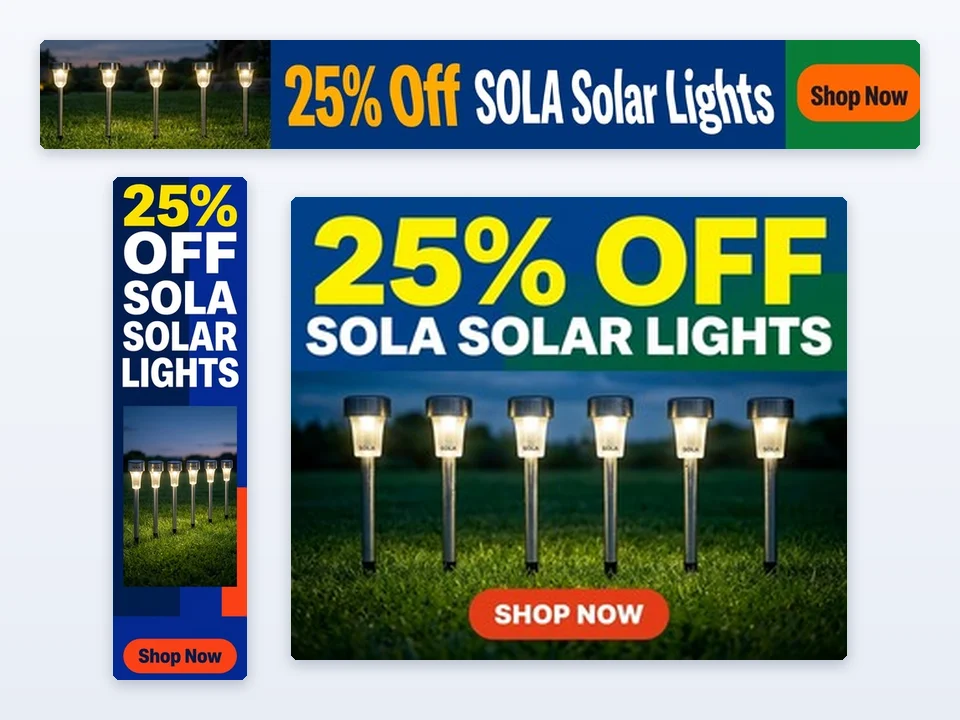
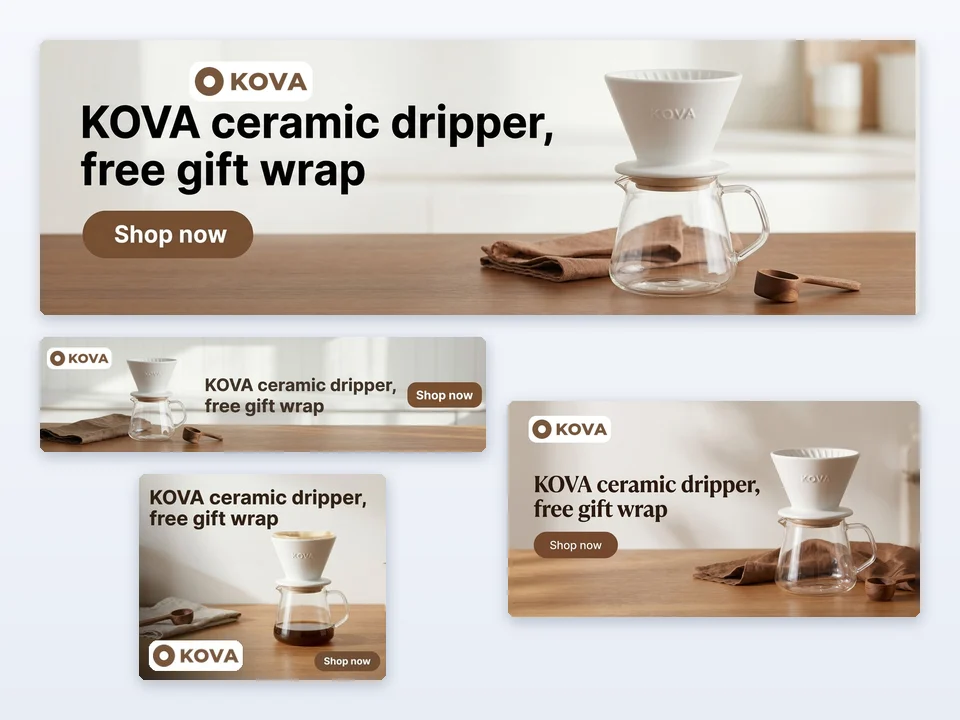
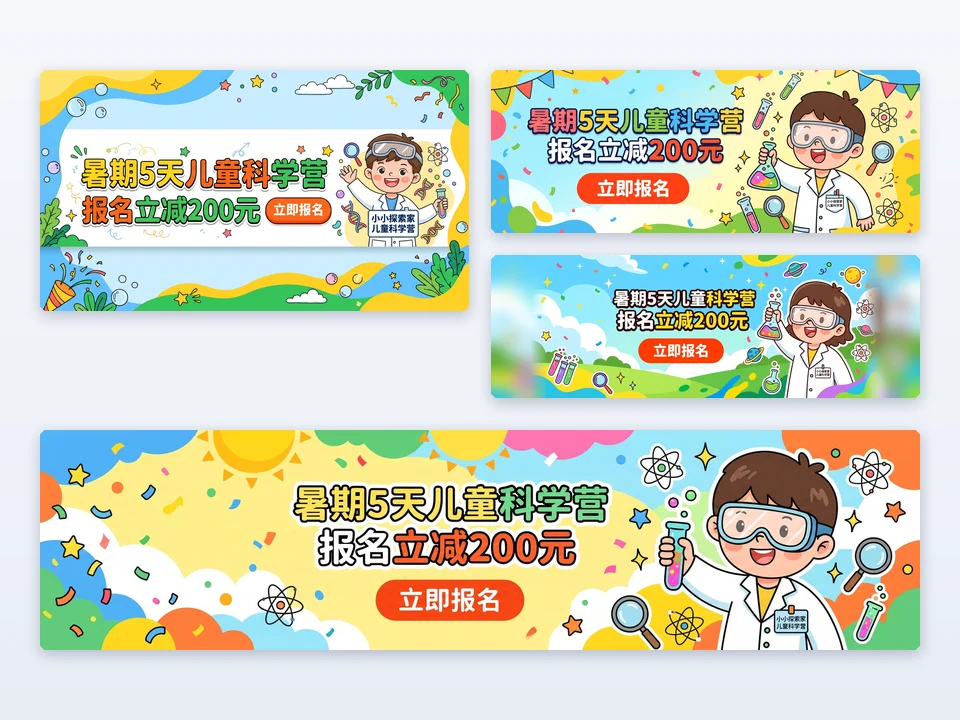
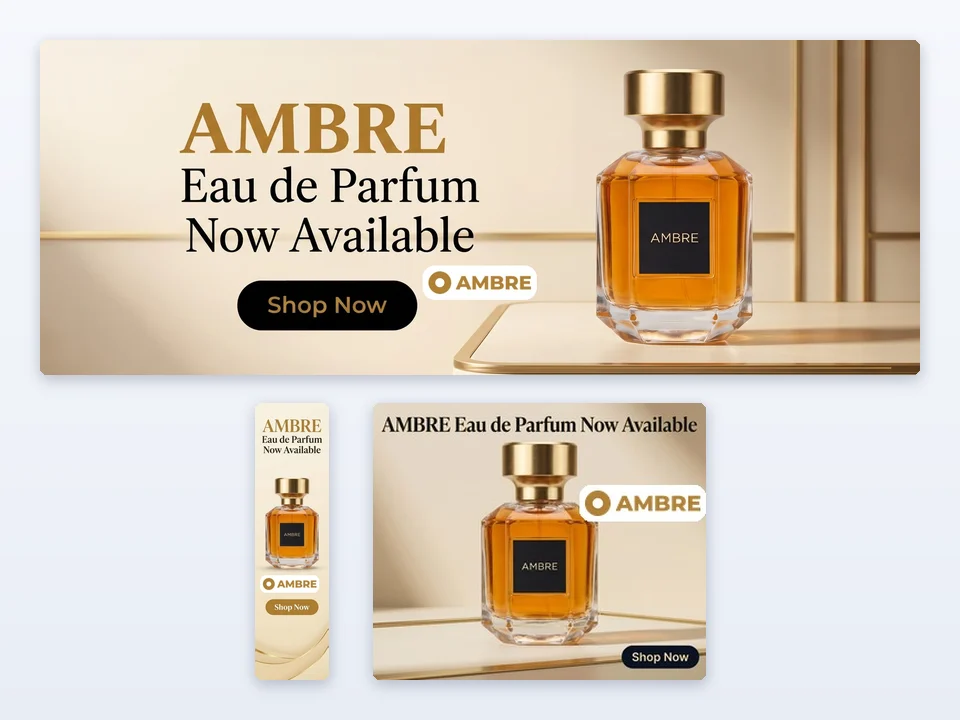
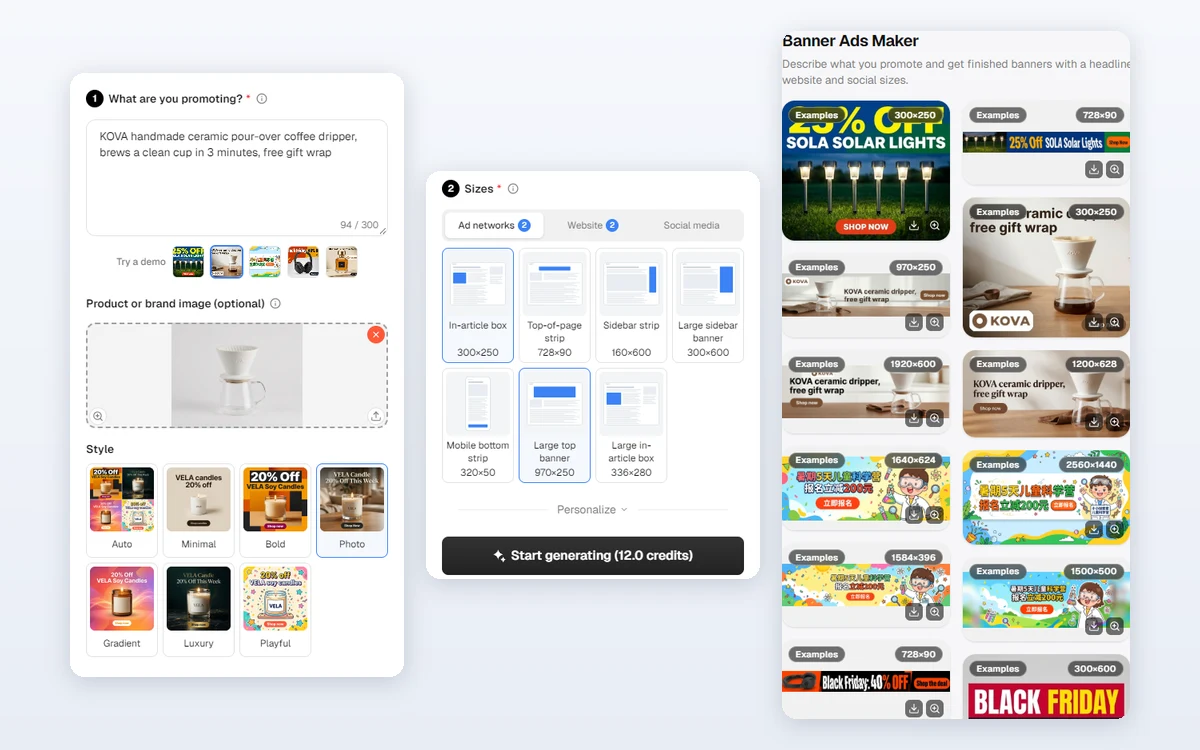
Input: one line about the offer, an optional image and the sizes to make. Output: one JPG per size at the exact pixels, all sharing one headline, button and style.
Make a banner set in three steps
Every set in Banner Ads Maker comes from the same three steps.
Write what you are promoting
Type 10 to 300 characters about the product, service or event and its offer, for example Organic cold brew coffee, 20% off this week. Offers and prices you write are kept exactly as written on the banners.
Add an image and pick a style
Optionally upload a JPG, PNG or WEBP image up to 10 MB, or import it from a product link; your real product then appears on every banner. Keep Auto or pick one of six styles. Your own headline, a logo and a brand color are under Personalize.
Choose sizes, then generate
Under Sizes, keep the default 300×250, 728×90 and 160×600 or choose up to six sizes from display ads, website and social covers. Start generating shows the price, 3 credits per size, and each banner appears as its own card.
A style for every brand, or let AI choose
Banner Ads Maker offers the six looks banner designers use most: Minimal, Bold, Photo, Gradient, Luxury and Playful. Auto reads your offer and picks the one that fits. One style, one headline and one button run across every size, so the whole set looks like one campaign.
- AI writes a headline of up to 30 characters and a button of up to 15
- Or type your own headline, used exactly as written
- Your logo is placed on every banner exactly as uploaded
Ad, website and social sizes in one place
Choose display ad sizes such as 300×250, 728×90, 160×600, 300×600, 320×50, 970×250 and 336×280, a 1920×600 website hero, a 1200×628 link preview, and covers for Facebook, YouTube, LinkedIn and X. Banner Ads Maker keeps the text of each cover inside the area the platform always shows.
- Display ad sizes are JPG files of at most 150 KB
- Website and social sizes are sharp JPG files of up to 2 MB
- Up to six sizes per set, each at its exact pixel size
How marketers use it
Three everyday jobs Banner Ads Maker is built for.
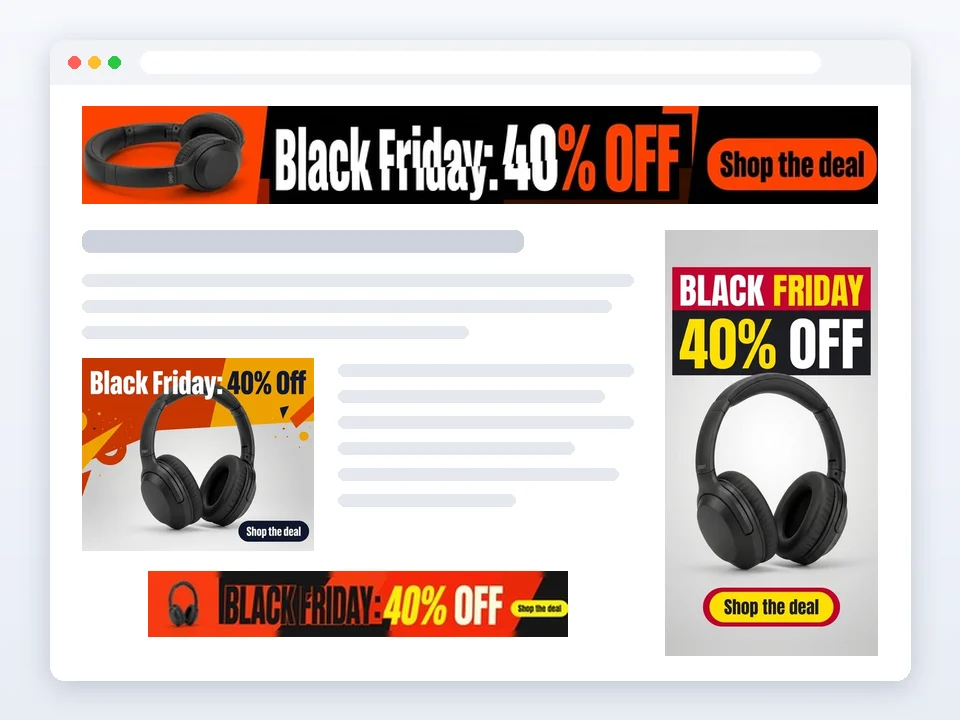
Running a sale on display networks
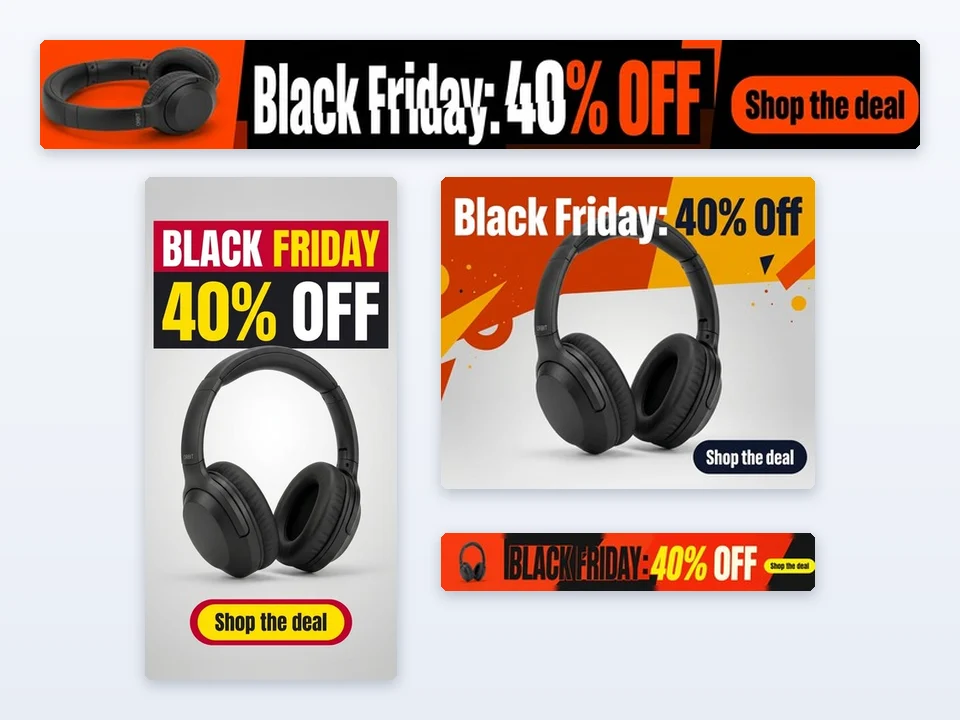
An audio shop types its own headline, picks the Bold style and four ad sizes. The exact sale text appears on the leaderboard, the mobile banner, the half page and the large rectangle from one run.
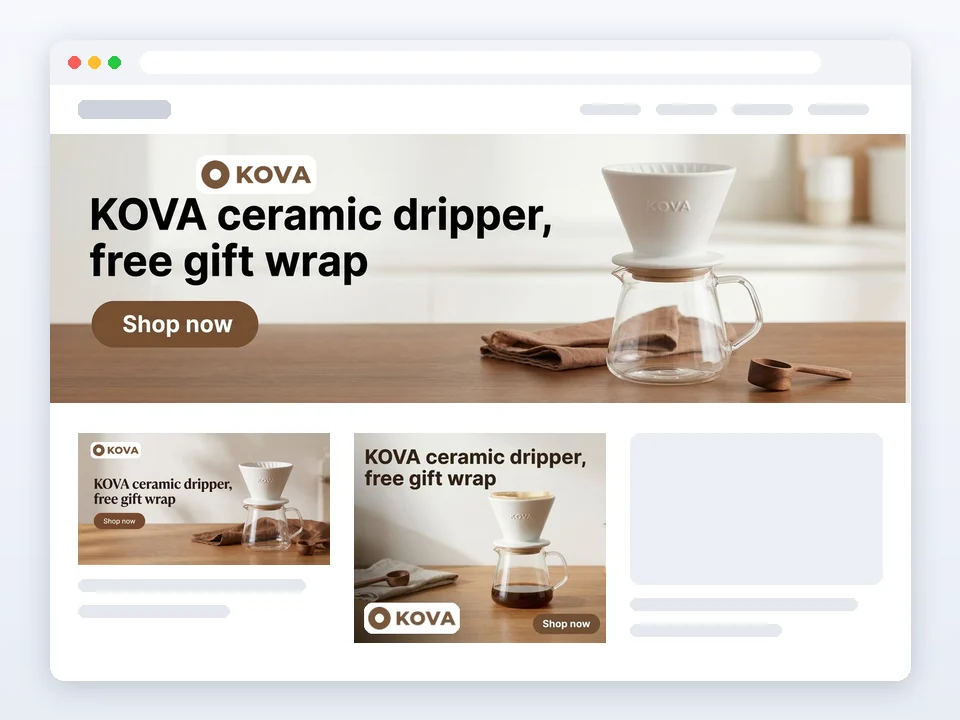
Refreshing a website hero
A coffee brand uploads its dripper photo and logo and adds the 1920×600 website hero and the 1200×628 link preview to its ad sizes, so the homepage, shared links and ads all match.
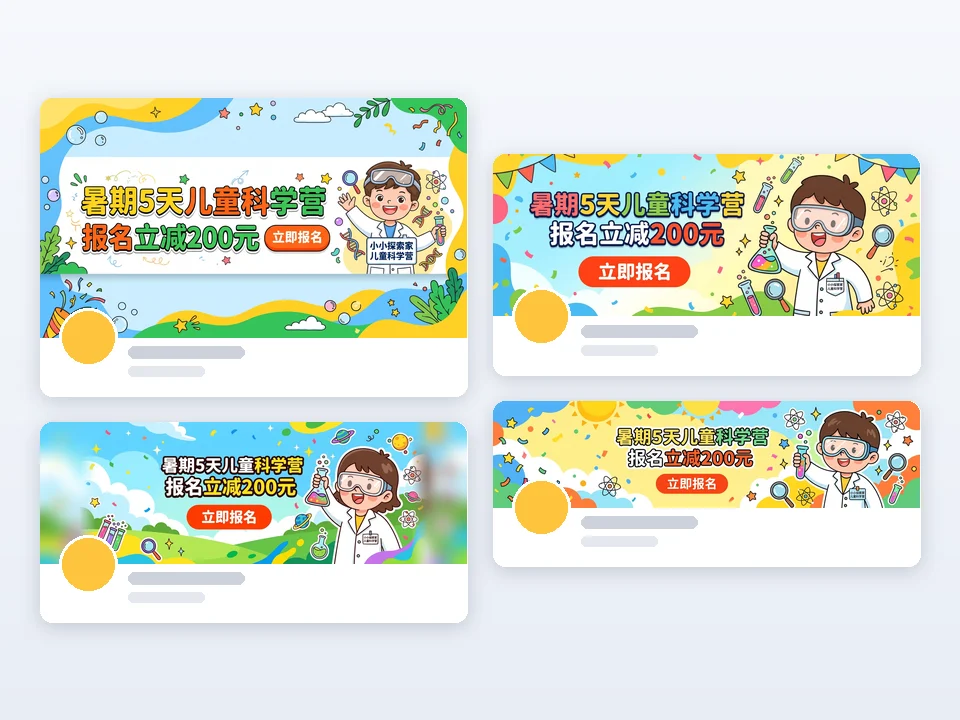
Updating every social cover
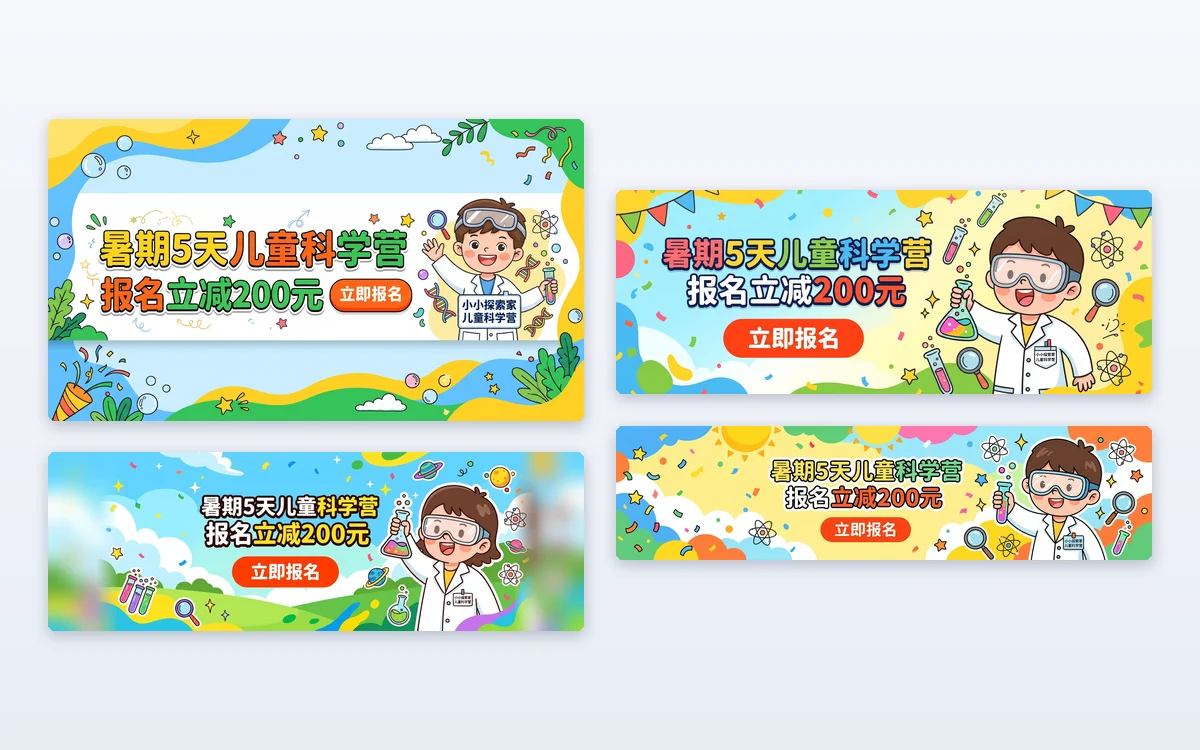
A kids camp writes one line in Chinese, picks Playful and the four social covers. Facebook, YouTube, LinkedIn and X each get a cover sized for the platform with the text where it stays visible.
Frequently asked questions
How many credits does Banner Ads Maker use?
Each size costs 3 credits, so the default three sizes cost 9 credits and six sizes cost 18. The price is shown on the Start generating button before anything is submitted. If a size cannot be delivered, its 3 credits are refunded automatically.
Do I need a product image?
No. Without an image, Banner Ads Maker draws the whole banner from your text, which works well for services, apps and events. With an image, your product keeps its shape, colors, printed text and logo, and the background, light and layout around it are new.
Can I upload the banners to Google Ads directly?
Yes. Display ad sizes such as 300 × 250 and 728 × 90 are JPG files at the exact pixels and at most 150 KB, the file size limit for uploaded image ads. Still review each banner against your ad policies before you publish it.
Will the text on a social cover be cut off?
Each cover keeps its headline, button and main visual inside the area the platform shows on every screen, such as the center of a YouTube banner, and away from where the profile photo sits on LinkedIn and X. The rest of the cover is background.
Can I use my own headline?
Yes. Open Personalize and type it in Headline (optional), up to 30 characters; it is used exactly as written on every size. Button text (optional) works the same way, up to 15 characters. Leave either box empty and AI writes it.
What language is the text on the banners?
AI writes the headline and the button in the language of what you typed. If that is unclear, it uses the language of the site you are on. A headline you type yourself is never translated.
Turn your next offer into a banner set
Sign in, write one line about your offer and Banner Ads Maker shows the price of your chosen sizes before anything is generated.