




















Video Promo Online
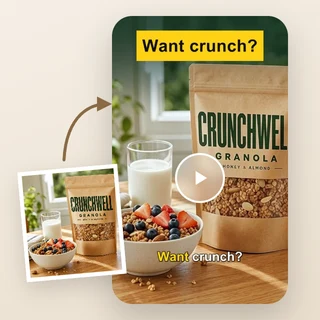
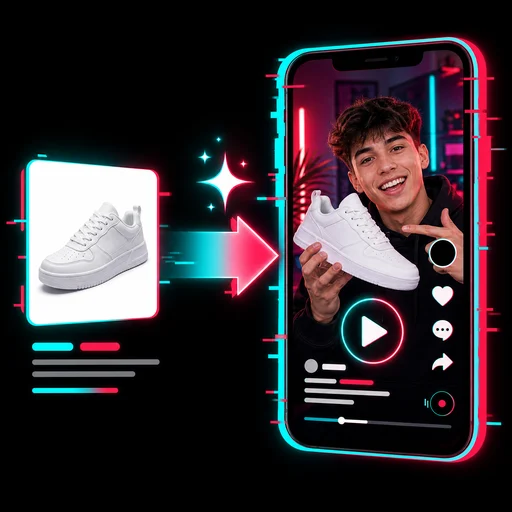
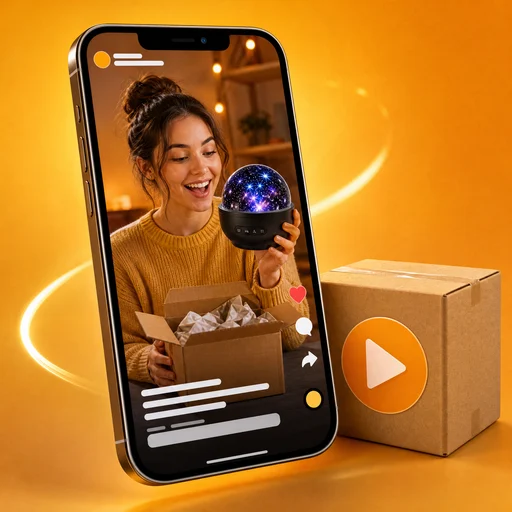
Turn 1–3 photos and one sentence into a 15-second promo video with voiceover, captions and music.
Video Promo Online: make a promo video from your photos
Upload 1–3 photos of your product, shop, dish or event, write one sentence about what you are promoting, and Video Promo Online returns a 15-second promo video with a voiceover, captions and background music, ready to post.
- Each photo becomes one 5-second AI shot
- Vertical 9:16 or horizontal 16:9 video
- Voiceover and captions in the language you write in
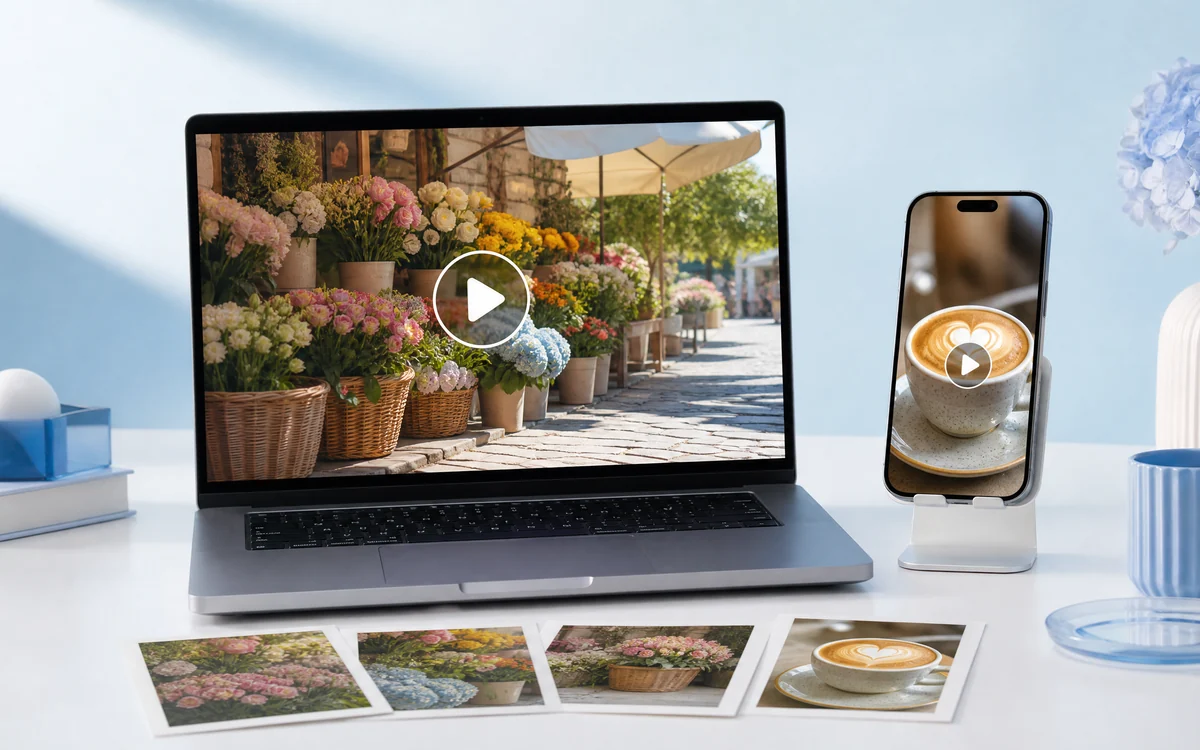
Real promo videos made from a few photos
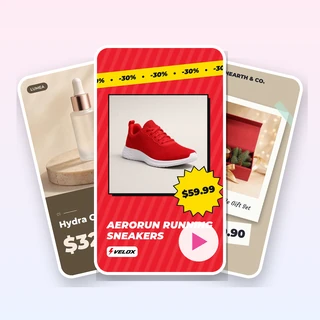
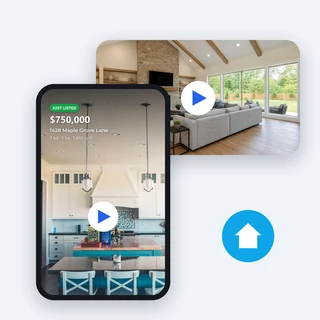
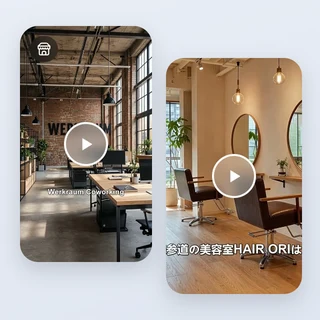
Each video below came out of Video Promo Online from the photos and the one sentence listed under it.
All three are 15-second 1080 × 1920 videos with an AI voiceover, captions and music, 80 credits each. Inputs: a café with the offer “Buy one latte, get one free every Friday”; a yoga studio trial lesson for 1,000 yen; a Saturday flower market with no offer.
Make a promo video in three steps
Every video in Video Promo Online takes the same three steps.
Add your photos
Upload a JPG, PNG or WEBP photo up to 10 MB and at least 256 pixels on each side. A field for a second photo, then a third, appears as you go; one photo is enough.
Say what you promote
Under What are you promoting?, write one sentence: what you promote and, if you have one, your offer or selling point, such as “Buy one latte, get one free every Friday”. Only the facts you type are used.
Pick a ratio and generate
In Output Settings choose 9:16 Vertical or 16:9 Horizontal, then click Generate promo video. The price of 80 credits shows on the button before you submit.
Your photos stay the star of every shot
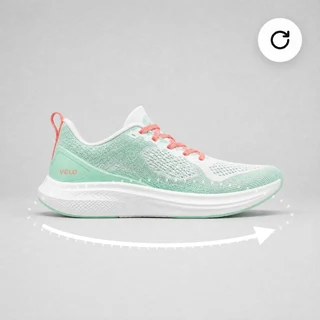
Video Promo Online builds each 5-second shot from one of your own photos: it restages the photo as a polished ad still, then adds a camera move. Your product, dish, shop sign or venue stays recognizable instead of being swapped for stock footage.
- Three photos give one shot each; with two, the first is used twice
- One photo is enough: it is staged three different ways
- Shapes, colors and signs are kept; small printed text may blur
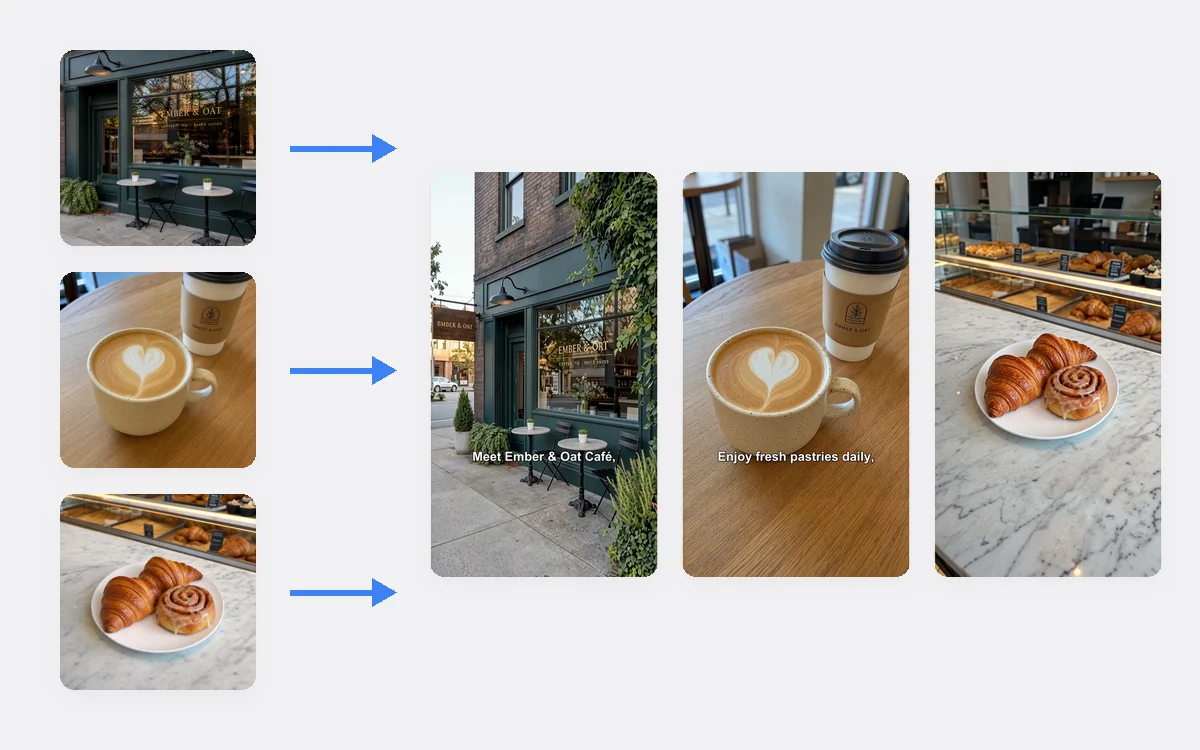
Vertical or horizontal, with voice and captions
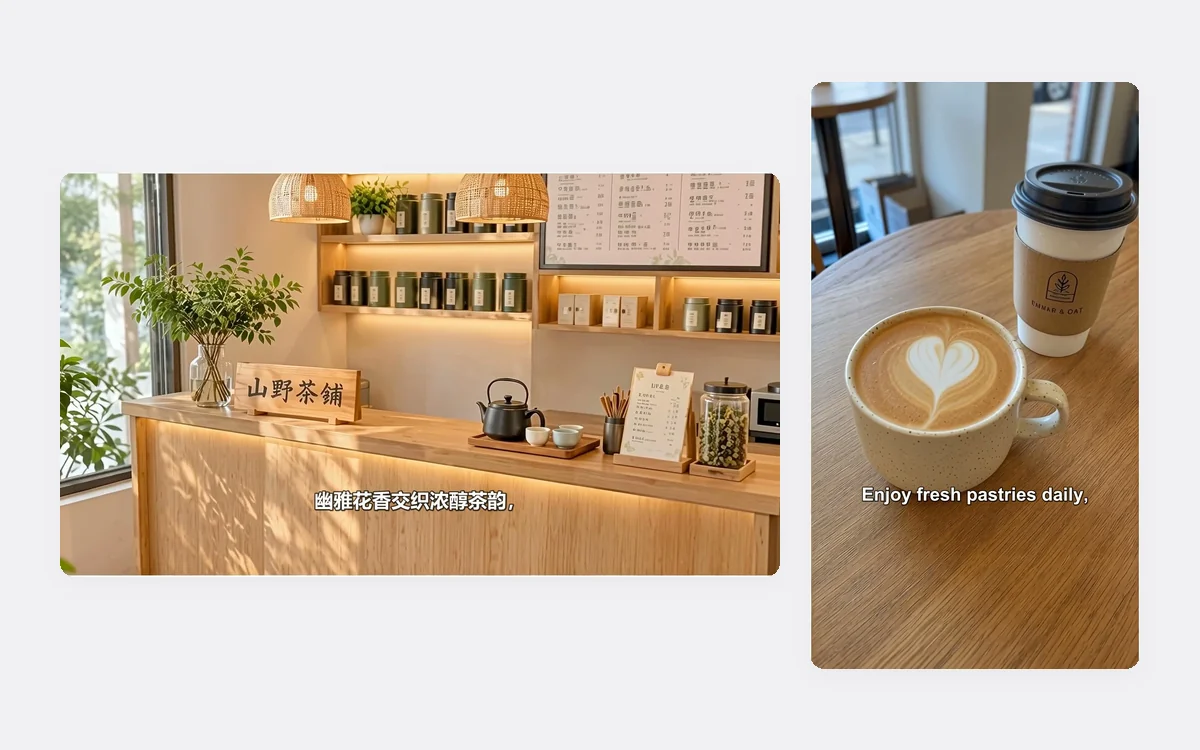
Choose 9:16 for Reels, Shorts, TikTok and Stories, or 16:9 for YouTube, websites and in-store screens. Video Promo Online writes a short script from your sentence, reads it with an upbeat AI voice and adds captions, all in the language you wrote in.
- 9:16 is 1080 × 1920 and 16:9 is 1920 × 1080
- Write in Chinese, Japanese, Spanish or German and the voice follows
- Background music plays quietly under the voice
Who uses it, and for what
Three everyday promotions that Video Promo Online turns into a short video.
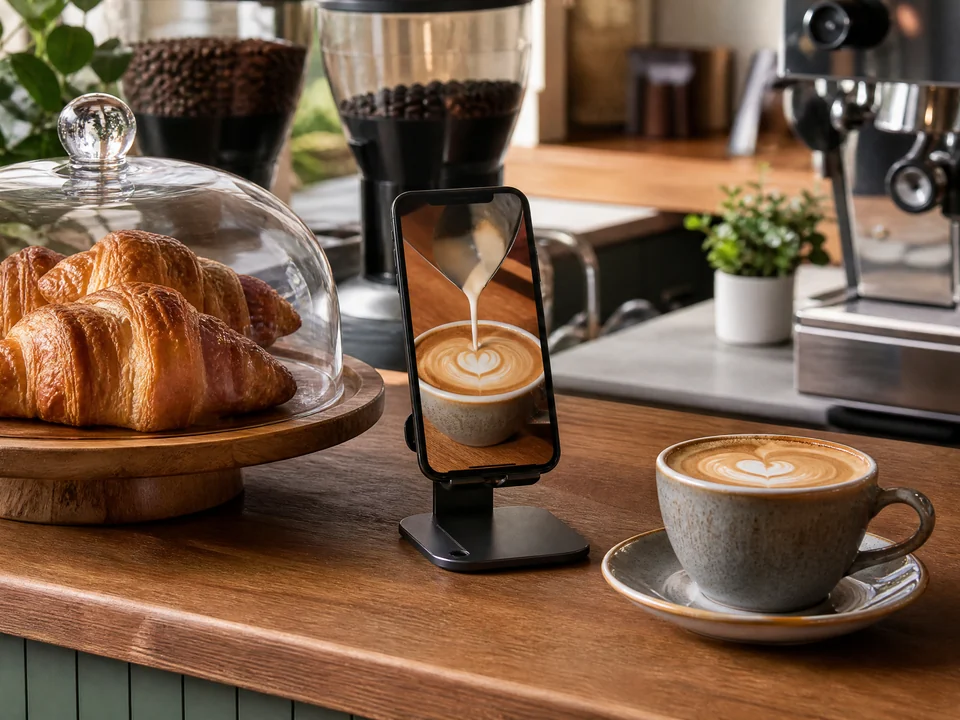
A café announcing a weekly deal
A coffee shop uploads its storefront, a latte and its pastries, writes its name and the Friday offer, and posts the vertical video to Reels and its business profile.
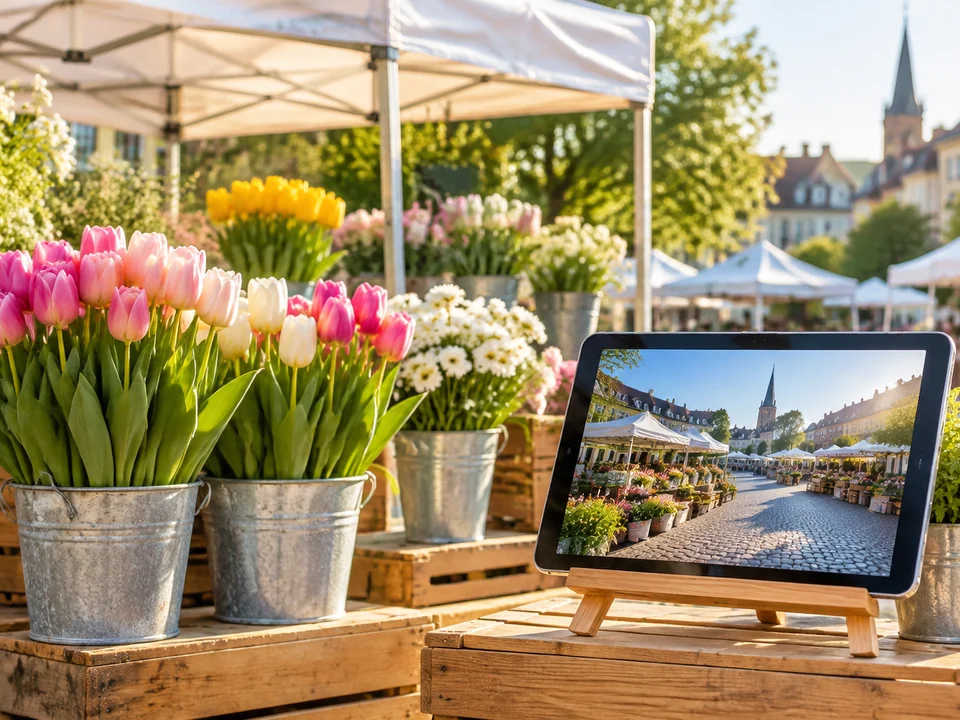
A market or event inviting visitors
The organizers of a weekend flower market add photos of the stalls and the square, describe the place and day, and play the horizontal video on a screen and their website.
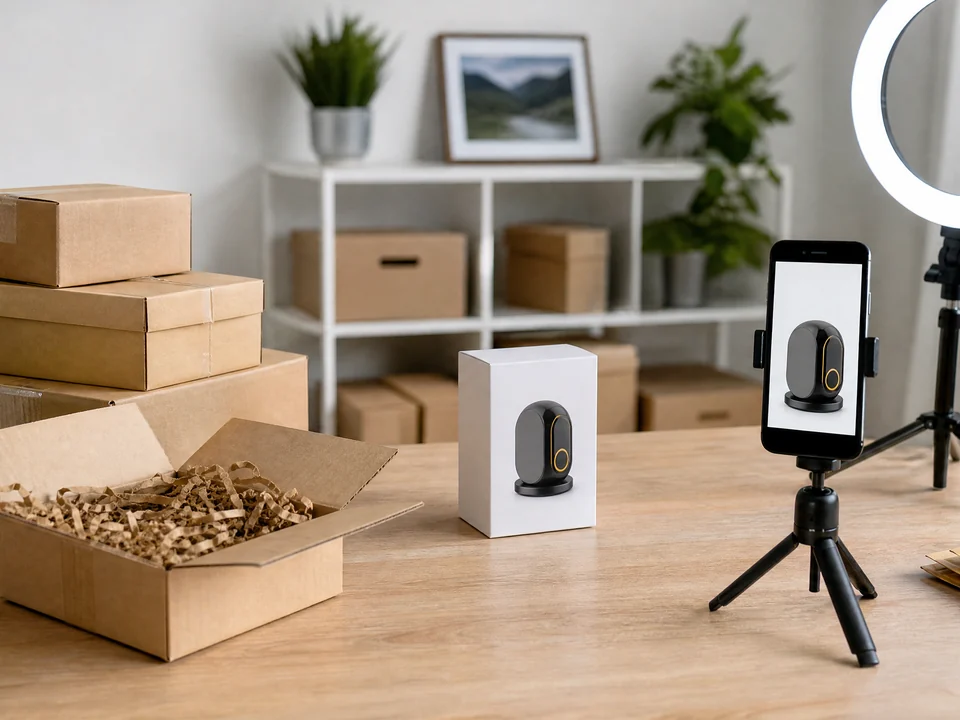
An online seller launching a product
A small brand uploads two photos of a new product, describes what is new in one sentence, and gets a short promo to post on TikTok, Shorts and its product page.
Frequently asked questions
Which photos work best in Video Promo Online?
Clear JPG, PNG or WEBP photos up to 10 MB and at least 256 pixels on each side: a product, a dish, a shop front, a room or an event scene. Each photo becomes one shot, so choose photos that show different sides of what you promote.
How many credits does Video Promo Online use?
Every video costs 80 credits, whatever the number of photos, the ratio or the language. The price appears on the Generate promo video button before you submit, and a video that fails to generate is refunded in full automatically.
Will the video invent prices or discounts?
No. The script uses only what you type under What are you promoting?. If your sentence has no offer, the video does not mention prices, discounts or deadlines. Watch the finished video before you publish it.
Which language is the voiceover in?
The language you write in. Write your sentence in English, Chinese, Japanese, Spanish, German or another language, and Video Promo Online writes the script, reads it and adds the captions in that language.
How long does a video take, and where do I find it?
A video usually takes about 5 to 10 minutes. The finished MP4 appears in your creations next to the form, where you can play it, download it and reuse its settings for your next video.
Can I add my logo, an end card or my own music?
Yes for your logo: in Personalize you can add a logo, your shop or brand name and a website or phone, all optional. They appear together over the closing shot in the last 3 seconds. Video Promo Online still adds no separate end card, and the background music is chosen for you. The shapes and colors of your photos are kept, but small printed text inside a shot may blur.
Promote your next offer with a video
Sign in, upload one to three photos, and Video Promo Online shows the 80-credit price before anything is generated.