

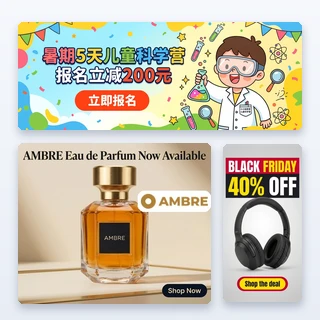


AI Campaign Generator
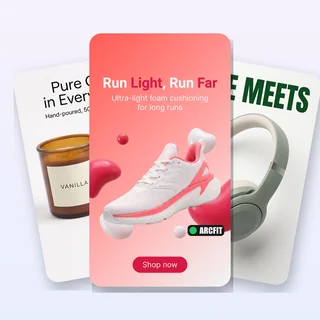
Upload a product photo and describe your campaign. Get matching ads for Facebook, Instagram, TikTok and Google Display, with copy for each platform, a launch email and landing page copy.
AI Campaign Generator: a full ad campaign from one product photo
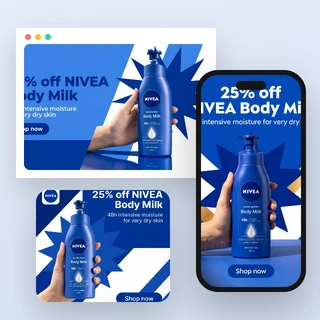
Upload one product photo and write what your campaign is about. AI Campaign Generator plans one campaign idea and delivers matching ads for Facebook and Instagram feeds, Reels, Stories and TikTok, and Google Display, with copy written for each platform, a launch email and landing page hero copy.
- Feed 4:5, full-screen 9:16 and Google Display 1200 × 628 + 1:1
- Meta, TikTok and Google ad copy, an email and landing page copy
- 7 credits per image, 28 for all three channels
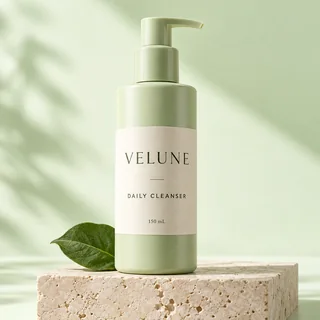
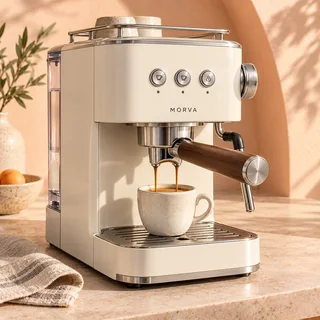
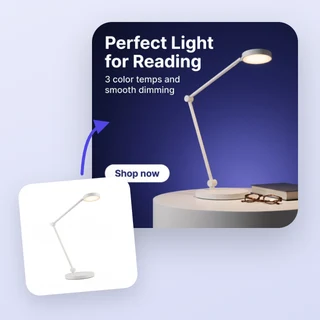
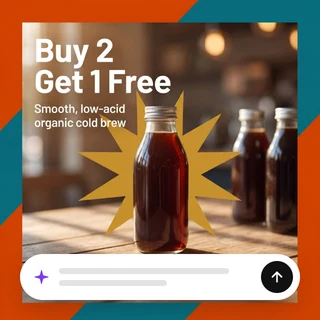
Five products, five complete campaigns
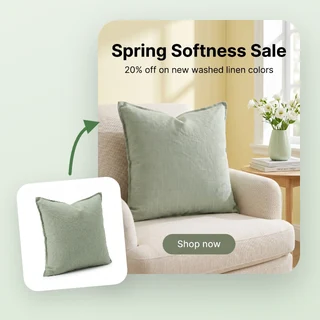
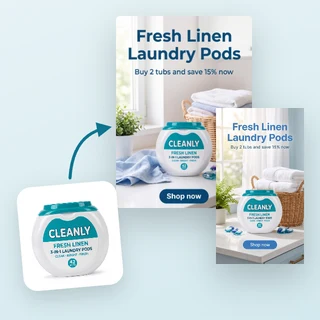
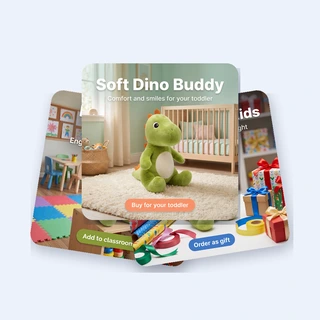
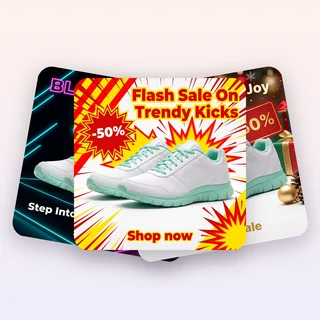
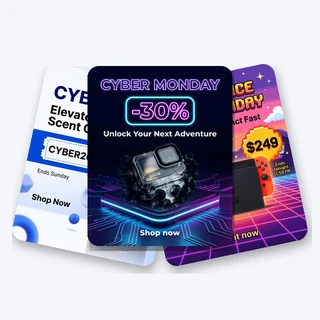
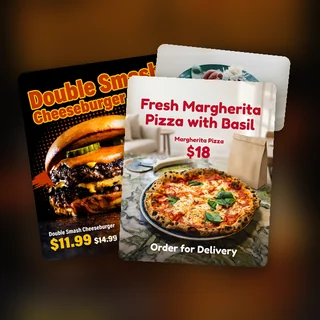
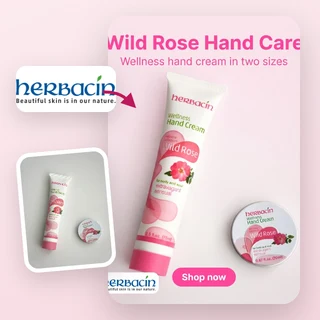
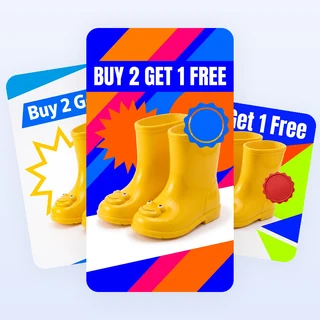
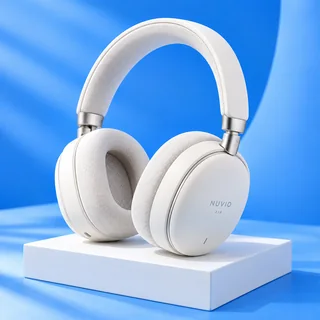
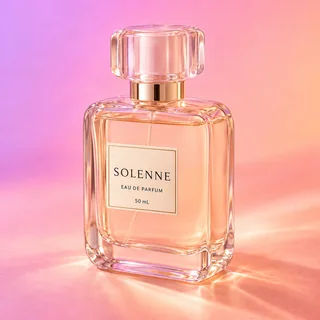
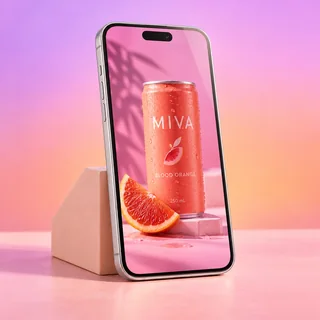
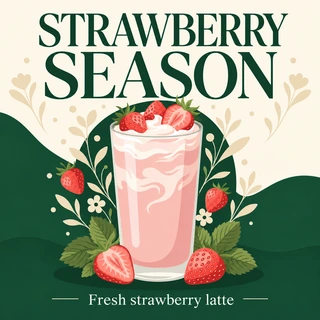
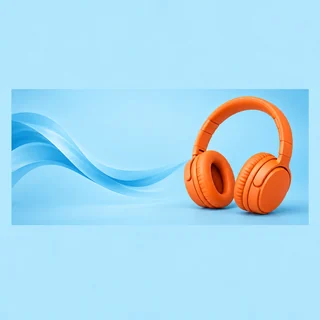
Real results from AI Campaign Generator: five new products, each run once with its own goal and channels.
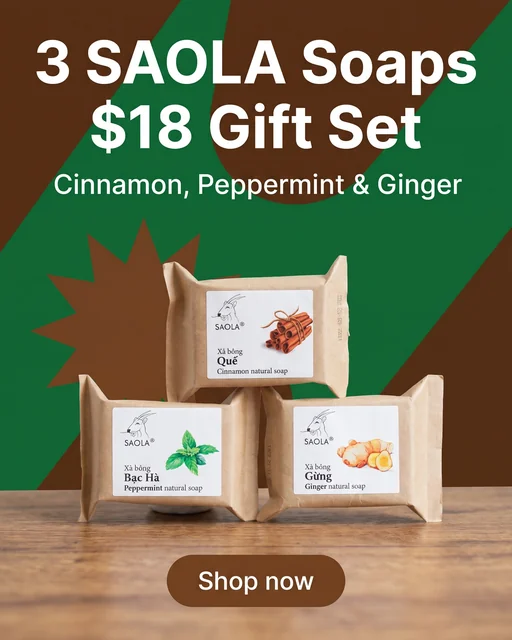
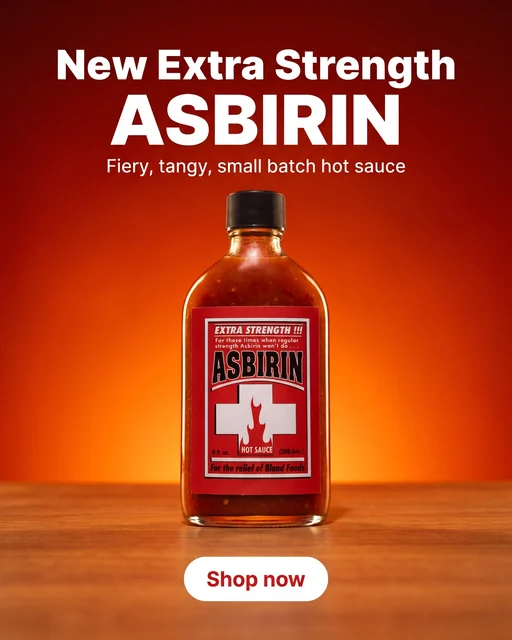
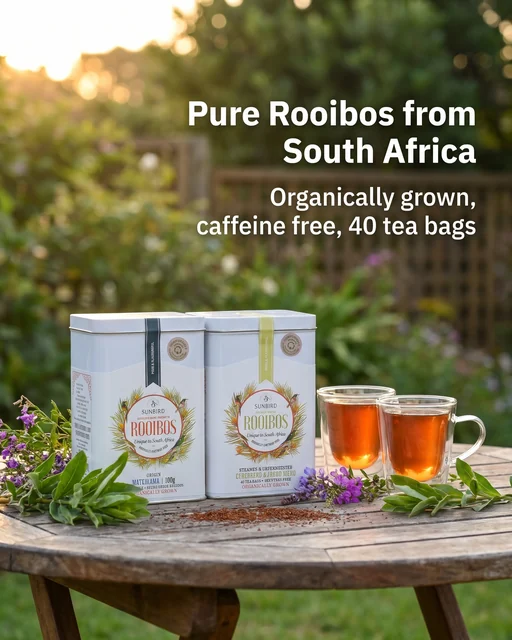
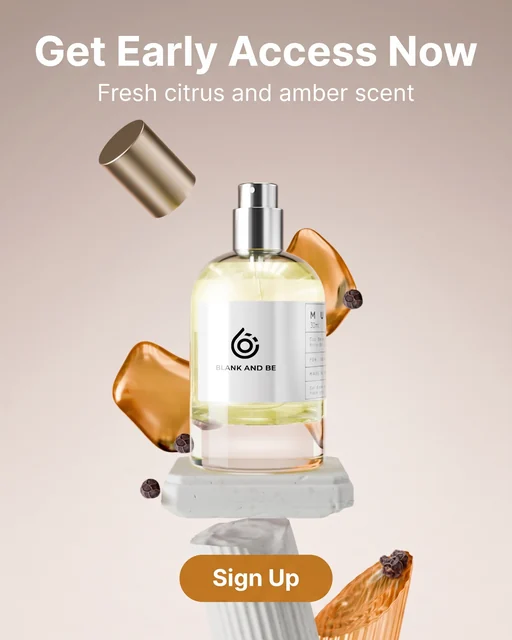
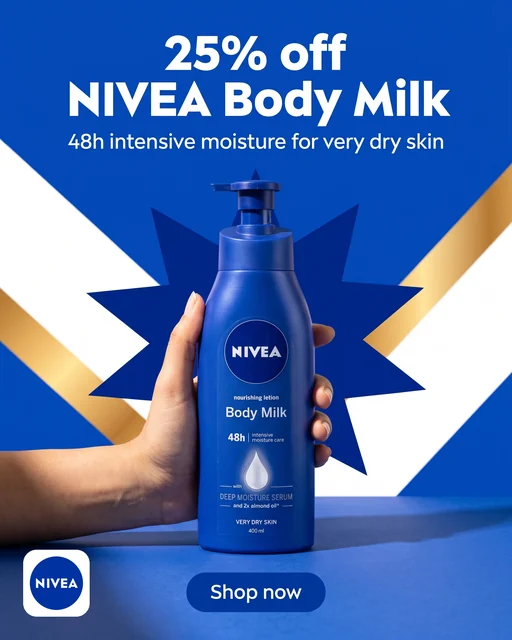
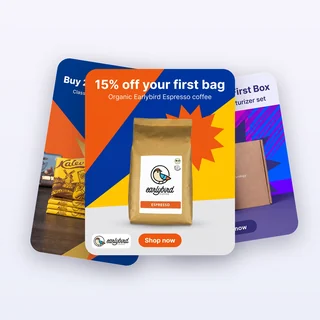
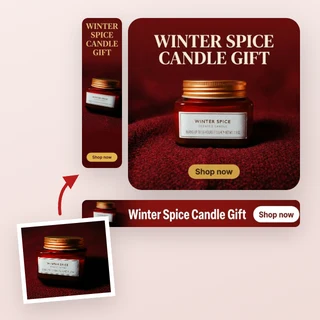
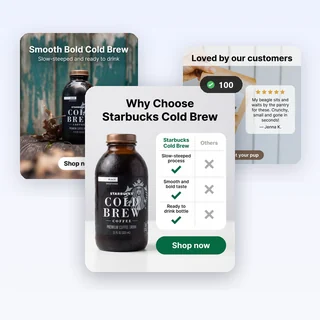
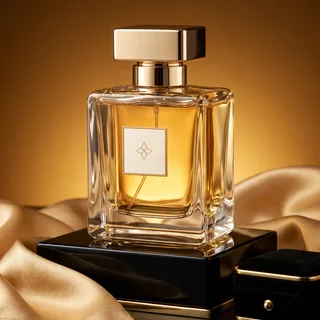
Input: one product photo, a short campaign brief, a goal and the channels. Shown here: the Feed image of each campaign; every selected channel gets its own image of the same scene and headline, plus the copy for every platform.
Plan a campaign in three steps
Every campaign in AI Campaign Generator comes from the same three steps.
Upload your product photo
Add one clear JPG, PNG or WEBP photo up to 10 MB, at least 256 pixels on each side, or bring it in from a product page with Import link. The product keeps its shape, colors and label in every ad.
Describe the campaign and pick a goal
Write what the campaign promotes in up to 500 characters, with the offer and dates first, such as 20% off, Dec 1-15. Then choose Promotion, Product launch, Brand awareness or Lead generation. Your logo and brand color are optional, under Personalize.
Choose channels, then generate
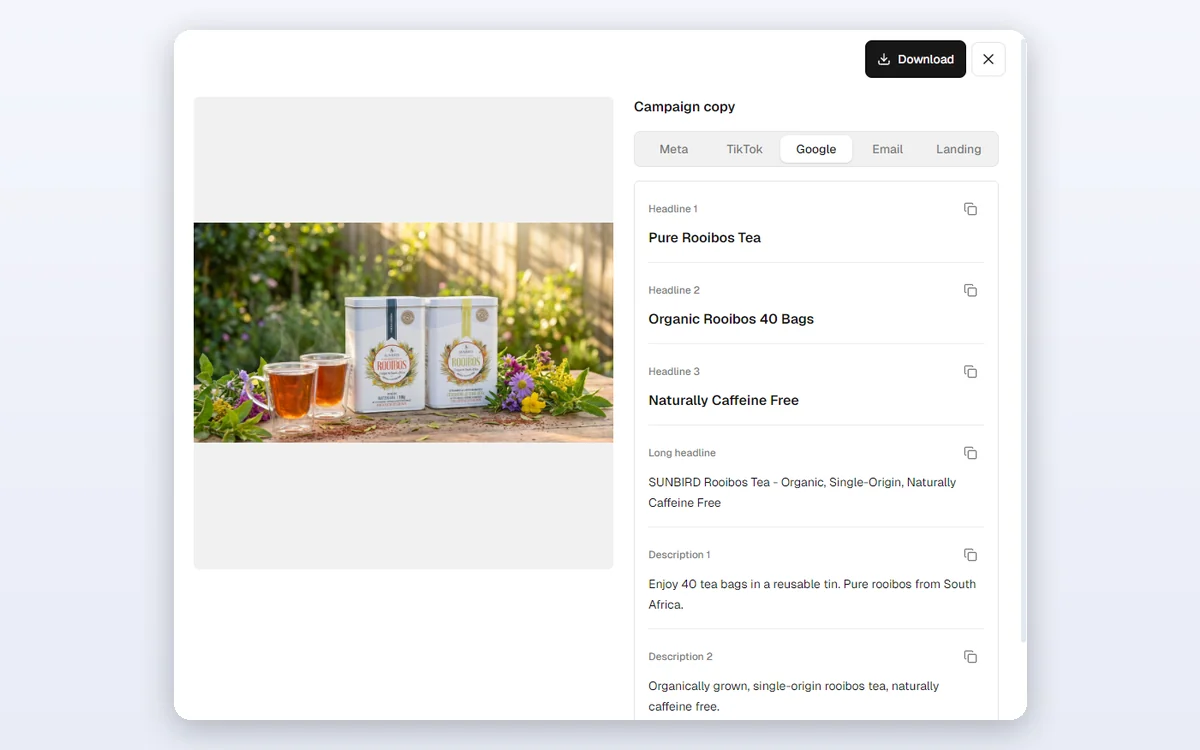
In Output Settings, Feed, Full-screen vertical and Google Display are all selected; untick any you do not need. Start generating shows the total first. Each image appears as its own card, and View ad copy opens the Campaign copy of every channel.
One campaign idea, every channel size
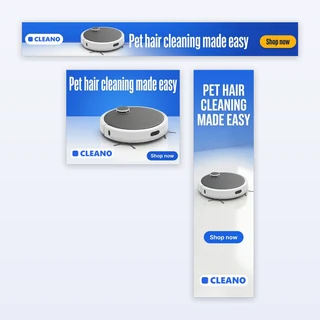
AI Campaign Generator writes one scene and one on-image headline, then recomposes them for each channel you pick: a 4:5 image for the Facebook and Instagram feeds, a 9:16 image for Reels, Stories and TikTok that keeps the text clear of the app interface. For a Google responsive display ad it delivers the same scene as clean 1200 × 628 landscape and 1:1 square images with no text, logo or button, so Google can add your Google headlines and button, as Google recommends.
- Same product, scene, colors and headline in every size
- Clean Google images: Google adds your headlines and button
- Pick only the channels you run and pay only for those
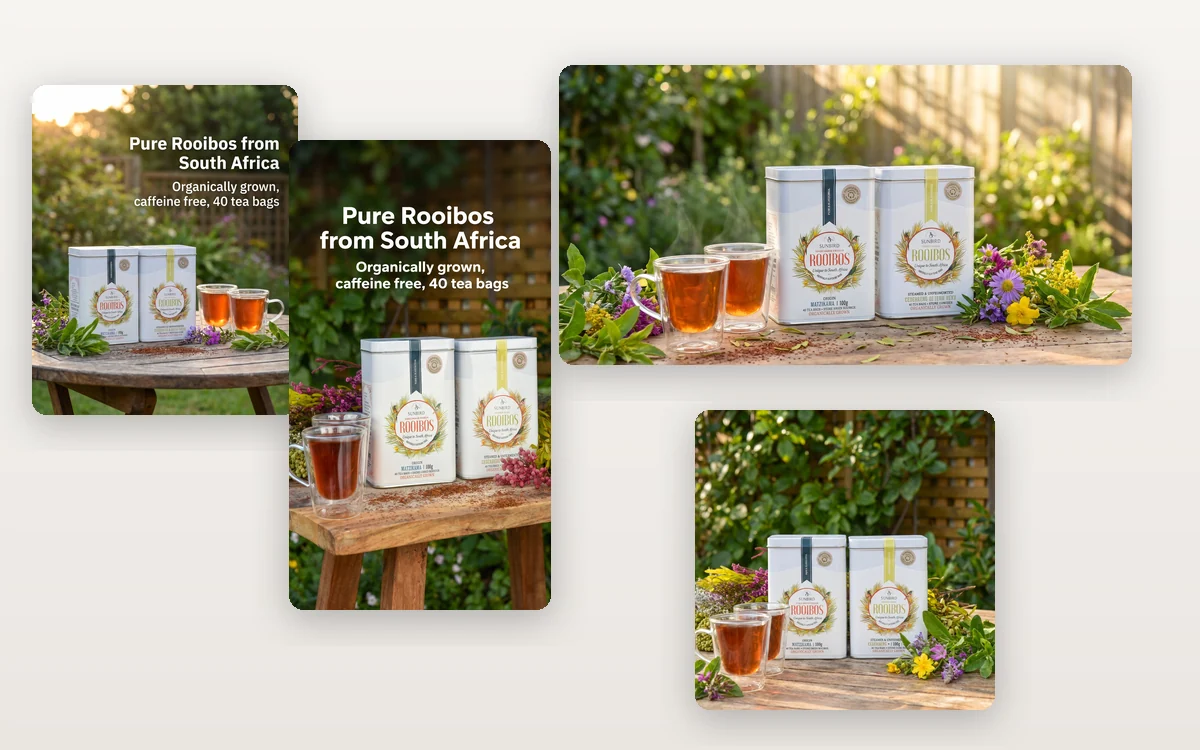
Copy for every platform, an email and a landing page
With the images, AI Campaign Generator writes the whole campaign's text. Open View ad copy on any image to see the Campaign copy: Meta primary text, headline and button, TikTok ad text, 3 Google headlines, a long headline and 2 descriptions, a launch email with subject line, and landing page hero copy. Copy one field or a whole tab.
- Google headlines up to 30 characters, as Google requires
- Offers you write in the brief are used as written
- Copy follows the language of your brief
How marketers use it
Three everyday campaigns AI Campaign Generator is built for.
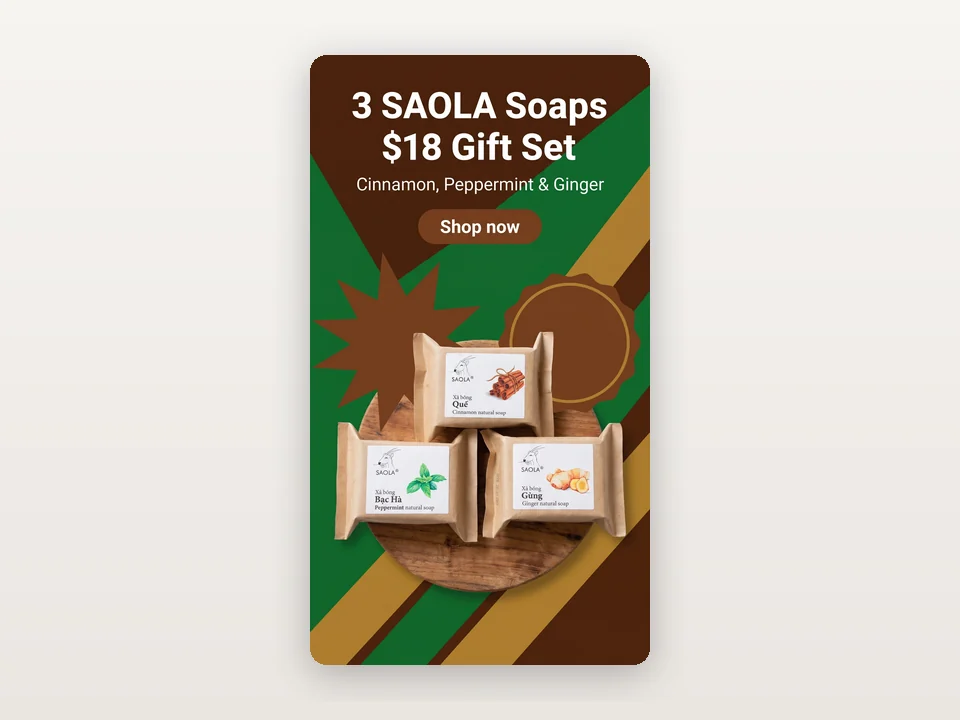
A holiday offer for feeds and Stories
A soap shop writes Holiday gift set: 3 soaps for $18 until Dec 24, picks its kraft brown brand color and keeps Feed and Full-screen vertical. One run gives the feed ad and the Reels, Stories and TikTok ad with the same offer, plus an email to send the same day.
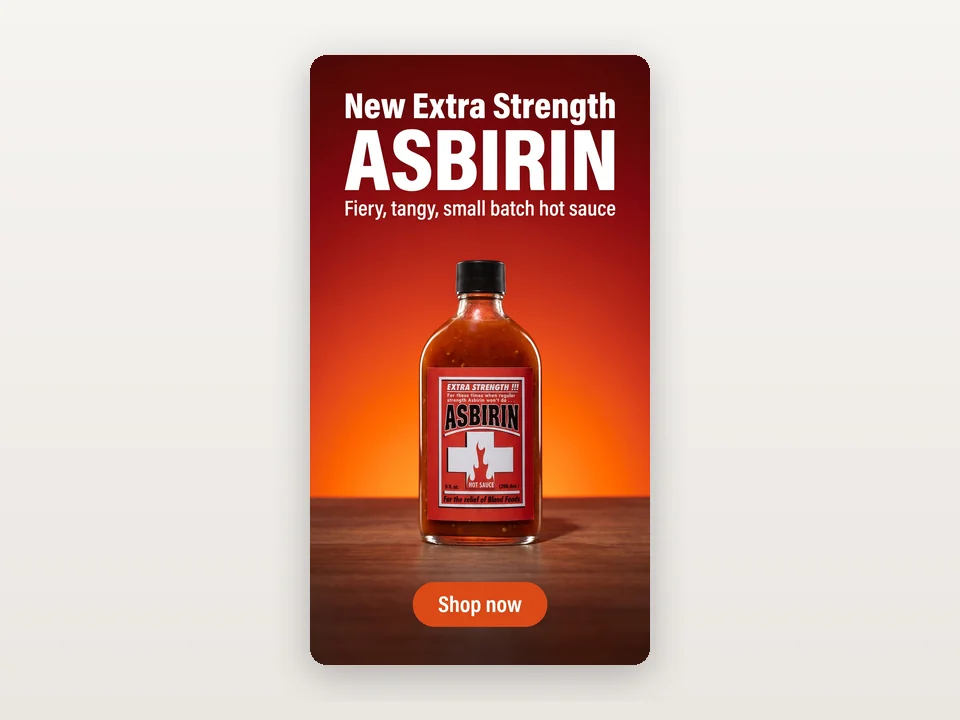
Launching a new product
A hot sauce brand chooses Product launch with Feed and Full-screen vertical. The ads introduce the new bottle, and the landing page hero copy is ready for the product page.
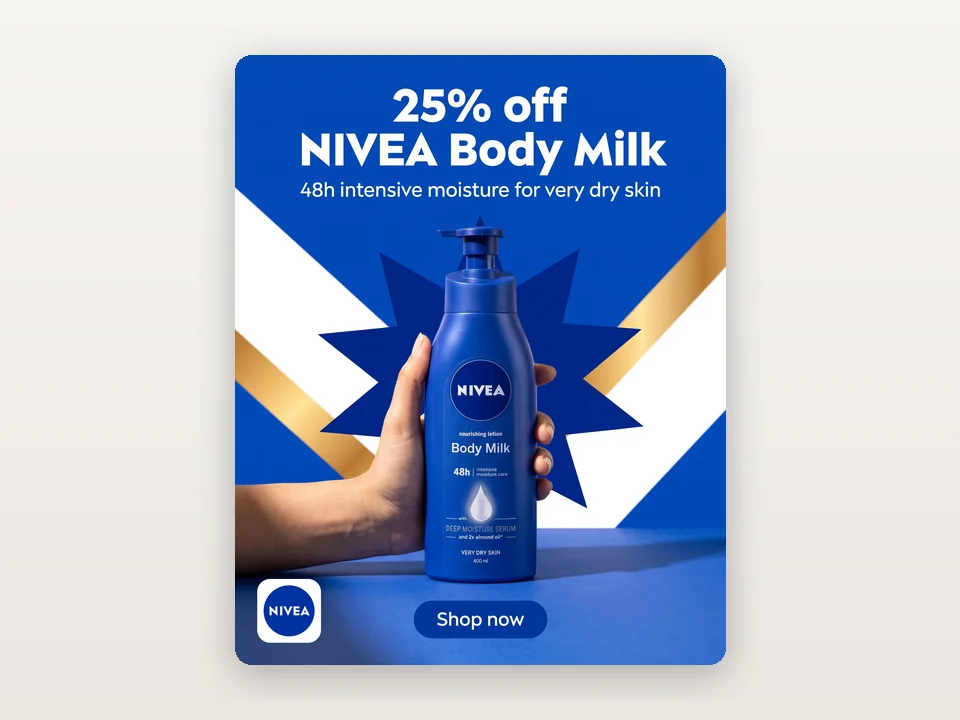
Your logo on feed and vertical ads
A skincare brand uploads its logo under Personalize. The logo is placed exactly as uploaded on the feed and full-screen vertical ads, and the brand color is taken from it. The Google images stay clean, as Google recommends, in the same colors.
Frequently asked questions
How many credits does AI Campaign Generator use?
Each image costs 7 credits. Feed and Full-screen vertical give one image each, and Google Display gives two, so all three channels are 4 images and 28 credits, and Google Display alone is 14. The total is shown before you generate, and any image that cannot be delivered is refunded automatically.
Which platforms are the ads made for?
Feed (4:5) fits the Facebook and Instagram feeds, Full-screen vertical (9:16) fits Reels, Stories and TikTok, and Google Display gives a 1200 × 628 landscape and a 1:1 square image for a Google responsive display ad. The Google images carry no text, so Google can add your headlines and button; the square one also works in square feed placements.
Does it publish the campaign to my ad accounts?
No. AI Campaign Generator does not connect to Meta, TikTok or Google accounts. You download the images and copy the text, then set up the ads, the email and the page in your own tools, where you keep control of targeting and budget.
What language is the campaign copy?
Every text is written in the language of your campaign brief. If that is unclear, the language of the site you are using is used. Brand and product names stay exactly as you typed them or as printed on the product.
Will my product be changed?
AI Campaign Generator is built to keep your product's shape, colors, printed text and logo as they appear in your photo. The background, props and lighting around it are new. Still check every ad before you publish it.
Will AI invent discounts or claims?
No. AI only uses what is visible in your photo and what you write in the brief. Put your offer at the start of the brief, such as 20% off this week; without one, no prices, discounts, deadlines, reviews or awards are added.
Launch your next campaign today
Sign in, upload a product photo and AI Campaign Generator shows the price before anything is generated.