





AI Localization Ecommerce
Translate the text on your product listing images into up to 5 languages at once. Layout, colors, product, brand names and prices stay the same, and every image comes with a copyable translation list.
AI Localization Ecommerce: your listing images in every market's language
Upload the images you already sell with, main images, selling-point images, A+ banners or promo banners, and AI Localization Ecommerce swaps their text into up to 5 languages at once. The layout, colors, product, brand names and prices stay as they are, so each new image can replace the original one for one.
- 1 to 10 images × up to 5 languages, up to 20 images per order
- Brand names, packaging text and every number kept
- 7 credits per translated image, same size as the original
Real images before and after
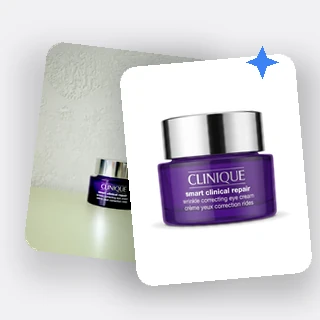
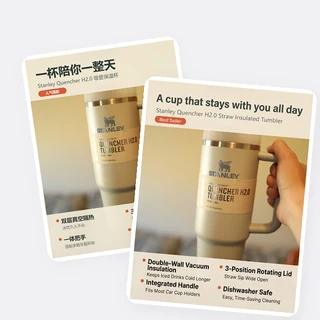
Real results from AI Localization Ecommerce: five sellers' images, each translated into another market's language.
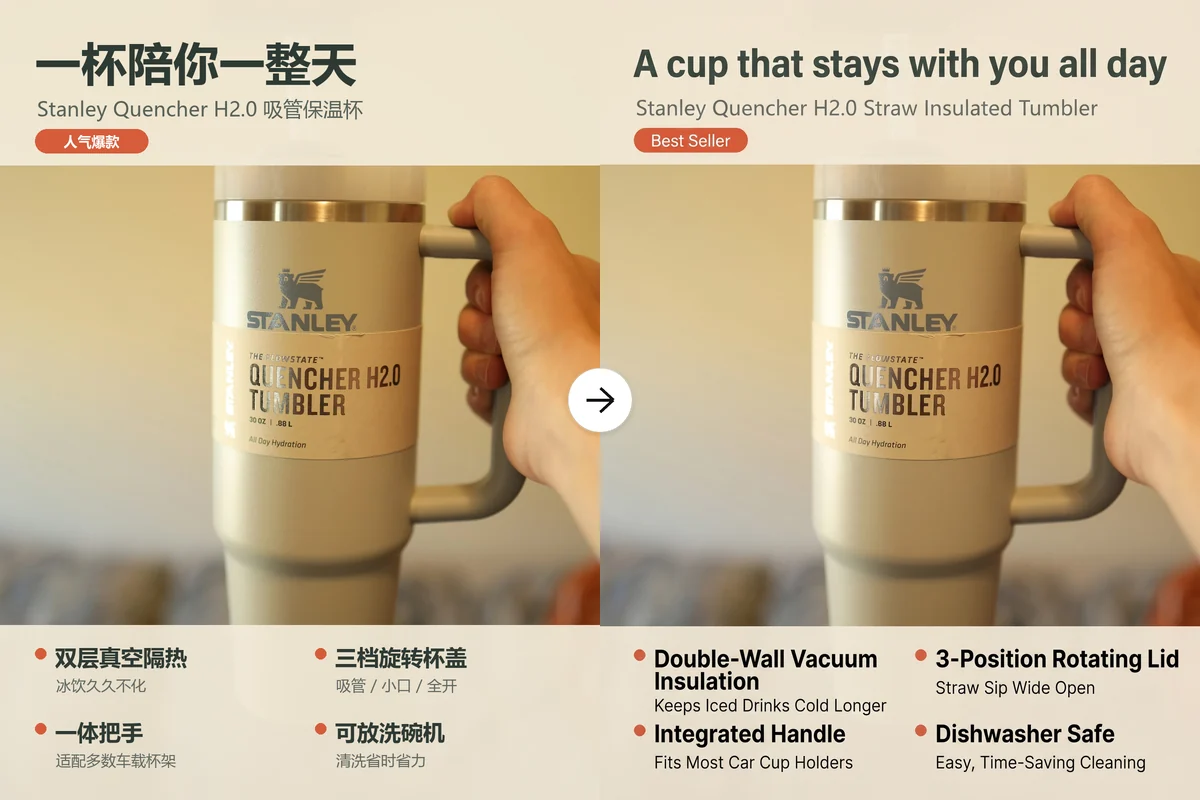
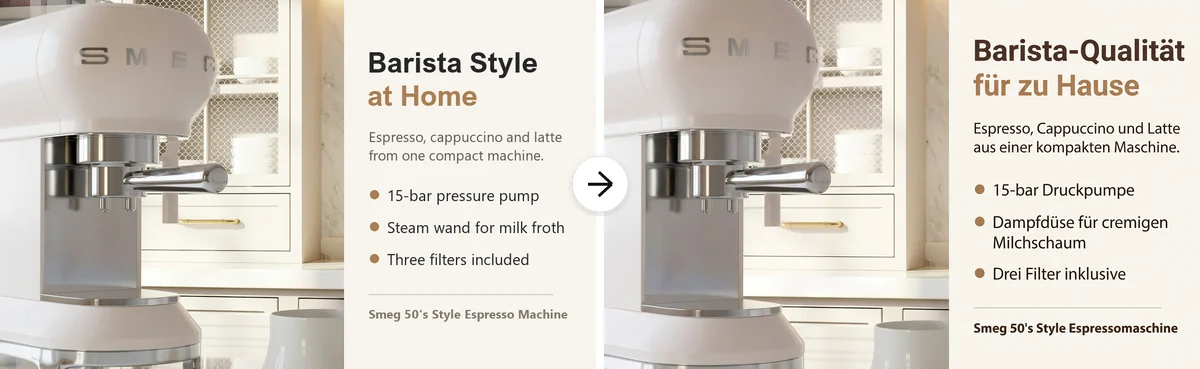
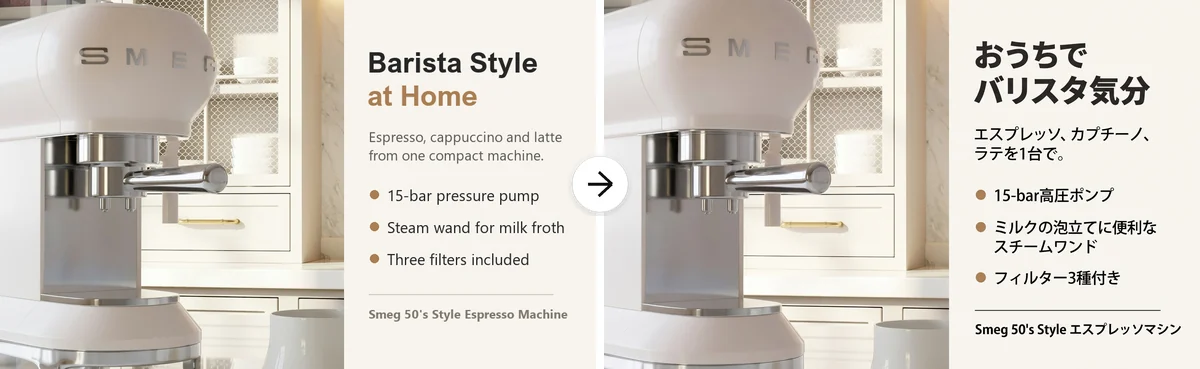
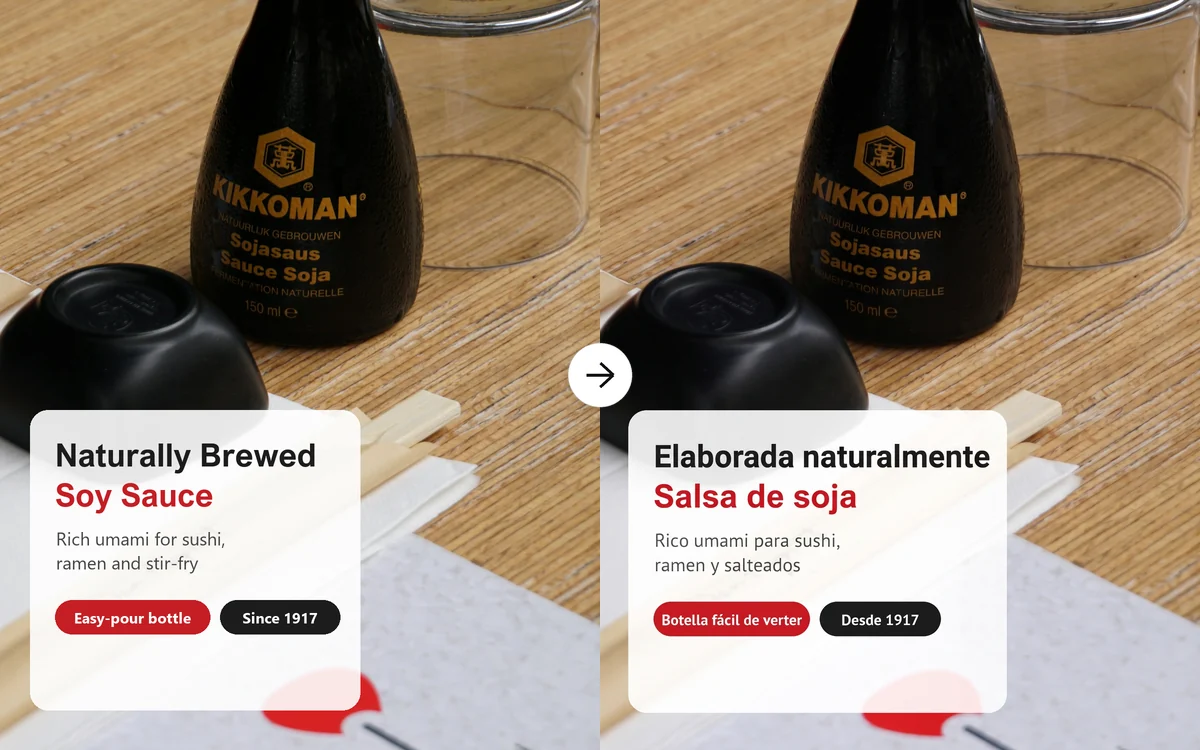
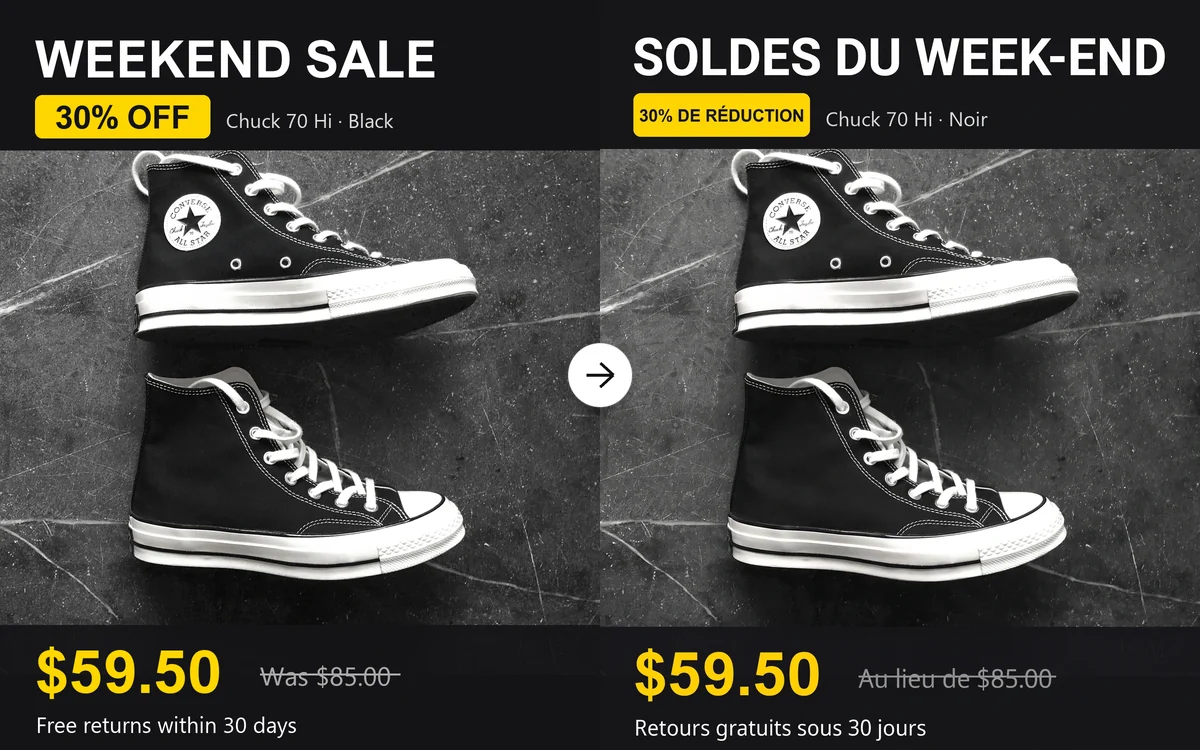
Left: the image as uploaded. Right: the translated image. Only the text changes.
Localize a batch in three steps
Every order in AI Localization Ecommerce goes through the same three steps.
Upload your listing images
Drop in 1 to 10 JPG, PNG or WEBP images, each up to 10 MB and at least 300 pixels on the short side, or pick them from a product page with Import link. Long detail images taller than 9:16 need to be split first.
Pick the target languages
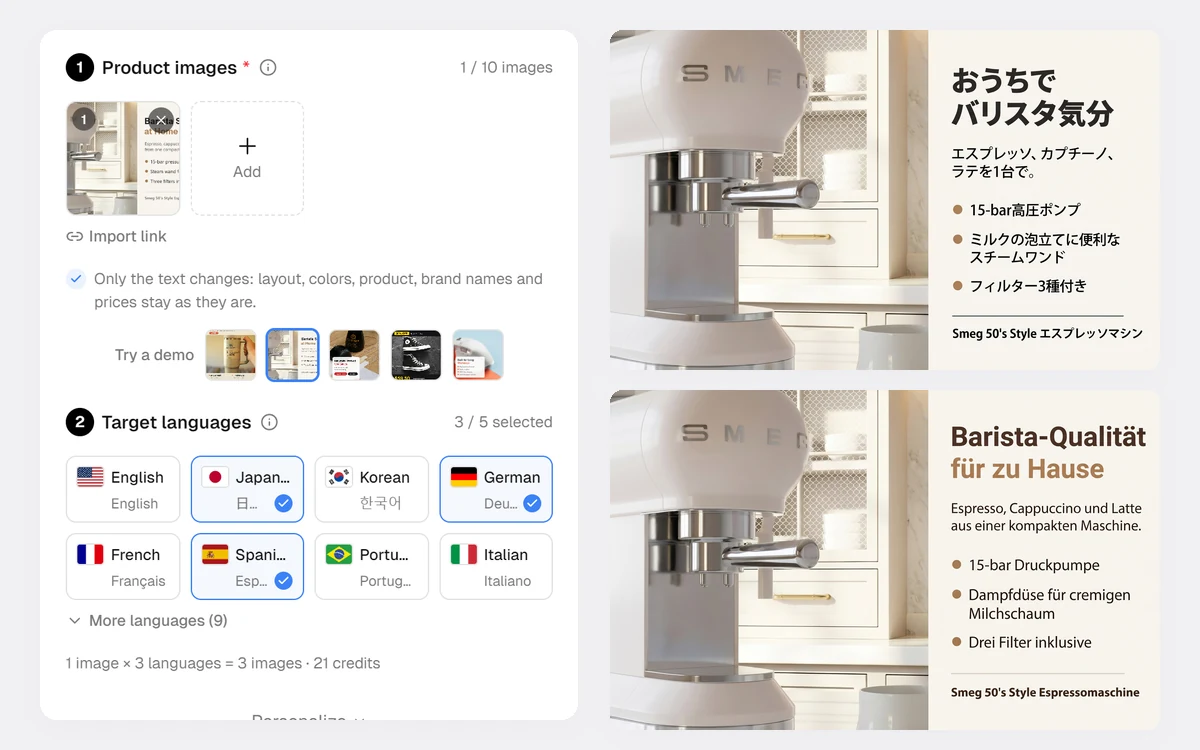
Tick up to 5 of 17 languages on the flag cards; the line below shows how many images you will get. Personalize lets you add words to keep, translate the packaging text too, give extra instructions and paste listing copy.
Generate and check
Start generating shows the credits first. Each image and language comes back as its own card with a language badge, a before and after view and a list of every original line next to its translation.
One upload, up to 5 languages
Selling on Amazon in Germany, Japan and Spain usually means three designers or three rounds of editing. AI Localization Ecommerce reads every text block on your image once and redraws it in each language you tick, keeping each line where it was, in the same color and a similar typeface. Arabic is set right to left.
- 17 languages, including Arabic, Japanese and Korean
- Up to 20 translated images per order
- Each result keeps the original image's size and shape
Your brand and your numbers stay untouched
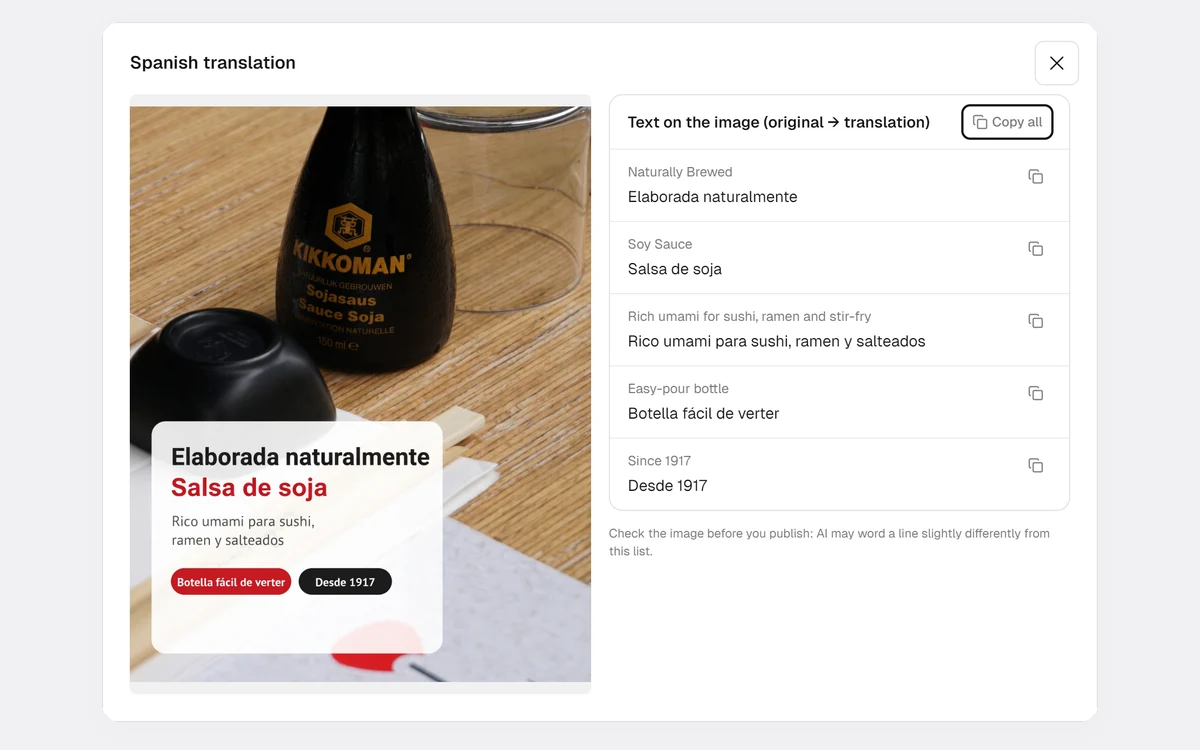
AI Localization Ecommerce sorts the text it finds: marketing text is translated, while brand names, logos, model names, prices, percentages and units are copied exactly. Text printed on the product or its box stays as it is unless you choose to translate it. Every image comes with a copyable list of original and translated lines, so you can check the wording or reuse it as alt text.
- Prices and numbers copied digit for digit
- Packaging text kept by default
- Translation list for every image
How sellers use it
Three everyday jobs AI Localization Ecommerce is built for.
Launching on a new marketplace
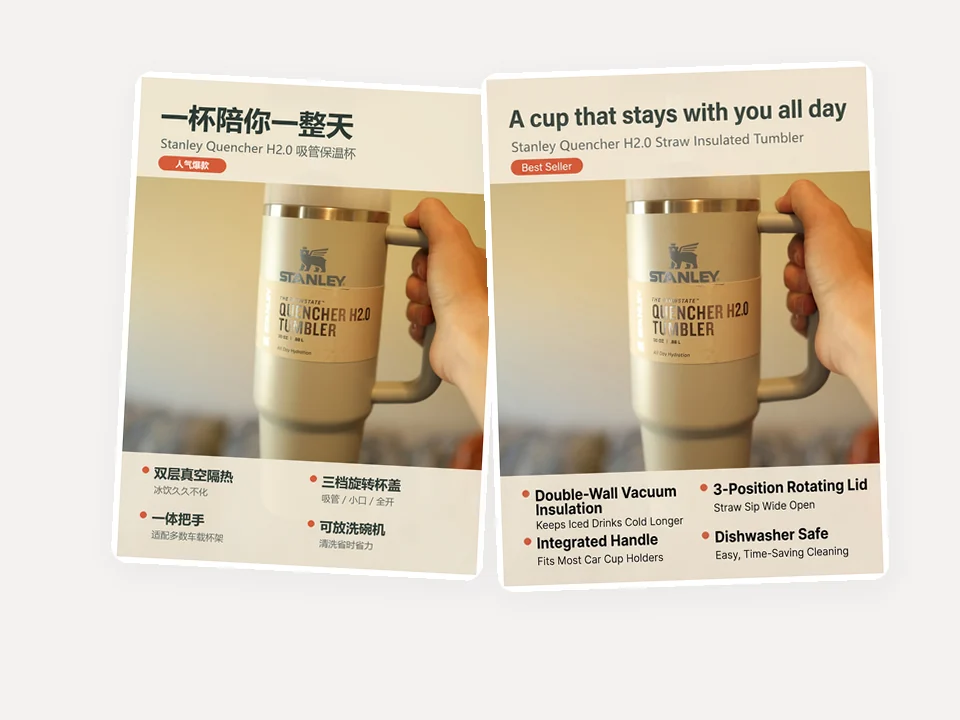
A factory store selling on Chinese platforms opens an Amazon US shop. Its selling-point images are translated into English in one order instead of being redesigned from scratch.
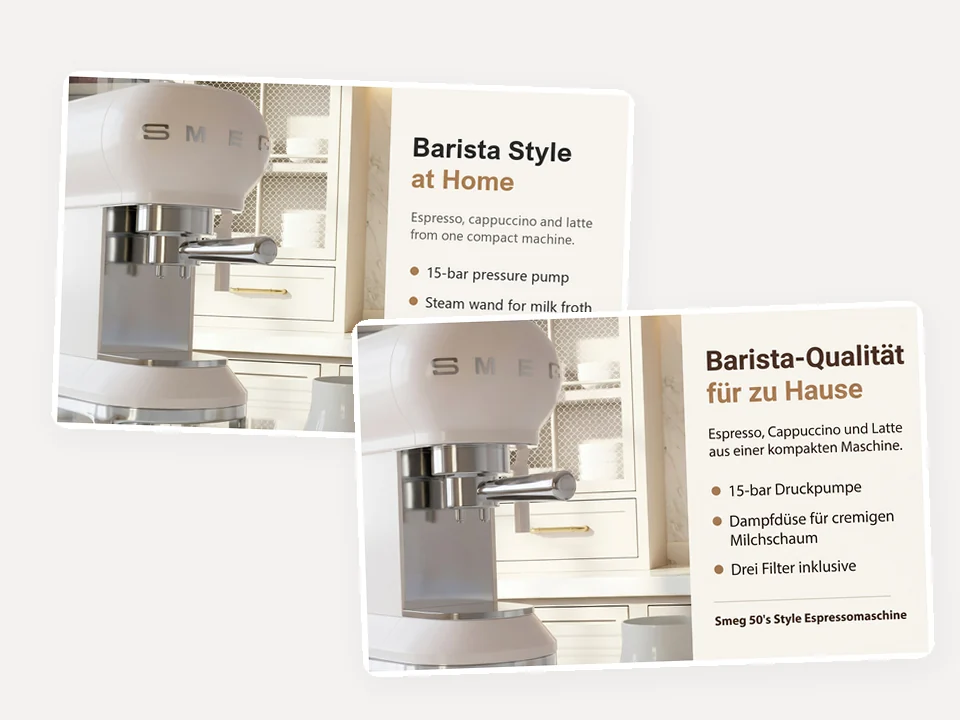
One A+ banner for several EU stores
A furniture brand uploads its English A+ banner once and ticks German, French and Italian. Each version keeps the layout and the model name, ready for the matching Amazon store.
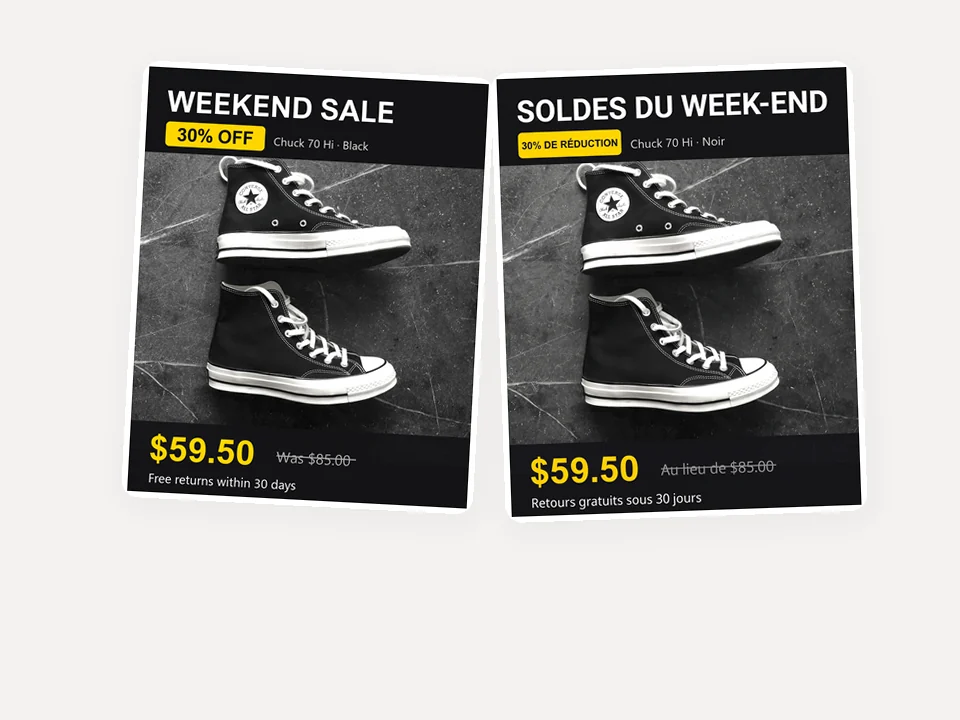
Holiday promos in local languages
A sneaker shop translates its sale banner for each market while the prices stay exactly as written; when a market needs another price, it says so in Extra instructions.
Frequently asked questions
How many credits does AI Localization Ecommerce use?
Each translated image costs 7 credits: one image in one language. Three images in two languages make six images, 42 credits. Translating your listing copy adds nothing. The total is shown before you generate, and any image that cannot be made is refunded automatically.
What if an image has no text or is already in that language?
AI Localization Ecommerce reads the text first. If there is nothing to translate for a language, that image is not made and its 7 credits are refunded; the works area tells you which image and language were skipped.
Will my product, logo or prices change?
They are kept: the product, brand names, logos, prices and numbers stay as they are, and the text printed on the package stays unless you choose to translate it. AI can still word a line differently or miss a detail, so compare each result with its translation list before you publish it.
Which languages are supported?
17: English, Japanese, Korean, German, French, Spanish, Brazilian Portuguese, Italian, Dutch, Polish, Turkish, Russian, Vietnamese, Indonesian, Arabic, Simplified Chinese and Traditional Chinese. You can pick up to 5 per order.
What size are the translated images?
Each one keeps the shape of the image you uploaded and is saved as a JPG 2048 pixels on its long side, so it can replace the original in your listing. Images taller than 9:16, such as long detail pages, are not supported yet; split them into parts first.
Can I change a price or keep a product name in English?
Yes. Put product or series names in Words to keep, and write changes such as a different price for one market in Extra instructions. Without instructions, AI Localization Ecommerce never changes a number.
Take your listings to new markets today
Sign in, upload your listing images and AI Localization Ecommerce shows the credits before anything is translated.