













Promotional Video
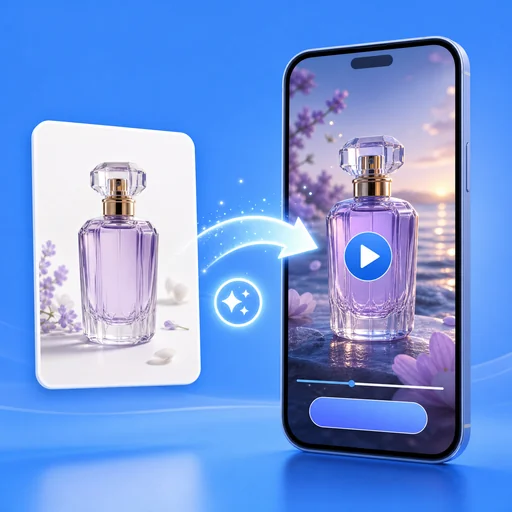
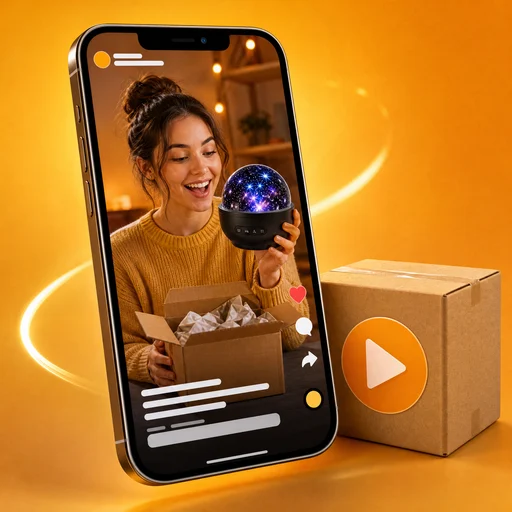
Turn 1–3 product photos, a promotion goal and your offer into a 15-second promotional video with voiceover, captions and music.
Promotional Video: turn product photos into a 15-second promo
Upload 1–3 photos, say what you are promoting, pick a goal (New launch, Limited-time sale, Event preview or Brand story) and add your offer if you have one. Promotional Video returns a 15-second clip with an AI voiceover, captions and music, ready to post.
- Four goals shape the script: launch, sale, event or brand
- Your discount, date or gift is stated word for word
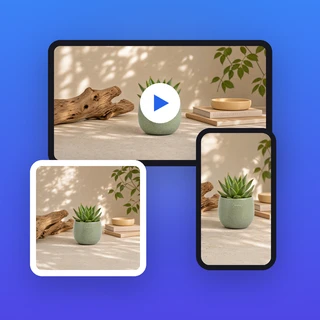
- Vertical 9:16, horizontal 16:9 or square 1:1
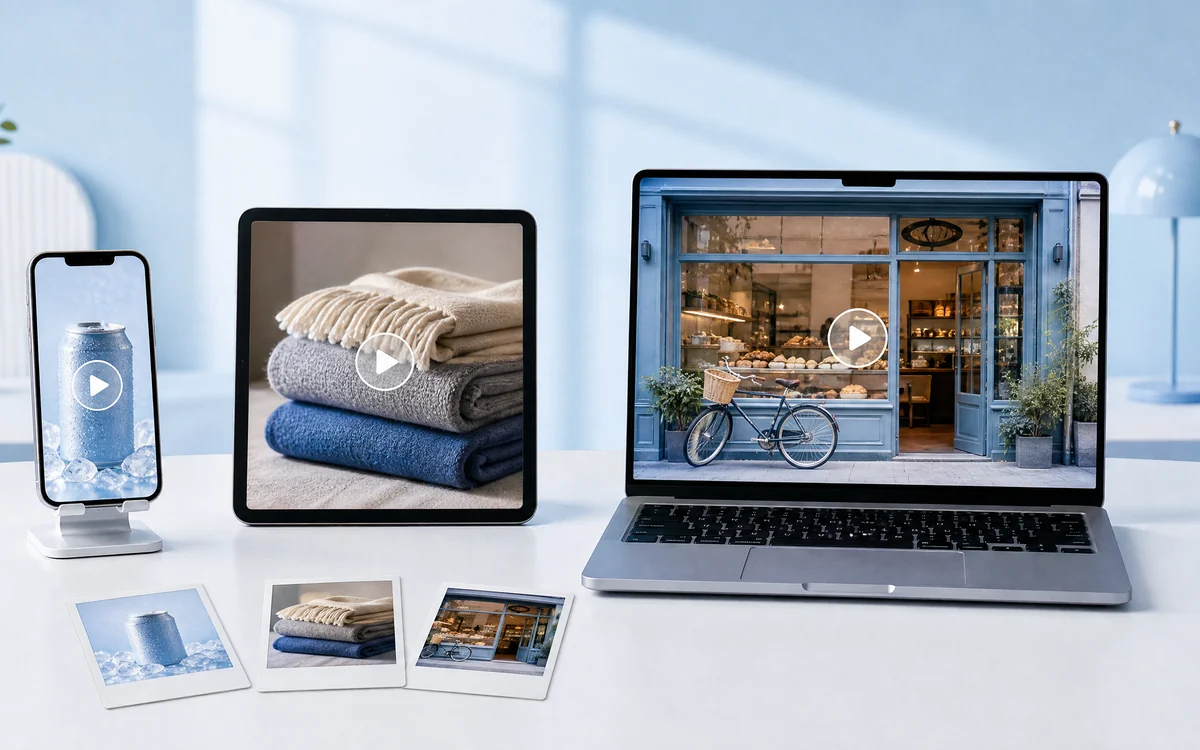
Real results in all three sizes
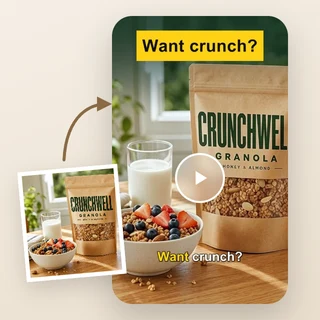
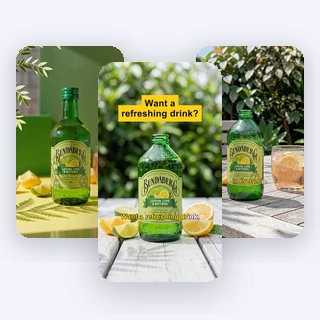
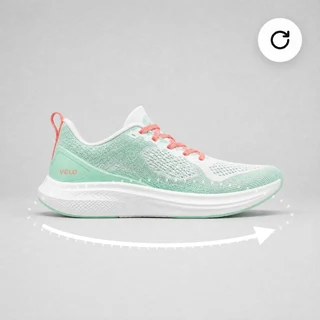
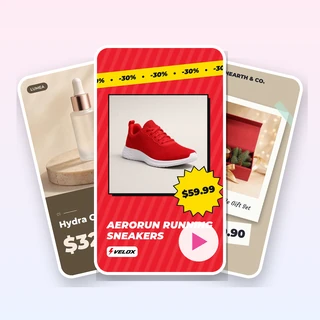
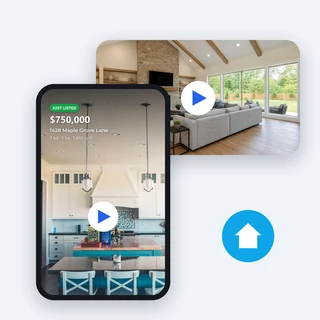
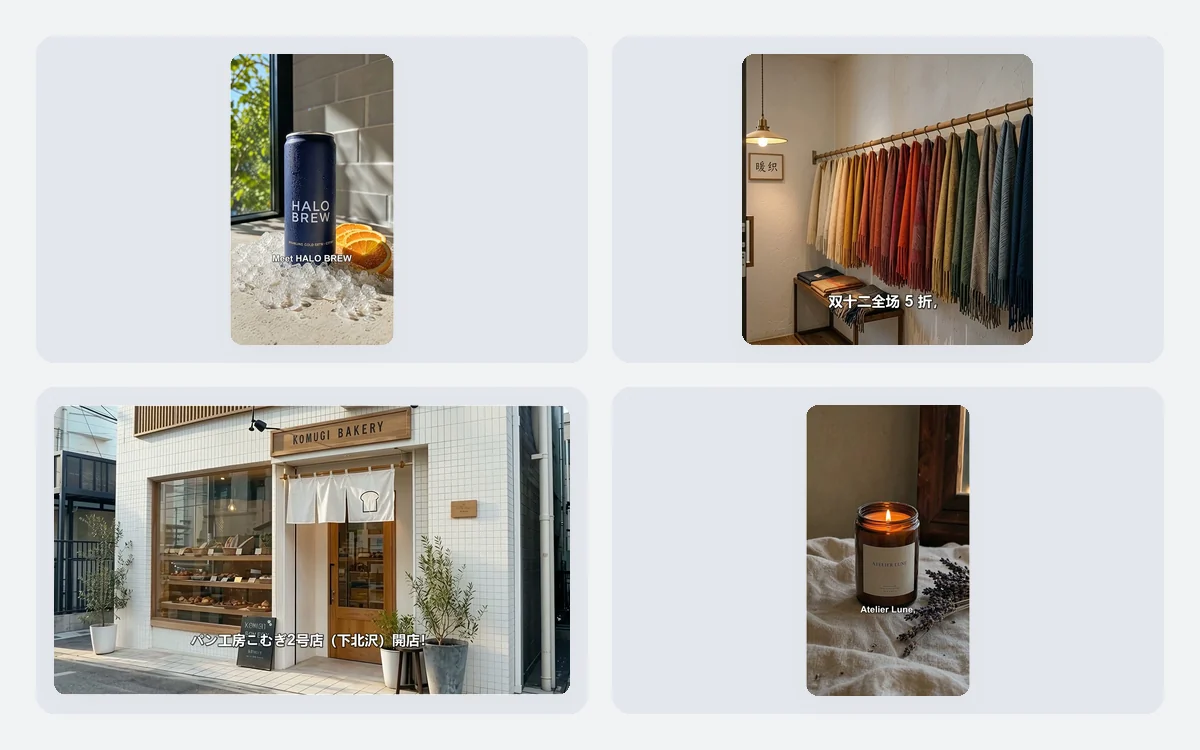
Each clip below came out of Promotional Video from the photos, goal and promotion details listed under it.
All three are 15-second videos with an AI voiceover, captions and music, 80 credits each. Inputs: a new citrus cold brew “in all Halo Brew cafés from June 1”; wool scarves at 50% off until December 12; a bakery opening on December 1 with a croissant for the first 100 guests.
Three steps from photo to post
Every clip takes the same three steps, and the price shows before you submit.
Add your product photos
Upload a JPG, PNG or WEBP photo up to 10 MB and at least 256 pixels on each side. A field for a second photo, then a third, appears as you go; one photo is enough.
Describe it and choose a goal
Under What are you promoting?, name the product or shop and its main selling point. Pick a Promotion goal, then add any Promotion details, such as a discount, a date or a gift.
Pick a size and generate
In Output Settings choose 9:16 Vertical, 16:9 Horizontal or 1:1 Square, then click Generate promotional video. The 80-credit price shows on the button first.
One goal, one clear message
The goal you pick decides what the voiceover stresses: what is new for a launch, the deal and its deadline for a sale, the date and place for an event, or craft and character for a brand. Promotional Video only uses facts you type, so an empty Promotion details field means no offer is mentioned.
- Promotion details are read exactly once, numbers and dates unchanged
- No invented prices, discounts or deadlines
- The voice and captions follow the language you write in
Made for every feed and screen
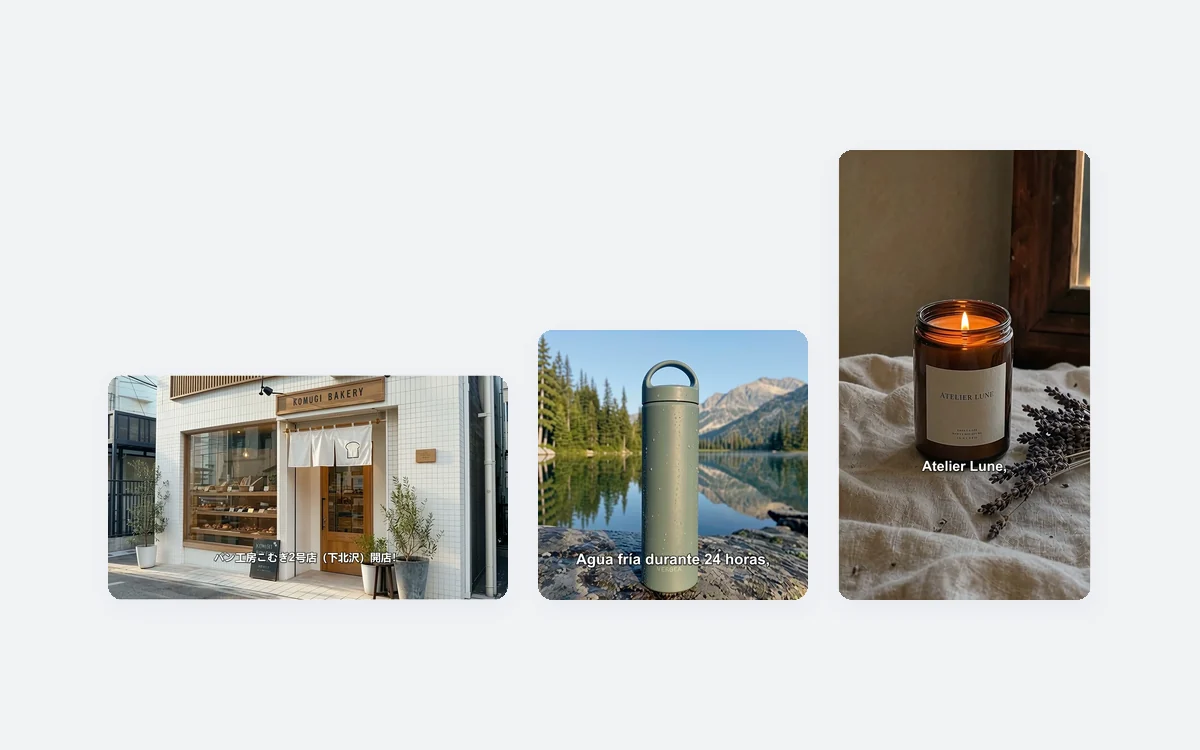
Choose 9:16 for Reels, Shorts, TikTok and Stories, 1:1 for Facebook, Instagram and LinkedIn feeds, or 16:9 for YouTube, websites and in-store screens. Promotional Video turns each of your photos into one 5-second AI shot, restaged to fill the frame you picked.
- 9:16 is 1080 × 1920, 1:1 is 1080 × 1080, 16:9 is 1920 × 1080
- Shapes, colors and labels of your product are kept
- Captions are sized for phones in vertical and square videos
Who uses it, and for what
Three everyday promotions that Promotional Video turns into a short clip.
A brand launching a new product
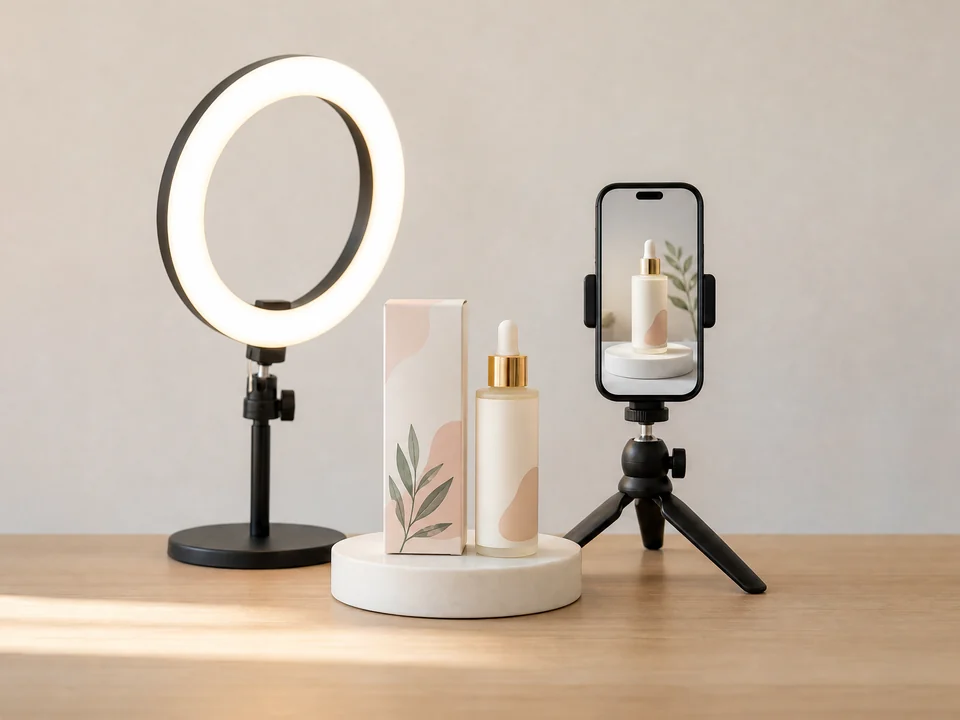
A small skincare brand uploads two photos of its new serum, chooses New launch and adds the release date, then posts the vertical video on TikTok, Reels and its product page.
A shop running a seasonal sale
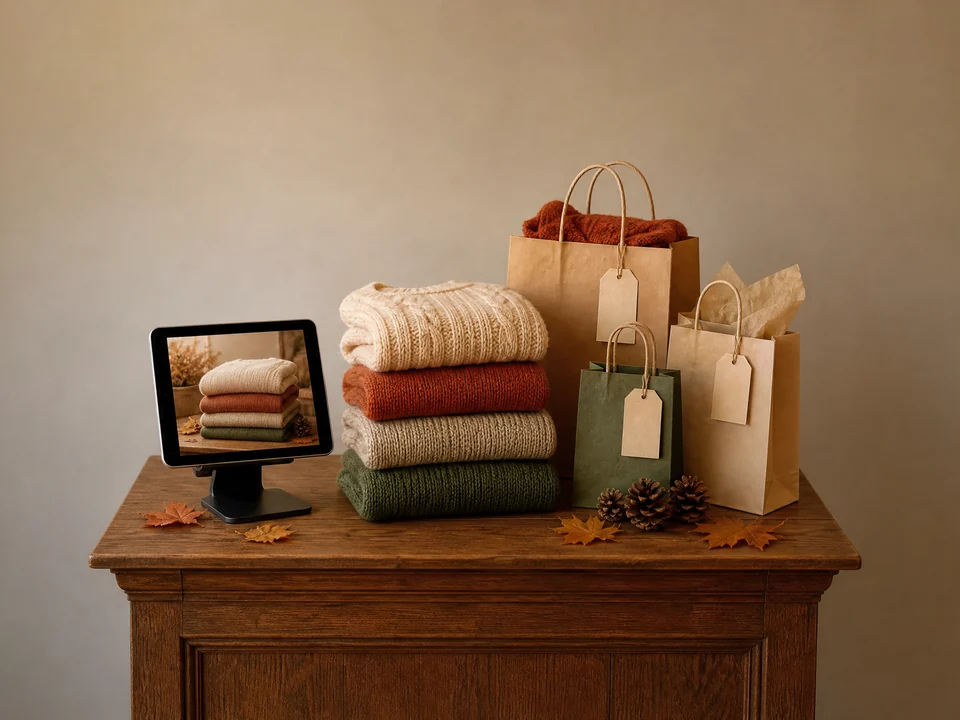
A clothing boutique photographs its knitwear, picks Limited-time sale, types the discount and the last day, and runs the square video in its Facebook and Instagram feeds.
A restaurant announcing its opening
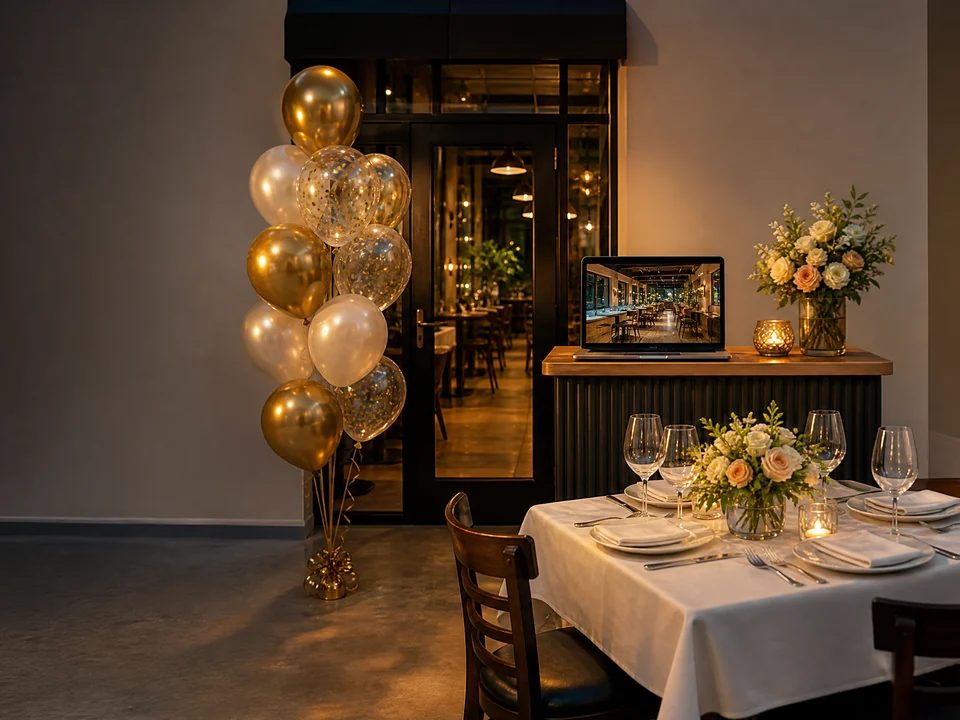
A new restaurant uploads a photo of its dining room, chooses Event preview with the opening date, and plays the horizontal video on its website and the screen by the door.
Frequently asked questions
What does a Promotional Video cost?
Every video costs 80 credits, whatever the goal, the size, the number of photos or the language. The price shows on the Generate promotional video button before you submit, and a video that fails to generate is refunded in full automatically.
Which photos work best?
Clear JPG, PNG or WEBP photos up to 10 MB and at least 256 pixels on each side: a product, a dish, a shop front, a room or an event scene. Each photo becomes one shot, so pick photos that show different sides of what you promote.
What changes when I pick a different goal?
The script. New launch presents what is new, Limited-time sale puts your offer and its deadline first, Event preview says what happens and when, and Brand story shows the craft and character behind the product without hard selling.
Will the video invent prices or discounts?
No. The voiceover only uses what you type under What are you promoting? and Promotion details. If Promotion details is empty, no price, discount or deadline is mentioned. Still, watch the finished clip before you publish it.
Which language is the voiceover in?
The language you write in. Describe your product in English, Chinese, Japanese, French, Spanish or another language, and Promotional Video writes the script, reads it and adds captions in that language.
How long does it take, and can I add a logo or end card?
A video usually takes about 5 to 10 minutes and appears as an MP4 next to the form, ready to play and download. This version has no logo, end card or custom music; small printed text inside a shot may blur.
Your next offer deserves a video
Sign in, upload one to three photos, and Promotional Video shows the 80-credit price before anything is generated.