























Multi Format Video Ads
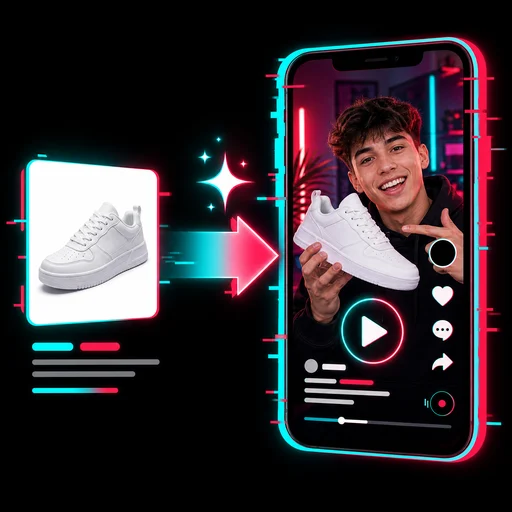
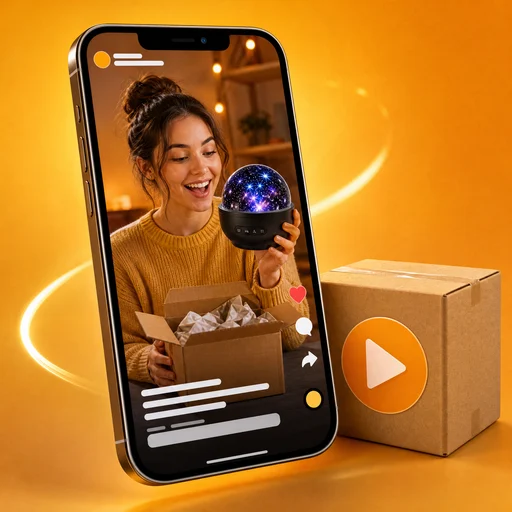
Upload a video or one product photo and get the same ad in 9:16, 4:5, 1:1 and 16:9 for TikTok, Reels, Instagram, Facebook and YouTube.
Multi Format Video Ads: one ad, every size
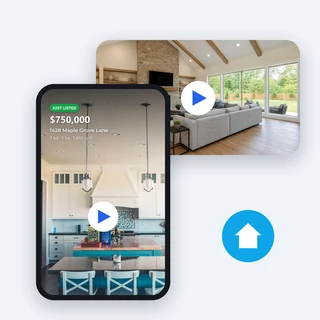
Upload a video you already have or one product photo, and Multi Format Video Ads delivers the same ad in 9:16, 4:5, 1:1 and 16:9 for TikTok, Reels, Shorts, Instagram, Facebook and YouTube, without reshooting or cropping by hand.
- Resize your video for 5 credits per size
- 9:16, 4:5, 1:1 and 16:9 in one run
- Or make a new 5-second ad from a photo

One skateboard video, four ready-to-post sizes
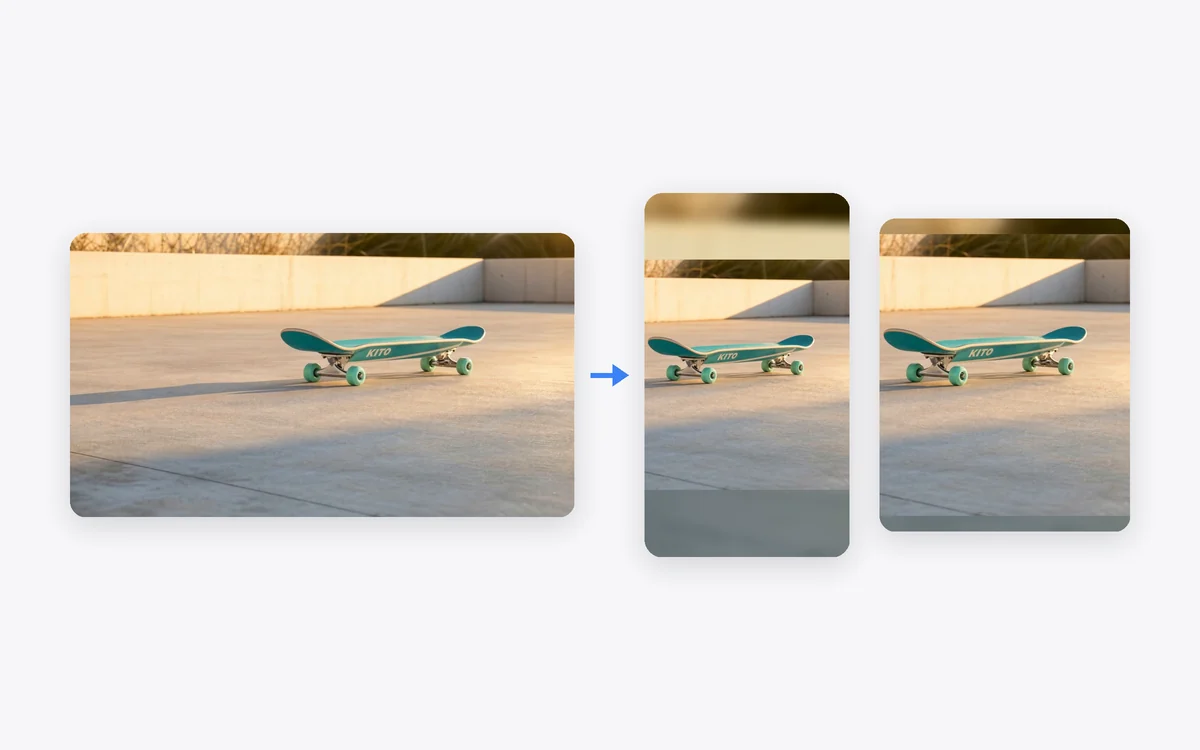
These four videos came out of one Multi Format Video Ads run from a single 10-second 16:9 clip of the KITO skateboard, with no editing afterwards.
Input: one 10-second 16:9 video of a skateboard rolling across a plaza, with all four sizes selected. The board stays in frame in every size and empty space is filled with a blurred copy. 5 credits per size, 20 credits for all four.
Three steps to every ad size
Every run in Multi Format Video Ads takes the same three steps.
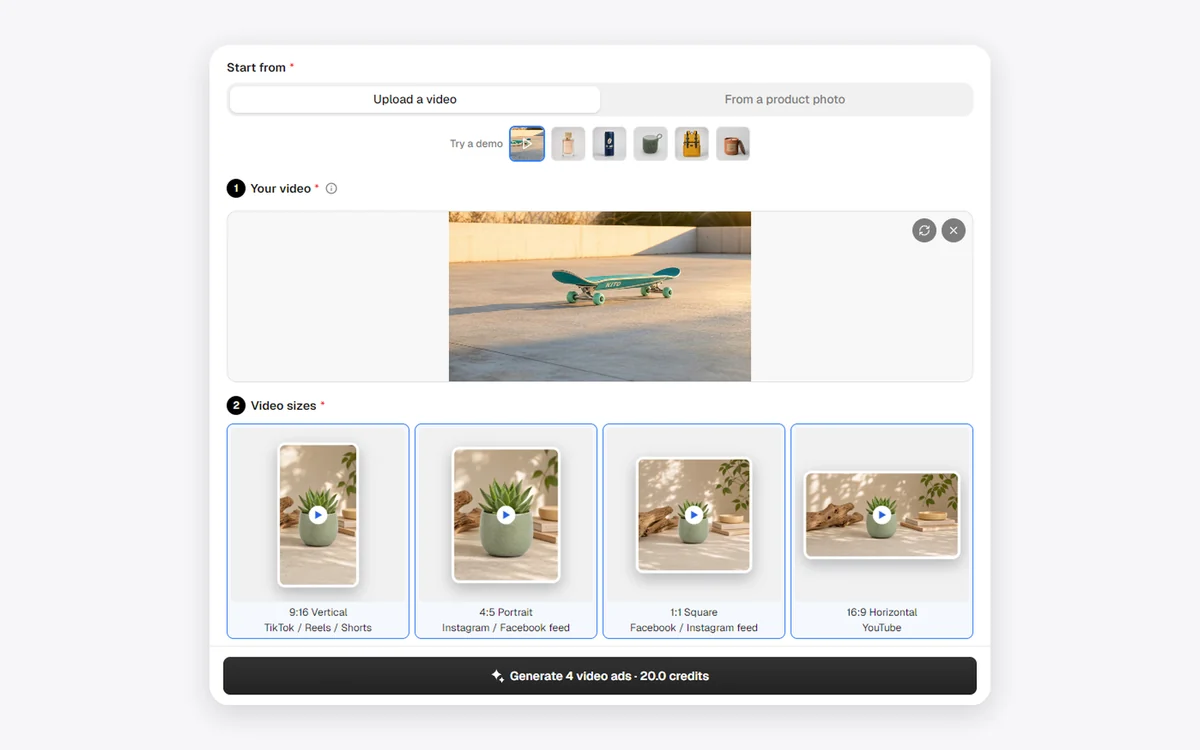
Upload a video or a photo
Choose Upload a video and add an MP4, MOV or WEBM file up to 100 MB and 2 to 60 seconds long, or choose From a product photo and add one JPG, PNG or WEBP photo up to 10 MB and at least 300 pixels on each side.
Pick the video sizes
Under Video sizes, keep the ones you need: 9:16, 4:5, 1:1 or 16:9. From a product photo you can also open Personalize below the form and add a Selling point of up to 40 characters.
Generate and download
Click Generate. The button shows the number of videos and the credits before you submit, and each size arrives as its own card with its own download button.
Your video, re-framed for every screen
Multi Format Video Ads finds the main subject in your clip and moves the frame with it, so the product stays in view even in a narrow 9:16 or 4:5 size. Space the original picture cannot cover is filled with a soft blurred copy of the same video, and your original sound is kept.
- Follows the subject as it moves
- Blurred fill instead of black bars
- Same length and sound as your video
Pay only for the sizes you use
Resizing your own video costs 5 credits per size, and a new 5-second ad made from a product photo costs 70 credits per size. Multi Format Video Ads makes only the sizes you select, and if one size fails you still get the others while its credits are refunded automatically.
- 5 credits per size from your video
- 70 credits per size from a photo
- A failed size is refunded on its own
Who uses it, and for what
Three common ways sellers and marketers use Multi Format Video Ads to fill every placement at once.

Launch a product everywhere
An online shop owner uploads one mug video to Multi Format Video Ads and posts it on TikTok, the Instagram feed and YouTube on the same day.
Test placements, not creatives
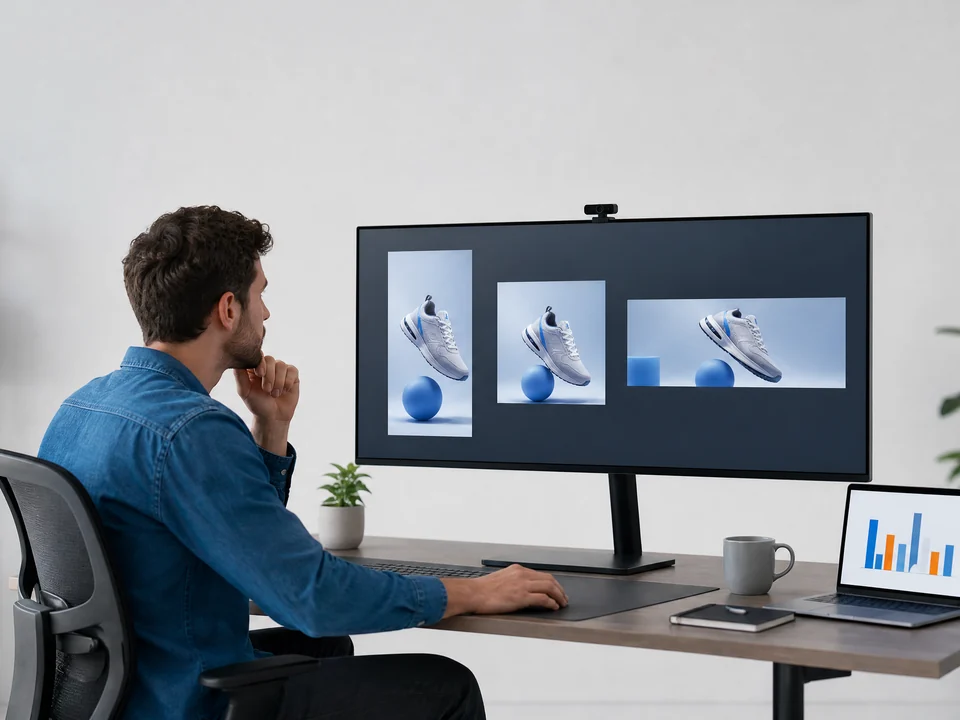
A performance marketer runs one creative in 9:16, 4:5, 1:1 and 16:9 placements to see which one performs best, without four separate edits.

Keep a brand look consistent
A small skincare brand keeps its serum ads identical across Reels, feed posts and YouTube, so customers recognize the same product and scene everywhere.
Frequently asked questions
What does Multi Format Video Ads make?
One 720p MP4 video for each size you select: 720 × 1280 for 9:16, 864 × 1080 for 4:5, 960 × 960 for 1:1 and 1280 × 720 for 16:9. From your video, each size is as long as your clip; from a photo, each size is a new 5-second ad.
How many credits does it use?
5 credits per size when you upload a video, so 20 credits for all four sizes. From a product photo it is 70 credits per size, 140 for two and 280 for all four. The price shows on the Generate button before you submit, and a size that cannot be made is refunded automatically.
Is each size just a crop of my video?
No. Multi Format Video Ads tracks the main subject and moves the frame with it, then fills empty space with a blurred copy of the same video instead of black bars. From a photo, the scene is recomposed for each shape.
What videos can I upload?
MP4, MOV or WEBM files up to 100 MB and 2 to 60 seconds long. Your original sound is kept in every size and nothing in the picture is regenerated, so every size still looks like your footage.
How does the selling point appear?
From a product photo, your line of up to 40 characters appears exactly as typed in a soft dark box during the last 2 seconds of every video, with one instrumental music track. Videos you upload keep their own sound and get no added text.
How long does it take, and where are my videos?
Resizing a video usually takes a few minutes; a new ad from a photo takes about 10 to 15 minutes. Each size appears as its own card next to the form, with its size label, a player and its own download button.
Every ad size from one video or photo
Sign in, upload a video or a product photo, and Multi Format Video Ads shows the price before anything is generated.